
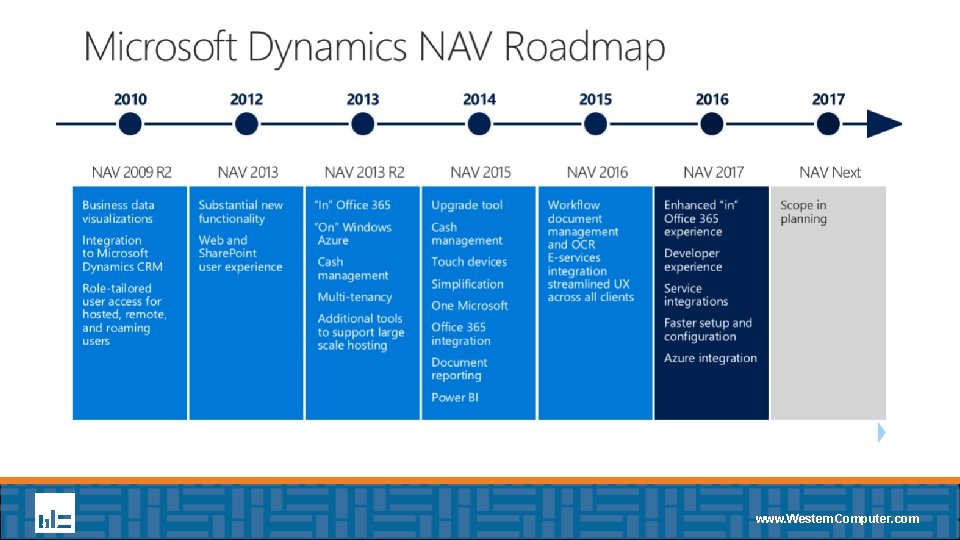
Whats New in Microsoft Dynamics NAV 2017 www

- Slides: 16
What’s New in Microsoft Dynamics NAV 2017? www. Western. Computer. com
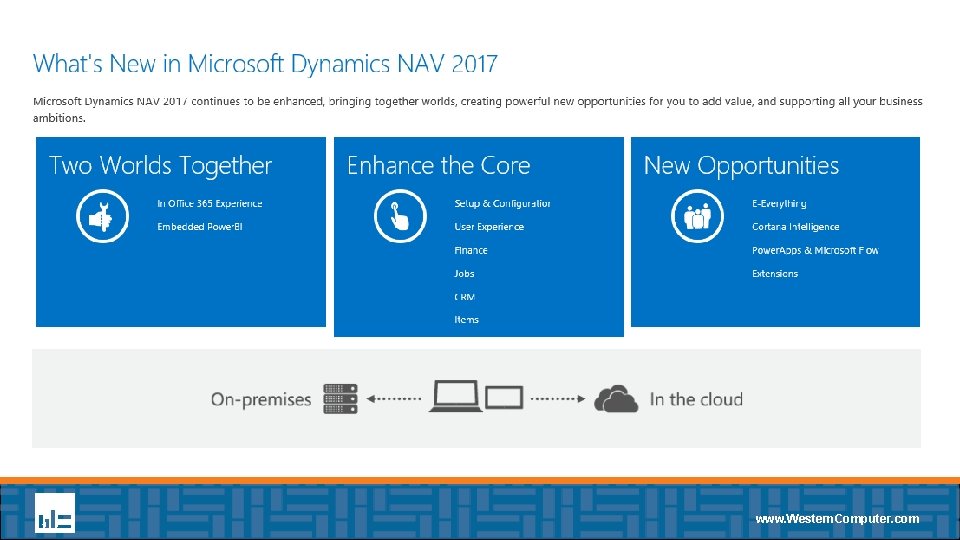
What’s New in Microsoft Dynamics NAV 2017? Ryan Pollyniak, Customer Account Manager – Western Computer Today we will overview some of the enhancements to the core application and platform including Power BI, Outlook Integration, Setup & Configuration, User Experience, Finance, Jobs, CRM, and Item attributes. www. Western. Computer. com
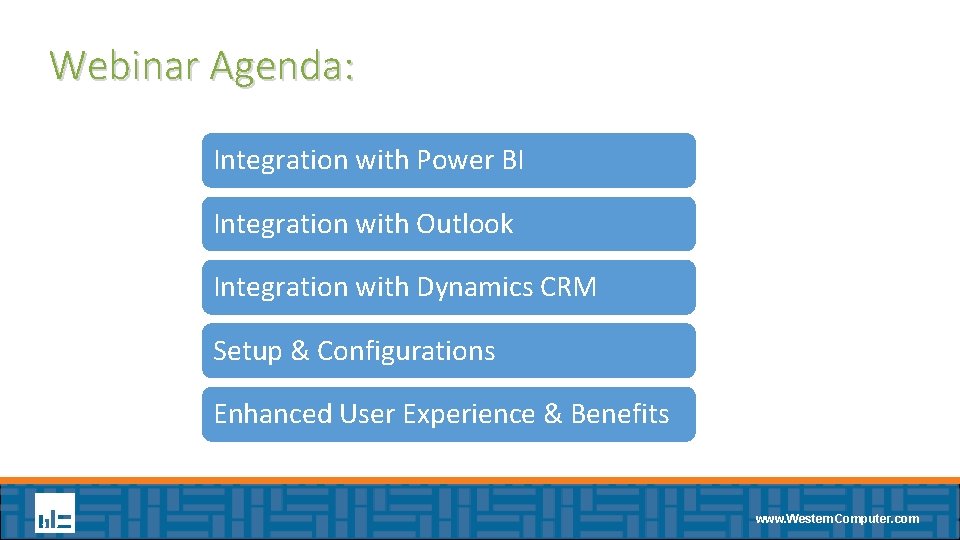
Webinar Agenda: Integration with Power BI Integration with Outlook Integration with Dynamics CRM Setup & Configurations Enhanced User Experience & Benefits www. Western. Computer. com
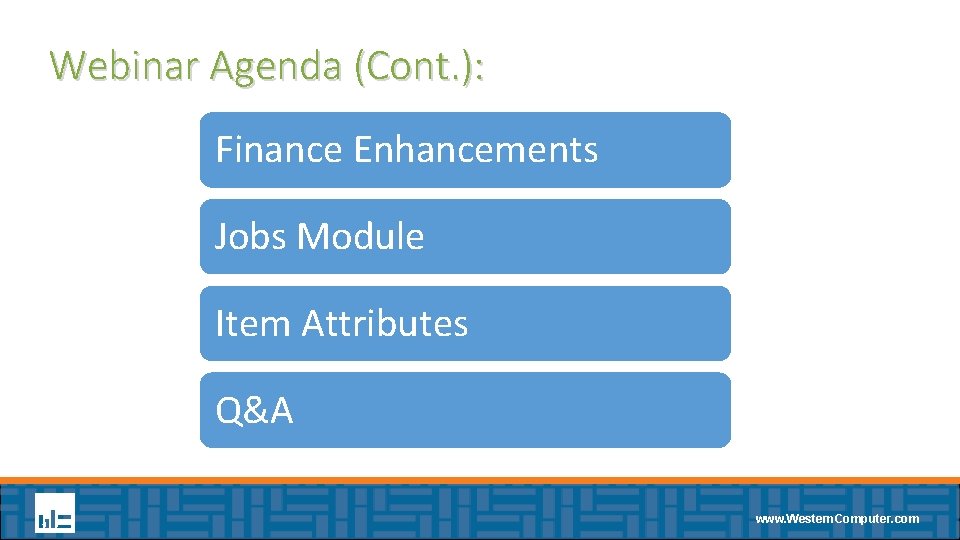
Webinar Agenda (Cont. ): Finance Enhancements Jobs Module Item Attributes Q&A www. Western. Computer. com
www. Western. Computer. com
www. Western. Computer. com
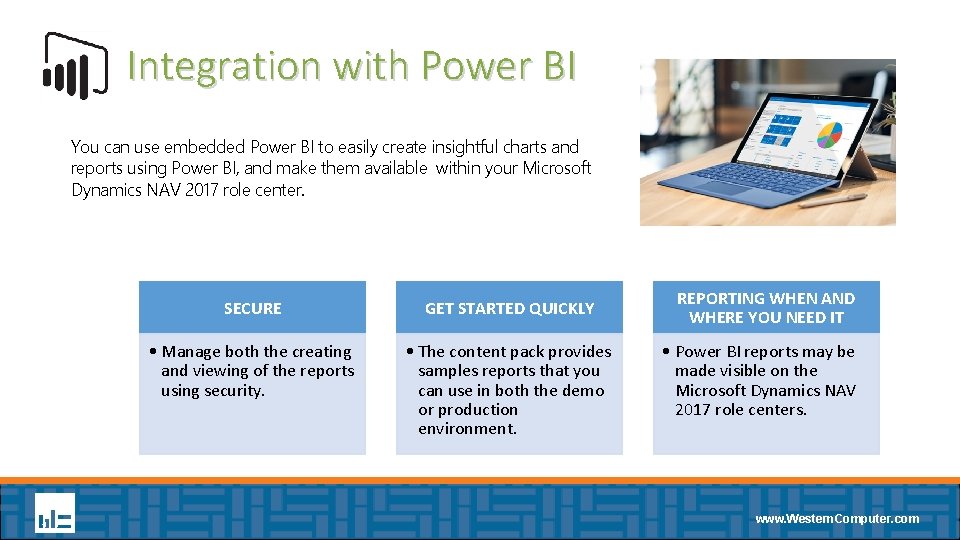
Integration with Power BI You can use embedded Power BI to easily create insightful charts and reports using Power BI, and make them available within your Microsoft Dynamics NAV 2017 role center. SECURE GET STARTED QUICKLY • Manage both the creating and viewing of the reports using security. • The content pack provides samples reports that you can use in both the demo or production environment. REPORTING WHEN AND WHERE YOU NEED IT • Power BI reports may be made visible on the Microsoft Dynamics NAV 2017 role centers. www. Western. Computer. com
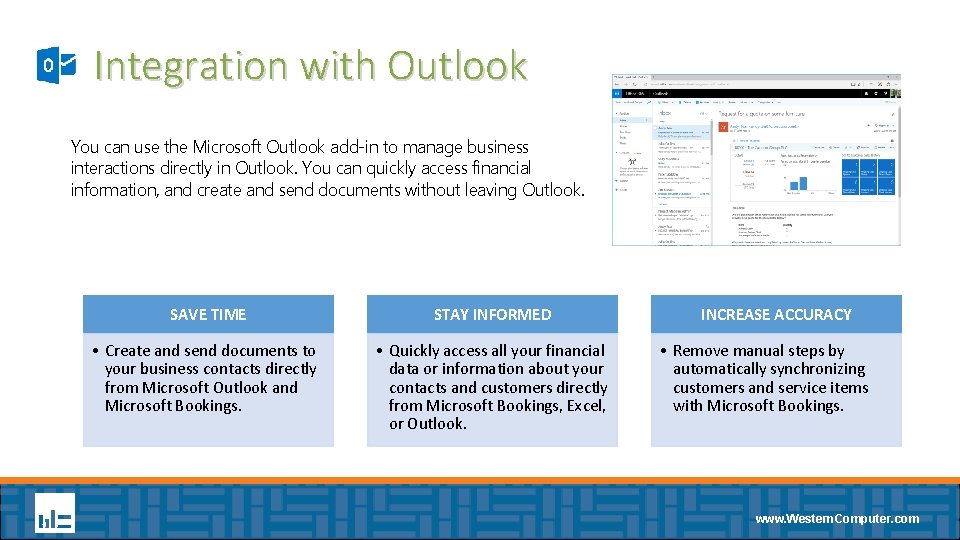
Integration with Outlook You can use the Microsoft Outlook add-in to manage business interactions directly in Outlook. You can quickly access financial information, and create and send documents without leaving Outlook. SAVE TIME STAY INFORMED • Create and send documents to your business contacts directly from Microsoft Outlook and Microsoft Bookings. • Quickly access all your financial data or information about your contacts and customers directly from Microsoft Bookings, Excel, or Outlook. INCREASE ACCURACY • Remove manual steps by automatically synchronizing customers and service items with Microsoft Bookings. www. Western. Computer. com
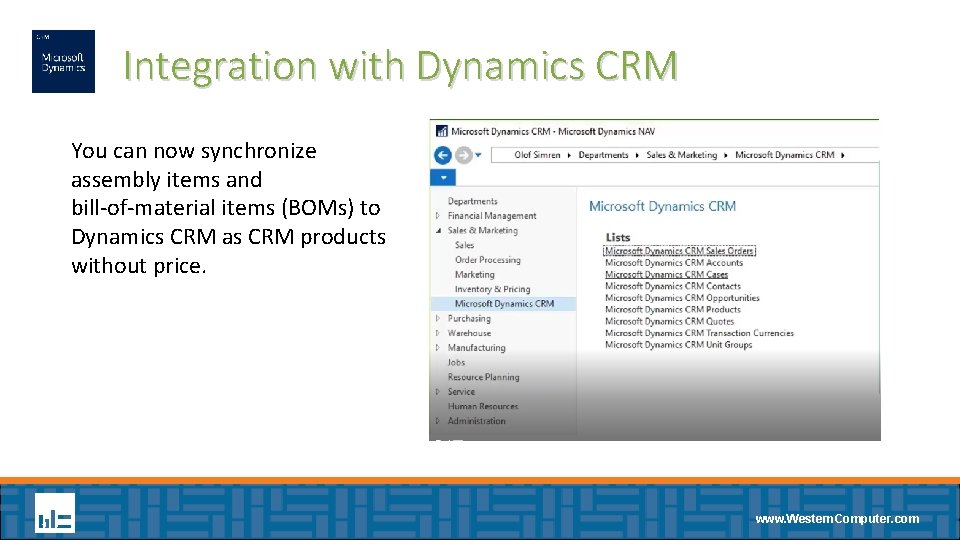
Integration with Dynamics CRM You can now synchronize assembly items and bill-of-material items (BOMs) to Dynamics CRM as CRM products without price. Screenshot placeholder www. Western. Computer. com
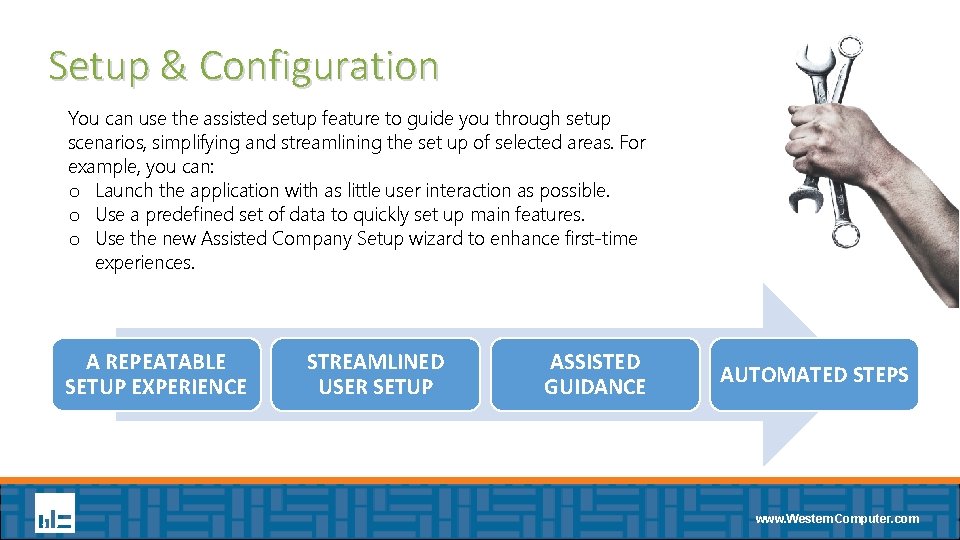
Setup & Configuration You can use the assisted setup feature to guide you through setup scenarios, simplifying and streamlining the set up of selected areas. For example, you can: o Launch the application with as little user interaction as possible. o Use a predefined set of data to quickly set up main features. o Use the new Assisted Company Setup wizard to enhance first-time experiences. A REPEATABLE SETUP EXPERIENCE STREAMLINED USER SETUP ASSISTED GUIDANCE AUTOMATED STEPS www. Western. Computer. com
Enhanced User Experience Touch Enhancements UI Simplification Productivity www. Western. Computer. com
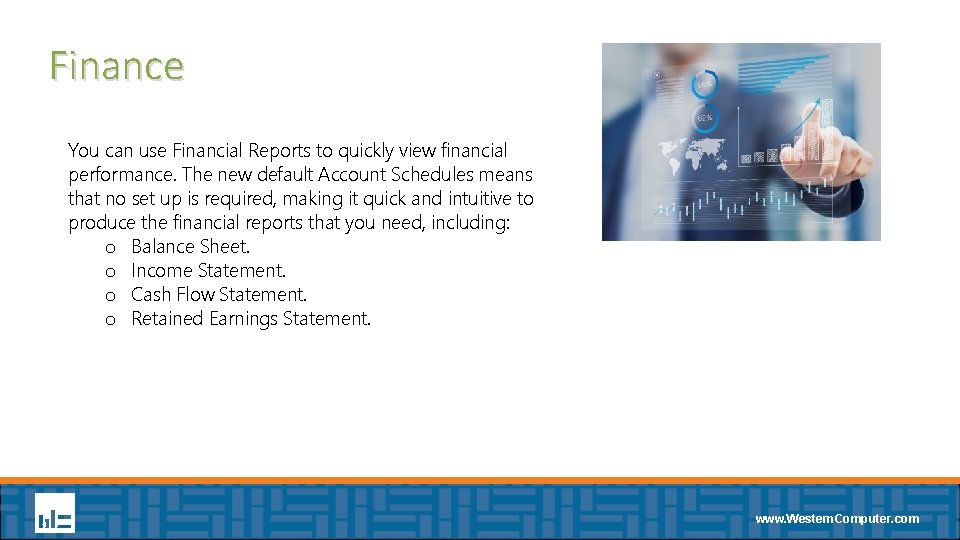
Finance You can use Financial Reports to quickly view financial performance. The new default Account Schedules means that no set up is required, making it quick and intuitive to produce the financial reports that you need, including: o Balance Sheet. o Income Statement. o Cash Flow Statement. o Retained Earnings Statement. www. Western. Computer. com
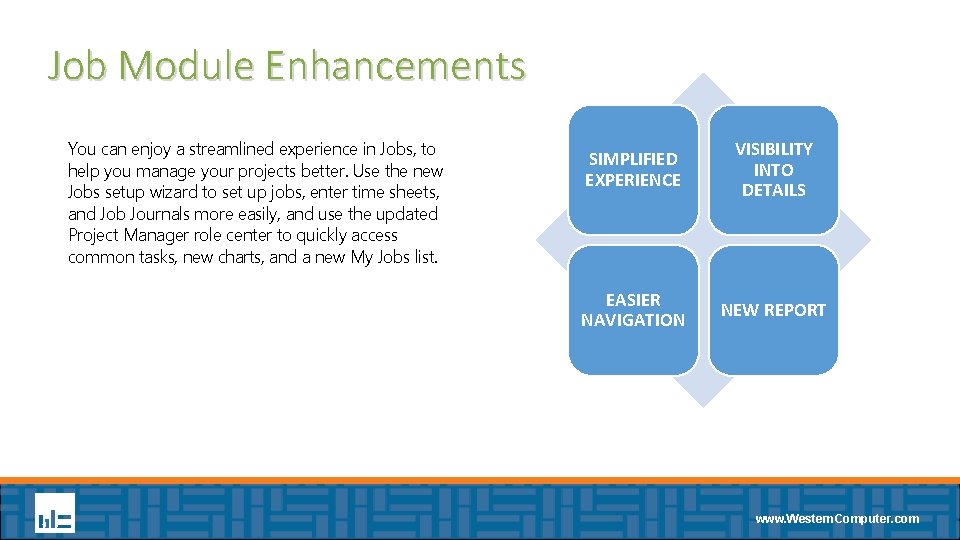
Job Module Enhancements You can enjoy a streamlined experience in Jobs, to help you manage your projects better. Use the new Jobs setup wizard to set up jobs, enter time sheets, and Job Journals more easily, and use the updated Project Manager role center to quickly access common tasks, new charts, and a new My Jobs list. SIMPLIFIED EXPERIENCE VISIBILITY INTO DETAILS EASIER NAVIGATION NEW REPORT www. Western. Computer. com
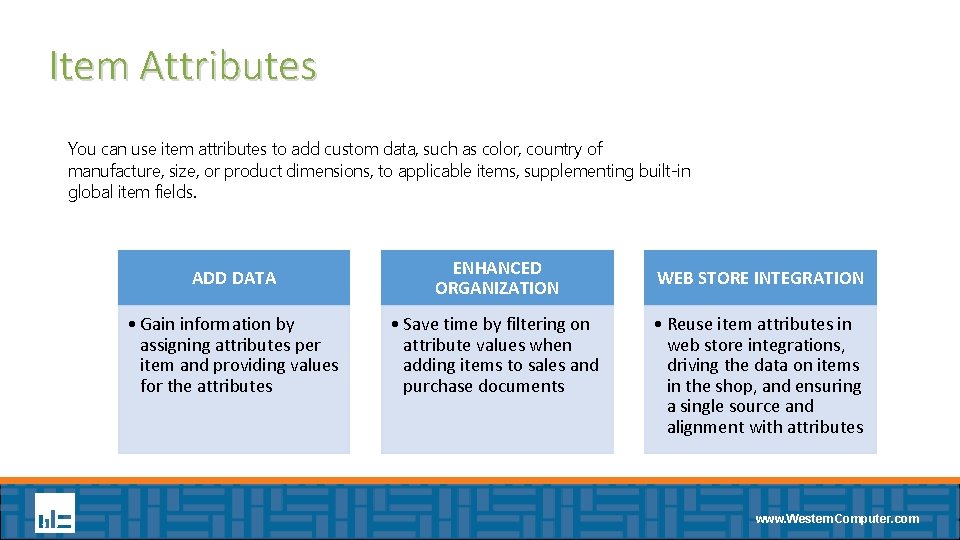
Item Attributes You can use item attributes to add custom data, such as color, country of manufacture, size, or product dimensions, to applicable items, supplementing built-in global item fields. ADD DATA ENHANCED ORGANIZATION • Gain information by assigning attributes per item and providing values for the attributes • Save time by filtering on attribute values when adding items to sales and purchase documents WEB STORE INTEGRATION • Reuse item attributes in web store integrations, driving the data on items in the shop, and ensuring a single source and alignment with attributes www. Western. Computer. com
Q&A www. Western. Computer. com
Thank You! Ryan Pollyniak Customer Account Manager – Western Computer Ryan. Pollyniak@Western. Computer. com 678 -699 -4444 www. Western. Computer. com