
Whats New in DAGMan HTCondor Week 2013 Kent

- Slides: 13
What’s New in DAGMan HTCondor Week 2013 Kent Wenger
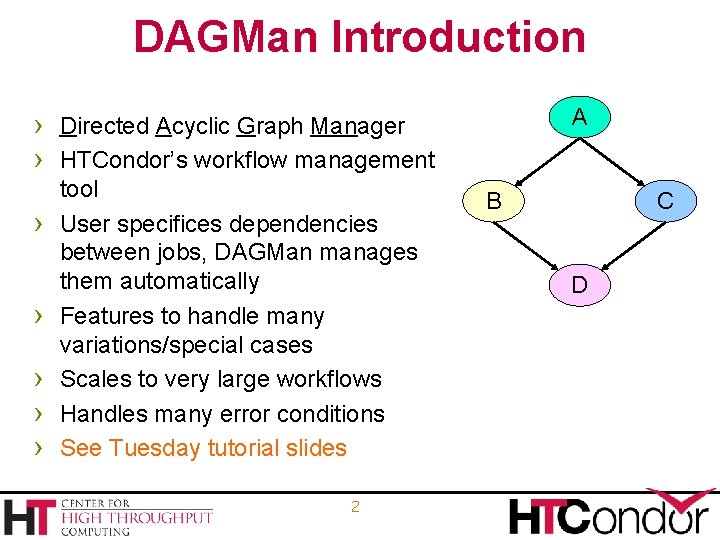
DAGMan Introduction A › Directed Acyclic Graph Manager › HTCondor’s workflow management › › › tool User specifices dependencies between jobs, DAGMan manages them automatically Features to handle many variations/special cases Scales to very large workflows Handles many error conditions See Tuesday tutorial slides 2 B C D
Workflow log file › Greatly reduces DAGMan’s file descriptor usage › User log names in submit files can include macros › Control with DAGMAN_ALWAYS_USE_NODE_LOG, › › -dont_use_default_node_log New in 7. 9. 0 Must be disabled with pre-7. 9. 0 schedd Bug caused HTCondor-C jobs to fail (7. 9. 0 -7. 9. 5) If dagman_log is specified in submit file, DAGMan’s file “wins” 3
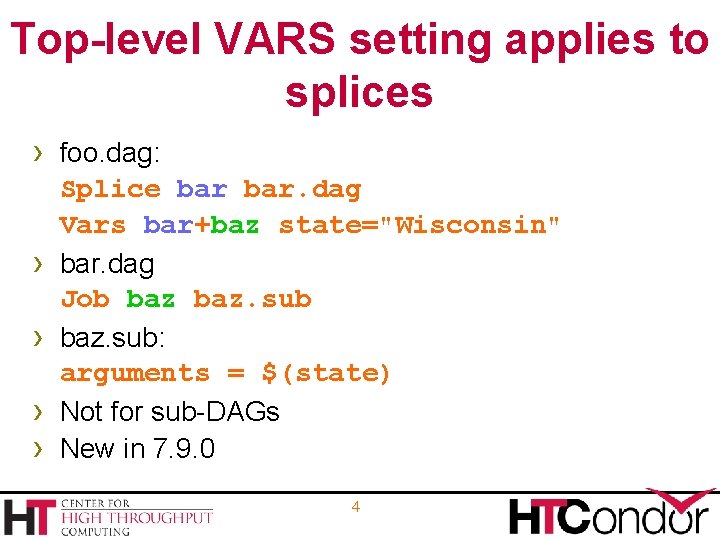
Top-level VARS setting applies to splices › foo. dag: › › Splice bar. dag Vars bar+baz state="Wisconsin" bar. dag Job baz. sub: arguments = $(state) Not for sub-DAGs New in 7. 9. 0 4
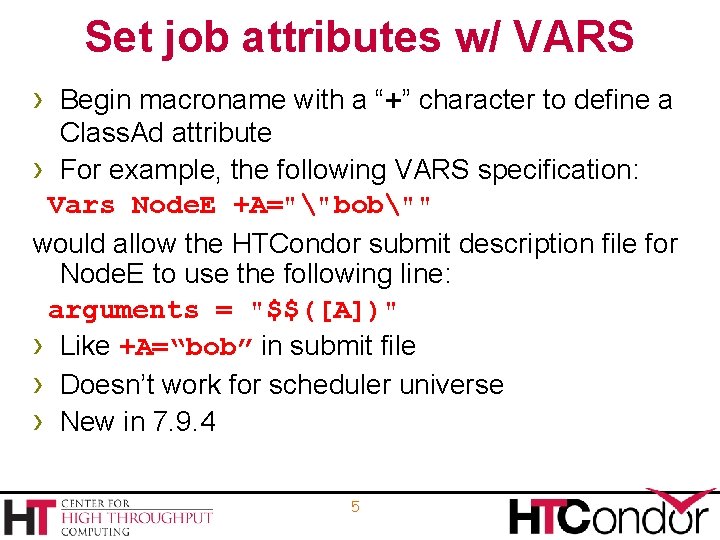
Set job attributes w/ VARS › Begin macroname with a “+” character to define a Class. Ad attribute › For example, the following VARS specification: Vars Node. E +A=""bob"" would allow the HTCondor submit description file for Node. E to use the following line: arguments = "$$([A])" › Like +A=“bob” in submit file › Doesn’t work for scheduler universe › New in 7. 9. 4 5
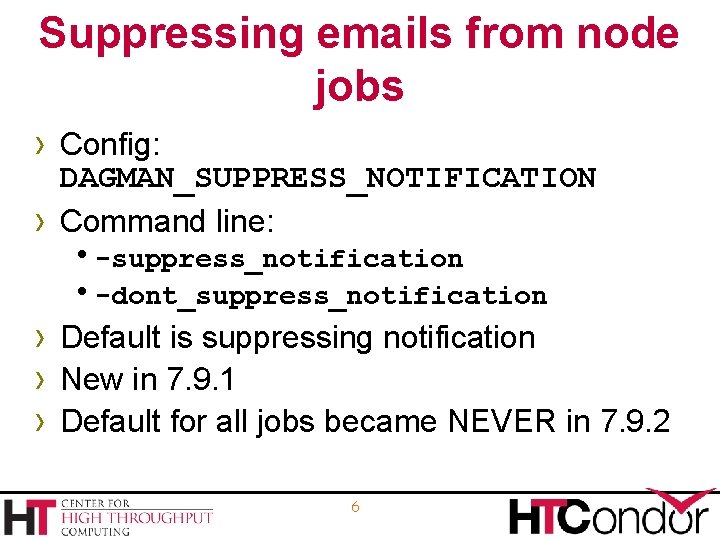
Suppressing emails from node jobs › Config: › DAGMAN_SUPPRESS_NOTIFICATION Command line: h-suppress_notification h-dont_suppress_notification › Default is suppressing notification › New in 7. 9. 1 › Default for all jobs became NEVER in 7. 9. 2 6
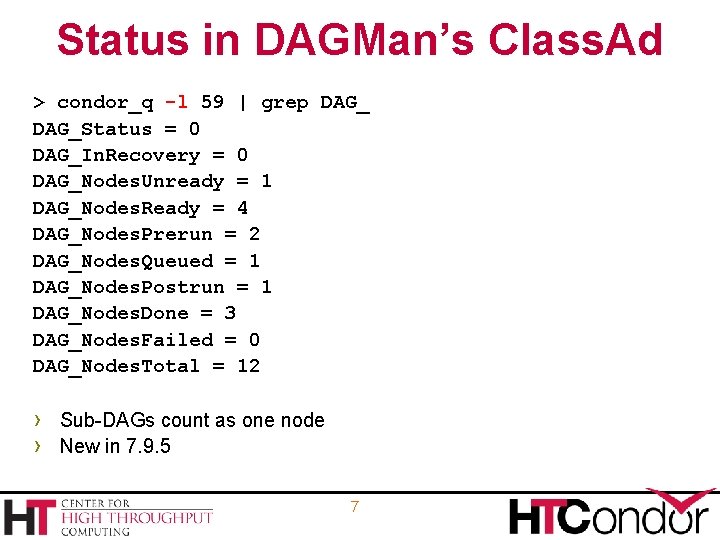
Status in DAGMan’s Class. Ad > condor_q -l 59 | grep DAG_Status = 0 DAG_In. Recovery = 0 DAG_Nodes. Unready = 1 DAG_Nodes. Ready = 4 DAG_Nodes. Prerun = 2 DAG_Nodes. Queued = 1 DAG_Nodes. Postrun = 1 DAG_Nodes. Done = 3 DAG_Nodes. Failed = 0 DAG_Nodes. Total = 12 › Sub-DAGs count as one node › New in 7. 9. 5 7
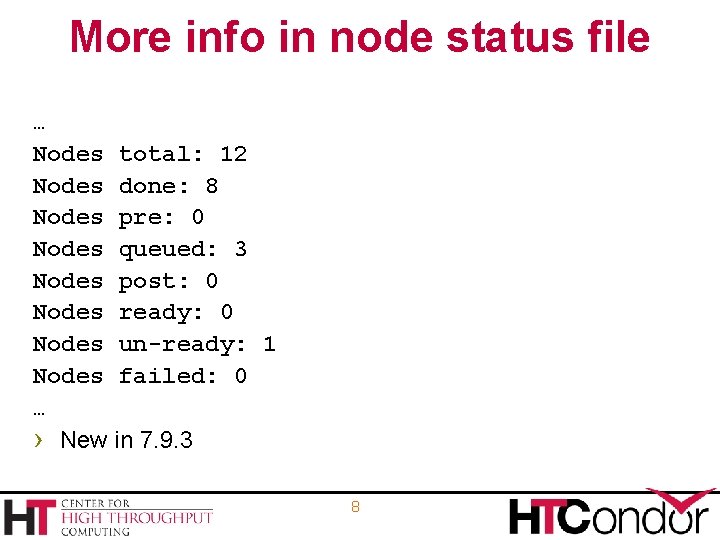
More info in node status file … Nodes total: 12 Nodes done: 8 Nodes pre: 0 Nodes queued: 3 Nodes post: 0 Nodes ready: 0 Nodes un-ready: 1 Nodes failed: 0 … › New in 7. 9. 3 8
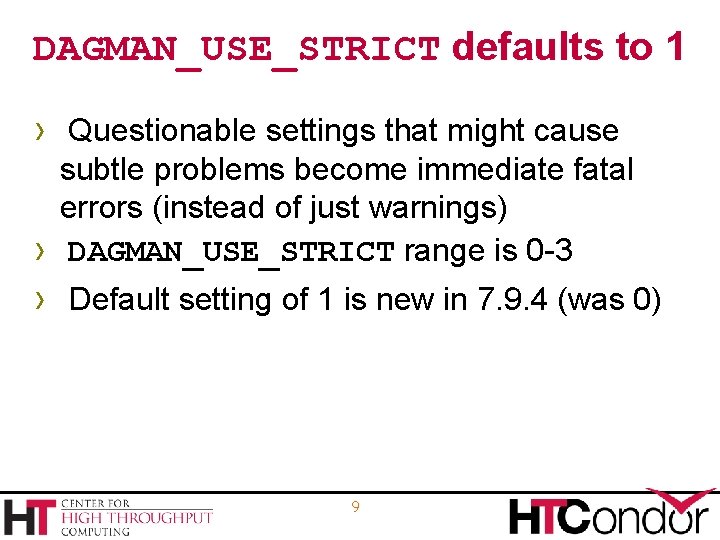
DAGMAN_USE_STRICT defaults to 1 › Questionable settings that might cause subtle problems become immediate fatal errors (instead of just warnings) DAGMAN_USE_STRICT range is 0 -3 › › Default setting of 1 is new in 7. 9. 4 (was 0) 9
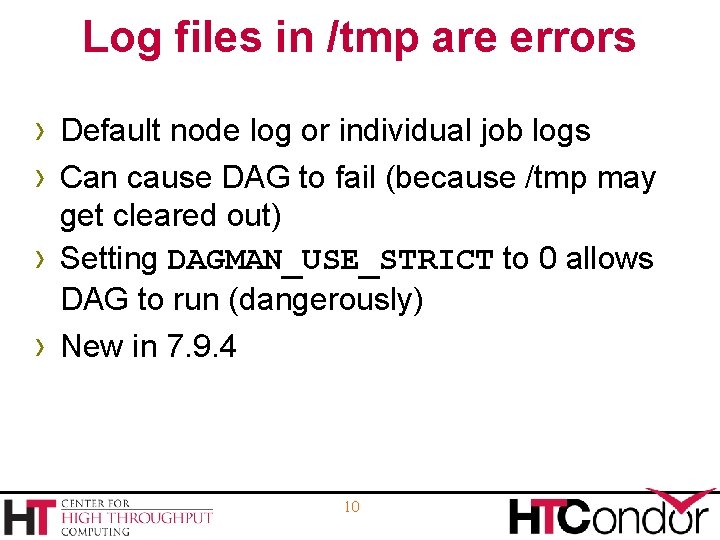
Log files in /tmp are errors › Default node log or individual job logs › Can cause DAG to fail (because /tmp may › › get cleared out) Setting DAGMAN_USE_STRICT to 0 allows DAG to run (dangerously) New in 7. 9. 4 10
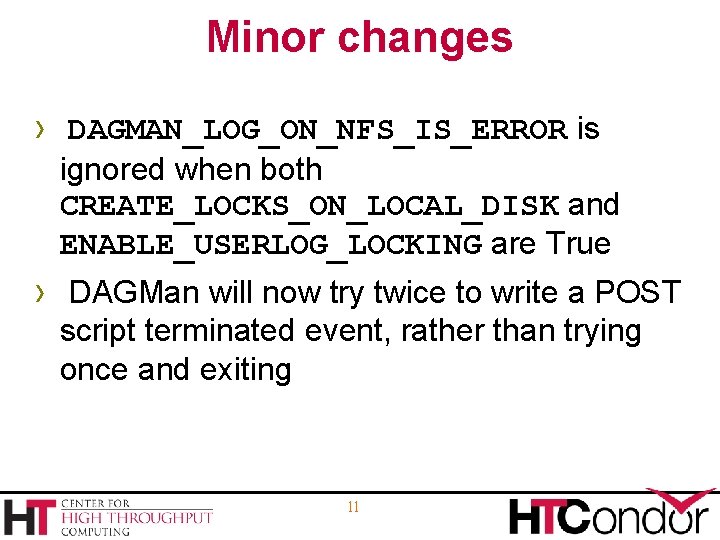
Minor changes › DAGMAN_LOG_ON_NFS_IS_ERROR is ignored when both CREATE_LOCKS_ON_LOCAL_DISK and ENABLE_USERLOG_LOCKING are True › DAGMan will now try twice to write a POST script terminated event, rather than trying once and exiting 11
Relevant Links › DAGMan: › http: //research. cs. wisc. edu/htcondor/dagm an/dagman. html For more questions: htcondor-admin@cs. wisc. edu