
Whats in a file whats in a string


- Slides: 20
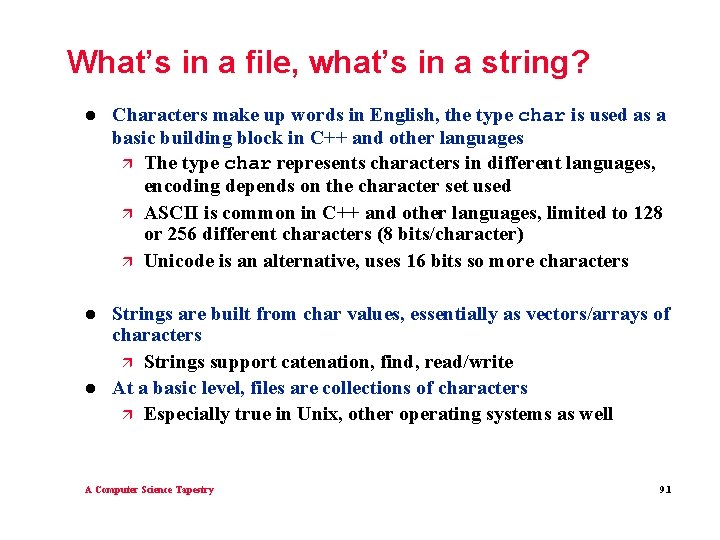
What’s in a file, what’s in a string? l Characters make up words in English, the type char is used as a basic building block in C++ and other languages ä The type char represents characters in different languages, encoding depends on the character set used ä ASCII is common in C++ and other languages, limited to 128 or 256 different characters (8 bits/character) ä Unicode is an alternative, uses 16 bits so more characters l Strings are built from char values, essentially as vectors/arrays of characters ä Strings support catenation, find, read/write At a basic level, files are collections of characters ä Especially true in Unix, other operating systems as well l A Computer Science Tapestry 9. 1
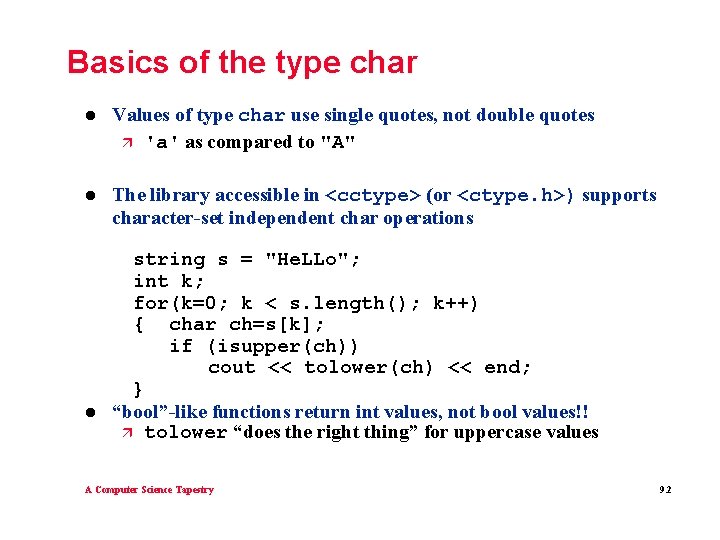
Basics of the type char l Values of type char use single quotes, not double quotes ä 'a' as compared to "A" l The library accessible in <cctype> (or <ctype. h>) supports character-set independent char operations l string s = "He. LLo"; int k; for(k=0; k < s. length(); k++) { char ch=s[k]; if (isupper(ch)) cout << tolower(ch) << end; } “bool”-like functions return int values, not bool values!! ä tolower “does the right thing” for uppercase values A Computer Science Tapestry 9. 2
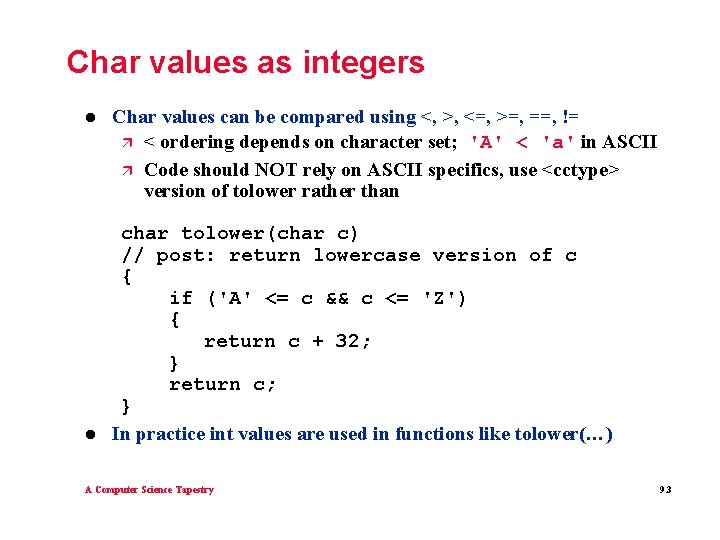
Char values as integers l l Char values can be compared using <, >, <=, >=, ==, != ä < ordering depends on character set; 'A' < 'a' in ASCII ä Code should NOT rely on ASCII specifics, use <cctype> version of tolower rather than char tolower(char c) // post: return lowercase version of c { if ('A' <= c && c <= 'Z') { return c + 32; } return c; } In practice int values are used in functions like tolower(…) A Computer Science Tapestry 9. 3
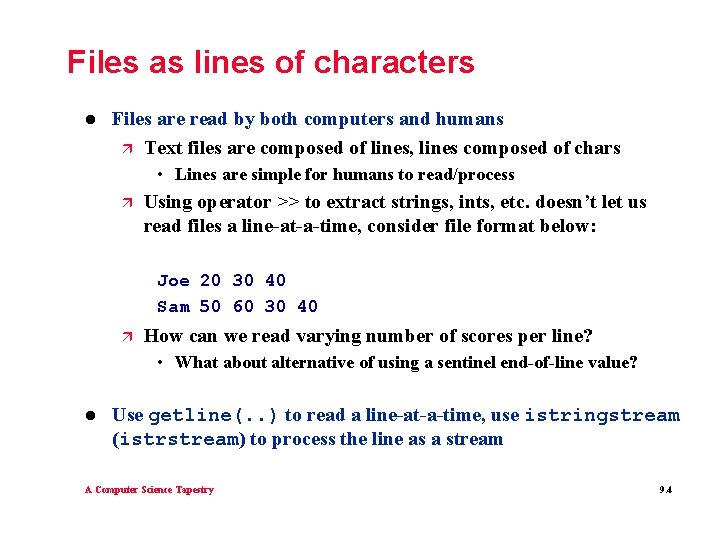
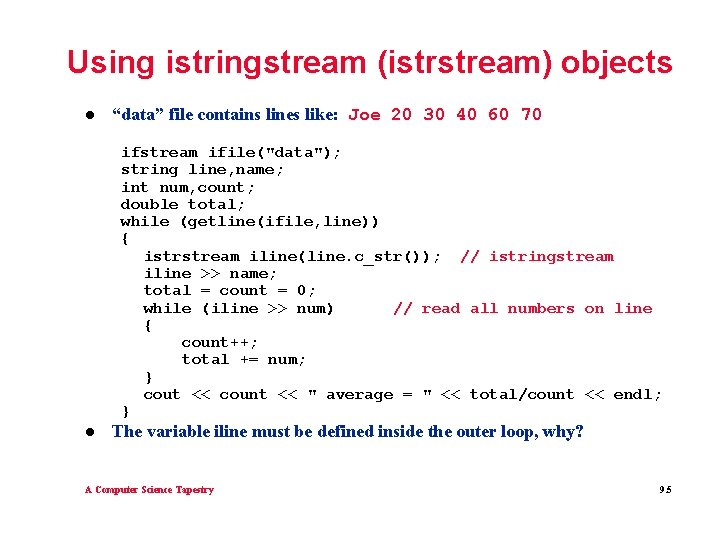
Files as lines of characters l Files are read by both computers and humans ä Text files are composed of lines, lines composed of chars • Lines are simple for humans to read/process ä Using operator >> to extract strings, ints, etc. doesn’t let us read files a line-at-a-time, consider file format below: Joe 20 30 40 Sam 50 60 30 40 ä How can we read varying number of scores per line? • What about alternative of using a sentinel end-of-line value? l Use getline(. . ) to read a line-at-a-time, use istringstream (istrstream) to process the line as a stream A Computer Science Tapestry 9. 4
Using istringstream (istrstream) objects l “data” file contains lines like: Joe 20 30 40 60 70 ifstream ifile("data"); string line, name; int num, count; double total; while (getline(ifile, line)) { istrstream iline(line. c_str()); // istringstream iline >> name; total = count = 0; while (iline >> num) // read all numbers on line { count++; total += num; } cout << count << " average = " << total/count << endl; } l The variable iline must be defined inside the outer loop, why? A Computer Science Tapestry 9. 5
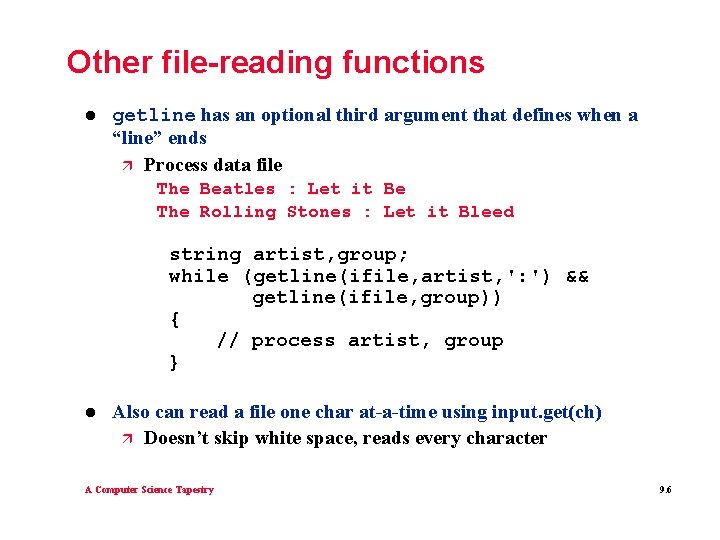
Other file-reading functions l getline has an optional third argument that defines when a “line” ends ä Process data file The Beatles : Let it Be The Rolling Stones : Let it Bleed string artist, group; while (getline(ifile, artist, ': ') && getline(ifile, group)) { // process artist, group } l Also can read a file one char at-a-time using input. get(ch) ä Doesn’t skip white space, reads every character A Computer Science Tapestry 9. 6
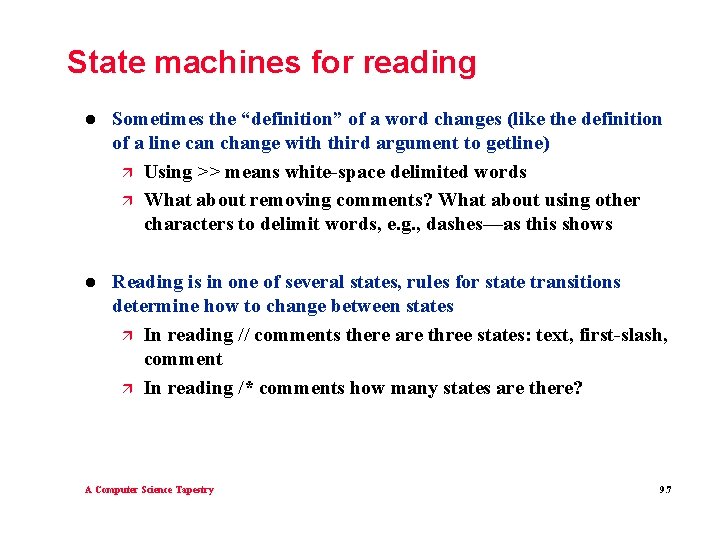
State machines for reading l Sometimes the “definition” of a word changes (like the definition of a line can change with third argument to getline) ä Using >> means white-space delimited words ä What about removing comments? What about using other characters to delimit words, e. g. , dashes—as this shows l Reading is in one of several states, rules for state transitions determine how to change between states ä In reading // comments there are three states: text, first-slash, comment ä In reading /* comments how many states are there? A Computer Science Tapestry 9. 7
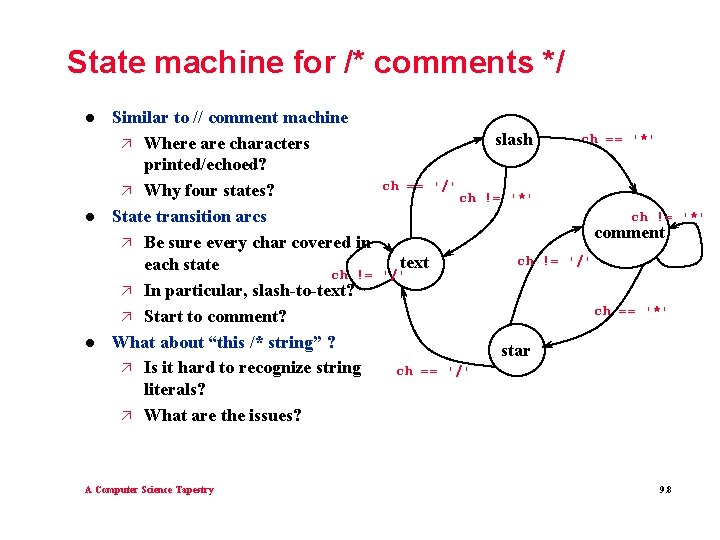
State machine for /* comments */ l l l Similar to // comment machine ä Where are characters printed/echoed? ä Why four states? State transition arcs ä Be sure every char covered in each state ch != ä In particular, slash-to-text? ä Start to comment? What about “this /* string” ? ä Is it hard to recognize string literals? ä What are the issues? A Computer Science Tapestry slash ch == '/' ch == '*' ch != '*' comment text '/' ch != '/' ch == '*' star ch == '/' 9. 8
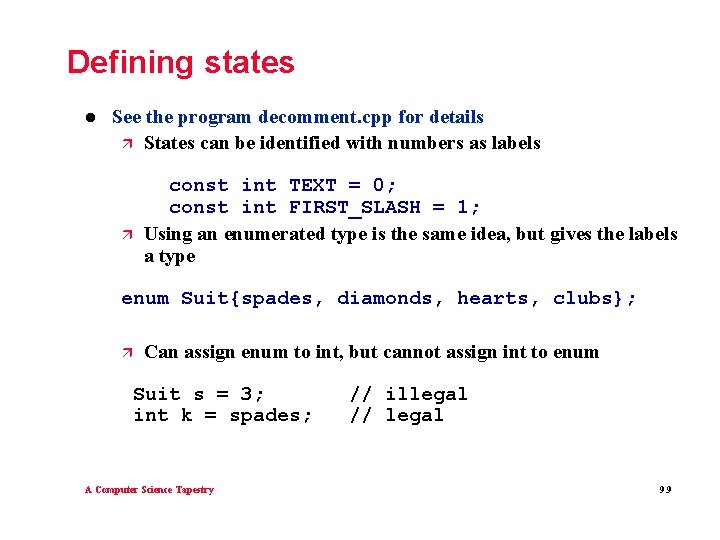
Defining states l See the program decomment. cpp for details ä States can be identified with numbers as labels ä const int TEXT = 0; const int FIRST_SLASH = 1; Using an enumerated type is the same idea, but gives the labels a type enum Suit{spades, diamonds, hearts, clubs}; ä Can assign enum to int, but cannot assign int to enum Suit s = 3; int k = spades; A Computer Science Tapestry // illegal // legal 9. 9
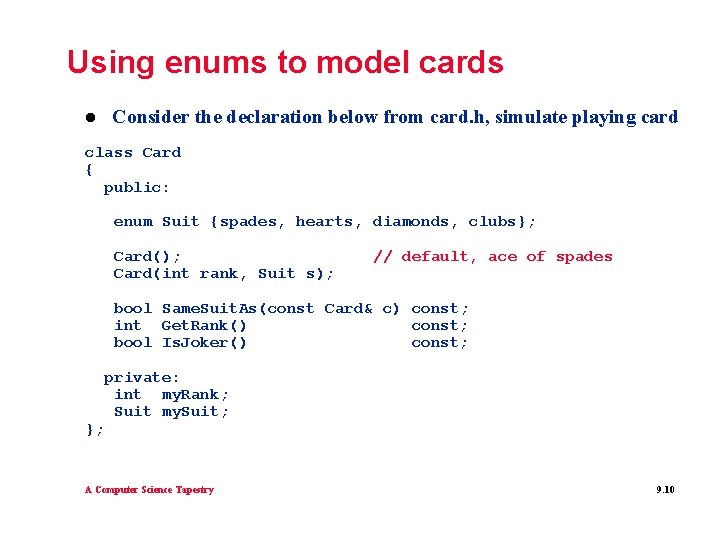
Using enums to model cards l Consider the declaration below from card. h, simulate playing card class Card { public: enum Suit {spades, hearts, diamonds, clubs}; Card(); Card(int rank, Suit s); // default, ace of spades bool Same. Suit. As(const Card& c) const; int Get. Rank() const; bool Is. Joker() const; }; private: int my. Rank; Suit my. Suit; A Computer Science Tapestry 9. 10
Using class-based enums l We can’t refer to Suit, we must use Card: : Suit ä The new type Suit is part of the Card class ä Use Card: : Suit to identify the type in client code ä Can assign enum to int, but need cast going the other way int rank, suit; tvector<Card> deck; for(rank=1; rank < 52; rank++) { for(suit = Card: : spades; suit <= Card: : clubs; suit++) { Card c(rank % 13 + 1, Card: : Suit(suit)); deck. push_back(c); } } A Computer Science Tapestry 9. 11
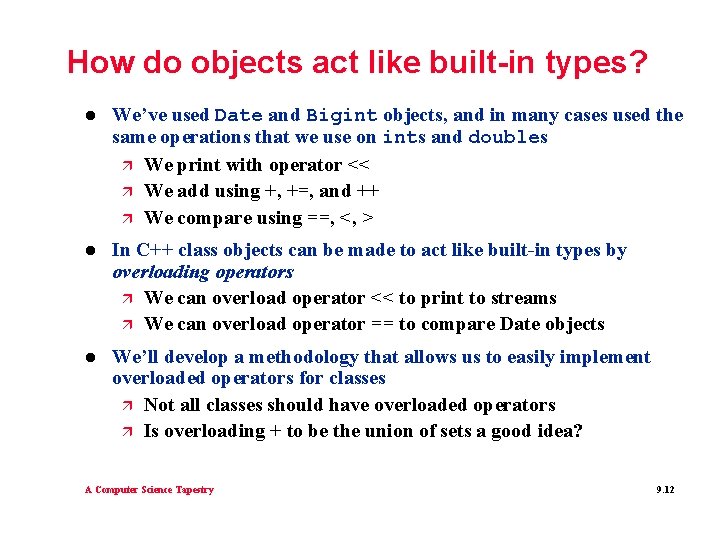
How do objects act like built-in types? l We’ve used Date and Bigint objects, and in many cases used the same operations that we use on ints and doubles ä We print with operator << ä We add using +, +=, and ++ ä We compare using ==, <, > l In C++ class objects can be made to act like built-in types by overloading operators ä We can overload operator << to print to streams ä We can overload operator == to compare Date objects l We’ll develop a methodology that allows us to easily implement overloaded operators for classes ä Not all classes should have overloaded operators ä Is overloading + to be the union of sets a good idea? A Computer Science Tapestry 9. 12
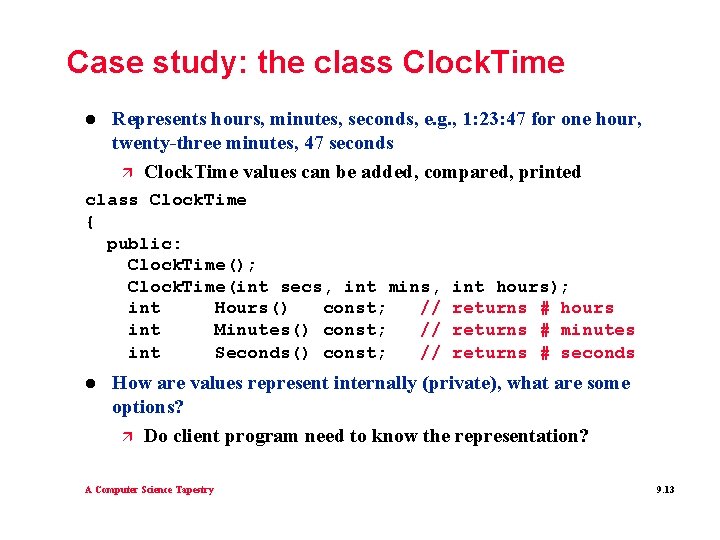
Case study: the class Clock. Time l Represents hours, minutes, seconds, e. g. , 1: 23: 47 for one hour, twenty-three minutes, 47 seconds ä Clock. Time values can be added, compared, printed class Clock. Time { public: Clock. Time(); Clock. Time(int secs, int mins, int Hours() const; // int Minutes() const; // int Seconds() const; // l int hours); returns # hours returns # minutes returns # seconds How are values represent internally (private), what are some options? ä Do client program need to know the representation? A Computer Science Tapestry 9. 13
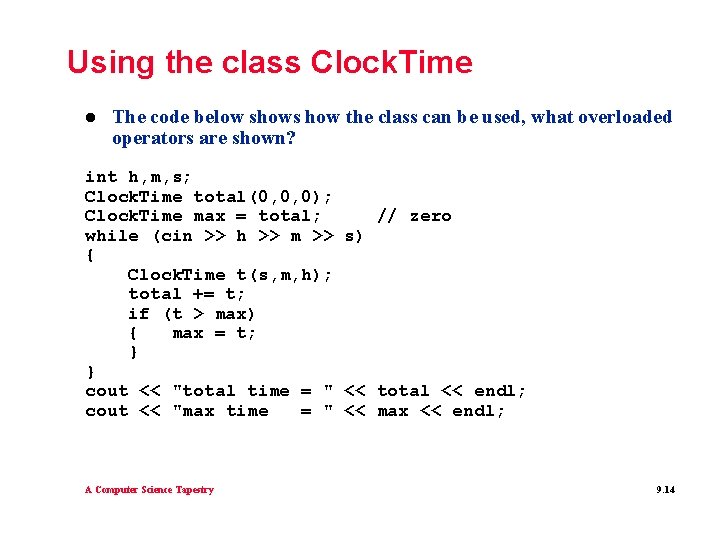
Using the class Clock. Time l The code below shows how the class can be used, what overloaded operators are shown? int h, m, s; Clock. Time total(0, 0, 0); Clock. Time max = total; // zero while (cin >> h >> m >> s) { Clock. Time t(s, m, h); total += t; if (t > max) { max = t; } } cout << "total time = " << total << endl; cout << "max time = " << max << endl; A Computer Science Tapestry 9. 14
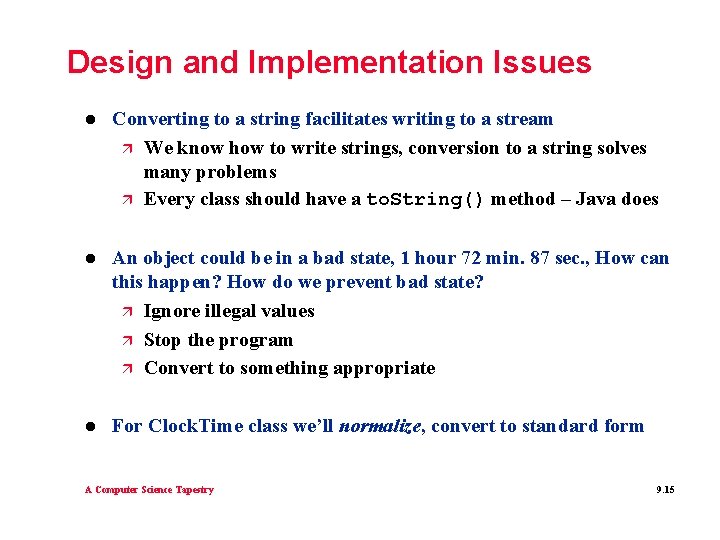
Design and Implementation Issues l Converting to a string facilitates writing to a stream ä We know how to write strings, conversion to a string solves many problems ä Every class should have a to. String() method – Java does l An object could be in a bad state, 1 hour 72 min. 87 sec. , How can this happen? How do we prevent bad state? ä Ignore illegal values ä Stop the program ä Convert to something appropriate l For Clock. Time class we’ll normalize, convert to standard form A Computer Science Tapestry 9. 15
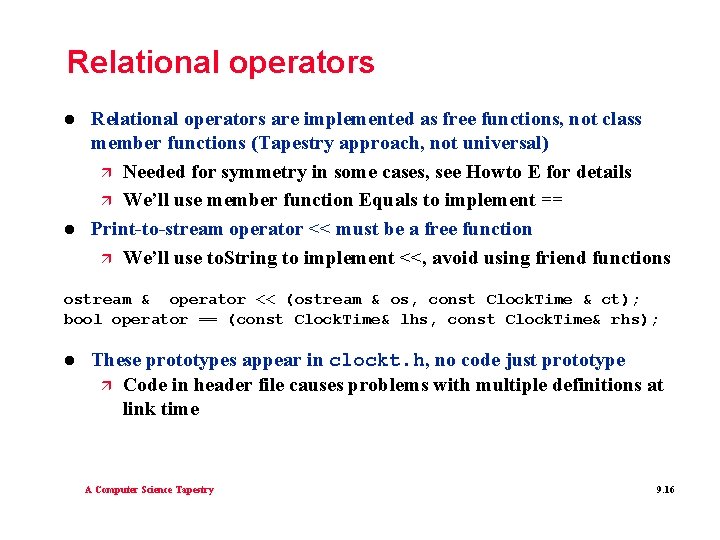
Relational operators l l Relational operators are implemented as free functions, not class member functions (Tapestry approach, not universal) ä Needed for symmetry in some cases, see Howto E for details ä We’ll use member function Equals to implement == Print-to-stream operator << must be a free function ä We’ll use to. String to implement <<, avoid using friend functions ostream & operator << (ostream & os, const Clock. Time & ct); bool operator == (const Clock. Time& lhs, const Clock. Time& rhs); l These prototypes appear in clockt. h, no code just prototype ä Code in header file causes problems with multiple definitions at link time A Computer Science Tapestry 9. 16
Free functions using class methods l We can implement == using the Equals method. Note that operator == cannot access my. Hours, not a problem, why? bool operator == (const Clock. Time& lhs, const Clock. Time& rhs) { return lhs. Equals(rhs); } l We can implement operator << using to. String() ostream & operator << (ostream & os, const Clock. Time & ct) // postcondition: inserts ct onto os, returns os { os << ct. To. String(); return os; } l Similarly, implement + using +=, what about != and < ? A Computer Science Tapestry 9. 17
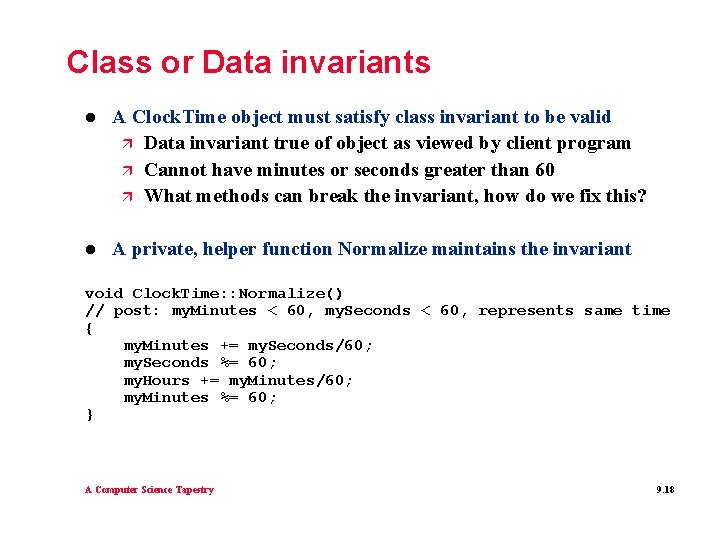
Class or Data invariants l A Clock. Time object must satisfy class invariant to be valid ä Data invariant true of object as viewed by client program ä Cannot have minutes or seconds greater than 60 ä What methods can break the invariant, how do we fix this? l A private, helper function Normalize maintains the invariant void Clock. Time: : Normalize() // post: my. Minutes < 60, my. Seconds < 60, represents same time { my. Minutes += my. Seconds/60; my. Seconds %= 60; my. Hours += my. Minutes/60; my. Minutes %= 60; } A Computer Science Tapestry 9. 18
Implementing similar classes l The class Bigint declared in bigint. h represents integers with no bound on size ä How might values be stored in the class? ä What functions will be easier to implement? Why? l Implementing rational numbers like 2/4, 3/5, or – 22/7 ä Similarities to Clock. Time? ä What private data can we use to define a rational? ä What will be harder to implement? l What about the Date class? How are its operations facilitated by conversion to absolute number of days from 1/1/1 ? A Computer Science Tapestry 9. 19
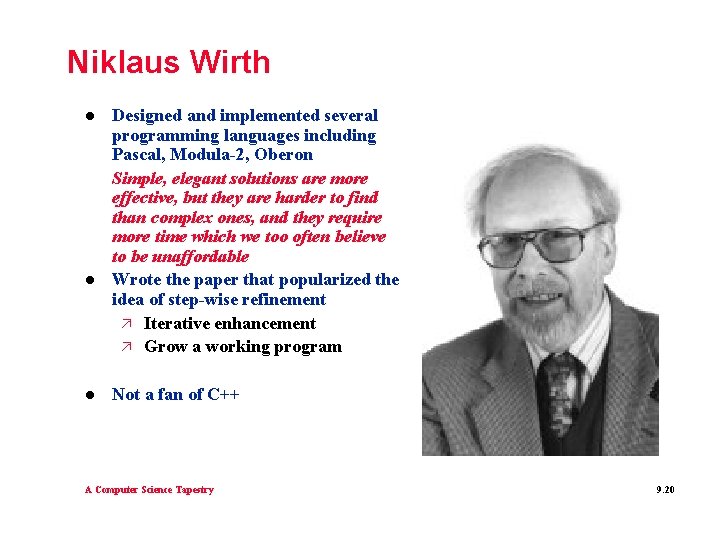
Niklaus Wirth l l l Designed and implemented several programming languages including Pascal, Modula-2, Oberon Simple, elegant solutions are more effective, but they are harder to find than complex ones, and they require more time which we too often believe to be unaffordable Wrote the paper that popularized the idea of step-wise refinement ä Iterative enhancement ä Grow a working program Not a fan of C++ A Computer Science Tapestry 9. 20