
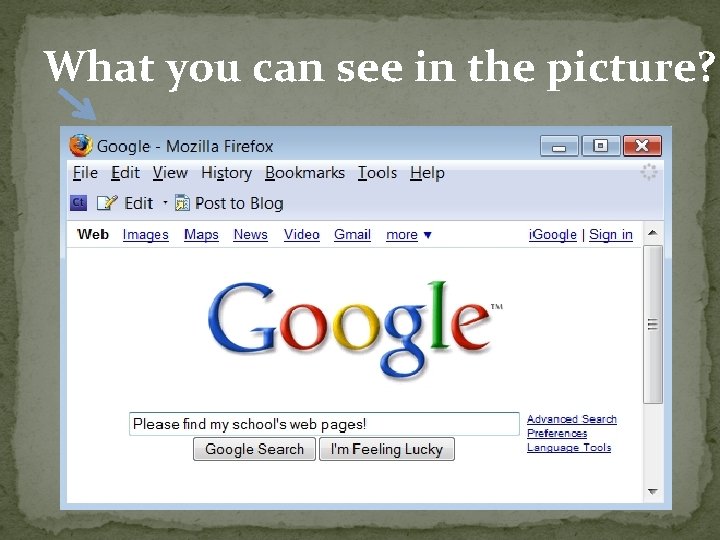
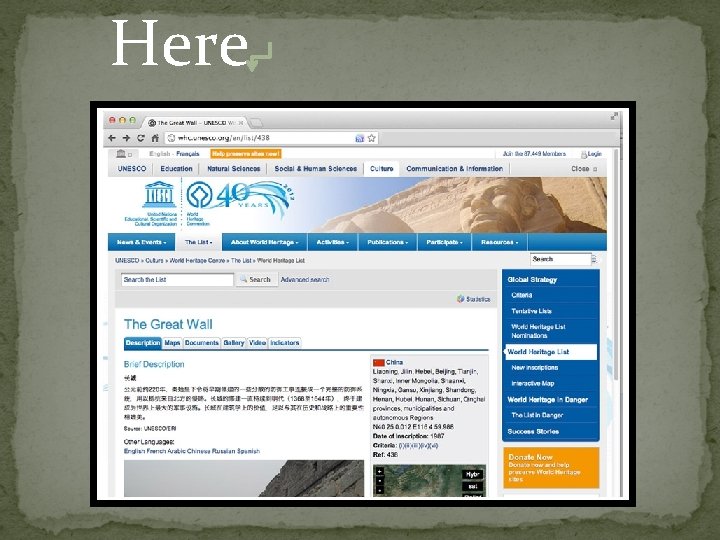
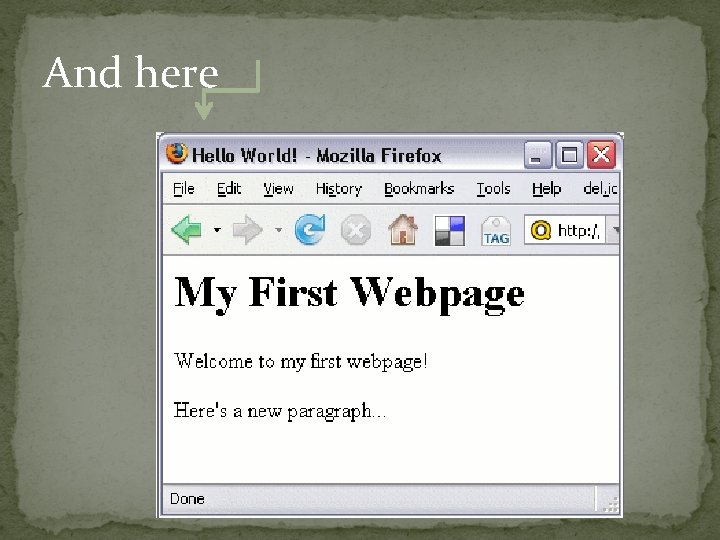
What you can see in the picture Here

- Slides: 23
What you can see in the picture?
Here
And here
Well Said! These are Web Pages
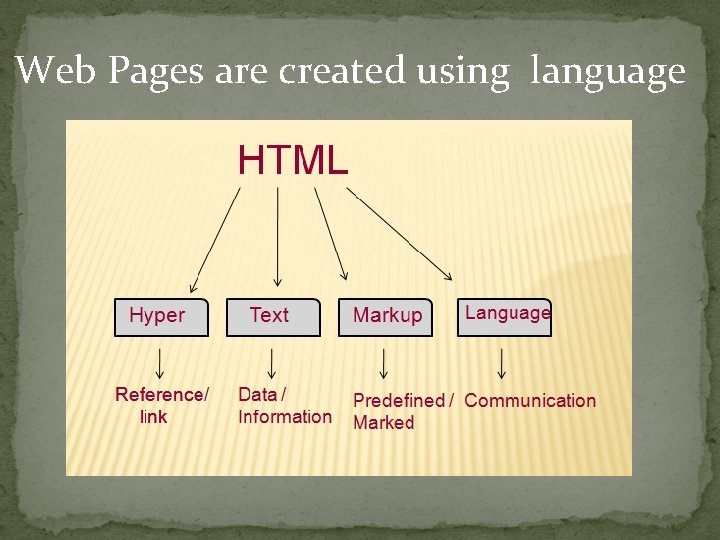
Web Pages are created using language
English language is used to write books HTML is used to create Web Pages.
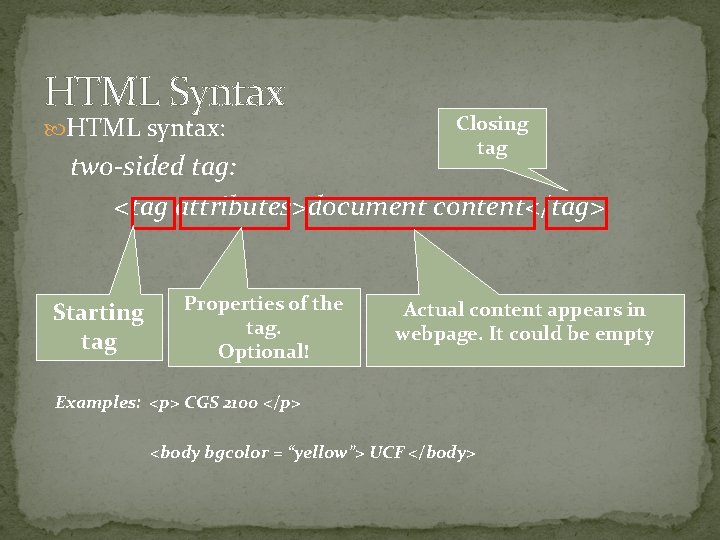
HTML Syntax HTML syntax: Closing tag two-sided tag: <tag attributes>document content</tag> Starting tag Properties of the tag. Optional! Actual content appears in webpage. It could be empty Examples: <p> CGS 2100 </p> <body bgcolor = “yellow”> UCF </body>
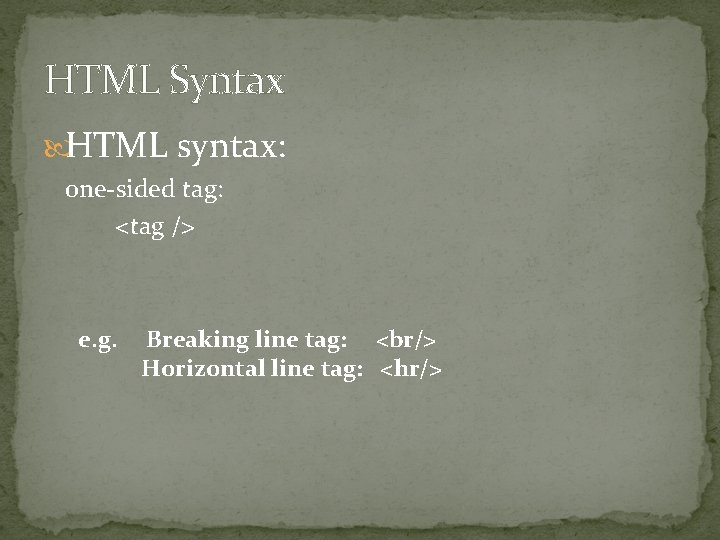
HTML Syntax HTML syntax: one-sided tag: <tag /> e. g. Breaking line tag: <br/> Horizontal line tag: <hr/>
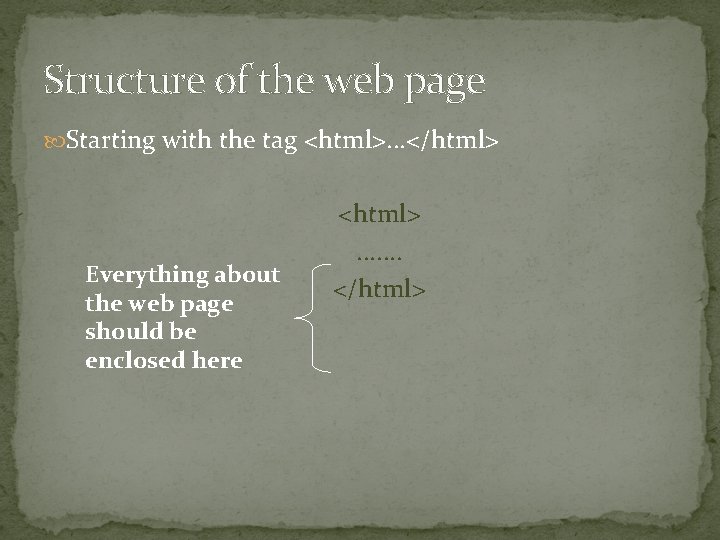
Structure of the web page Starting with the tag <html>. . . </html> Everything about the web page should be enclosed here <html>. . . . </html>
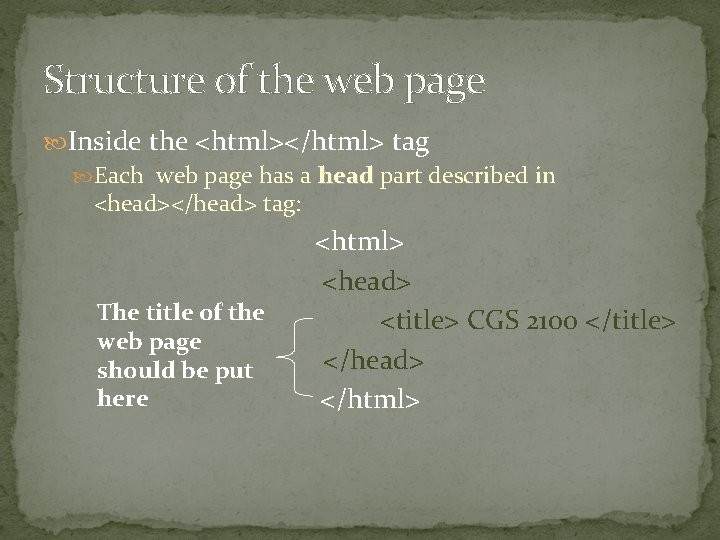
Structure of the web page Inside the <html></html> tag Each web page has a head part described in <head></head> tag: The title of the web page should be put here <html> <head> <title> CGS 2100 </title> </head> </html>
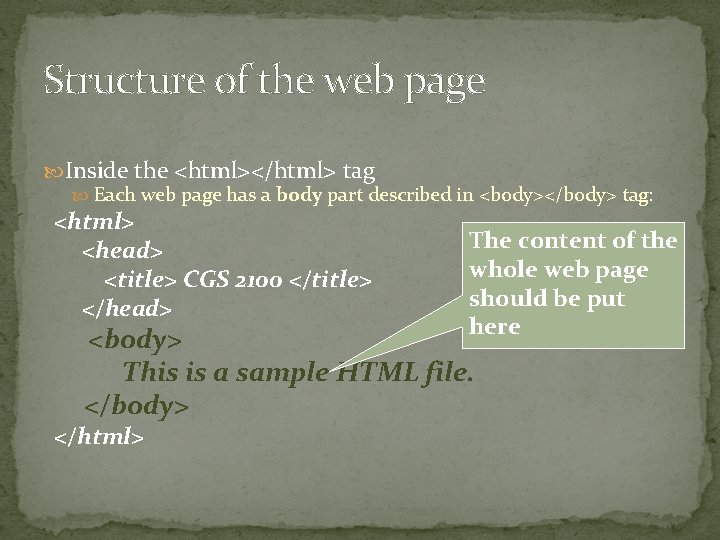
Structure of the web page Inside the <html></html> tag Each web page has a body part described in <body></body> tag: <html> <head> <title> CGS 2100 </title> </head> The content of the whole web page should be put here <body> This is a sample HTML file. </body> </html>
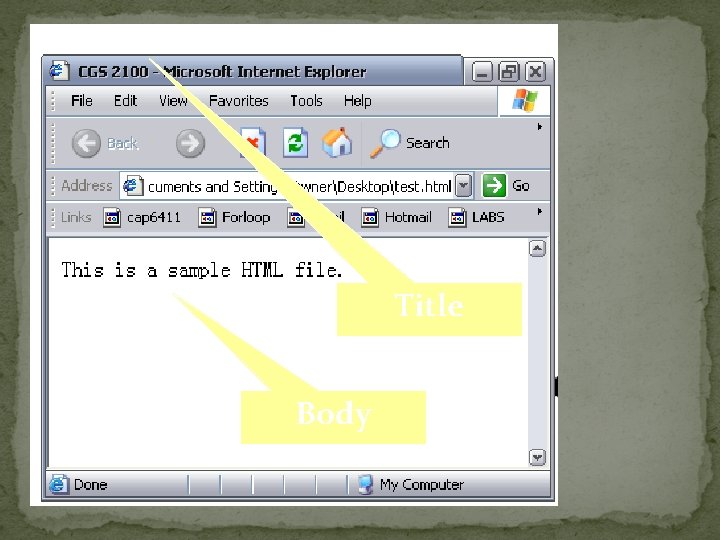
Title Body
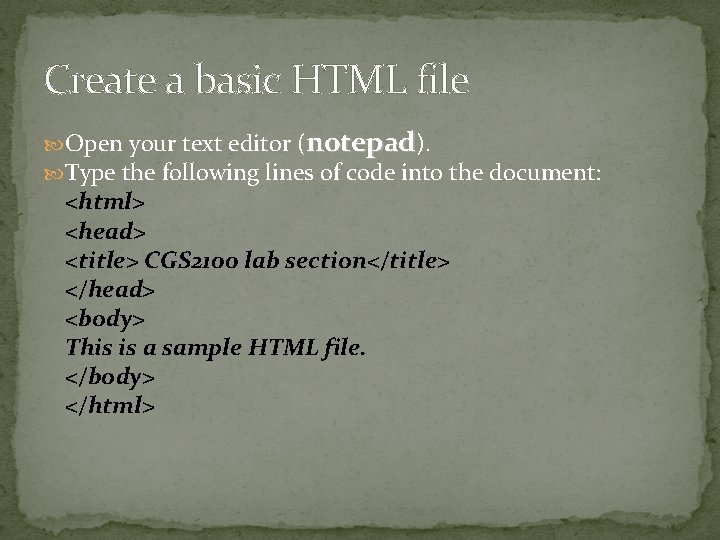
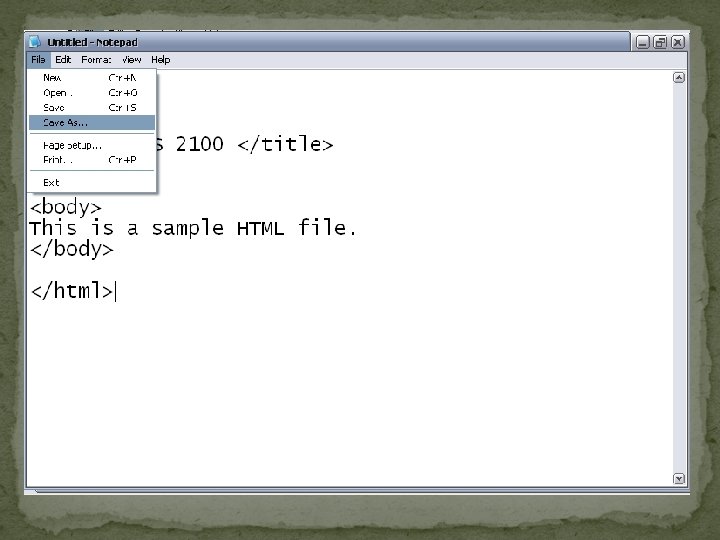
Create a basic HTML file Open your text editor (notepad). Type the following lines of code into the document: <html> <head> <title> CGS 2100 lab section</title> </head> <body> This is a sample HTML file. </body> </html>
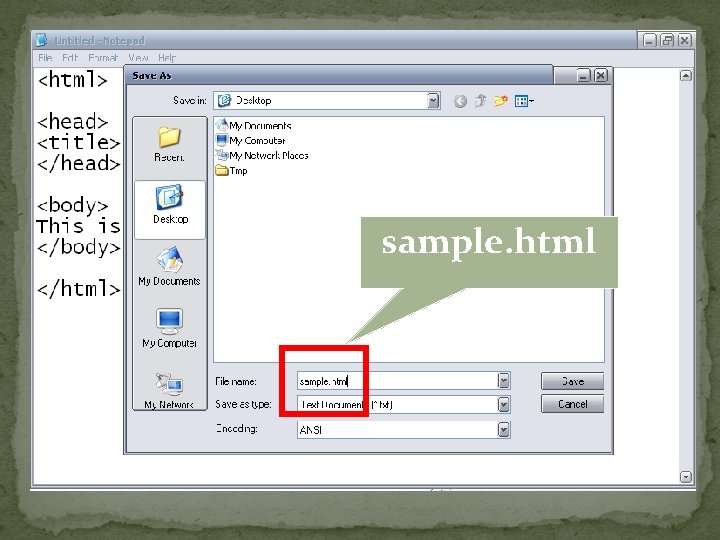
Create a basic HTML file (cont) Save the file as sample. htm
sample. html
Introduction to some common tags Paragraph tag List tag Hyperlink tags
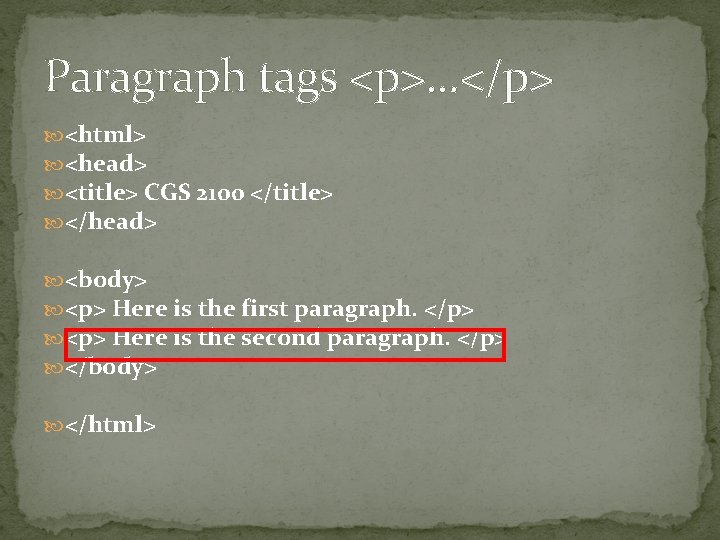
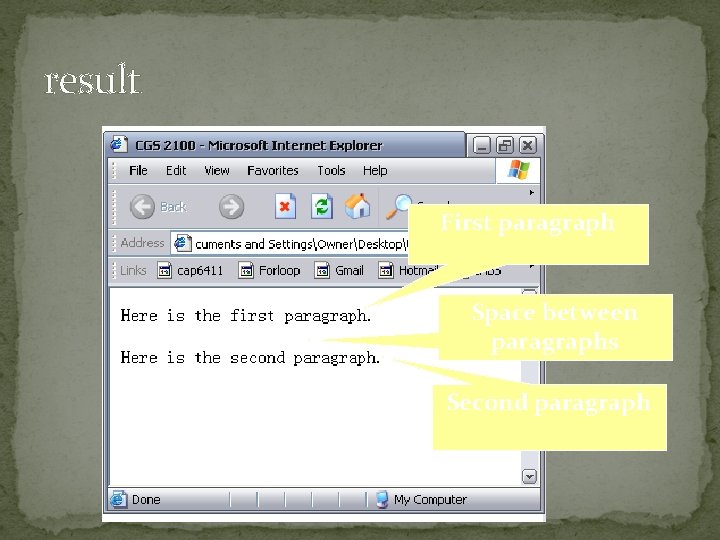
Paragraph tags <p>. . . </p> <html> <head> <title> CGS 2100 </title> </head> <body> <p> Here is the first paragraph. </p> <p> Here is the second paragraph. </p> </body> </html>
result First paragraph Space between paragraphs Second paragraph
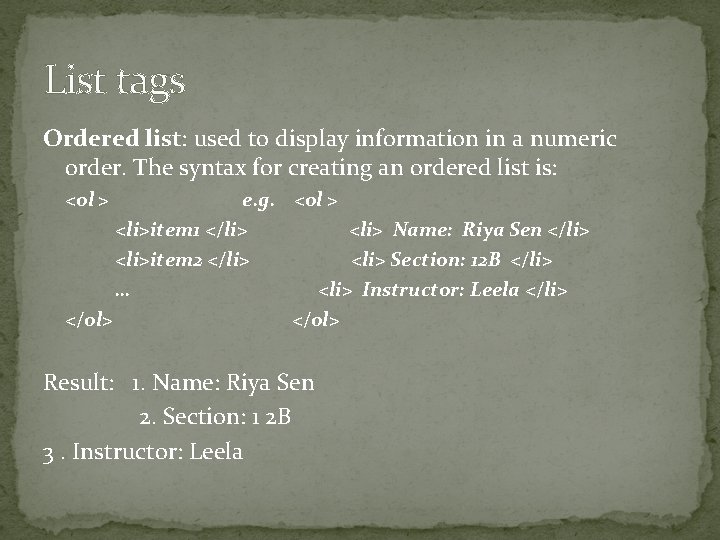
List tags Ordered list: used to display information in a numeric order. The syntax for creating an ordered list is: <ol > e. g. <ol > <li>item 1 </li> <li> Name: Riya Sen </li> <li>item 2 </li> <li> Section: 12 B </li> … <li> Instructor: Leela </li> </ol> Result: 1. Name: Riya Sen 2. Section: 1 2 B 3. Instructor: Leela
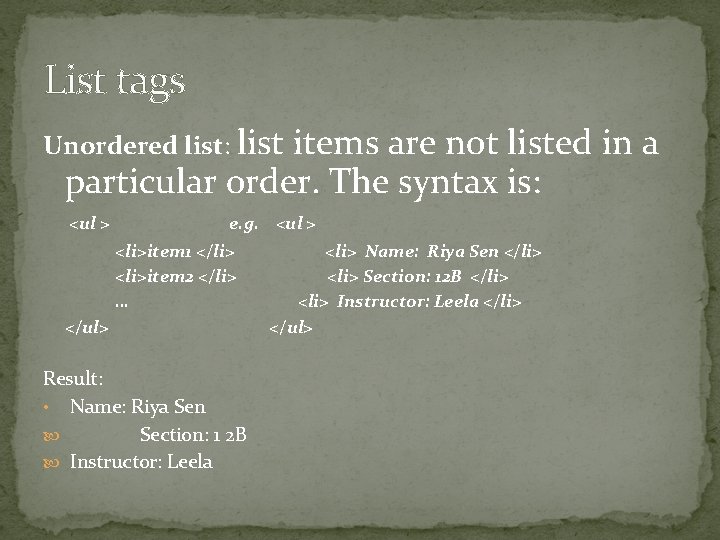
List tags Unordered list: list items are not listed in a particular order. The syntax is: <ul > e. g. <ul > <li>item 1 </li> <li>item 2 </li> … </ul> Result: • Name: Riya Sen Section: 1 2 B Instructor: Leela <li> Name: Riya Sen </li> <li> Section: 12 B </li> <li> Instructor: Leela </li> </ul>
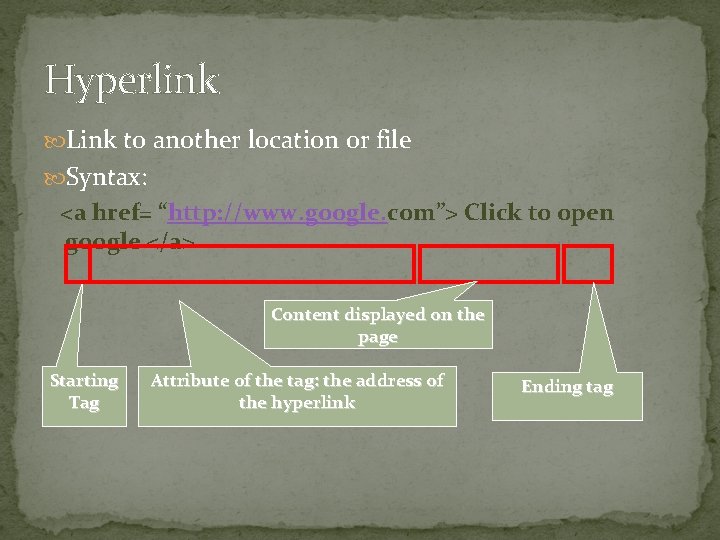
Hyperlink Link to another location or file Syntax: <a href= “http: //www. google. com”> Click to open google </a> Content displayed on the page Starting Tag Attribute of the tag: the address of the hyperlink Ending tag
Link to web site <a href= “http: //www. google. com”> google</a> Email link <a href= “mailto: name@domain. com”> Link to email </a>
Include a Picture <img src=“FILENAME” /> <img src=“FILENAME” alt=“text” /> E. g. <img src=“logo. gif” alt=“Google logo” /> <img src=“logo. gif” />