
What makes me ME Day 1 Doodle Day
- Slides: 10
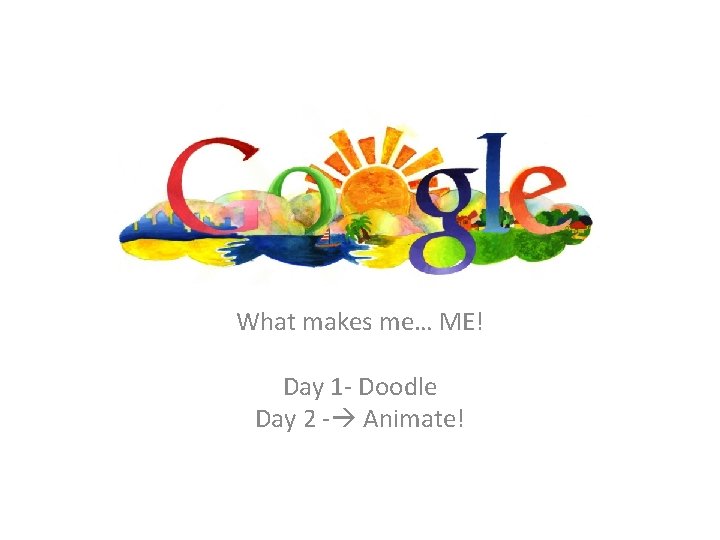
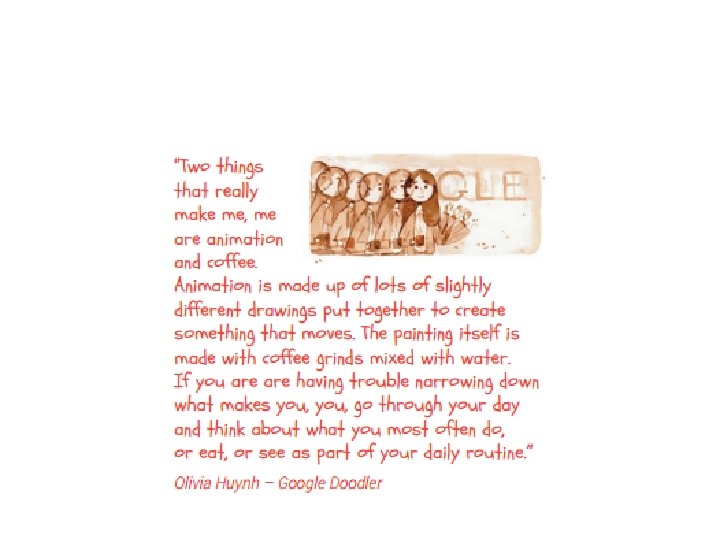
What makes me… ME! Day 1 - Doodle Day 2 - Animate!
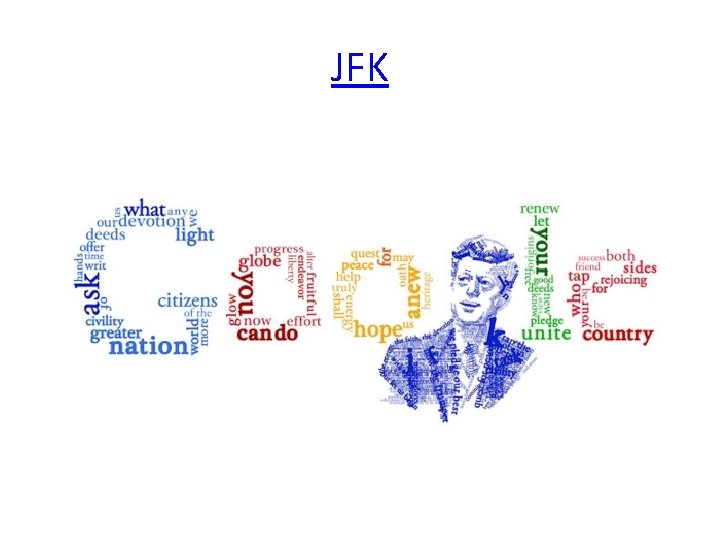
JFK
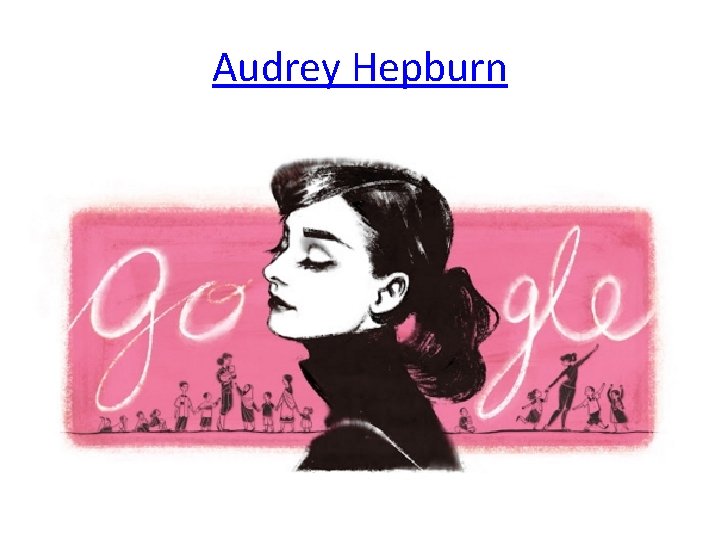
Audrey Hepburn
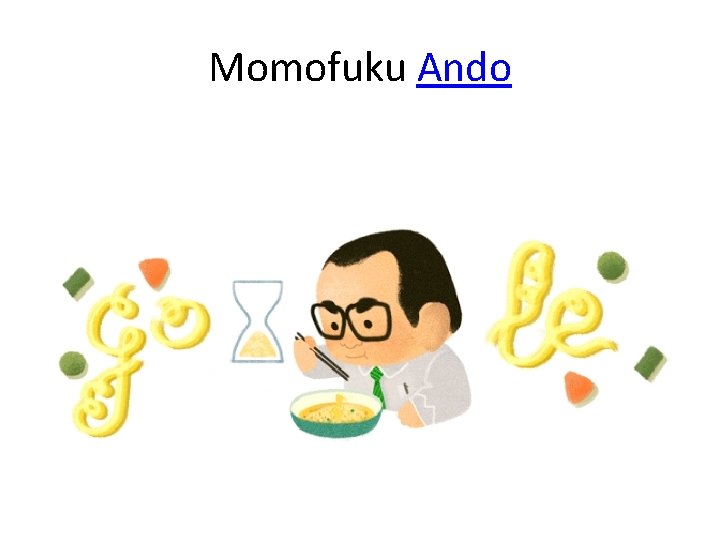
Momofuku Ando
Google doodles…. • Google inspiration • Google create
Animation vocab • Persistence of Vision – As the eyes view a series of still images in quick motion their sensors retain each image momentarily giving the perception of one continuous picture in motion. • Registration – This is how to keep all images perfectly aligned for a clean, smooth motion when flipped through. It is a way to keep all images within a certain frame. • Key Frames – frames with the important changes in the subject of the animation; i. e. , changes in drawing, set-up, and stages of movement. • Tweening – also called “morphing”, is filling in the frames between important key frames in an animation so that the transition is smooth and is co-related to the number of frames per second required for a given scene.
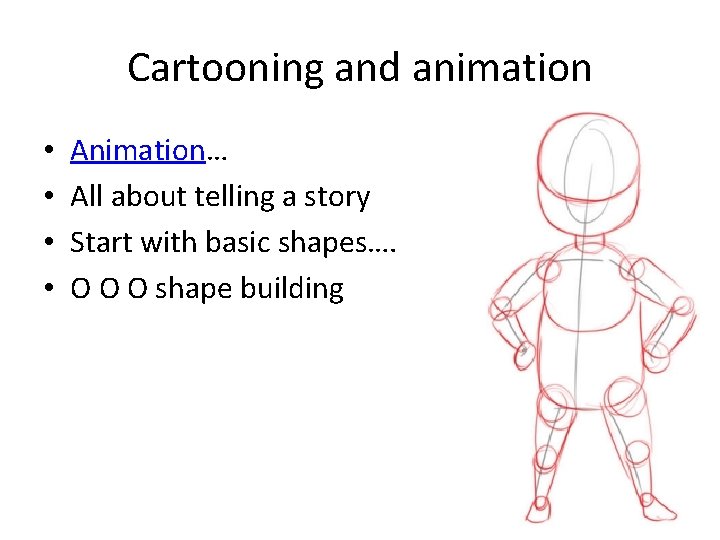
Cartooning and animation • • Animation… All about telling a story Start with basic shapes…. O O O shape building
Animating your Google Doodle • Putting together a series of drawings to create a moving picture • Minimum 5 drawings • Movie Maker
steps • Create Google Doodle • Figure out how to animate it • Draw a minimum of 4 drawings to go along with your original for a total minimum of 5 • Photograph each image- email to self • Pull images up in Movie Maker • Animate! • Share with Seay