
What is Visual Basic NET A programming language
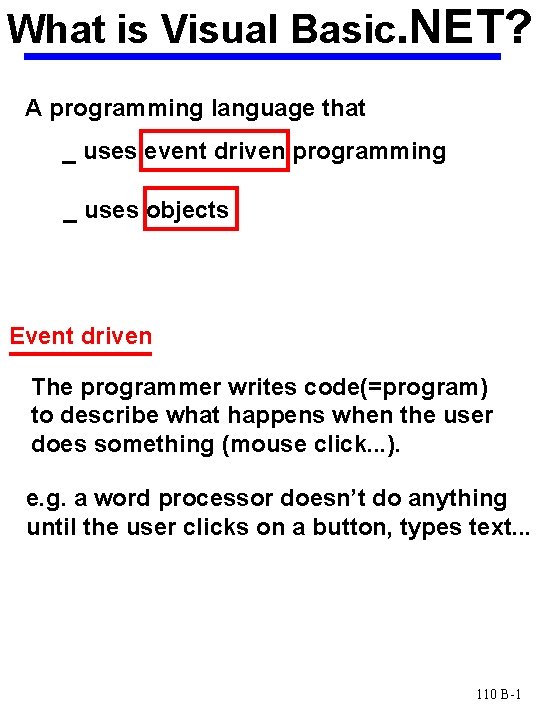
What is Visual Basic. NET? A programming language that _ uses event driven programming _ uses objects Event driven The programmer writes code(=program) to describe what happens when the user does something (mouse click. . . ). e. g. a word processor doesn’t do anything until the user clicks on a button, types text. . . 110 B-1
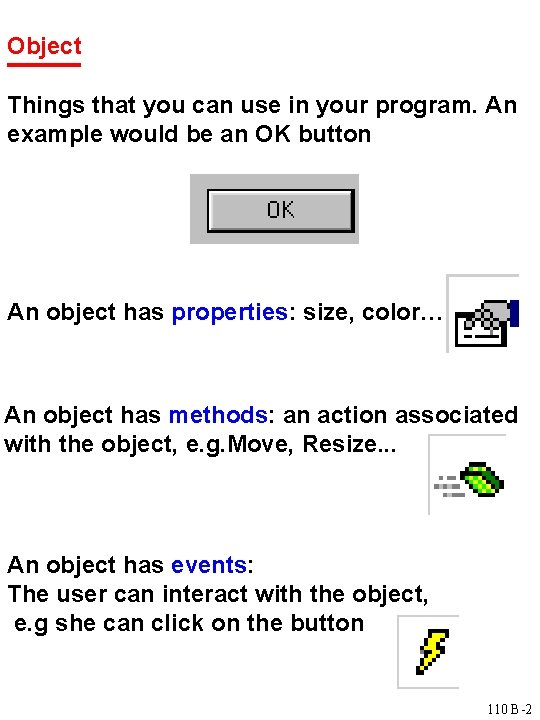
Object Things that you can use in your program. An example would be an OK button An object has properties: size, color… An object has methods: an action associated with the object, e. g. Move, Resize. . . An object has events: The user can interact with the object, e. g she can click on the button 110 B-2

Designing an application Planning: _ know the users' needs _ sketch what you want the user to see on the screen GUI (Graphical User Interface) _ write an algorithm to solve the problem Programming: Build the GUI using VB. NET: choose the objects, set their properties (lots of mouse clicks!) Write a program using VB. NET: Following your algorithm write a VB program (what happens when the user types, clicks…). Do this by writing code for events associated with your objects. 110 B-3

VISUAL STUDIO. NET Integrated Development Environment When building an application, work within a Solution (project) A project contains one or more forms: where the GUI will be displayed. To design a form, use _ form designer: to design the GUI _ toolbox: contains objects that you can put on the form _ properties window: to set the properties of the objects To write the program, use the code window The different elements of a project are displayed in the solution explorer. 110 B-4

A simple application Goal: when the user clicks on a button labeled “Display”, a welcoming message appears on the form. Objects needed: A form A button A label to display the message Sketch: form: frm. Welcome label: lbl. Message Welcome to VB Display before clicking after clicking button: btn. Display 110 B-5
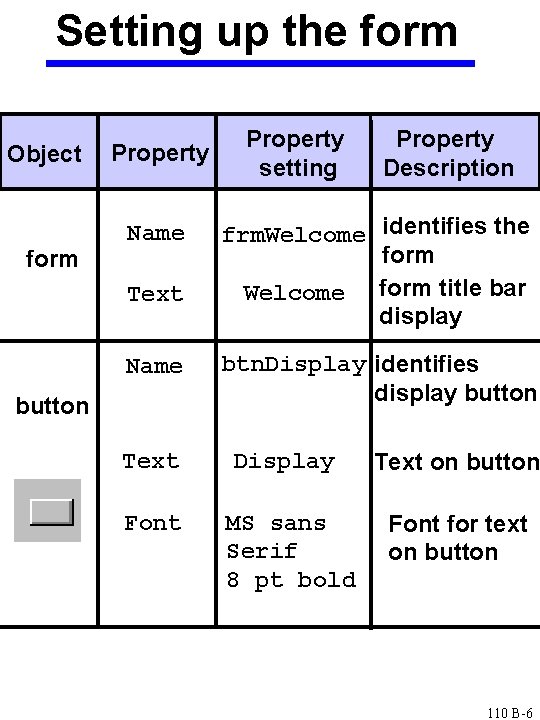
Setting up the form Object form Property Name Text Name button Property setting Property Description frm. Welcome identifies the form Welcome form title bar display btn. Display identifies display button Text Display Text on button Font MS sans Serif 8 pt bold Font for text on button 110 B-6
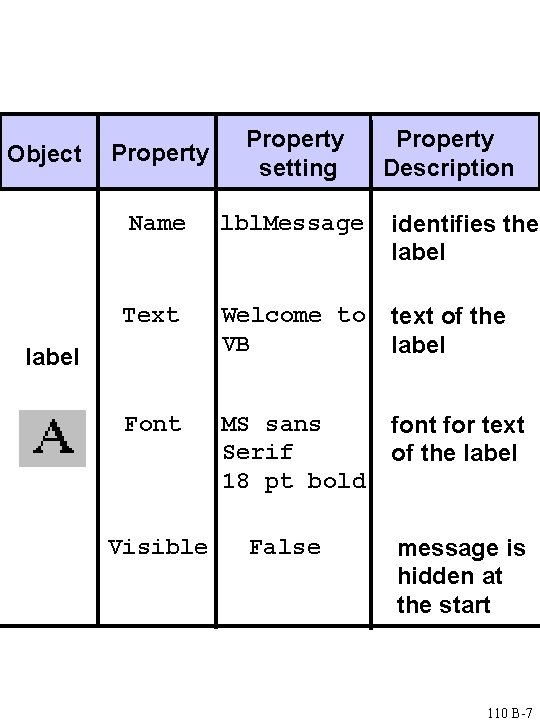
Object Property setting Name lbl. Message identifies the label Text Welcome to VB text of the label Font MS sans Serif 18 pt bold font for text of the label Visible False Property Description message is hidden at the start 110 B-7
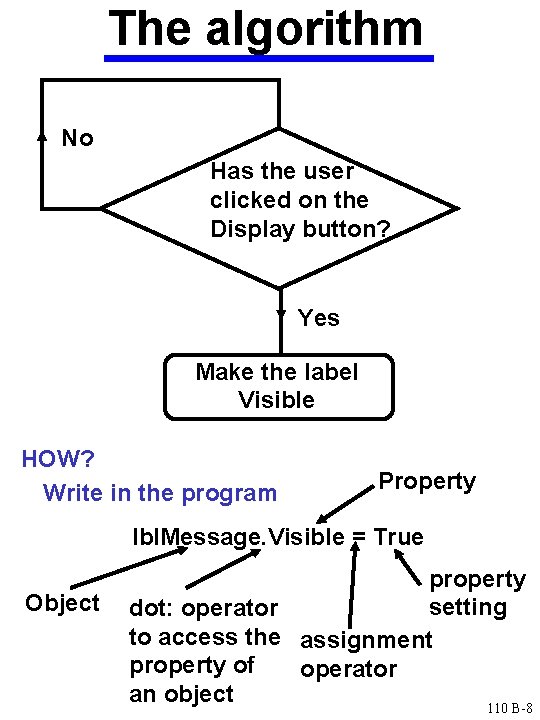
The algorithm No Has the user clicked on the Display button? Yes Make the label Visible HOW? Write in the program Property lbl. Message. Visible = True Object property setting dot: operator to access the assignment property of operator an object 110 B-8
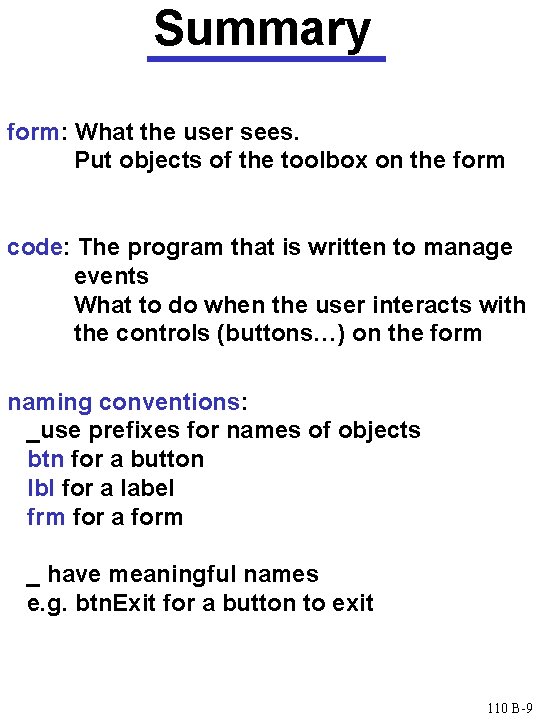
Summary form: What the user sees. Put objects of the toolbox on the form code: The program that is written to manage events What to do when the user interacts with the controls (buttons…) on the form naming conventions: _use prefixes for names of objects btn for a button lbl for a label frm for a form _ have meaningful names e. g. btn. Exit for a button to exit 110 B-9
- Slides: 9