
What is Power Point Power Point is a


- Slides: 15
What is Power. Point?
• Power. Point is a presentation software program that is part of the Microsoft Office group of programs. Why would I want to use Power. Point?
• Many people have seen a Power. Point presentation before but don’t even realize it. • Power. Point presentations use pictures and text to help illustrate what you’re talking about. • Power. Point is usually used with a projector so that everyone in the room can see your presentation at the same time.
• Power. Point is widely used in business and classrooms and is an effective tool when used for training purposes. • A Power. Point presentation is sometimes called a slideshow. • While you are talking, a slideshow gives listeners something to look at. • The text and pictures in a slideshow can help listeners better understand remember what you’re talking about.
Presentations made with Power. Point can be simple or elaborate. • If you are a beginner or don’t have a lot of time you might want to use a Power. Point template. • Templates are presentations that already include beautiful backgrounds and fonts. • You only need to add the text and pictures that relate to your presentation. • On the other hand, you can create presentations from scratch without the help of the computer. • You can add animation, sound, and even video.
So, why would you use Power. Point? • It is easy to use and offers attractive designs. • Having something to look at during your presentation can help your listeners understand remember the content. • All in all, Power. Point is a useful program for anyone who gives frequent presentations.
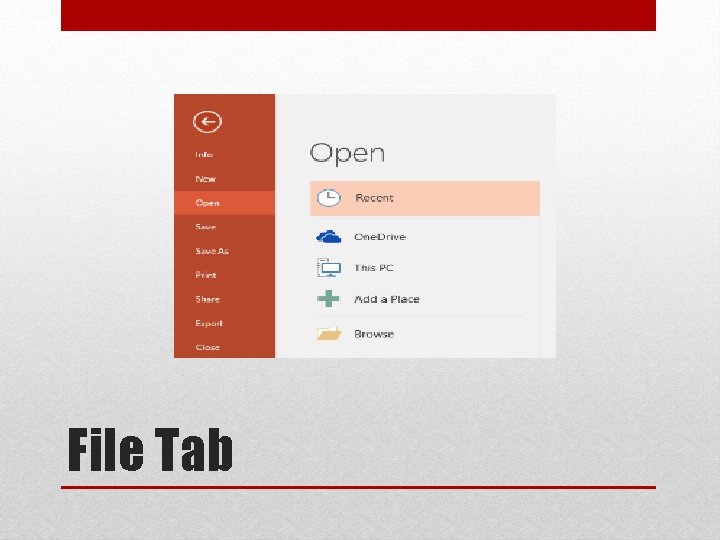
File Tab
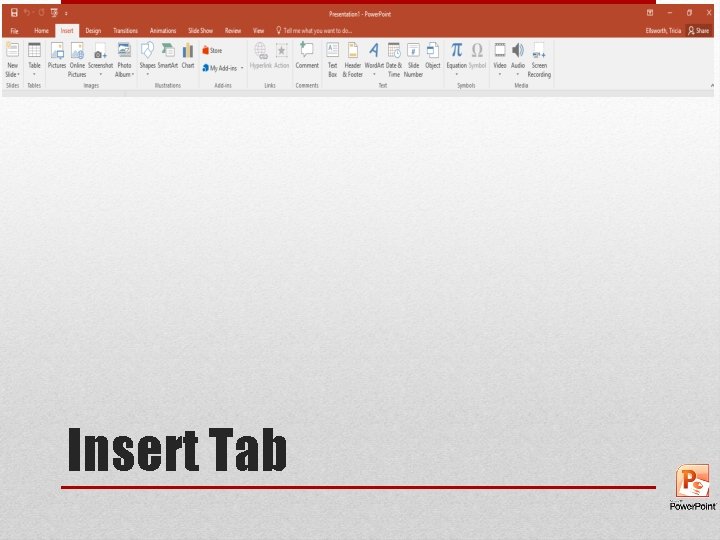
Insert Tab
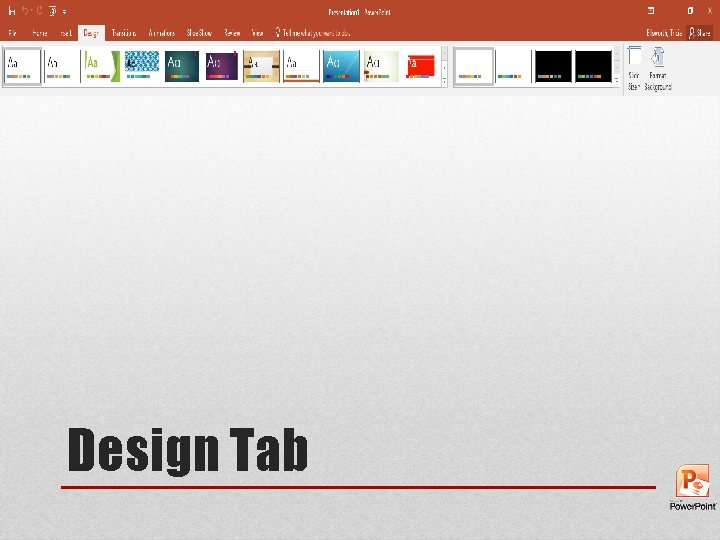
Design Tab
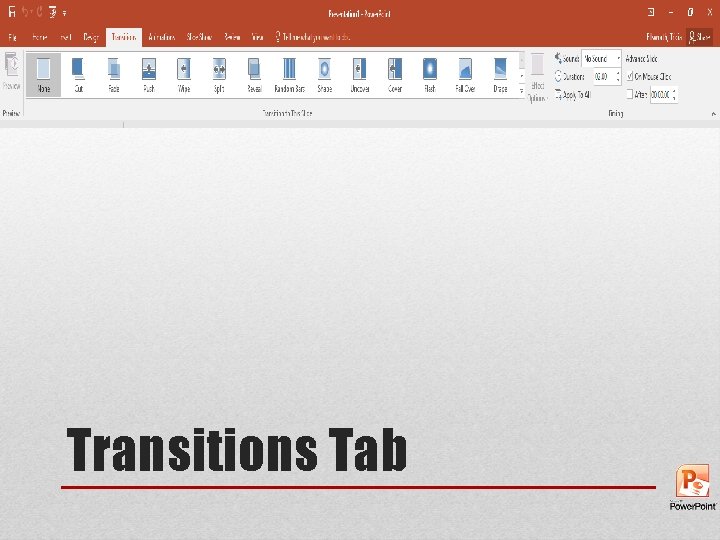
Transitions Tab
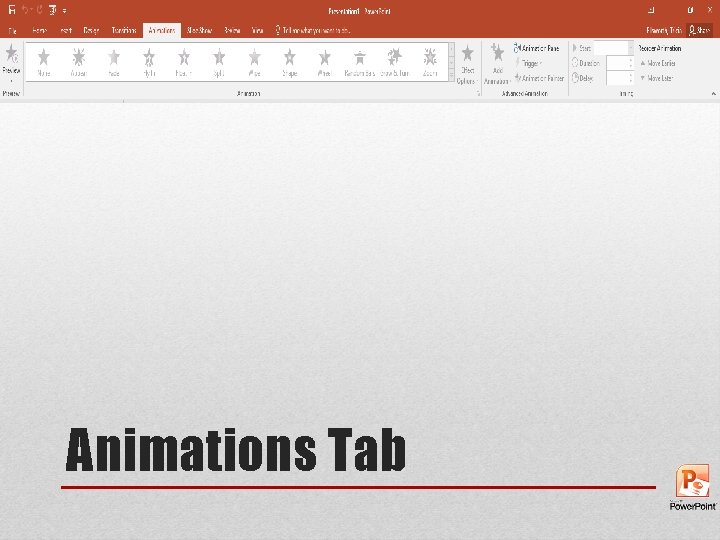
Animations Tab
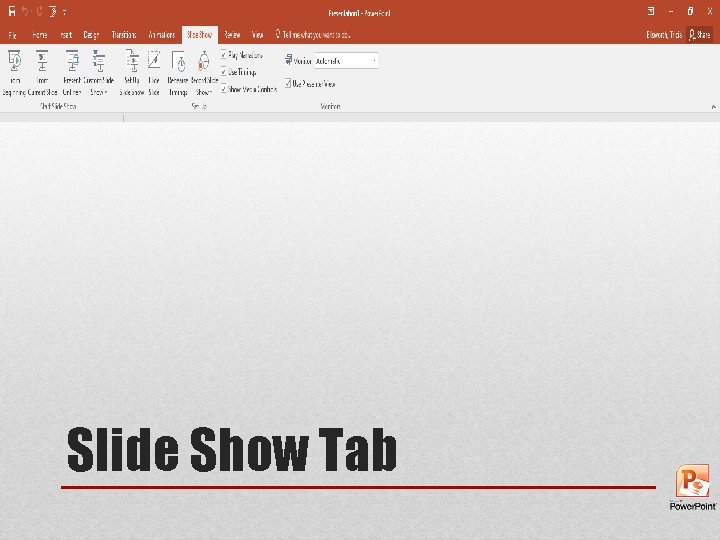
Slide Show Tab
Review Tab
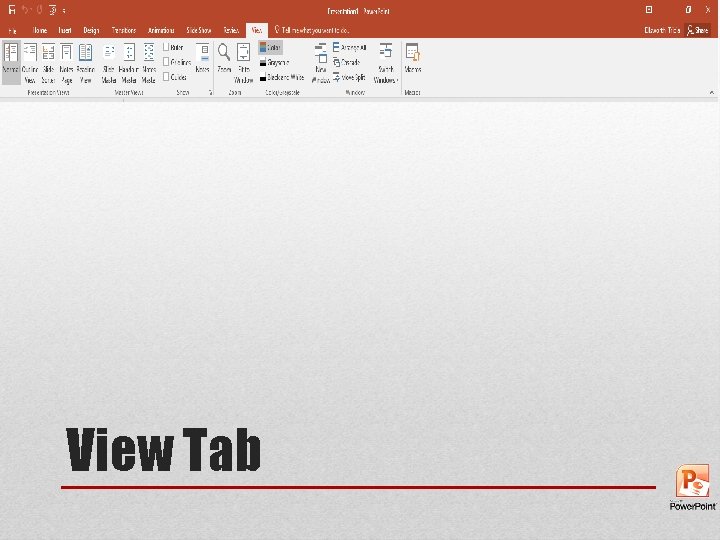
View Tab
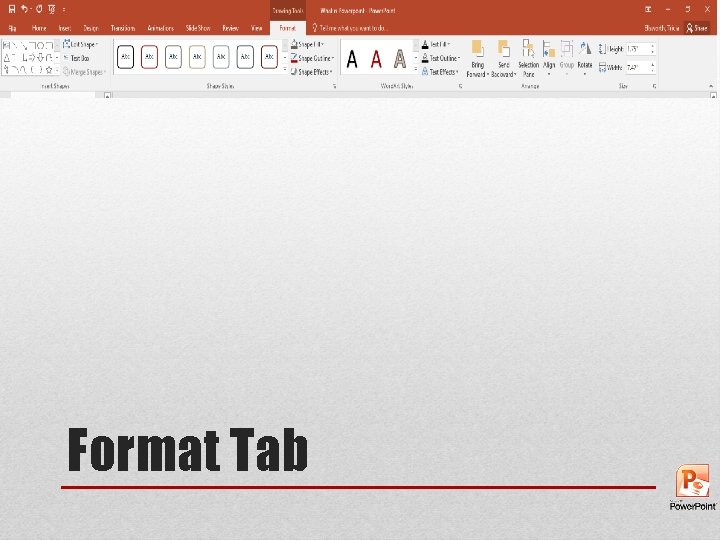
Format Tab