
What is PECS PECS gives children a voice
- Slides: 27
What is PECS? � PECS gives children a ‘voice’ that everyone in their environment can interpret. It is their independent communication. � PECS is a method of communication that teaches early communication skills to children using pictures and speech. � A way for non-verbal students or students with emerging verbal skills to initiate communication. � Using PECS, children learn to spontaneously initiate communicative exchanges. People using PECS are taught to approach and give a picture of a desired item to another person in exchange for that item. Using PECS, children are taught to gain the attention of the communication partner in order to make a request.
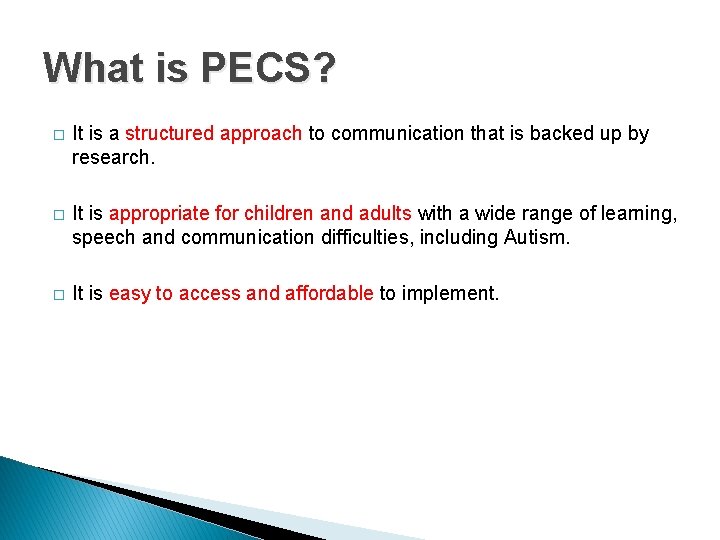
What is PECS? � It is a structured approach to communication that is backed up by research. � It is appropriate for children and adults with a wide range of learning, speech and communication difficulties, including Autism. � It is easy to access and affordable to implement.
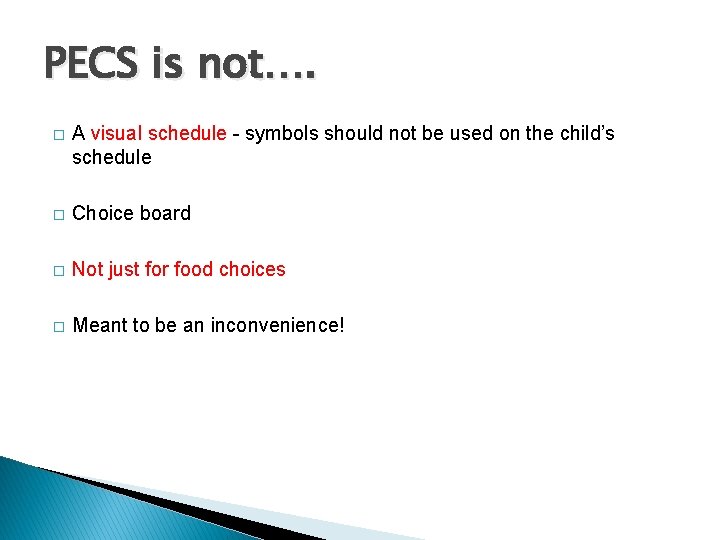
PECS is not…. � A visual schedule - symbols should not be used on the child’s schedule � Choice board � Not just for food choices � Meant to be an inconvenience!
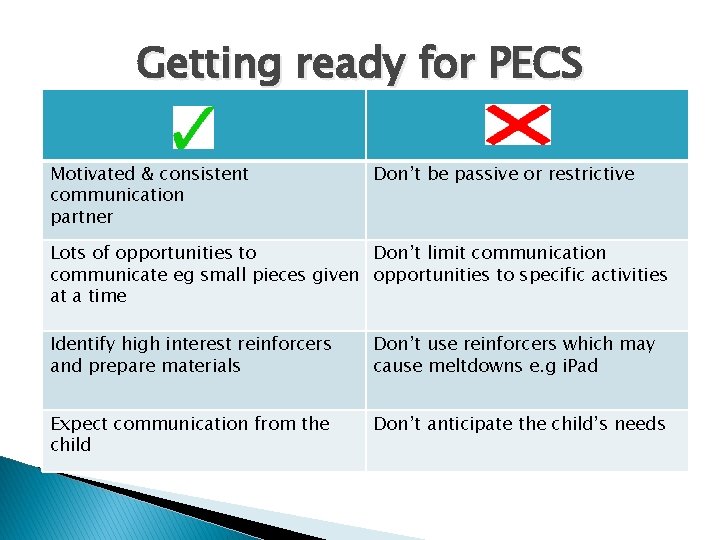
Getting ready for PECS Motivated & consistent communication partner Don’t be passive or restrictive Lots of opportunities to Don’t limit communication communicate eg small pieces given opportunities to specific activities at a time Identify high interest reinforcers and prepare materials Don’t use reinforcers which may cause meltdowns e. g i. Pad Expect communication from the child Don’t anticipate the child’s needs
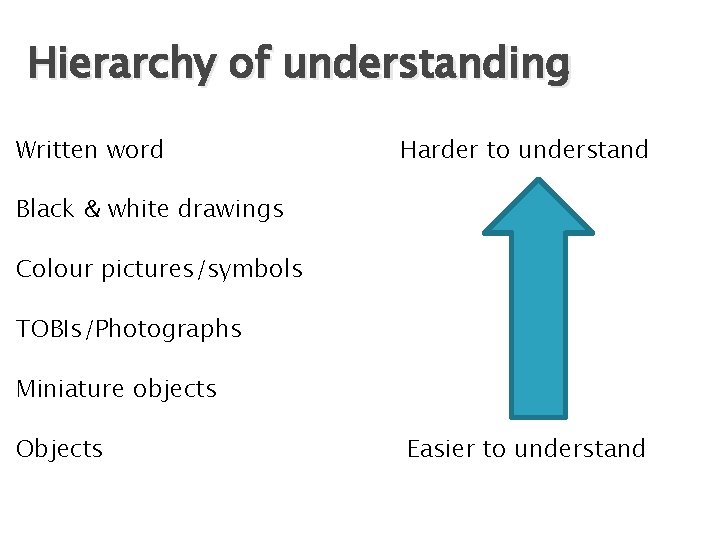
Hierarchy of Visuals � The structure of PECS can be followed using various types of visuals. This depends on the child’s level of understanding.
Phases of PECS � There are 6 phases in PECS - Phases 1 -6. � Each phase has objectives and specific procedural guidelines.
Hierarchy of understanding Written word Harder to understand Black & white drawings Colour pictures/symbols TOBIs/Photographs Miniature objects Objects Easier to understand
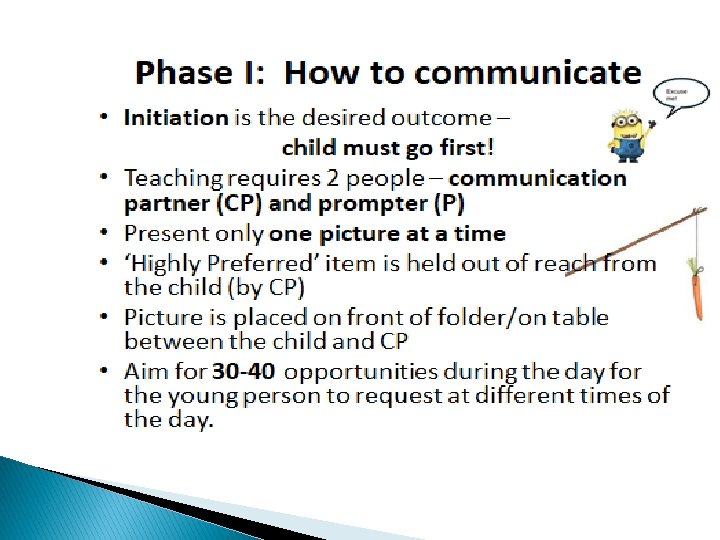
Phase 1: How to Communicate No verbal prompts – DON’T SAY ANYTHING! TARGET SEQUENCE: Pick up - Reach - Release The first one is free! DEMO - Phase 1
Additional prompts/cues � The expectant look - raised eyebrows/inquisitive look � Open hand prompt � Physical environment- not always sitting on a chair at a table. � High drama - over the top enticing to encourage initiation of request. � Body orientation – sit directly in front of the child, providing good eye contact.
Practical https: //www. youtube. com/watch? v =m. ECI 6 PKVFi. A
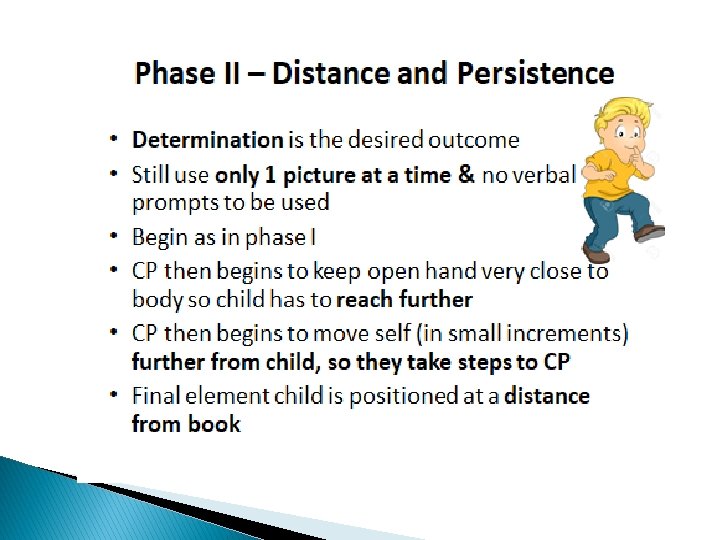
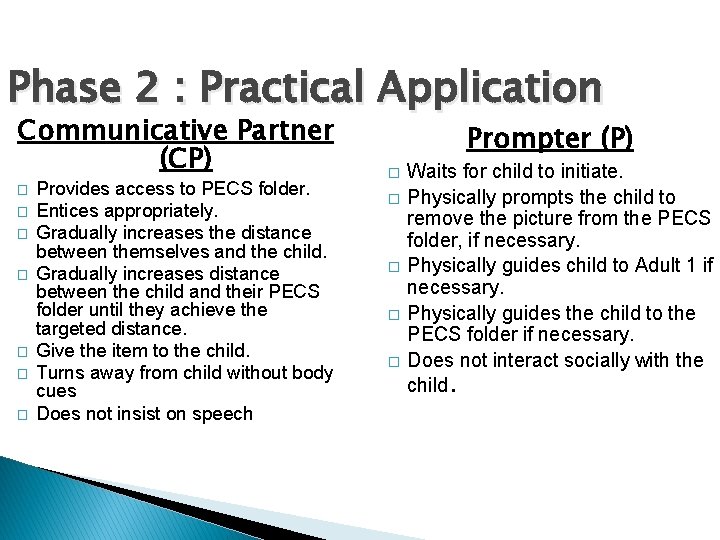
Phase 2 : Practical Application Communicative Partner (CP) � � � � Provides access to PECS folder. Entices appropriately. Gradually increases the distance between themselves and the child. Gradually increases distance between the child and their PECS folder until they achieve the targeted distance. Give the item to the child. Turns away from child without body cues Does not insist on speech Prompter (P) � � � Waits for child to initiate. Physically prompts the child to remove the picture from the PECS folder, if necessary. Physically guides child to Adult 1 if necessary. Physically guides the child to the PECS folder if necessary. Does not interact socially with the child.
Demonstration https: //www. youtube. com/watch? v =w. G-Og 6 Pz-NE
Phase 3: Picture Discrimination � The child requests desired items by going to their PECS folder, selecting the appropriate picture from a choice, going to an adult, and giving the picture. � Phase 3 A: Discrimination between highly preferred versus nonpreferred items. � Phase 3 B: Discrimination between a number of highly preferred items.
Phase 3 A � Preferred versus non-preferred � Only 1 adult required. � Entice with both items in one hand so you have a free hand for accepting the picture. � If the young person exchanges the picture of the non-preferred item give them the item and observe their reaction. � If their reaction is negative…this is good! � We then respond by using the 4 step error correction procedure.
Four-step error correction To be used if the child reacts negatively when given the non-preferred item. Show or tap the target picture on the PECS folder. Prompt - hold open hand near target picture. Child gives target picture. Adult praises but does not give the item. Switch picture positions and distract, e. g. turn over PECS folder. Repeat.
Phase 3 B � Discrimination between preferred items � Entice with 2 highly preferred items – pictures on front of PECS folder. � Once exchange has taken place, label and praise appropriately and tell the child to take the item. � If the child reaches for the incorrect item, block access and use the four point error correction procedure to teach this new skill. � Correspondence checks ensures the child is exchanging the correct picture for the item they want. This will be carried out by the SLT and advice given as required.
Phase 3 B � Add pictures gradually. � If possible try to categorise pictures within the PECS folder. � End teaching at Phase 3 with requesting out of sight items. � If the motivator isn’t available or not allowed we must introduce “NO” and not hide the picture from the child.
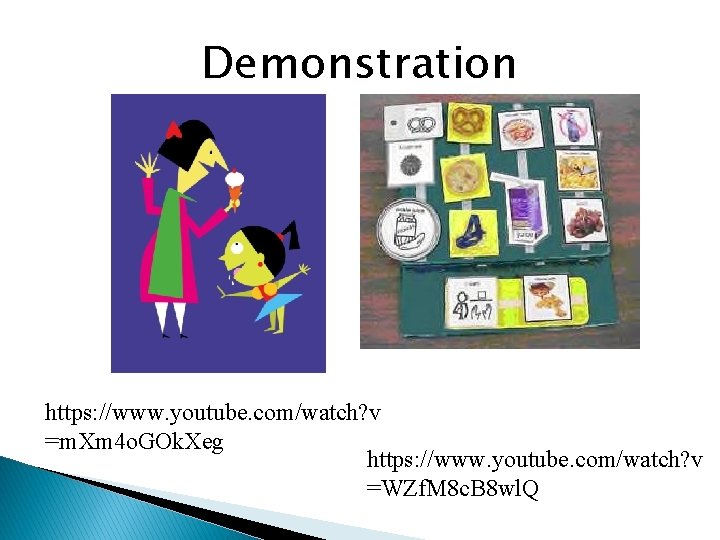
Demonstration https: //www. youtube. com/watch? v =m. Xm 4 o. GOk. Xeg https: //www. youtube. com/watch? v =WZf. M 8 c. B 8 wl. Q
Additional Phases � Phase 4 – Sentence structure The child learns to use sentence strips to make longer requests e. g. ‘I want…. . ’ � Phase 5 - Responding to “What do you want? ” Child responds to the verbal prompt “What do you want? ” Be careful to maintain independence by continuing to create opportunities for spontaneous requests throughout the day. � Phase 6 - Commenting The child comments in response to questions and also spontaneously, e. g. “ I see…. ” “ I hear…. . ”
PECS in the educational setting � Can be used in a variety of areas. � Environment and staff need to be well prepared regarding pictures required. � It is useful for children's expression of personal needs and communication of choices. � PECS folder needs to be readily available to the child at all times.
References � Bondy, A. & Frost, L. (2002). The picture exchange communication system: training manual. Newark, Delaware: Pyramid Educational Products, Inc. � Smith, T. et al (2008) Teaching students with special needs in inclusive settings. (5 th Ed. )
Website: www. pecs. org. uk Videos for PECS: � Website: www. pecs-unitedkingdom. com � Go to Downloads – Videos - A Clear Picture: The Use and Benefits of PECS � This 25 minute video is quite a comprehensive introduction to PECS. You. Tube: � 1. Getting started with using PECS � 2. PECS demonstration of Phases 1, 2, and 3 (Erin Brady) � 3. PECS phases 1 -6 (Andrea Serrano) PECS UK on Twitter PECS User Support group on Facebook PRAACtical AAC on Facebook