
What is my Minimum Grade Interpreting Progress Reports
- Slides: 42
What is my Minimum Grade?
Interpreting Progress Reports and Supporting Progression Evening 19 th November 2019
The Aims of this Meeting • To aid parents in understanding how to access and understand Progress Reports. • To give parents an insight in to the new GCSE examinations. • To look at how the new GCSE and the removal of National Curriculum levels has changed the way we report in year 7, 8 and 9. • To give parents information on how they can support their child.
New GCSE Grades 9 -1 and Changes to Reporting
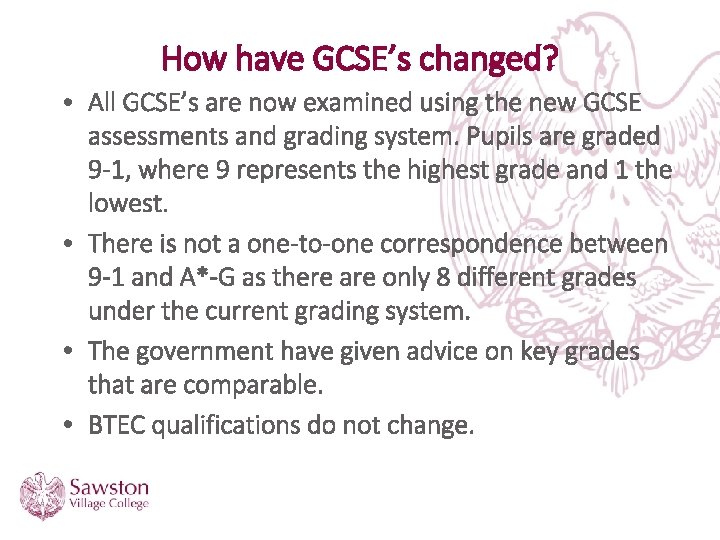
How have GCSE’s changed? • All GCSE’s are now examined using the new GCSE assessments and grading system. Pupils are graded 9 -1, where 9 represents the highest grade and 1 the lowest. • There is not a one-to-one correspondence between 9 -1 and A*-G as there are only 8 different grades under the current grading system. • The government have given advice on key grades that are comparable. • BTEC qualifications do not change.
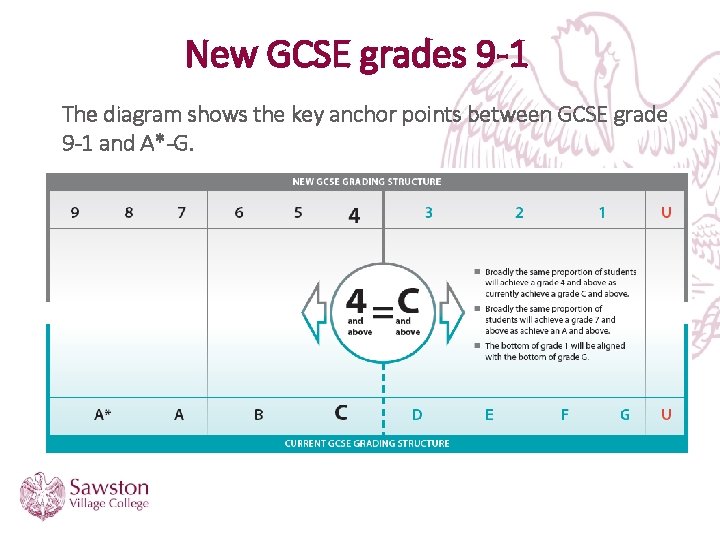
New GCSE grades 9 -1 The diagram shows the key anchor points between GCSE grade 9 -1 and A*-G.
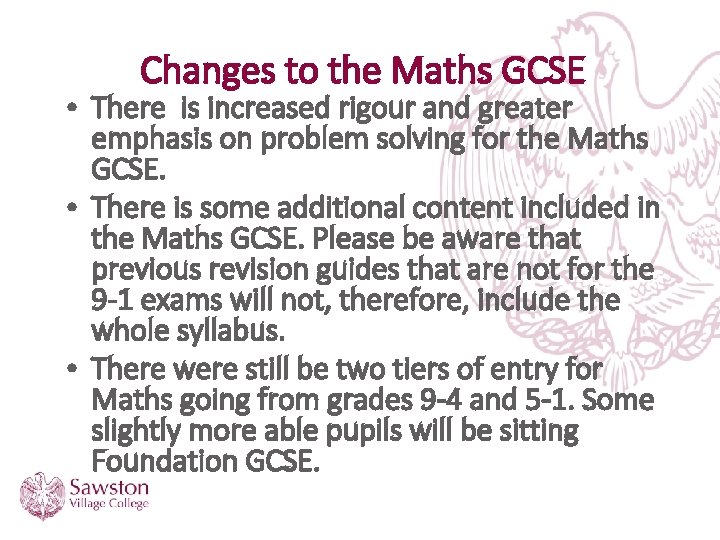
Changes to the Maths GCSE • There is increased rigour and greater emphasis on problem solving for the Maths GCSE. • There is some additional content included in the Maths GCSE. Please be aware that previous revision guides that are not for the 9 -1 exams will not, therefore, include the whole syllabus. • There were still be two tiers of entry for Maths going from grades 9 -4 and 5 -1. Some slightly more able pupils will be sitting Foundation GCSE.
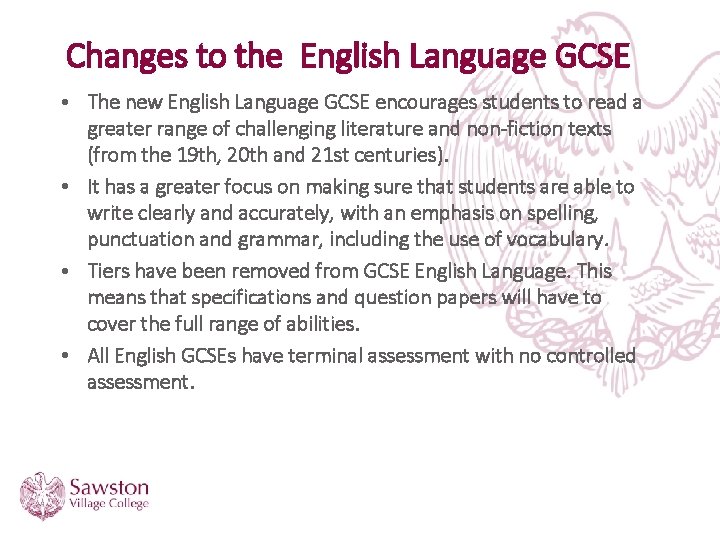
Changes to the English Language GCSE • The new English Language GCSE encourages students to read a greater range of challenging literature and non-fiction texts (from the 19 th, 20 th and 21 st centuries). • It has a greater focus on making sure that students are able to write clearly and accurately, with an emphasis on spelling, punctuation and grammar, including the use of vocabulary. • Tiers have been removed from GCSE English Language. This means that specifications and question papers will have to cover the full range of abilities. • All English GCSEs have terminal assessment with no controlled assessment.
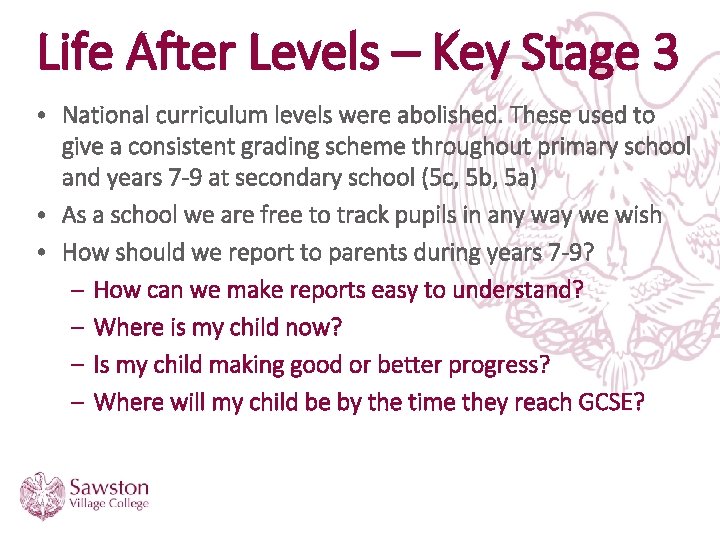
Life After Levels – Key Stage 3 • National curriculum levels were abolished. These used to give a consistent grading scheme throughout primary school and years 7 -9 at secondary school (5 c, 5 b, 5 a) • As a school we are free to track pupils in any way we wish • How should we report to parents during years 7 -9? – How can we make reports easy to understand? – Where is my child now? – Is my child making good or better progress? – Where will my child be by the time they reach GCSE?
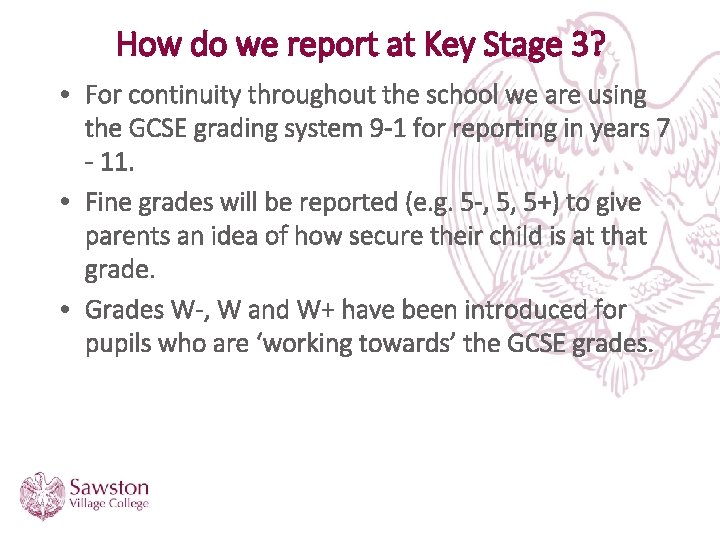
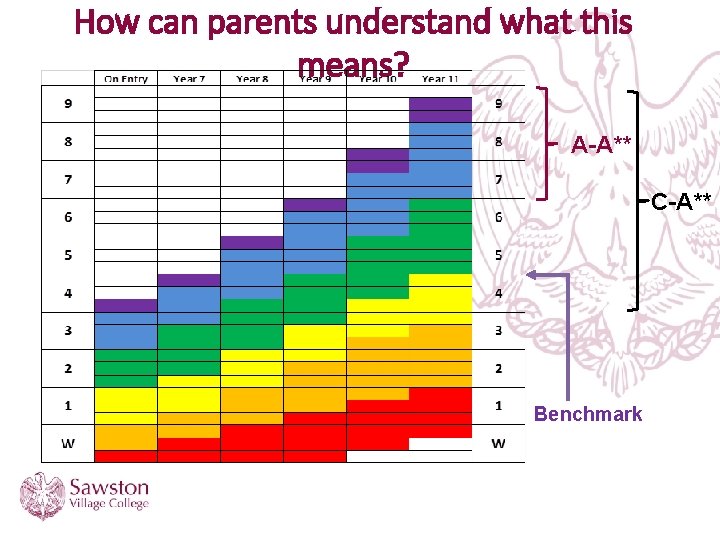
How do we report at Key Stage 3? • For continuity throughout the school we are using the GCSE grading system 9 -1 for reporting in years 7 - 11. • Fine grades will be reported (e. g. 5 -, 5, 5+) to give parents an idea of how secure their child is at that grade. • Grades W-, W and W+ have been introduced for pupils who are ‘working towards’ the GCSE grades.
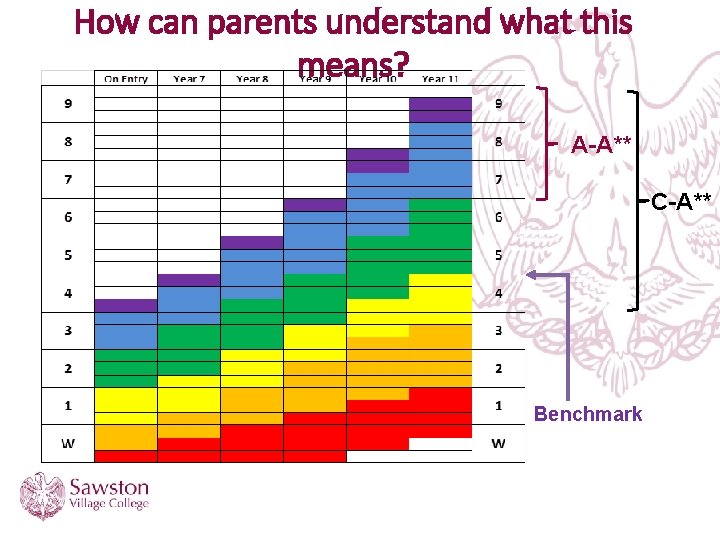
How can parents understand what this means? A-A** C-A** Benchmark
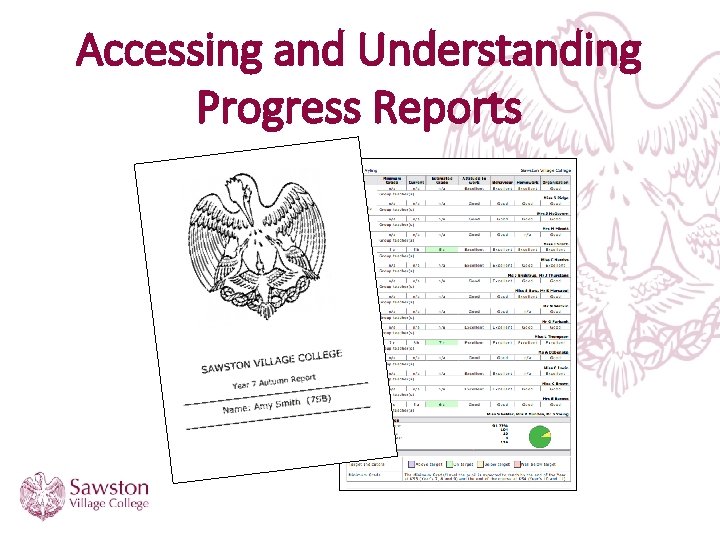
Accessing and Understanding Progress Reports
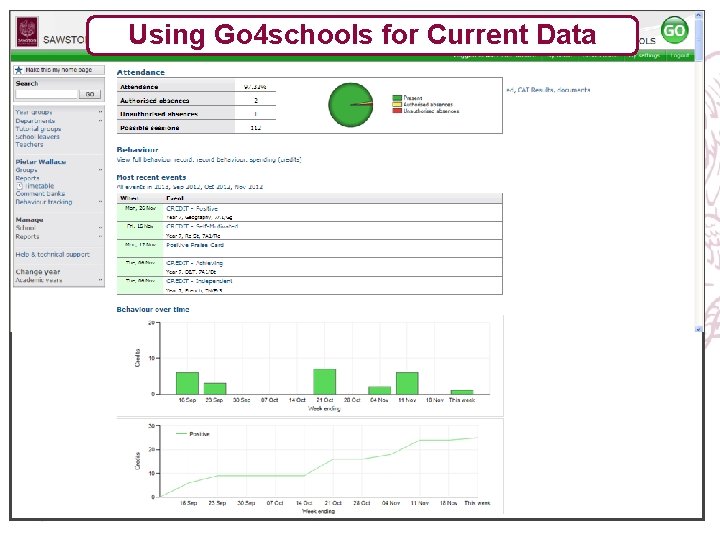
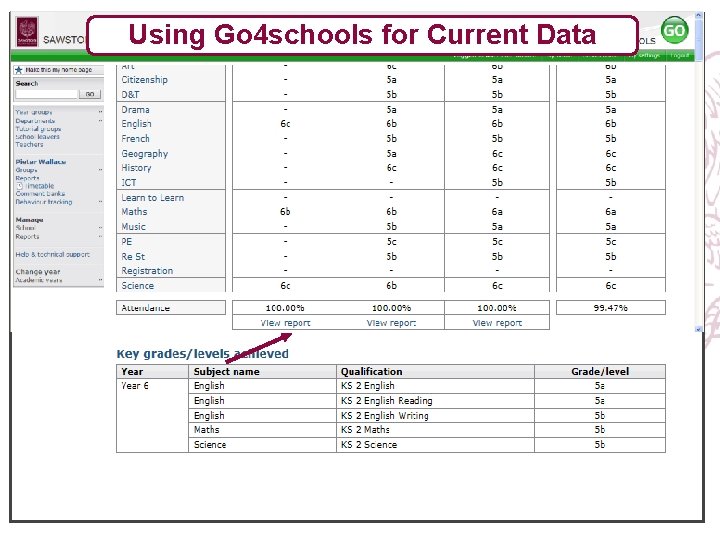
www. go 4 schools. com • Go 4 schools is an online tracking and assessment system created specifically for schools. • Parents are able to track their son/daughter’s progress in department assessments as well as to access termly reports. • Parents can track other pieces of key information like house points and attendance.
Accessing Reports • The school no longer sends home paper copies of reports. • Reports can be accessed at www. go 4 schools. com. Instructions on how to do this will be sent to all parents. • Paper copies can still be requested in advance of the reports going out. • The first year 7 report will go live on Friday.
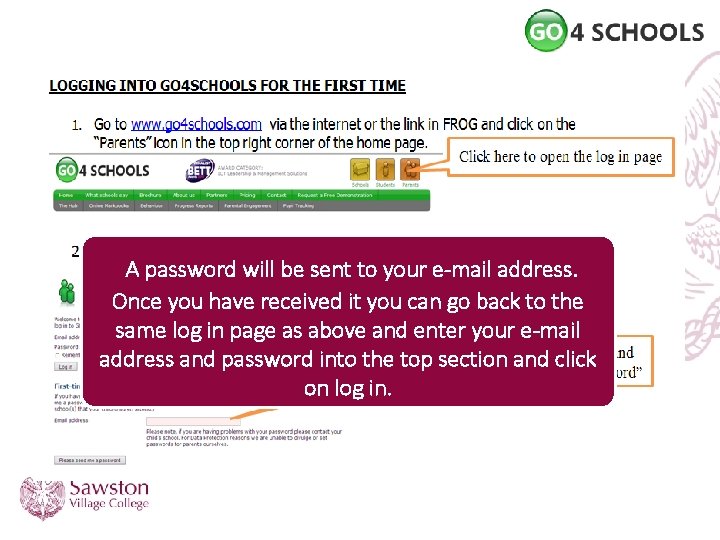
Accessing Reports A password will be sent to your e-mail address. Once you have received it you can go back to the same log in page as above and enter your e-mail address and password into the top section and click on log in.
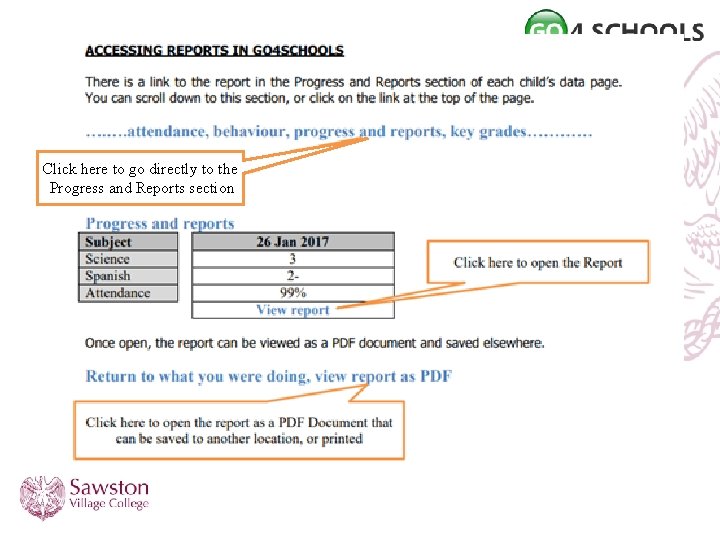
Click here to go directly to the Progress and Reports section
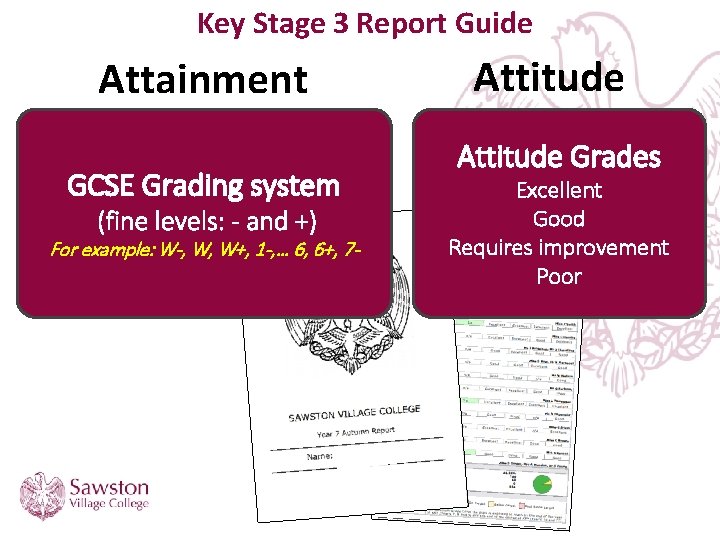
Key Stage 3 Report Guide Attainment GCSE Grading system (fine levels: - and +) For example: W-, W, W+, 1 -, … 6, 6+, 7 - Attitude Grades Excellent Good Requires improvement Poor
What is my Minimum Grade? The FA will expect England to reach the quarter. Achievable finals of the European Cup as a minimum. Challenging However, be upset Does they not will setnot a ceiling If England win.
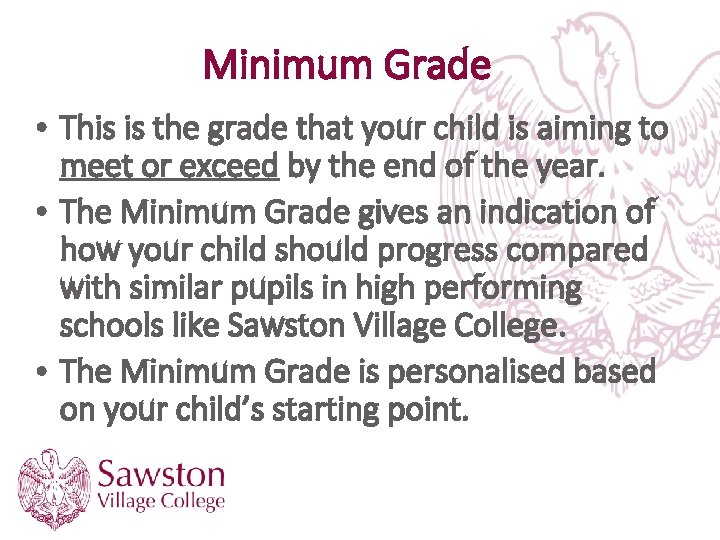
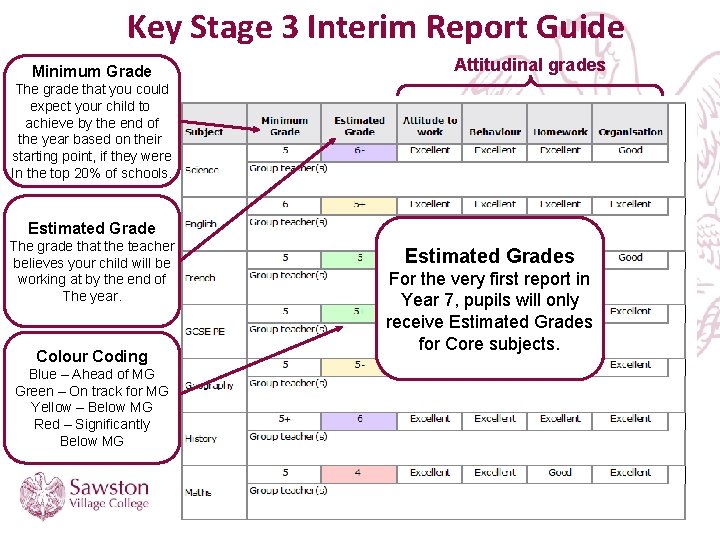
Minimum Grade • This is the grade that your child is aiming to meet or exceed by the end of the year. • The Minimum Grade gives an indication of how your child should progress compared with similar pupils in high performing schools like Sawston Village College. • The Minimum Grade is personalised based on your child’s starting point.
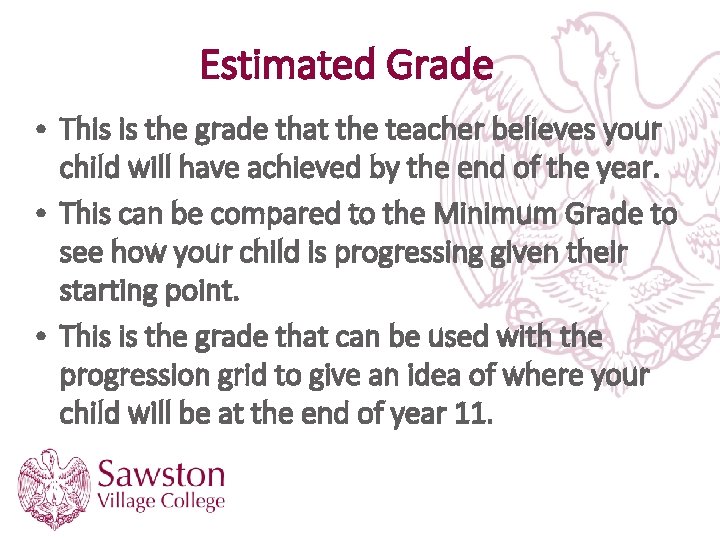
Estimated Grade • This is the grade that the teacher believes your child will have achieved by the end of the year. • This can be compared to the Minimum Grade to see how your child is progressing given their starting point. • This is the grade that can be used with the progression grid to give an idea of where your child will be at the end of year 11.
How can parents understand what this means? A-A** C-A** Benchmark
Subjects Where the Minimum Grade is Calculated Differently. Art, Music and PE No Minimum Grade is set in Year 7. Minimum grades in Year 8 and Year 9 are based on the pupils attainment in that subject the previous year adjusted for expected progress during the year. Languages As most pupils have not studied a language prior to joining SVC, Minimum Grades are set lower than other subjects to begin with and progress more rapidly than the progression grid suggests.
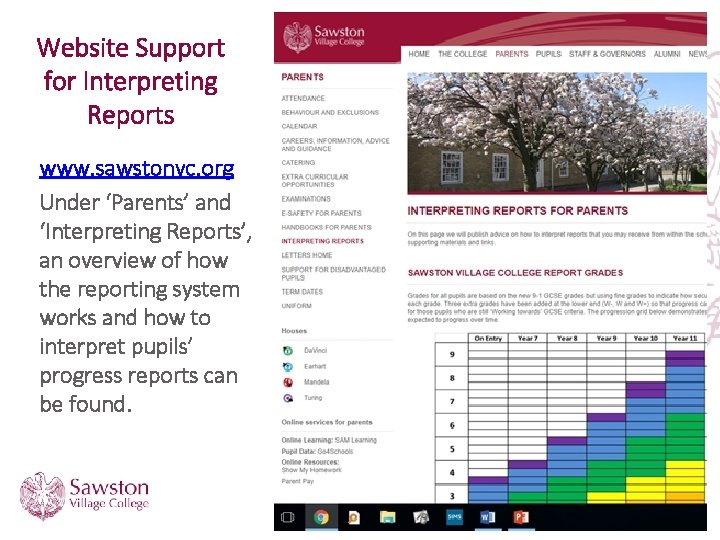
Website Support for Interpreting Reports www. sawstonvc. org Under ‘Parents’ and ‘Interpreting Reports’, an overview of how the reporting system works and how to interpret pupils’ progress reports can be found.
Key Stage 3 Interim Report Guide Minimum Grade Attitudinal grades The grade that you could expect your child to achieve by the end of the year based on their starting point, if they were In the top 20% of schools. Estimated Grade The grade that the teacher believes your child will be working at by the end of The year. Colour Coding Blue – Ahead of MG Green – On track for MG Yellow – Below MG Red – Significantly Below MG Estimated Grades For the very first report in Year 7, pupils will only receive Estimated Grades for Core subjects.
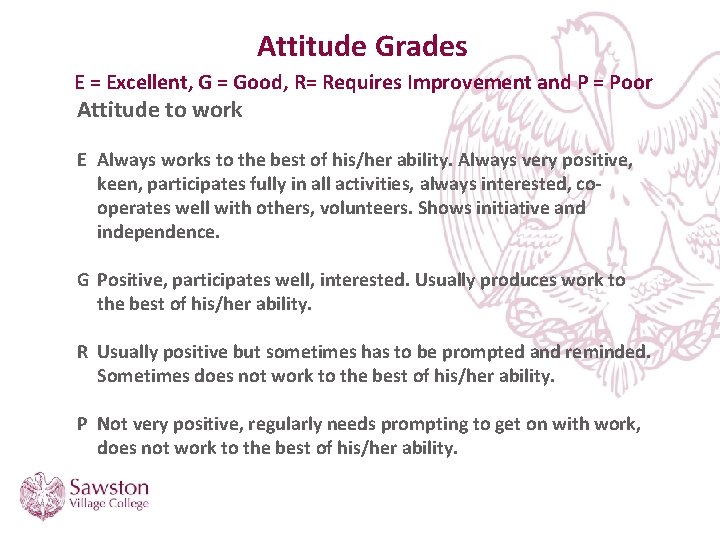
Attitude Grades E = Excellent, G = Good, R= Requires Improvement and P = Poor Attitude to work E Always works to the best of his/her ability. Always very positive, keen, participates fully in all activities, always interested, cooperates well with others, volunteers. Shows initiative and independence. G Positive, participates well, interested. Usually produces work to the best of his/her ability. R Usually positive but sometimes has to be prompted and reminded. Sometimes does not work to the best of his/her ability. P Not very positive, regularly needs prompting to get on with work, does not work to the best of his/her ability.
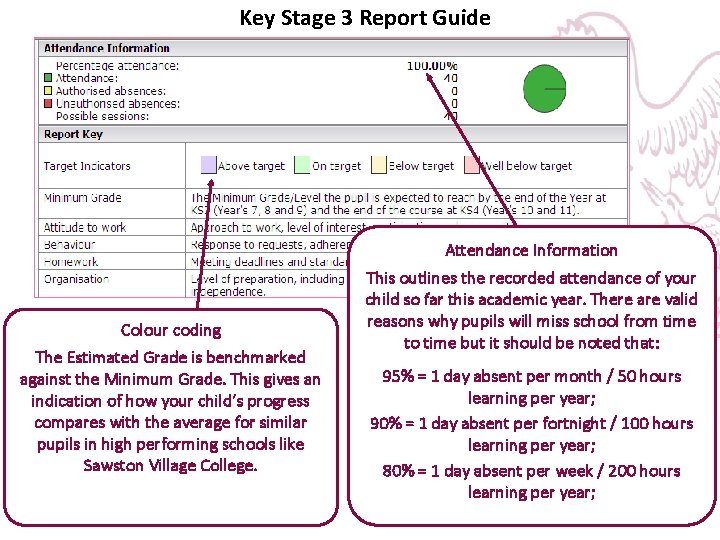
Key Stage 3 Report Guide Attendance Information Colour coding The Estimated Grade is benchmarked against the Minimum Grade. This gives an indication of how your child’s progress compares with the average for similar pupils in high performing schools like Sawston Village College. This outlines the recorded attendance of your child so far this academic year. There are valid reasons why pupils will miss school from time to time but it should be noted that: 95% = 1 day absent per month / 50 hours learning per year; 90% = 1 day absent per fortnight / 100 hours learning per year; 80% = 1 day absent per week / 200 hours learning per year;
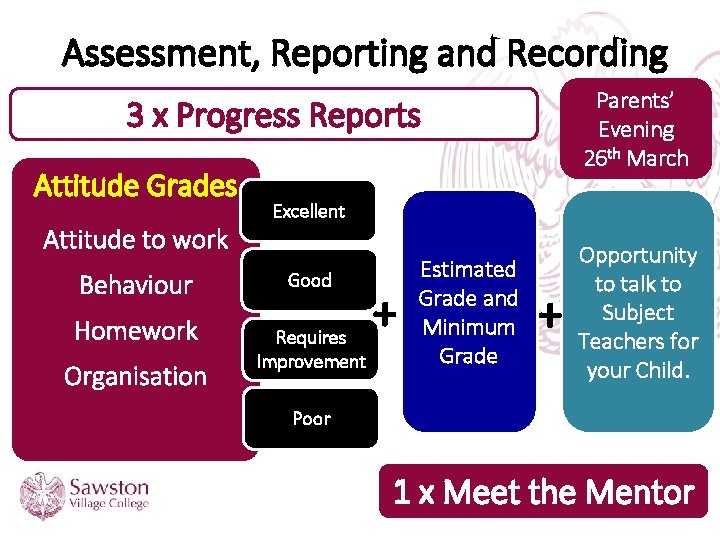
Assessment, Reporting and Recording Parents’ Evening 26 th March 3 x Progress Reports Attitude Grades Attitude to work Behaviour Homework Organisation Excellent Good Requires Improvement + Estimated Grade and Minimum Grade + Opportunity to talk to Subject Teachers for your Child. Poor 1 x Meet the Mentor
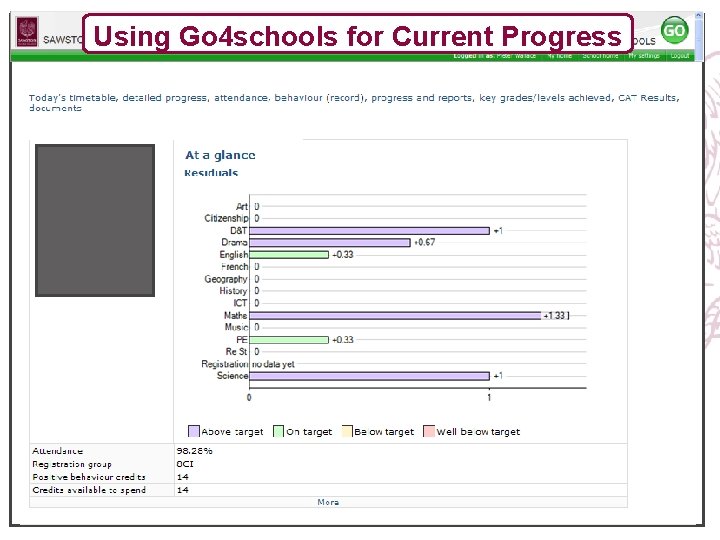
Using Go 4 schools for Current Progress
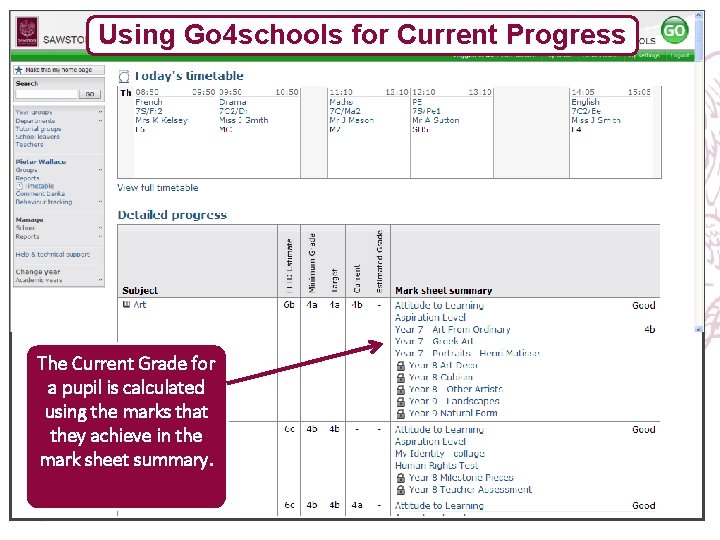
Using Go 4 schools for Current Progress The Current Grade for a pupil is calculated using the marks that they achieve in the mark sheet summary.
Using Go 4 schools for Current Data
Using Go 4 schools for Current Data Using
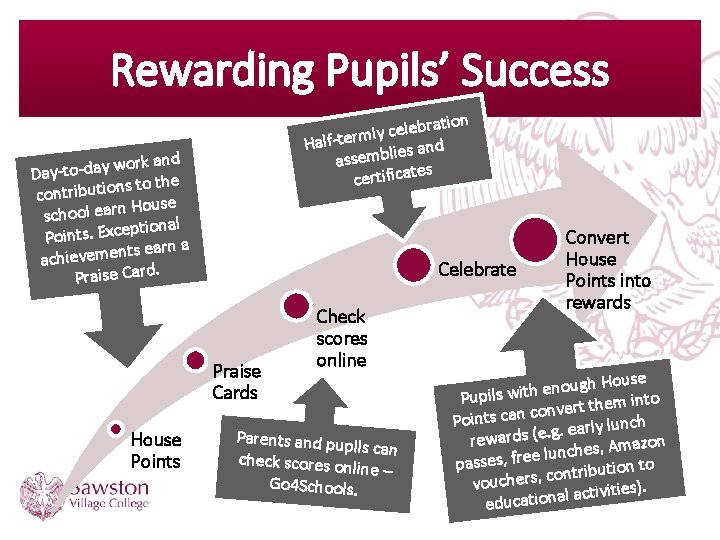
Rewarding Pupils’ Success bration e l e c y l Half-term lies and assemb es certificat work and Day-to-day s to the n io t u ib r t n co House school earn ptional Points. Exce s earn a t n e m e v ie h ac Praise Card. Celebrate Praise Cards House Points Check scores online Parents and pup ils can check scores on line – Go 4 Schools. Convert House Points into rewards ouse H h g u o n e Pupils with into m e h t t r e v n co Points can lunch ly r a e. g. e ( rewards mazon A , s e h c n lu passes, free ution to ib r t n o c , s r vouche ies). it iv t c a l a n educatio
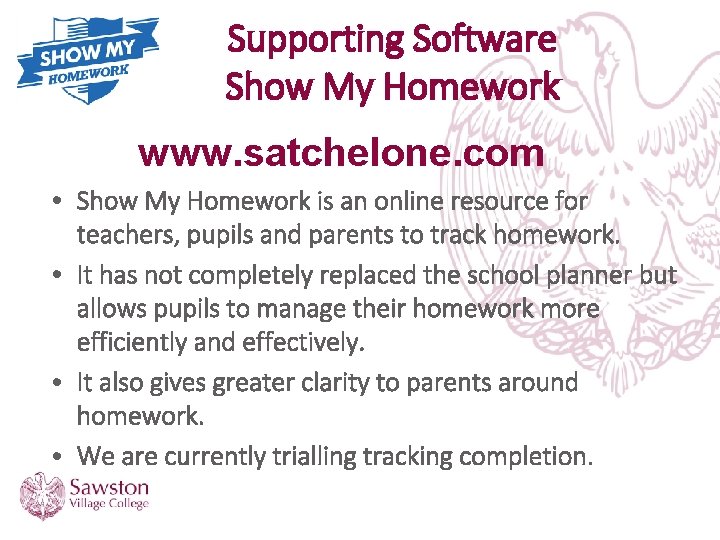
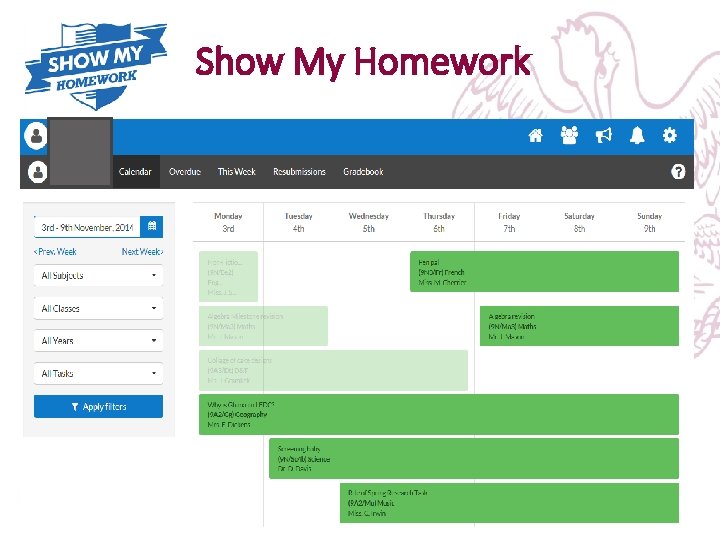
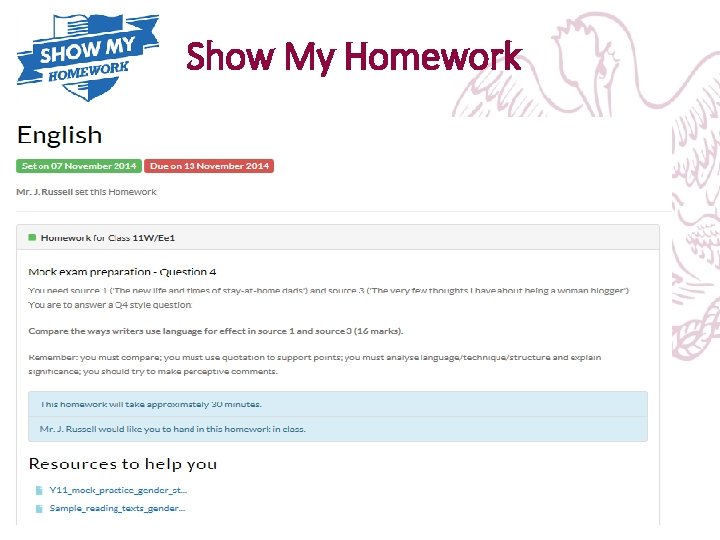
Supporting Software Show My Homework www. satchelone. com • Show My Homework is an online resource for teachers, pupils and parents to track homework. • It has not completely replaced the school planner but allows pupils to manage their homework more efficiently and effectively. • It also gives greater clarity to parents around homework. • We are currently trialling tracking completion.
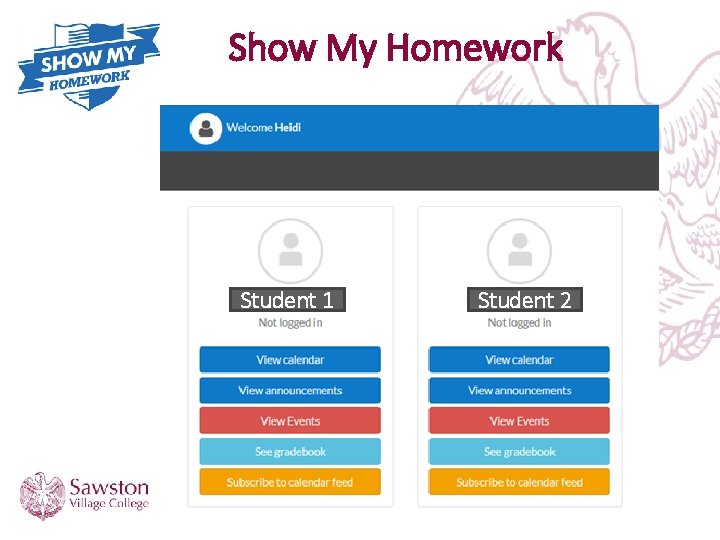
Show My Homework Student 1 Student 2
Show My Homework
Show My Homework
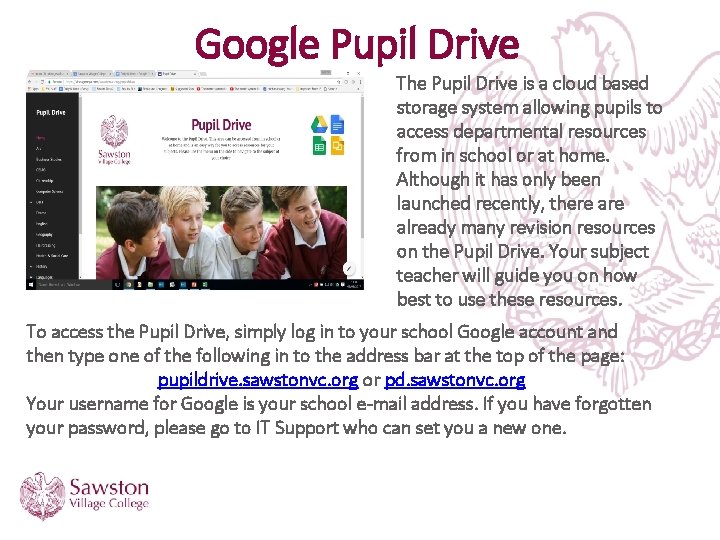
Google Pupil Drive The Pupil Drive is a cloud based storage system allowing pupils to access departmental resources from in school or at home. Although it has only been launched recently, there already many revision resources on the Pupil Drive. Your subject teacher will guide you on how best to use these resources. To access the Pupil Drive, simply log in to your school Google account and then type one of the following in to the address bar at the top of the page: pupildrive. sawstonvc. org or pd. sawstonvc. org Your username for Google is your school e-mail address. If you have forgotten your password, please go to IT Support who can set you a new one.
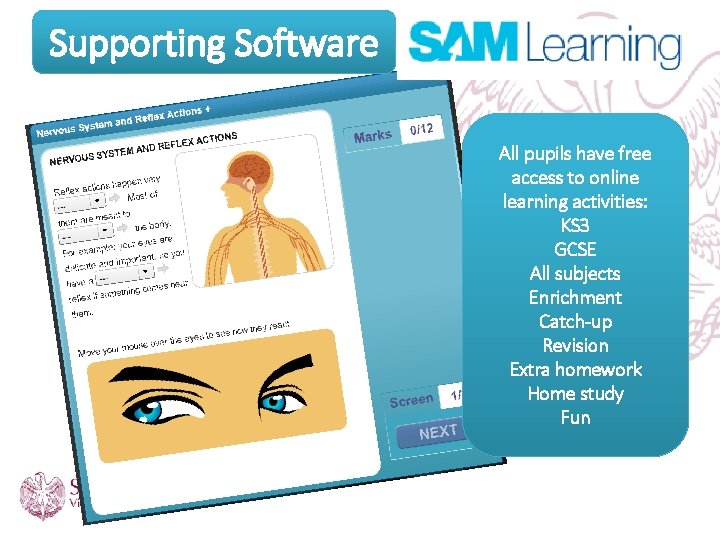
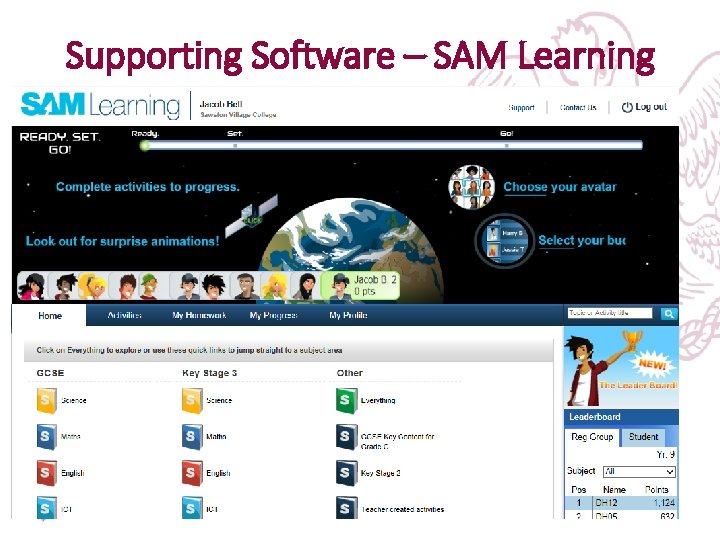
Supporting Software All pupils have free access to online learning activities: KS 3 GCSE All subjects Enrichment Catch-up Revision Extra homework Home study Fun
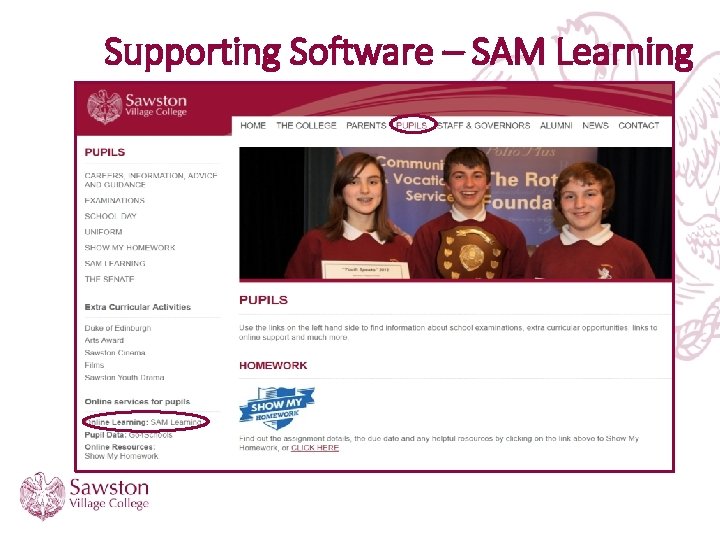
Supporting Software – SAM Learning
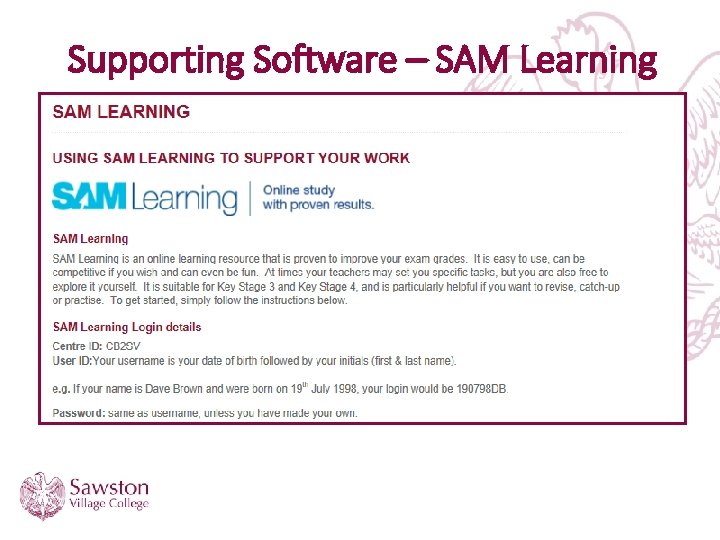
Supporting Software – SAM Learning
Supporting Software – SAM Learning
Interpreting Progress Reports and Supporting Progression Evening 19 th November 2019