
What is image processing Skills choosing an image

- Slides: 16
What is image processing? Skills: choosing an image processing program IT concepts: historical context for image processing, image processing programs, image processing operations This work is licensed under a Creative Commons Attribution-Noncommercial. Share Alike 3. 0 License.
Where does this topic fit? • Internet concepts – Applications – Technology – Implications • Internet skills – Application development – Content creation (images)
Let’s begin with a question: What data type did the first computers work with?
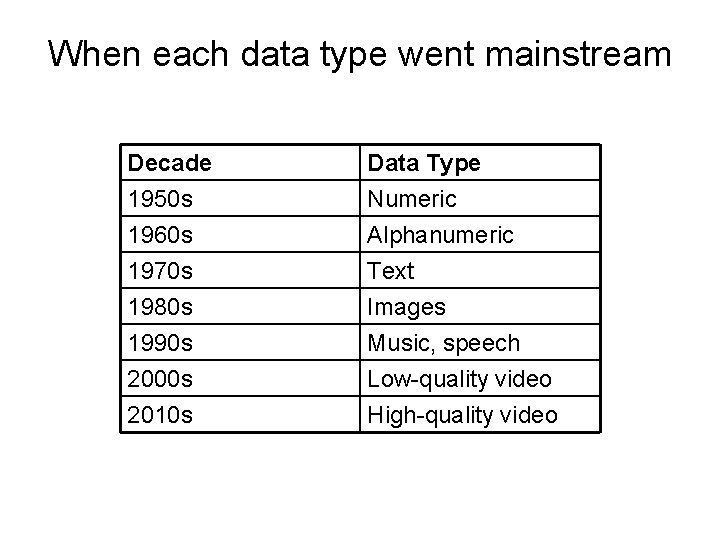
When each data type went mainstream Decade 1950 s 1960 s 1970 s Data Type Numeric Alphanumeric Text 1980 s 1990 s 2000 s 2010 s Images Music, speech Low-quality video High-quality video
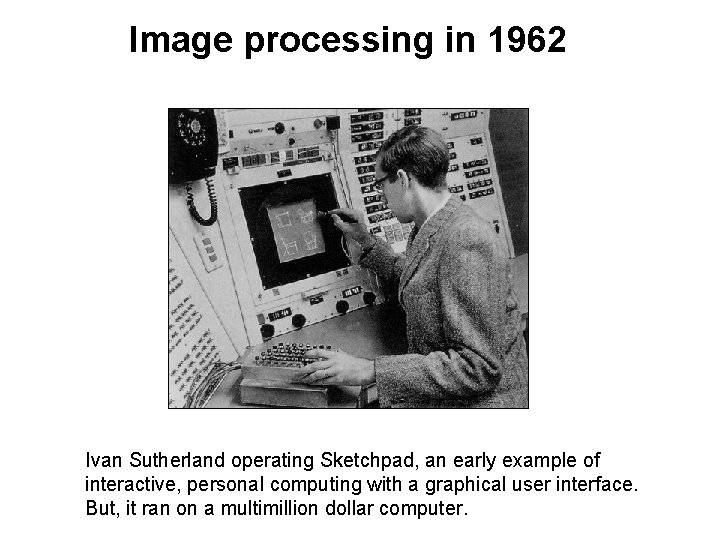
Image processing in 1962 Ivan Sutherland operating Sketchpad, an early example of interactive, personal computing with a graphical user interface. But, it ran on a multimillion dollar computer.
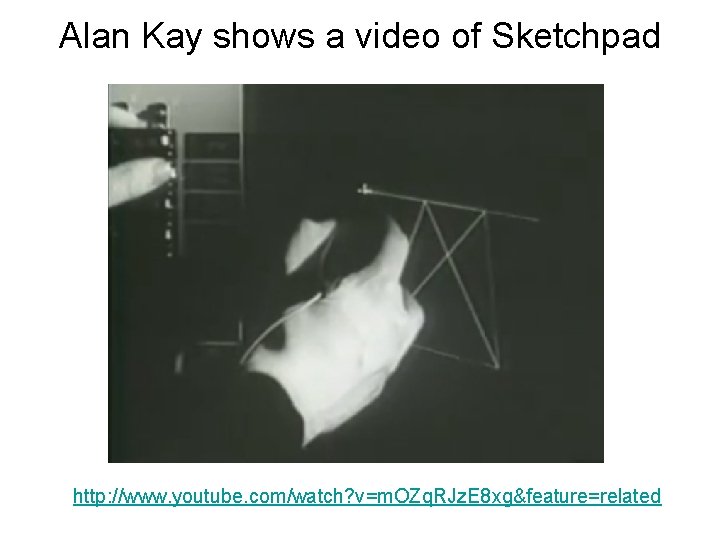
Alan Kay shows a video of Sketchpad http: //www. youtube. com/watch? v=m. OZq. RJz. E 8 xg&feature=related
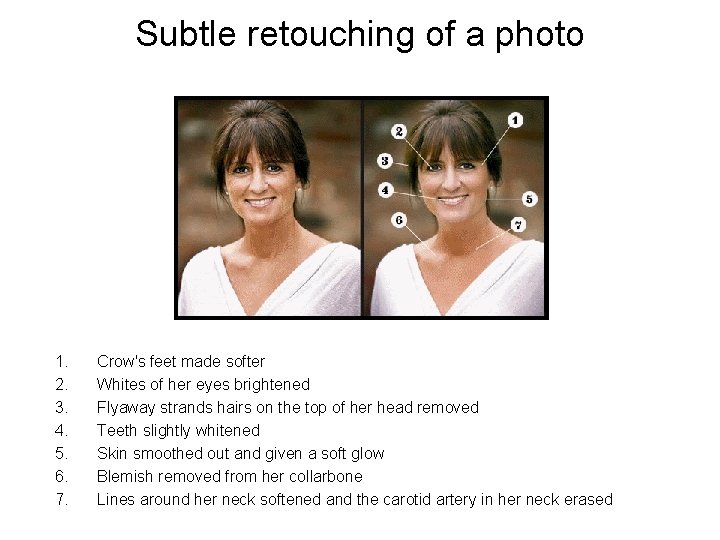
Subtle retouching of a photo 1. 2. 3. 4. 5. 6. 7. Crow's feet made softer Whites of her eyes brightened Flyaway strands hairs on the top of her head removed Teeth slightly whitened Skin smoothed out and given a soft glow Blemish removed from her collarbone Lines around her neck softened and the carotid artery in her neck erased
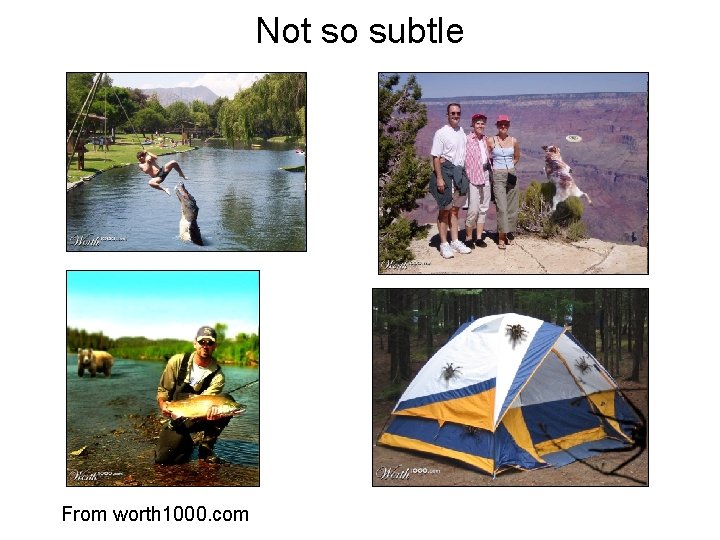
Not so subtle From worth 1000. com
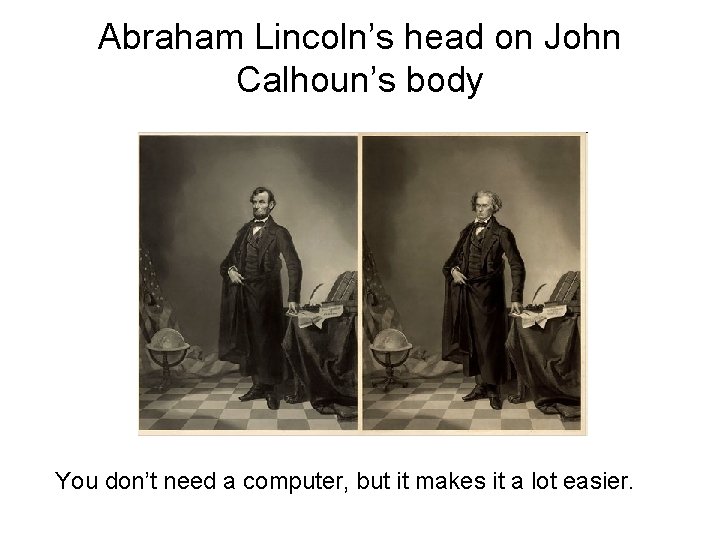
Abraham Lincoln’s head on John Calhoun’s body You don’t need a computer, but it makes it a lot easier.
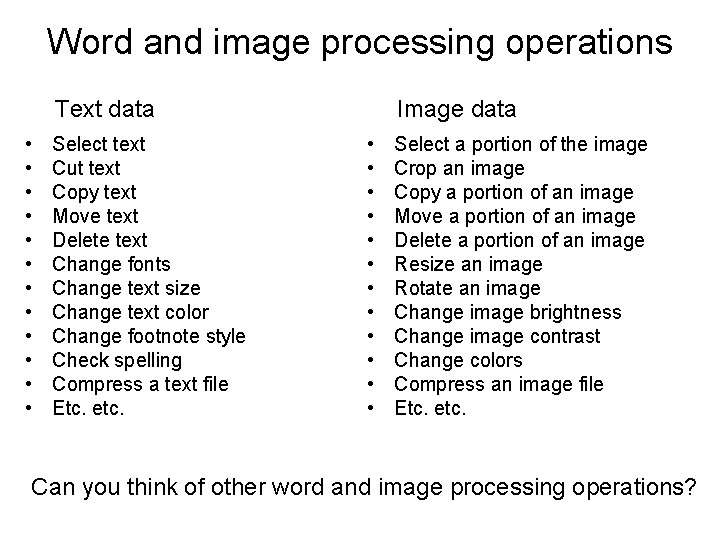
Word and image processing operations Text data • • • Select text Cut text Copy text Move text Delete text Change fonts Change text size Change text color Change footnote style Check spelling Compress a text file Etc. etc. Image data • • • Select a portion of the image Crop an image Copy a portion of an image Move a portion of an image Delete a portion of an image Resize an image Rotate an image Change image brightness Change image contrast Change colors Compress an image file Etc. etc. Can you think of other word and image processing operations?
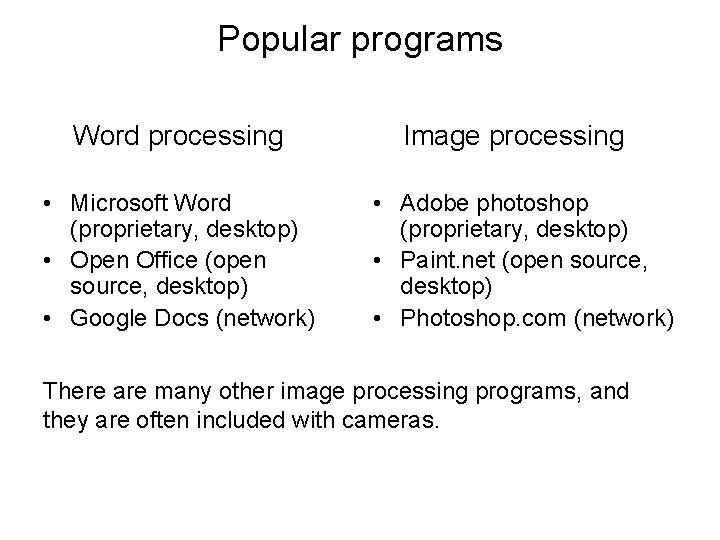
Popular programs Word processing • Microsoft Word (proprietary, desktop) • Open Office (open source, desktop) • Google Docs (network) Image processing • Adobe photoshop (proprietary, desktop) • Paint. net (open source, desktop) • Photoshop. com (network) There are many other image processing programs, and they are often included with cameras.
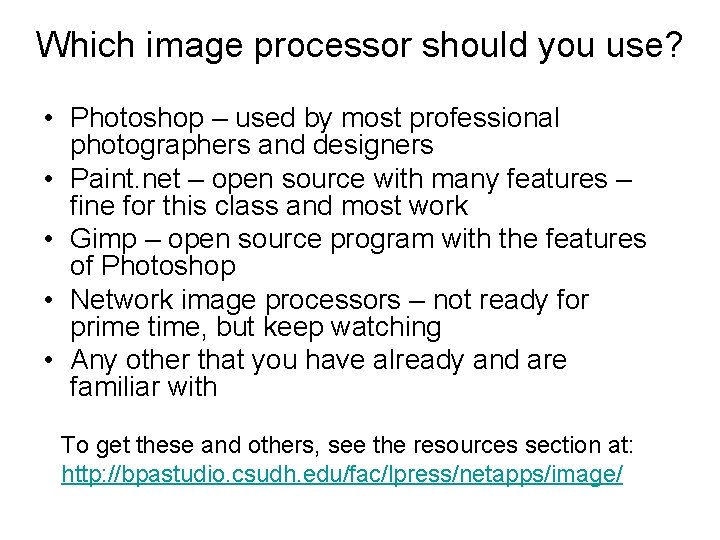
Which image processor should you use? • Photoshop – used by most professional photographers and designers • Paint. net – open source with many features – fine for this class and most work • Gimp – open source program with the features of Photoshop • Network image processors – not ready for prime time, but keep watching • Any other that you have already and are familiar with To get these and others, see the resources section at: http: //bpastudio. csudh. edu/fac/lpress/netapps/image/
How good do you need to be?
A few questions
We mentioned several types of data that we process. Without looking back, do you recall them? Do you recall which decade each became a popular, mainstream data type? Why didn’t we work with all of these data types from the start? We listed several word processing operations. Without looking back, can you recall some of them or list them based on your experience? We listed several image processing operations. Without looking back, can you recall some of them or list them based on your experience?
What is image processing? Skills: choosing an image processing program IT concepts: historical context of image processing, image processing programs, image processing operations This work is licensed under a Creative Commons Attribution-Noncommercial. Share Alike 3. 0 License.