
What is Canvas Click Image Canvas Overview for



- Slides: 10
What is Canvas? Click Image!
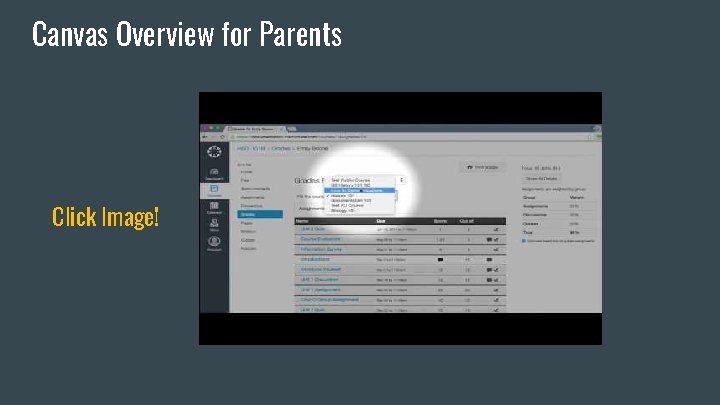
Canvas Overview for Parents Click Image!
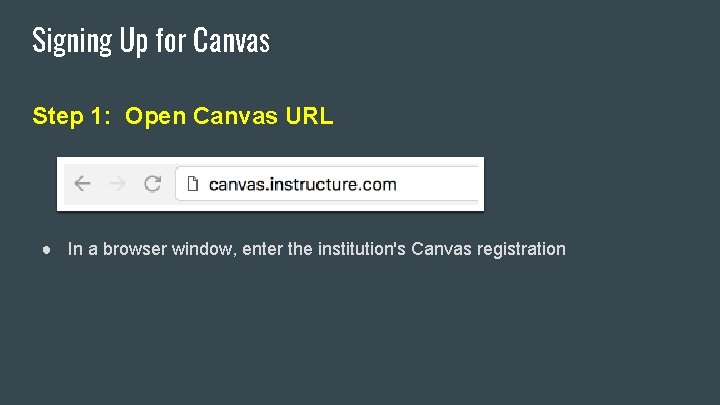
Signing Up for Canvas Step 1: Open Canvas URL ● In a browser window, enter the institution's Canvas registration
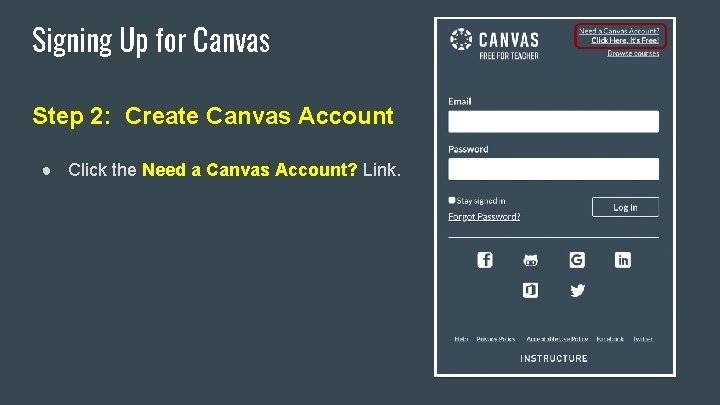
Signing Up for Canvas Step 2: Create Canvas Account ● Click the Need a Canvas Account? Link.
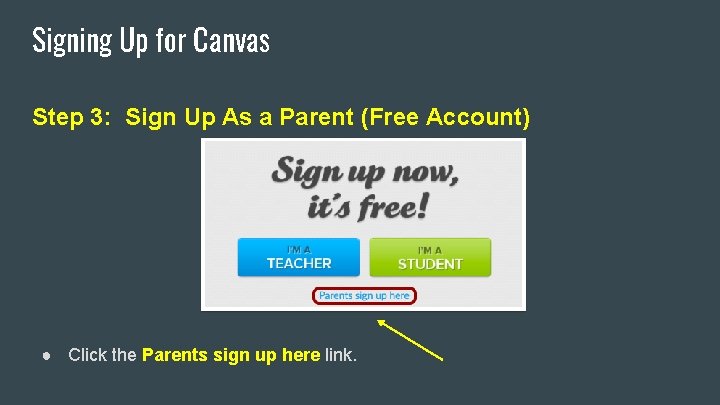
Signing Up for Canvas Step 3: Sign Up As a Parent (Free Account) ● Click the Parents sign up here link.
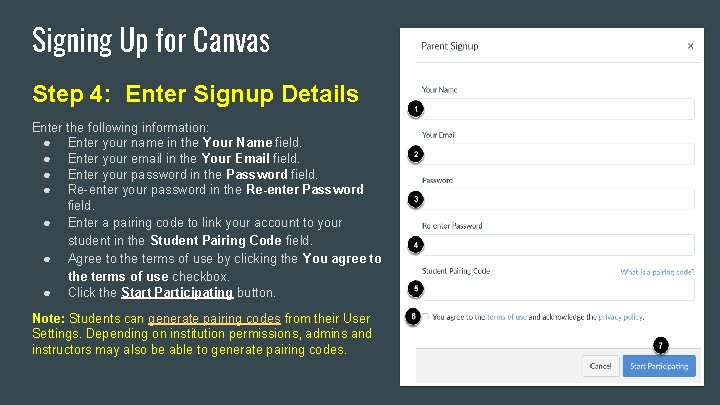
Signing Up for Canvas Step 4: Enter Signup Details Enter the following information: ● Enter your name in the Your Name field. ● Enter your email in the Your Email field. ● Enter your password in the Password field. ● Re-enter your password in the Re-enter Password field. ● Enter a pairing code to link your account to your student in the Student Pairing Code field. ● Agree to the terms of use by clicking the You agree to the terms of use checkbox. ● Click the Start Participating button. Note: Students can generate pairing codes from their User Settings. Depending on institution permissions, admins and instructors may also be able to generate pairing codes.
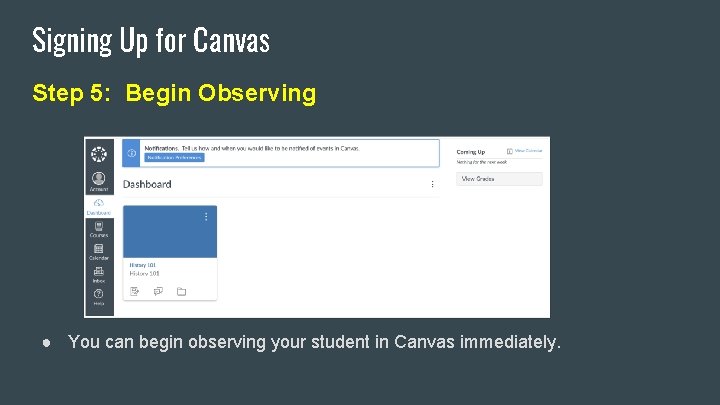
Signing Up for Canvas Step 5: Begin Observing ● You can begin observing your student in Canvas immediately.
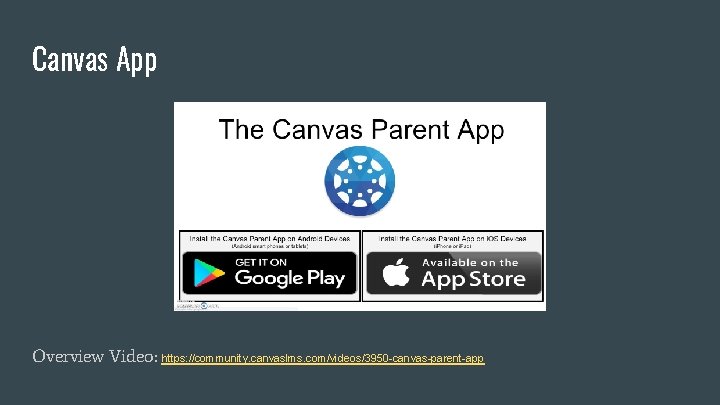
Canvas App Overview Video: https: //community. canvaslms. com/videos/3950 -canvas-parent-app
Canvas Help & Questions FCSD#6 Canvas Implementation Specialist: Amanda Nimmo amandan@fremont 6. org Canvas Support Hotline: (877)635 -0449