
What is Blackboard Bb Ally A Canvas plugin
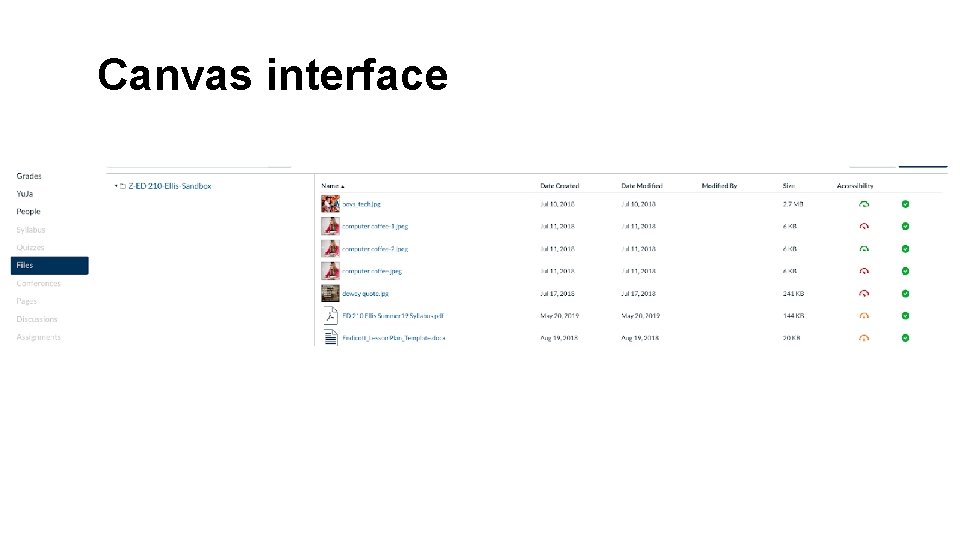
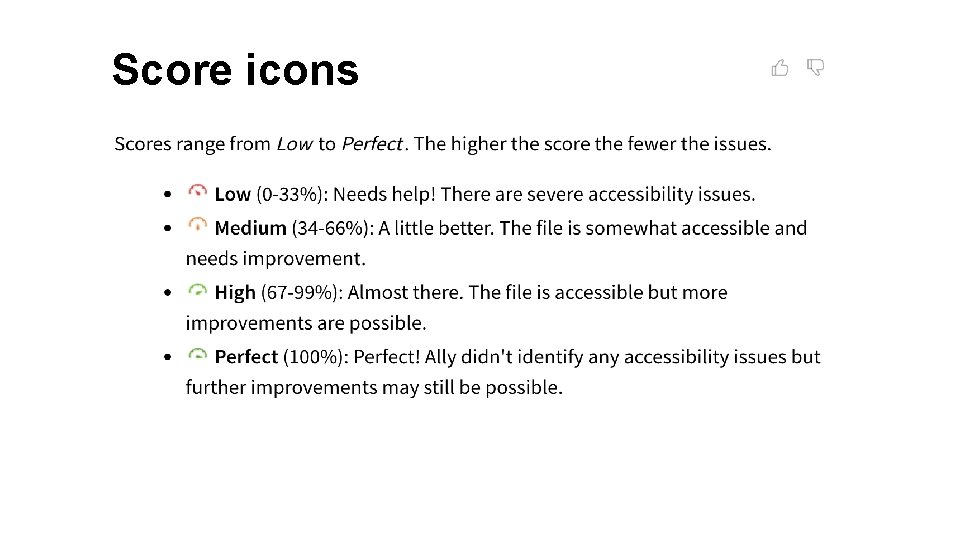
What is Blackboard (Bb) Ally? • A Canvas plug-in tool that: • Scans uploaded files • Provides an accessibility score and the reasons for that score • Shows you how to remediate the file.
Why make your course content accessible? • Accessibility ensures that all students can access all course materials and use them as needed. • Adhering to the principles of Universal Design for Learning (UDL) makes for a better learning experience for all students.
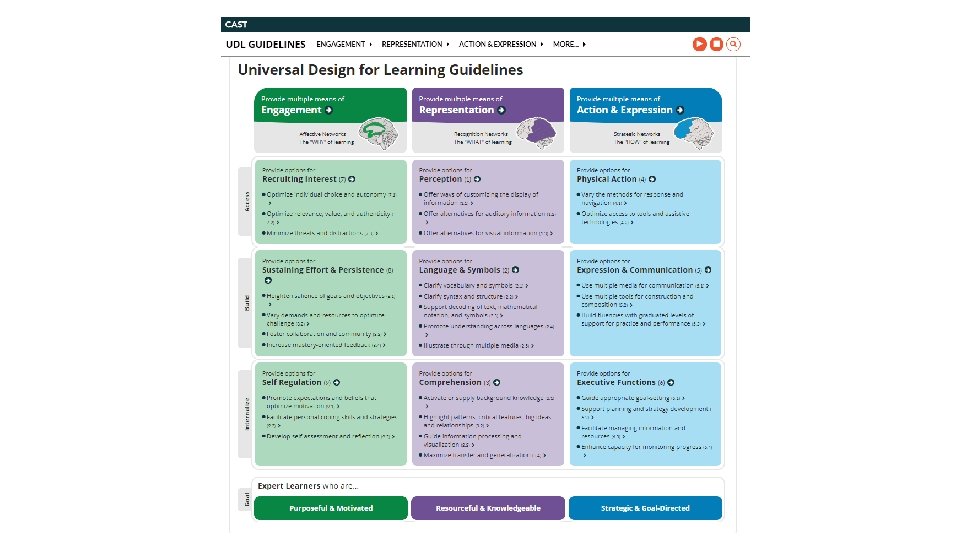
Why make your course content accessible? • Adhering to the principles of Universal Design for Learning (UDL) makes for a better learning experience for all students.
Why make your course content accessible? • Legally, Endicott is required by the Americans with Disabilities Act (ADA) and the Web Content Accessibility (WCAG) 2. 0 AA Standards to make all its web content, both internal and external, fully accessible so that everyone is able to access and use these materials as required to fulfill their employment responsibilities and/or pursue their academic studies regardless of any visual, auditory, physical, speech, cognitive, or neurological disabilities.
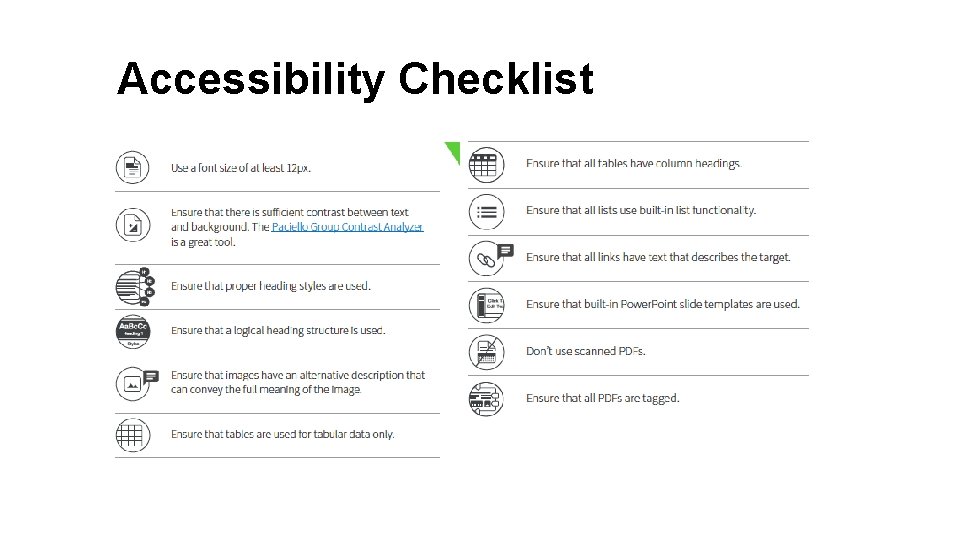
Accessibility Checklist
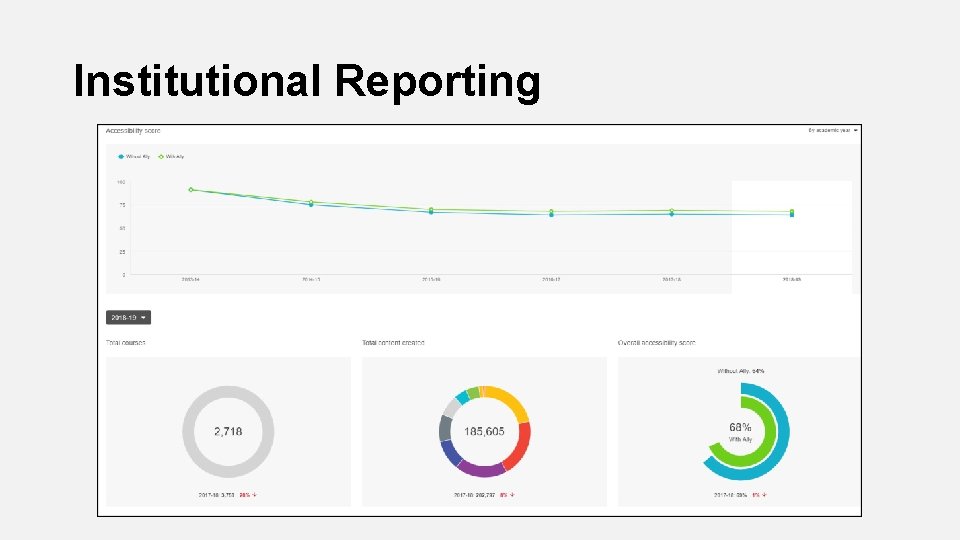
Why Use Bb Ally? • Seamless integration with Canvas • Easy to use, intuitive interface • Works with multiple file types and alternative formats • Provides institutional reporting
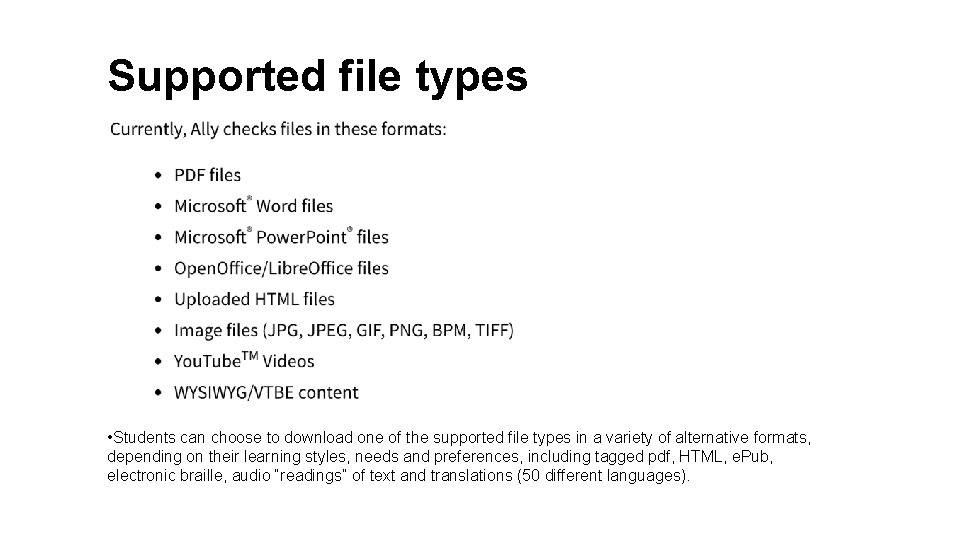
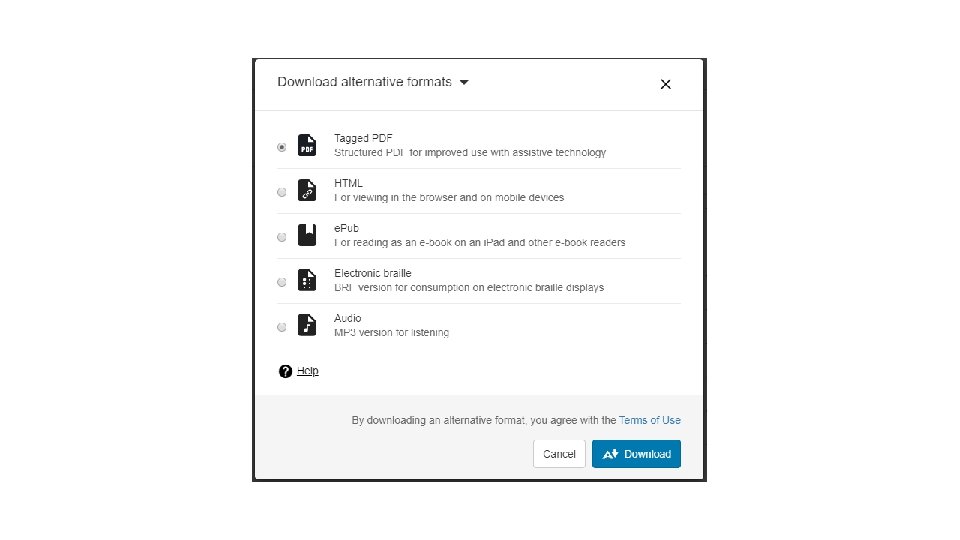
Supported file types • Students can choose to download one of the supported file types in a variety of alternative formats, depending on their learning styles, needs and preferences, including tagged pdf, HTML, e. Pub, electronic braille, audio “readings” of text and translations (50 different languages).
Canvas interface
Score icons
Institutional Reporting
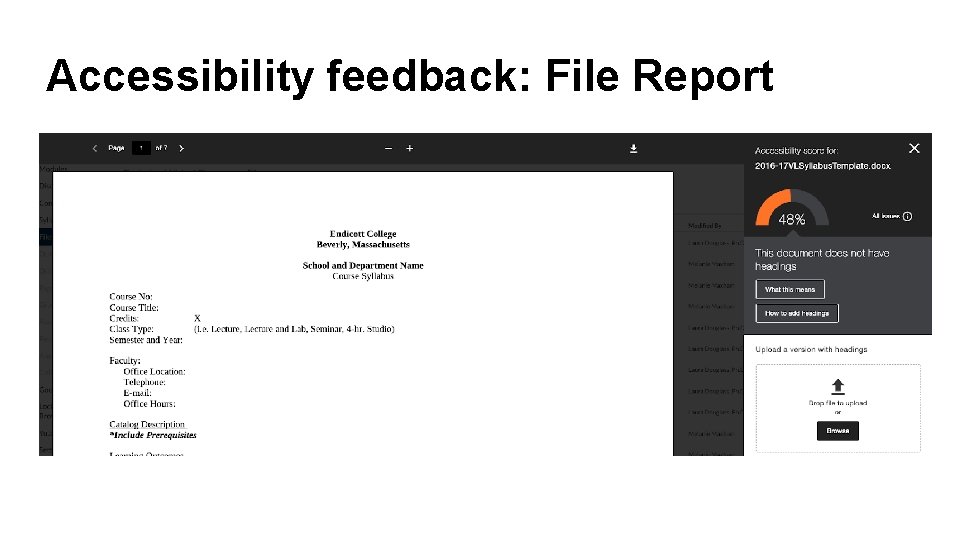
Accessibility feedback: File Report
2 “features” to be aware of • Minimum of 12 paragraphs necessary for Ally to flag missing headings • Only highlights one issue at a time, unless you click on “Fix”
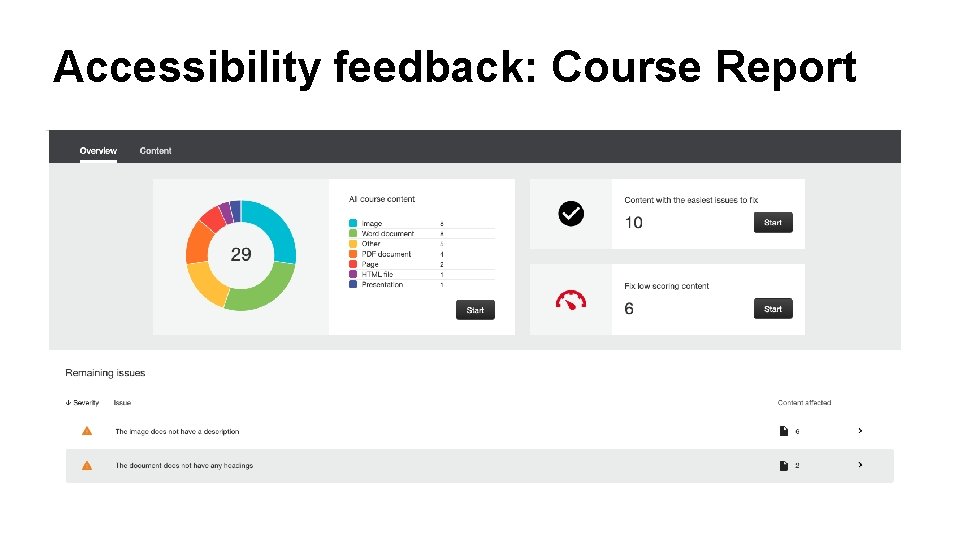
Accessibility feedback: Course Report
What else do you need to know? • Bb Ally can analyze Word documents, image files, pdfs, HTML, e. Publications and others. • Students can choose to download one of the supported file types in a variety of alternative formats, depending on their learning styles, needs and preferences, including tagged pdf, HTML, e. Pub, electronic braille, audio “readings” of text and translations (50 different languages).
If you’re interested in trying Bb Ally. Next Steps • Visit the Academic Technology support site for a short training video and other resources • Click on the Instructor Learning Resources link to access online training and support materials. • Contact Jane Tutein (jtutein@endicott. edu) or Kent Barclay (kbarclay@endicott. edu) if you’d like to activate Bb Ally in one or more of your courses.
Canvas Example
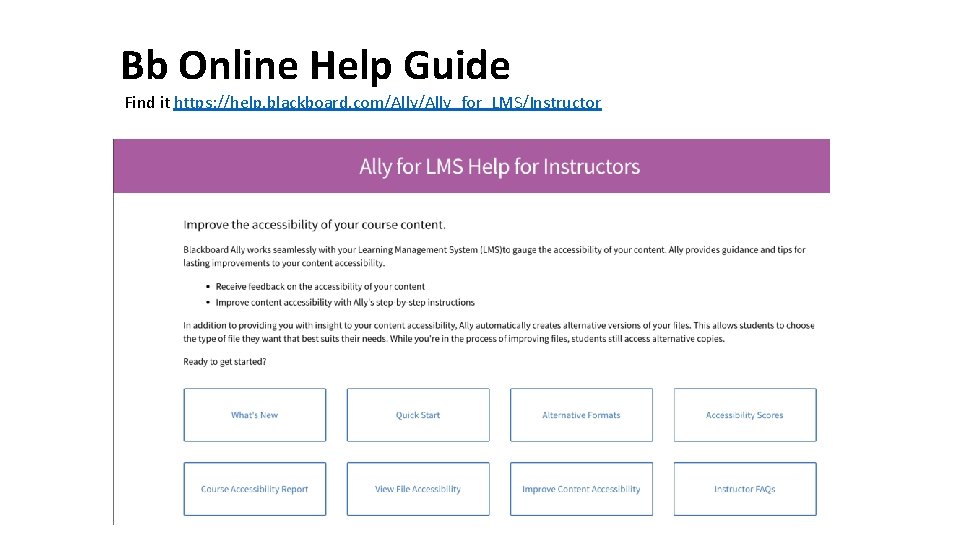
Bb Online Help Guide Find it https: //help. blackboard. com/Ally_for_LMS/Instructor
More info available on our AT blog • Workshop this Friday 11 -19 -19 @ 10 AM in LIB 105 • https: //ecacadtech. net/canvas-2/blackboard-ally-and-canvas/
- Slides: 20