
WHAT IS A DATABASE A database is an
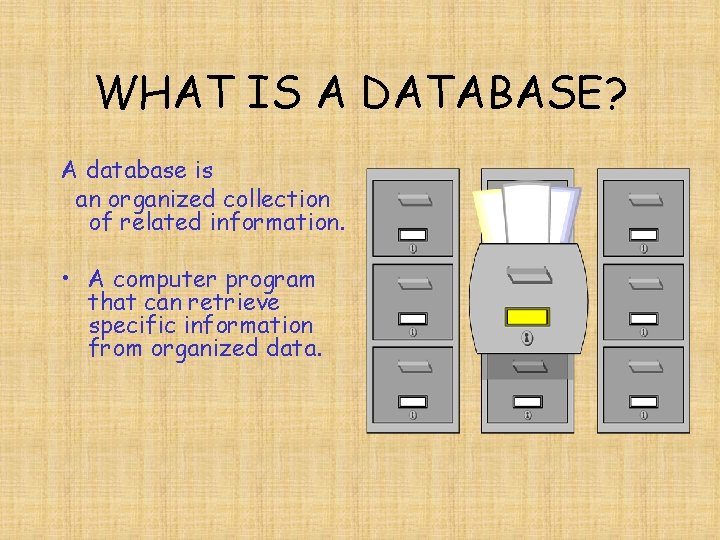
WHAT IS A DATABASE? A database is an organized collection of related information. • A computer program that can retrieve specific information from organized data.
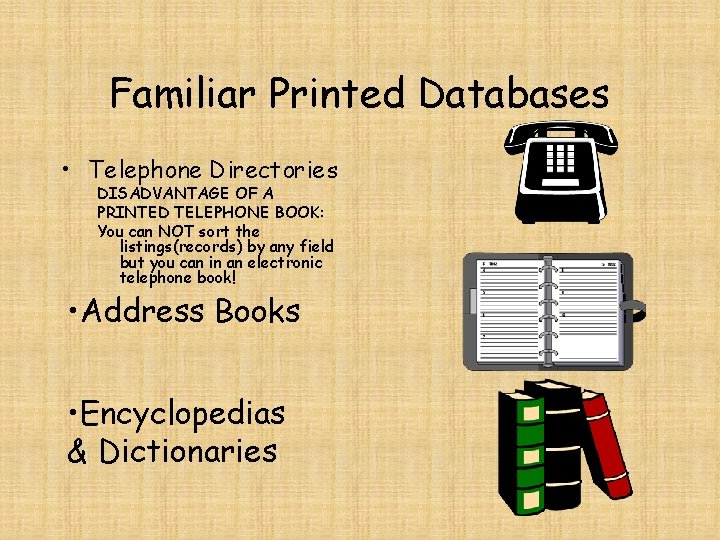
Familiar Printed Databases • Telephone Directories DISADVANTAGE OF A PRINTED TELEPHONE BOOK: You can NOT sort the listings(records) by any field but you can in an electronic telephone book! • Address Books • Encyclopedias & Dictionaries
Familiar Computerized or Electronic Databases • SIMS (Student Information Management System) • Automated Card Catalog or library system The media center eliminated the card catalog with this version of computerized database. • Electronic Mailing List • CD-Rom Encyclopedias & Electronic Dictionaries
• Advantages/Benefits of Computerized Databases Speed • Can hold MORE than 100 records • Search to find a specific records that match certain conditions • Keep an up-to-date listing of friends’ phone numbers • Organizing your family’s favorite recipes • Can save many records on a small diskette • Can alphabetize and sort data faster than people – Sorts information alphabetically or numerically – Listings (records) can be sorted by any field (can easily change the sort order) • Keeps accurate records of almost any type – Is as accurate as the data that is entered • Can make many different types of reports • Can add, delete or edit data easily • Can save many records on a small diskette
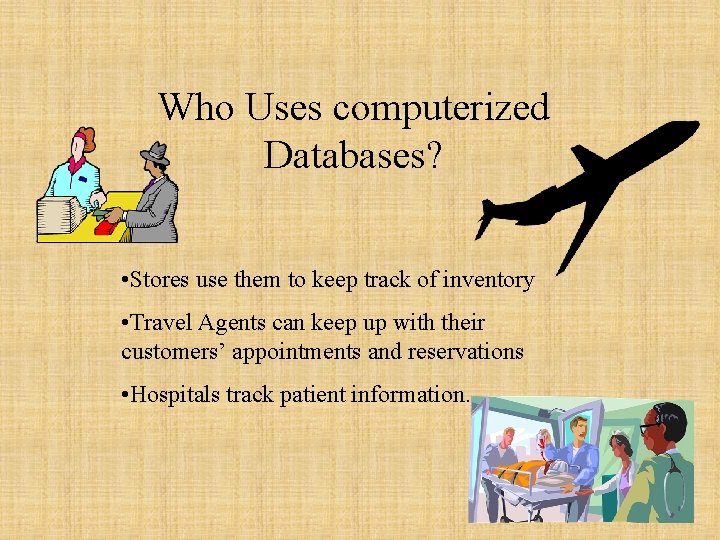
Who Uses computerized Databases? • Stores use them to keep track of inventory • Travel Agents can keep up with their customers’ appointments and reservations • Hospitals track patient information.
PARTS OF A DATABASE • Data Type (Format) – the different types of data entered in a database; for example: number, text, date/time, etc. • Date and Time – used for storing dates and times in a specific format to allow you to do such things as aging an account or time an event. • Logical – can be one of two entries, basically YES or NO (ON or OFF -TRUE or FALSE). • Memo – used for information that does not fit easily into a category such as notes or comments.
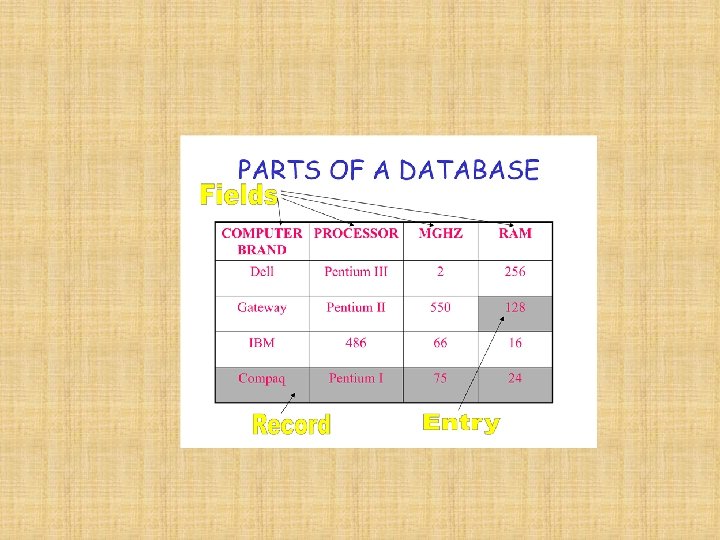
Parts of a Database - cont’d • Numeric – used to store purely numeric information. • Object – used for other media types that might include a picture of an employee or product, a sound file, a clip-art image, or any other type of non-text entry. • Text – used to store alphanumeric information. May also be called a character field. • Field – a category of information.
Parts of a Database - cont’d Field Name – A label at the top of a database column that describes the kind of information to be stored in the column. Entry – the information that is entered in the fields in a database. Record – a complete set of field entries. – Record number – the number that identifies the sequence of a record in a database. – File – a group of records. Also known as a table in some database programs.
Database Views • Datasheet/List View – displays the table data in a row-and-column format. – Used to enter data. – Displays several records at one time. • Design View – place to create field names and data types for a database. • Form view – used to display/design one record at a time and/or to enter information. – Can include pictures, borders, or special formatting.
DATABASE FUNCTIONS • Database Report – allows one to organize, summarize, and print selected portions of a database. • Sorting – arranging information in alphabetical or numerical order. – Ascending – sorting from smallest to largest. Example: A – Z or 0 – 9. – Descending – sorting from largest to smallest. Example: Z – A or 9 – 0. • Filter/Query/Search – a feature that displays records that meet one or more specific criteria. – Connectors – words like OR and AND used in searching databases which indicate whether records must satisfy one rule (OR) or if both rules must be satisfied (AND).
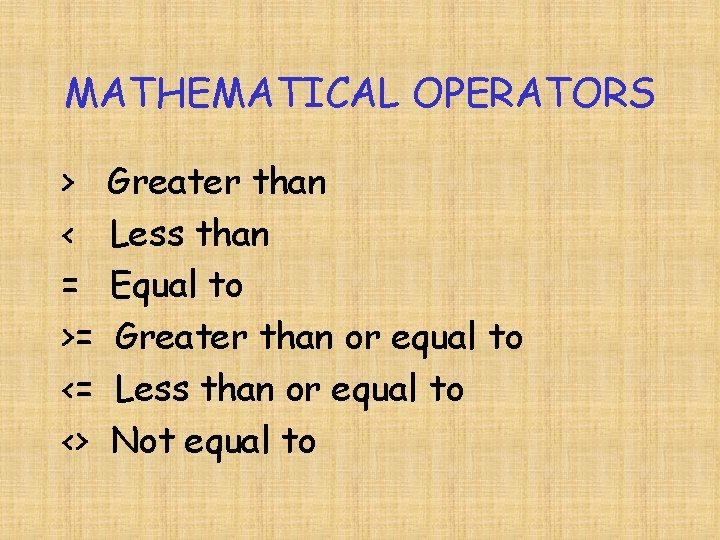
MATHEMATICAL OPERATORS > < = >= <= <> Greater than Less than Equal to Greater than or equal to Less than or equal to Not equal to
Creating a Database • Create field names and data types • Enter data – Adjust field widths as needed • Add and delete fields as needed • Save the database
Manipulating a Database • Retrieve a database file • Sort the database file – Use questions that involve ascending and descending order • Filter/Query/Search the database file – Use questions that involve one, two, and three criterion – Use questions that change the connector term from and to or
Manipulating continued • Create a Report – Name Report – Choose Layout and Format – Choose Fields to Include – Determine a Sort Order – Create a Filter
PRINTING A DATABASE • Print the Database – Choose page orientation – Choose whether you desire to print gridlines, record, and field labels – Preview and adjust as needed – Print the database
- Slides: 17