
What Else Does Zoom Do An Advanced Guide
- Slides: 17
What Else Does Zoom Do? An Advanced Guide to Zoom © 2020 The University of British Columbia The work is licensed under Creative Commons Attribution-Non-Commercial-No. Derivatives 4. 0 International License (http: //creativecommons. org/licenses/by-nc-nd/4. 0/). Created by UBC Digital Emergency Medicine. For permissions to use this work for commercial purposes please contact The University of British Columbia’s University-Industry Liaison Office.
Why should you care about this presentation? ➔ You will feel more confident in your abilities to use Zoom ➔ You will learn and be creative with other zoom features ➔ You will find it easier to connect with people Why Should I Learn more about Zoom? Specific skills you will learn ➔ ➔ ➔ Learn how to schedule a meeting with Chrome & Outlook Learn what the additional features in Zoom are Why these features are used Learn how to use these extra features Become more confident with Zoom’s features Extend your capabilities when using Zoom
Scheduling a Meeting (Chrome) - Visual Click the link to watch a short video tutorial on You. Tube!
Scheduling a Meeting (Outlook) - Visual Click the link to watch a short video tutorial on You. Tube!
Notable Features Include: Zoom Features ➔ Recording ➔ Multi-Share/Screen Share ➔ Chat ➔ Virtual Background ➔ Calendar Integration ➔ Waiting Room ➔ Personal Meeting Room
Screen Recording - Visual Click the link to watch a short video tutorial on You. Tube!
Recording Playback with Audio, Screen Share & Transcription - Visual Click the link to watch a short video tutorial on You. Tube!
Screen-Share - Visual Click the link to watch a short video tutorial on You. Tube!
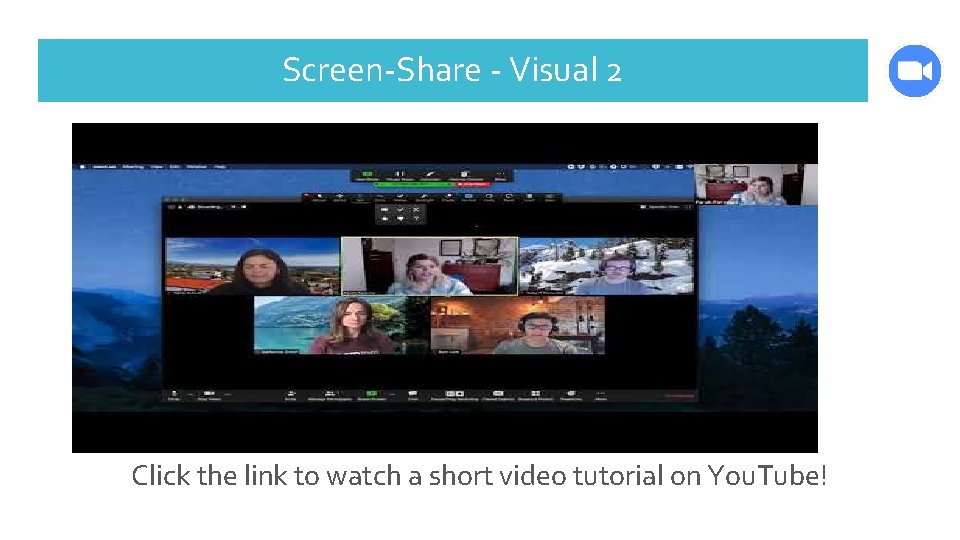
Screen-Share - Visual 2 Click the link to watch a short video tutorial on You. Tube!
Virtual Backgrounds- Visual Click the link to watch a short video tutorial on You. Tube!
Updating Your Zoom Why should you update your Zoom ? You should keep your Zoom updated so: ➔ It allows Zoom to run properly ➔ It fixes previous problems & bugs ➔ Your feature work properly ➔ Any updates are added to your Zoom!
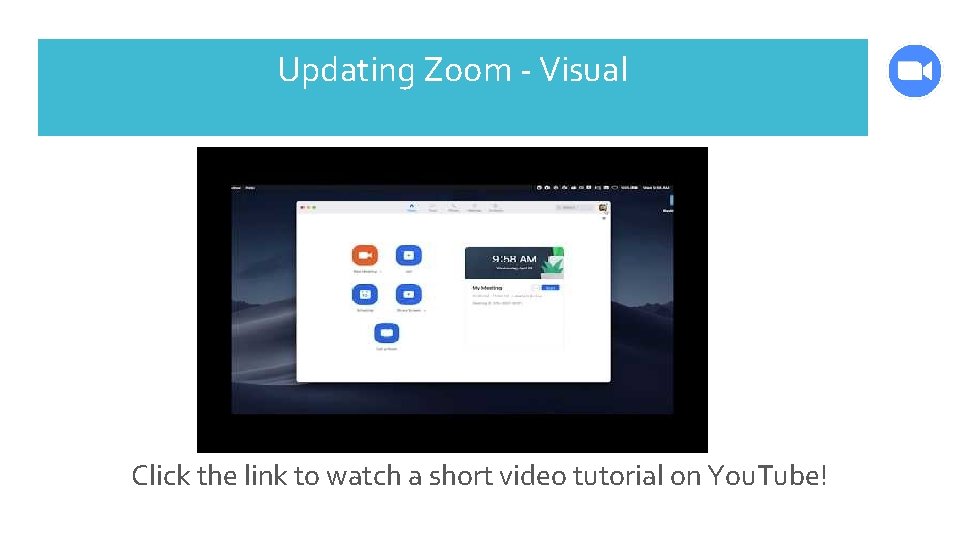
How to Update Your Zoom 1. Sign into your Zoom Account 2. Click on your profile picture or picture icon in the top right corner 3. Next a drop down menu will appear close to the bottom you will find “Check For Updates” 4. Click on “Check for Updates” 5. If a new version/update is available Zoom will then download & install it
Updating Zoom - Visual Click the link to watch a short video tutorial on You. Tube!
The topics that were covered today included: Presentation Summary What the Additional Zoom Features Are ◆ Scheduling using Outlook & Chrome ◆ Recording ◆ Screen Share ◆ Chat ◆ Virtual Backgrounds ◆ Calendar Integration ◆ Waiting Rooms ➔ Why & How each feature is used ➔ How Update your Zoom
Check out more great features of zoom on the document called “Zoom Video Tutorials. ” This is available in the additional resources within the i. CON Digital Health Literacy toolkit Conclusion Here you will find a list of descriptions of great features and links to the tutorial videos
Breakout Room - Visual Click the link to watch a short video tutorial on You. Tube!
➔ https: //www. pocket-lint. com/apps/news/151426 -what-is-zoomand-how-does-it-work-plus-tips-and-tricks Sources ➔ https: //www. owllabs. com/blog/zoom ➔ https: //www. zdnet. com/article/zoom-101 -a-starter-guide-forbeginners-plus-advanced-tips-and-tricks-for-pros/ ➔ https: //support. zoom. us/hc/en-us/articles/201362233 -Upgradeupdate-to-the-latest-version