
What does good look like Effective synchronous lesson


- Slides: 20
What does good look like? Effective synchronous lesson review and design
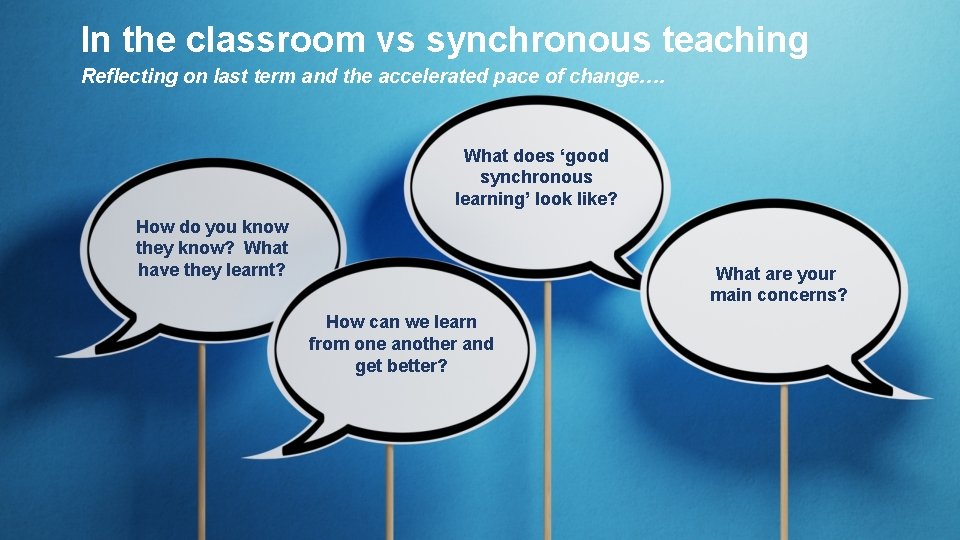
In the classroom vs synchronous teaching Reflecting on last term and the accelerated pace of change…. What does ‘good synchronous learning’ look like? How do you know they know? What have they learnt? What are your main concerns? How can we learn from one another and get better?
Synchronous teaching – what have we learnt? • What has gone well in your teaching? • What hasn’t gone as well as you would have liked? Your facilitator will explain how to complete this activity.
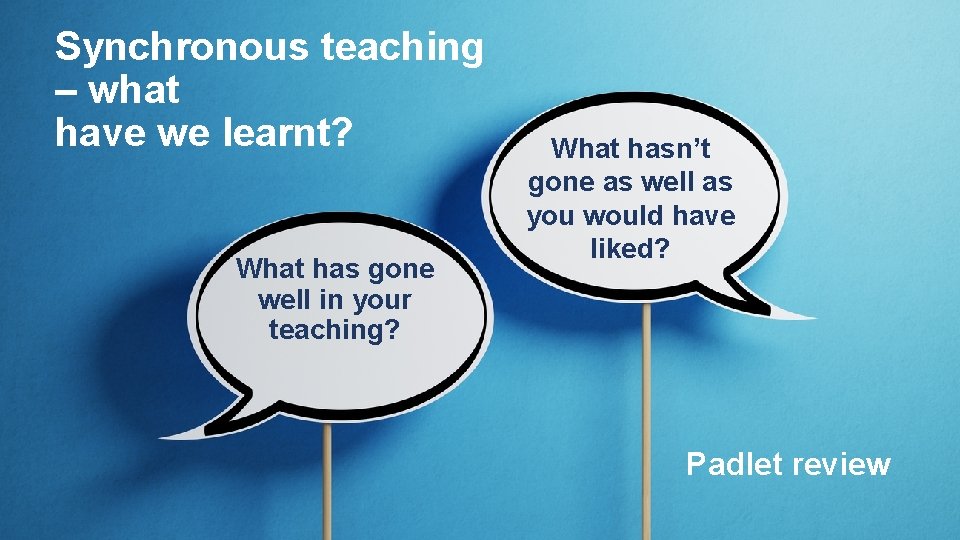
Synchronous teaching – what have we learnt? What has gone well in your teaching? What hasn’t gone as well as you would have liked? Padlet review
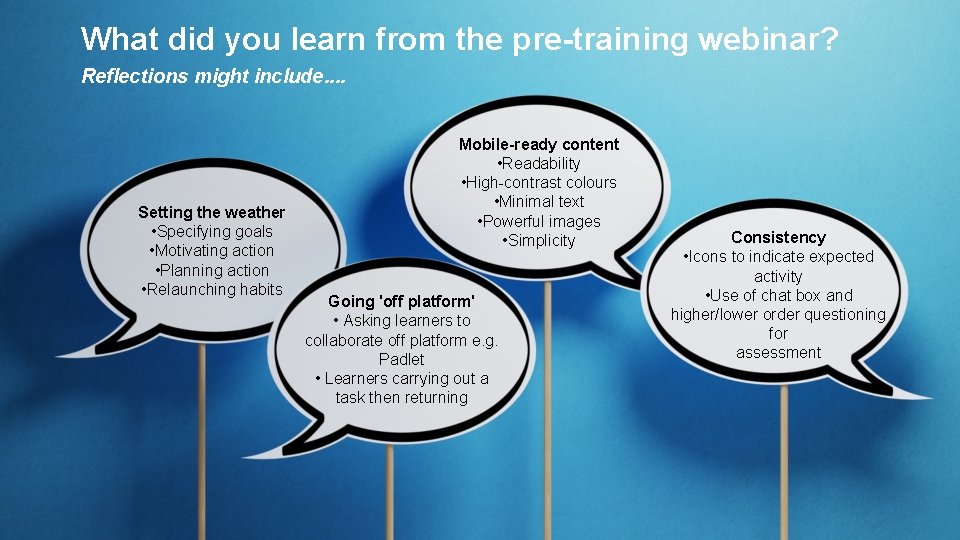
What did you learn from the pre-training webinar? Reflections might include. . Setting the weather • Specifying goals • Motivating action • Planning action • Relaunching habits Mobile-ready content • Readability • High-contrast colours • Minimal text • Powerful images • Simplicity Going 'off platform' • Asking learners to collaborate off platform e. g. Padlet • Learners carrying out a task then returning Consistency • Icons to indicate expected activity • Use of chat box and higher/lower order questioning for assessment
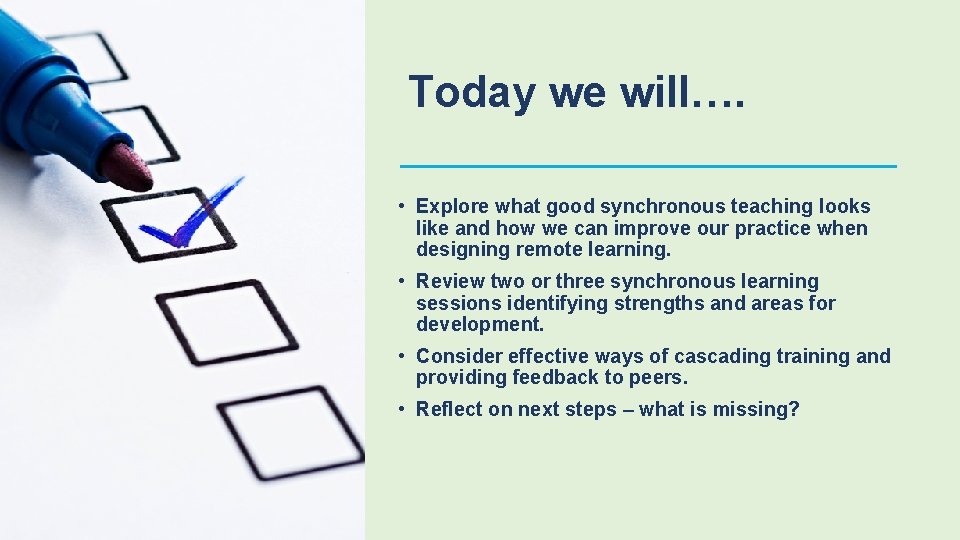
Today we will…. • Explore what good synchronous teaching looks like and how we can improve our practice when designing remote learning. • Review two or three synchronous learning sessions identifying strengths and areas for development. • Consider effective ways of cascading training and providing feedback to peers. • Reflect on next steps – what is missing?
Synchronous learning review process
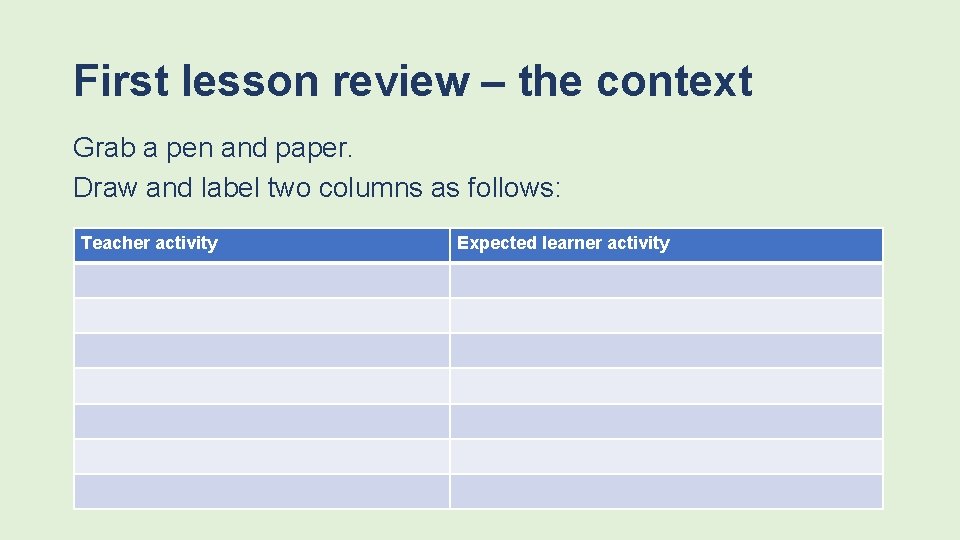
First lesson review – the context Grab a pen and paper. Draw and label two columns as follows: Teacher activity Expected learner activity
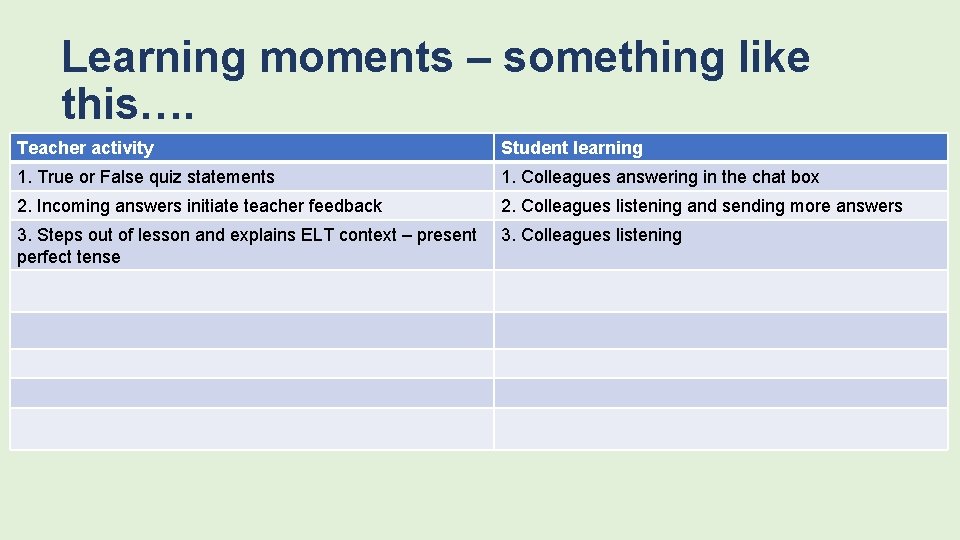
Learning moments – something like this…. Teacher activity Student learning 1. True or False quiz statements 1. Colleagues answering in the chat box 2. Incoming answers initiate teacher feedback 2. Colleagues listening and sending more answers 3. Steps out of lesson and explains ELT context – present perfect tense 3. Colleagues listening
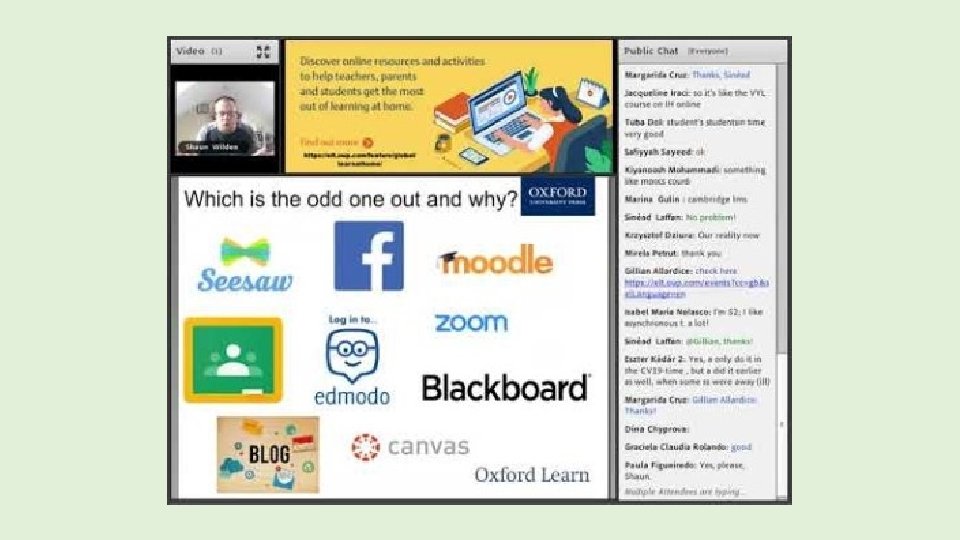
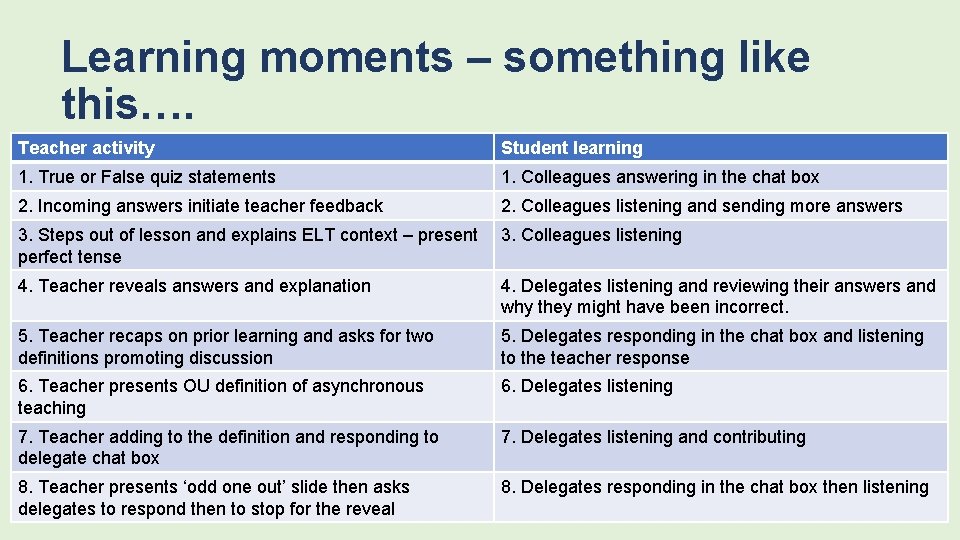
Learning moments – something like this…. Teacher activity Student learning 1. True or False quiz statements 1. Colleagues answering in the chat box 2. Incoming answers initiate teacher feedback 2. Colleagues listening and sending more answers 3. Steps out of lesson and explains ELT context – present perfect tense 3. Colleagues listening 4. Teacher reveals answers and explanation 4. Delegates listening and reviewing their answers and why they might have been incorrect. 5. Teacher recaps on prior learning and asks for two definitions promoting discussion 5. Delegates responding in the chat box and listening to the teacher response 6. Teacher presents OU definition of asynchronous teaching 6. Delegates listening 7. Teacher adding to the definition and responding to delegate chat box 7. Delegates listening and contributing 8. Teacher presents ‘odd one out’ slide then asks delegates to respond then to stop for the reveal 8. Delegates responding in the chat box then listening
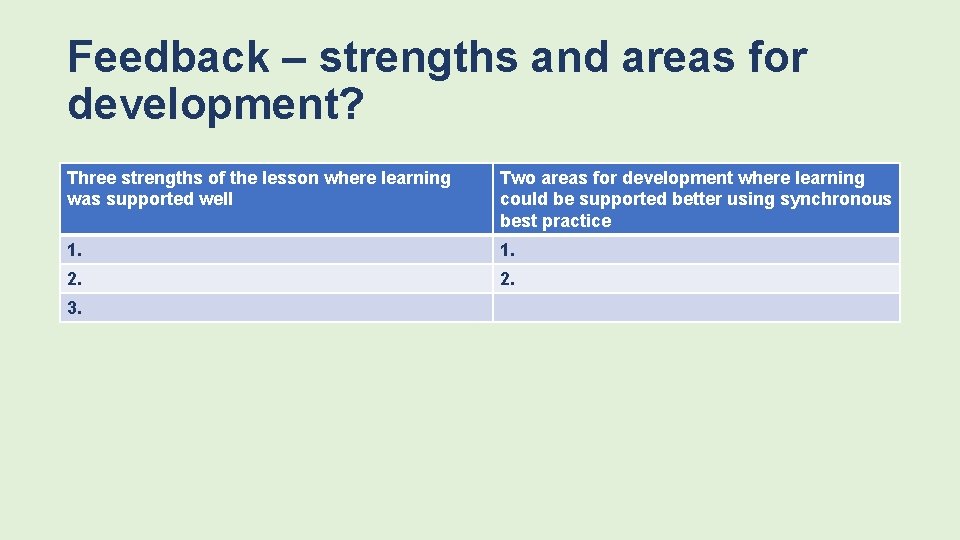
Feedback – strengths and areas for development? Three strengths of the lesson where learning was supported well Two areas for development where learning could be supported better using synchronous best practice 1. 2. 3.
Second lesson review – the context Grab a pen and paper. As before draw and label two columns as follows: Teacher activity Expected learner activity
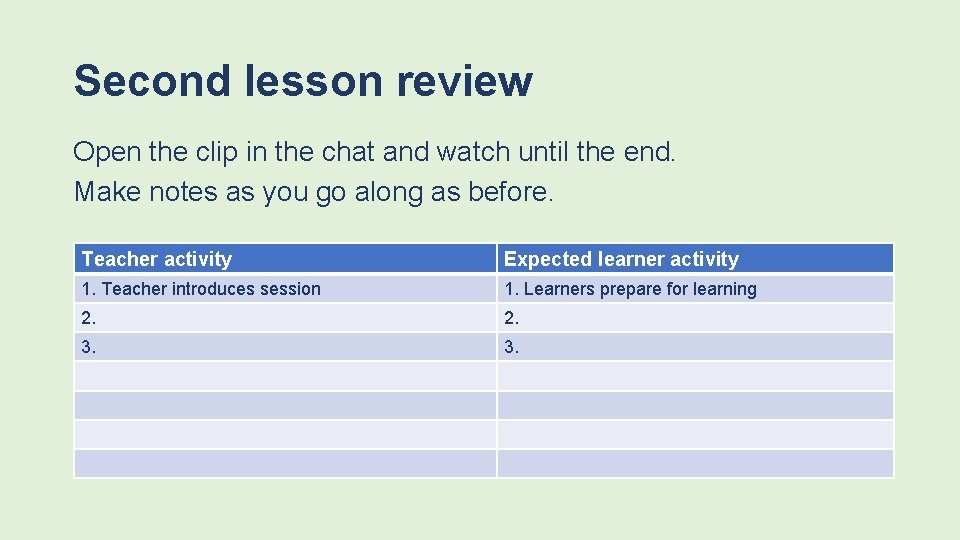
Second lesson review Open the clip in the chat and watch until the end. Make notes as you go along as before. Teacher activity Expected learner activity 1. Teacher introduces session 1. Learners prepare for learning 2. 3.
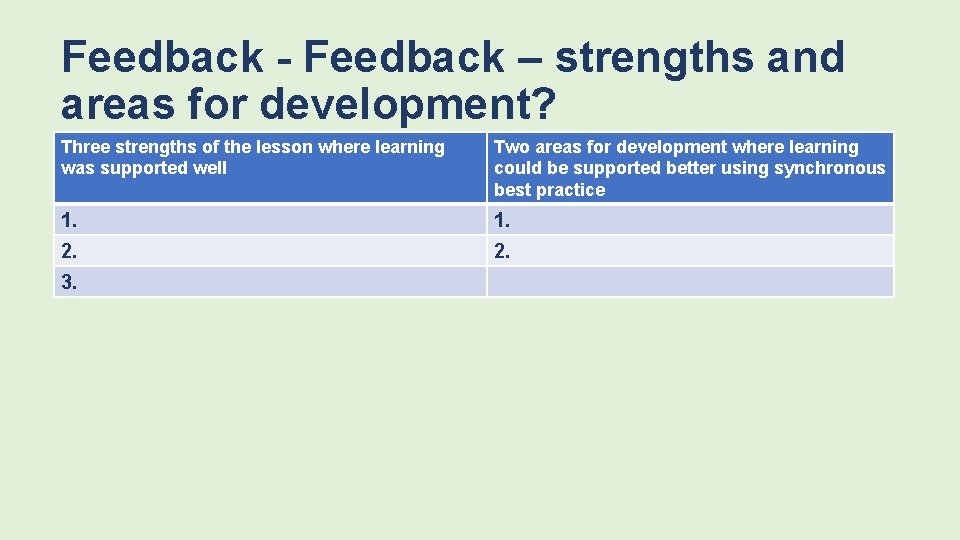
Feedback - Feedback – strengths and areas for development? Three strengths of the lesson where learning was supported well Two areas for development where learning could be supported better using synchronous best practice 1. 2. 3.
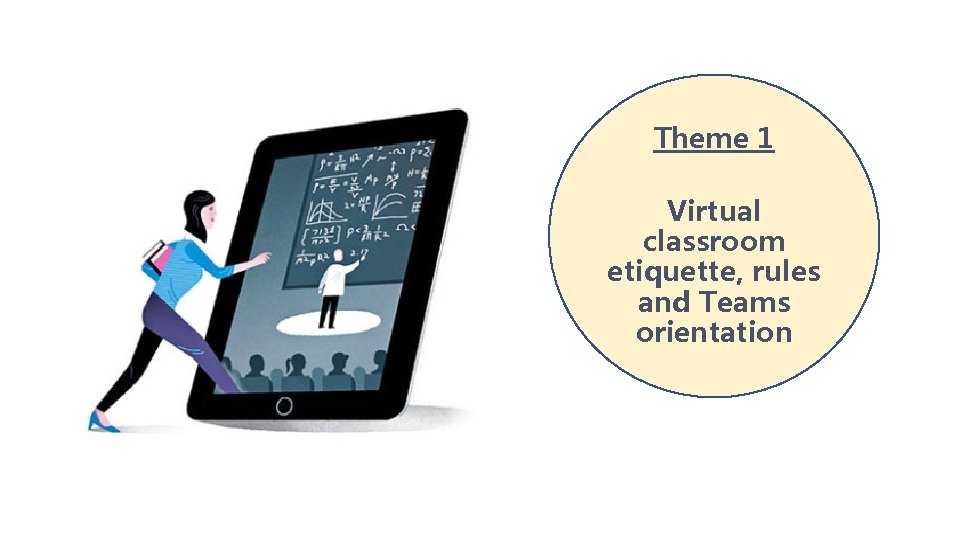
Theme 1 Virtual classroom etiquette, rules and Teams orientation
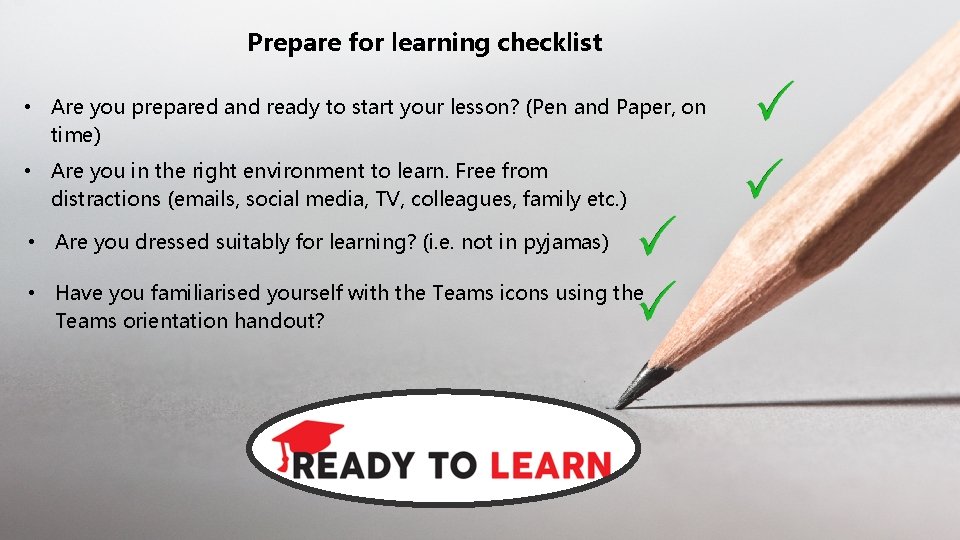
Prepare for learning checklist • Are you prepared and ready to start your lesson? (Pen and Paper, on time) • Are you in the right environment to learn. Free from distractions (emails, social media, TV, colleagues, family etc. ) • Are you dressed suitably for learning? (i. e. not in pyjamas) • Have you familiarised yourself with the Teams icons using the Teams orientation handout?
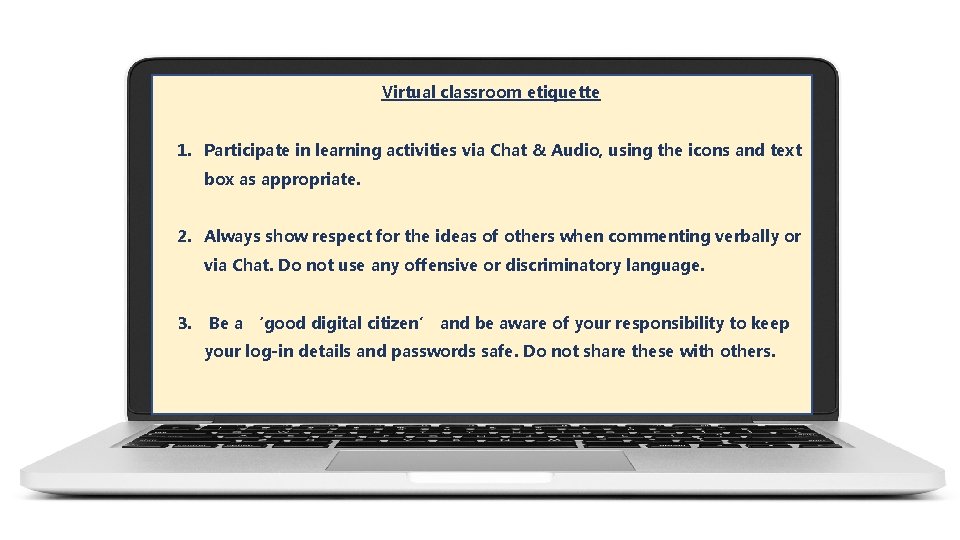
Virtual classroom etiquette 1. Participate in learning activities via Chat & Audio, using the icons and text box as appropriate. 2. Always show respect for the ideas of others when commenting verbally or via Chat. Do not use any offensive or discriminatory language. 3. Be a ‘good digital citizen’ and be aware of your responsibility to keep your log-in details and passwords safe. Do not share these with others.
Orientation • A pre-induction where you meet each student individually to get them logged on • A set period to ‘play around’ within a meeting setting during induction