
What Disks Look Like Disk Systems 1 Hitachi
- Slides: 16
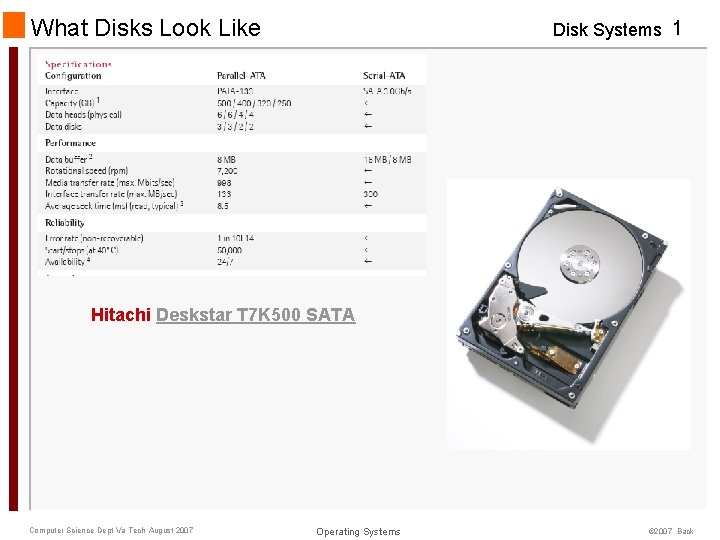
What Disks Look Like Disk Systems 1 Hitachi Deskstar T 7 K 500 SATA Computer Science Dept Va Tech August 2007 Operating Systems © 2007 Back
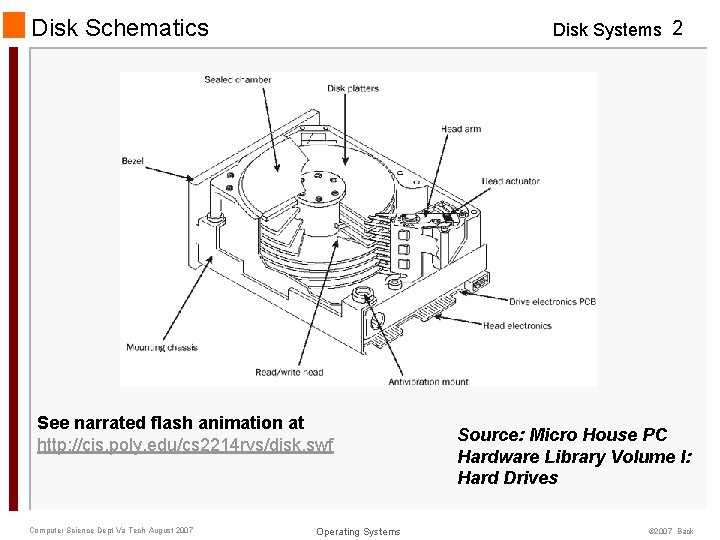
Disk Schematics Disk Systems 2 See narrated flash animation at http: //cis. poly. edu/cs 2214 rvs/disk. swf Computer Science Dept Va Tech August 2007 Operating Systems Source: Micro House PC Hardware Library Volume I: Hard Drives © 2007 Back
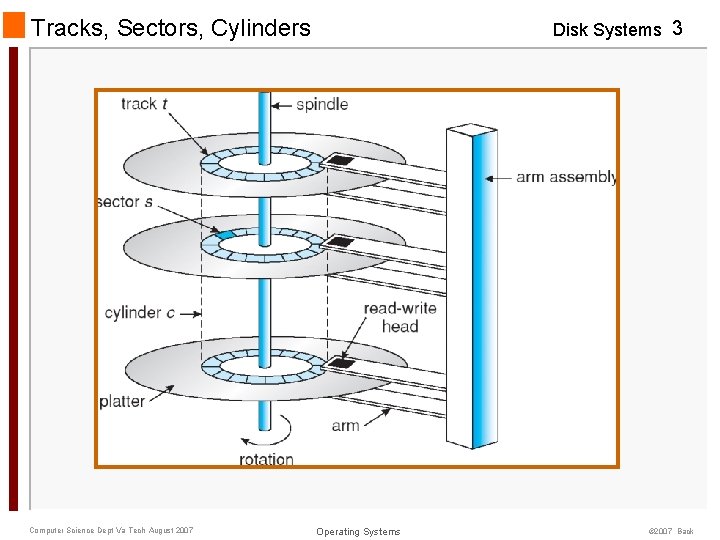
Tracks, Sectors, Cylinders Computer Science Dept Va Tech August 2007 Disk Systems 3 Operating Systems © 2007 Back
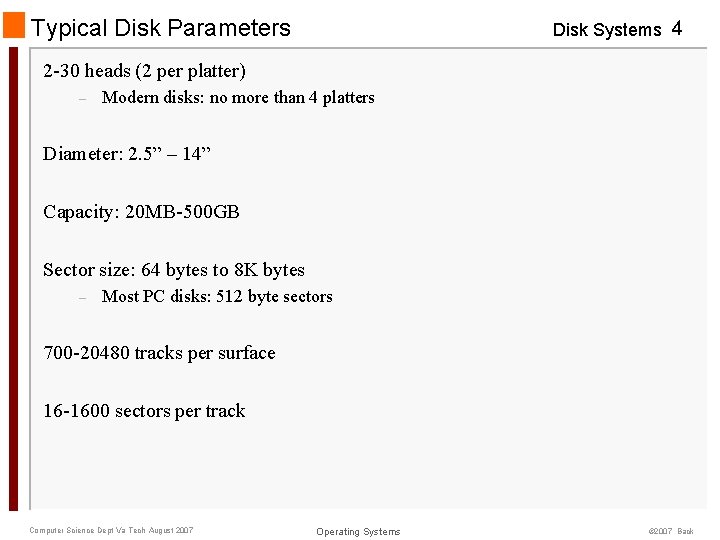
Typical Disk Parameters Disk Systems 4 2 -30 heads (2 per platter) – Modern disks: no more than 4 platters Diameter: 2. 5” – 14” Capacity: 20 MB-500 GB Sector size: 64 bytes to 8 K bytes – Most PC disks: 512 byte sectors 700 -20480 tracks per surface 16 -1600 sectors per track Computer Science Dept Va Tech August 2007 Operating Systems © 2007 Back
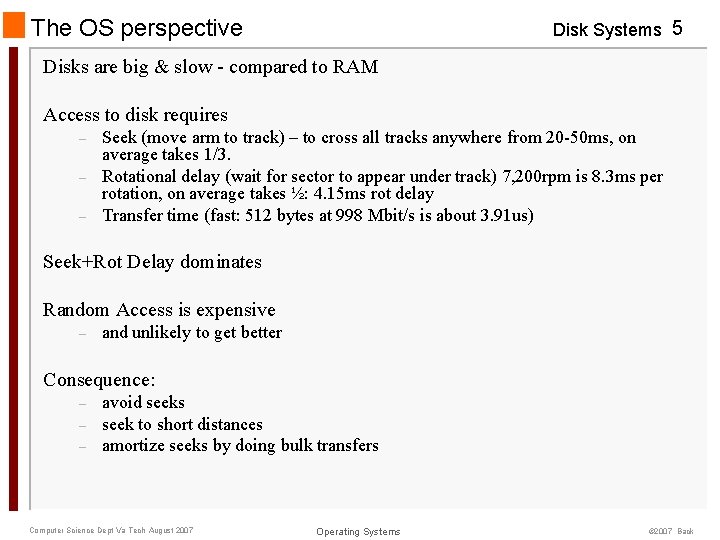
The OS perspective Disk Systems 5 Disks are big & slow - compared to RAM Access to disk requires – – – Seek (move arm to track) – to cross all tracks anywhere from 20 -50 ms, on average takes 1/3. Rotational delay (wait for sector to appear under track) 7, 200 rpm is 8. 3 ms per rotation, on average takes ½: 4. 15 ms rot delay Transfer time (fast: 512 bytes at 998 Mbit/s is about 3. 91 us) Seek+Rot Delay dominates Random Access is expensive – and unlikely to get better Consequence: – – – avoid seeks seek to short distances amortize seeks by doing bulk transfers Computer Science Dept Va Tech August 2007 Operating Systems © 2007 Back
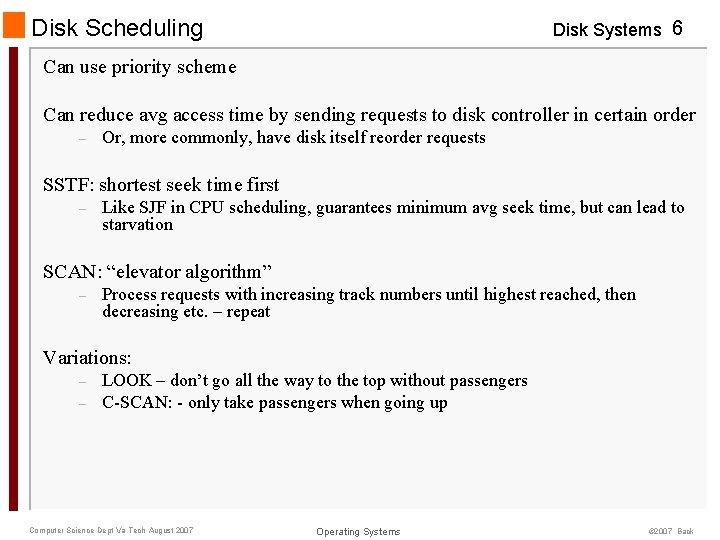
Disk Scheduling Disk Systems 6 Can use priority scheme Can reduce avg access time by sending requests to disk controller in certain order – Or, more commonly, have disk itself reorder requests SSTF: shortest seek time first – Like SJF in CPU scheduling, guarantees minimum avg seek time, but can lead to starvation SCAN: “elevator algorithm” – Process requests with increasing track numbers until highest reached, then decreasing etc. – repeat Variations: – – LOOK – don’t go all the way to the top without passengers C-SCAN: - only take passengers when going up Computer Science Dept Va Tech August 2007 Operating Systems © 2007 Back
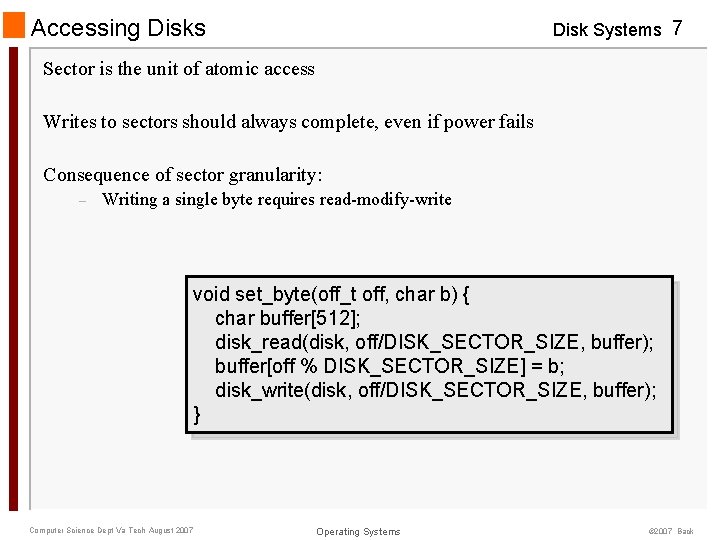
Accessing Disks Disk Systems 7 Sector is the unit of atomic access Writes to sectors should always complete, even if power fails Consequence of sector granularity: – Writing a single byte requires read-modify-write void set_byte(off_t off, char b) { char buffer[512]; disk_read(disk, off/DISK_SECTOR_SIZE, buffer); buffer[off % DISK_SECTOR_SIZE] = b; disk_write(disk, off/DISK_SECTOR_SIZE, buffer); } Computer Science Dept Va Tech August 2007 Operating Systems © 2007 Back
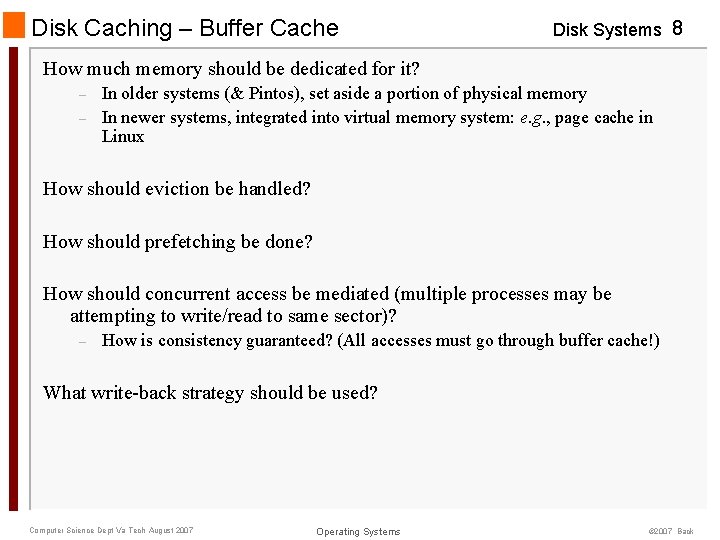
Disk Caching – Buffer Cache Disk Systems 8 How much memory should be dedicated for it? – – In older systems (& Pintos), set aside a portion of physical memory In newer systems, integrated into virtual memory system: e. g. , page cache in Linux How should eviction be handled? How should prefetching be done? How should concurrent access be mediated (multiple processes may be attempting to write/read to same sector)? – How is consistency guaranteed? (All accesses must go through buffer cache!) What write-back strategy should be used? Computer Science Dept Va Tech August 2007 Operating Systems © 2007 Back
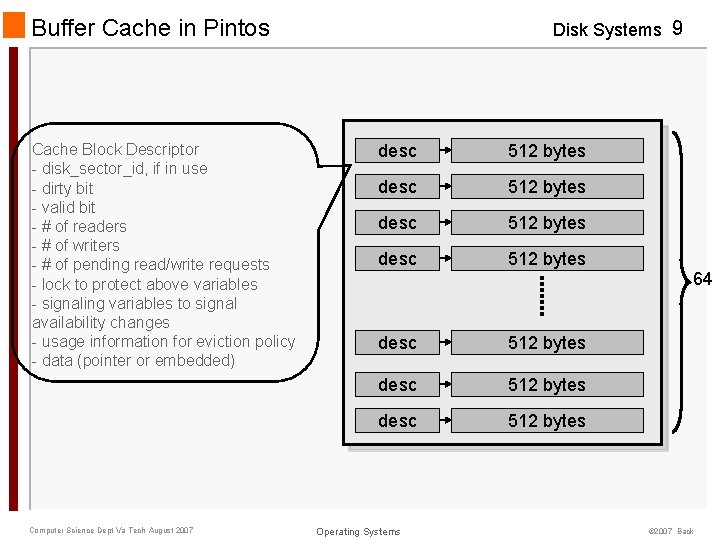
Buffer Cache in Pintos Cache Block Descriptor - disk_sector_id, if in use - dirty bit - valid bit - # of readers - # of writers - # of pending read/write requests - lock to protect above variables - signaling variables to signal availability changes - usage information for eviction policy - data (pointer or embedded) Computer Science Dept Va Tech August 2007 Disk Systems 9 desc 512 bytes 64 desc 512 bytes Operating Systems © 2007 Back
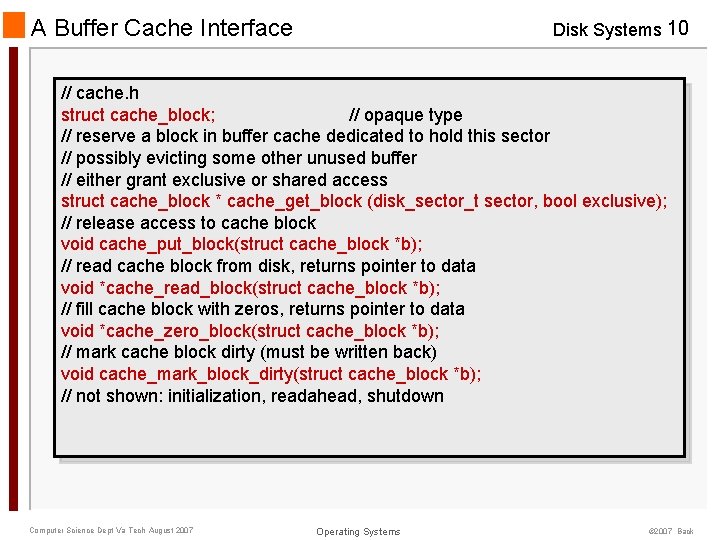
A Buffer Cache Interface Disk Systems 10 // cache. h struct cache_block; // opaque type // reserve a block in buffer cache dedicated to hold this sector // possibly evicting some other unused buffer // either grant exclusive or shared access struct cache_block * cache_get_block (disk_sector_t sector, bool exclusive); // release access to cache block void cache_put_block(struct cache_block *b); // read cache block from disk, returns pointer to data void *cache_read_block(struct cache_block *b); // fill cache block with zeros, returns pointer to data void *cache_zero_block(struct cache_block *b); // mark cache block dirty (must be written back) void cache_mark_block_dirty(struct cache_block *b); // not shown: initialization, readahead, shutdown Computer Science Dept Va Tech August 2007 Operating Systems © 2007 Back
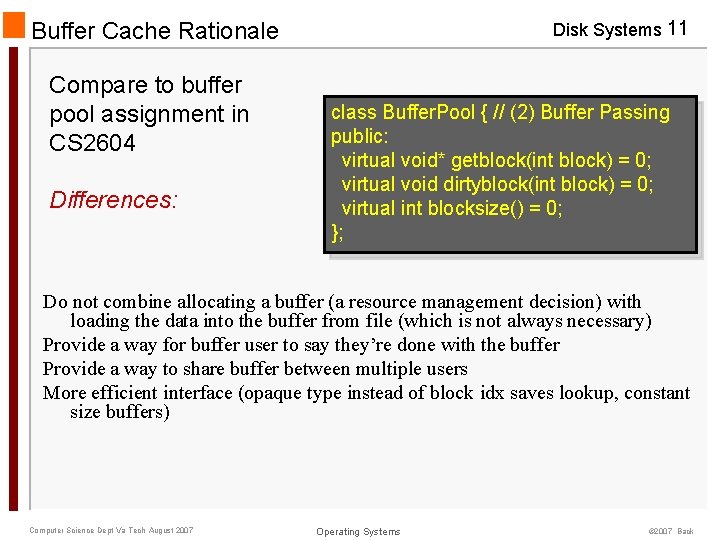
Disk Systems 11 Buffer Cache Rationale Compare to buffer pool assignment in CS 2604 Differences: class Buffer. Pool { // (2) Buffer Passing public: virtual void* getblock(int block) = 0; virtual void dirtyblock(int block) = 0; virtual int blocksize() = 0; }; Do not combine allocating a buffer (a resource management decision) with loading the data into the buffer from file (which is not always necessary) Provide a way for buffer user to say they’re done with the buffer Provide a way to share buffer between multiple users More efficient interface (opaque type instead of block idx saves lookup, constant size buffers) Computer Science Dept Va Tech August 2007 Operating Systems © 2007 Back
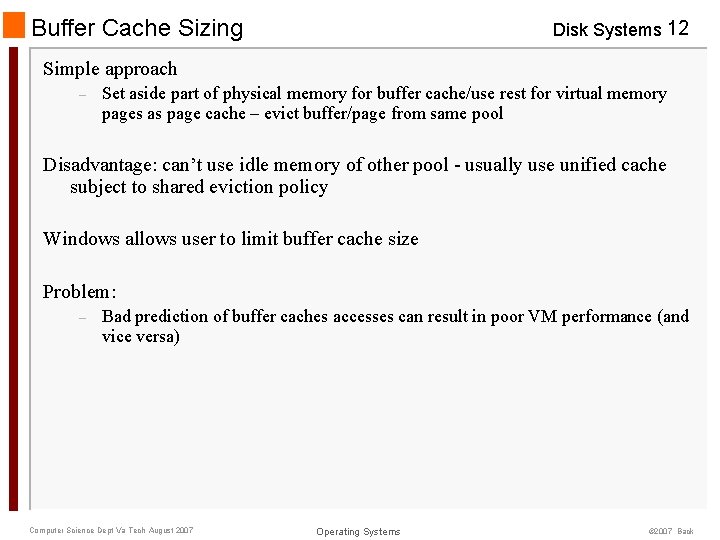
Buffer Cache Sizing Disk Systems 12 Simple approach – Set aside part of physical memory for buffer cache/use rest for virtual memory pages as page cache – evict buffer/page from same pool Disadvantage: can’t use idle memory of other pool - usually use unified cache subject to shared eviction policy Windows allows user to limit buffer cache size Problem: – Bad prediction of buffer caches accesses can result in poor VM performance (and vice versa) Computer Science Dept Va Tech August 2007 Operating Systems © 2007 Back
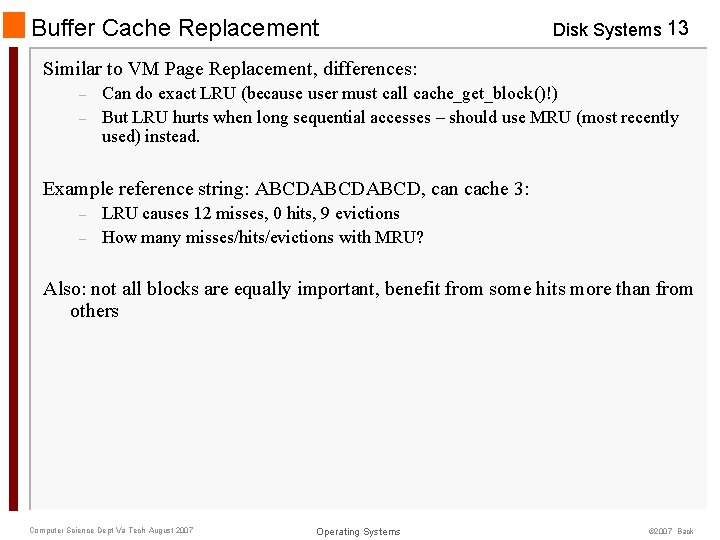
Buffer Cache Replacement Disk Systems 13 Similar to VM Page Replacement, differences: – – Can do exact LRU (because user must call cache_get_block()!) But LRU hurts when long sequential accesses – should use MRU (most recently used) instead. Example reference string: ABCDABCD, can cache 3: – – LRU causes 12 misses, 0 hits, 9 evictions How many misses/hits/evictions with MRU? Also: not all blocks are equally important, benefit from some hits more than from others Computer Science Dept Va Tech August 2007 Operating Systems © 2007 Back
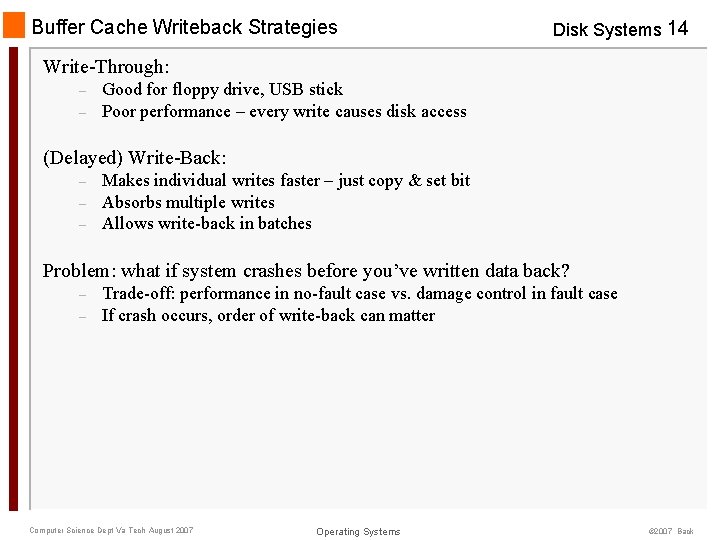
Buffer Cache Writeback Strategies Disk Systems 14 Write-Through: – – Good for floppy drive, USB stick Poor performance – every write causes disk access (Delayed) Write-Back: – – – Makes individual writes faster – just copy & set bit Absorbs multiple writes Allows write-back in batches Problem: what if system crashes before you’ve written data back? – – Trade-off: performance in no-fault case vs. damage control in fault case If crash occurs, order of write-back can matter Computer Science Dept Va Tech August 2007 Operating Systems © 2007 Back
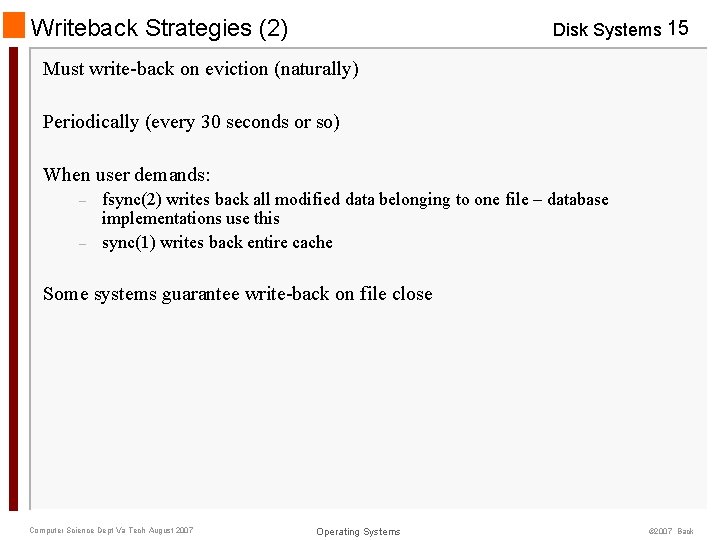
Writeback Strategies (2) Disk Systems 15 Must write-back on eviction (naturally) Periodically (every 30 seconds or so) When user demands: – – fsync(2) writes back all modified data belonging to one file – database implementations use this sync(1) writes back entire cache Some systems guarantee write-back on file close Computer Science Dept Va Tech August 2007 Operating Systems © 2007 Back
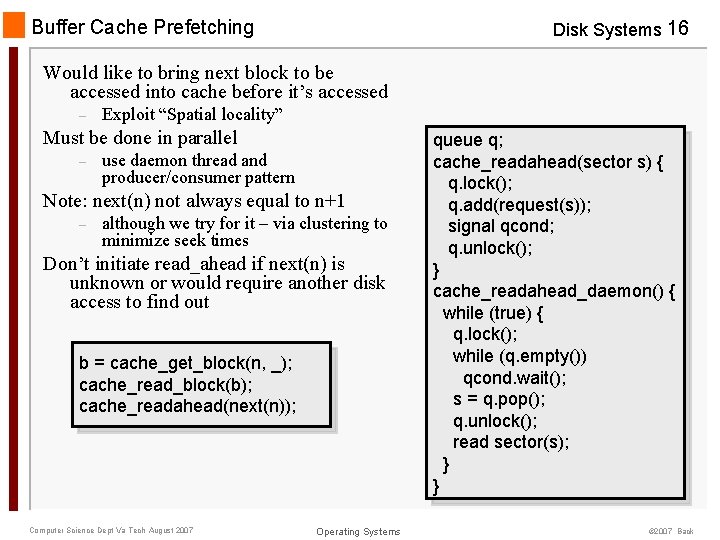
Buffer Cache Prefetching Disk Systems 16 Would like to bring next block to be accessed into cache before it’s accessed – Exploit “Spatial locality” Must be done in parallel – use daemon thread and producer/consumer pattern Note: next(n) not always equal to n+1 – although we try for it – via clustering to minimize seek times Don’t initiate read_ahead if next(n) is unknown or would require another disk access to find out b = cache_get_block(n, _); cache_read_block(b); cache_readahead(next(n)); Computer Science Dept Va Tech August 2007 Operating Systems queue q; cache_readahead(sector s) { q. lock(); q. add(request(s)); signal qcond; q. unlock(); } cache_readahead_daemon() { while (true) { q. lock(); while (q. empty()) qcond. wait(); s = q. pop(); q. unlock(); read sector(s); } } © 2007 Back