
West Virginia General Summative Assessment Building Level Coordinator
West Virginia General Summative Assessment Building Level Coordinator Training Spring 2015
Annual Training is required ANNUALLY for all personnel with access to secure materials per WVBE Policy 2340
Segments • • • Before Testing During Testing After Testing Content Areas Invalidations/Retests Large Print and Braille
West Virginia General Summative Assessment Building Level Coordinator Training Before Testing Spring 2015
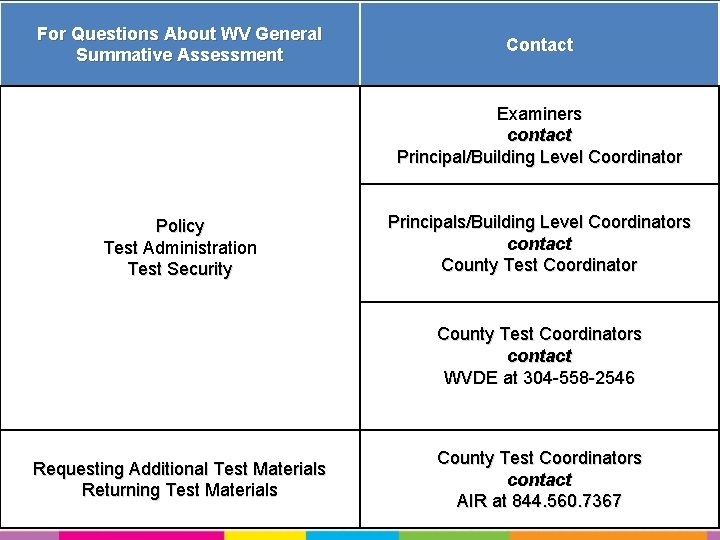
For Questions About WV General Summative Assessment Contact Tree Contact Examiners contact Principal/Building Level Coordinator Policy Test Administration Test Security Principals/Building Level Coordinators contact County Test Coordinators contact WVDE at 304 -558 -2546 Requesting Additional Test Materials Returning Test Materials County Test Coordinators contact AIR at 844. 560. 7367
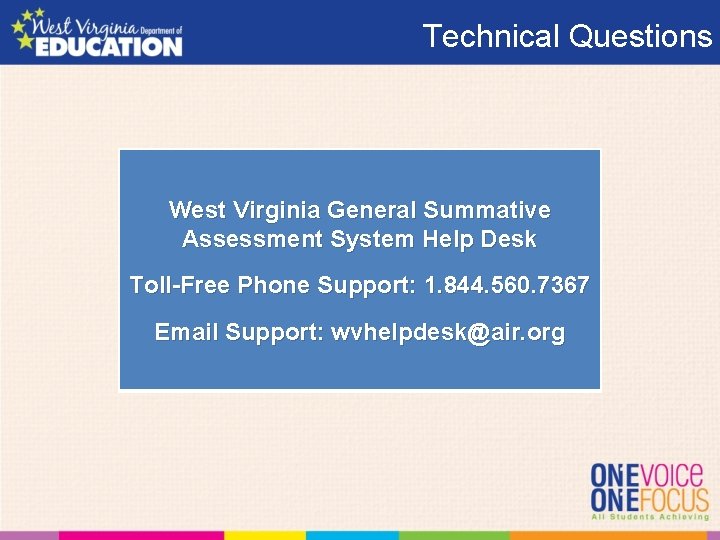
Technical Questions West Virginia General Summative Assessment System Help Desk Toll-Free Phone Support: 1. 844. 560. 7367 Email Support: wvhelpdesk@air. org
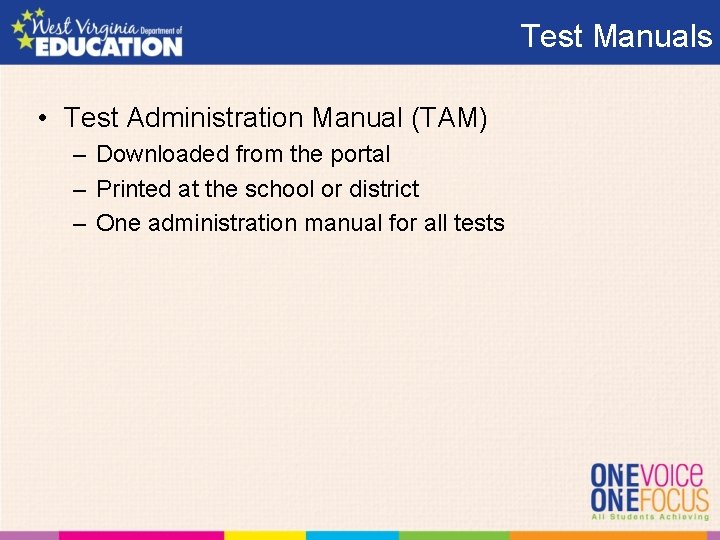
Test Manuals • Test Administration Manual (TAM) – Downloaded from the portal – Printed at the school or district – One administration manual for all tests
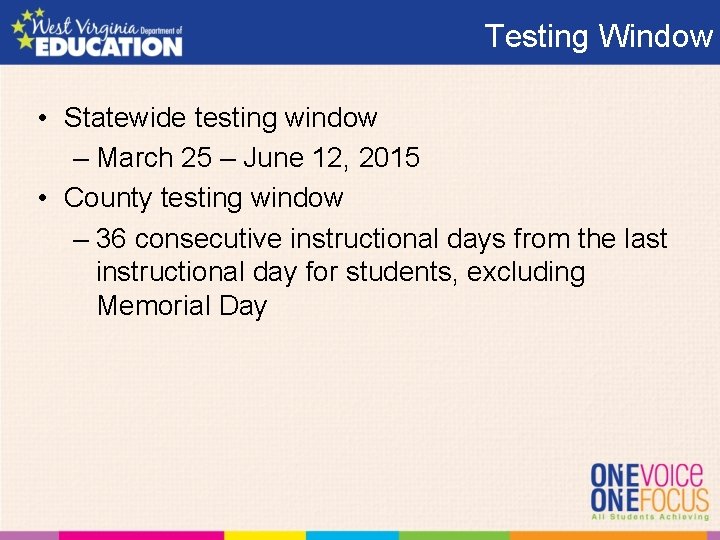
Testing Window • Statewide testing window – March 25 – June 12, 2015 • County testing window – 36 consecutive instructional days from the last instructional day for students, excluding Memorial Day
Content Area Tests • Content areas: – Math and ELA – Grades 3 -11 • Science* – Grades 4, 6 and 10 • Social Studies* – Not Tested in 2015 • *2340 Policy Waiver
Testing System • Log on – One for all systems • Four systems – Test Information Distributive Engine – Test Delivery System – Teacher Hand Scoring System – Online Reporting System
Testing Environment • Clear of Disruptions – – Fire Drills Bells Announcements Etc.
Storing Test Materials Locked and Secured Location(s). Any location that can be locked and secured with access limited to only the principal and/or building level coordinator.
Storing Test Materials 7. 7. a. Test materials must be stored in locked and secured location/s prior to and following each daily testing session. Test materials are to be stored in a school in accordance with the administration guidelines of each assessment. Access to secure test booklets and answer sheets, as well as any secure online content, by all persons other than the district test coordinator, principal, and building level coordinator shall be restricted to the scheduled dates of test administration as outlined in the WVBE Testing Code of Ethics (Appendix A).
Parent Brochure • Distribute the following to parents – Parent Brochure – Contains information about the tests • Parent Letter – Contains information about the tests
Practice/Training Test • All students should have an opportunity to take the practice and/or training test. • Provides familiarity with - test questions - test tools
Training Examiners • Train Examiners on – Policy 2340 – Test administration procedures – Testing environment – Systems
Home-Instructed Work with DTC to have home school students in system prior to day of test administration
Creating a Class Pack Create a class pack for each testing session
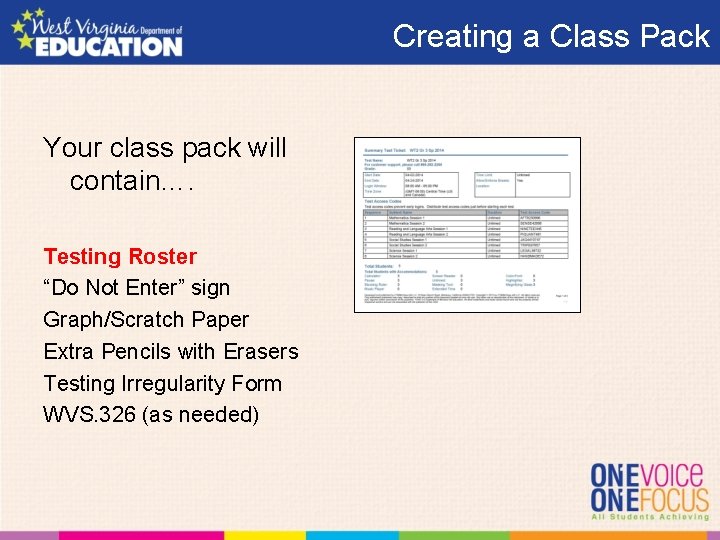
Creating a Class Pack Your class pack will contain…. Testing Roster “Do Not Enter” sign Graph/Scratch Paper Extra Pencils with Erasers Testing Irregularity Form WVS. 326 (as needed)
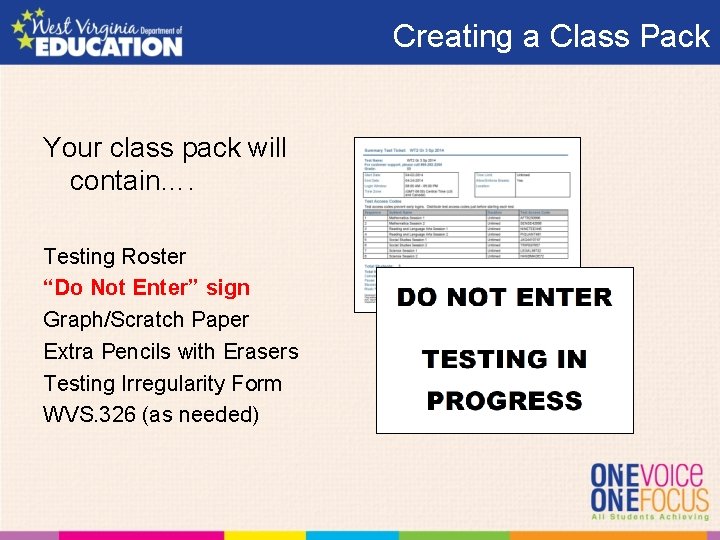
Creating a Class Pack Your class pack will contain…. Testing Roster “Do Not Enter” sign Graph/Scratch Paper Extra Pencils with Erasers Testing Irregularity Form WVS. 326 (as needed)
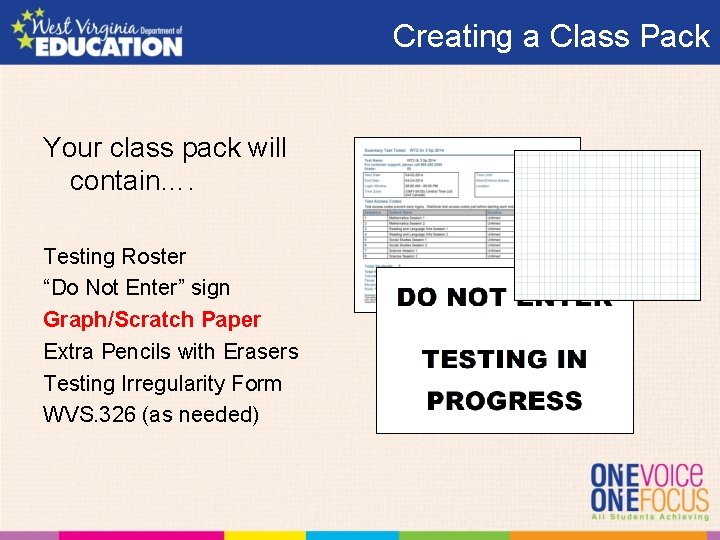
Creating a Class Pack Your class pack will contain…. Testing Roster “Do Not Enter” sign Graph/Scratch Paper Extra Pencils with Erasers Testing Irregularity Form WVS. 326 (as needed)
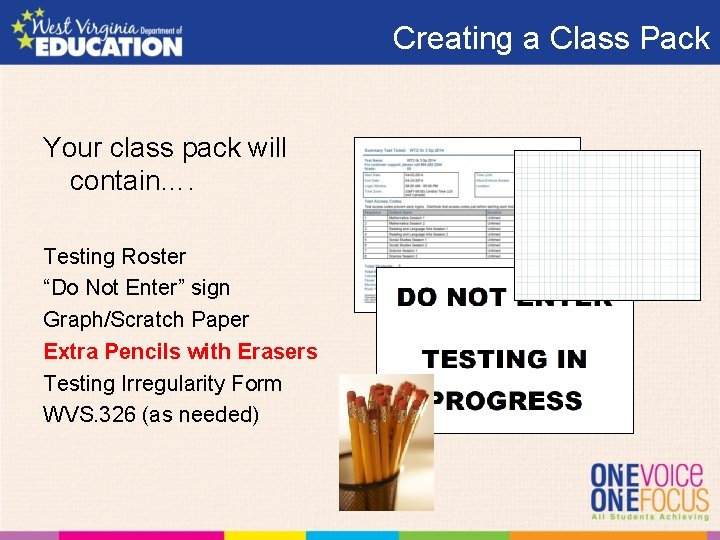
Creating a Class Pack Your class pack will contain…. Testing Roster “Do Not Enter” sign Graph/Scratch Paper Extra Pencils with Erasers Testing Irregularity Form WVS. 326 (as needed)
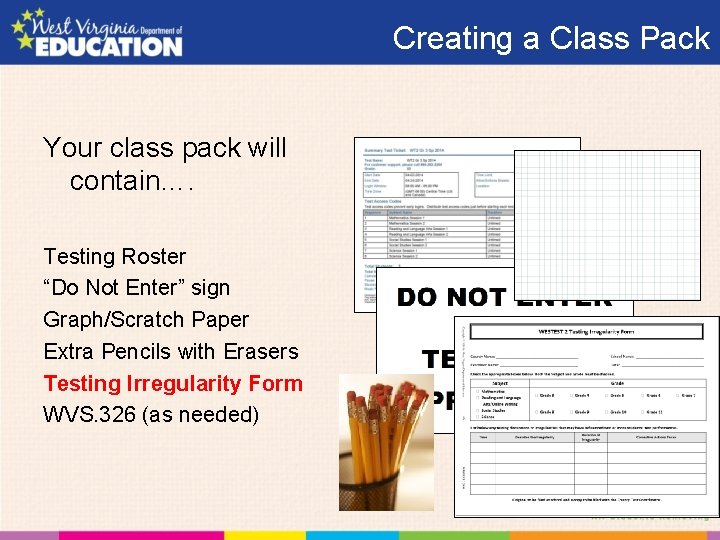
Creating a Class Pack Your class pack will contain…. Testing Roster “Do Not Enter” sign Graph/Scratch Paper Extra Pencils with Erasers Testing Irregularity Form WVS. 326 (as needed)
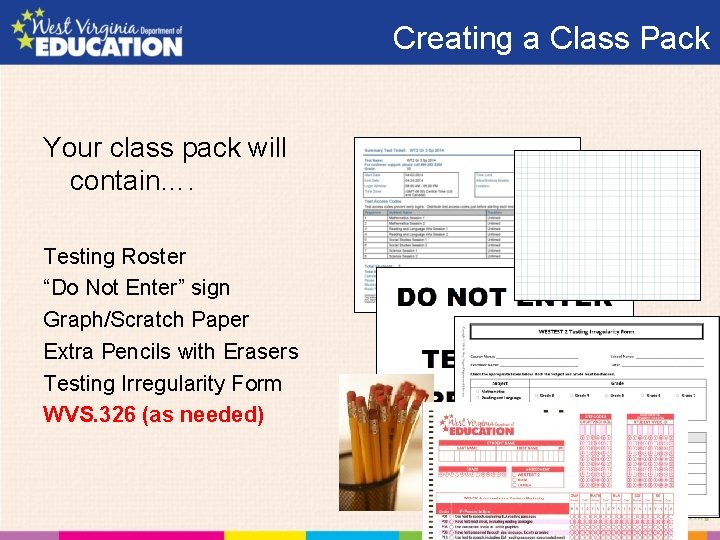
Creating a Class Pack Your class pack will contain…. Testing Roster “Do Not Enter” sign Graph/Scratch Paper Extra Pencils with Erasers Testing Irregularity Form WVS. 326 (as needed)
Signing Materials The testing roster should be signed in and out by the TA and SC.
West Virginia General Summative Assessment Building Level Coordinator Training During Testing Spring 2015
Monitoring Move around school during testing Be available to assist Test Administrators
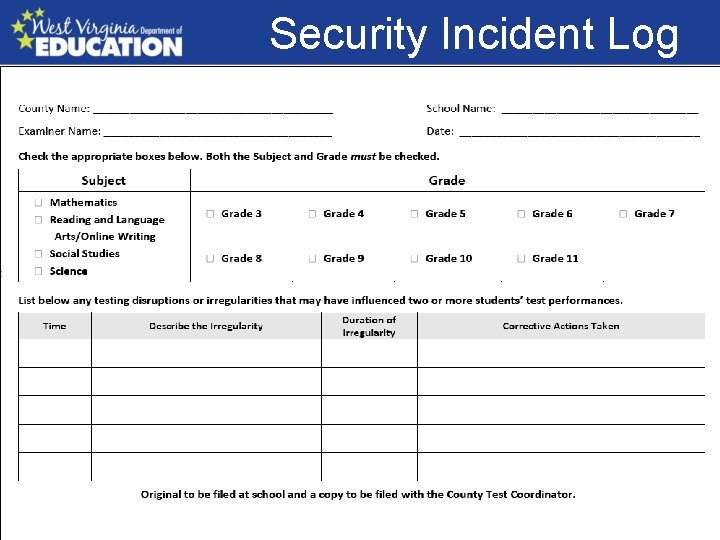
Test Disruptions • Record and report test disruptions using proper form and procedures – Irregularity Form – Invalidation/Reset Form
West Virginia General Summative Assessment Building Level Coordinator Training After Testing Spring 2015
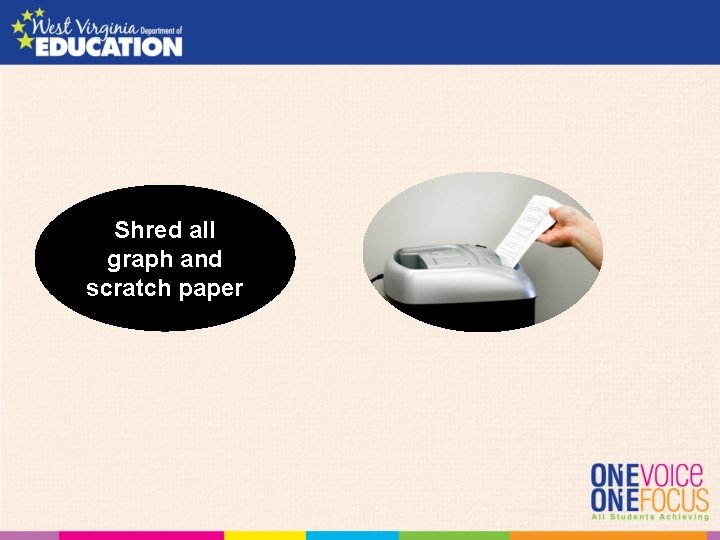
Shred all graph and scratch paper
Students Not -Tested • Student List(s) – Use testing system to generate list
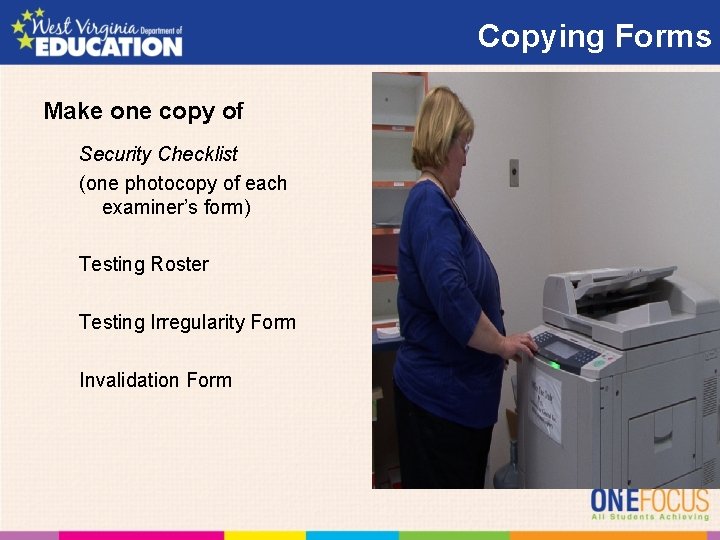
Copying Forms Make one copy of Security Checklist (one photocopy of each examiner’s form) Testing Roster Testing Irregularity Form Invalidation Form
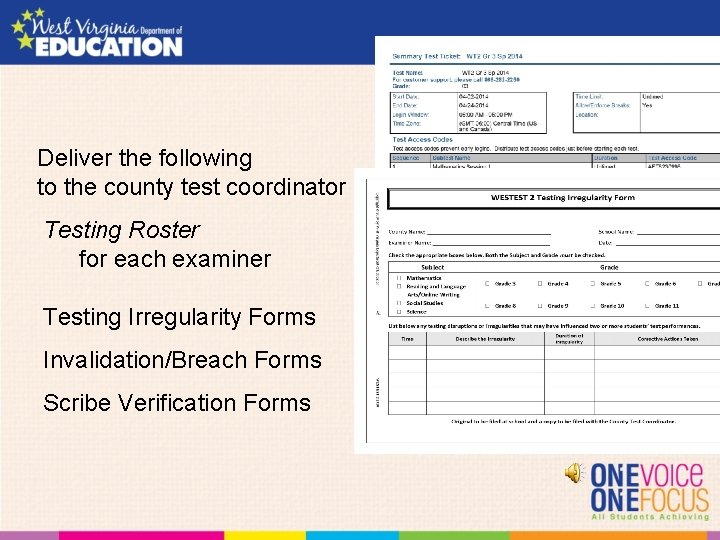
Deliver the following to the county test coordinator Testing Roster for each examiner Testing Irregularity Forms Invalidation/Breach Forms Scribe Verification Forms
West Virginia General Summative Assessment Building Level Coordinator Training Content Area Test Spring 2015
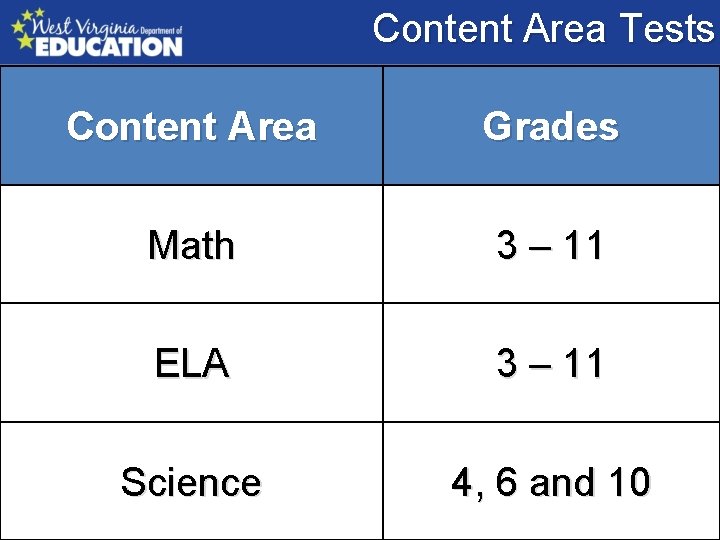
Content Area Tests Content Area Grades Math 3 – 11 ELA 3 – 11 Science 4, 6 and 10
Social Studies Tests • Social Studies – No summative tests administered – Use interim test for teacher feedback
Math Tests Grades administered -- 3 -11 Sessions – CAT – CA – Performance Task Key Administration points Sessions can be completed on separate days Item Review – Can only review items in current segment Calculators – Provided online (unless accommodation) – Only grades 6 -11
ELA Tests • Grades Administered – 3 -11 • Sessions – CAT – Classroom Activity – Performance Tasks • Part 1 and 2 • Completed on different days • Key Administration points – Sessions can be completed on separate days
Science Tests Grades Administered -- 4, 6 and 10 Alternate Summative Assessment grades Sessions -- Two sessions in one day Key Administration points -- Session 1 break session 2 • Session 1 must be taken before session 2 -- Calculator and reference sheets online
West Virginia General Summative Assessment Building Level Coordinator Training Appeals Spring 2015
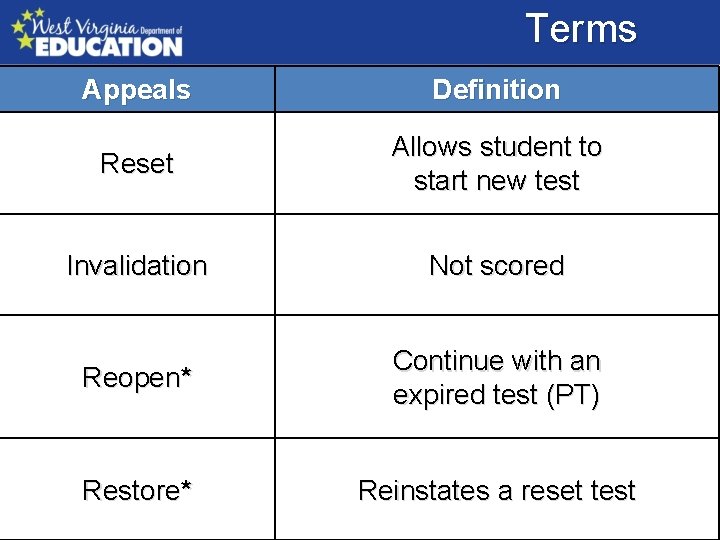
Terms Appeals Definition Reset Allows student to start new test Invalidation Not scored Reopen* Continue with an expired test (PT) Restore* Reinstates a reset test
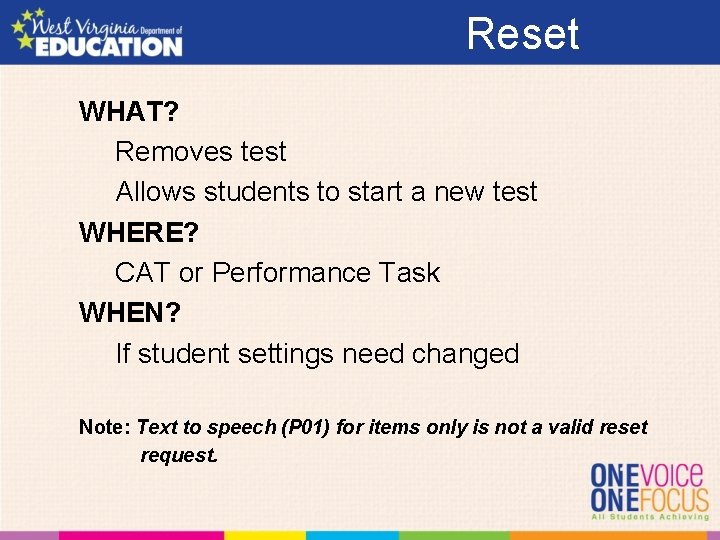
Reset WHAT? Removes test Allows students to start a new test WHERE? CAT or Performance Task WHEN? If student settings need changed Note: Text to speech (P 01) for items only is not a valid reset request.
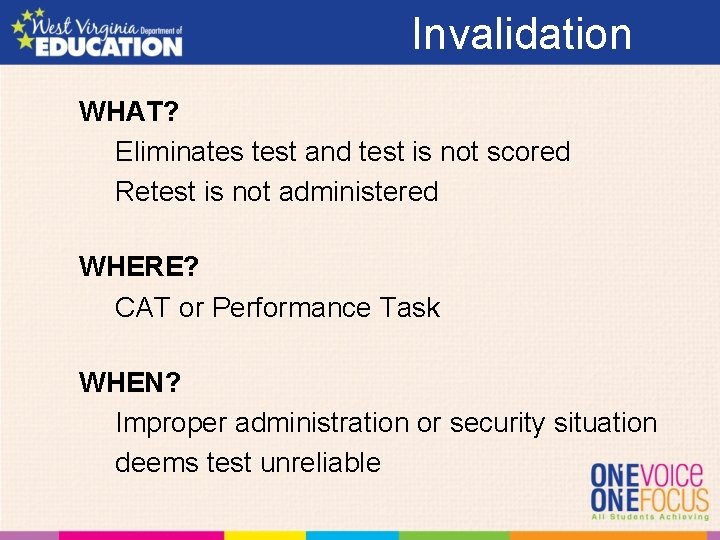
Invalidation WHAT? Eliminates test and test is not scored Retest is not administered WHERE? CAT or Performance Task WHEN? Improper administration or security situation deems test unreliable
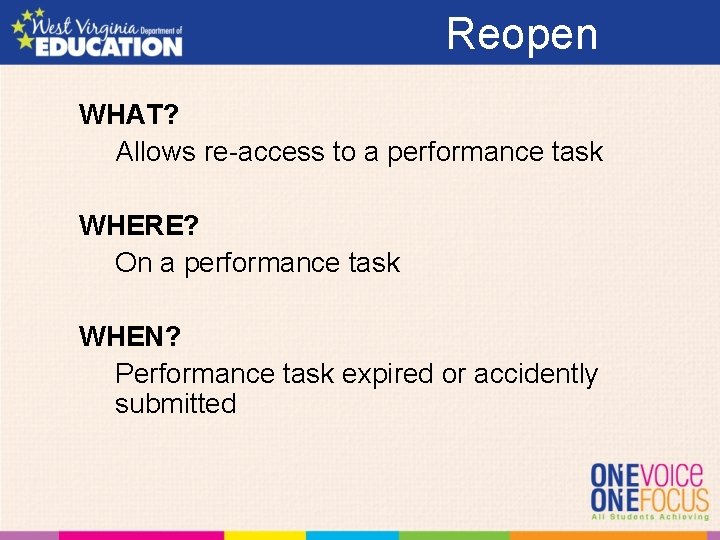
Reopen WHAT? Allows re-access to a performance task WHERE? On a performance task WHEN? Performance task expired or accidently submitted
Restore WHAT? Returns a reset test to prior status WHERE? Reset tests WHEN? For a test inadvertently or inappropriately reset
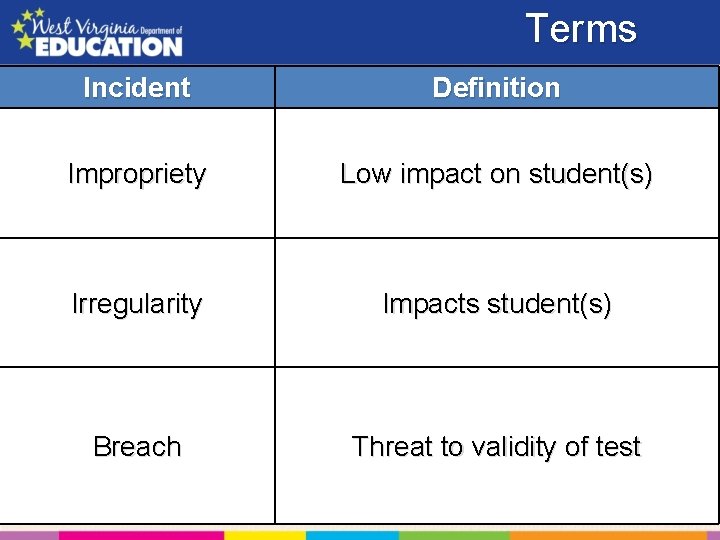
Terms Incident Definition Impropriety Low impact on student(s) Irregularity Impacts student(s) Breach Threat to validity of test
Impropriety WHAT? Low impact on student(s) Low risk of affecting student performance WHO? School and District Coordinator HOW? Corrected and contained at the local level
Irregularity WHAT? Impact on students Risk of affecting student performance WHO? School, District Coordinator, WVDE HOW? Document on Irregularity Form Online appeals system, if necessary Corrected/contained at the local level
Breach WHAT? Poses a threat to the validity of the test WHO? School, District Coordinator, WVDE HOW? DTC telephones or emails WVDE Online appeals system, if necessary
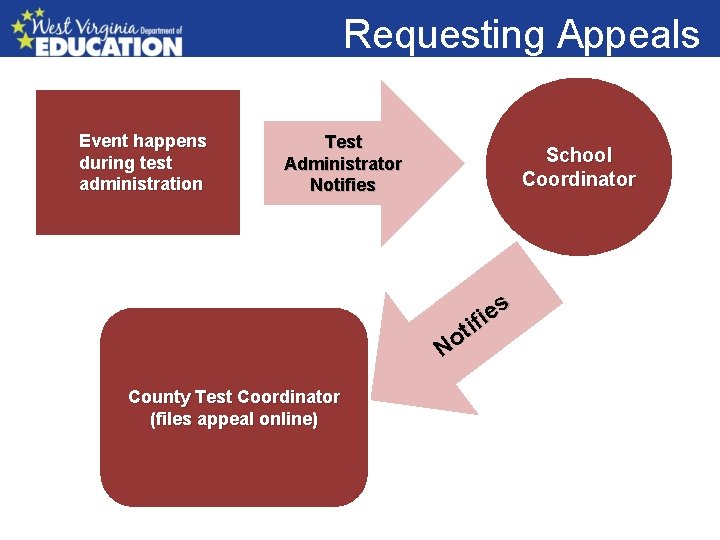
Requesting Appeals Event happens during test administration Event happens Test Administrator observes event School during test Administrator Coordinator administration Notifies School Coordinator Notifies District Test Coordinator Notifies WVDE s e i if t No County Test Coordinator (files appeal online)
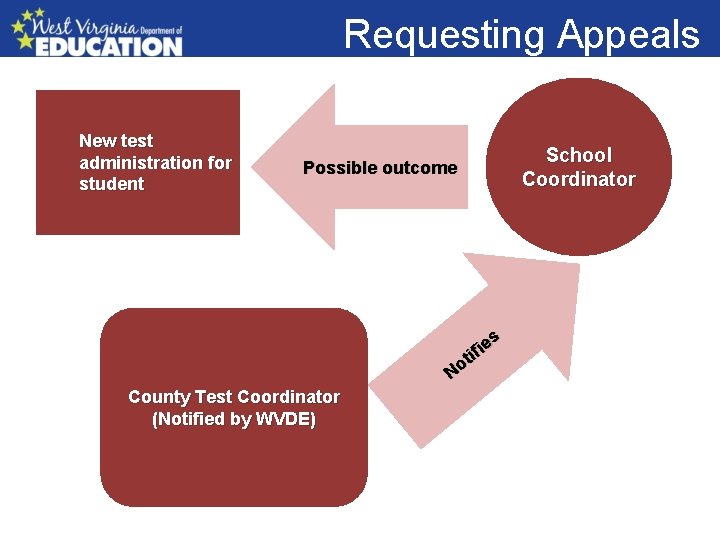
Requesting Appeals Event happens during test administration New test Test Administrator observes event School administration for Possible outcome Coordinator student Notifies School Coordinator Notifies District Test Coordinator Notifies WVDE es i f ti o N County Test Coordinator (Notified by WVDE)
Creating Appeals Who can create an Appeal? Only the DTC Where is an appeal created? All appeals are created in TIDE What is TIDE’s appeal system used for? Create appeal(s) Check status of appeal(s) View outcome of appeal(s)
Security Incident Log
West Virginia General Summative Assessment Building Level Coordinator Training Large Print and Braille Spring 2015
Materials Large Print Test books and answer documents Arrive about two weeks prior to the opening of county’s testing window Braille Test books and answer documents Arrive about two weeks prior to the opening of county’s testing window
Receiving Materials • Large print and braille books – one shipment to the district office • Security checklist – included in the packaging materials • Return shipping information – included in the packaging materials • Security checklist – used to record the distribution and collection of the braille, Large Print, and regular test books All materials must be in schools five days prior to the testing window.
Receiving Materials – UPS • Receipt and return of materials, unless otherwise communicated – Test materials • Arrive at the district • labeled with the DTC’s name and shipping address – Box labels • reference school name, sequentially numbered
Receiving Materials - DISTRICT – White, district Box 1 – administrative materials for DCT use • May also contain secure test materials – refer to the packing list – Using the District Packing List and School Packing List(s) • Sort boxes by school building • Verify that you have received all required boxes - if not, call the Help Desk – Distribute materials to the School Test Coordinators • Save the boxes for returning test materials – Using the District Security Checklist • Verify your district overage – serial numbers are recorded on the security checklist • Do NOT open packages of test books that are not intended for immediate use. Ensure all test materials are stored in locked and secure location.
Receiving Materials - SCHOOL – Box labels • School name, sequentially numbered – Box 1 – administrative materials for school coordinator use • May also contain secure test materials, refer to your School Packing List – Using the School Security Checklist • Verify school order – serial numbers are recorded on the security checklist • Do NOT open packages of test books that are not intended for immediate use. – Compare types and quantities of materials received with your testing needs • Report any discrepancies to DCT – Place test materials in secure and locked location – Save the box(es) for returning materials
Receiving Materials Braille Test Kit • Braille test books will be packaged with associated materials in a kit – Cover sheet – Plastic-bound braille test book – Regular test book (for read aloud) – Answer document – Instructions for administration – Packet of ancillary materials (located on the inside back cover of the braille books)
Receiving Materials Large Print Test Kit • Large Print test books will be packaged with associated materials in a kit – Cover sheet – Large print test book – Regular answer document – Instructions for administration
Answer Documents • Each content test has answer document • Pre. ID labels must be affixed to the front of the answer document
Test Books Each content test has a test book A student will have three Large Print books 1 – ELA 1 – Math 1 – Science If in grades 4, 6 or 10
Braille Types of braille forms Static test book available for ELA, math and science Print on demand is available for ELA and math Not available for science
Answer Documents • A student with a large print test book will – place all answers on the answer document OR – place all answers in the large print test book; require a scribe and the R 02 and/or R 04 accommodations • A student with a braille book will – place all answers on the answer document – requires a scribe and the R 02 and/or R 04 accommodations
Additional Materials • If you need additional large print or braille test books, contact Helpdesk. West Virginia General Summative Assessment System Help Desk Toll-Free Phone Support: 1. 844. 560. 7367 Email Support: wvhelpdesk@air. org
Returning Materials Return the materials • Keep transcribed answer books with the other used student answer books from the student’s class. Return with scorable materials. • Collect all regular test books, braille and Large Print test books. Return with nonscorable materials • Schools should return all materials as soon as possible after students have completed testing.
Returning Materials – Return Kit • Blue Scorable and Green Non-scorable return labels • UPS return shipping labels • Orange special handling envelopes • School header sheets • Return shipping instructions
Returning Materials • Orange Special Handling Envelope(s), place – Damaged answer documents – Invalidated used answer documents
Returning Materials • Separate scorable, non-scorable, secure, and non-secure materials: – Secure • Scorable answer documents – separate stacks by grade, then by subject, with a completed school header on top of each individual stack • Non-scorable answer documents and test books – Place a DO NOT SCORE label on individual nonscorable (i. e. , blank, pre-ID labelled) answer documents. – Sort test books with non-scorable materials.
Returning Materials • Separate scorable, non-scorable, secure, and non-secure materials: – Non-secure materials • unused print-on-demand pre-ID and box labels • printed test administration manuals, coordinator manuals, and directions for administration
Returning Materials Secure Materials • Scorable – Pack answer documents in the same boxes in which materials were shipped – First box • Place the completed Orange Special Handling Envelope (if applicable) at the top • Affix a Blue Scorable label to the top of this box and mark it “ 1” – Subsequent boxes • Affix a Blue Scorable label to the top of each box containing scorable answer documents • Number boxes sequentially – Seal the top and bottom of all boxes with three strips of plastic shipping tape. • Non-scorable – Pack all test books and unused answer documents in boxes • Affix a Green Non-Scorable label to the top of all boxes containing non-scorable secure materials • Number each Non-scorable box sequentially
Returning Materials Non-secure Materials Do not return to Measurement Incorporated – Shred • Unused print-on-demand pre-ID and return shipping box labels – Discard • Printed test administration manuals, coordinator manuals
Returning Materials Instructions for Returning Materials • Remove or black out any old shipping labels • Affix the UPS ground Package Return label (from return kit) directly on top of the original address label – If additional labels are needed contact the AIR Help Desk. • Retain the receipt tab, from the UPS ground Package Return label • Contact UPS to arrange a pickup of your materials – Have your receipt tab(s) handy when you make your request – Call UPS Customer Service: 1 -800 -742 -5877; provide the quantity of boxes to be picked up OR – Provide materials to your regular UPS driver if you have regularly scheduled UPS service Materials must be returned no later than one week after testing is complete.

- Slides: 75