
Well Formed XML Week 2 Web site http
Well Formed XML Week 2 Web site: http: //fog. ccsf. edu/~hyip
XML Elements • An XML element is the most basic unit of your document. It can contain text, attributes, and other elements. • An element has an opening tag with a name written between less than (<) and greater than (>) signs. An element is generally concluded with a closing tag, comprised of the same name preceded with a forward slash, enclosed in the familiar less than and greater than signs. [Except empty element which may be “self-closing”] • <phone>415 -123 -4567</phone> • <open_tag> content </closing_tag>

XML Attributes, and Values • Elements may have attributes. Attributes are contained within an element’s opening tag with quotation mark delimited value that further describe the purpose and content of the particular element. Information contained in an attribute is generally considered metadata – that is, information about the data in the element. An element has have as many attributes as desired, as long as each has a unique name. • <phone format= "dash ">415 -123 -4567</phone> • <open_tag attribute= "value "> content </close_tag>
White Space • You can add extra white space (tab, blank, new line), around the elements in you XML code to make it easier to edit and view. While extra white space is visible in the file and when passed to other applications, it is ignored by the XML processor.
How to Write XML 1. XML declaration: XML declaration declares the version of XML that you are using. <? xml version="1. 0" encoding="utf-8"? > 2. Root element: XML document must have one, and only one, root element. <contact> </contact> 3. Child elements: When creating child elements, use names that clearly identify the content so that it is easier to process the information at a later date. <contact> <friend> </friend> </contact>

How to Write XML (continue…) 4. Nest elements: The ability to nest multiple levels of child elements enables you to identify and work with individual parts of your data and establish a hierarchical relationship between these individual parts. <contact> <friend> <name>Name 1</name> </friend> <name>Name 2</name> </friend> </contact>
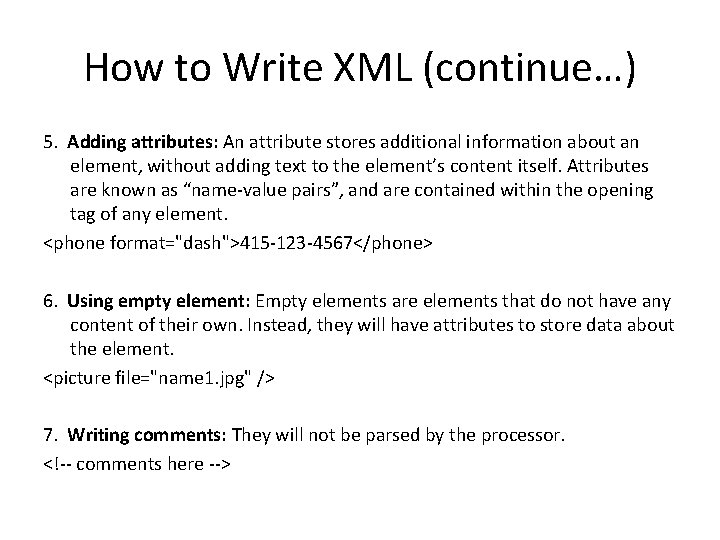
How to Write XML (continue…) 5. Adding attributes: An attribute stores additional information about an element, without adding text to the element’s content itself. Attributes are known as “name-value pairs”, and are contained within the opening tag of any element. <phone format="dash">415 -123 -4567</phone> 6. Using empty element: Empty elements are elements that do not have any content of their own. Instead, they will have attributes to store data about the element. <picture file="name 1. jpg" /> 7. Writing comments: They will not be parsed by the processor. <!-- comments here -->
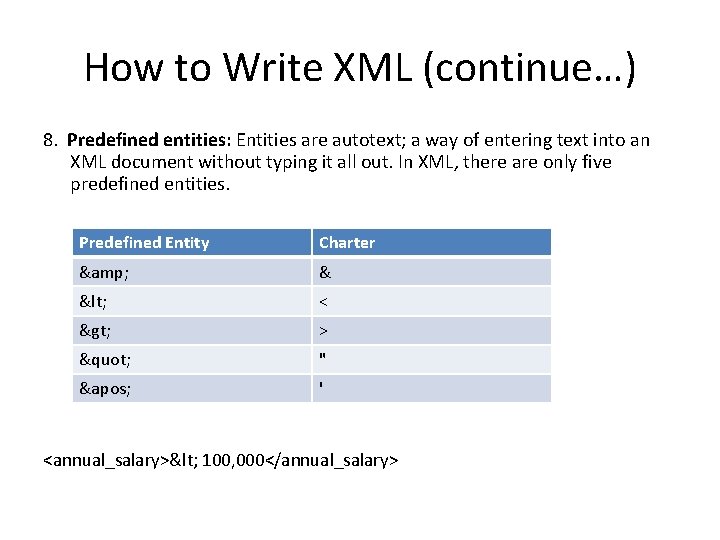
How to Write XML (continue…) 8. Predefined entities: Entities are autotext; a way of entering text into an XML document without typing it all out. In XML, there are only five predefined entities. Predefined Entity Charter & & < < > > " " ' ' <annual_salary>< 100, 000</annual_salary>
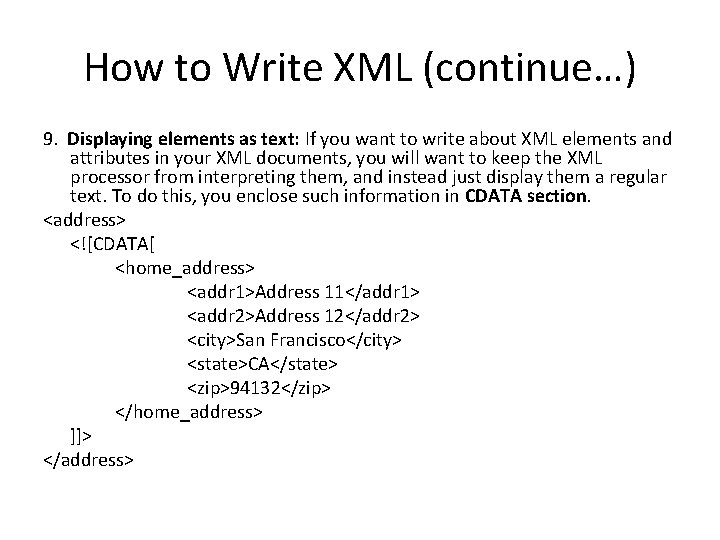
How to Write XML (continue…) 9. Displaying elements as text: If you want to write about XML elements and attributes in your XML documents, you will want to keep the XML processor from interpreting them, and instead just display them a regular text. To do this, you enclose such information in CDATA section. <address> <![CDATA[ <home_address> <addr 1>Address 11</addr 1> <addr 2>Address 12</addr 2> <city>San Francisco</city> <state>CA</state> <zip>94132</zip> </home_address> ]]> </address>
- Slides: 9