
Welcome While you are waiting for the session
- Slides: 25
Welcome! While you are waiting for the session to begin, please think about what worries you most about supporting enterprise applications at your institution.
How to Reduce THE BURDEN OF INFORMATION SHARING Building Capacity to Meet Data Sharing Demands Using Integration Tools Fran Dykstra
About Me • Associate Vice Chancellor Enterprise Applications – Retired in September 2019 • University of North Carolina – Chapel Hill • Responsible for the ERP, student information systems, and other administrative applications including Facilities, Parking and Environmental Health and Safety • Currently Service Delivery Model Consultant • Washington University in St. Louis Workday Project • 45 Years in Higher Education Administration • Brown University • University of Virginia • Yale University • Stony Brook University • University of North Carolina at Chapel Hill • Washington University in St. Louis
Who are you? University IT Leaders and Staff Vendors Others
Topics • • What do you worry about the most? A Descriptive Model What does this look like? What is the cost? Building capacity Product selection Tool Adoption Preliminary results
What do you worry about the most? • • • Information Security Managing Demand Hiring and Retaining Staff Data Analytics Others
A Descriptive Model
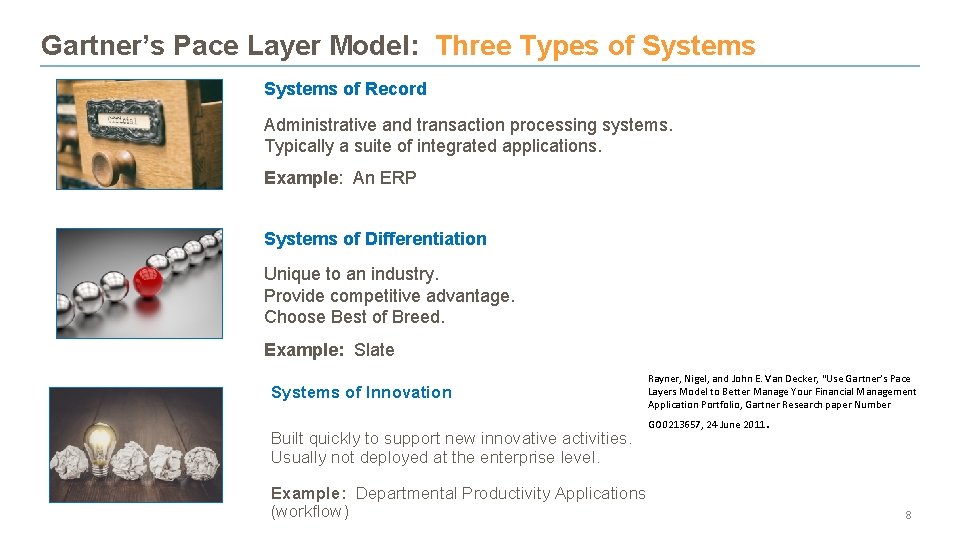
Gartner’s Pace Layer Model: Three Types of Systems of Record Administrative and transaction processing systems. Typically a suite of integrated applications. Example: An ERP Systems of Differentiation Unique to an industry. Provide competitive advantage. Choose Best of Breed. Example: Slate Systems of Innovation Built quickly to support new innovative activities. Usually not deployed at the enterprise level. Example: Departmental Productivity Applications (workflow) Rayner, Nigel, and John E. Van Decker, “Use Gartner’s Pace Layers Model to Better Manage Your Financial Management Application Portfolio, Gartner Research paper Number GO 0213657, 24 June 2011 . 8
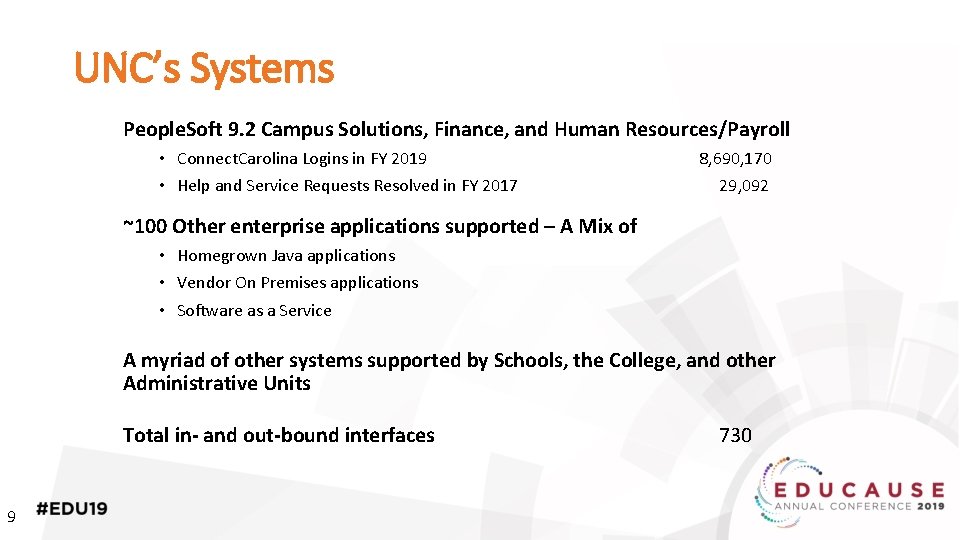
UNC’s Systems People. Soft 9. 2 Campus Solutions, Finance, and Human Resources/Payroll • Connect. Carolina Logins in FY 2019 • Help and Service Requests Resolved in FY 2017 8, 690, 170 29, 092 ~100 Other enterprise applications supported – A Mix of • Homegrown Java applications • Vendor On Premises applications • Software as a Service A myriad of other systems supported by Schools, the College, and other Administrative Units Total in- and out-bound interfaces 9 730
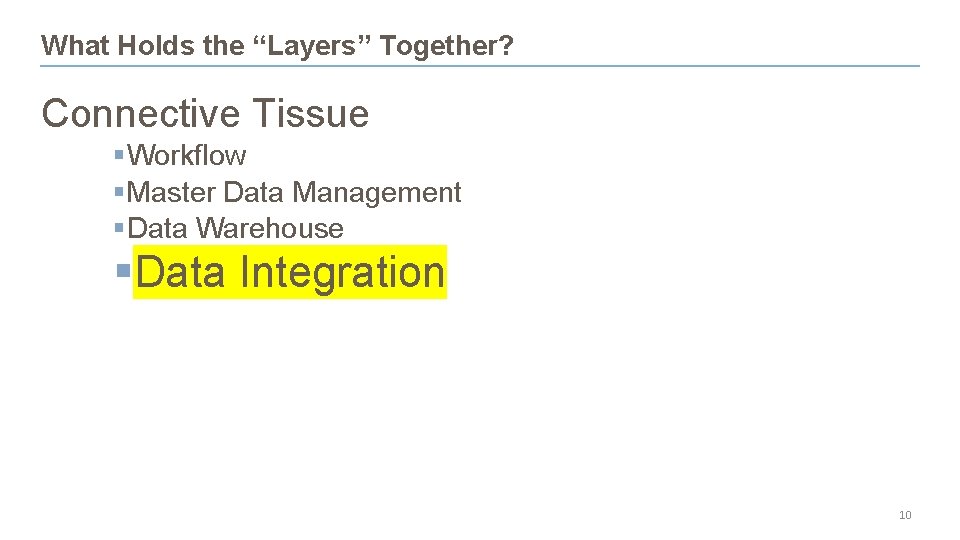
What Holds the “Layers” Together? Connective Tissue §Workflow §Master Data Management §Data Warehouse §Data Integration 10
What does this look like at your institution? • Ad Hoc • Semi-Organized • Consistent, Standard Approach
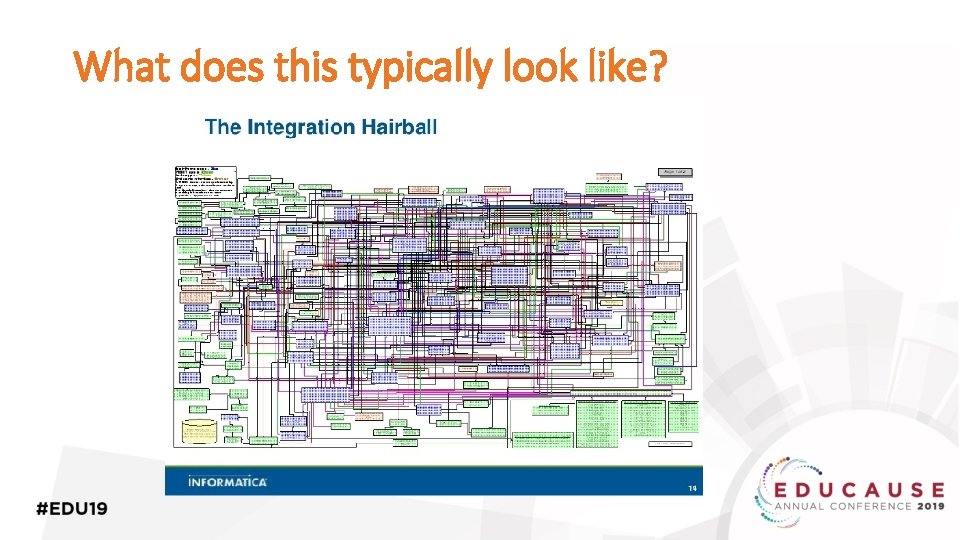
What does this typically look like?
What is the cost of your approach?
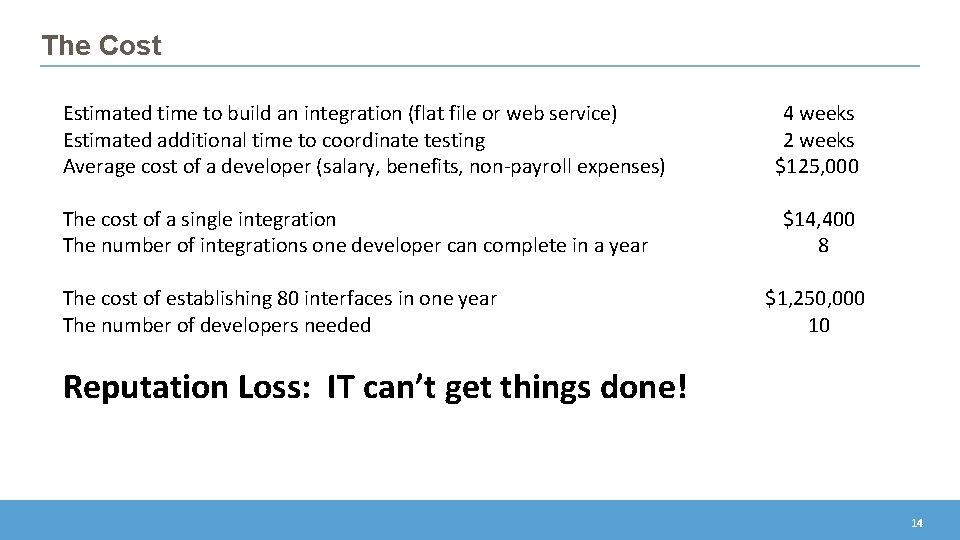
The Cost Estimated time to build an integration (flat file or web service) Estimated additional time to coordinate testing Average cost of a developer (salary, benefits, non-payroll expenses) The cost of a single integration The number of integrations one developer can complete in a year The cost of establishing 80 interfaces in one year The number of developers needed 4 weeks 2 weeks $125, 000 $14, 400 8 $1, 250, 000 10 Reputation Loss: IT can’t get things done! 14
How can you build capacity?
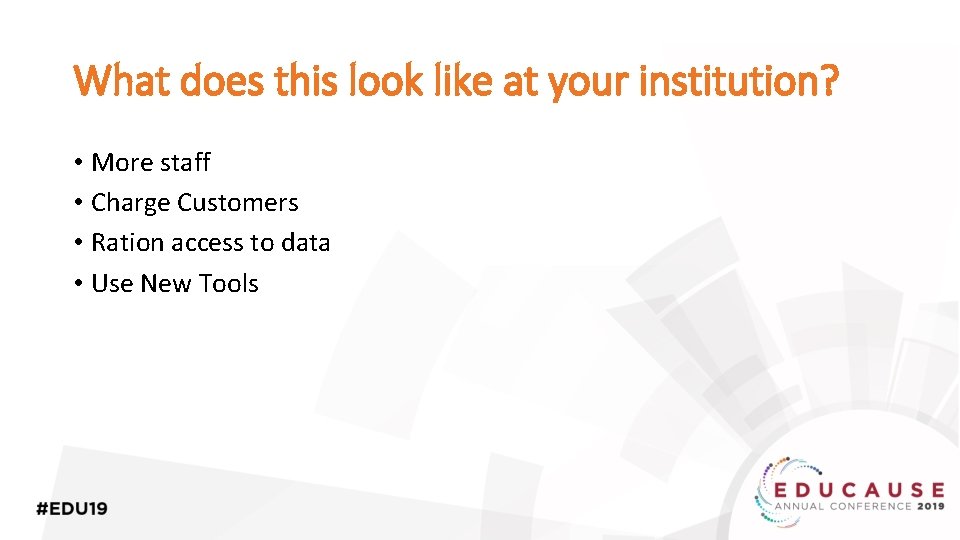
What does this look like at your institution? • More staff • Charge Customers • Ration access to data • Use New Tools
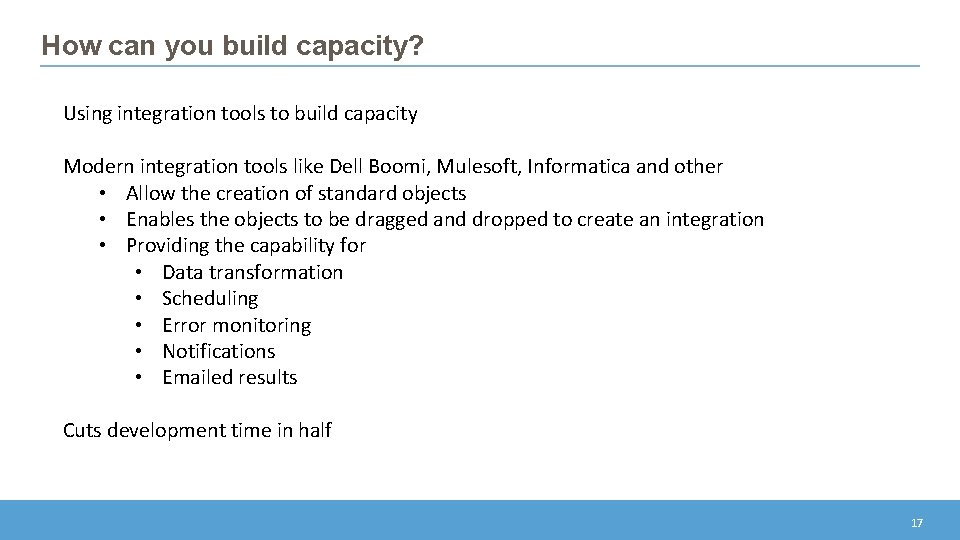
How can you build capacity? Using integration tools to build capacity Modern integration tools like Dell Boomi, Mulesoft, Informatica and other • Allow the creation of standard objects • Enables the objects to be dragged and dropped to create an integration • Providing the capability for • Data transformation • Scheduling • Error monitoring • Notifications • Emailed results Cuts development time in half 17
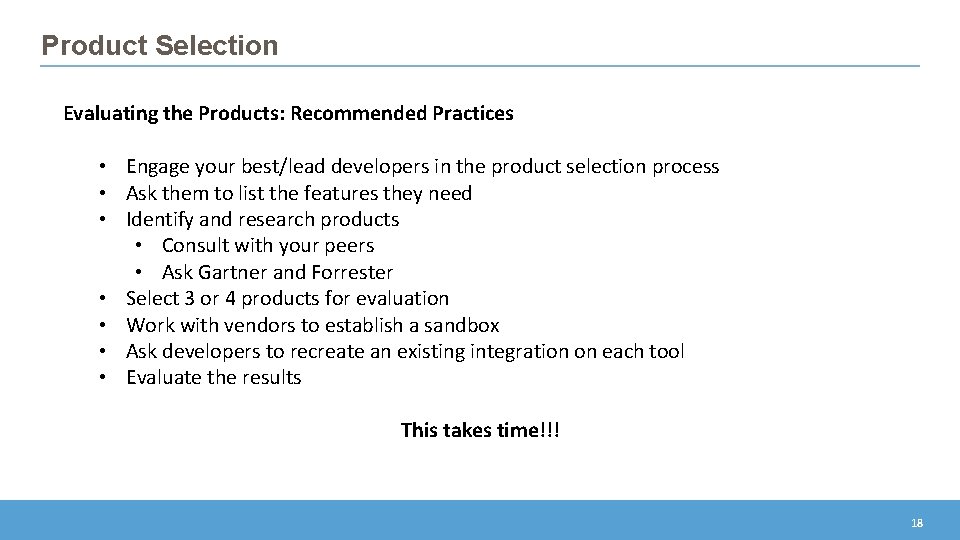
Product Selection Evaluating the Products: Recommended Practices • Engage your best/lead developers in the product selection process • Ask them to list the features they need • Identify and research products • Consult with your peers • Ask Gartner and Forrester • Select 3 or 4 products for evaluation • Work with vendors to establish a sandbox • Ask developers to recreate an existing integration on each tool • Evaluate the results This takes time!!! 18
Do you experience difficulties with tool adoption? How do you tackle this hurdle?
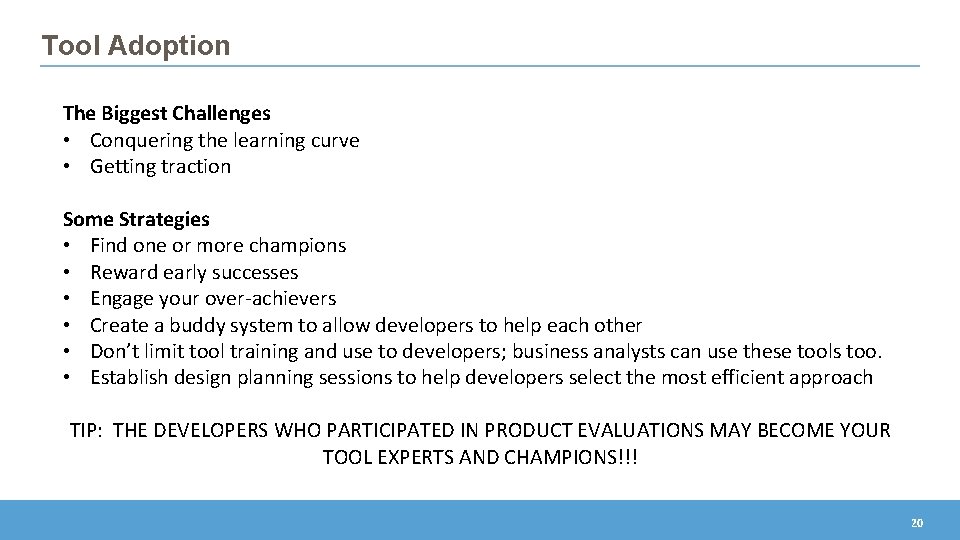
Tool Adoption The Biggest Challenges • Conquering the learning curve • Getting traction Some Strategies • Find one or more champions • Reward early successes • Engage your over-achievers • Create a buddy system to allow developers to help each other • Don’t limit tool training and use to developers; business analysts can use these tools too. • Establish design planning sessions to help developers select the most efficient approach TIP: THE DEVELOPERS WHO PARTICIPATED IN PRODUCT EVALUATIONS MAY BECOME YOUR TOOL EXPERTS AND CHAMPIONS!!! 20
Preliminary Results at UNC • The first integrations were completed within 2 months of purchasing the tool • A third of team members have completed training and created integrations • Integration projects are taking half the time of traditional development methods • The product pays for itself in terms of productivity improvements • 80 new interfaces in the first year 21
Representative Projects • 30 new web services built to enable UNC Chapel Hill to participate in a University of North Carolina system online course initiative • Data feeds to Teamworks enable class and tutoring schedules to be uploaded to an application that manages student athlete’s schedules. • A medical school request for data feeds to a new budgeting system was completed two months ahead of schedule 22
What strategies have worked for you?
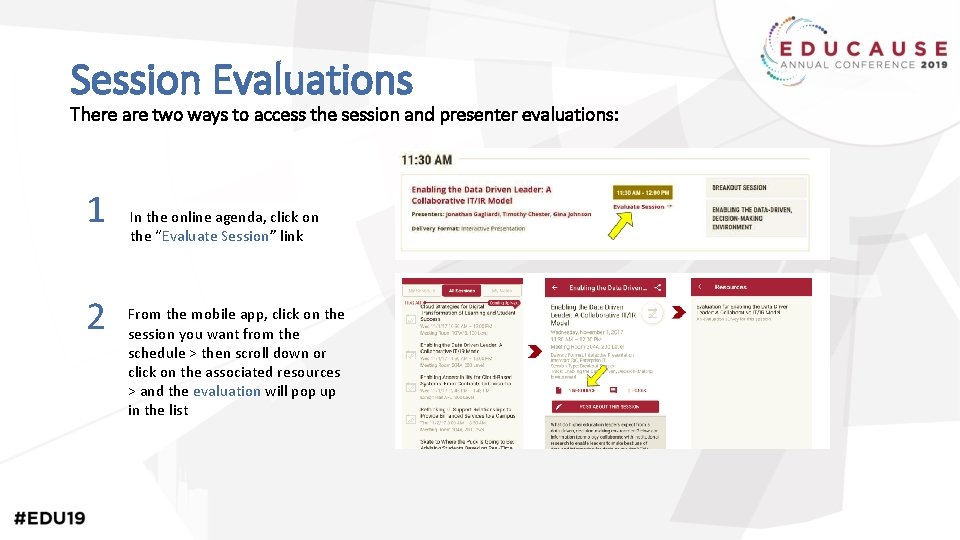
Session Evaluations There are two ways to access the session and presenter evaluations: 1 2 In the online agenda, click on the “Evaluate Session” link From the mobile app, click on the session you want from the schedule > then scroll down or click on the associated resources > and the evaluation will pop up in the list
Contact Information Fran Dykstra Consultant Washington University St. Louis, MO EMAIL: frandykstra@gmail. com NOTE: This presentation leaves copyright of the content to the presenter. Unless otherwise noted in the materials, uploaded content carries the Creative Commons Attribution 4. 0 International (CC BY 4. 0), which grants usage to the general public, with appropriate credit to the author.