
Welcome to Workshop 88s Tiny 85 Class Please
- Slides: 49
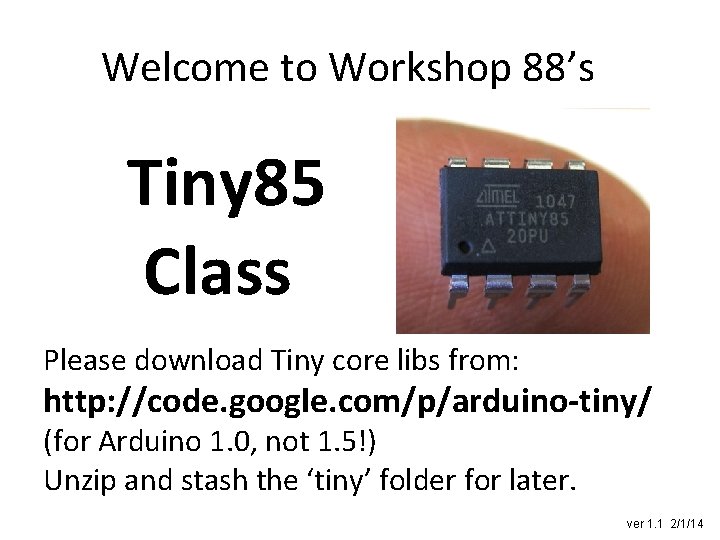
Welcome to Workshop 88’s Tiny 85 Class Please download Tiny core libs from: http: //code. google. com/p/arduino-tiny/ (for Arduino 1. 0, not 1. 5!) Unzip and stash the ‘tiny’ folder for later. ver 1. 1 2/1/14
Objective of class You walk out with a Tiny 85 with code that you wrote and that you burned into the chip.
What we’ll cover • • • • Why use a Tiny 85 (or friends)? Why not? How Arduino IDE works with Tinys Putting new core libs on your IDE Put a Tiny blinkie on your breadboard Write your own blinkie Porting code to Tiny 85 Mapping Tiny 85 pins to Arduino pins How to burn code to a Tiny: programming, programmers, programs… Burn your blinkie! Fuses and avrdude Using RESET as a 6 th I/O pin Commercial Tiny 85 s Other Tinys: 84, 4313
Atmel 8 bit AVR familes AVR stands for Alf (Egil Bogen) and Vegard (Wollan)'s RISC processor • Mega family – At. Mega 328 P (Arduino!) – At. Mega 2560 (Mega) – more • Tiny family – At. Tiny 25/45/85 – At. Tiny 24/44/84 – At. Tiny 2313/4313 – more (There’s also an Xmega family, as well as a 32 bit family. )
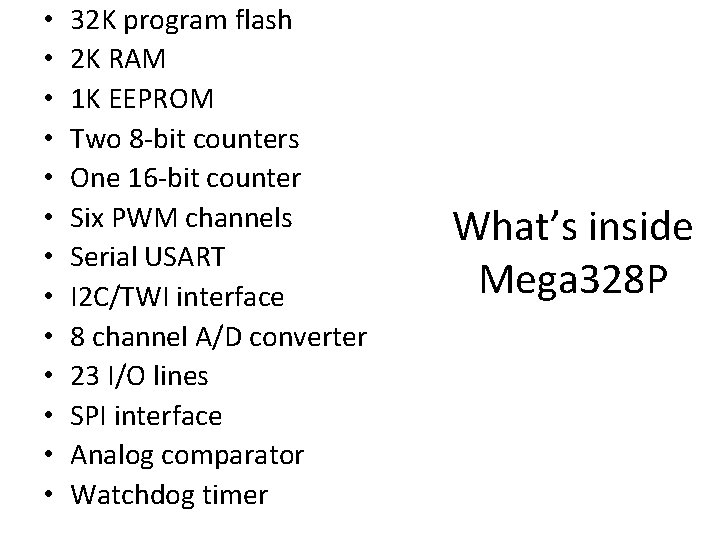
• • • • 32 K program flash 2 K RAM 1 K EEPROM Two 8 -bit counters One 16 -bit counter Six PWM channels Serial USART I 2 C/TWI interface 8 channel A/D converter 23 I/O lines SPI interface Analog comparator Watchdog timer What’s inside Mega 328 P
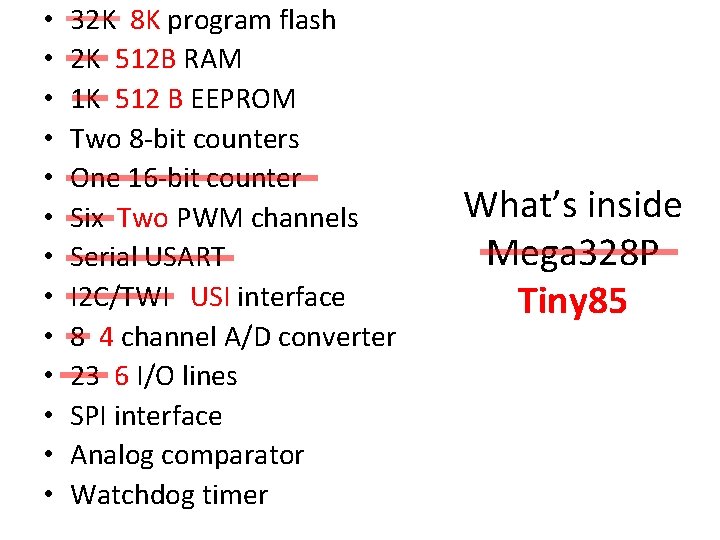
• • • • 32 K 8 K program flash 2 K 512 B RAM 1 K 512 B EEPROM Two 8 -bit counters One 16 -bit counter Six Two PWM channels Serial USART I 2 C/TWI USI interface 8 4 channel A/D converter 23 6 I/O lines SPI interface Analog comparator Watchdog timer What’s inside Mega 328 P Tiny 85
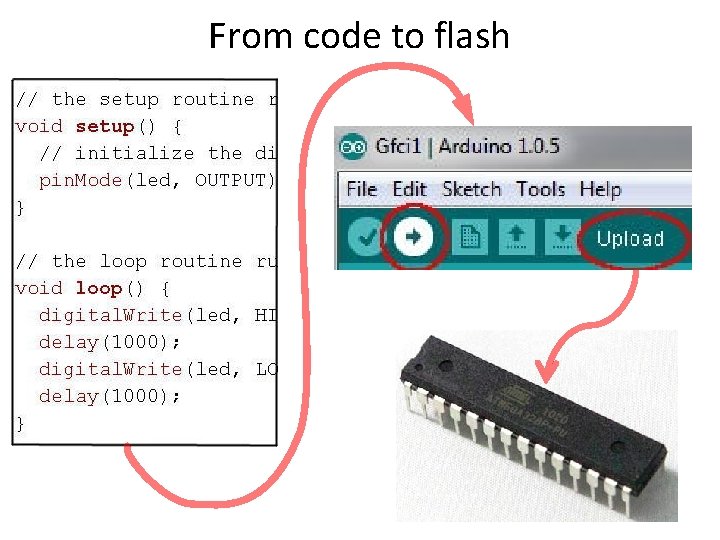
From code to flash
From code to flash
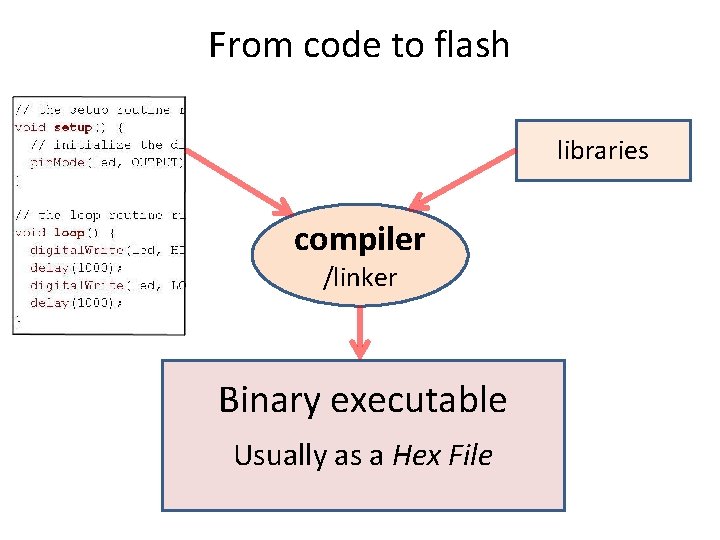
From code to flash libraries compiler /linker Binary executable Usually as a Hex File
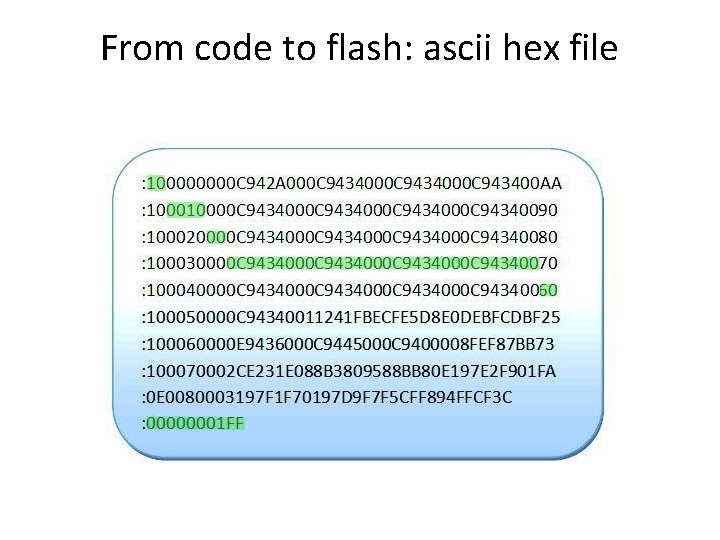
From code to flash: ascii hex file
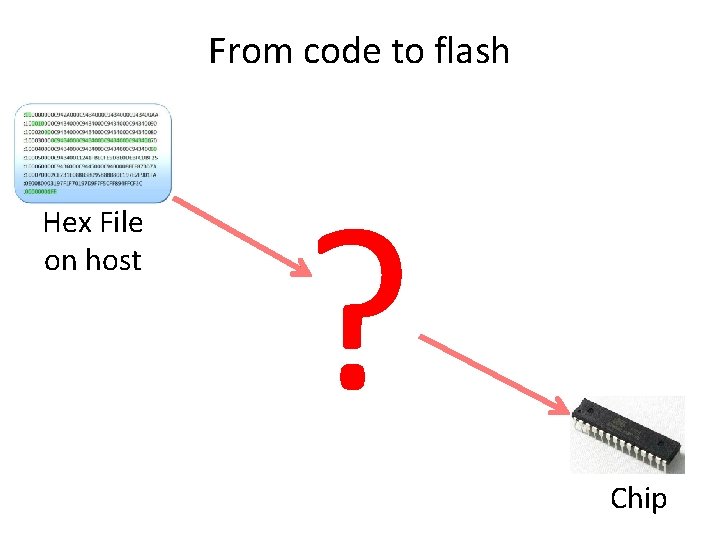
From code to flash Hex File on host ? Chip
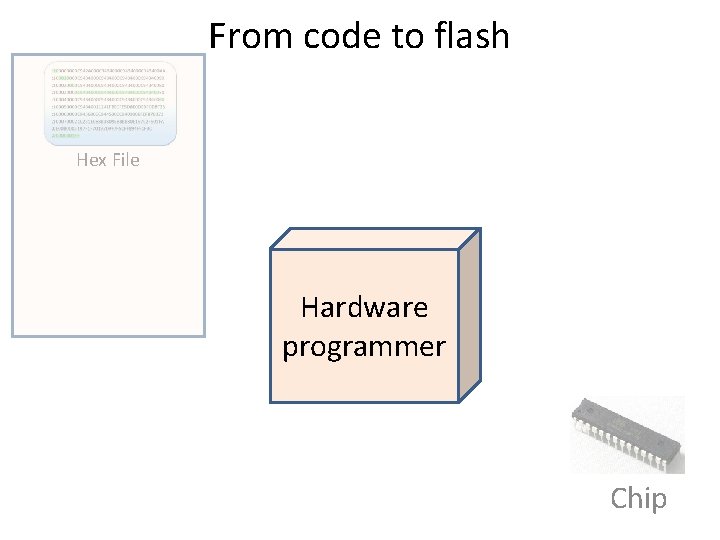
From code to flash Hex File Hardware programmer Chip
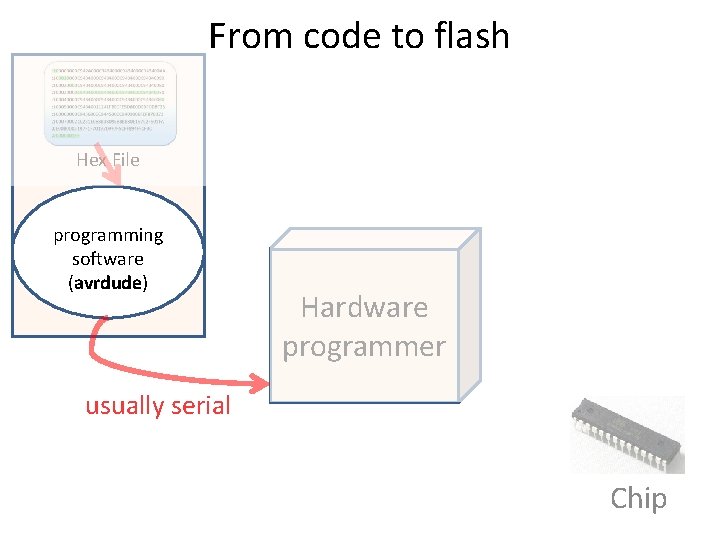
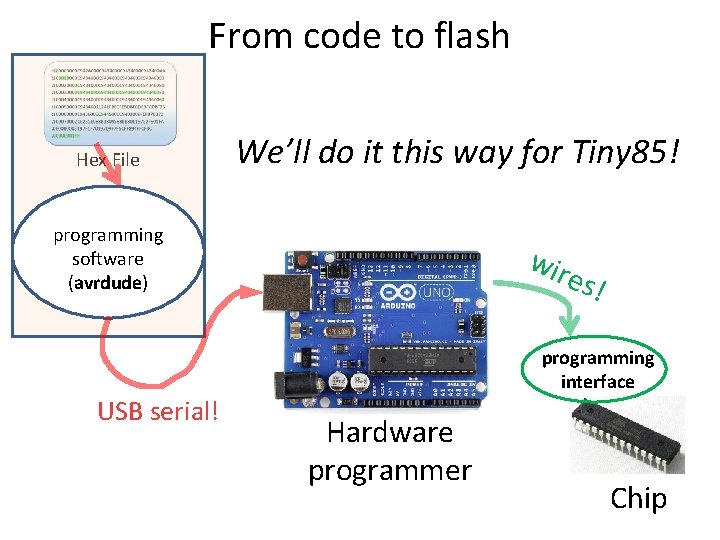
From code to flash Hex File programming software (avrdude) Hardware programmer usually serial Chip
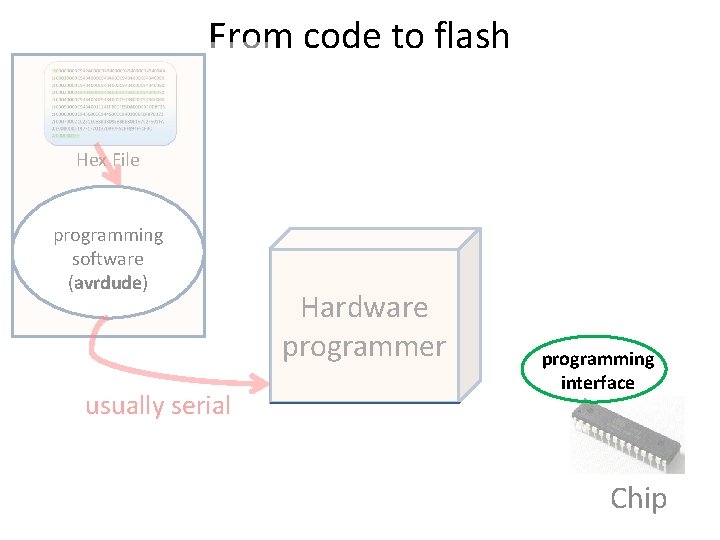
From code to flash Hex File programming software (avrdude) usually serial Hardware programmer programming interface Chip
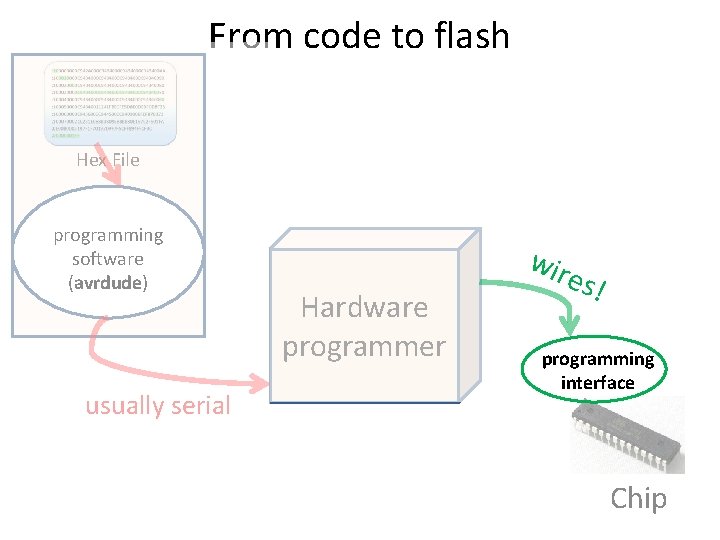
From code to flash Hex File programming software (avrdude) usually serial Hardware programmer wir es! programming interface Chip
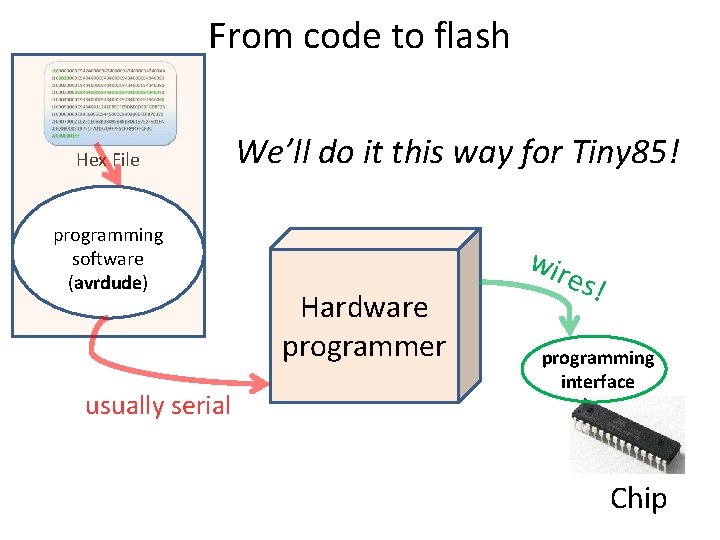
From code to flash Hex File programming software (avrdude) usually serial We’ll do it this way for Tiny 85! Hardware programmer wir es! programming interface Chip
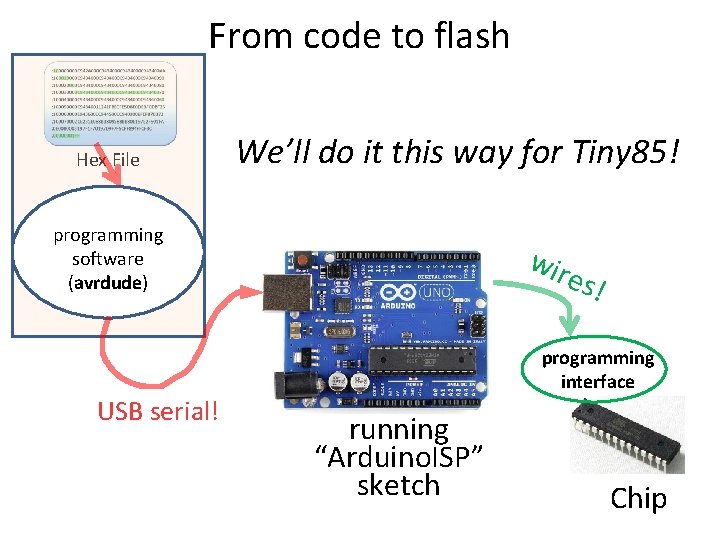
From code to flash Hex File We’ll do it this way for Tiny 85! programming software (avrdude) USB serial! wir es! programming interface Hardware programmer Chip
From code to flash Hex File We’ll do it this way for Tiny 85! programming software (avrdude) USB serial! wir es! programming interface running “Arduino. ISP” sketch Chip
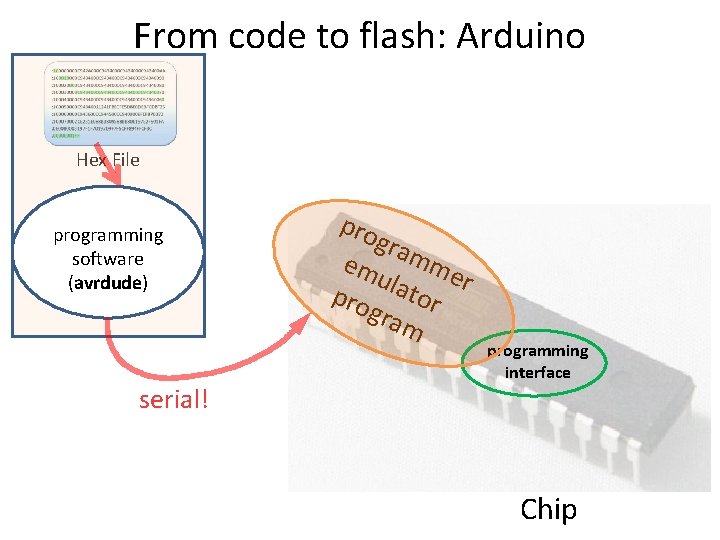
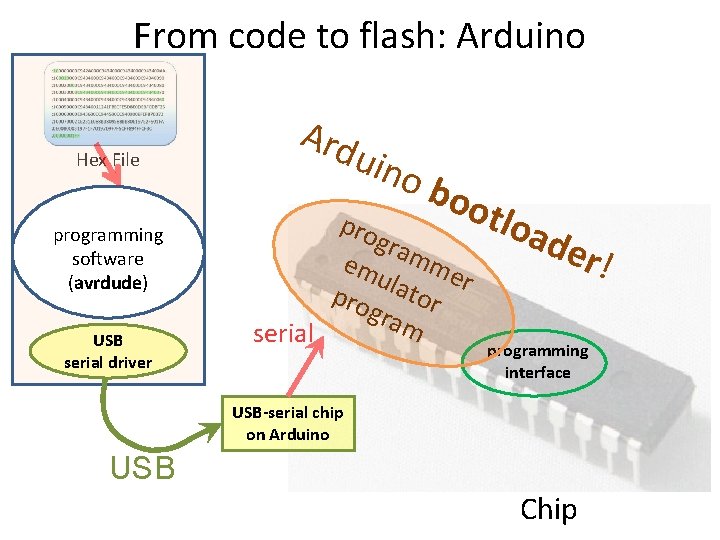
From code to flash: Arduino Hex File programming software (avrdude) serial! pro gra em mme ula r t pro or gra m programming interface Chip
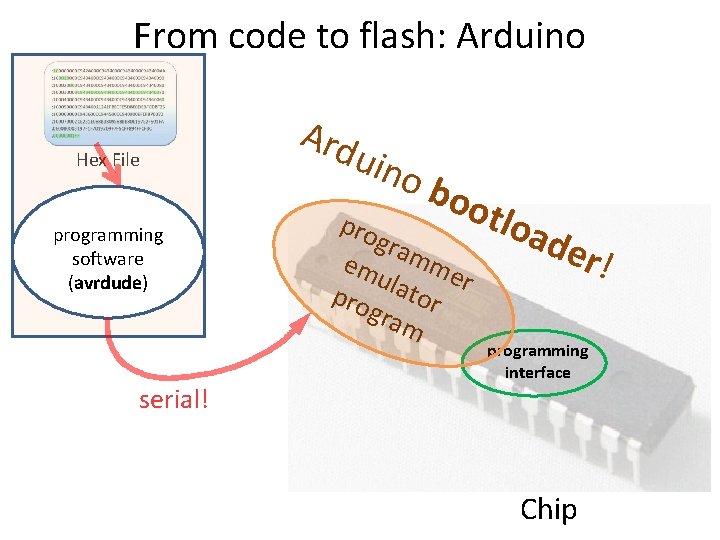
From code to flash: Arduino Hex File programming software (avrdude) serial! Ard uin ob oot pro gra em mme ula r t pro or gra m loa der ! programming interface Chip
From code to flash: Arduino Hex File programming software (avrdude) USB serial driver Ard uin ob oot pro gra em mme ula r t pro or gra m serial loa der ! programming interface USB-serial chip on Arduino USB Chip
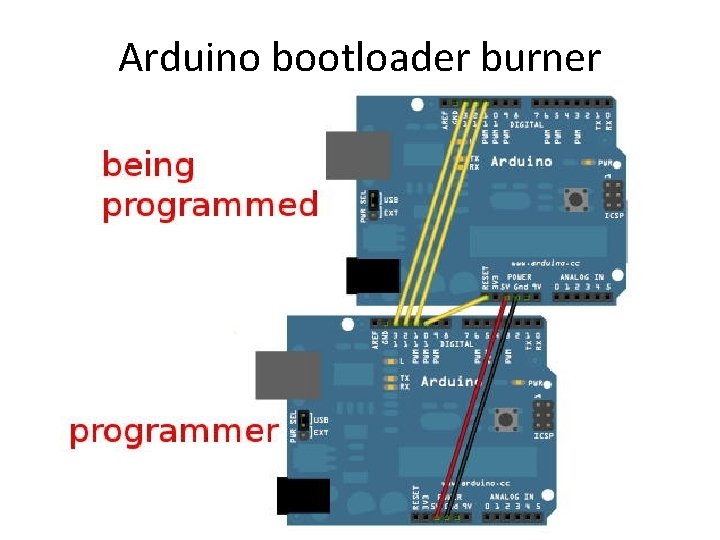
Arduino bootloader burner
From code to flash
From code to flash
Get your Tiny on! • Refer to pinout and connect +5 V and ground • The Tiny is preprogrammed with a blink sketch on pin 5 • Put an LED on pin 5 and verify that it works!
Installing Tiny core libs • Unzip if needed • Copy “tiny” directory to the “hardware” directory either: • In main Arduino installation Win: Program Files/arduino-1. 0. 5/hardware linux: /usr/share/arduino/hardware • In your Arduino directory (make dir “hardware” if needed) Win: My Documents/Arduino/hardware linux: $HOME/sketchbook/hardware
boards. txt • Contains definitions for all available boards • In top “tiny” directory, copy “Prospective Boards. txt” to “boards. txt” • I suggest cleaning up your new “boards. txt”, leaving only stanzas for – ATtiny 85 @ 8 MHz – ATtiny 85 @ 1 MHz
Write your blinkie! • Recognizable pattern • 1 -3 LEDs (5 max) • Use variables or #defines for pins
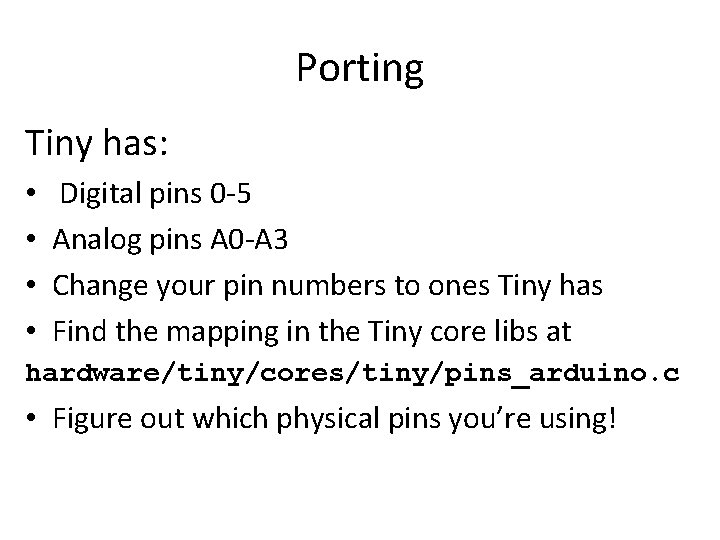
Porting Tiny has: • • Digital pins 0 -5 Analog pins A 0 -A 3 Change your pin numbers to ones Tiny has Find the mapping in the Tiny core libs at hardware/tiny/cores/tiny/pins_arduino. c • Figure out which physical pins you’re using!
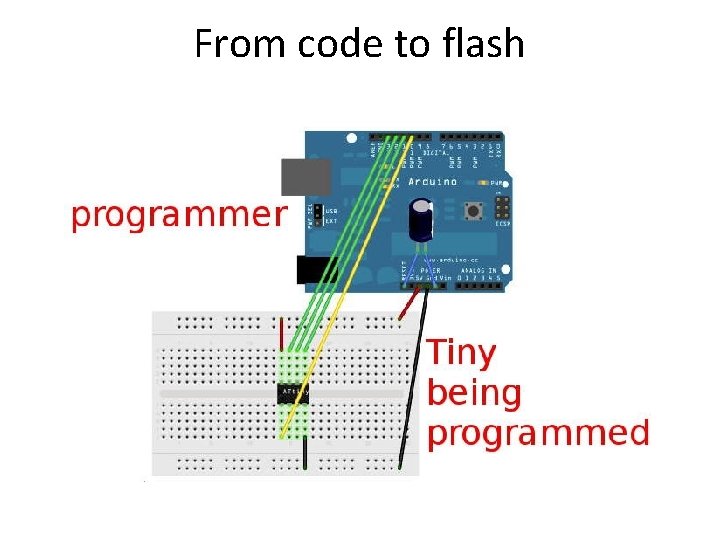
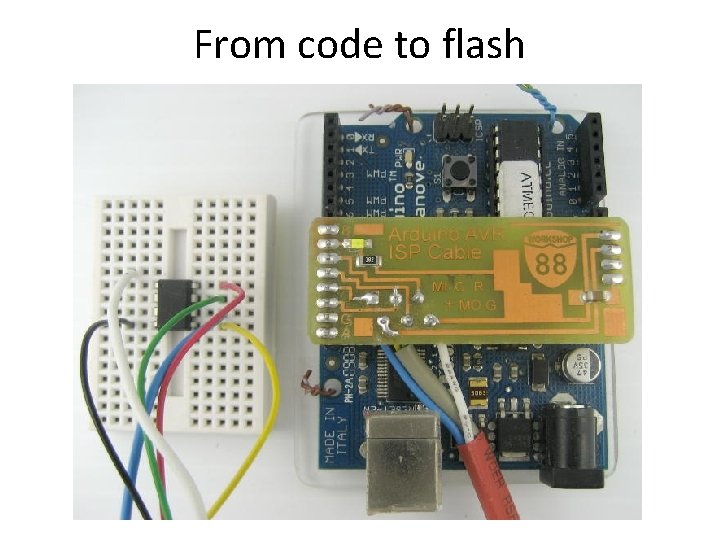
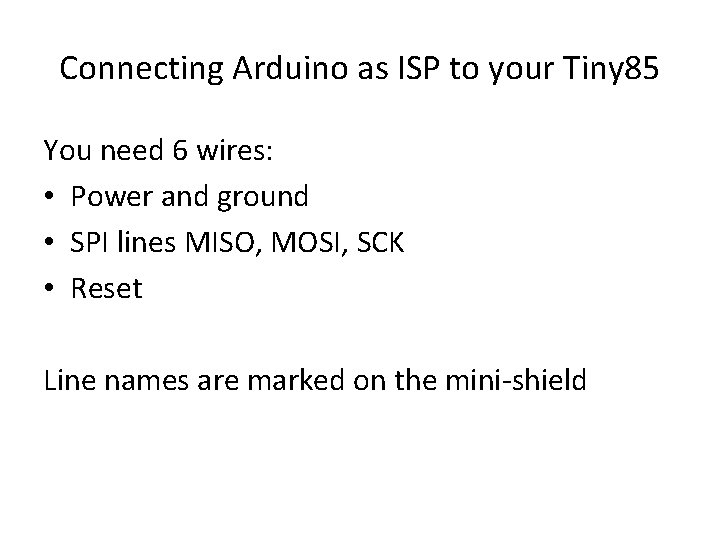
Connecting Arduino as ISP to your Tiny 85 You need 6 wires: • Power and ground • SPI lines MISO, MOSI, SCK • Reset Line names are marked on the mini-shield
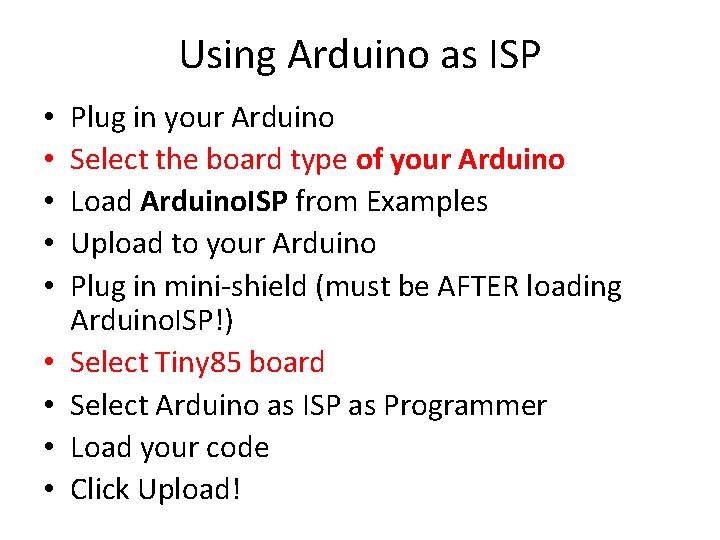
Using Arduino as ISP • • • Plug in your Arduino Select the board type of your Arduino Load Arduino. ISP from Examples Upload to your Arduino Plug in mini-shield (must be AFTER loading Arduino. ISP!) Select Tiny 85 board Select Arduino as ISP as Programmer Load your code Click Upload!
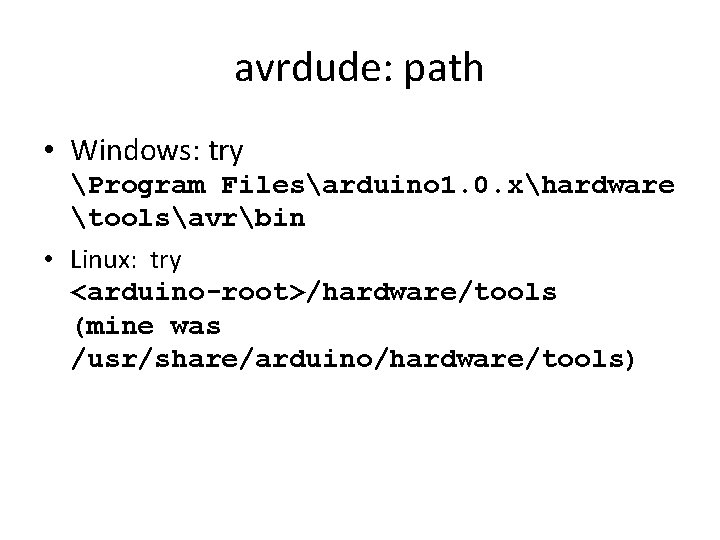
avrdude: path • Windows: try Program Filesarduino 1. 0. xhardware toolsavrbin • Linux: try <arduino-root>/hardware/tools (mine was /usr/share/arduino/hardware/tools)
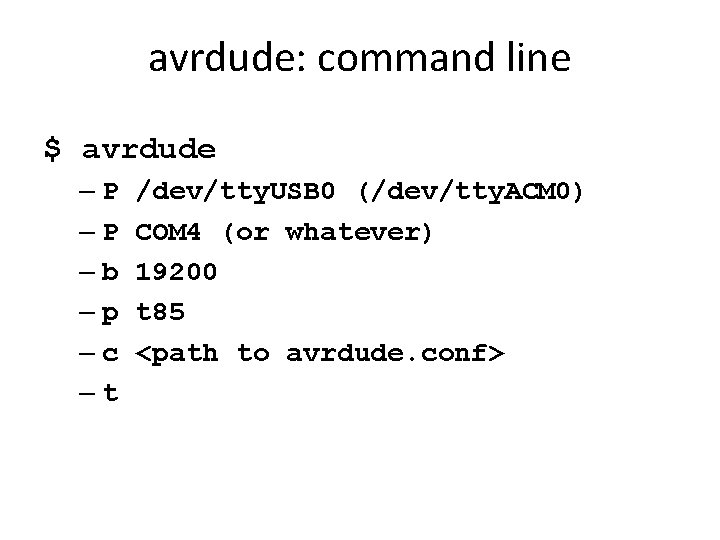
avrdude: command line $ avrdude –P –P –b –p –c –t /dev/tty. USB 0 (/dev/tty. ACM 0) COM 4 (or whatever) 19200 t 85 <path to avrdude. conf>
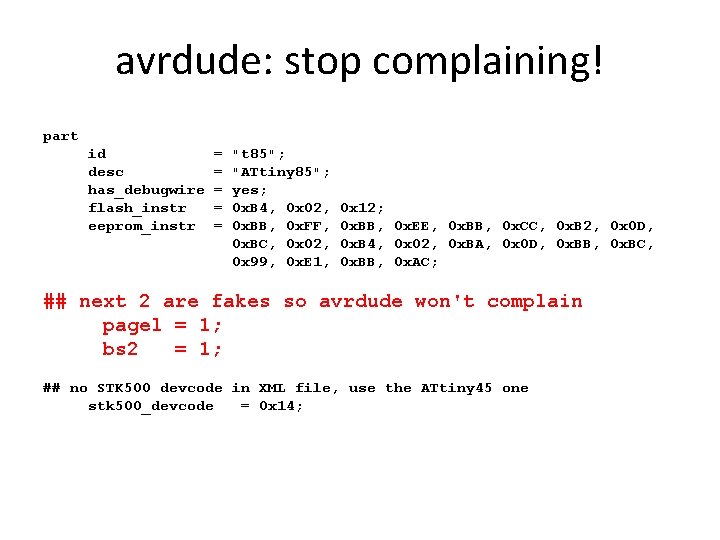
avrdude: stop complaining! part id desc has_debugwire flash_instr eeprom_instr = = = "t 85"; "ATtiny 85"; yes; 0 x. B 4, 0 x 02, 0 x. BB, 0 x. FF, 0 x. BC, 0 x 02, 0 x 99, 0 x. E 1, 0 x 12; 0 x. BB, 0 x. EE, 0 x. BB, 0 x. CC, 0 x. B 2, 0 x 0 D, 0 x. B 4, 0 x 02, 0 x. BA, 0 x 0 D, 0 x. BB, 0 x. BC, 0 x. BB, 0 x. AC; ## next 2 are fakes so avrdude won't complain pagel = 1; bs 2 = 1; ## no STK 500 devcode in XML file, use the ATtiny 45 one stk 500_devcode = 0 x 14;
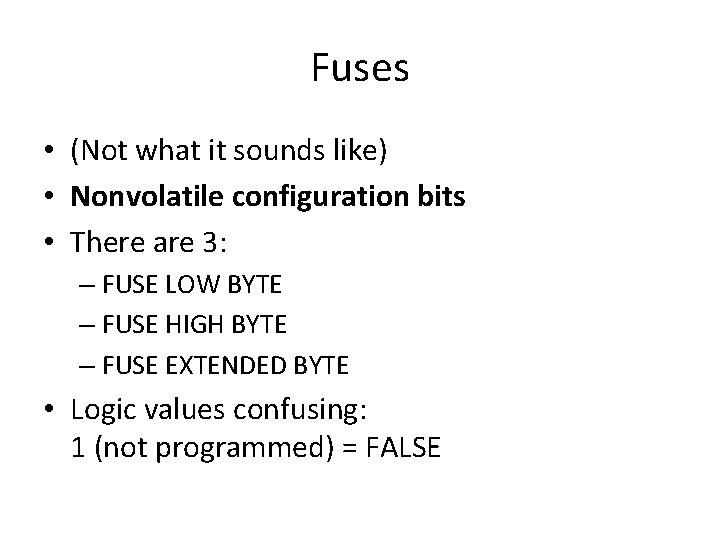
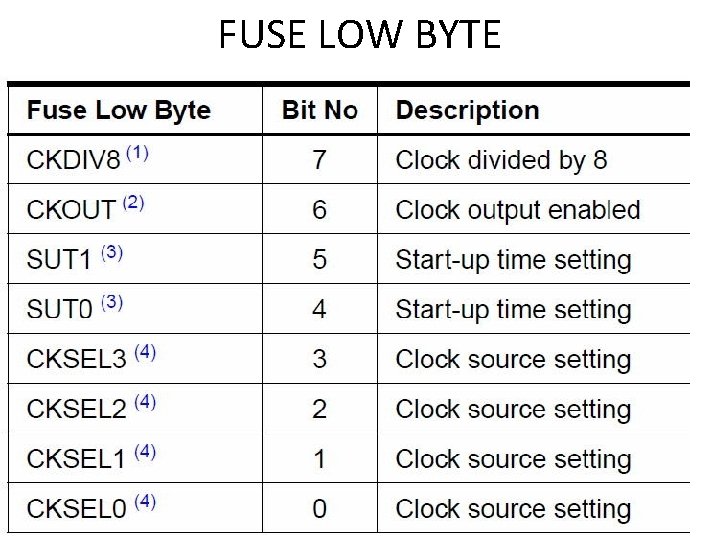
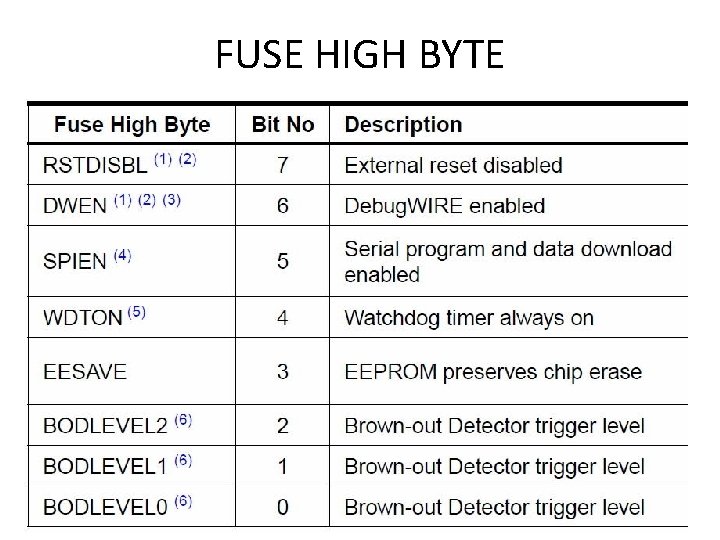
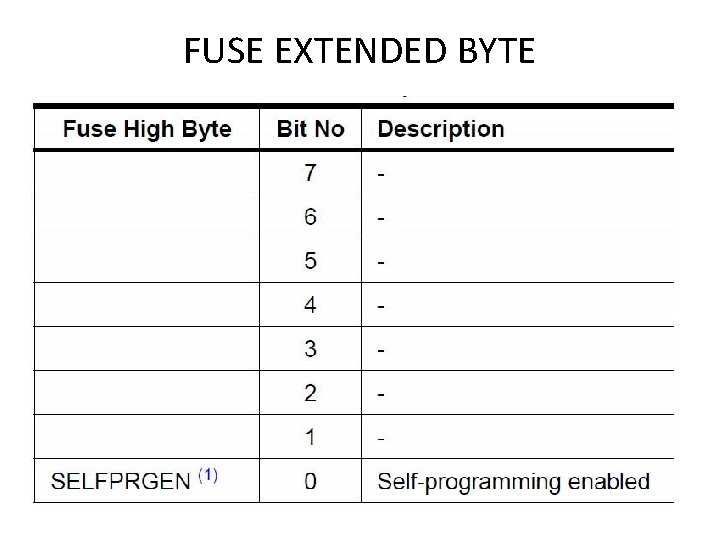
Fuses • (Not what it sounds like) • Nonvolatile configuration bits • There are 3: – FUSE LOW BYTE – FUSE HIGH BYTE – FUSE EXTENDED BYTE • Logic values confusing: 1 (not programmed) = FALSE
FUSE LOW BYTE
FUSE HIGH BYTE
FUSE EXTENDED BYTE
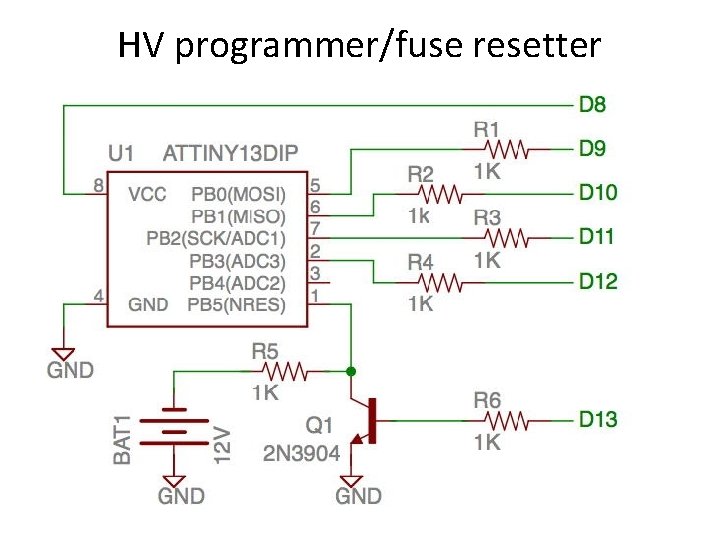
HV programmer/fuse resetter
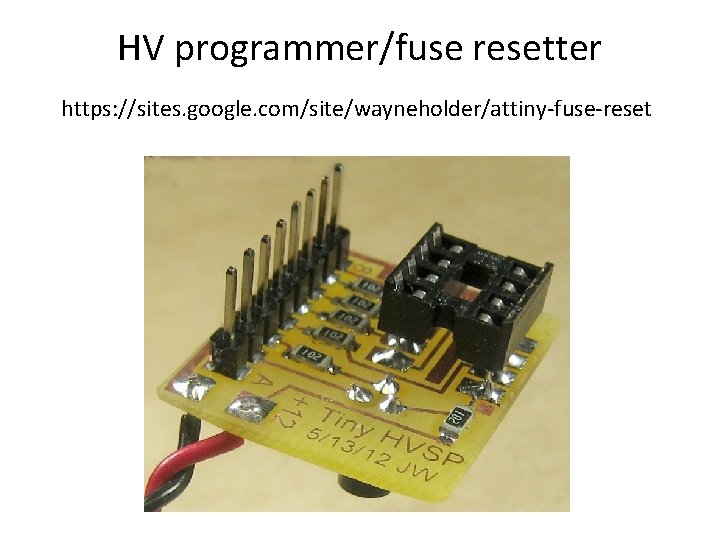
HV programmer/fuse resetter https: //sites. google. com/site/wayneholder/attiny-fuse-reset
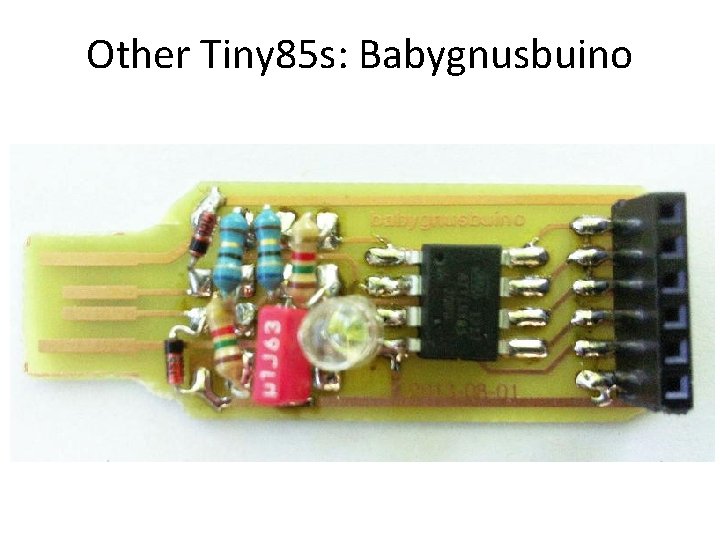
Other Tiny 85 s: Babygnusbuino
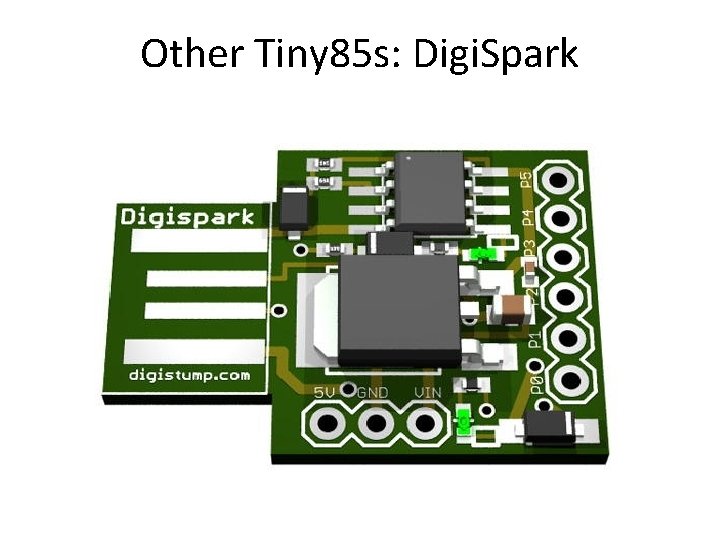
Other Tiny 85 s: Digi. Spark
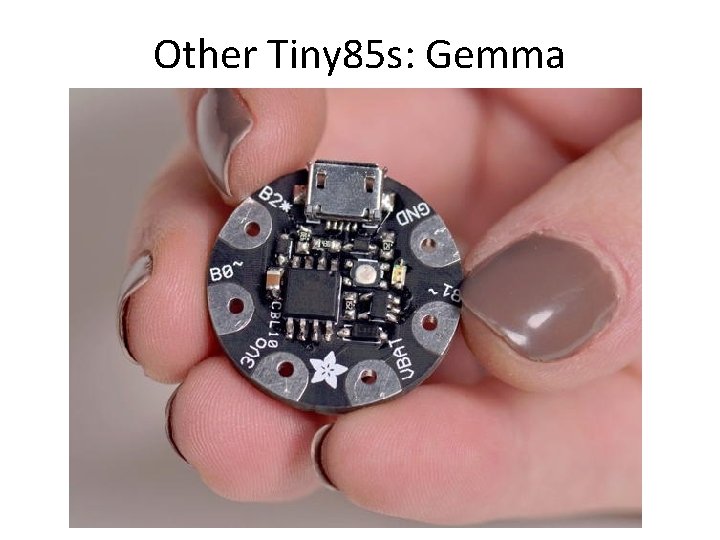
Other Tiny 85 s: Gemma
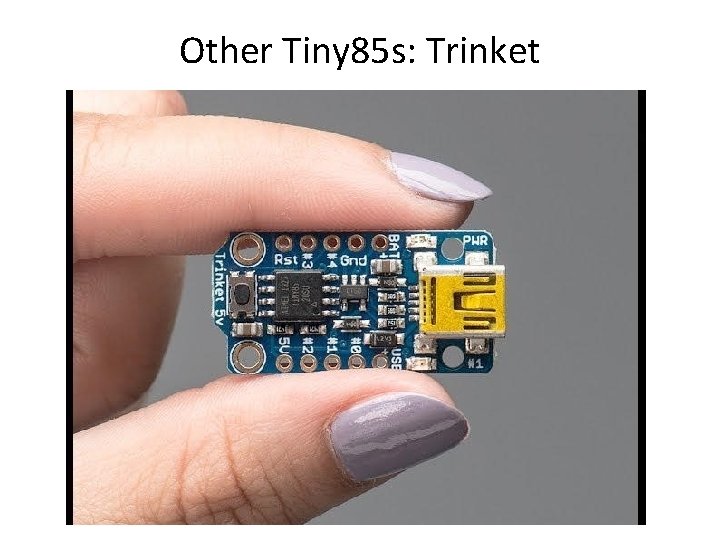
Other Tiny 85 s: Trinket
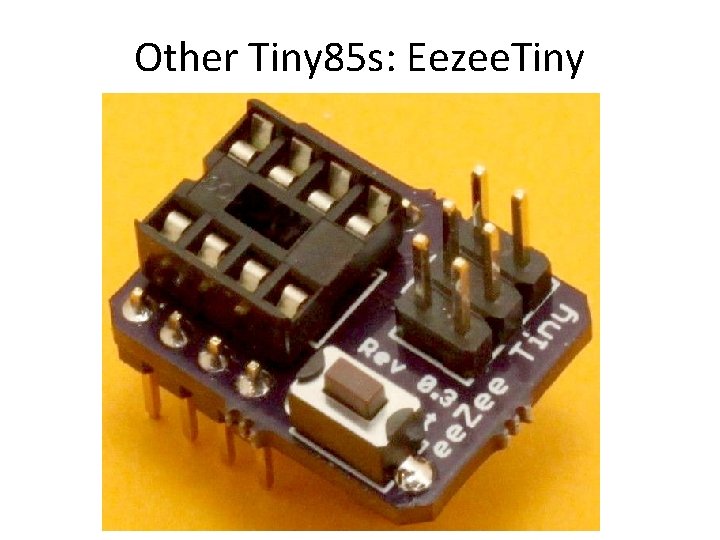
Other Tiny 85 s: Eezee. Tiny
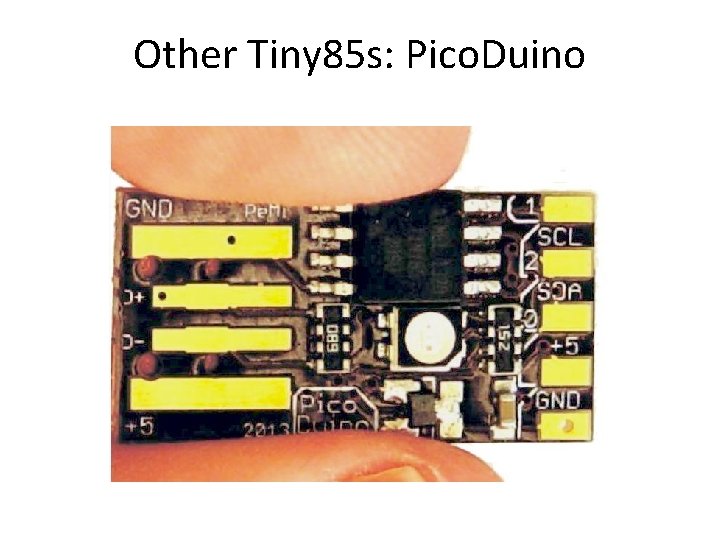
Other Tiny 85 s: Pico. Duino
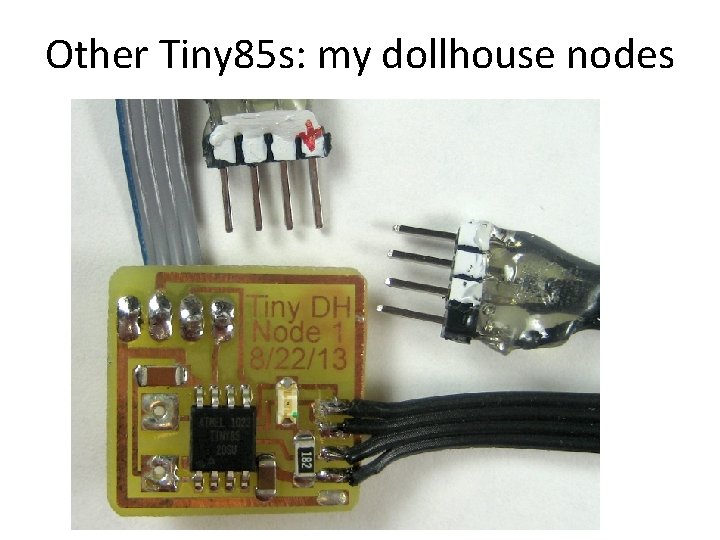
Other Tiny 85 s: my dollhouse nodes
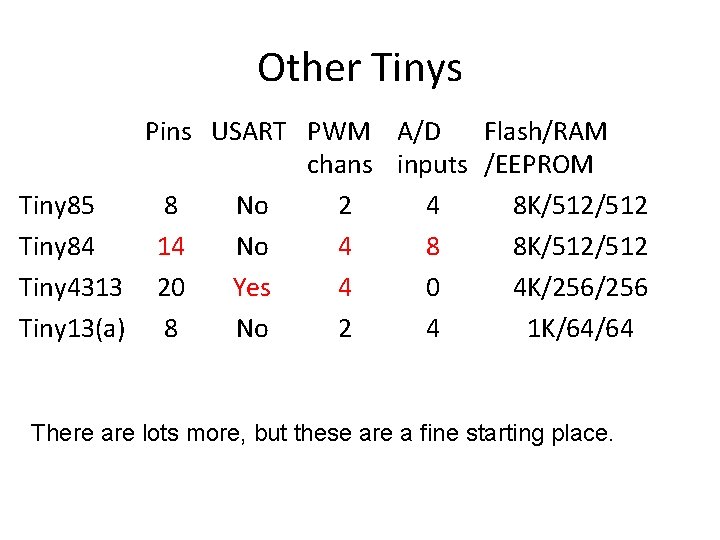
Other Tinys Pins USART PWM A/D Flash/RAM chans inputs /EEPROM Tiny 85 8 No 2 4 8 K/512 Tiny 84 14 No 4 8 8 K/512 Tiny 4313 20 Yes 4 0 4 K/256 Tiny 13(a) 8 No 2 4 1 K/64/64 There are lots more, but these are a fine starting place.
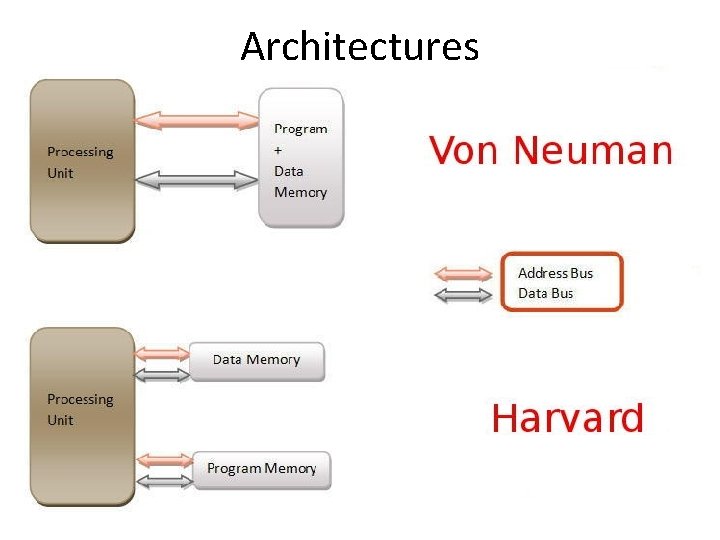
Architectures