
Welcome to the Cornell Note Taking e Learning



- Slides: 36
Welcome to the Cornell Note Taking e. Learning Course Click the Start button to start the module Start
Let’s Get Started! • Move through the course at your own pace by clicking the navigation buttons. Arrow pointing to the right = Next screen Arrow pointing to the left = Previous screen
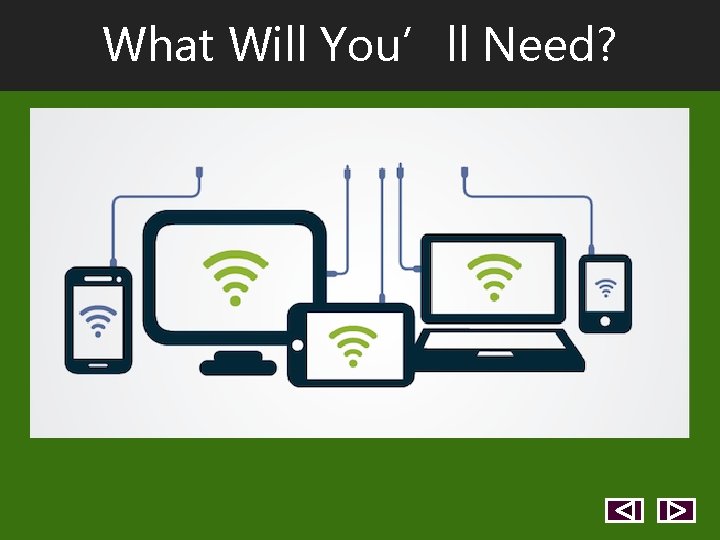
What Will You’ll Need?
What Else Will You’ll Need?
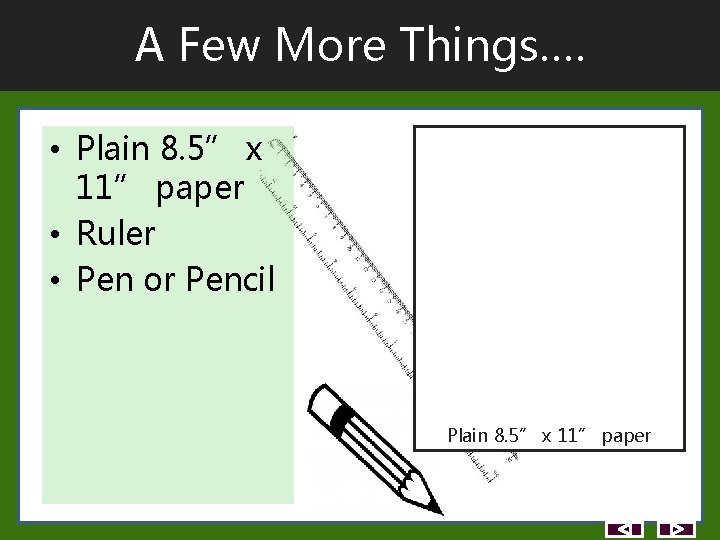
A Few More Things…. • Plain 8. 5” x 11” paper • Ruler • Pen or Pencil Plain 8. 5” x 11” paper
Cornell Note Taking Method Do you want to do really well in college? Better notes Make sense of your notes Effective study
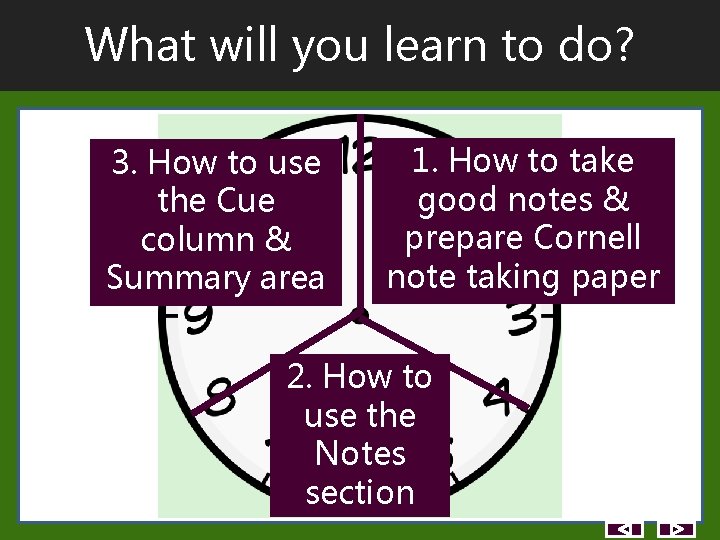
What will you learn to do? 3. How to use the Cue column & Summary area 1. How to take good notes & prepare Cornell note taking paper 2. How to use the Notes section
How you will learn? Goals Learn Action Test
Where Do I Find Handouts? Here’s the Resources tab! Print Or Save
Let’s Start Learning! • Click a button • Start with Module 1 • Click the Exit button to close the e. Learning course Module 1 Module 2 Module 3 Exit
Cornell Note Taking e. Learning Module 1 How to take good notes & prepare Cornell note taking paper
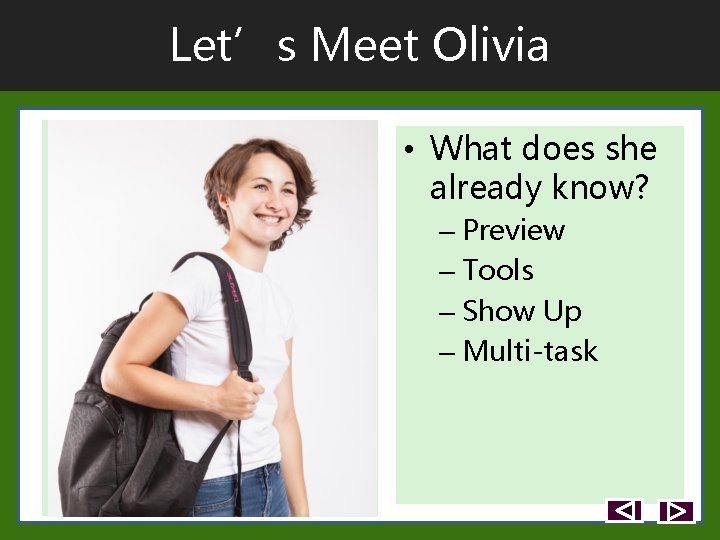
Let’s Meet Olivia • What does she already know? – Preview – Tools – Show Up – Multi-task
How Can You Help?
How Did You Do? • Assessment in Engage follows.
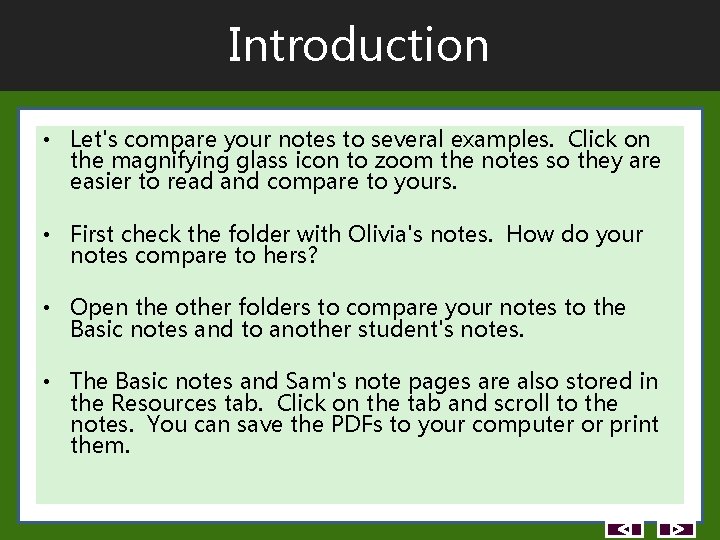
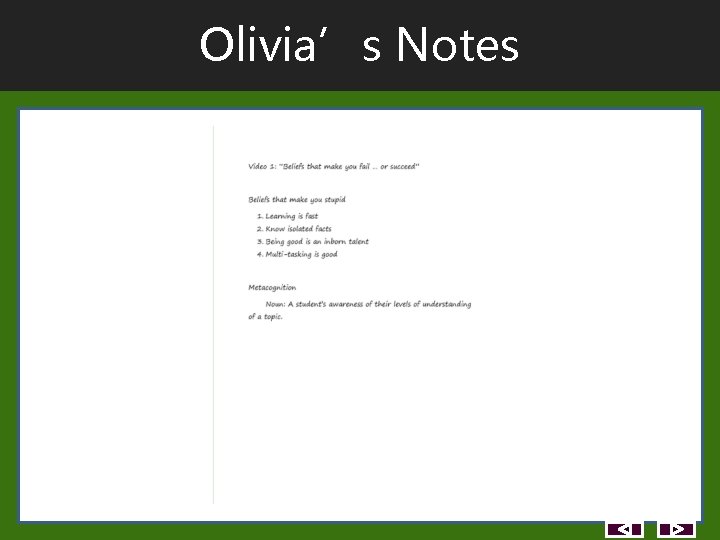
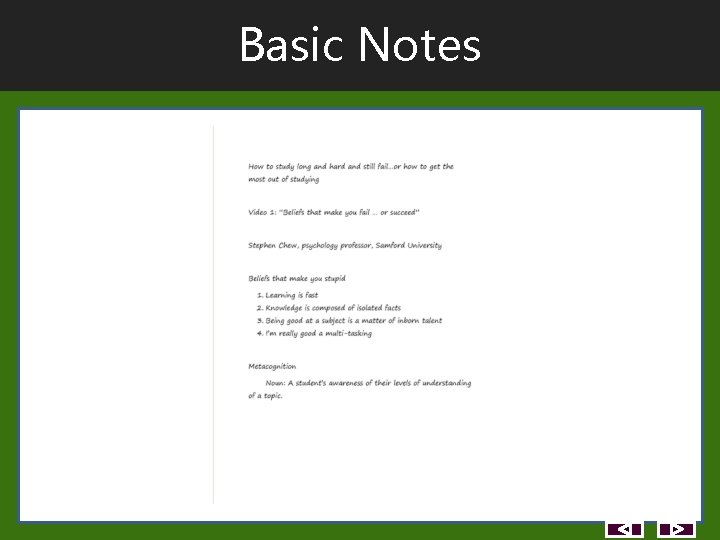
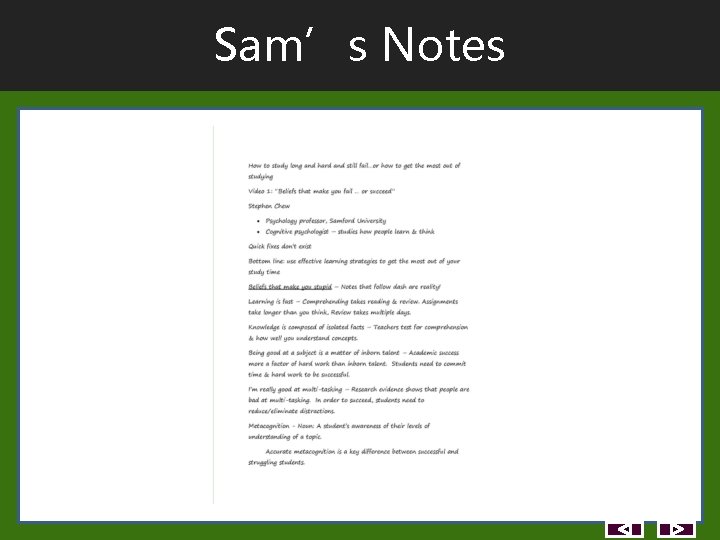
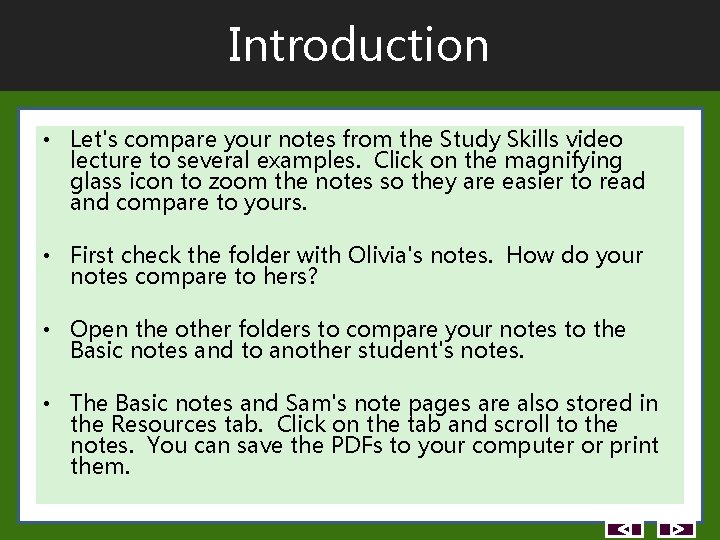
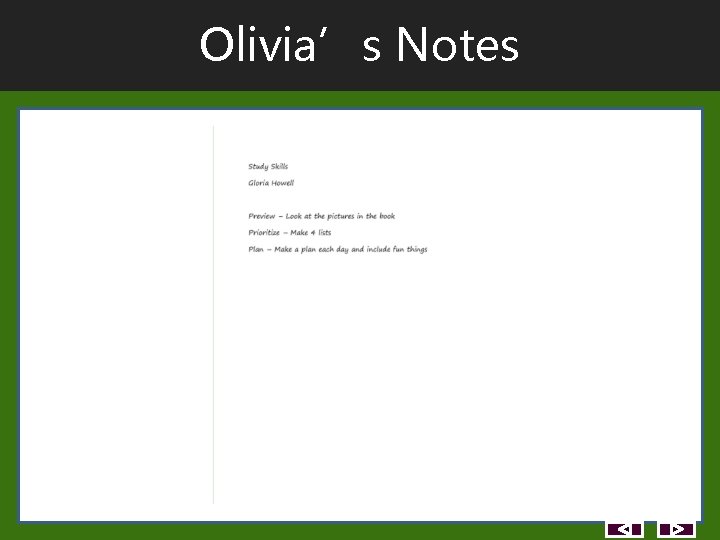
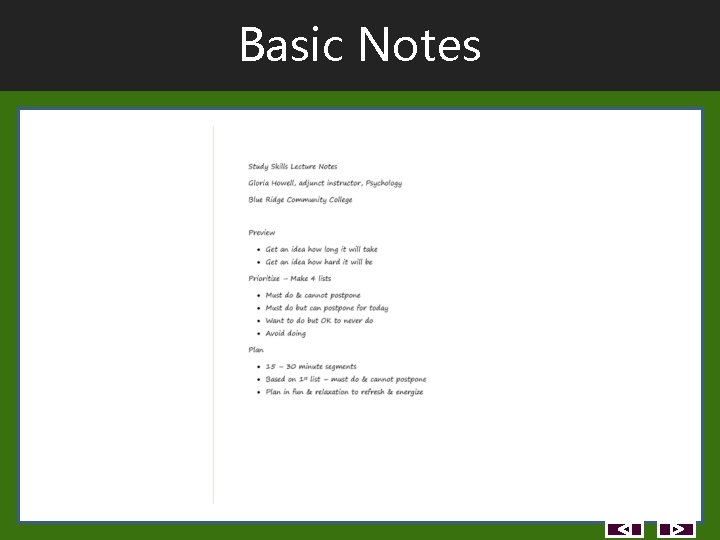
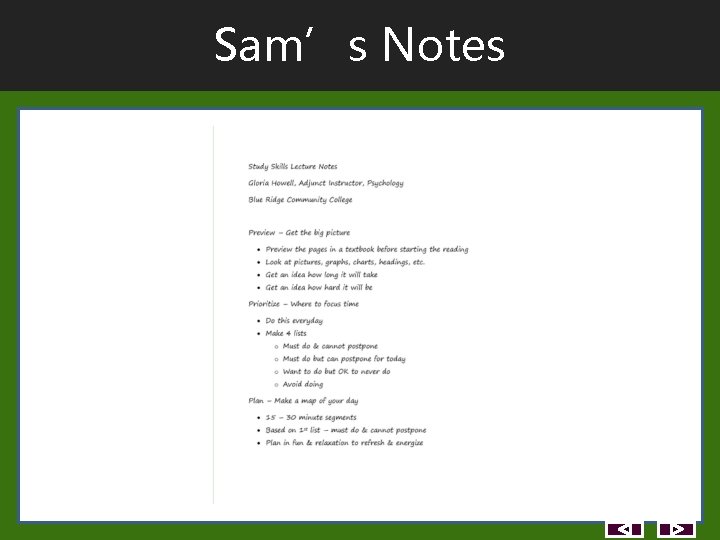
Introduction • Let's compare your notes to several examples. Click on the magnifying glass icon to zoom the notes so they are easier to read and compare to yours. • First check the folder with Olivia's notes. How do your notes compare to hers? • Open the other folders to compare your notes to the Basic notes and to another student's notes. • The Basic notes and Sam's note pages are also stored in the Resources tab. Click on the tab and scroll to the notes. You can save the PDFs to your computer or print them.
Olivia’s Notes
Basic Notes
Sam’s Notes
Summary • So how do your notes look compared to the examples? • You can go back and watch Mr. Chew's video again to improve the information in your notes. • If you are satisfied with your notes from the first lecture, you are ready to move on to the next activity.
Let’s Try Another Lecture
How Did You Do? • Assessment in Engage follows.
Introduction • Let's compare your notes from the Study Skills video lecture to several examples. Click on the magnifying glass icon to zoom the notes so they are easier to read and compare to yours. • First check the folder with Olivia's notes. How do your notes compare to hers? • Open the other folders to compare your notes to the Basic notes and to another student's notes. • The Basic notes and Sam's note pages are also stored in the Resources tab. Click on the tab and scroll to the notes. You can save the PDFs to your computer or print them.
Olivia’s Notes
Basic Notes
Sam’s Notes
Summary • So how do your notes look compared to the examples? • You can go back an watch Ms. Howell's video again to improve the information in your notes. • If you are satisfied with your notes from the first lecture, you are ready to move on to the next activity.
How To Prepare Cornell Note Paper
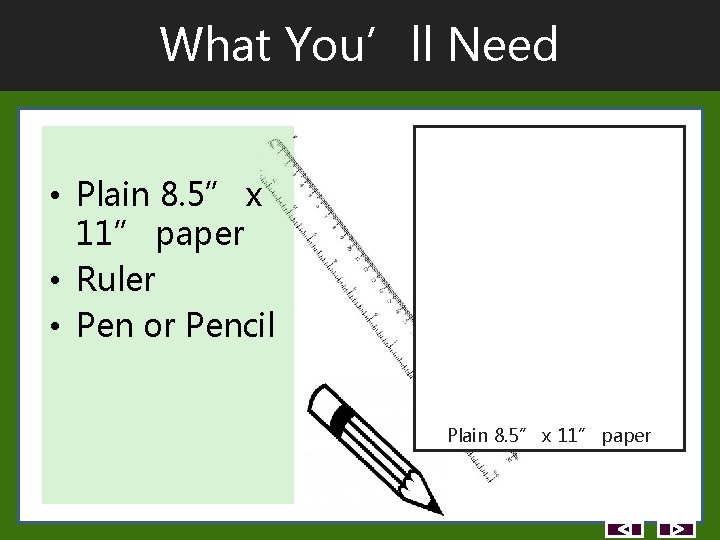
What You’ll Need • Plain 8. 5” x 11” paper • Ruler • Pen or Pencil Plain 8. 5” x 11” paper
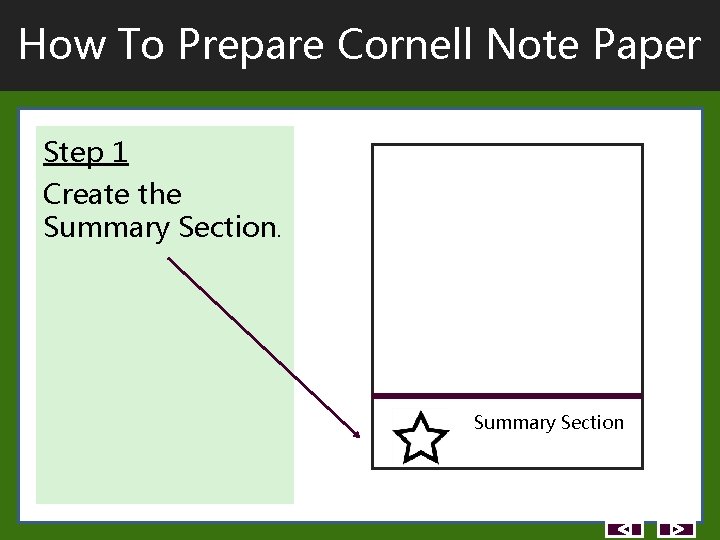
How To Prepare Cornell Note Paper Step 1 Create the Summary Section
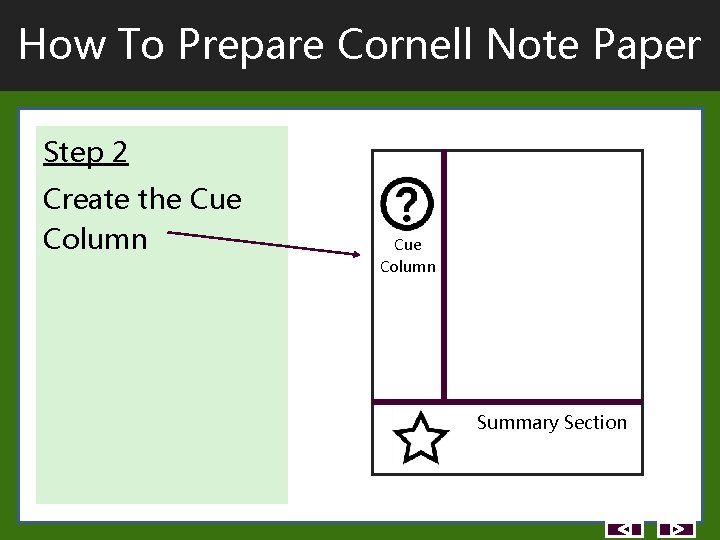
How To Prepare Cornell Note Paper Step 2 Create the Cue Column Summary Section
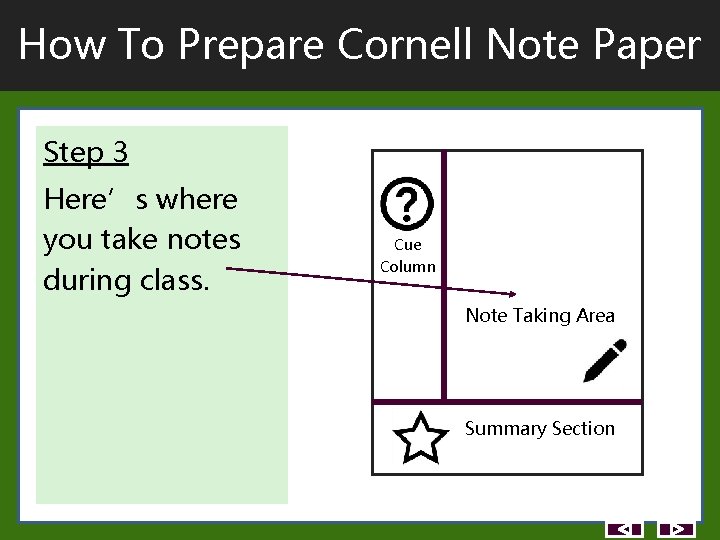
How To Prepare Cornell Note Paper Step 3 Here’s where you take notes during class. Cue Column Note Taking Area Summary Section
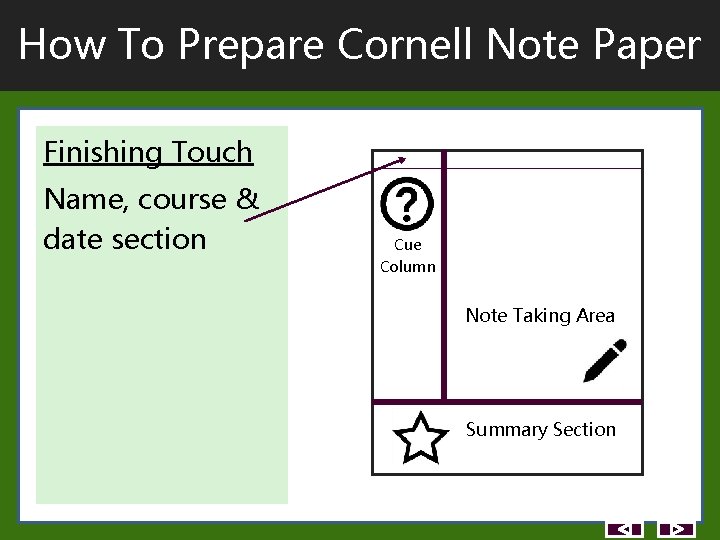
How To Prepare Cornell Note Paper Finishing Touch Name, course & date section Cue Column Note Taking Area Summary Section
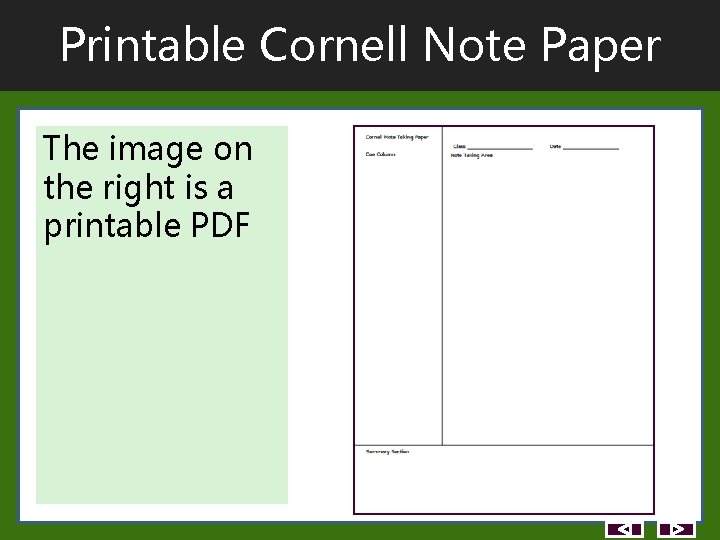
Printable Cornell Note Paper The image on the right is a printable PDF
Thank You! Exit