
WELCOME TO THE 2020 21 EARLY ACHIEVERS GRANT
- Slides: 25
WELCOME TO THE 2020 -21 EARLY ACHIEVERS GRANT WEBINAR! • The webinar will start at 10: 30 a. m. • Please leave your video off • Please stay muted unless you have questions • Live captions are available at https: //www. streamtext. net/player? event=SBCTC • Please type your name, title, and college into the chat box. • Include the names and titles of those in the room with you 1
2020 -21 EARLY ACHIEVERS GRANT WEBINAR Heather Stock, Kari Kauffman, and Michele Rockwell April 9, 2020
SBCTC STAFF INTRODUCTIONS • Heather Stock, Early Achievers Grant Manager • Kari Kauffman, Program Assistant • Michele Rockwell, Contracts Specialist • Kim Wheeler, Administrative Assistant 3
OBJECTIVES • Accessing Application in the Online Grant Management System (OGMS) • Application Overview • Key Fiscal Terms, Categories, and Policies • Application Changes • Questions 4
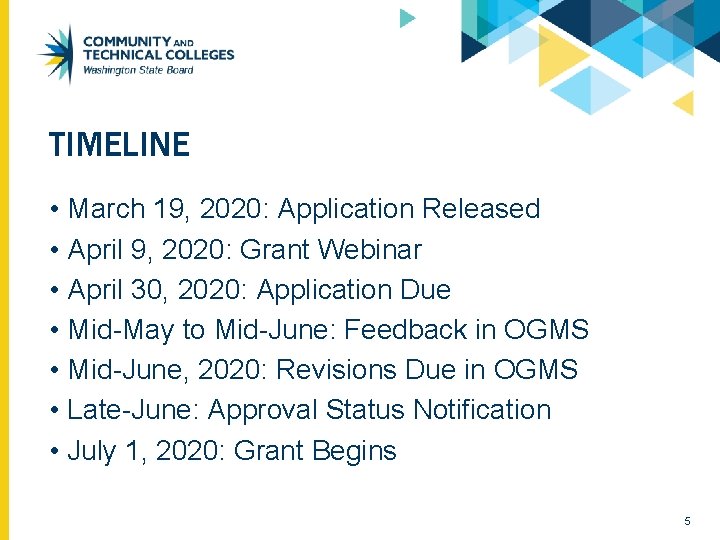
TIMELINE • March 19, 2020: Application Released • April 9, 2020: Grant Webinar • April 30, 2020: Application Due • Mid-May to Mid-June: Feedback in OGMS • Mid-June, 2020: Revisions Due in OGMS • Late-June: Approval Status Notification • July 1, 2020: Grant Begins 5
ONLINE GRANT MANAGEMENT SYSTEM QUESTIONS • Contact your OGMS Security Contact for access to the 2020 -21 Early Achievers grant. • The OGMS User Manual is available under the “How To” tab in OGMS • Contact your OGMS Security Contact if your question is not answered in the Manual • Contact Kari Kauffman, 360 -704 -1021 if your Security Contact cannot resolve your question 6
OGMS LOGIN & APPLICATION ACCESS • If you’ve forgotten your OGMS username, contact your OGMS Security Contact • If you’ve forgotten your OGMS password, use the “Retrieve my password” feature located here • Create a new application for FY 21 Perkins Plan • Save frequently to ensure you don’t lose your work! 7
APPLICANT INFORMATION & GRANT RESOURCES • Enter your contact information on the Applicant Information screen • Be sure to avoid typos when entering your email address • Find and download Grant and Fiscal Guidelines in the Grant Info link 8
CONTENTS SECTION • Each section must be completed before you can submit your application • Click the Save button on every screen • Save frequently, as OGMS times out every 20 minutes • Sections can be completed in whatever order you wish • Brief demo of how to complete a Contents tab 9
QUESTIONS? OGMS 10
GRANT GUIDELINES UPDATES • Eligibility and Priority of Grant Recipients • Head Start • No Enhancement Project Funding • Updated for clarity and to better organizing the info • Expectations of the college and POC 11
SECTION OVERVIEW • Section 1 – Early Achievers Grant • Section 2 – Budget & Budget Narrative 12
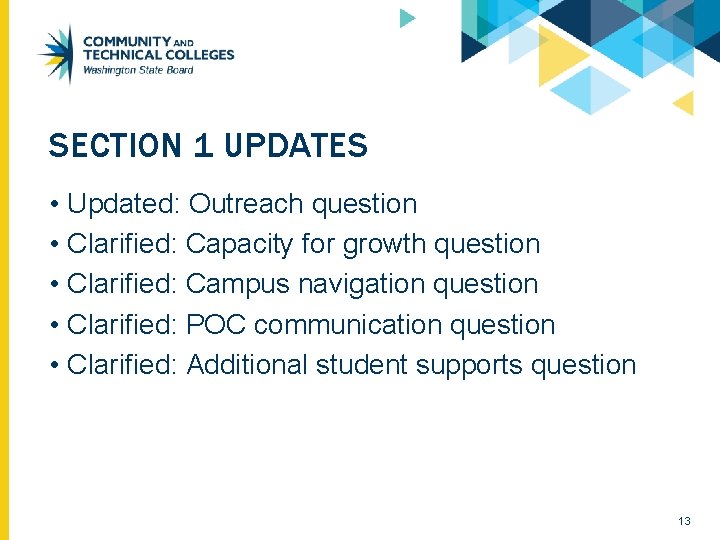
SECTION 1 UPDATES • Updated: Outreach question • Clarified: Capacity for growth question • Clarified: Campus navigation question • Clarified: POC communication question • Clarified: Additional student supports question 13
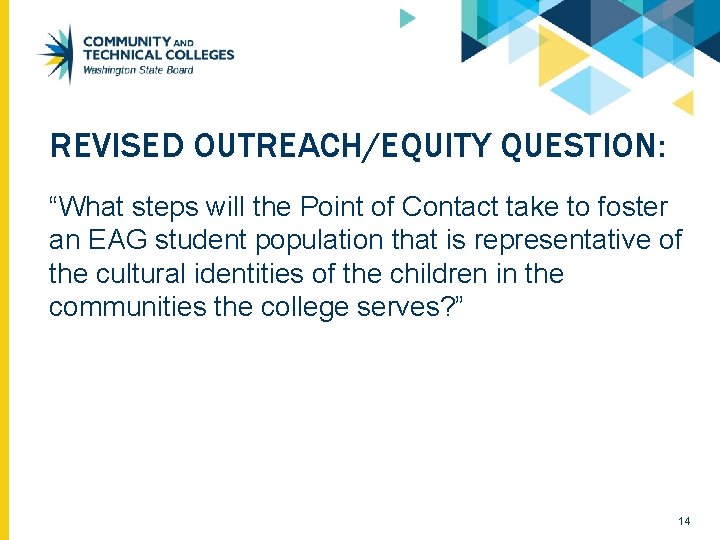
REVISED OUTREACH/EQUITY QUESTION: “What steps will the Point of Contact take to foster an EAG student population that is representative of the cultural identities of the children in the communities the college serves? ” 14
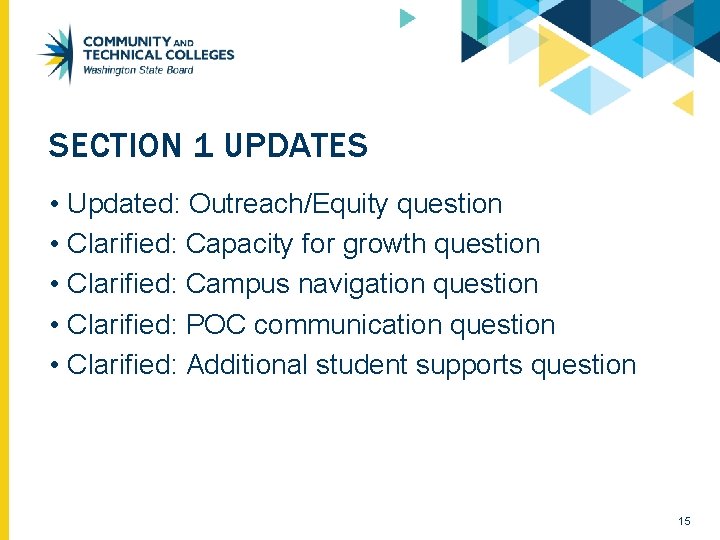
SECTION 1 UPDATES • Updated: Outreach/Equity question • Clarified: Capacity for growth question • Clarified: Campus navigation question • Clarified: POC communication question • Clarified: Additional student supports question 15
QUESTIONS? GRANT GUIDELINES OR UPDATES TO SECTION 1 16
SECTION 2 BUDGET & BUDGET NARRATIVE 17
BUDGET ACTIVITIES • Budget lines are also called “activities” • Student Support • General (Point of Contact funding) 18
STUDENT SUPPORT BUDGET CATEGORIES • Tuition • Books • Also includes instructional materials (printed content used instead of or in addition to textbooks); does not include supplies, etc. • Misc. • Wrap-around support services 19
GENERAL BUDGET CATEGORIES • Salaries & Benefits • Include position title and % of effort or hourly wage info • Goods & Services • Examples: brochures for recruitment of students, office supplies, etc. • Travel • Example: travel to off-campus EAG meetings • Follow all state rules and rates 20
QUESTIONS? BUDGET & BUDGET NARRATIVE 21
ASSURANCES & UPLOADING DOCUMENTS • Find the FY 21 Assurances in the Assurances tab • Download and print for completion and signature • Upload the Assurances and other documents as needed in the Attachments tab 22
SUBMIT YOUR GRANT APPLICATION • Submit your application in the “Submit” tab • If the application will not submit properly: • Check to ensure all the application tabs have been completed correctly (each tab will have a check mark on it) • If you are still unable to submit, check with your OGMS Security Contact. You may not have the correct permissions to submit the grant 23
APPLICATION FEEDBACK & APPROVAL • Your application may require minor revisions before it can be approved for funding • You’ll find feedback regarding these revisions in the “Feedback” tab • Respond to this feedback in the relevant section of the application • While making changes, be sure to save at the bottom of each applicable contents section 24
QUESTIONS & CONTACT INFORMATION • For program questions: Heather Stock, 360704 -4337 • For budget questions: Michele Rockwell, 360704 -4343 • For OGMS questions: Kari Kauffman, 360704 -1021 Except where otherwise noted, this work is licensed under CC BY 4. 0.