
WELCOME TO PREK MEET THE TEACHER Hello My
- Slides: 11
WELCOME TO PRE-K!
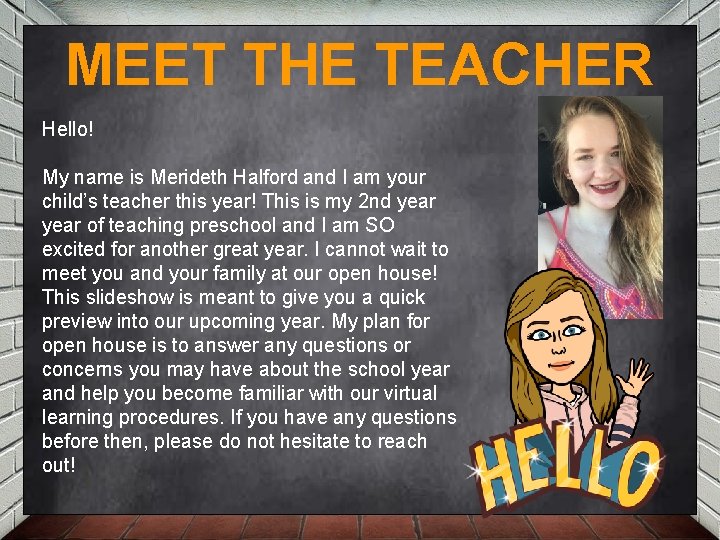
MEET THE TEACHER Hello! My name is Merideth Halford and I am your child’s teacher this year! This is my 2 nd year of teaching preschool and I am SO excited for another great year. I cannot wait to meet you and your family at our open house! This slideshow is meant to give you a quick preview into our upcoming year. My plan for open house is to answer any questions or concerns you may have about the school year and help you become familiar with our virtual learning procedures. If you have any questions before then, please do not hesitate to reach out!
COMMUNICATION In order to have a successful school year, communication will be EXTREMELY important. This year, our class will use Class. Dojo for communication purposes. Class. Dojo will be explained on the next slide. Please have a valid email address in order to communicate any comments, questions, or concerns. Also, please have a phone number that is available for Miss Halford to call with any comments, questions, or concerns.
COMMUNICATION This year, our class will utilize Class Dojo for a method of communication. Class Dojo connects primary school teachers, students and families through communication features, such as a feed for photos and videos from the school day, and messaging. I will be sending out one link for parents to join Class Dojo. I will also be putting this link on my AMES webpage & Teams page for families to access.
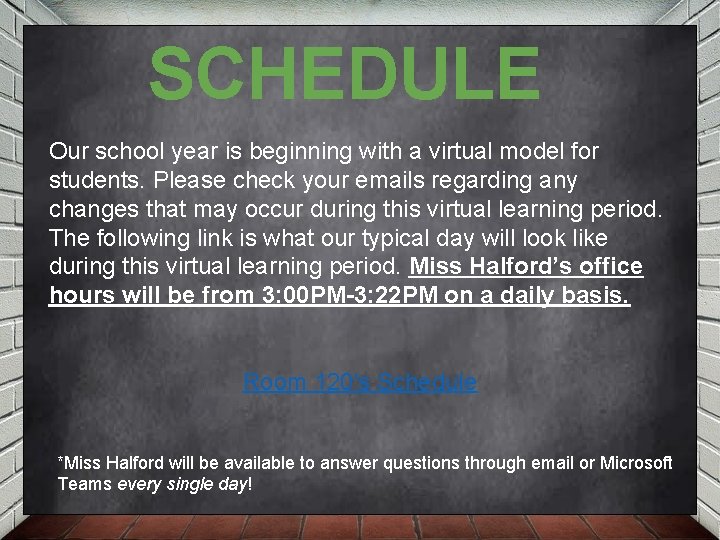
SCHEDULE Our school year is beginning with a virtual model for students. Please check your emails regarding any changes that may occur during this virtual learning period. The following link is what our typical day will look like during this virtual learning period. Miss Halford’s office hours will be from 3: 00 PM-3: 22 PM on a daily basis. Room 120's Schedule *Miss Halford will be available to answer questions through email or Microsoft Teams every single day!
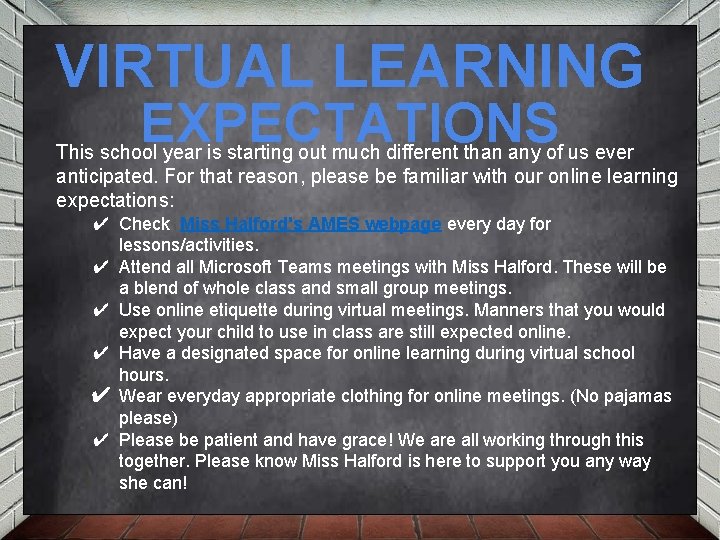
VIRTUAL LEARNING EXPECTATIONS This school year is starting out much different than any of us ever anticipated. For that reason, please be familiar with our online learning expectations: ✔ Check Miss Halford's AMES webpage every day for lessons/activities. ✔ Attend all Microsoft Teams meetings with Miss Halford. These will be a blend of whole class and small group meetings. ✔ Use online etiquette during virtual meetings. Manners that you would expect your child to use in class are still expected online. ✔ Have a designated space for online learning during virtual school hours. ✔ Wear everyday appropriate clothing for online meetings. (No pajamas please) ✔ Please be patient and have grace! We are all working through this together. Please know Miss Halford is here to support you any way she can!
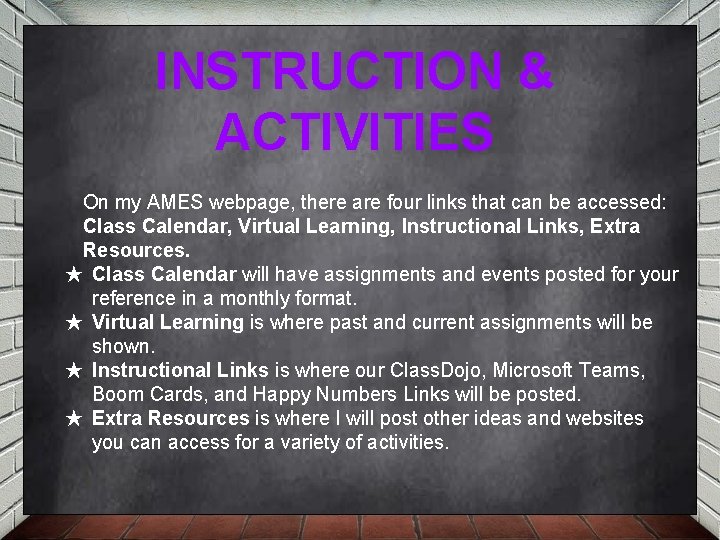
INSTRUCTION & ACTIVITIES On my AMES webpage, there are four links that can be accessed: Class Calendar, Virtual Learning, Instructional Links, Extra Resources. ★ Class Calendar will have assignments and events posted for your reference in a monthly format. ★ Virtual Learning is where past and current assignments will be shown. ★ Instructional Links is where our Class. Dojo, Microsoft Teams, Boom Cards, and Happy Numbers Links will be posted. ★ Extra Resources is where I will post other ideas and websites you can access for a variety of activities.
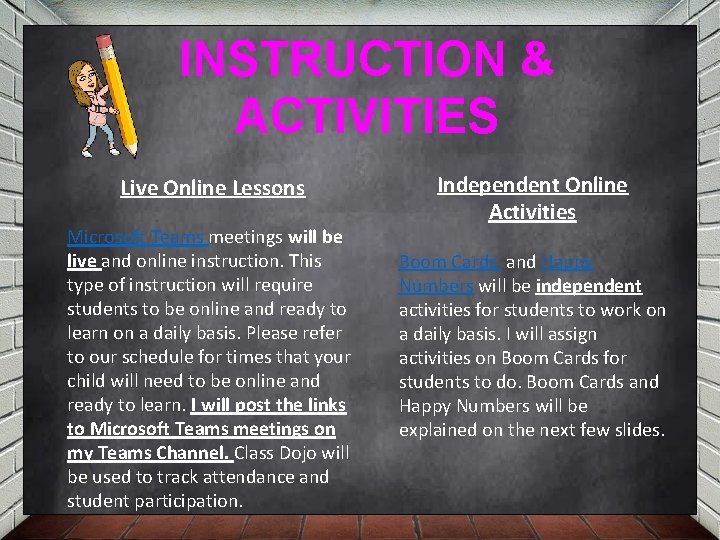
INSTRUCTION & ACTIVITIES Live Online Lessons Microsoft Teams meetings will be live and online instruction. This type of instruction will require students to be online and ready to learn on a daily basis. Please refer to our schedule for times that your child will need to be online and ready to learn. I will post the links to Microsoft Teams meetings on my Teams Channel. Class Dojo will be used to track attendance and student participation. Independent Online Activities Boom Cards and Happy Numbers will be independent activities for students to work on a daily basis. I will assign activities on Boom Cards for students to do. Boom Cards and Happy Numbers will be explained on the next few slides.
TECHNOLOGY Class. Dojo Microsoft Teams Class. Dojo connects primary school teachers, students and families through communication features, such as a feed for photos and videos from the school day, and messaging that can be translated into more than 35 languages. There is a smartphone app for Class. Dojo! Similar to Zoom, Microsoft Teams includes audio, video, and screen sharing. You don't need to be a member of an organization (or even have a Teams account!) to join a Teams meeting—just look in the invitation for instructions about calling in.
TECHNOLOGY Boom Cards In a nutshell, Boom Cards are digital, self-checking, interactive activities. Students are shown one question at a time and get instant feedback on their answers!. . . If they get a question wrong, they can submit a new answer or "give up" the card and go to a different question if they get stuck. Happy Numbers serves as an independent math center, providing individualized instruction for the rest of the class. If you experience ANY technical issues on any online platform, PLEASE reach out to me via email or call on Teams!
I am so incredibly excited for this school year!