
Welcome to Oliver Student Tutorial CDSHS Library Management
Welcome to Oliver Student Tutorial CDSHS Library Management System
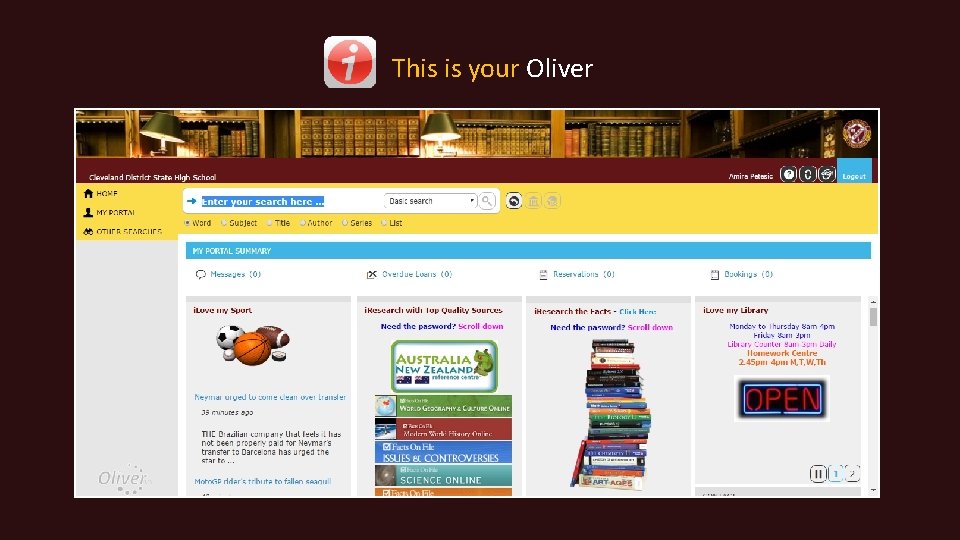
This is your Oliver
Oliver is… Access to knowledge A world of databases Links to global learning Books and e-Learning Digital texts Your learning hub

How do I access Oliver?
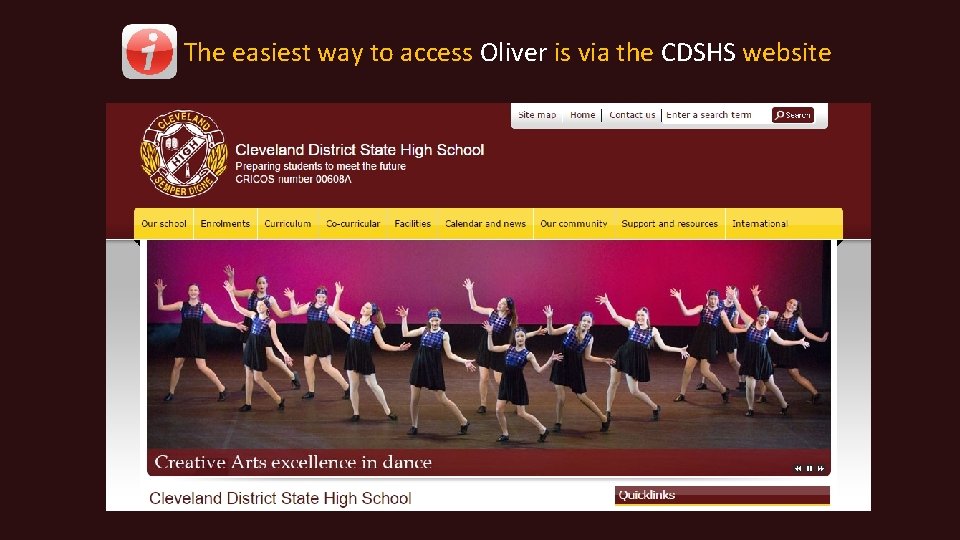
The easiest way to access Oliver is via the CDSHS website

Locate the Facilities Tab and click the Library link
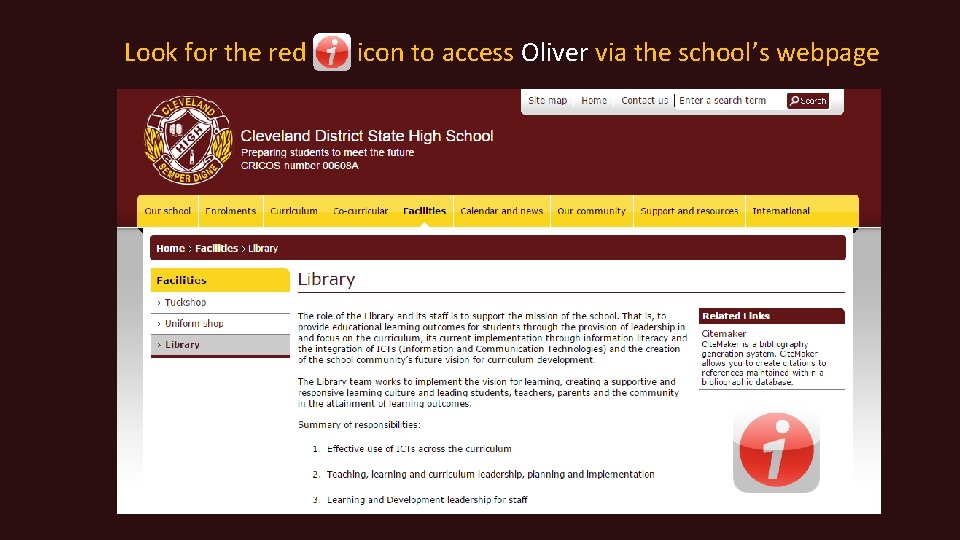
Look for the red icon to access Oliver via the school’s webpage
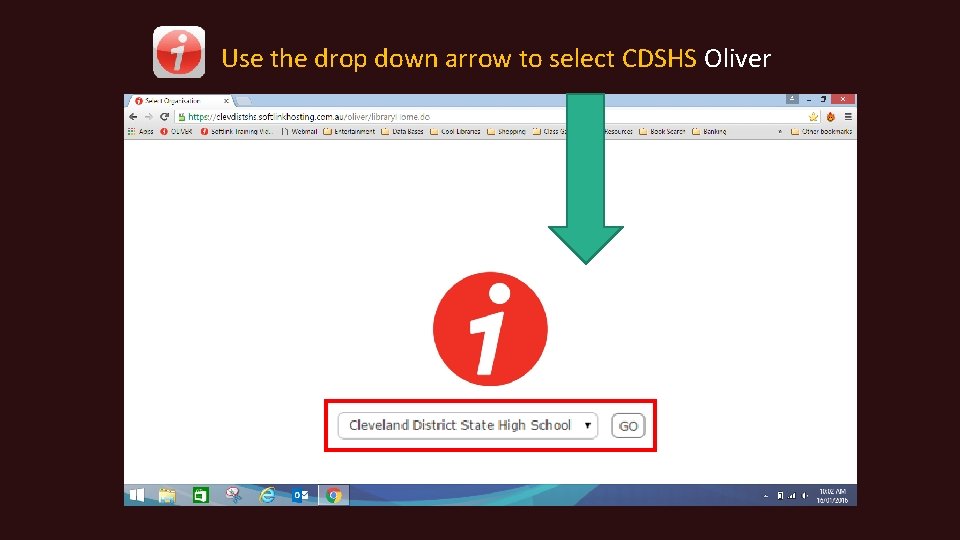
Use the drop down arrow to select CDSHS Oliver
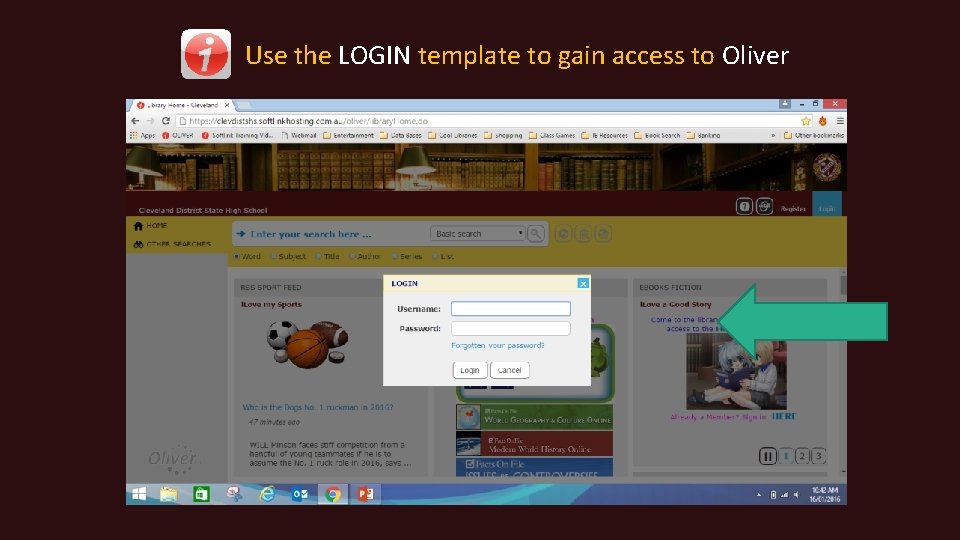
Use the LOGIN template to gain access to Oliver

Your Username is your Education Queensland username Your Temporary Password is library You will learn how to change your password later in this tutorial

Save Oliver to your ‘favourites’ on your internet browser
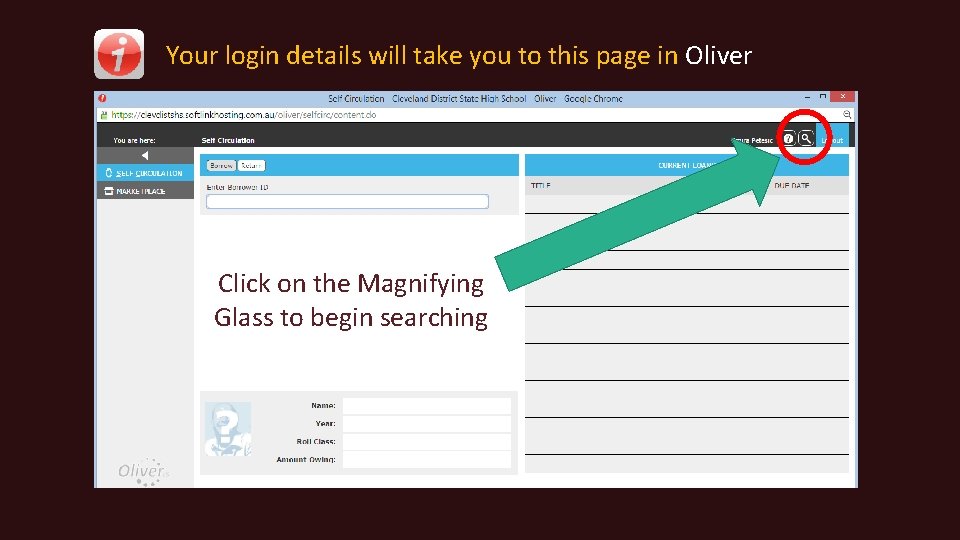
Your login details will take you to this page in Oliver Click on the Magnifying Glass to begin searching

The magnifying glass will navigate you to the HOME page
You are now ready to explore Oliver
CDSHS’s Oliver is a ‘dynamic’ Library Management System Elements and services are regularly changed and updated

With Oliver you can… Search for a book title Learn a language Manage your details and loans Be healthy and safe Stay up to date with world events View thousands of educational videos Access a database for knowledge Link to universities Borrow an e-Book or e-Magazine Link to online tutorials Link to other libraries and services Access world class journals And so much more…

Let’s explore the features of Oliver
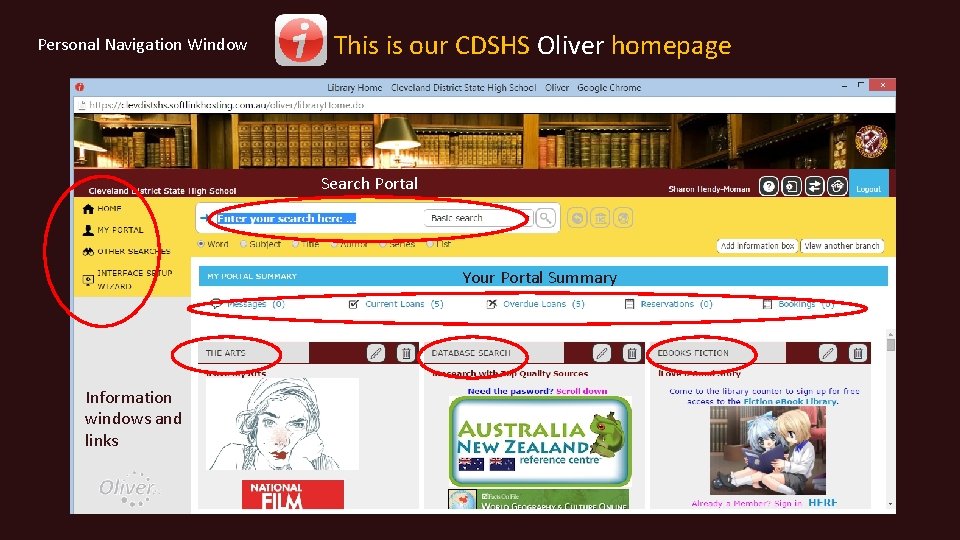
Personal Navigation Window This is our CDSHS Oliver homepage Search Portal Your Portal Summary Information windows and links
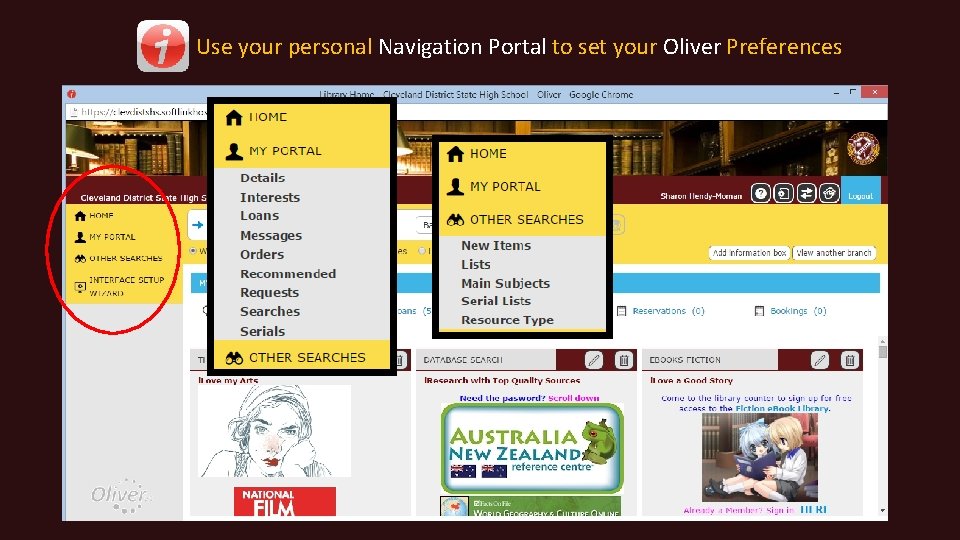
Use your personal Navigation Portal to set your Oliver Preferences

Use the Details tab in the Personal Navigation Portal to… Check your personal details Change your password Take some time to explore your other setting options to personalize your Oliver experience Set your search preferences
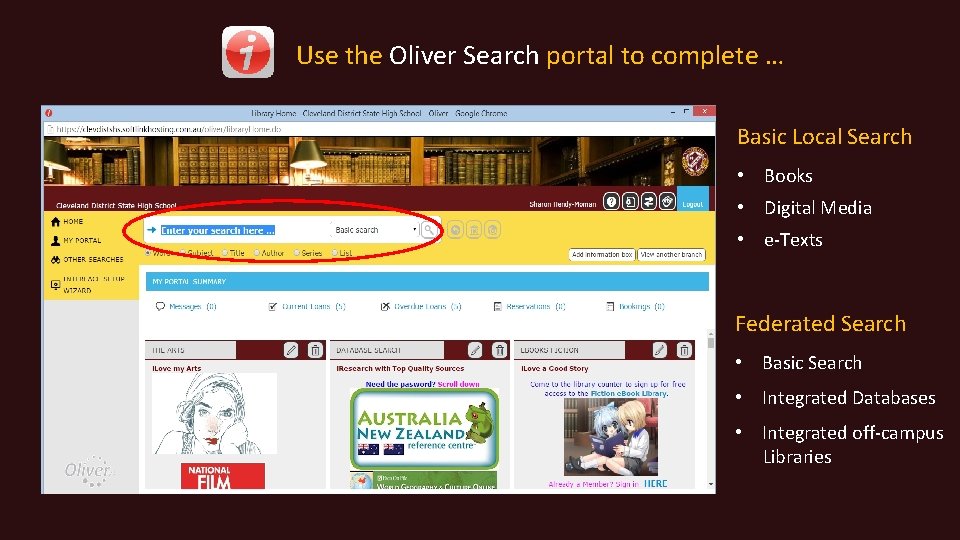
Use the Oliver Search portal to complete … Basic Local Search • Books • Digital Media • e-Texts Federated Search • Basic Search • Integrated Databases • Integrated off-campus Libraries
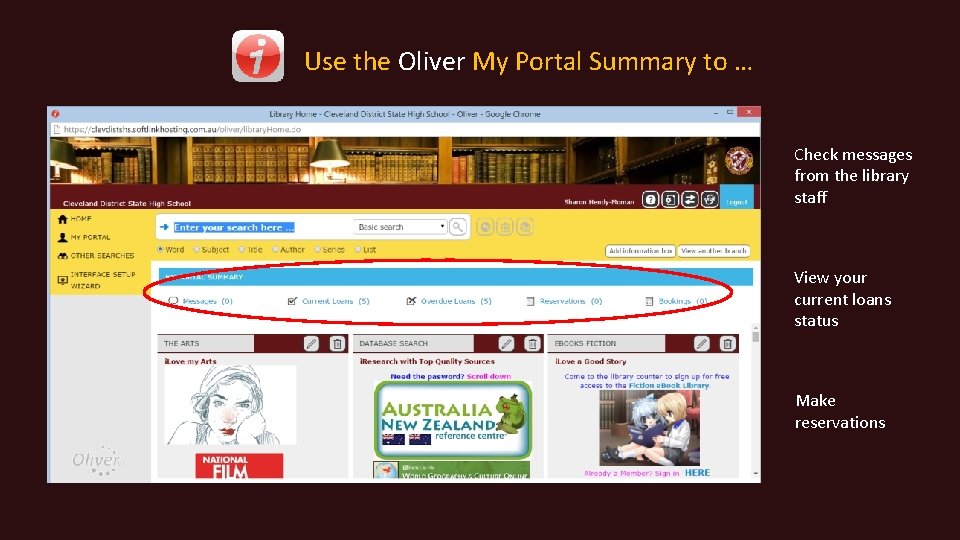
Use the Oliver My Portal Summary to … Check messages from the library staff View your current loans status Make reservations
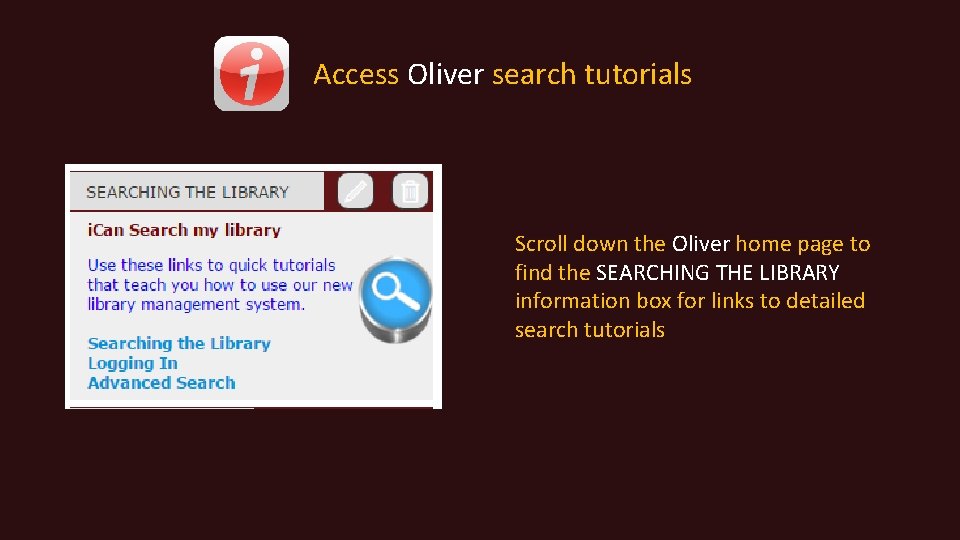
Access Oliver search tutorials Scroll down the Oliver home page to find the SEARCHING THE LIBRARY information box for links to detailed search tutorials
Let’s explore more Oliver features …
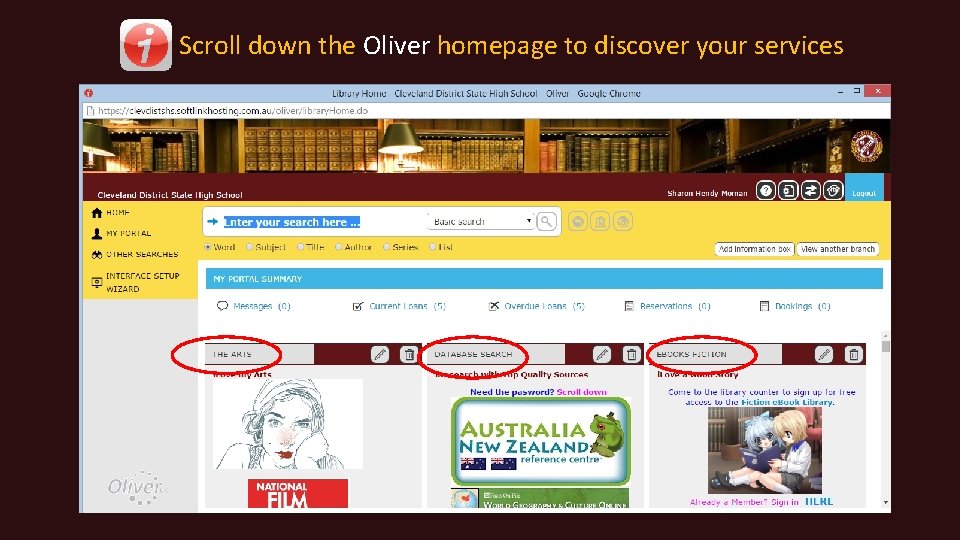
Scroll down the Oliver homepage to discover your services
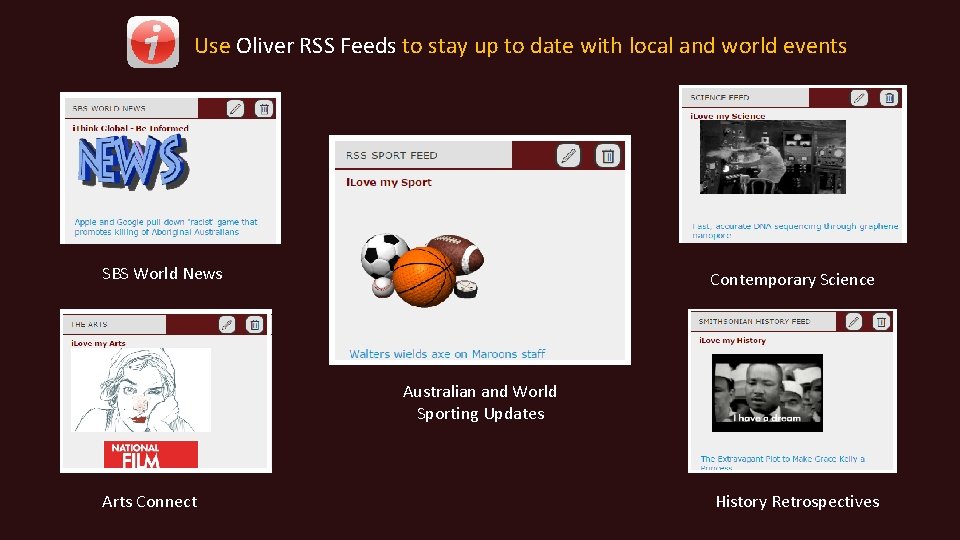
Use Oliver RSS Feeds to stay up to date with local and world events SBS World News Contemporary Science Australian and World Sporting Updates Arts Connect History Retrospectives
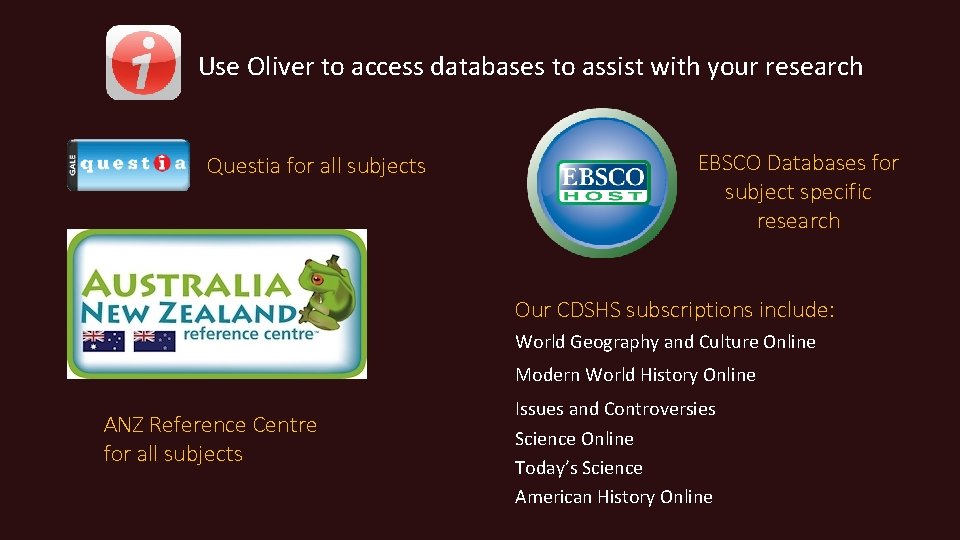
Use Oliver to access databases to assist with your research Questia for all subjects EBSCO Databases for subject specific research Our CDSHS subscriptions include: World Geography and Culture Online Modern World History Online ANZ Reference Centre for all subjects Issues and Controversies Science Online Today’s Science American History Online
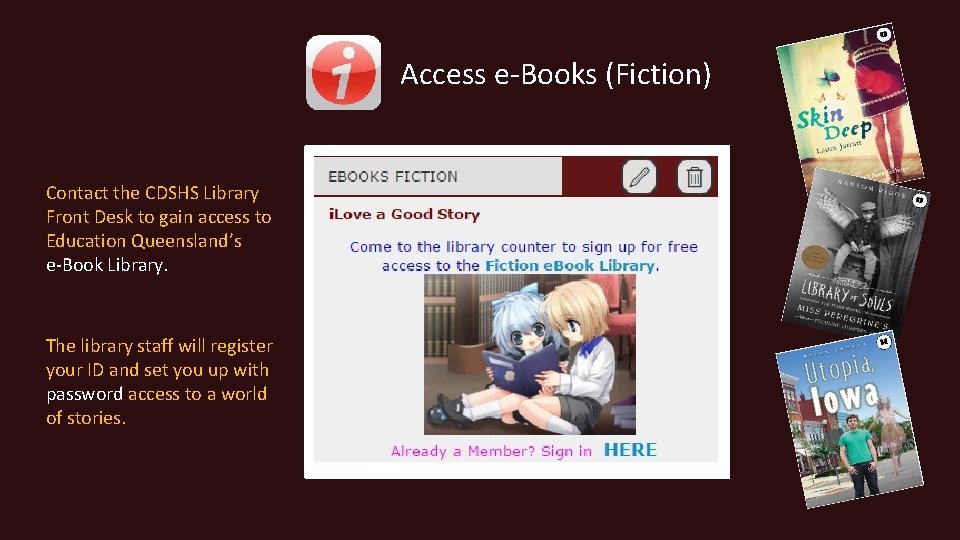
Access e-Books (Fiction) Contact the CDSHS Library Front Desk to gain access to Education Queensland’s e-Book Library. The library staff will register your ID and set you up with password access to a world of stories.
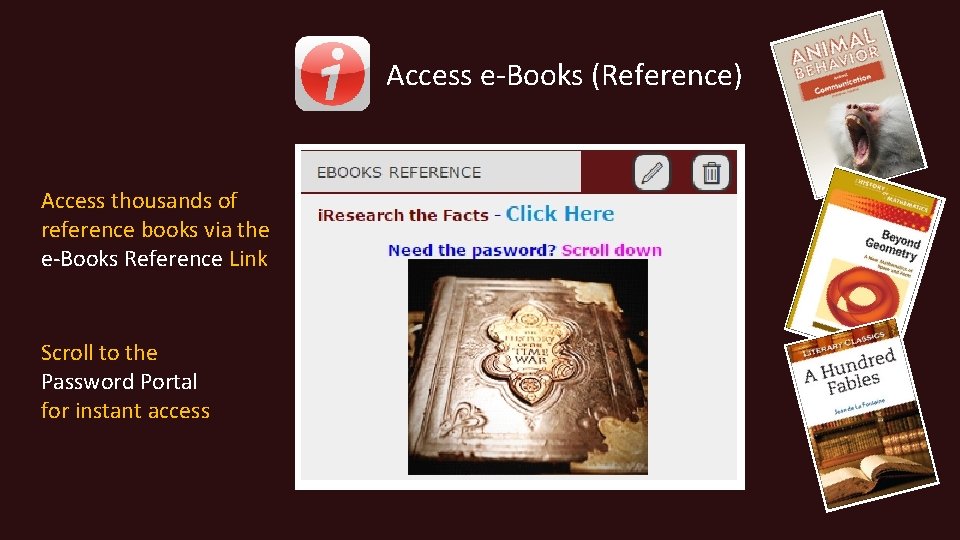
Access e-Books (Reference) Access thousands of reference books via the e-Books Reference Link Scroll to the Password Portal for instant access
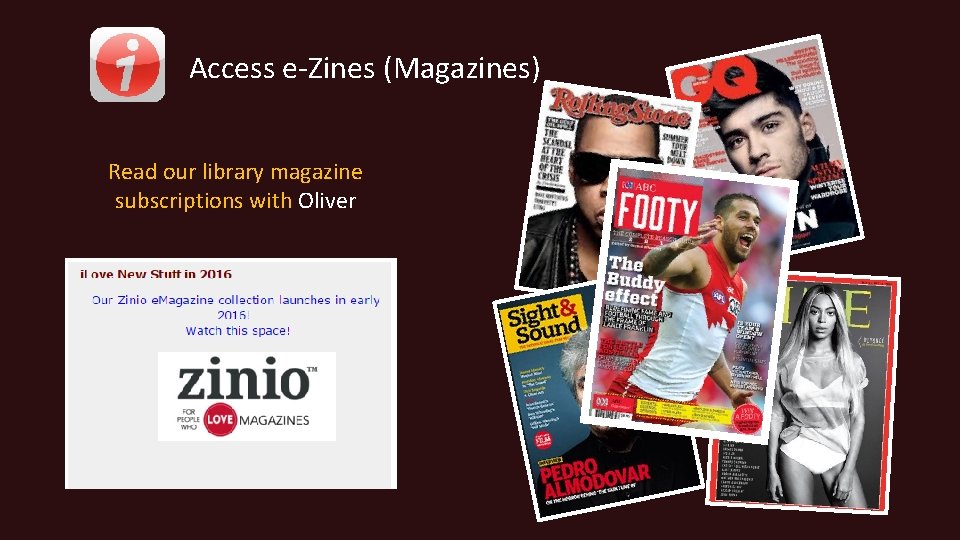
Access e-Zines (Magazines) Read our library magazine subscriptions with Oliver
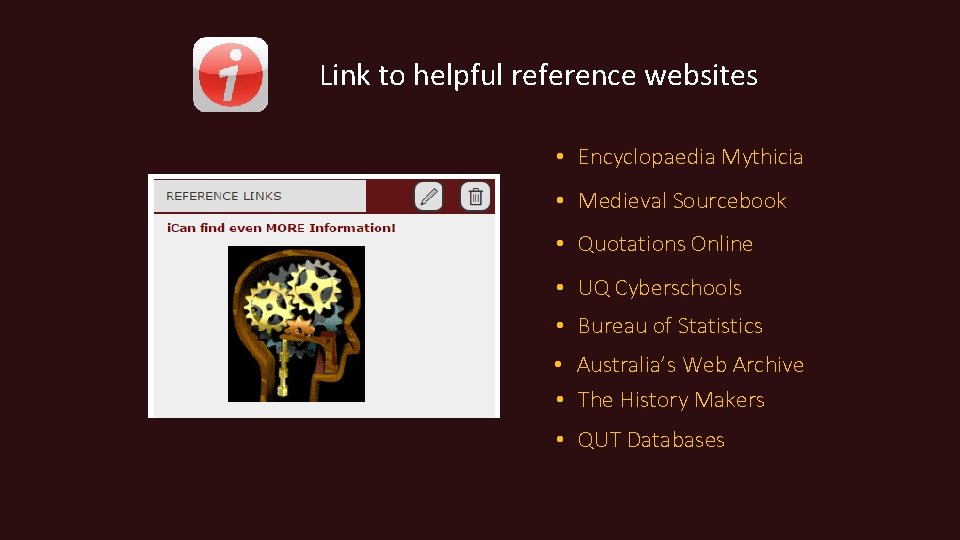
Link to helpful reference websites • Encyclopaedia Mythicia • Medieval Sourcebook • Quotations Online • UQ Cyberschools • Bureau of Statistics • Australia’s Web Archive • The History Makers • QUT Databases
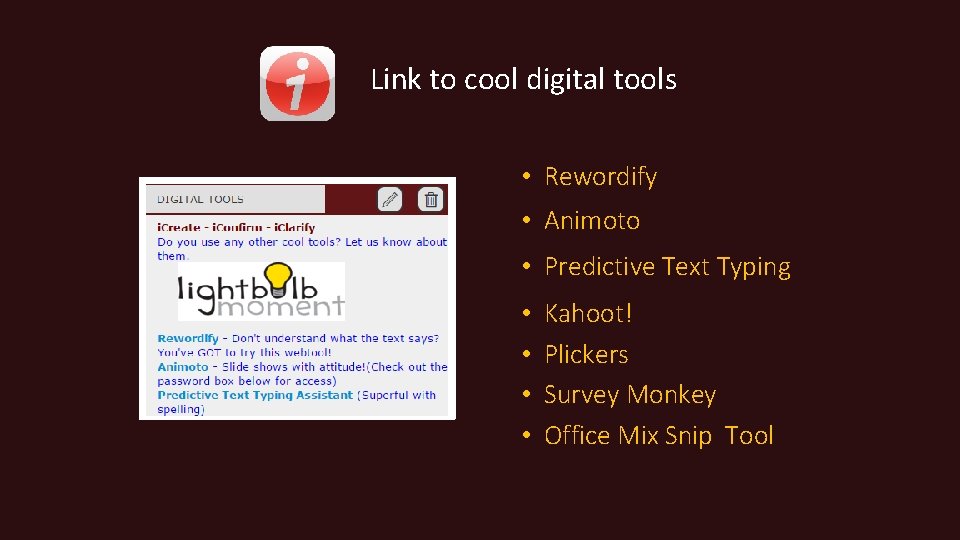
Link to cool digital tools • Rewordify • Animoto • Predictive Text Typing • • Kahoot! Plickers Survey Monkey Office Mix Snip Tool
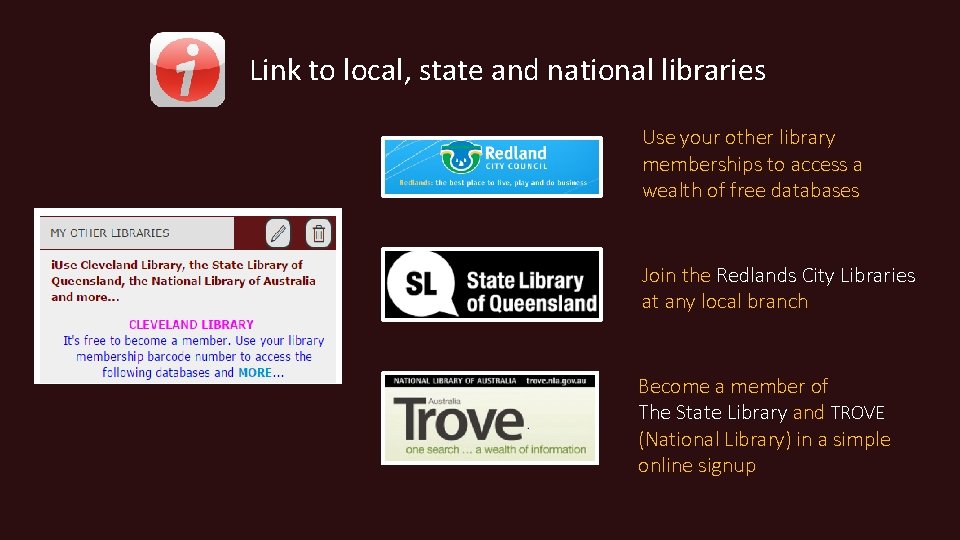
Link to local, state and national libraries Use your other library memberships to access a wealth of free databases Join the Redlands City Libraries at any local branch Become a member of The State Library and TROVE (National Library) in a simple online signup
Link to free online tutorials and innovative ideas with… The Khan Academy (multidisciplinary tutorials) TED TALKS (cutting edge ideas)
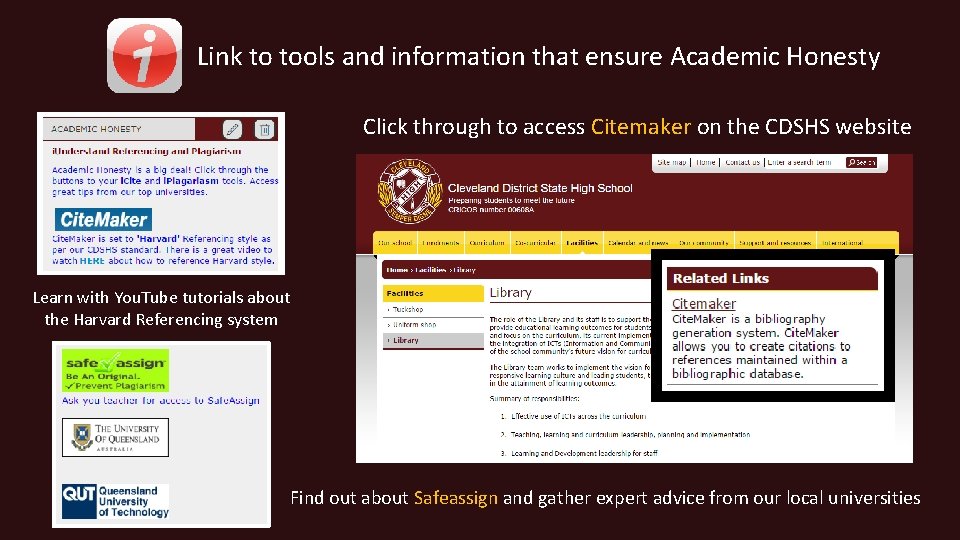
Link to tools and information that ensure Academic Honesty Click through to access Citemaker on the CDSHS website Learn with You. Tube tutorials about the Harvard Referencing system Find out about Safeassign and gather expert advice from our local universities
Navigate to a current list of staff emails
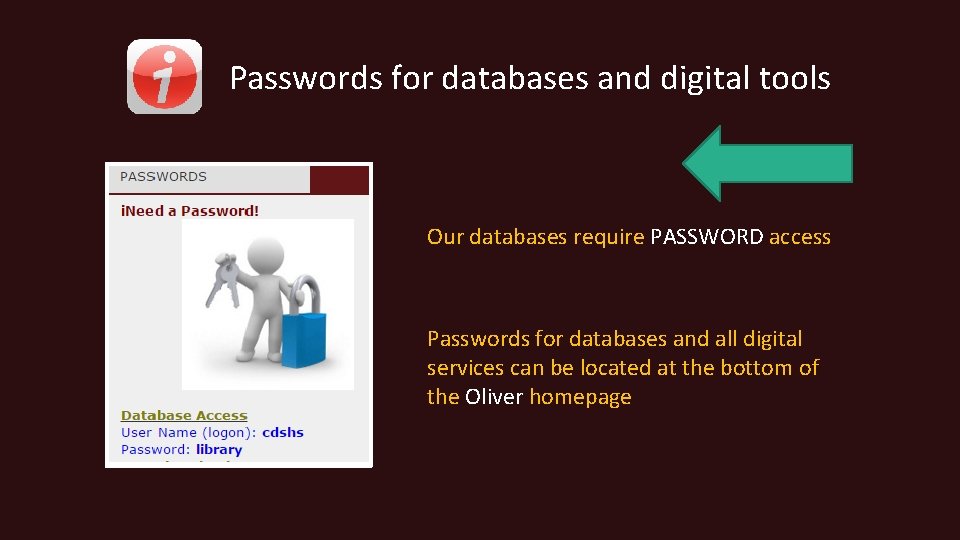
Passwords for databases and digital tools Our databases require PASSWORD access Passwords for databases and all digital services can be located at the bottom of the Oliver homepage
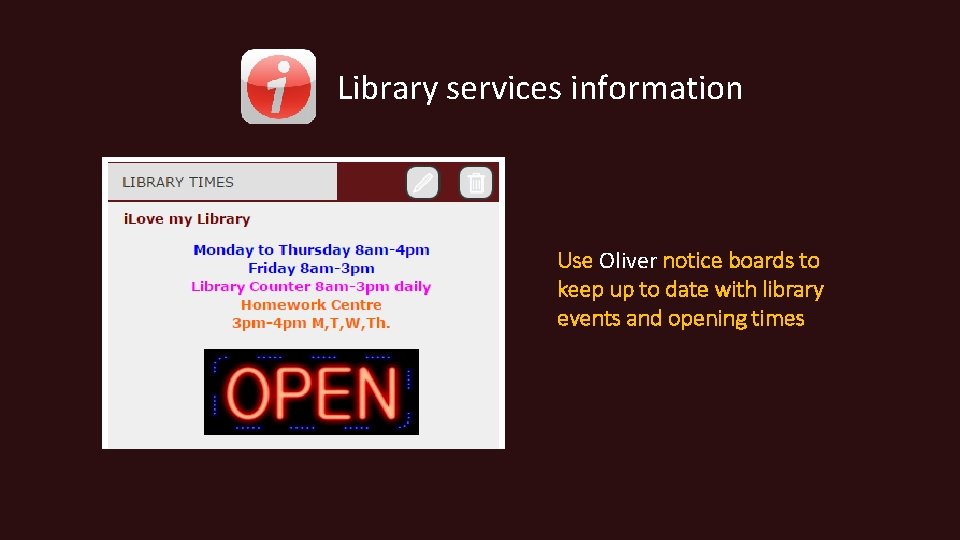
Library services information Use Oliver notice boards to keep up to date with library events and opening times
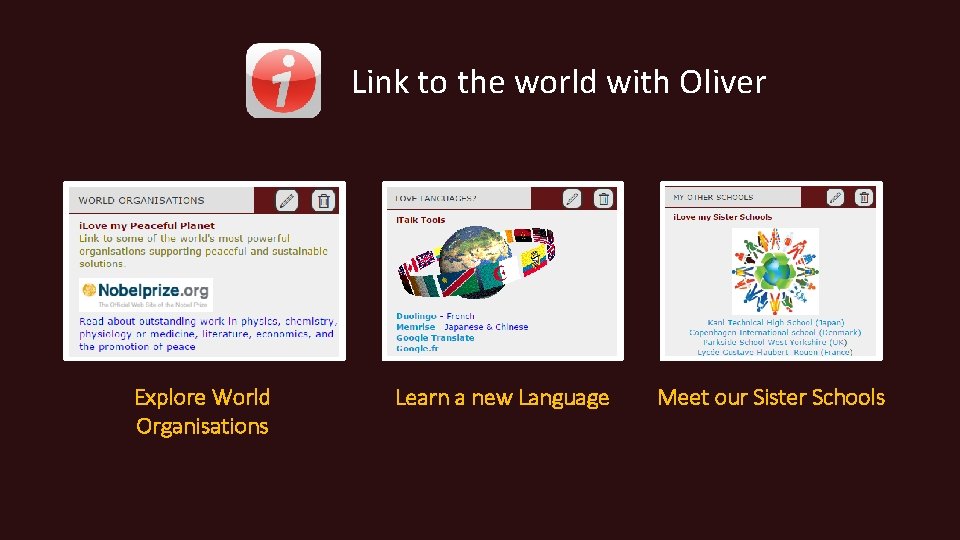
Link to the world with Oliver Explore World Organisations Learn a new Language Meet our Sister Schools
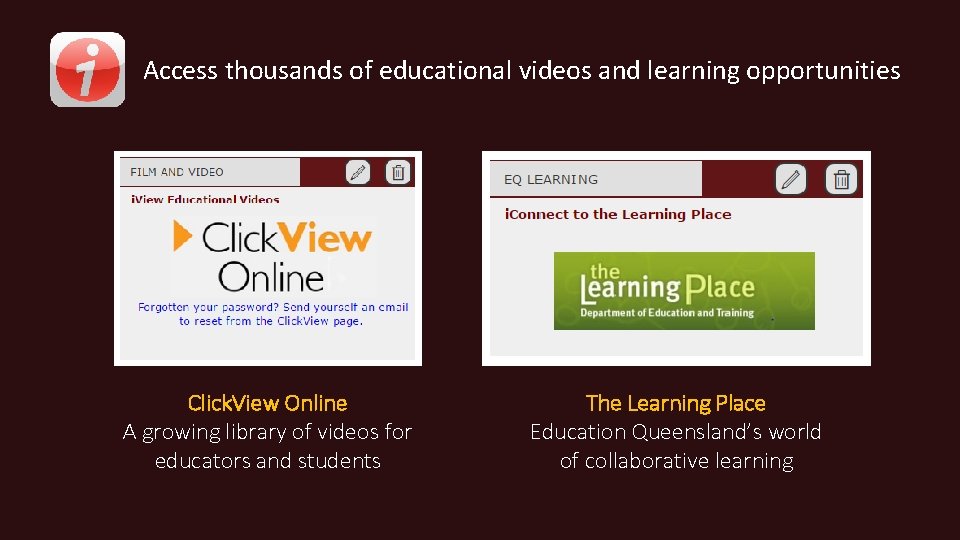
Access thousands of educational videos and learning opportunities Click. View Online A growing library of videos for educators and students The Learning Place Education Queensland’s world of collaborative learning
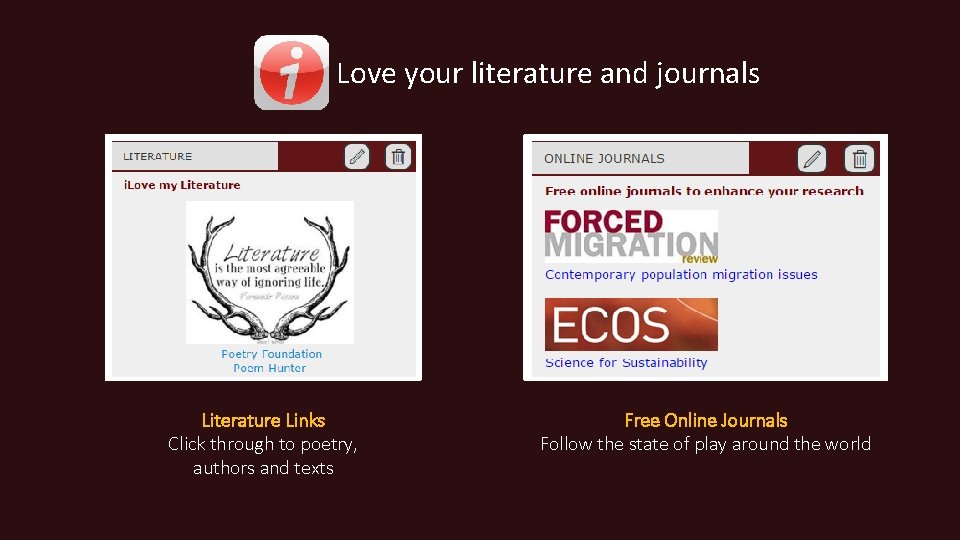
Love your literature and journals Literature Links Click through to poetry, authors and texts Free Online Journals Follow the state of play around the world
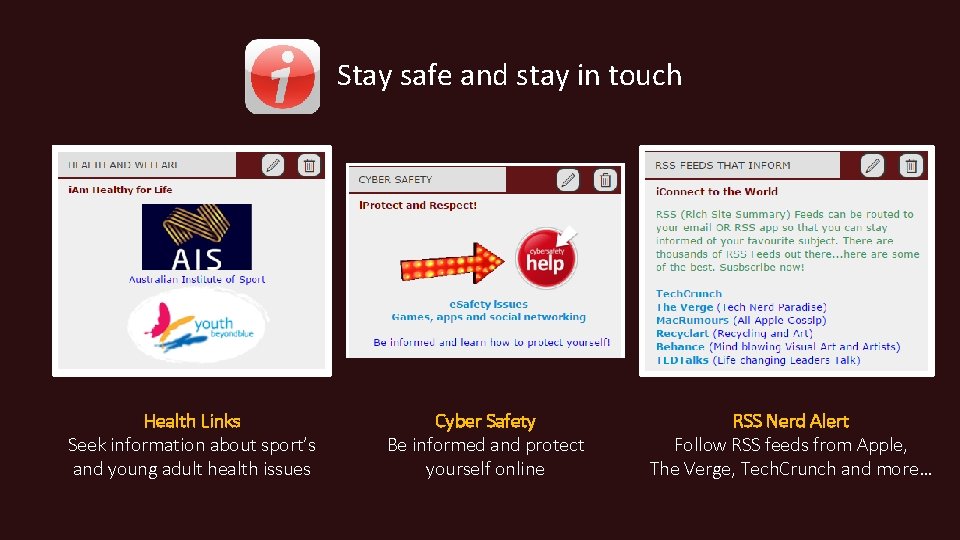
Stay safe and stay in touch Health Links Seek information about sport’s and young adult health issues Cyber Safety Be informed and protect yourself online RSS Nerd Alert Follow RSS feeds from Apple, The Verge, Tech. Crunch and more…
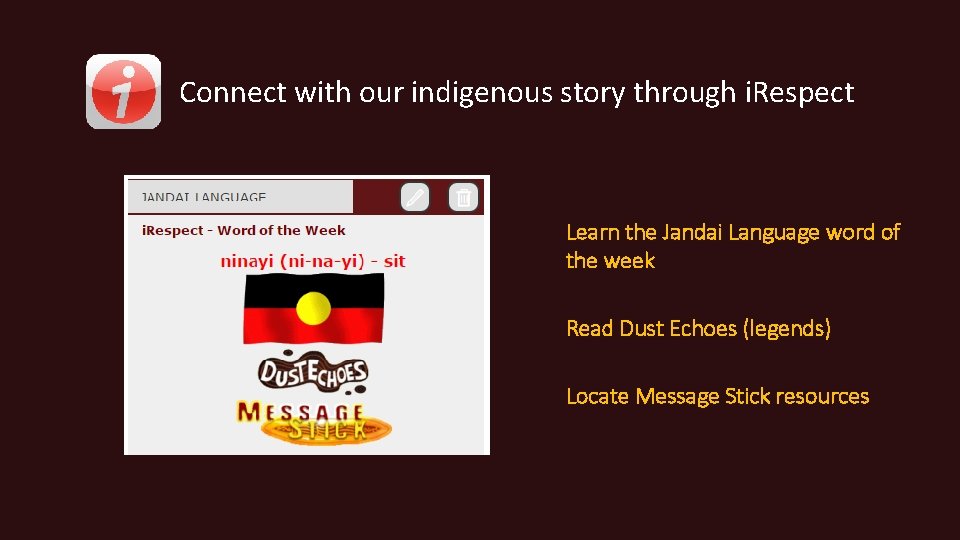
Connect with our indigenous story through i. Respect Learn the Jandai Language word of the week Read Dust Echoes (legends) Locate Message Stick resources
Oliver is… Interactive Evolving Collaborative If you have an idea on how we can improve your Oliver experience please contact the library staff
Please remember! The easiest way to access Oliver is …
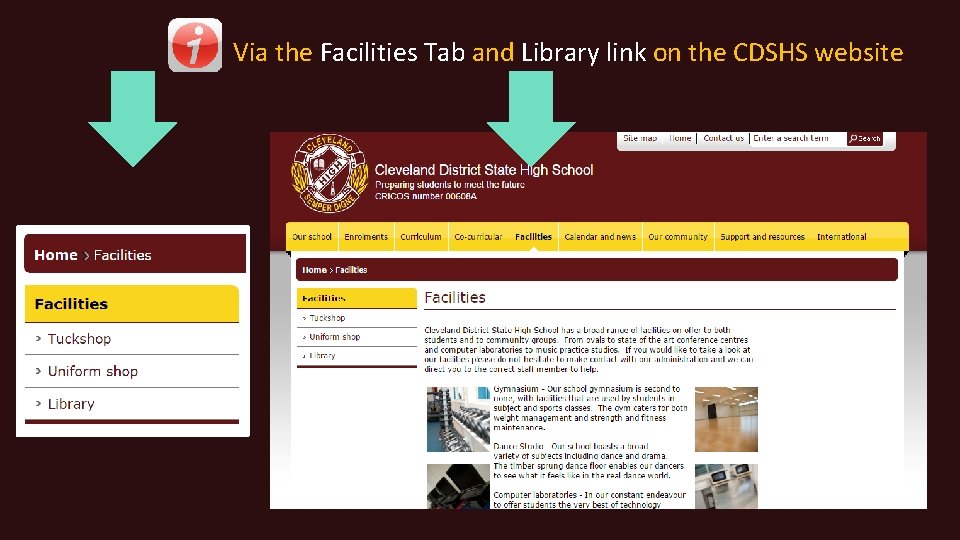
Via the Facilities Tab and Library link on the CDSHS website
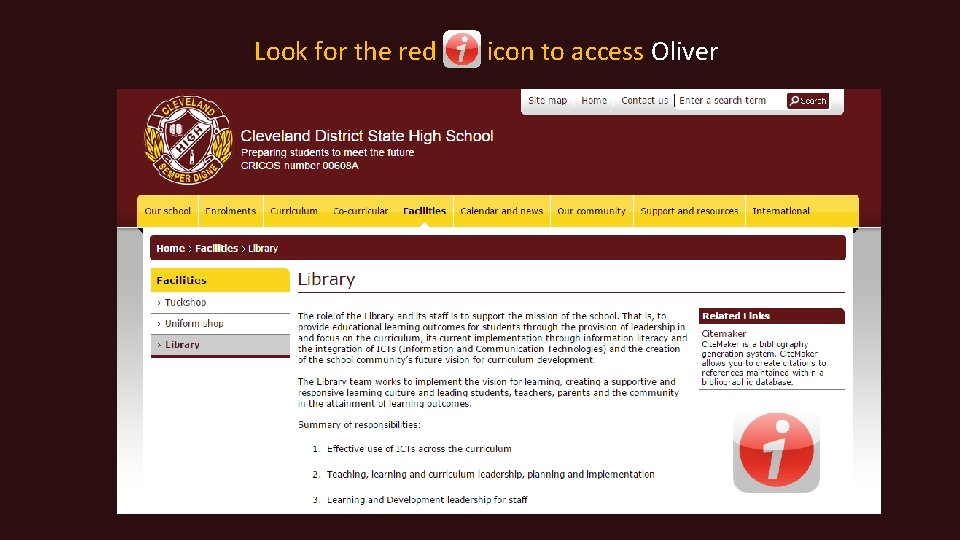
Look for the red icon to access Oliver
Please contact the library staff for further information and advice on how to use Oliver
Thank you

- Slides: 50