
Welcome to Naviance at Lowell High School GRADE
- Slides: 16
Welcome to Naviance at Lowell High School GRADE 9 PRESENTATION LHS GUIDANCE DEPARTMENT
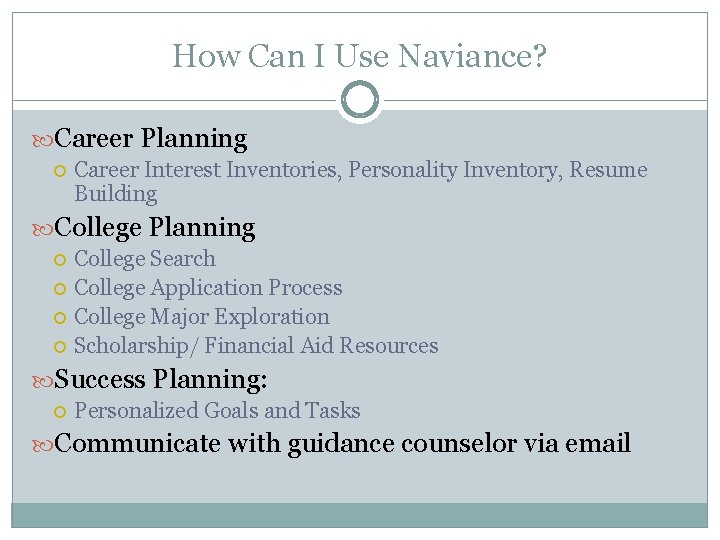
How Can I Use Naviance? Career Planning Career Interest Inventories, Personality Inventory, Resume Building College Planning College Search College Application Process College Major Exploration Scholarship/ Financial Aid Resources Success Planning: Personalized Goals and Tasks Communicate with guidance counselor via email
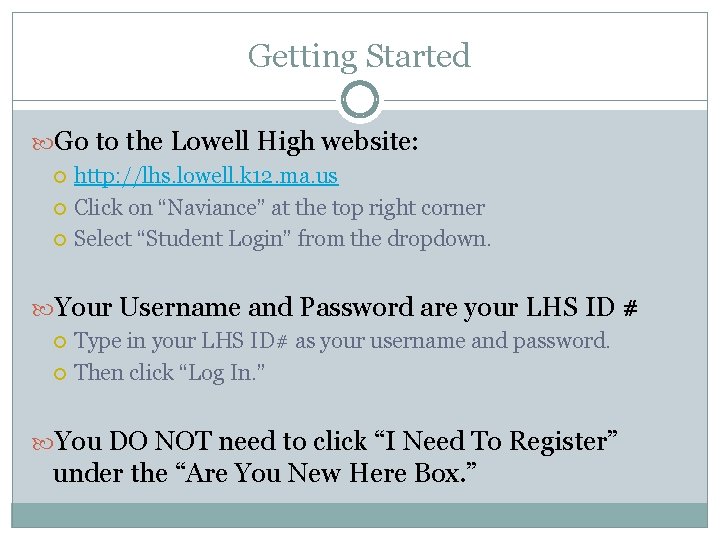
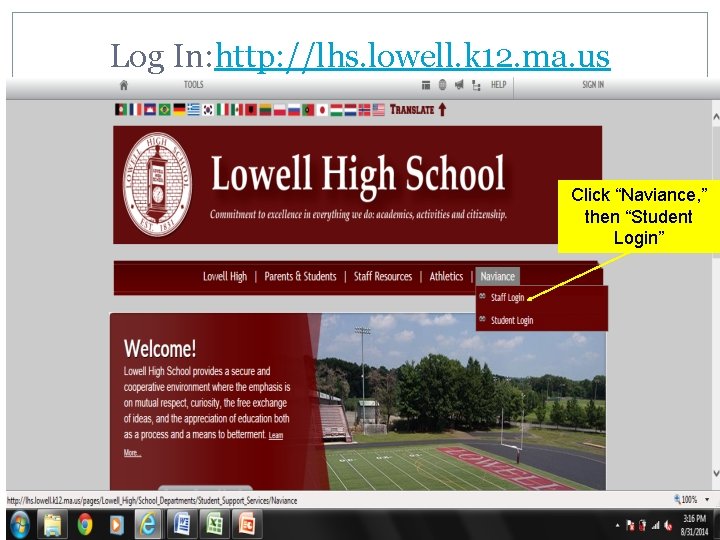
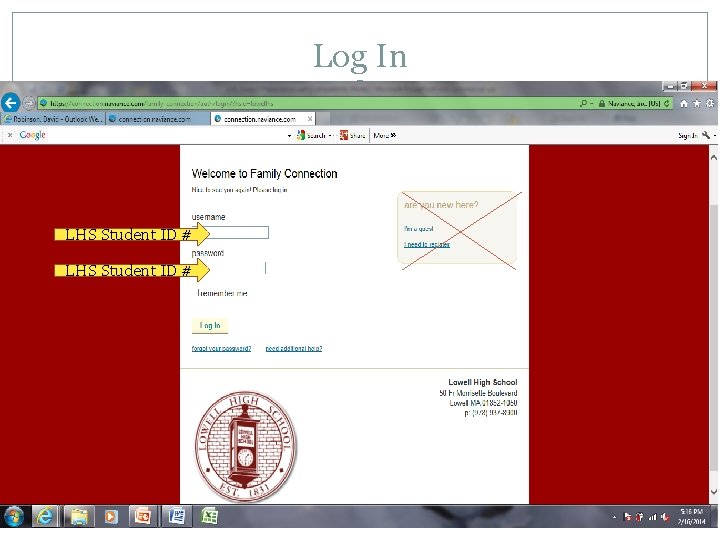
Getting Started Go to the Lowell High website: http: //lhs. lowell. k 12. ma. us Click on “Naviance” at the top right corner Select “Student Login” from the dropdown. Your Username and Password are your LHS ID # Type in your LHS ID# as your username and password. Then click “Log In. ” You DO NOT need to click “I Need To Register” under the “Are You New Here Box. ”
Log In: http: //lhs. lowell. k 12. ma. us Click “Naviance, ” then “Student Login”
Log In LHS Student ID #
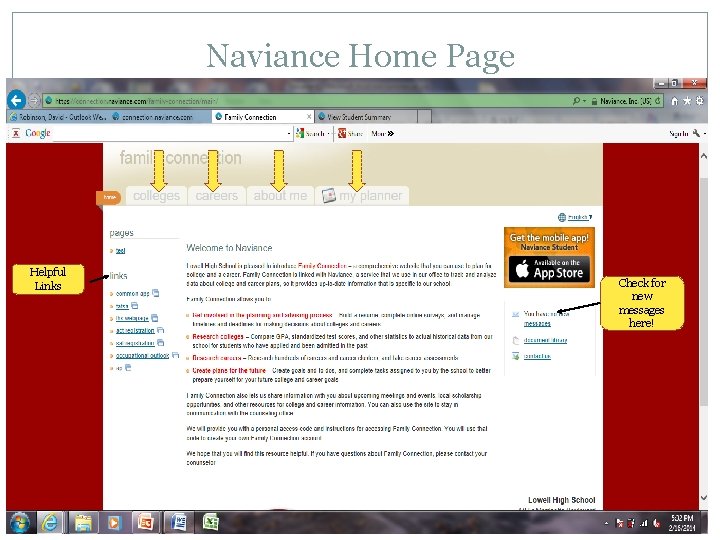
Naviance Home Page Helpful Links Check for new messages here!
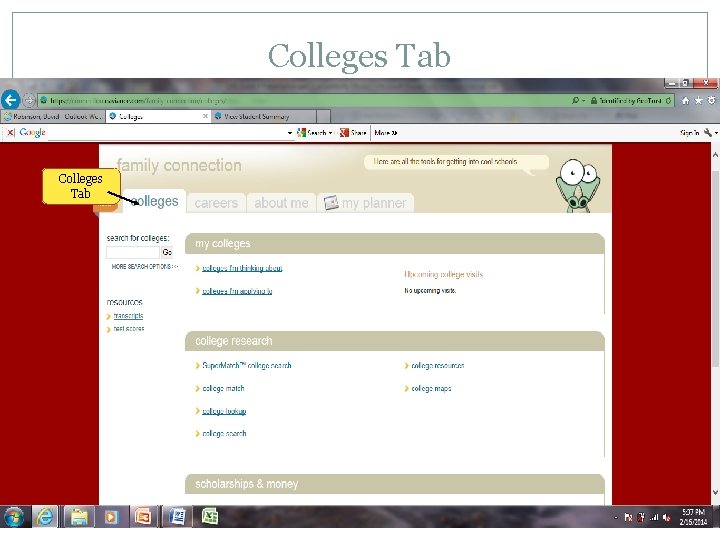
Colleges Tab
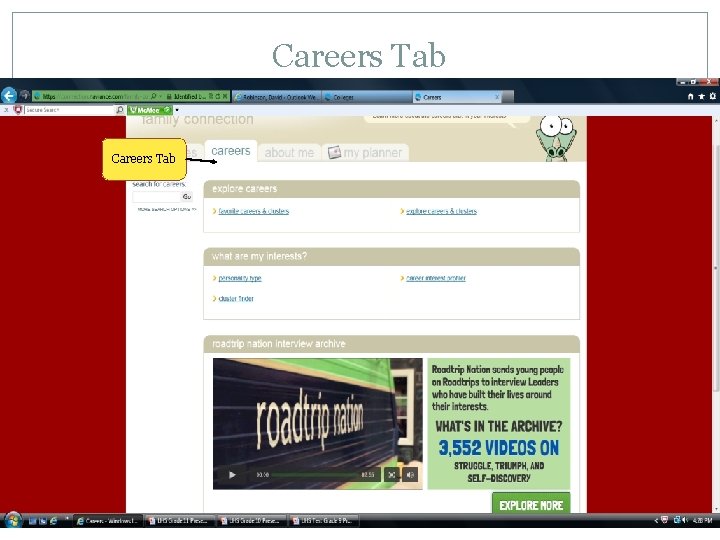
Careers Tab
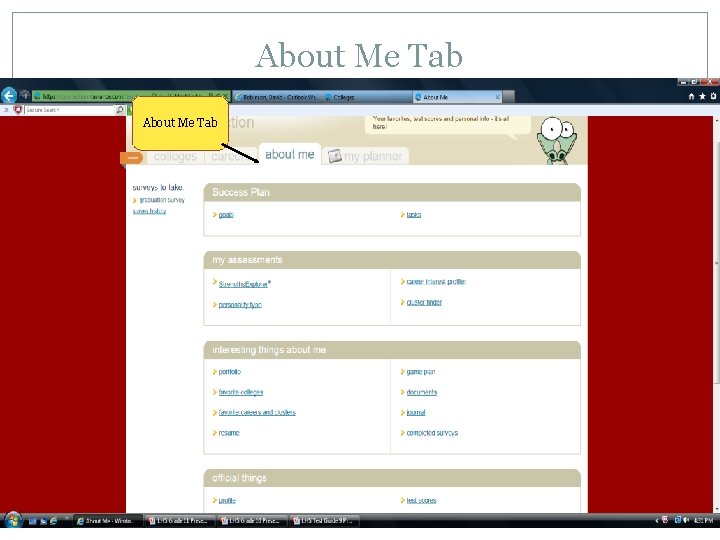
About Me Tab
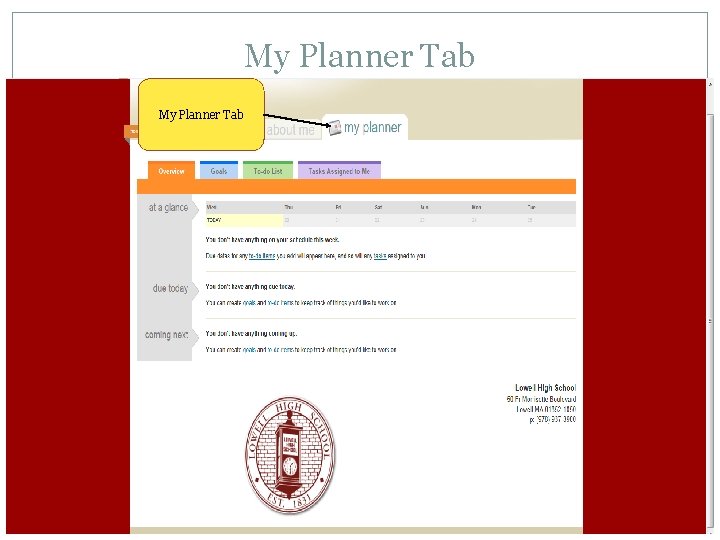
My Planner Tab
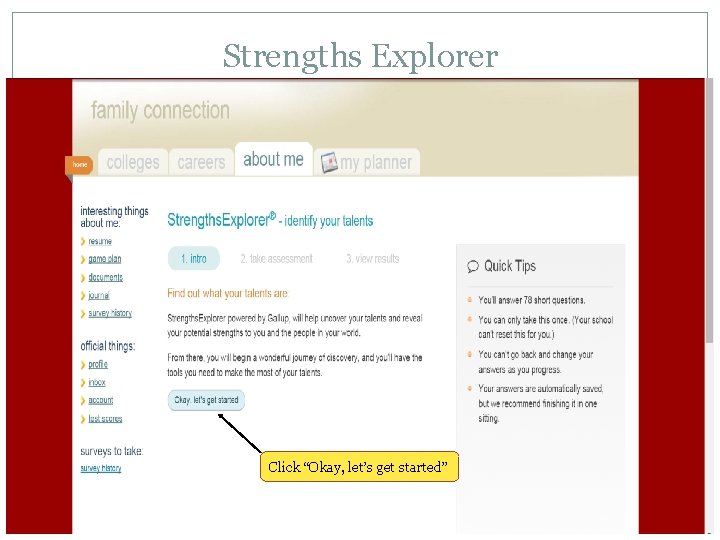
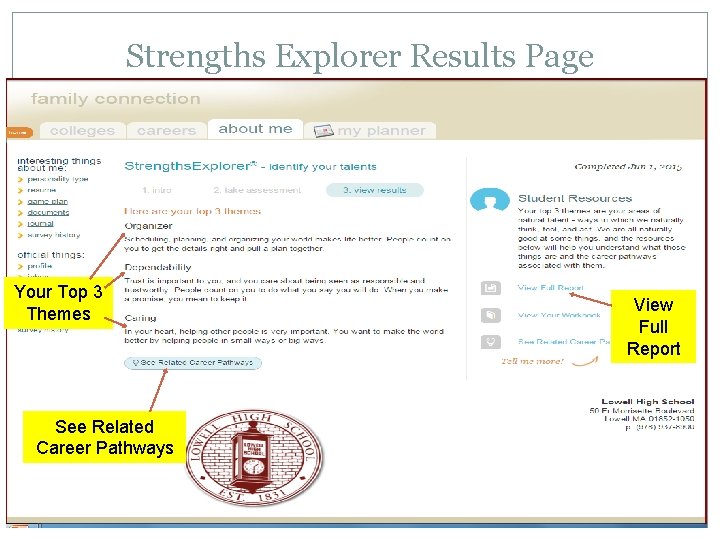
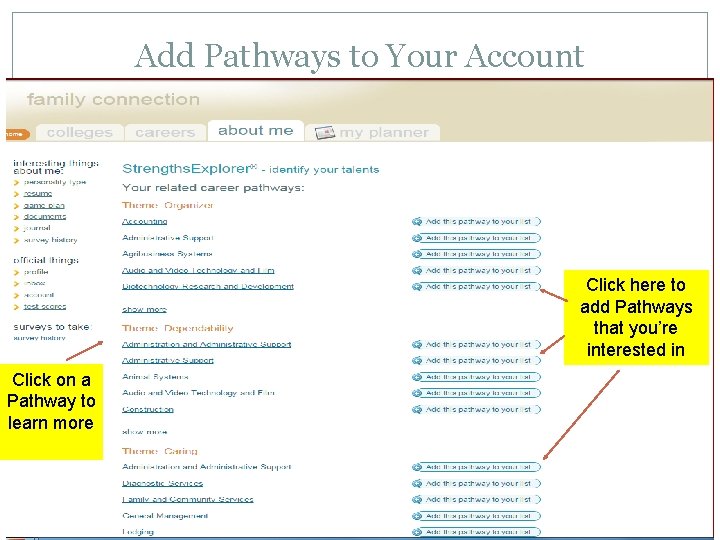
Today’s Lesson You will log in to your Naviance account Click on the “About Me” Tab Click on “Strengths Explorer” Click on “Let’s Begin” at the bottom of the screen Take the Strengths Explorer Survey Read the full report to explore your natural talents Add your Top 3 Career Pathways to your Naviance account
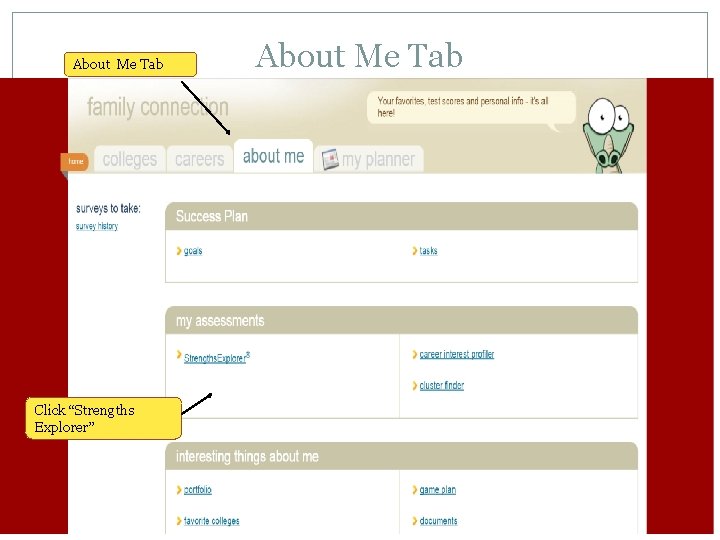
About Me Tab Click “Strengths Explorer” About Me Tab
Strengths Explorer Click “Okay, let’s get started”
Strengths Explorer Results Page Your Top 3 Themes See Related Career Pathways View Full Report
Add Pathways to Your Account Click here to add Pathways that you’re interested in Click on a Pathway to learn more
Conclusion Read your full Strengths report Make sure you added your top 3 Career Pathways to your account Spend time on your own researching related career pathways through your Naviance account.