
Welcome to Mrs Sandoval Zazuetas First Grade Class
- Slides: 16
Welcome to Mrs. Sandoval Zazueta’s First Grade Class ! 2020 – 2021
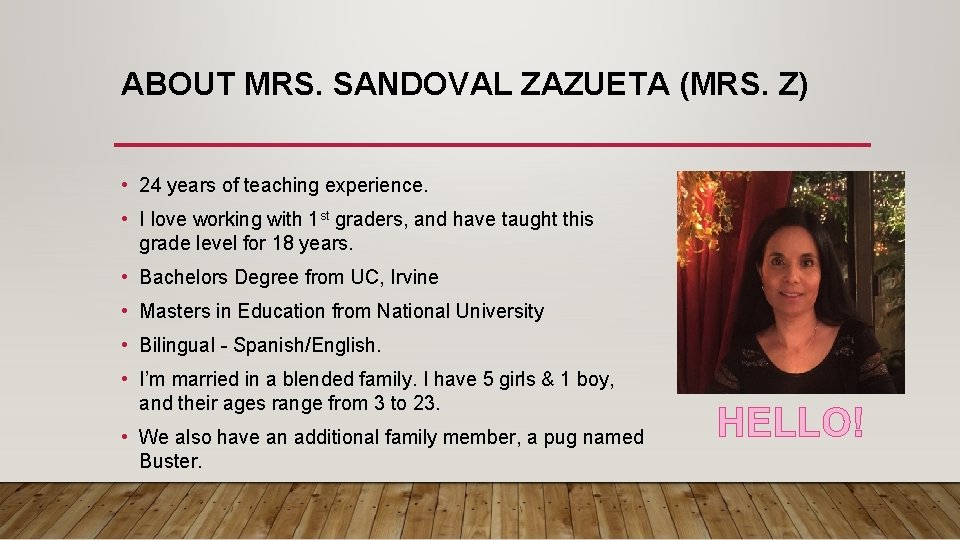
ABOUT MRS. SANDOVAL ZAZUETA (MRS. Z) • 24 years of teaching experience. • I love working with 1 st graders, and have taught this grade level for 18 years. • Bachelors Degree from UC, Irvine • Masters in Education from National University • Bilingual - Spanish/English. • I’m married in a blended family. I have 5 girls & 1 boy, and their ages range from 3 to 23. • We also have an additional family member, a pug named Buster. HELLO!
FIRST GRADE ROCKS! I love teaching first grade! I know this year will be different, but I look forward to meeting each one of my students and parents. We will all be learning to navigate new tools online. I will be here to help you make this transition easier. We will work together to make this an incredible year.
COMMUNICATION * RESPONSE TIMES CAN CHANGE DAILY, BUT USUALLY WITHIN 48 HOURS. . Email: sandyo@fusd. net Class. Dojo: Please check your email for an invitation. Teams Office hours 7: 00 am to 3: 30 pm
ONLINE CLASSROOM LEARNING RULES • Be kind and considerate of others. • Login on time daily. • Keep questions and comments on topic. • Use the hand signal and wait for the teacher to say your name before speaking. • Listen carefully to all directions and lessons. • Try your very best.
TIPS TO HELP YOU PREPARE • Please make sure to always keep your laptop charged overnight! • Have all learning materials and supplies ready. • Make sure to check your computer before class starts. • You might want to turn your computer on half an hour before class starts to make sure you have internet access and are able to login to Teams. • Place your device on a desk or table and make sure to place the camera towards your face. Blur the background if it is not blurred when you login.
MUTE ALL MICROPHONES • Please make sure to mute your microphone at the beginning of class. • Turning off the microphone will limit the distractions during the live lesson. • Wait for the teacher to call your name before speaking. • Use headphones to help you concentrate on the lesson. • Turn off camera while on break or during asynchronous time.
PARENT EXPECTATIONS AND INVOLVEMENT Provide a quiet and safe place for online learning. Have your child be ready at the start of the class. Help your student login to Teams and different learning sites. Check that the student is completing and turning in assignments and tests. Create Class. Dojo account. I will be sending you an email with information. Stay positive
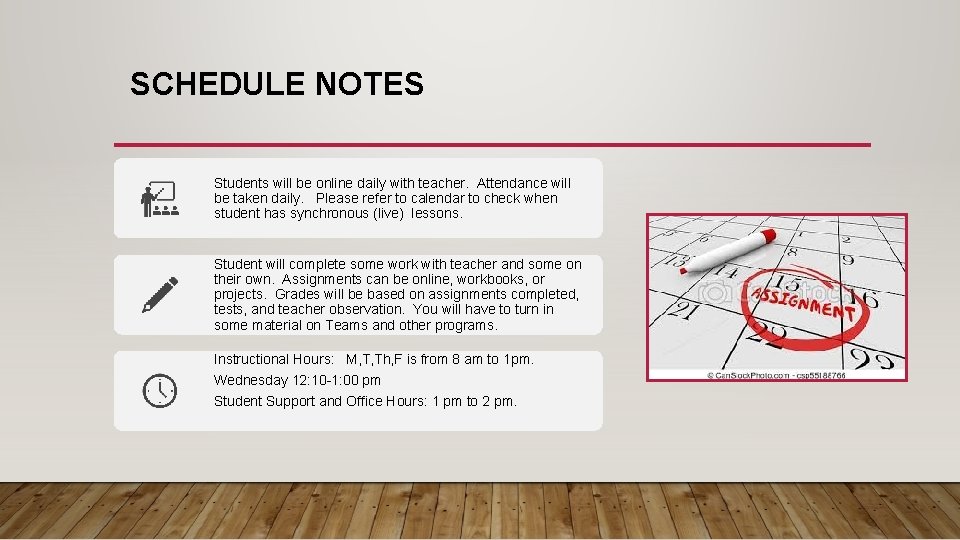
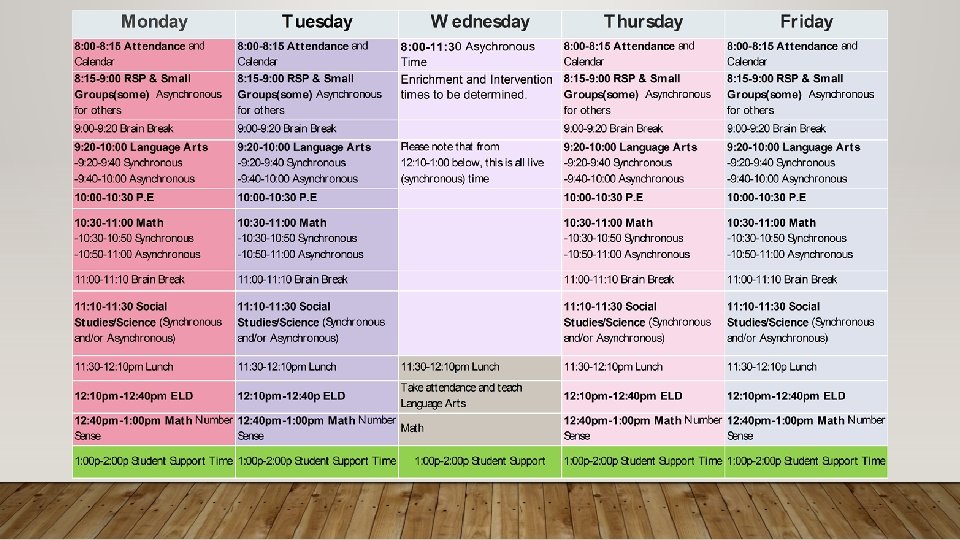
SCHEDULE NOTES Students will be online daily with teacher. Attendance will be taken daily. Please refer to calendar to check when student has synchronous (live) lessons. Student will complete some work with teacher and some on their own. Assignments can be online, workbooks, or projects. Grades will be based on assignments completed, tests, and teacher observation. You will have to turn in some material on Teams and other programs. Instructional Hours: M, T, Th, F is from 8 am to 1 pm. Wednesday 12: 10 -1: 00 pm Student Support and Office Hours: 1 pm to 2 pm.
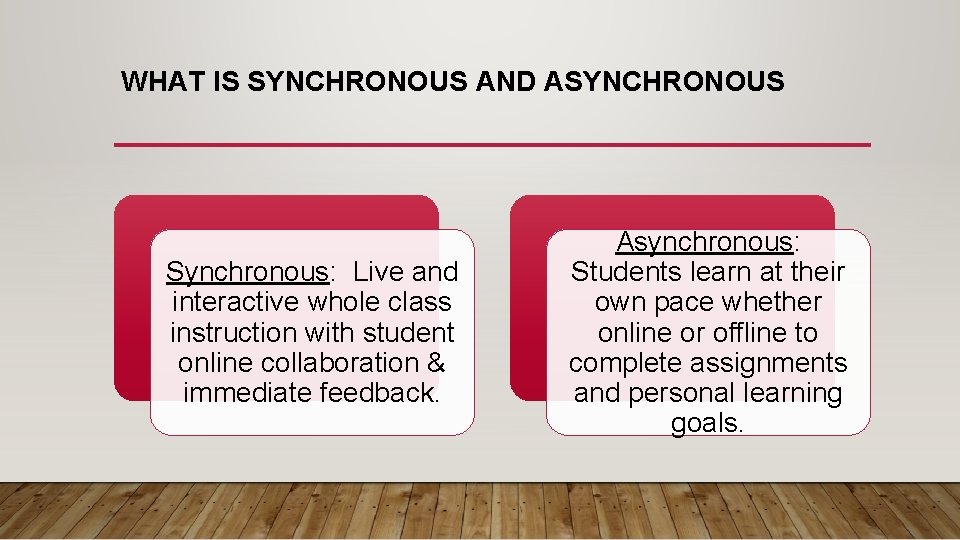
WHAT IS SYNCHRONOUS AND ASYNCHRONOUS Synchronous: Live and interactive whole class instruction with student online collaboration & immediate feedback. Asynchronous: Students learn at their own pace whether online or offline to complete assignments and personal learning goals.
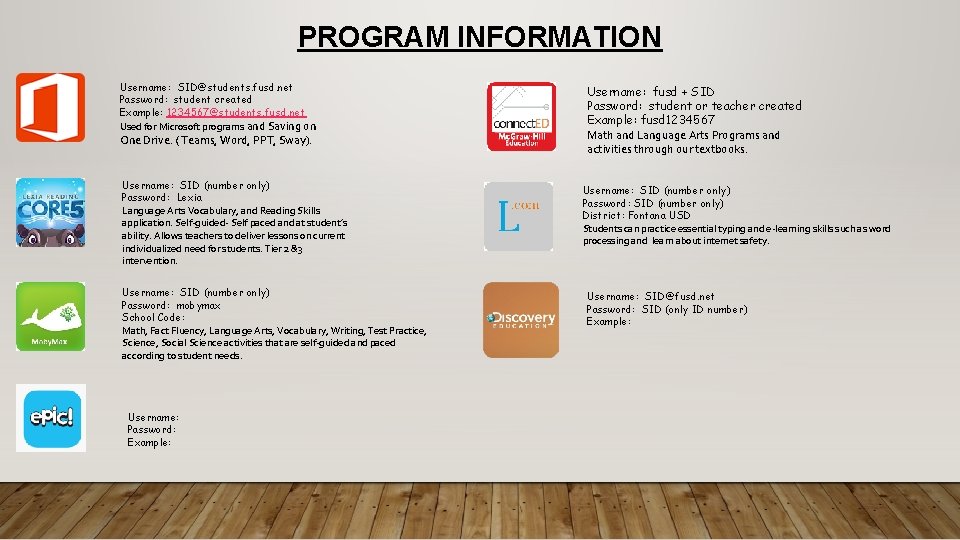
PROGRAM INFORMATION Username: SID@students. fusd. net Password: student created Example: 1234567@students. fusd. net Used for Microsoft programs and Saving on One Drive. ( Teams, Word, PPT, Sway). Username: SID (number only) Password: Lexia Language Arts Vocabulary, and Reading Skills application. Self-guided- Self paced and at student’s ability. Allows teachers to deliver lessons on current individualized need for students. Tier 2 &3 intervention. Username: SID (number only) Password: mobymax School Code: Math, Fact Fluency, Language Arts, Vocabulary, Writing, Test Practice, Science, Social Science activities that are self-guided and paced according to student needs. Username: Password: Example: Username: fusd + SID Password: student or teacher created Example: fusd 1234567 Math and Language Arts Programs and activities through our textbooks. Username: SID (number only) Password: SID (number only) District: Fontana USD Students can practice essential typing and e-learning skills such as word processing and learn about internet safety. Username: SID@fusd. net Password: SID (only ID number) Example:
NEED TECHNICAL ASSISTANCE? • Call the help desk at 909 -3577630 • Email Help Desk at helpdesk@fusd. net • Email me at sandyo@fusd. net • https: //www. fusd. net/Page/1326 These are videos on how to access different programs.
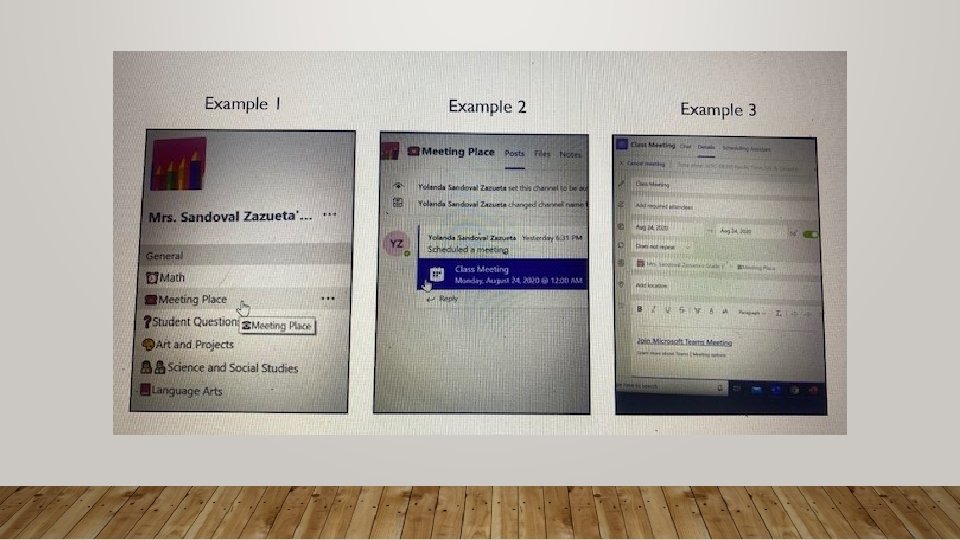
WHAT TO DO ON YOUR FIRST DAY OF SCHOOL 1. Click on Office 365 and then click on Teams. Enter you email and password. 2. Once you are in Teams, you will see different icons with pictures on the left side (See Next Slide, Example 1). 3. Select Meeting Place. Next, click on a calendar icon ( Class Meeting) in the message bar. (See Next Slide, Example 2). 4. Last, click on Join Microsoft Teams Meeting at the bottom of the document. I will also copy the link to my lesson plan and in another message bar. (See Next Slide, Example 3). 5. You will have to stay in the lobby until the teacher lets you join the meeting. 6. All of our meeting will be at the Meeting Place.
THANK YOU! Thank you for joining me on this virtual Back to School Night. I look forward to seeing you all on the first day of school. Remember school starts on August 24 th at 8 am. *Some images are from google pictures