
Welcome To Kindergarten and First Grade Social Studies

- Slides: 15
Welcome To Kindergarten and First Grade Social Studies Project Based Learning Helpful information on Project based learning in Social Studies!
Meeting Norms n n n We will begin and end on time. We will stay fully engaged throughout the session. We will listen and respectfully to others. We will refrain from using cell phones and having side conversations We will ask questions and meet our objectives!
Objectives We will introduce Project Based Learning. n The Role of the PBL leader n We will explore Gold Standard PBL: We will explore Essential Project Design Elements n We will discuss unit design. n We will introduce current PBL units available. n
Project Based Learning Overview PBL Power Point Video Clips (in Power Point) https: //www. youtube. com/watch? v=LMCZv. Ges. Rz 8 https: //www. youtube. com/watch? v=p 5 q 4 Bi. Gc. Rq. M http: //www. edutopia. org/practice/creating-traveljournals-assess-learning http: //www. youtube. com/watch? v=d. R 5 IZc. Da. A 2 E
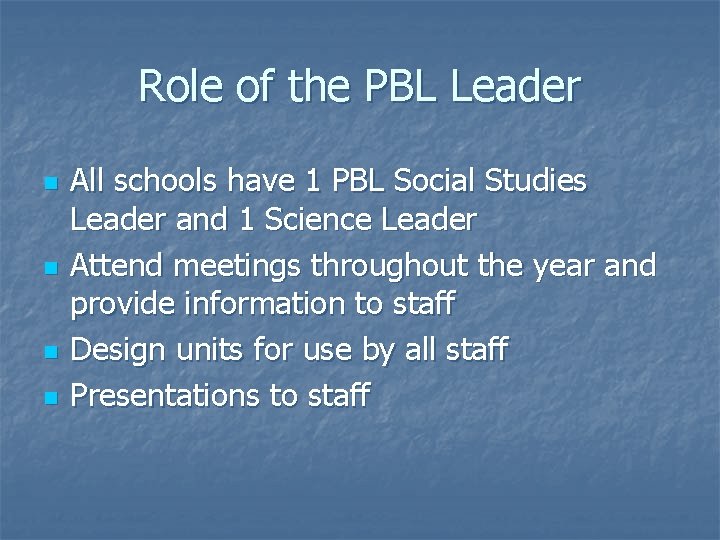
Role of the PBL Leader n n All schools have 1 PBL Social Studies Leader and 1 Science Leader Attend meetings throughout the year and provide information to staff Design units for use by all staff Presentations to staff
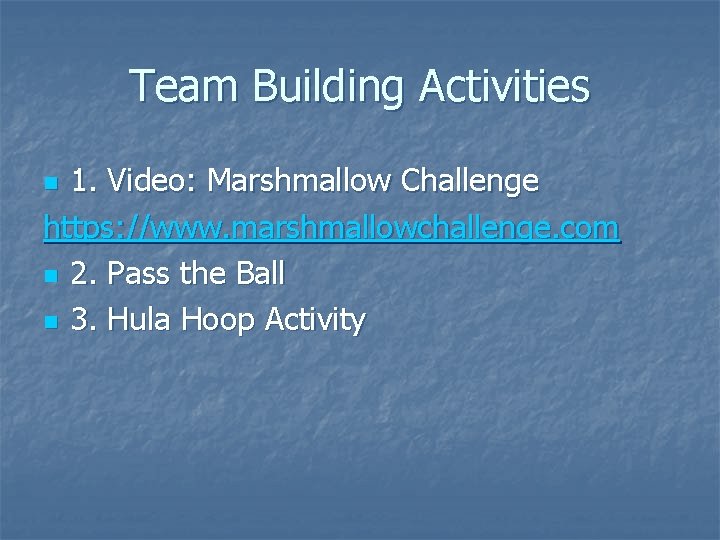
Team Building Activities 1. Video: Marshmallow Challenge https: //www. marshmallowchallenge. com n 2. Pass the Ball n 3. Hula Hoop Activity n
Gold Standard PBL: Essential Project Design Elements Buck Institute for Education 2015 Article: Gold Standard PBL: Essential Project Design Elements
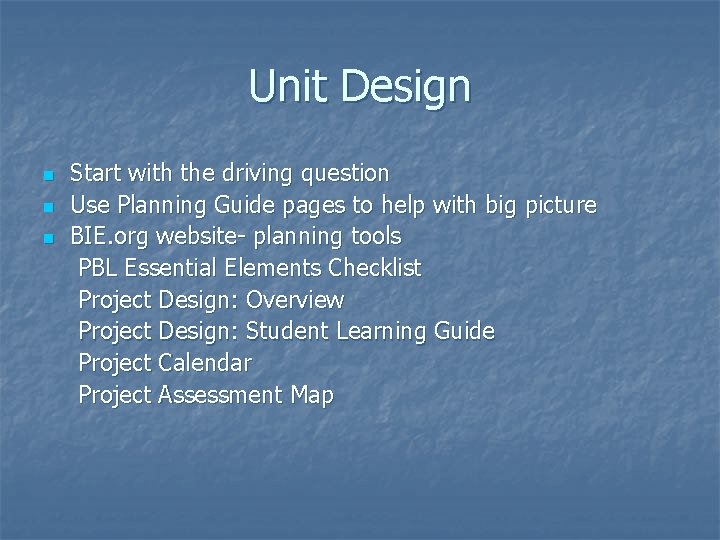
Unit Design Start with the driving question n Use Planning Guide pages to help with big picture n BIE. org website- planning tools PBL Essential Elements Checklist Project Design: Overview Project Design: Student Learning Guide Project Calendar Project Assessment Map n
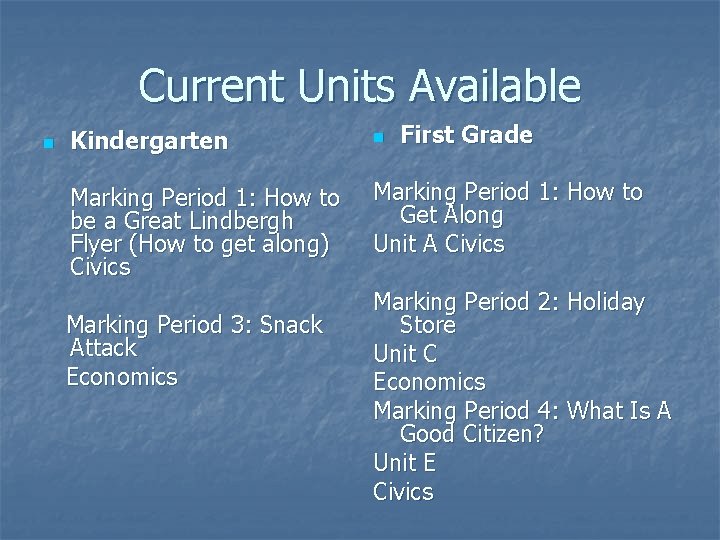
Current Units Available n n Marking Period 1: How to be a Great Lindbergh Flyer (How to get along) Civics Marking Period 1: How to Get Along Unit A Civics Marking Period 3: Snack Attack Economics First Grade Kindergarten Marking Period 2: Holiday Store Unit C Economics Marking Period 4: What Is A Good Citizen? Unit E Civics
Useful Materials to Design PBL n n n Current State Standards DEC/ Atlas Rubicon/ILearn Pacing Guide BIE. org website Google Docs Look at other units out there
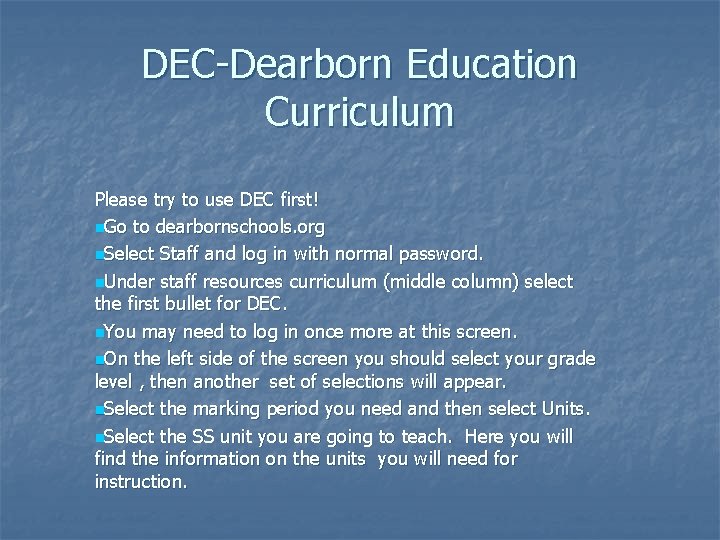
DEC-Dearborn Education Curriculum Please try to use DEC first! n. Go to dearbornschools. org n. Select Staff and log in with normal password. n. Under staff resources curriculum (middle column) select the first bullet for DEC. n. You may need to log in once more at this screen. n. On the left side of the screen you should select your grade level , then another set of selections will appear. n. Select the marking period you need and then select Units. n. Select the SS unit you are going to teach. Here you will find the information on the units you will need for instruction.
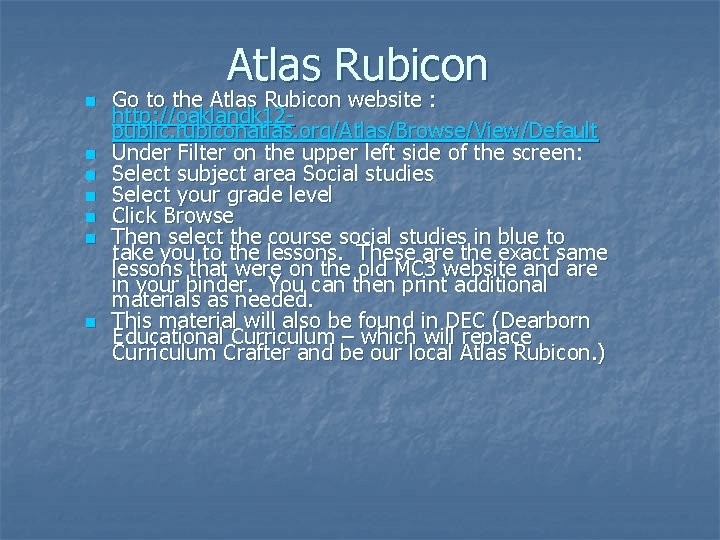
Atlas Rubicon n n n Go to the Atlas Rubicon website : http: //oaklandk 12 public. rubiconatlas. org/Atlas/Browse/View/Default Under Filter on the upper left side of the screen: Select subject area Social studies Select your grade level Click Browse Then select the course social studies in blue to take you to the lessons. These are the exact same lessons that were on the old MC 3 website and are in your binder. You can then print additional materials as needed. This material will also be found in DEC (Dearborn Educational Curriculum – which will replace Curriculum Crafter and be our local Atlas Rubicon. )
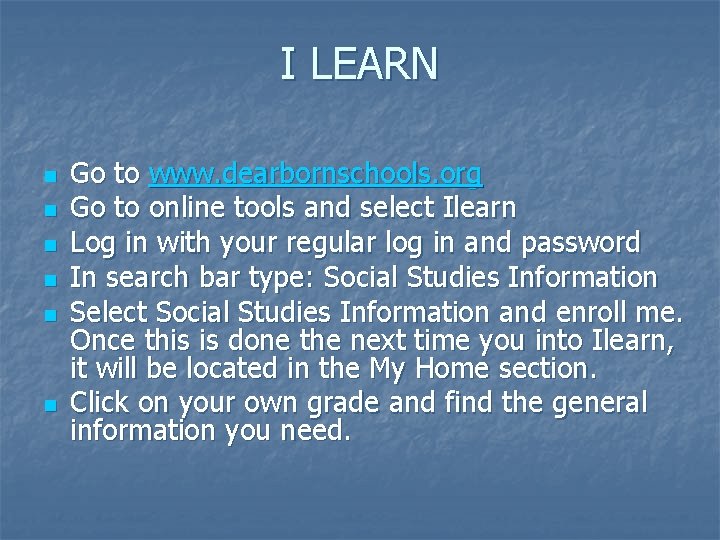
I LEARN n n n Go to www. dearbornschools. org Go to online tools and select Ilearn Log in with your regular log in and password In search bar type: Social Studies Information Select Social Studies Information and enroll me. Once this is done the next time you into Ilearn, it will be located in the My Home section. Click on your own grade and find the general information you need.
Notes/Questions
Thank You! Presenters: Carla Stetz- Kindergarten Lindbergh Elementary stetzc@dearbornschools. org Andrea Sims- First Grade Duvall Elementary simsa@dearbornschools. org n Social Studies District Coordinator: Pamela De. Neen- Princial Lindbergh Elementary deneenp@dearbornschools. org