
Welcome to ITS Training Services at Penn State



- Slides: 36
Welcome to ITS Training Services at Penn State
Agile Instructional Design Brett Bixler Lead Instructional Designer Chris Lucas Director, Training Services
Free + On-Demand Available Online or Off lynda. psu. edu
Free + On-Demand Available Online or Off lynda. psu. edu
Additional Resources - Faculty Chats - i. Study Tutorials - Training on Demand (To. D)
Training on Demand Request training for a group of 5 or more people on the topic you need. Canvas, Sites at Penn State, Excel, and more!
Objectives By the end of this session, you should be able to. . . • Describe Instructional Design • Describe the ADDIE Model • Describe the Successive Approximation Model (SAM) • Relate Agile design (programming) to Agile design (Instructional Design)
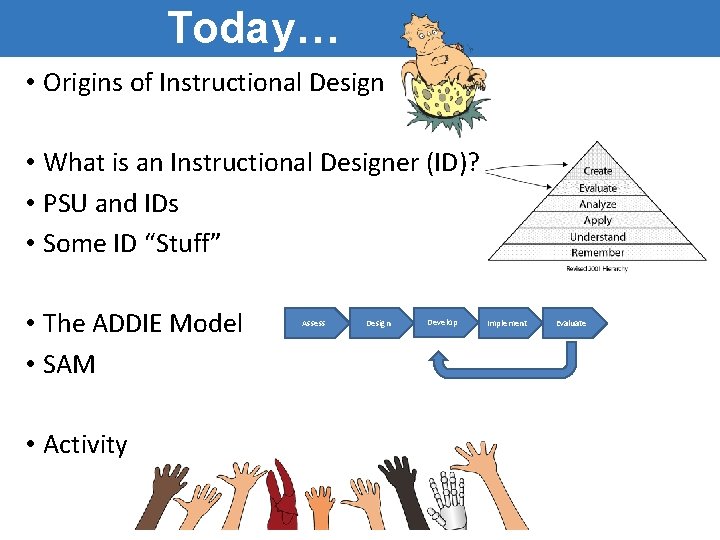
Today… • Origins of Instructional Design • What is an Instructional Designer (ID)? • PSU and IDs • Some ID “Stuff” • The ADDIE Model • SAM • Activity Assess Design Develop Implement Evaluate
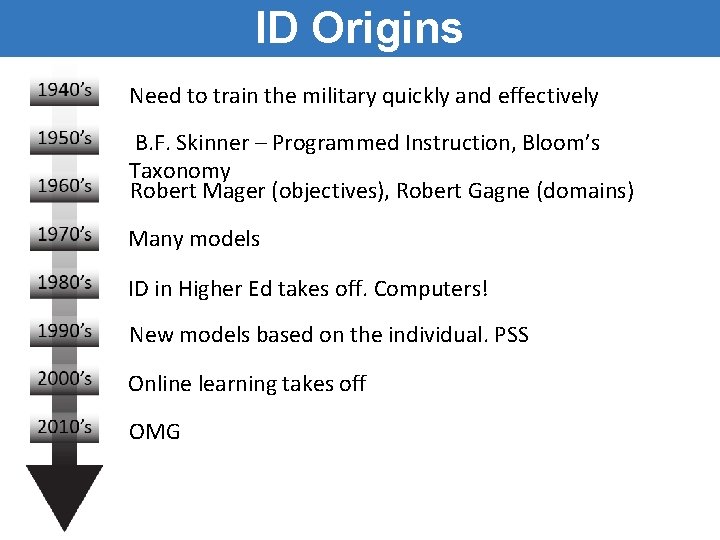
ID Origins Need to train the military quickly and effectively B. F. Skinner – Programmed Instruction, Bloom’s Taxonomy Robert Mager (objectives), Robert Gagne (domains) Many models ID in Higher Ed takes off. Computers! New models based on the individual. PSS Online learning takes off OMG
IDs and PSU • May also be named “Learning Designers” • ~ 120 at PSU • See https: //weblearning. psu. edu/learning-designsupport-at-penn-state/ for more info.
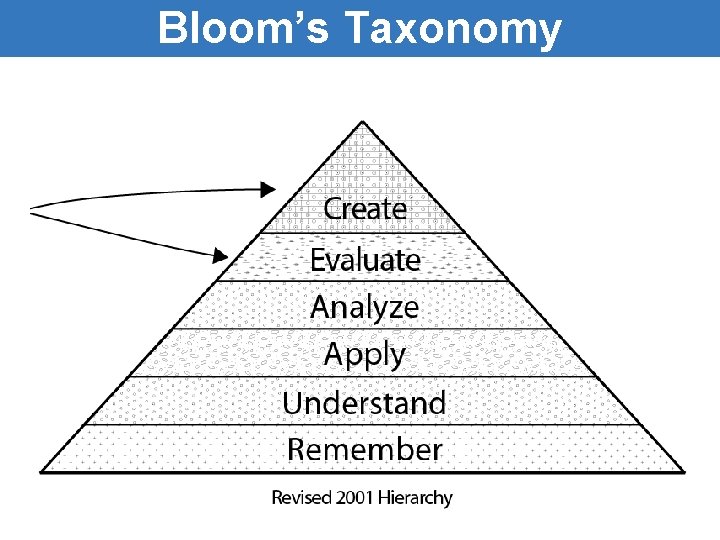
Bloom’s Taxonomy
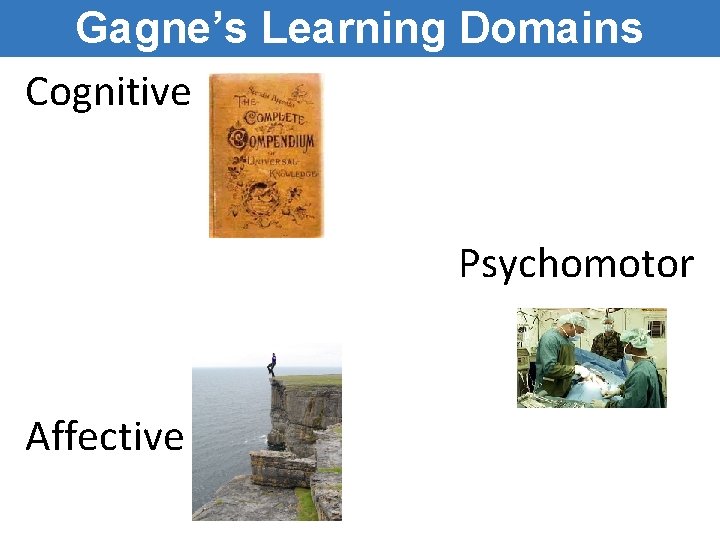
Gagne’s Learning Domains Cognitive Psychomotor Affective
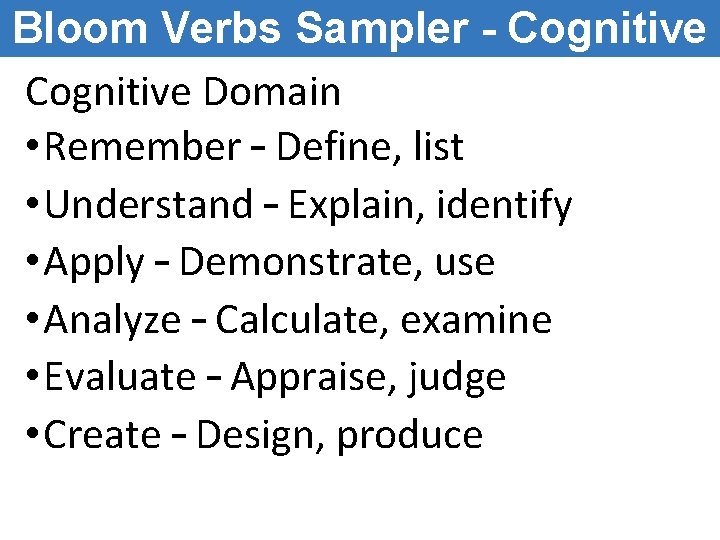
Bloom Verbs Sampler - Cognitive Domain • Remember – Define, list • Understand – Explain, identify • Apply – Demonstrate, use • Analyze – Calculate, examine • Evaluate – Appraise, judge • Create – Design, produce
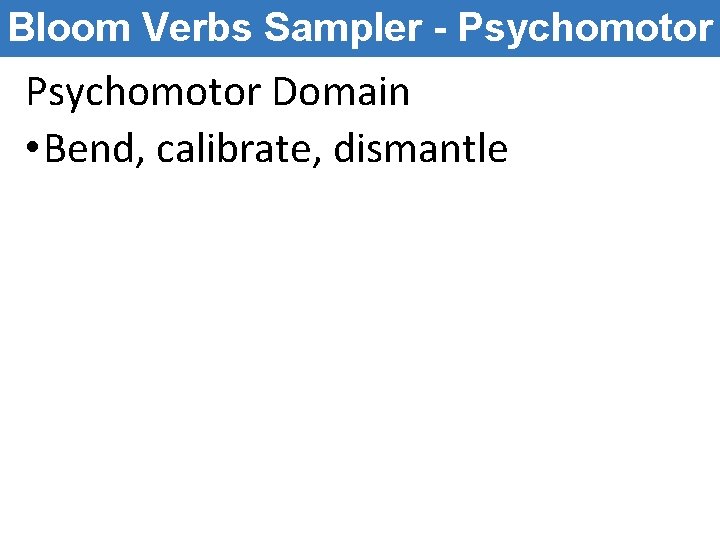
Bloom Verbs Sampler - Psychomotor Domain • Bend, calibrate, dismantle
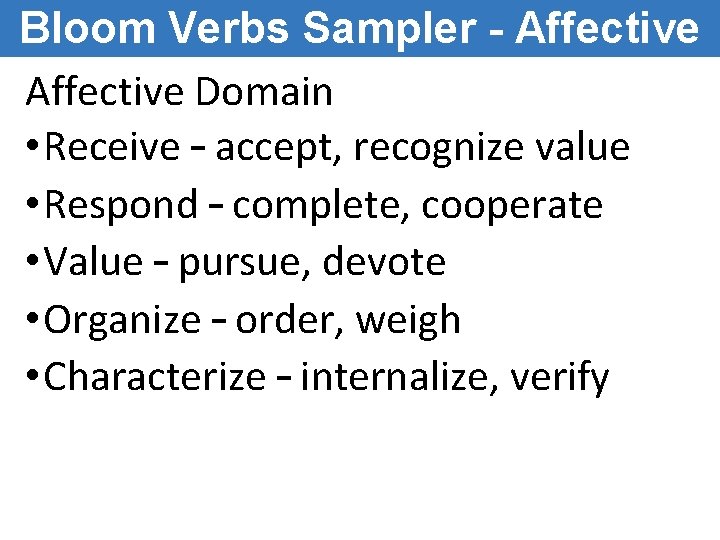
Bloom Verbs Sampler - Affective Domain • Receive – accept, recognize value • Respond – complete, cooperate • Value – pursue, devote • Organize – order, weigh • Characterize – internalize, verify
Instructional Objectives • Audience, Behavior, Condition, Degree (ABCDs) o Ex - "Given a sentence written in the past or present tense, the student will be able to re-write the sentence in future tense with no errors in tense or tense contradiction (e. g. , I will see her yesterday. ). ” • SMART - Specific, Measurable, Achievable, Relevant, Timely & time bound. • See http: //www. personal. psu. edu/bxb 11/Objectives/
e-Learning Team • Project Manager (PM) o Organizes the project • Subject-matter expert (SME) o Knows the content • ID (may double as the PM) o Script writer, goals & objectives, flow, aligning objectives-contentassessment, course authoring • Multimedia Developer o Graphics, animations, audio, video • Software Engineer (as needed) • Documentation (ID may serve this role) • Editor (ad hoc, as needed) o Review scripts, etc. for grammar • Reviewers (ad hoc, as needed) o Review prototypes
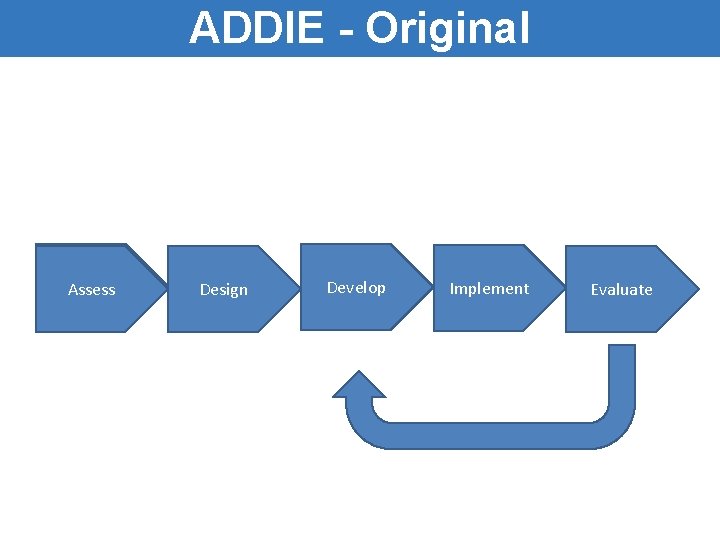
ADDIE - Original Assess Design Develop Implement Evaluate
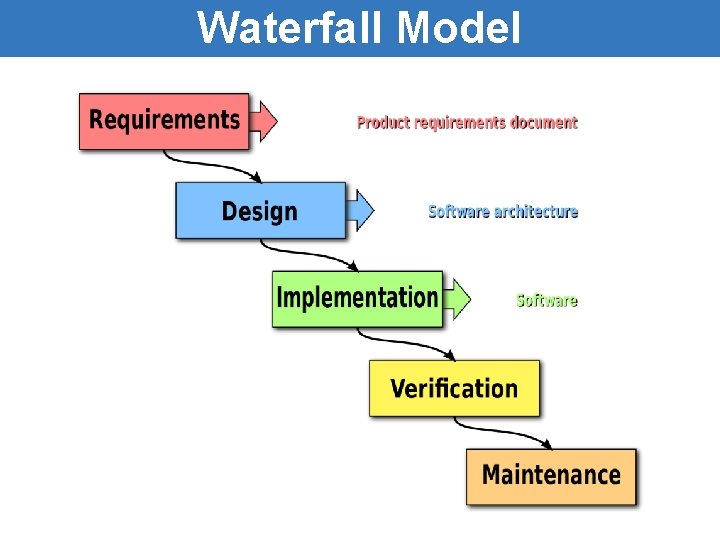
Waterfall Model
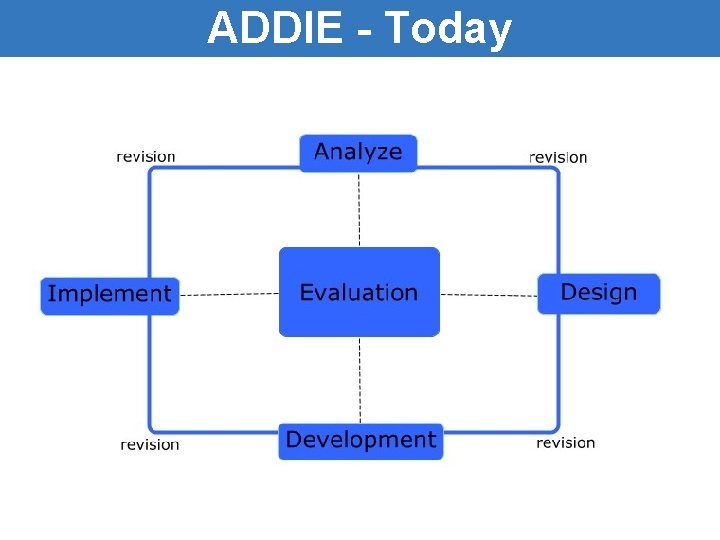
ADDIE - Today
ADDIE Issues • Can’t know it all up front. • Assumes that the client/learner requirements are completely known before developing instruction • You learn as you design and develop. May cause you to scrap it and start over. • ADDIE Phases are too big and lockstep.
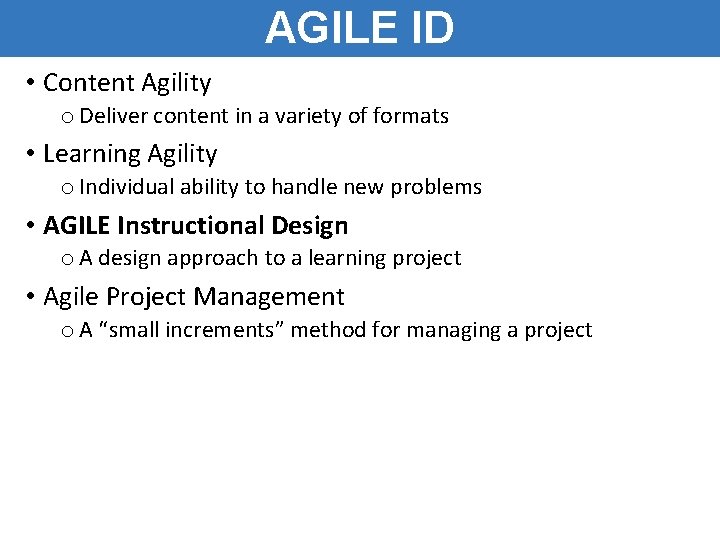
AGILE ID • Content Agility o Deliver content in a variety of formats • Learning Agility o Individual ability to handle new problems • AGILE Instructional Design o A design approach to a learning project • Agile Project Management o A “small increments” method for managing a project
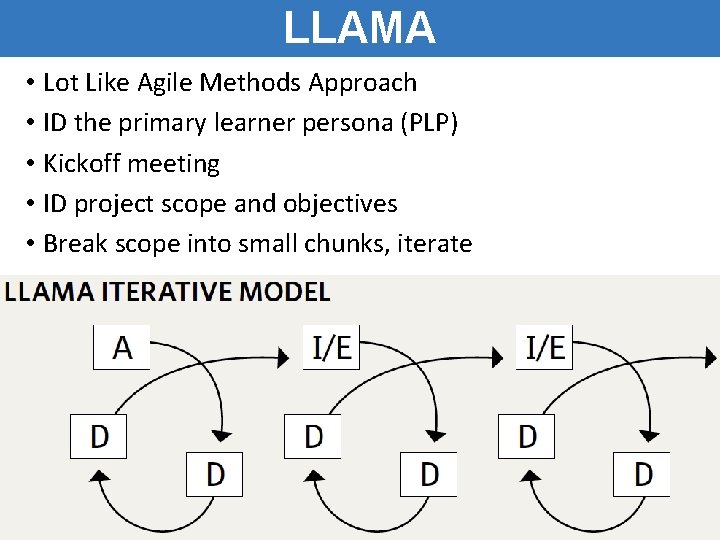
LLAMA • Lot Like Agile Methods Approach • ID the primary learner persona (PLP) • Kickoff meeting • ID project scope and objectives • Break scope into small chunks, iterate
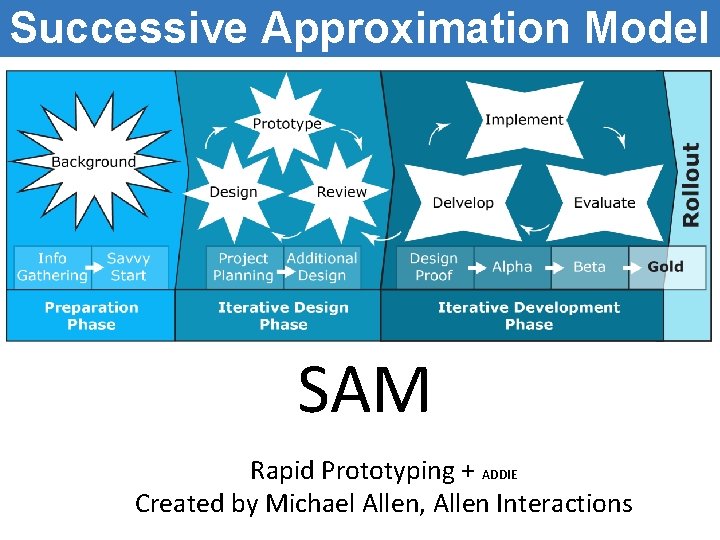
Successive Approximation Model SAM Rapid Prototyping + ADDIE Created by Michael Allen, Allen Interactions
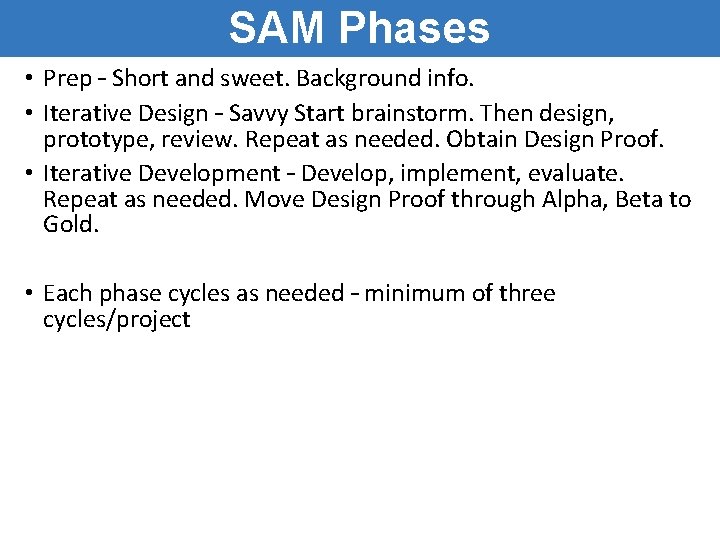
SAM Phases • Prep – Short and sweet. Background info. • Iterative Design – Savvy Start brainstorm. Then design, prototype, review. Repeat as needed. Obtain Design Proof. • Iterative Development – Develop, implement, evaluate. Repeat as needed. Move Design Proof through Alpha, Beta to Gold. • Each phase cycles as needed – minimum of three cycles/project
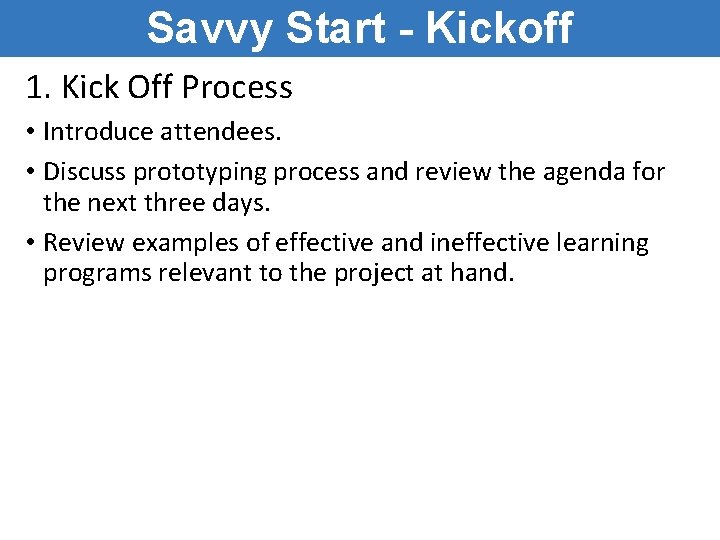
Savvy Start - Kickoff 1. Kick Off Process • Introduce attendees. • Discuss prototyping process and review the agenda for the next three days. • Review examples of effective and ineffective learning programs relevant to the project at hand.
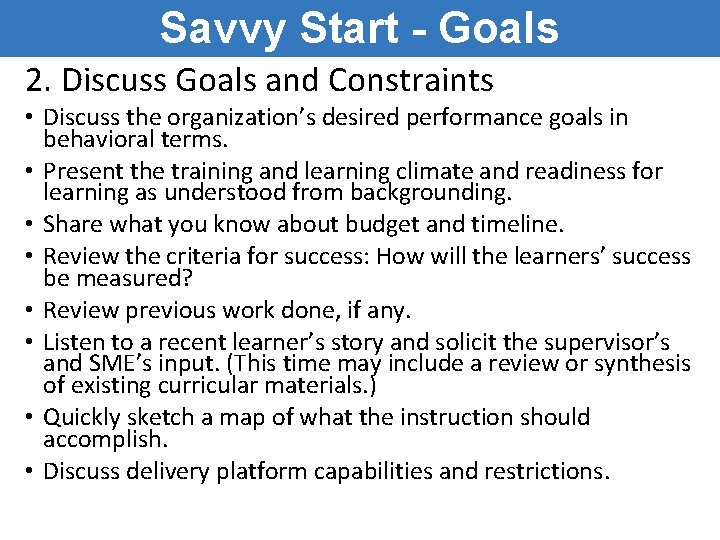
Savvy Start - Goals 2. Discuss Goals and Constraints • Discuss the organization’s desired performance goals in behavioral terms. • Present the training and learning climate and readiness for learning as understood from backgrounding. • Share what you know about budget and timeline. • Review the criteria for success: How will the learners’ success be measured? • Review previous work done, if any. • Listen to a recent learner’s story and solicit the supervisor’s and SME’s input. (This time may include a review or synthesis of existing curricular materials. ) • Quickly sketch a map of what the instruction should accomplish. • Discuss delivery platform capabilities and restrictions.
Savvy Start - Brainstorm 3. Brainstorm • Discuss how to determine what needs to be taught. • Review the goals and select learning events to prototype. What do learners really need to do? • Discuss the necessity of the learner’s motivation to learn. • What design elements can be used to heighten motivation? • Brainstorm learning events, including what needs to happen before, during, and after them.
Iterative Design Phase • Breadth before depth o Content? Activities? Assessments? • Each iteration dives a bit deeper – 3 max Prototypes • • • Media – look and feel, layout, fonts, etc. Functional – From Savvy Start, bare bones Integrated – media + functional Special-purpose – to test any esoteric or technical components Don’t prototype everything – just representations of all needed Evaluate • Early & often • Plan it! • Adjust after every eval
Iterative Development Phase Create design proof • • • Visual, functional solution Includes sample content and at least one of every interaction Use the real tools to build & run it Tests viability and production system Tests ability to deliver desired learning experience Evaluate • Early & often • Plan it! • Adjust after every eval
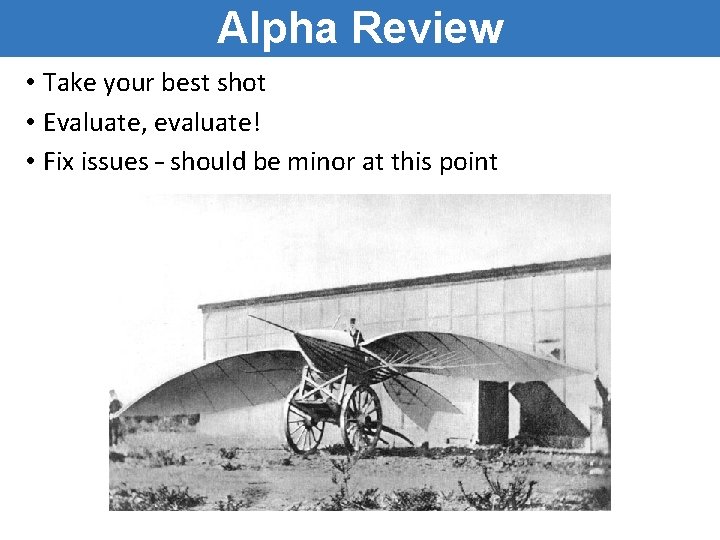
Alpha Review • Take your best shot • Evaluate, evaluate! • Fix issues – should be minor at this point
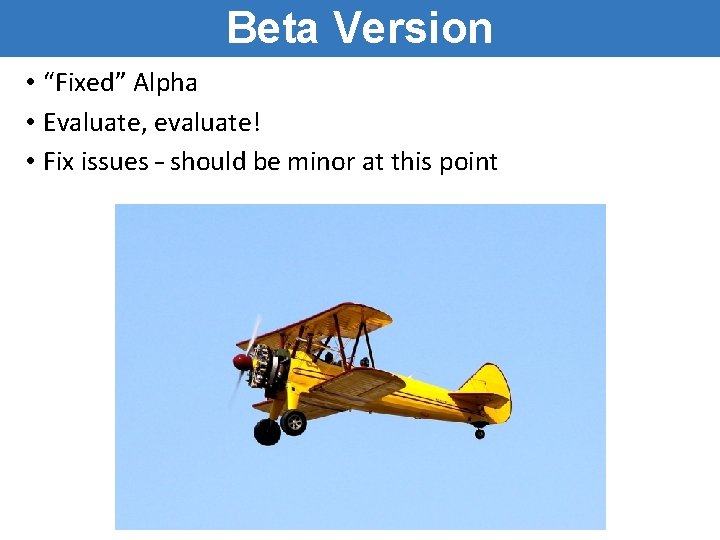
Beta Version • “Fixed” Alpha • Evaluate, evaluate! • Fix issues – should be minor at this point
Gold release • You are done • Go party
Discussion • What are the strengths of ADDIE? • What are the strengths of SAM? • How ”Agile” is SAM? o Similarities? o Differences? o What’s missing? • What did you learn today that will benefit you?
Session Review You should now be able to. . . • Describe Instructional Design • Describe the ADDIE Model • Describe the Successive Approximation Model (SAM) • Relate Agile design (programming) to Agile design (Instructional Design)
Resources Agile Instructional Design http: //lynda. psu. edu History of Instructional Design http: //elearninginfographics. com/briefhistory-instructional-design-infographic/ [Topic Resource] [Link to topic resource]