
WELCOME TO Information Technology MRS KREIFELS What will




- Slides: 23
WELCOME TO Information Technology! MRS. KREIFELS
What will I learn in this class? q Word Processing q Spreadsheet q Database q Power. Point q Integration This class meets a graduation requiremen t!
SKILLS NEEDED TO BE SUCCESSFUL IN THIS CLASS ☺ Good attitude ☺ Good preparation Be on time Ø Have materials ready! Ø ☺ Listening skills ☺ Self-motivated ☺ Pride in work ☺ Reading/writing skills ☺ Attentiveness WORK HARD! HAVE FUN!
COURSE DESCRIPTION Designed to develop computer skills essential for careers Develop keyboarding skills After this course you can enroll in: • • Information Technology II Digital Media 1 & 2 Web Page Programming Intro to Digital Design
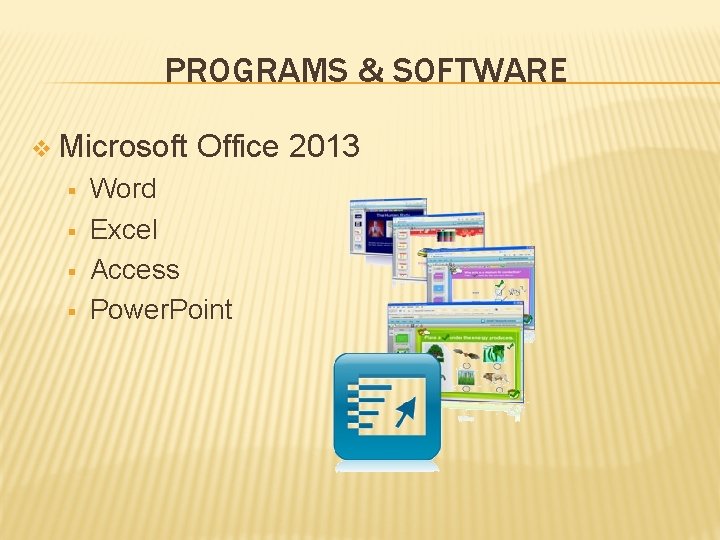
PROGRAMS & SOFTWARE v Microsoft § § Office 2013 Word Excel Access Power. Point
WHAT WILL BE EXPECTED? Do your best! Respect for computer Be in class Patience Listening skills
COMPUTER USE GUIDELINES v No food or drinks! v Use assigned work station v Clean up!! v Think before printing v Follow directions v Treat equipment and materials with care
COMPUTER USE GUIDELINES = Respect copyright laws. = = Not access the Internet without permission Not waste supplies - print only when necessary. = Respect the security of the network system. Not use the network for financial gain or any illegal activity. = Not engage in vandalism including network systems/viruses. = Understand LPS is not responsible for my expenses = = Not use the computer system to disturb other computer users. = Use computer equipment to meet instructional objectives -not as entertainment. Violation of any guidelines could result in immediate suspension of computer
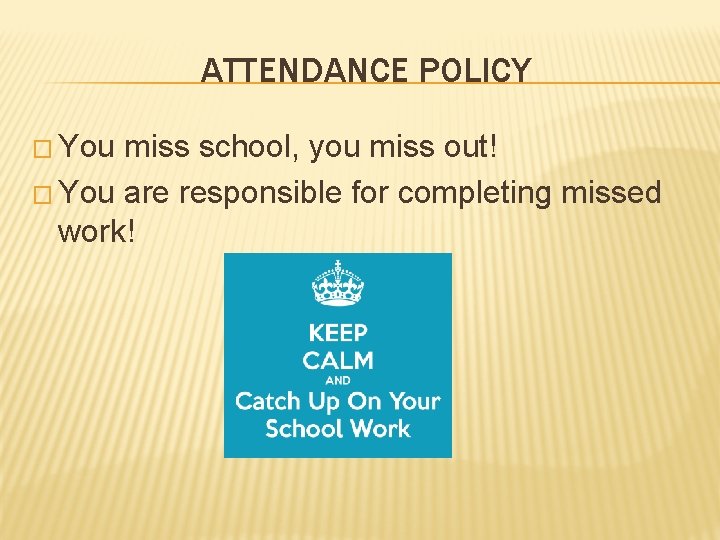
ATTENDANCE POLICY � You miss school, you miss out! � You are responsible for completing missed work!
LSW TARDY POLICY � Tardy –If a student is not in the room when the bell rings. � 1 st Tardy-warning (conference with teacher/student) � 2 nd Tardy-student behavior intervention plan and contact home (conference with teacher/parent) � 3 rd Tardy-assigned to Lunch Detention � 4 th Tardy-assigned to Lunch Detention � 5 th Tardy-administrative referral to attendance office
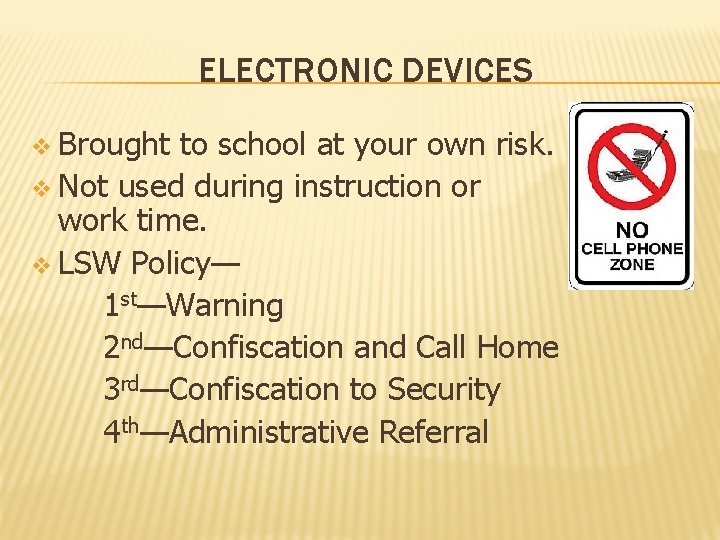
ELECTRONIC DEVICES v Brought to school at your own risk. v Not used during instruction or work time. v LSW Policy— 1 st—Warning 2 nd—Confiscation and Call Home 3 rd—Confiscation to Security 4 th—Administrative Referral
WHAT SHOULD I EXPECT? TYPICAL DAY � Login and check website for agenda � Demo & work together � Assignment & in-class work time � Work until you are asked to wrap up � Clean up workspace and hand in work YOU WILL BE BUSY EVERY DAY!
SUPPLIES � Pencil & paper � Planner � Book – in classroom
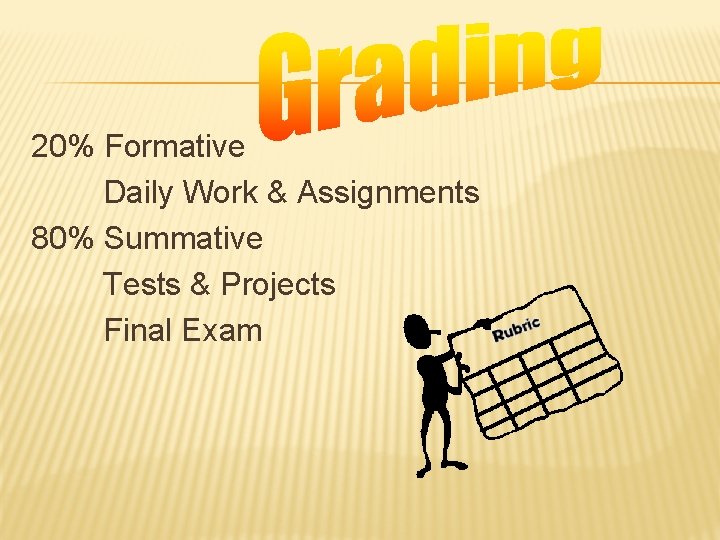
20% Formative Daily Work & Assignments 80% Summative Tests & Projects Final Exam
END OF DAY PROCEDURES � Hand in assignments � Return handouts � Clean up workspace � Close books � Log off computers � Stay in your seat until the bell rings � Have a GREAT day!
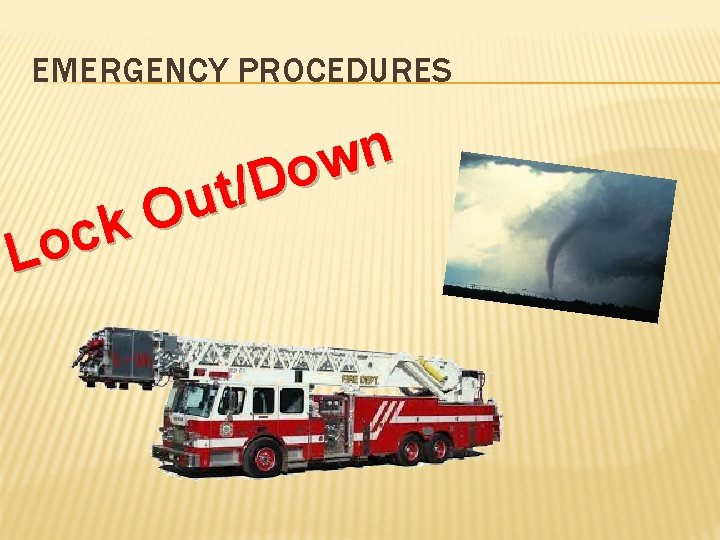
EMERGENCY PROCEDURES n w o D / t u O k c Lo
Fa Sh vori ow te Enjoy Crafts se m cu Te h, E N L be o ove to utside
LSW FBLA! Future Business Leaders of America See Mr. Hinrichs in B 200
LSW DECA! An Association of Marketing Students See Mr. Mahoney in C 209
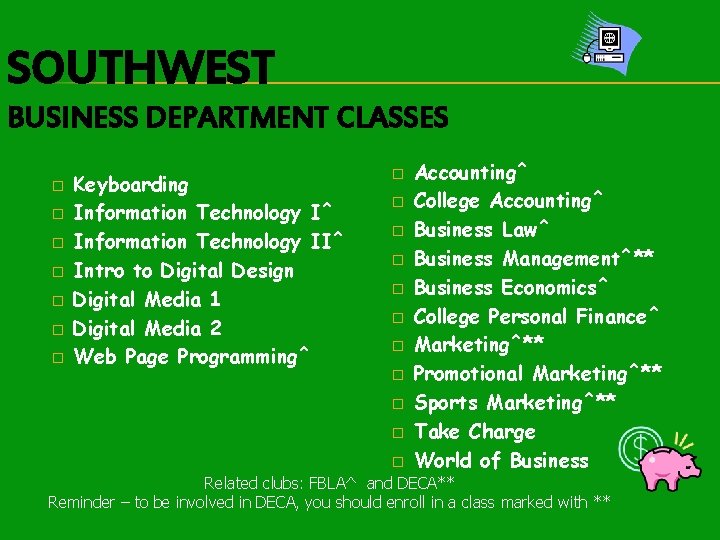
SOUTHWEST BUSINESS DEPARTMENT CLASSES � � � � Keyboarding Information Technology I^ Information Technology II^ Intro to Digital Design Digital Media 1 Digital Media 2 Web Page Programming^ � � � Accounting^ College Accounting^ Business Law^ Business Management^** Business Economics^ College Personal Finance^ Marketing^** Promotional Marketing^** Sports Marketing^** Take Charge World of Business Related clubs: FBLA^ and DECA** Reminder – to be involved in DECA, you should enroll in a class marked with **
GET TO KNOW YOU ACTIVITY � While computers are logging on… � What do you like to do in your free time? � What is your favorite food? � What is your favorite book or movie? � Share one other items about yourself
COMPUTER SET UP Log on to computer Intro to Windows 8 Visit website & set bookmark Create folder on e-disk Locate handouts & hand-in box
LOGOFF PROCEDURE � Signing off Windows 8 DO NOT SHUT DOWN THE COMPUTER!