
Welcome to History Class This term you are


- Slides: 10
Welcome to History. Class This term you are required to purchase History. Class, an online course space for your history book by James A. Henretta, America’s History, Seventh Edition (© 2011, Bedford/St. Martin’s) http: //www. yourhistoryclass. com
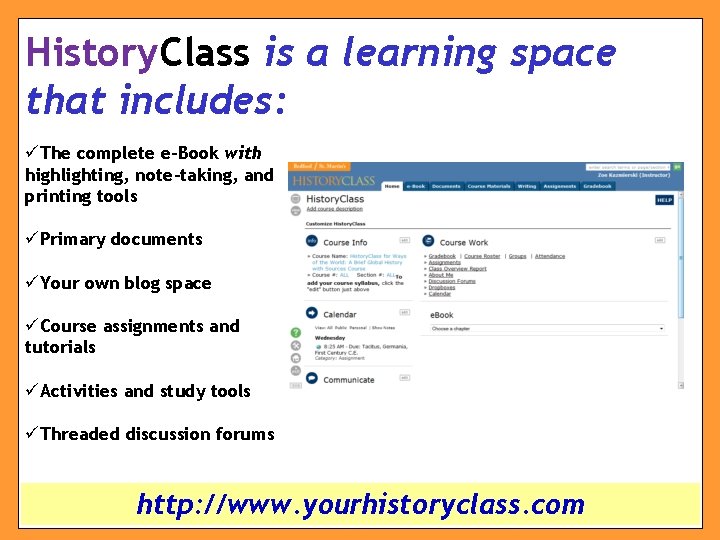
History. Class is a learning space that includes: üThe complete e-Book with highlighting, note-taking, and printing tools üPrimary documents üYour own blog space üCourse assignments and tutorials üActivities and study tools üThreaded discussion forums http: //www. yourhistoryclass. com
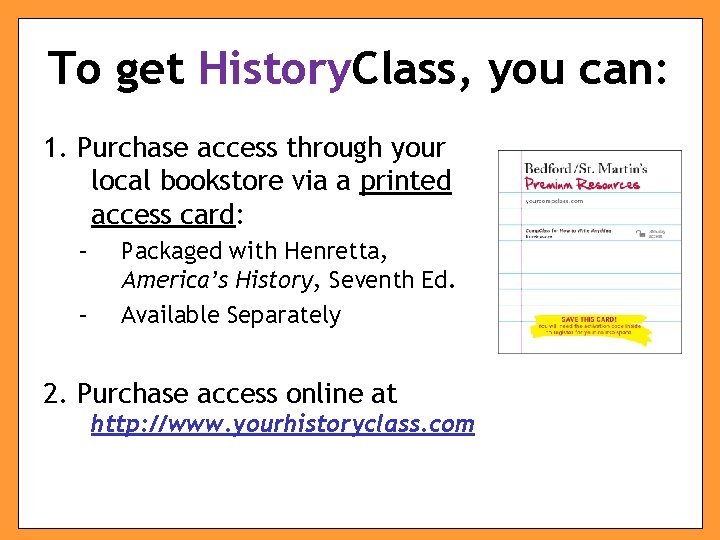
To get History. Class, you can: 1. Purchase access through your local bookstore via a printed access card: – – Packaged with Henretta, America’s History, Seventh Ed. Available Separately 2. Purchase access online at http: //www. yourhistoryclass. com
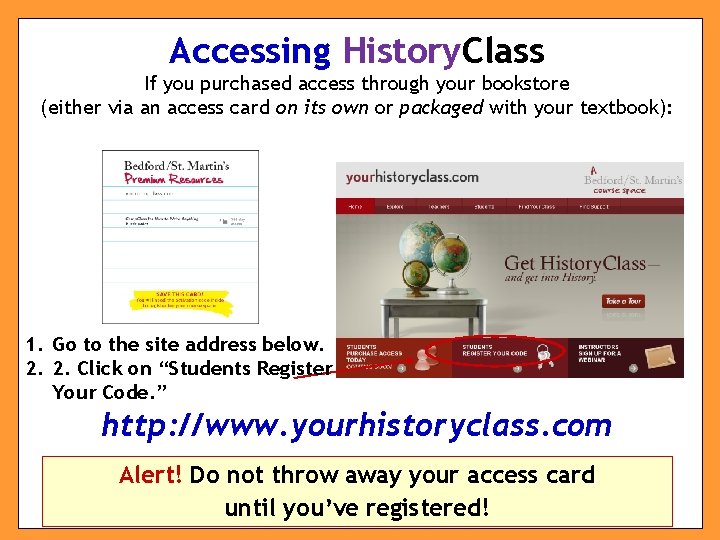
Accessing History. Class If you purchased access through your bookstore (either via an access card on its own or packaged with your textbook): 1. Go to the site address below. 2. 2. Click on “Students Register Your Code. ” http: //www. yourhistoryclass. com Alert! Do not throw away your access card until you’ve registered!
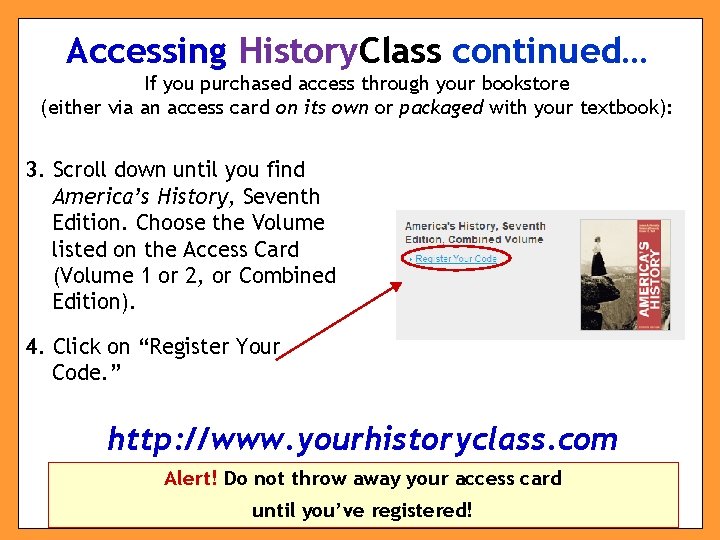
Accessing History. Class continued… If you purchased access through your bookstore (either via an access card on its own or packaged with your textbook): 3. Scroll down until you find America’s History, Seventh Edition. Choose the Volume listed on the Access Card (Volume 1 or 2, or Combined Edition). 4. Click on “Register Your Code. ” http: //www. yourhistoryclass. com Alert! Do not throw away your access card until you’ve registered!
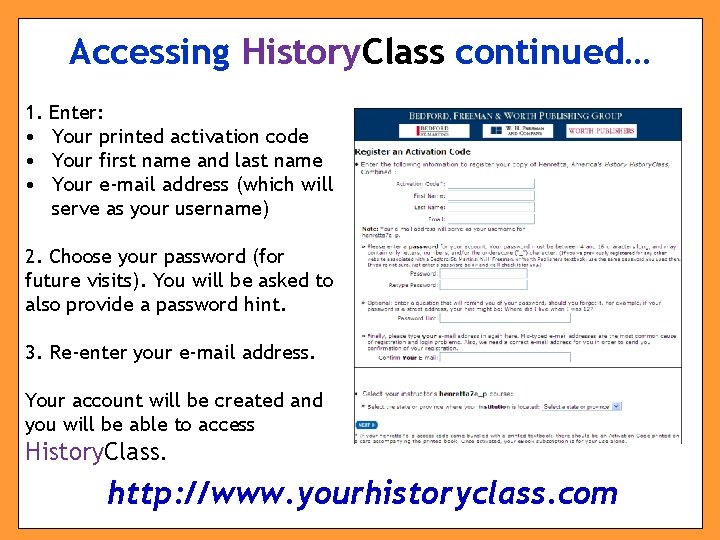
Accessing History. Class continued… 1. • • • Enter: Your printed activation code Your first name and last name Your e-mail address (which will serve as your username) 2. Choose your password (for future visits). You will be asked to also provide a password hint. 3. Re-enter your e-mail address. Your account will be created and you will be able to access History. Class. http: //www. yourhistoryclass. com
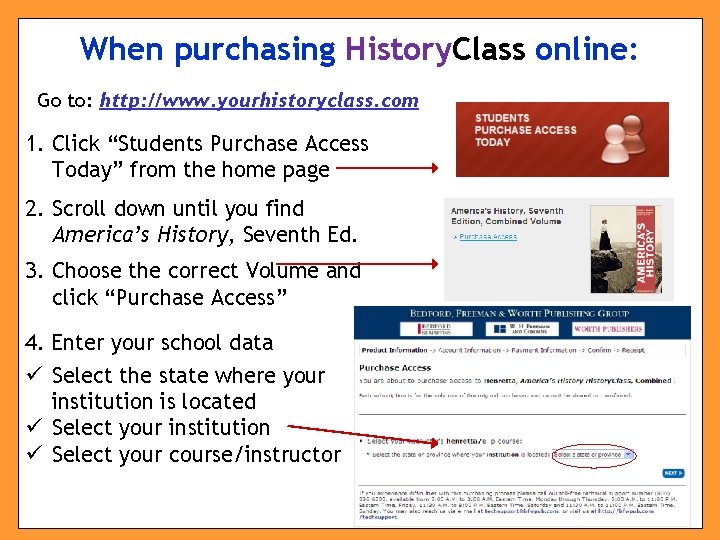
When purchasing History. Class online: Go to: http: //www. yourhistoryclass. com 1. Click “Students Purchase Access Today” from the home page 2. Scroll down until you find America’s History, Seventh Ed. 3. Choose the correct Volume and click “Purchase Access” 4. Enter your school data ü Select the state where your institution is located ü Select your institution ü Select your course/instructor
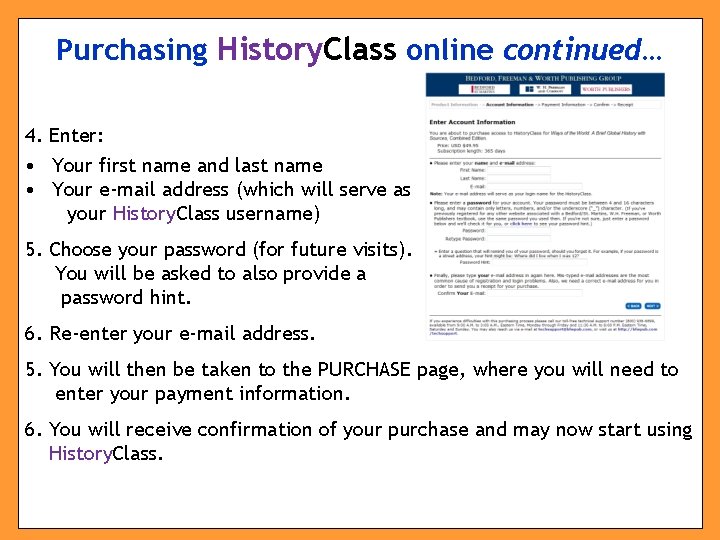
Purchasing History. Class online continued… 4. Enter: • Your first name and last name • Your e-mail address (which will serve as your History. Class username) 5. Choose your password (for future visits). You will be asked to also provide a password hint. 6. Re-enter your e-mail address. 5. You will then be taken to the PURCHASE page, where you will need to enter your payment information. 6. You will receive confirmation of your purchase and may now start using History. Class.
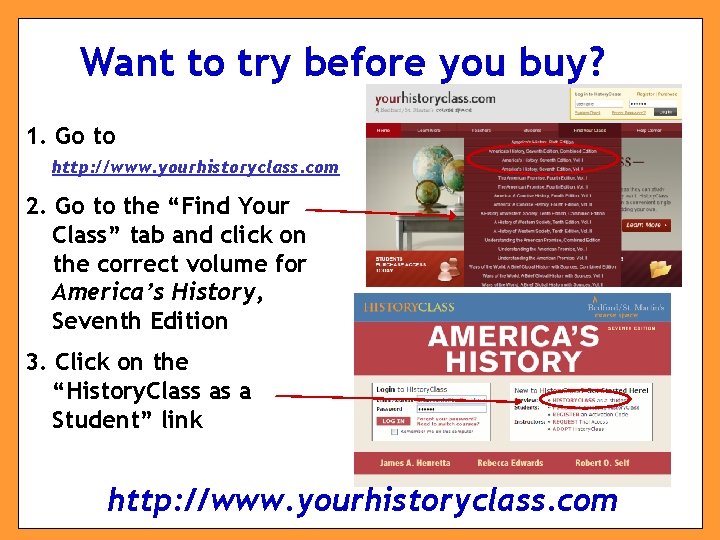
Want to try before you buy? 1. Go to http: //www. yourhistoryclass. com 2. Go to the “Find Your Class” tab and click on the correct volume for America’s History, Seventh Edition 3. Click on the “History. Class as a Student” link http: //www. yourhistoryclass. com
Need more help? Whether you need technical help working with History. Class features, content, registration, refunds, or you simply forgot your username or password, contact Technical Support: (800) 936 -6899 techsupport@bfwpub. com Also consult the student FAQs & Quick Start Guide (under the Help Center tab on yourhistoryclass. com) for additional information!