
WELCOME TO CS 115 Introduction to Programming Fall

- Slides: 30
WELCOME TO CS 115! Introduction to Programming Fall 2020
The class URL is cs. uky. edu/~keen/115. html You can see this in Canvas “CS 115 Main Page”. You can use this if Canvas is down for any reason.
Personnel ■ Dr. Debby Keen, Course Coordinator/Lab Instructor – Office hours in Zoom meetings: ■ posted http: //cs. uky. edu/~keen/myofficehours. html – Email: keen@cs. uky. edu ■ Teaching Assistants – Office hours will be set up soon – Held by Zoom meetings – You can talk to ANY of them about programming problems – Get to know them!
Textbook and Supplies ■ Textbook is required, an online book by Zyante “zybook” http: //learn. zybooks. com $58 ■ Exercises in the book will be 5% of the grade. ■ Students are responsible for material in chapters that are in schedule and material covered in lectures ■ If you are not able to pay for the book right away, mail to support@zyante. com and explain your situation. They can usually help you out! They can arrange some access before you pay!
Software we will use ■ Python – – Open source and Free from www. python. org Get version 3. x – right now is 3. 8. 2 Easy to install on your machine, already in labs Includes IDLE Integrated Development Environment ■ Wing 101 (optional but better than IDLE) – 101 version is free forever (latest version 7. 2. 3) – Less prone to crashes than IDLE – from http: //wingware. com/downloads/wing-101/
For Attendance Quiz ■ On Canvas is a small Quiz that is due by midnight tonight. ■ Questions are not right or wrong – What are your expectations from the class? – What’s your computer experience? – How much time are you going to spend outside of class on the class?
The goals of the class are • To acquire an understanding of computer architecture and data representations (variables, representation of numbers and character strings) • To learn basic algorithmic problem-solving techniques (decision structures, loops, functions) • To be able to use and understand classes and objects (OOP) • To be able to design, document, implement and test solutions to programming problems
Experience in Programming ■ This class assumes NO experience in programming ■ It does assume some experience with computers and Windows – copying files – navigating paths, folders, filenames ■ Plan on 10 hours a week outside of class ■ If you HAVE a lot of programming experience, consider the BYPASS exam, given on January 17 (see Dr. Keen)
Why learn to program? ■ It’s required in my major ■ I learn things that apply beyond programming ■ I use programs to analyze the data I run in my lab experiments in my research ■ I can automate tedious things I have to do ■ I found out I like to do it! ■ I need to communicate with other people about programming ■ It is a good career
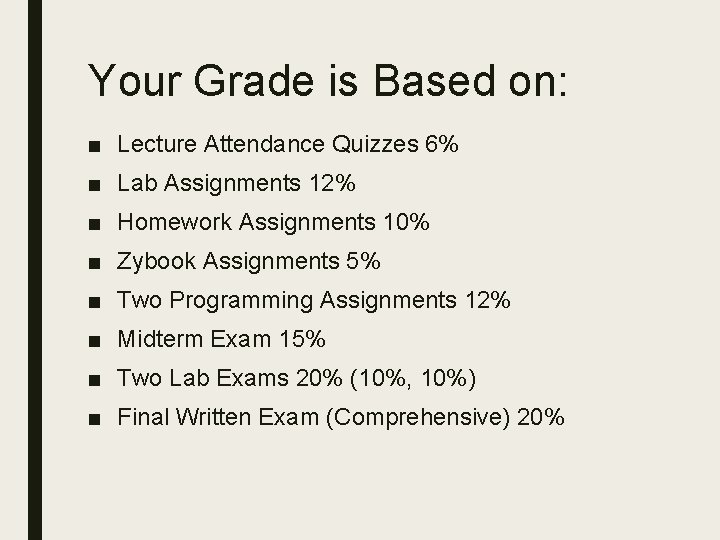
Your Grade is Based on: ■ Lecture Attendance Quizzes 6% ■ Lab Assignments 12% ■ Homework Assignments 10% ■ Zybook Assignments 5% ■ Two Programming Assignments 12% ■ Midterm Exam 15% ■ Two Lab Exams 20% (10%, 10%) ■ Final Written Exam (Comprehensive) 20%
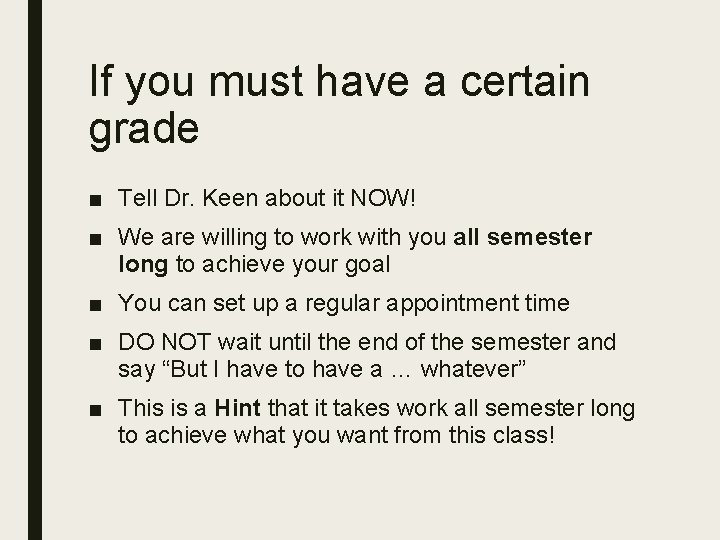
If you must have a certain grade ■ Tell Dr. Keen about it NOW! ■ We are willing to work with you all semester long to achieve your goal ■ You can set up a regular appointment time ■ DO NOT wait until the end of the semester and say “But I have to have a … whatever” ■ This is a Hint that it takes work all semester long to achieve what you want from this class!
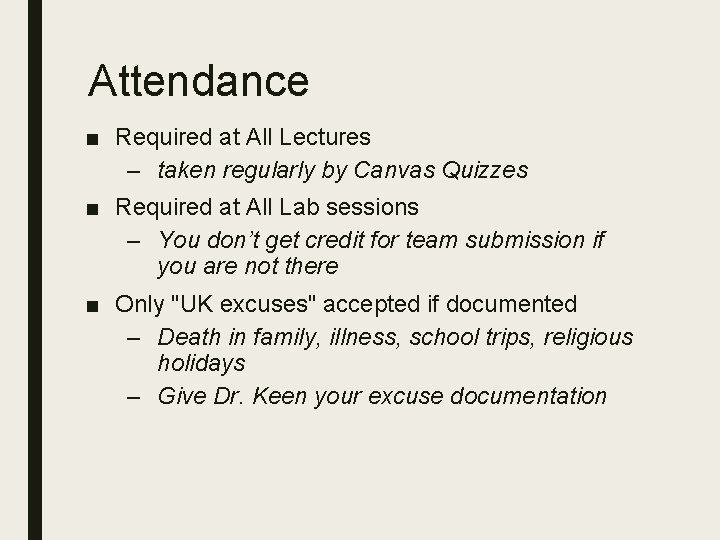
Attendance ■ Required at All Lectures – taken regularly by Canvas Quizzes ■ Required at All Lab sessions – You don’t get credit for team submission if you are not there ■ Only "UK excuses" accepted if documented – Death in family, illness, school trips, religious holidays – Give Dr. Keen your excuse documentation
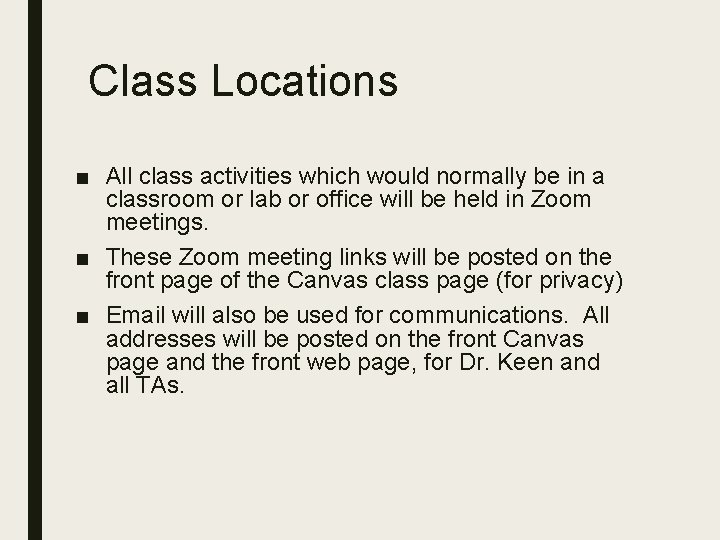
Class Locations ■ All class activities which would normally be in a classroom or lab or office will be held in Zoom meetings. ■ These Zoom meeting links will be posted on the front page of the Canvas class page (for privacy) ■ Email will also be used for communications. All addresses will be posted on the front Canvas page and the front web page, for Dr. Keen and all TAs.
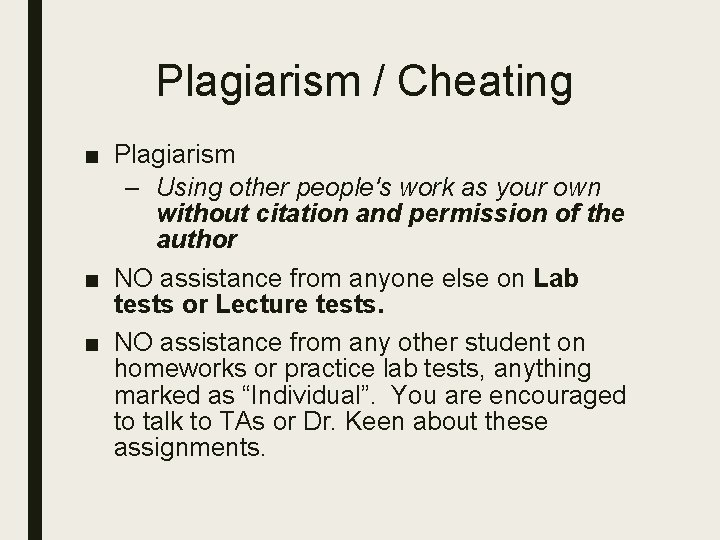
Plagiarism / Cheating ■ Plagiarism – Using other people's work as your own without citation and permission of the author ■ NO assistance from anyone else on Lab tests or Lecture tests. ■ NO assistance from any other student on homeworks or practice lab tests, anything marked as “Individual”. You are encouraged to talk to TAs or Dr. Keen about these assignments.
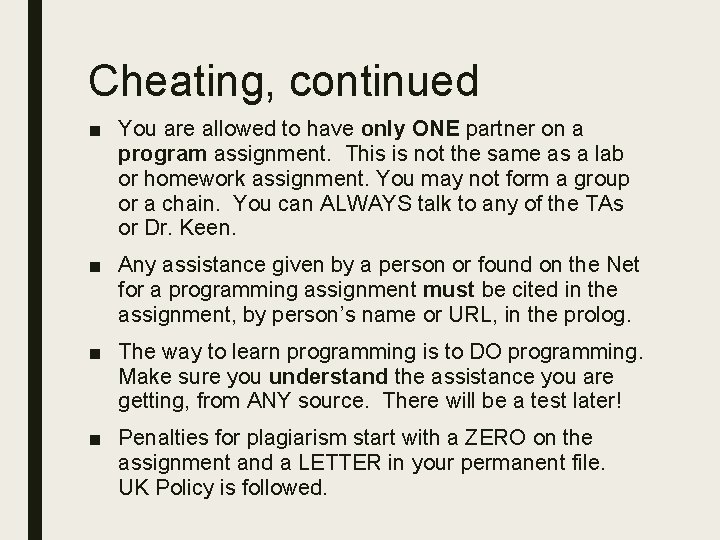
Cheating, continued ■ You are allowed to have only ONE partner on a program assignment. This is not the same as a lab or homework assignment. You may not form a group or a chain. You can ALWAYS talk to any of the TAs or Dr. Keen. ■ Any assistance given by a person or found on the Net for a programming assignment must be cited in the assignment, by person’s name or URL, in the prolog. ■ The way to learn programming is to DO programming. Make sure you understand the assistance you are getting, from ANY source. There will be a test later! ■ Penalties for plagiarism start with a ZERO on the assignment and a LETTER in your permanent file. UK Policy is followed.
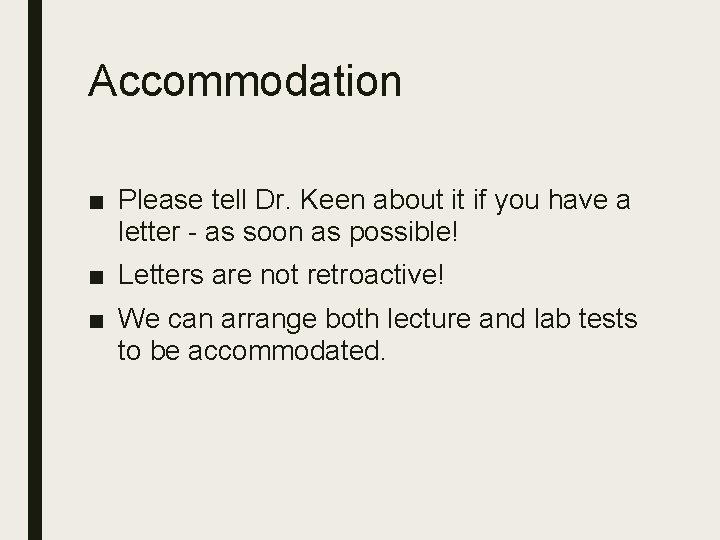
Accommodation ■ Please tell Dr. Keen about it if you have a letter - as soon as possible! ■ Letters are not retroactive! ■ We can arrange both lecture and lab tests to be accommodated.
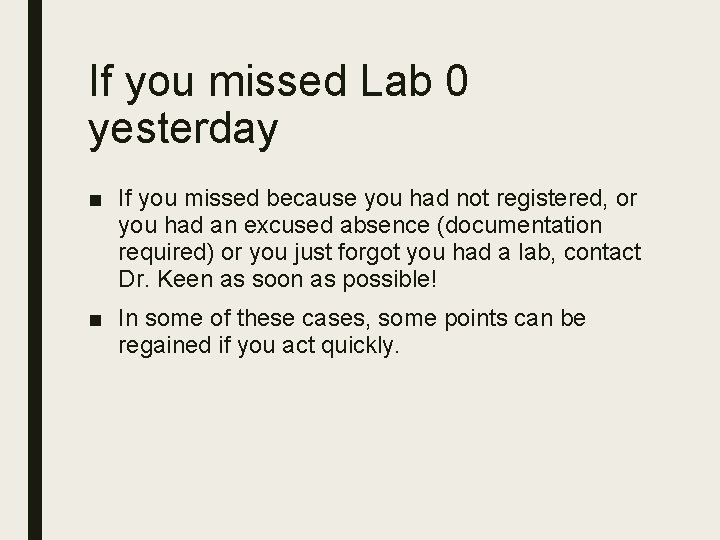
If you missed Lab 0 yesterday ■ If you missed because you had not registered, or you had an excused absence (documentation required) or you just forgot you had a lab, contact Dr. Keen as soon as possible! ■ In some of these cases, some points can be regained if you act quickly.
How does CS fit into your major? ■ Mathematics – can help you solve problems, help you get a deeper understanding of processes you use ■ Education – you could be asked to teach programming to students of all ages! ■ Physics, Biology, Chemistry – empowers you to analyze your own data ■ Undecided? maybe you’ll choose CS!
What is computer science? ■ Computer science is the study of: – What can be computed using “stepby-step procedures”. – How best to specify these procedures. – How to tell if a procedure is correct, efficient, optimal, etc. – How to design procedures to solve real-world problems.
Algorithms “Step-by-step procedure” is a mouthful. We have a name for that: an algorithm. There are plenty of algorithms in the non-computer world. Recipes, instructions on how to assemble a kit, directions from your GPS, long division, all are solved by following an algorithm.
Programming languages Computer programming is the process of translating an algorithm into instructions that a computer can understand. ■ A programming language is a formal constructed language designed to communicate instructions to a computer. – There are thousands of programming languages in existence, dozens or hundreds of which are still in regular use. – A professional programmer usually knows several. They can choose the right tool (language) for each job. ■ In CS 115 we’ll learn to write programs in Python, a high-level interpreted programming language. Python was created by Guido van Rossum.
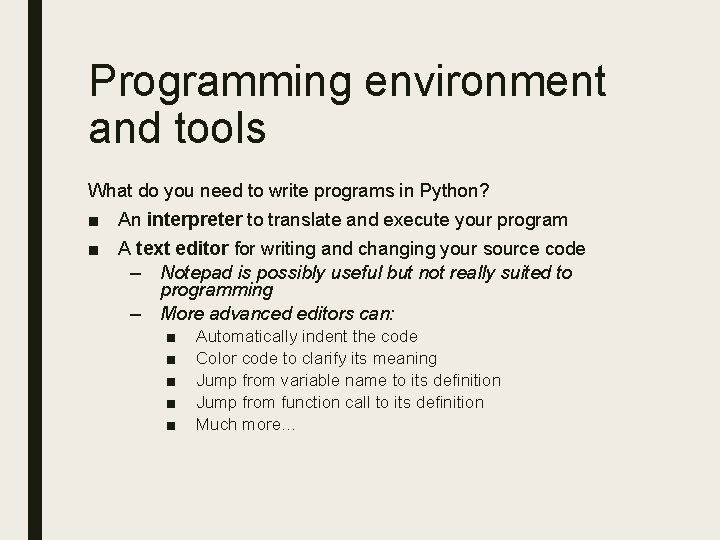
Programming environment and tools What do you need to write programs in Python? ■ An interpreter to translate and execute your program ■ A text editor for writing and changing your source code – Notepad is possibly useful but not really suited to programming – More advanced editors can: ■ ■ ■ Automatically indent the code Color code to clarify its meaning Jump from variable name to its definition Jump from function call to its definition Much more…
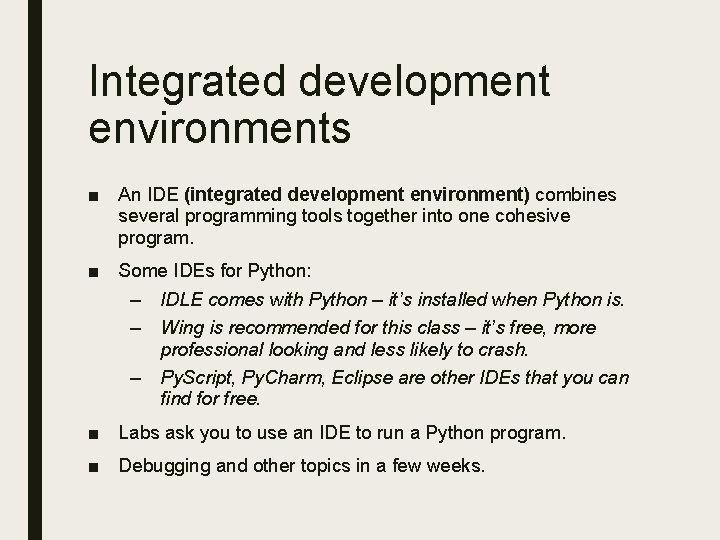
Integrated development environments ■ An IDE (integrated development environment) combines several programming tools together into one cohesive program. ■ Some IDEs for Python: – IDLE comes with Python – it’s installed when Python is. – Wing is recommended for this class – it’s free, more professional looking and less likely to crash. – Py. Script, Py. Charm, Eclipse are other IDEs that you can find for free. ■ Labs ask you to use an IDE to run a Python program. ■ Debugging and other topics in a few weeks.
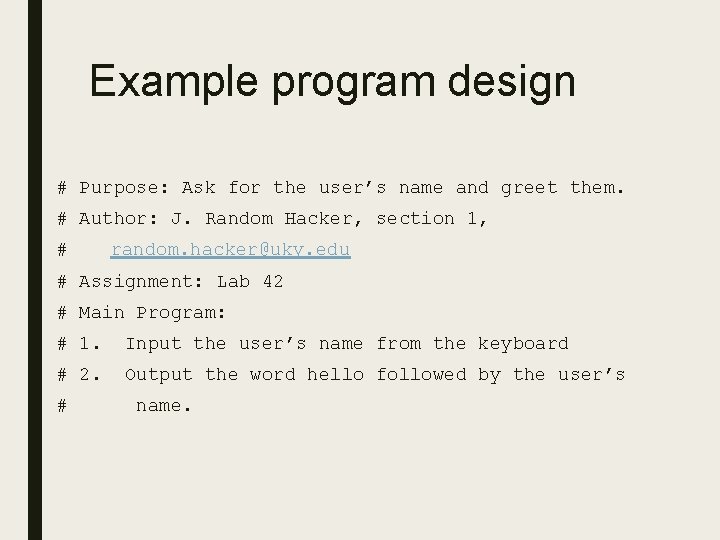
Example program design # Purpose: Ask for the user’s name and greet them. # Author: J. Random Hacker, section 1, # random. hacker@uky. edu # Assignment: Lab 42 # Main Program: # 1. Input the user’s name from the keyboard # 2. Output the word hello followed by the user’s # name.
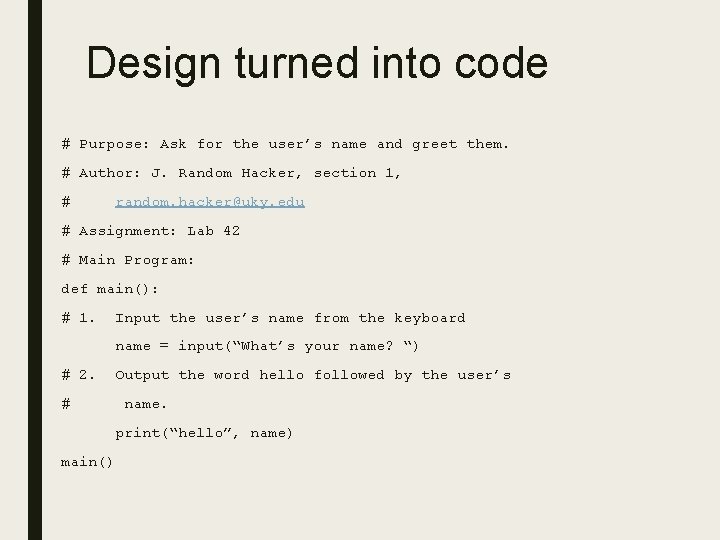
Design turned into code # Purpose: Ask for the user’s name and greet them. # Author: J. Random Hacker, section 1, # random. hacker@uky. edu # Assignment: Lab 42 # Main Program: def main(): # 1. Input the user’s name from the keyboard name = input(“What’s your name? “) # 2. # Output the word hello followed by the user’s name. print(“hello”, name) main()
Mythbusting about CS 115 ■ It's a 100 -level course, it's EASY! or not much work! or trivial! (It’s not, last semester 48% got an A, 25% got a B) ■ You can cram the night before the tests and get through the course ok (you can’t) ■ You can wait until the day the programs are due to start work on them (you can’t) ■ You can just memorize code (you can’t) ■ It’s mostly CS majors! (it isn’t)
Treat this class as an adventure! ■ The people who do the best in this class are ones who are not afraid to experiment. You can’t break the computer! At worst, you push the power button. ■ Once you get a program to work, don’t be afraid to tinker with it. Play with it – change it and see what happens. ■ Treat the computer as a tool to explore a problem. You will learn a lot more by doing more than JUST the exercises given. ■ If you’re interested in finding more problems to solve, see Dr. Keen.
Make Yourself a Study Plan for CS 115 ■ When and where you will study ■ What materials you will need to study ■ What rewards you will give yourself if you follow your study plan ■ How you plan to prepare for tests ■ What you will do about test anxiety ■ What you will do when you miss a class or a deadline
What to do Next • Look over Lab 1 – will be done in lab on Monday, August 24 • Get signed up for your textbook (Zybook) • Read Chapter 1 in Zybook and do exercises – due Wednesday, August 26, midnight • Work on Homework 1 – due by Wednesday, August 26, midnight
Today's Exit ■ Don’t forget to answer the questions in the Canvas quiz by midnight tonight!