
Welcome to Atomic Learning Your online software training


- Slides: 35
Welcome to Atomic Learning! Your online software training and support resource www. atomiclearning. com
What is Atomic Learning? l l l Web-based software training you can access anytime, anywhere One to three-minute tutorial movies that explain those “How do I do that? ” questions Just-in-time, just-enough training using a friendly show-and-tell approach Accessible from school and home for staff, students and parents Frees district technology staff for more high level technology issues
What Atomic Learning Provides Over 25, 000 tutorial movies on more than 100 commonly used applications l Curriculum resources l ¡ ¡ ¡ l l l Lesson Accelerators Teacher 2 Teacher lesson plans Workshops Hundreds of new tutorials every 45 days Spanish language tutorials Tracking and reporting system Closed-captioning Self-assessment tool
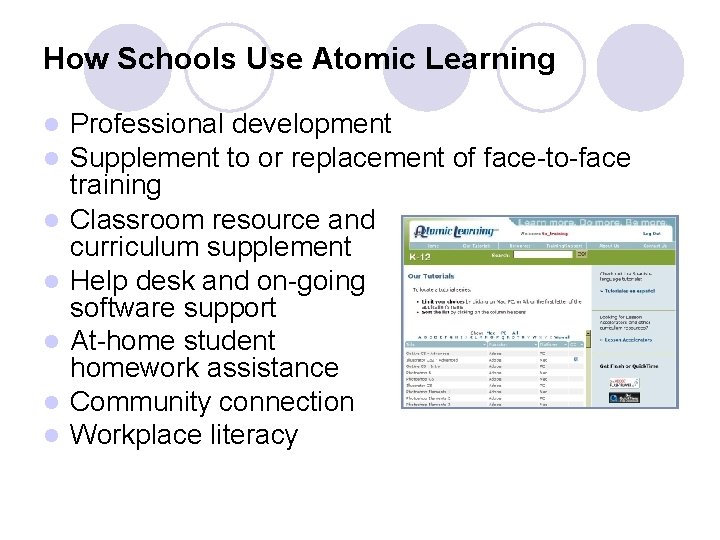
How Schools Use Atomic Learning l l l l Professional development Supplement to or replacement of face-to-face training Classroom resource and curriculum supplement Help desk and on-going software support At-home student homework assistance Community connection Workplace literacy
The Atomic Learning Advantage Structured learning in small, highly targeted format enhances learning and promotes use of technology l Use of animation/video positively impacts speed of learning and retention l Enhances the teacher’s level of confidence in using technology l ¡ l Critical determinant of teacher’s level of implementation and integration of technology Teachers and students can learn in privacy and at their own pace ¡ Tutorials when and as often as needed
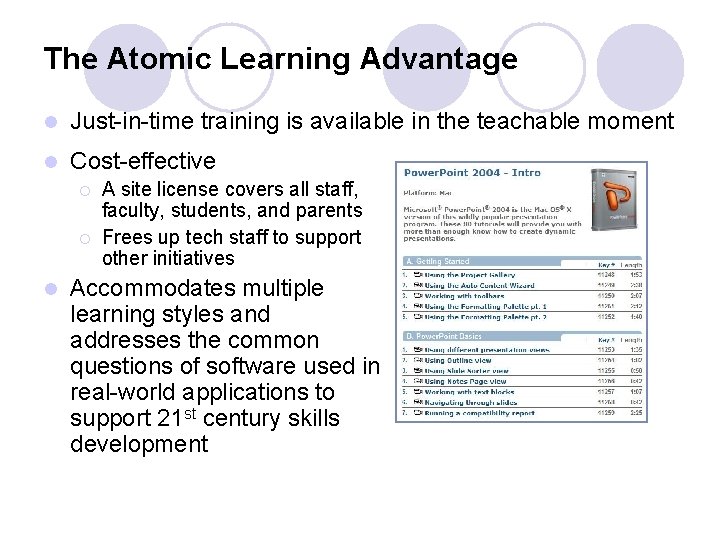
The Atomic Learning Advantage l Just-in-time training is available in the teachable moment l Cost-effective ¡ ¡ l A site license covers all staff, faculty, students, and parents Frees up tech staff to support other initiatives Accommodates multiple learning styles and addresses the common questions of software used in real-world applications to support 21 st century skills development
More Atomic Learning Resources l Workshops ¡ l l l Mail merge, blogging, podcasting, newsletter design and more Teacher 2 Teacher lesson plans Video Storytelling resources Lesson Accelerators ¡ ¡ ¡ Ready-made student projects that fuse subjects with software Includes objectives, assessment indicators, a sample finished product and more Flexibility to adapt each Lesson Accelerator for different skill levels, grades, or even different subjects
What You Need to Use Atomic Learning Internet connection and Web browser l Quick. Time or Flash l ¡ ¡ l Download Quick. Time free at www. apple. com/quicktime/download Version 6. 5 recommended Download Flash free at www. adobe. com/downloads Version 7 or higher recommended Valid user name and password OR access from an authorized school network
Let’s visit www. atomiclearning. com!
User Name and Password l Go to www. atomiclearning. com l Enter the following user name and password: ¡ User Name: Your. First. Name. Last. Name@ftsmith ¡ Do not include any spaces or periods. ¡ Example: Joe Smith would be Joe. Smith@ftsmith ¡ Your PASSWORD was emailed and put in your box. ¡ This should be all lower case; you have the option to change the password after the first log in.
Resources Available through AL l Lesson Accelerators l Teacher 2 Teacher lesson plans l Workshops l Assessment tools l Tutorials l Weekly technology tips and e-newsletters l Online training sessions
Additional Information l FSPS purchased a subscription to AL that allows access for staff, students, and their families 24 hours a day, 7 days a week. l Thousands of tutorials include closed captioning. l Numerous tutorials are provided in Spanish. l All technology questions can be answered by simply typing in the question and using the provided resources.
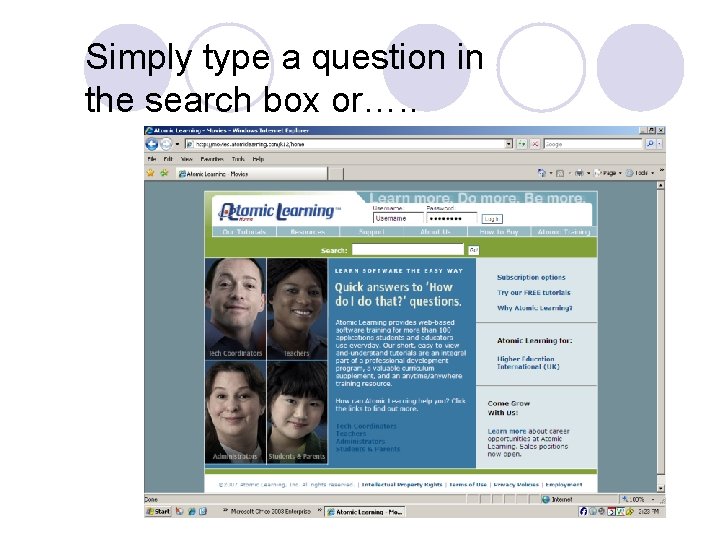
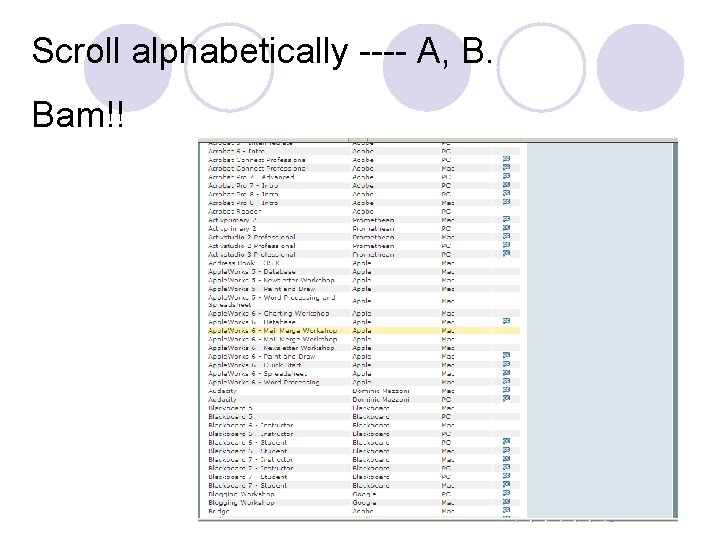
Simply type a question in the search box or…. .
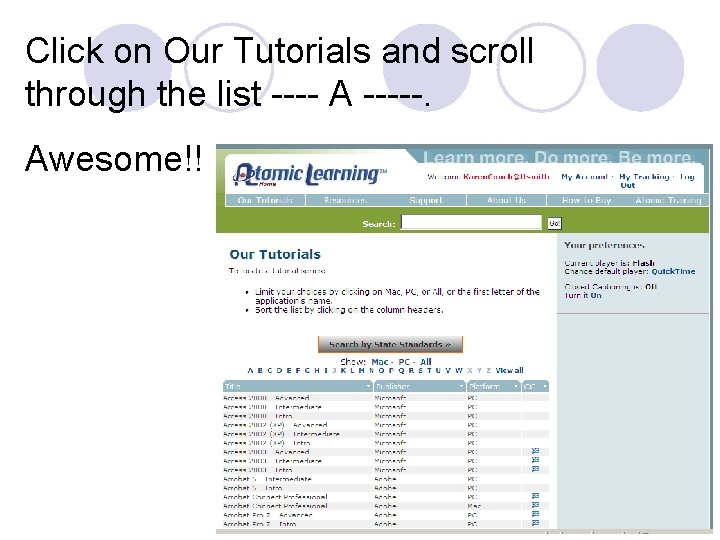
Click on Our Tutorials and scroll through the list ---- A -----. Awesome!!
Scroll alphabetically ---- A, B. Bam!!
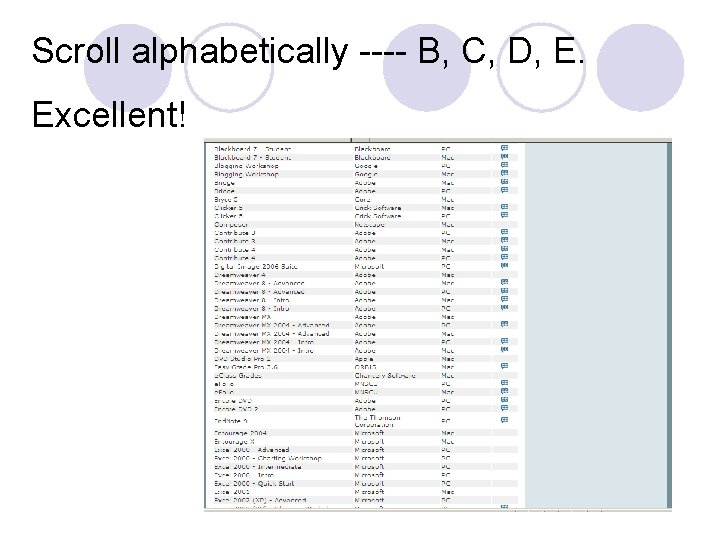
Scroll alphabetically ---- B, C, D, E. Excellent!
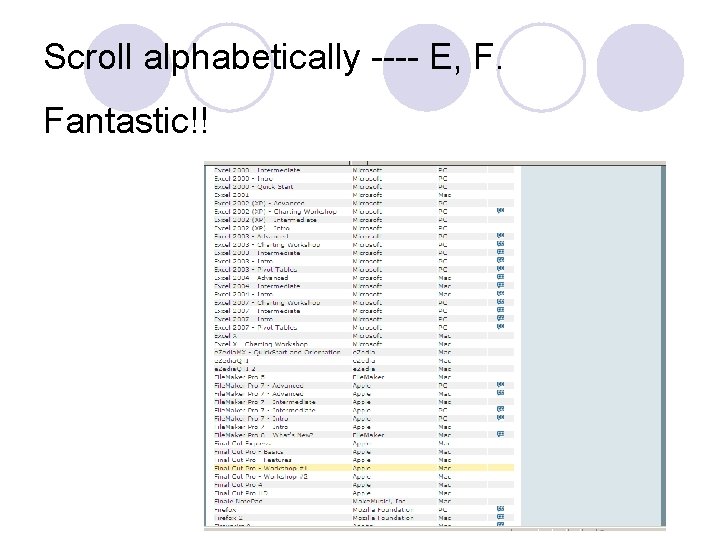
Scroll alphabetically ---- E, F. Fantastic!!
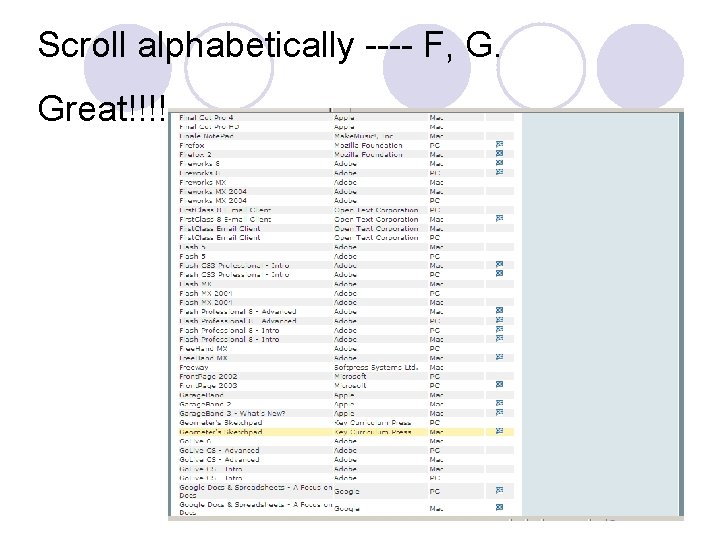
Scroll alphabetically ---- F, G. Great!!!!
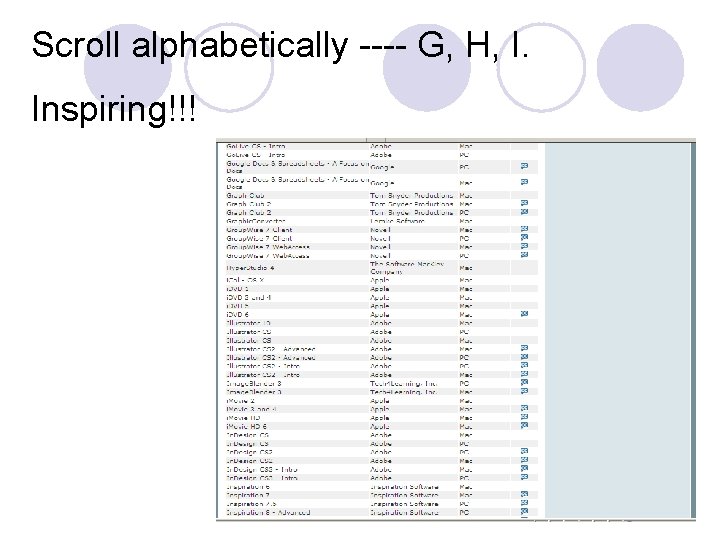
Scroll alphabetically ---- G, H, I. Inspiring!!!
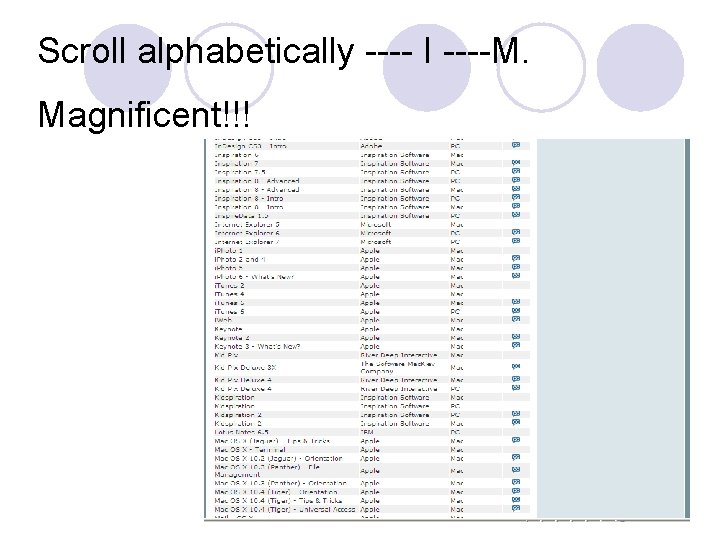
Scroll alphabetically ---- I ----M. Magnificent!!!
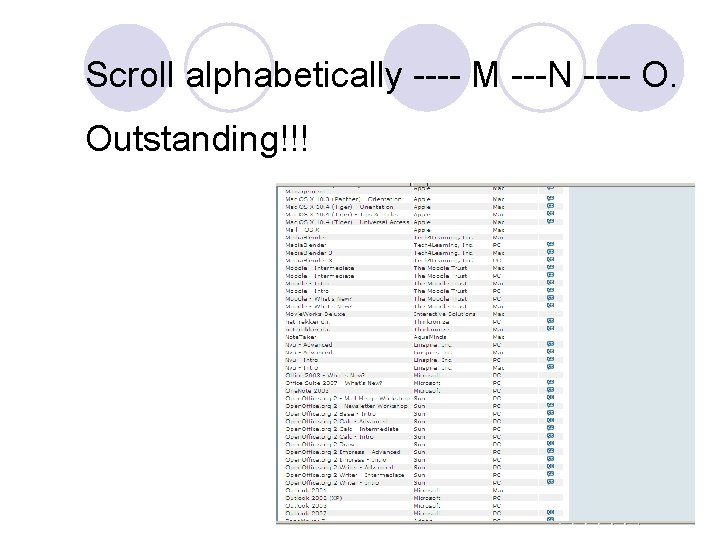
Scroll alphabetically ---- M ---N ---- O. Outstanding!!!
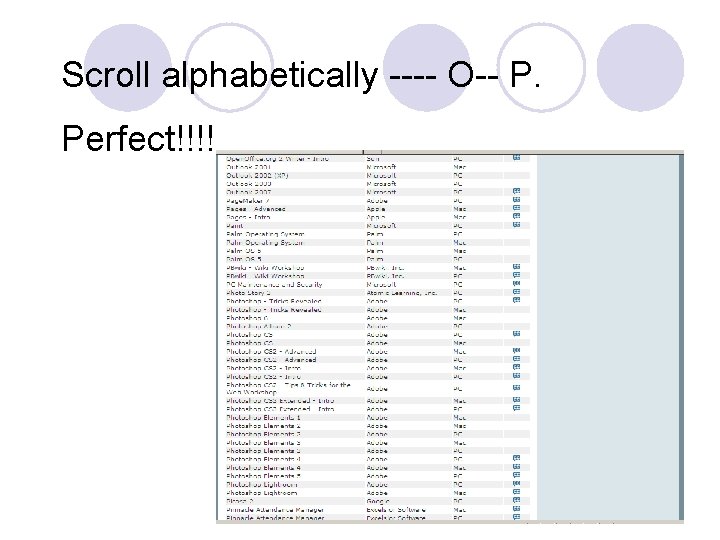
Scroll alphabetically ---- O-- P. Perfect!!!!
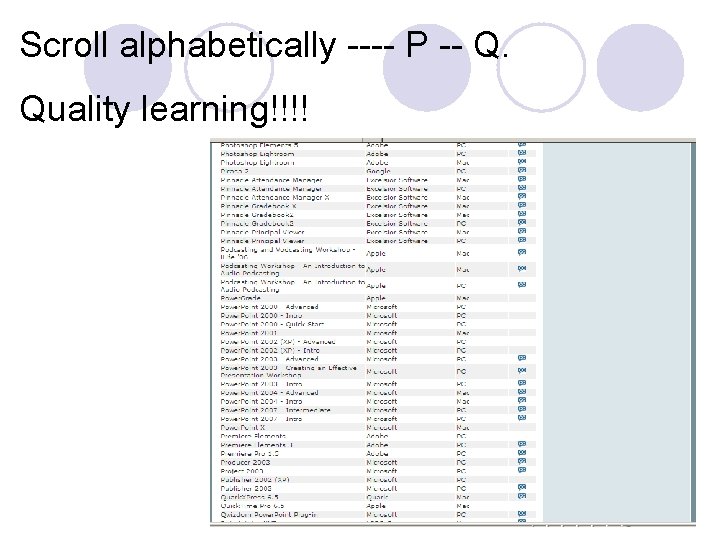
Scroll alphabetically ---- P -- Q. Quality learning!!!!
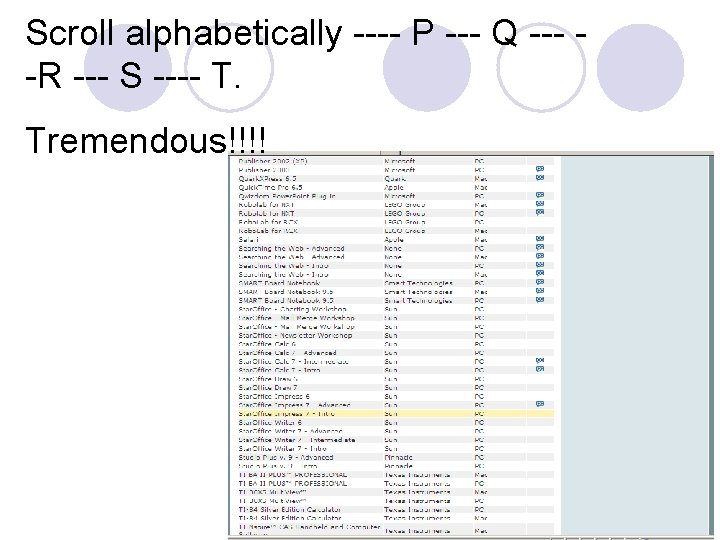
Scroll alphabetically ---- P --- Q --- -R --- S ---- T. Tremendous!!!!
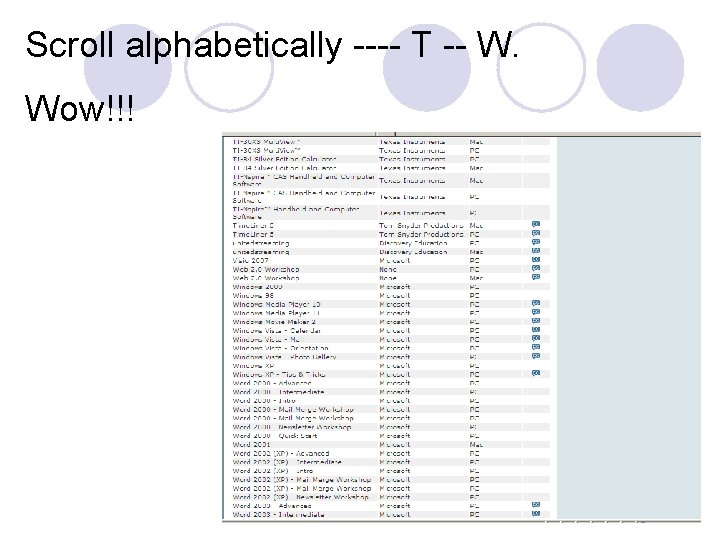
Scroll alphabetically ---- T -- W. Wow!!!
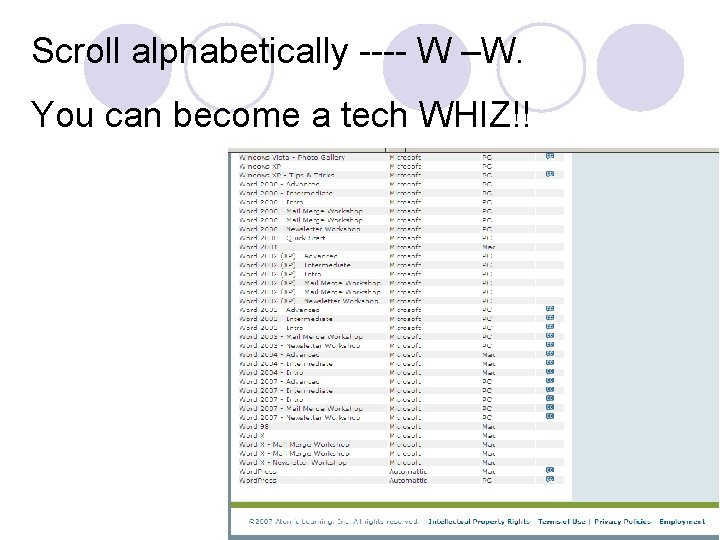
Scroll alphabetically ---- W –W. You can become a tech WHIZ!!
Example of How to Use AL l All lesson accelerators are tied to Arkansas state standards. Therefore, you can choose the subject area you teach and connect to several lessons and tutorials designed specifically for your content area’s standards.
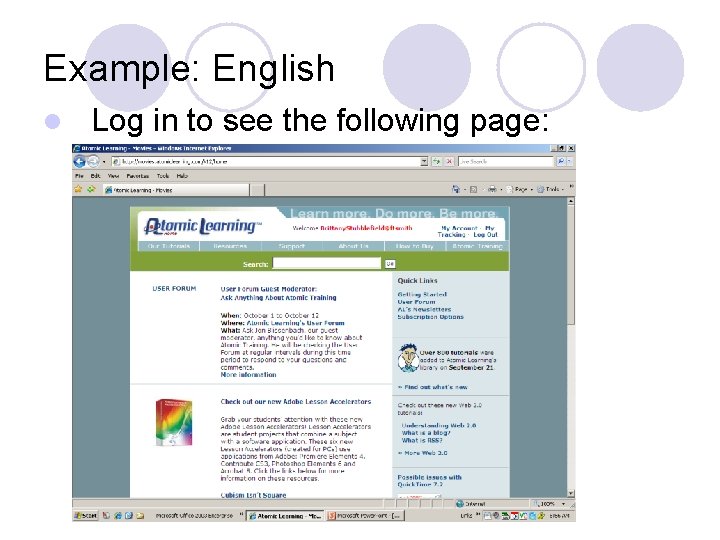
Example: English l Log in to see the following page:
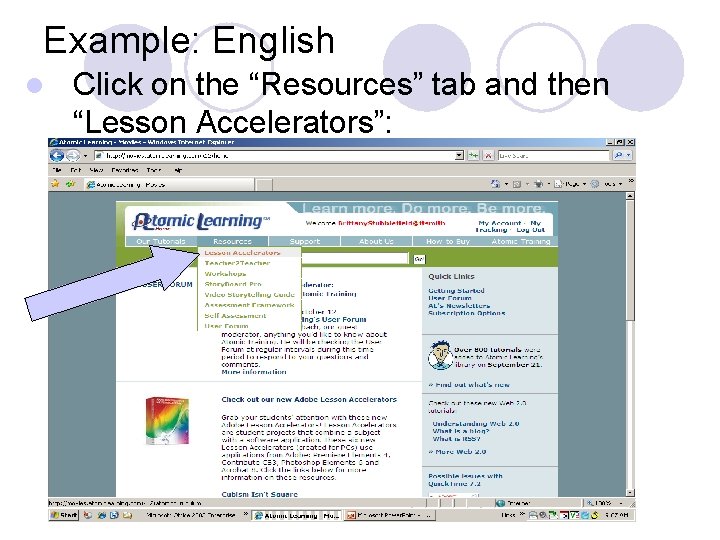
Example: English l Click on the “Resources” tab and then “Lesson Accelerators”:
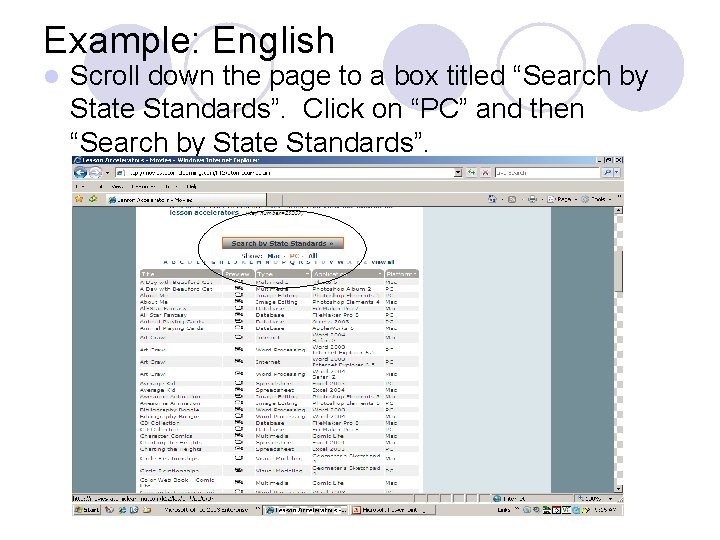
Example: English l Scroll down the page to a box titled “Search by State Standards”. Click on “PC” and then “Search by State Standards”.
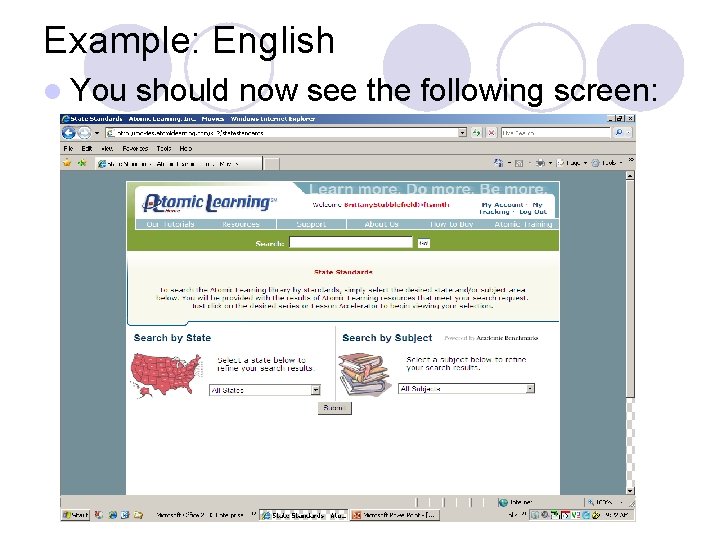
Example: English l You should now see the following screen:
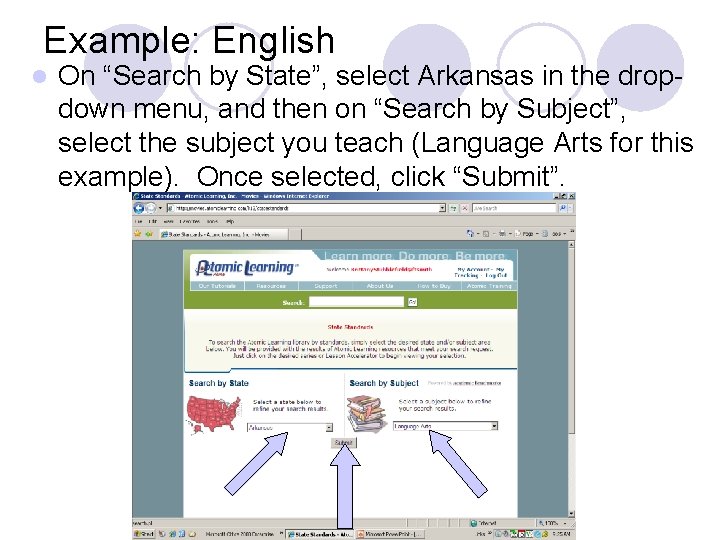
Example: English l On “Search by State”, select Arkansas in the dropdown menu, and then on “Search by Subject”, select the subject you teach (Language Arts for this example). Once selected, click “Submit”.
Example: English l You will be presented with several hundred lesson plans and tutorials that are aligned with Arkansas’s state standards. l You can scroll through the items until you reach your grade level and the specific standard you are seeking. l Lesson plans, tutorials, and workshops can be edited to fit your individual needs.
Final Information l Remember that you can type any question in the search bar and Atomic Learning will direct you to the appropriate documents that will provide the most assistance to you.
Enjoy Using Atomic Learning! For more information: l Getting Started resources: ¡ www. atomiclearning. com/support l If you need any help with Atomic Learning just ask Mrs. Couch or Mrs. Stubblefield. l Take advantage of this service while we have access.