
Welcome SPIRAL 1 Please visit the website gospiral
Welcome! SPIRAL 1. Please visit the website -- gospiral. a 2. Enter code XVBUP 3. Enter your name 4. Answer the question
TODAY’S FOCUS Objectives: • Learn what the Quickfire feature of Spiral offers • Brainstorm how it can be used during instruction • Apply the formative assessment tool to sample lesson
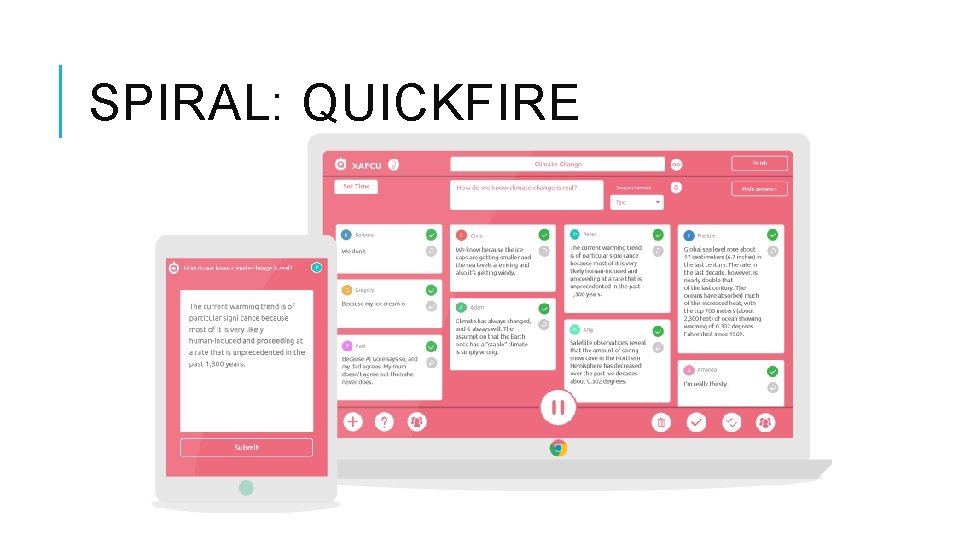
SPIRAL: QUICKFIRE
TICKET IN/OUT THE DOOR Students: • Rate their current understanding of new learning. • Analyze and reflect on their efforts around the learning. • Provide feedback to teachers on an instructional strategy. • Provide feedback about the materials and teaching. ~Robert Marzano https: //www. edutopia. org/blog/formative-assessment-exit-slip-rebeccaalber http: //www. ascd. org/publications/educational-leadership/oct 12/vol 70/num 02/The-Many-Uses-of-Exit-
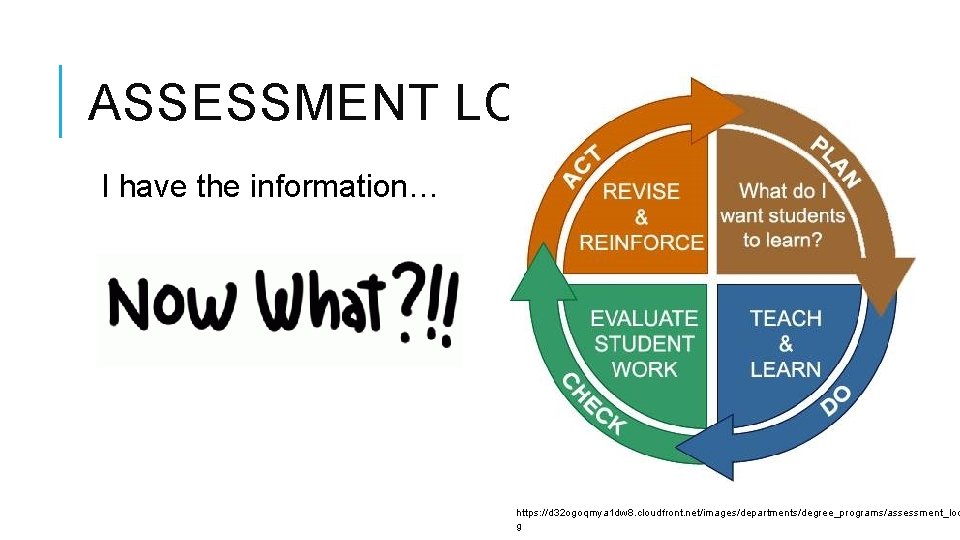
ASSESSMENT LOOP I have the information… https: //d 32 ogoqmya 1 dw 8. cloudfront. net/images/departments/degree_programs/assessment_loo g

EDU
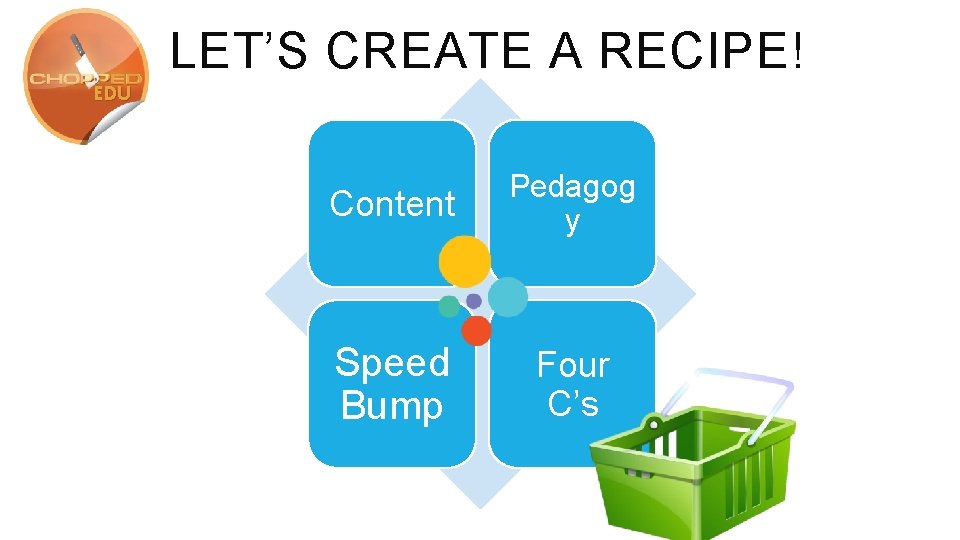
LET’S CREATE A RECIPE! EDU Content Pedagog y Speed Bump Four C’s
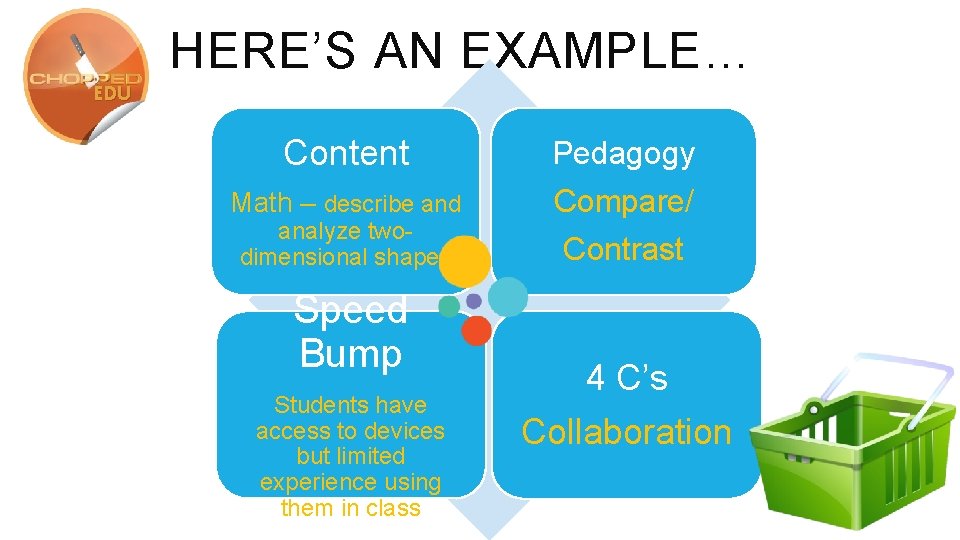
HERE’S AN EXAMPLE… EDU Content Math – describe and analyze twodimensional shapes Speed Bump Students have access to devices but limited experience using them in class Pedagogy Compare/ Contrast 4 C’s Collaboration
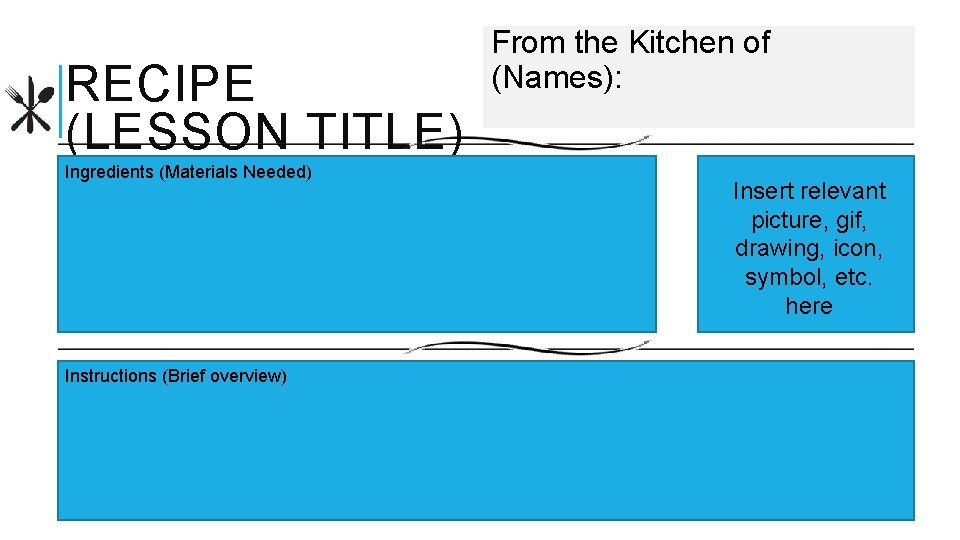
RECIPE (LESSON TITLE) Ingredients (Materials Needed) Instructions (Brief overview) From the Kitchen of (Names): Insert relevant picture, gif, drawing, icon, symbol, etc. here
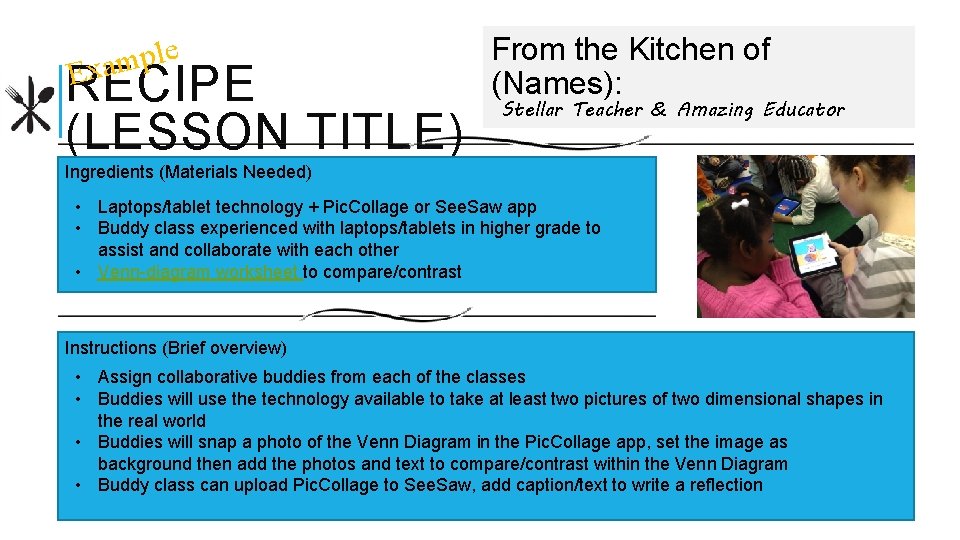
e l p m xa RECIPE (LESSON TITLE) E From the Kitchen of (Names): Stellar Teacher & Amazing Educator Ingredients (Materials Needed) • Laptops/tablet technology + Pic. Collage or See. Saw app • Buddy class experienced with laptops/tablets in higher grade to assist and collaborate with each other • Venn-diagram worksheet to compare/contrast Instructions (Brief overview) • Assign collaborative buddies from each of the classes • Buddies will use the technology available to take at least two pictures of two dimensional shapes in the real world • Buddies will snap a photo of the Venn Diagram in the Pic. Collage app, set the image as background then add the photos and text to compare/contrast within the Venn Diagram • Buddy class can upload Pic. Collage to See. Saw, add caption/text to write a reflection


SHARING IS CARING
RESOURCES Ed Tech Tool: http: //spiral. ac More info on Spiral: https: //www. smore. com/nx 04 t-spiral Recipe Cards: http: //bit. ly/2 s 6 l. MG 1
CONTACT INFO W: jerolynbrown. com E: jeri. brown 21@gmail. com P: 919. 368. 7881 (c) @jb_edtech / @performer. PLEF
- Slides: 15