
Welcome Power BI User Group PUG Toronto Extending

Welcome! Power BI User Group (PUG) Toronto
Extending Power BI With Your Own Custom Visual Jan Pieter Posthuma Data. Scenarios
Welcome to Extending Power BI With Your Own Custom Visual • In this session we will look at the process of developing Custom Visuals for Power BI.
Session Agenda • Introduction • Developing • Technical Demos Presentation: http: //bit. ly/pbiworldtour Demos: http: //bit. ly/pbiworldtour-demo
Who am I? • • Jan Pieter Posthuma – Microsoft Data Consultant Data. Scenarios – Data Consultancy Company Architect roles at multiple projects Creator of Power BI Custom Visuals • Hierarchy. Slicer [∞] • Box and Whisker chart [∞] • Contact • • mail@datascenarios. nl https: //twitter. com/jppp https: //linkedin. com/in/jpposthuma https: //github. com/liprec

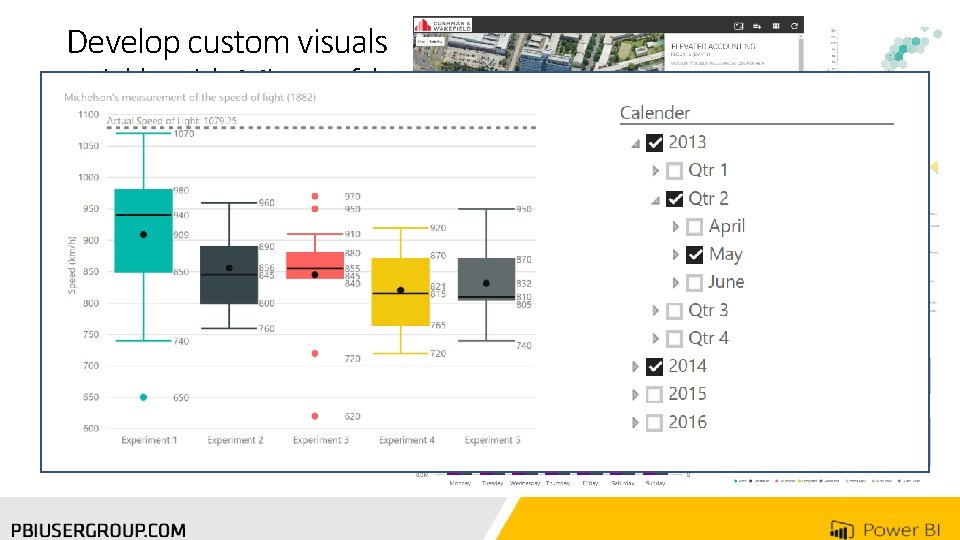
Develop custom visuals quickly with Microsoft’s open-sourced, production-quality visualization code Present data in the way that makes best sense to your users Leverage the visualization framework, test suite and tooling to build the right custom visuals for your app Gallery: store. office. com
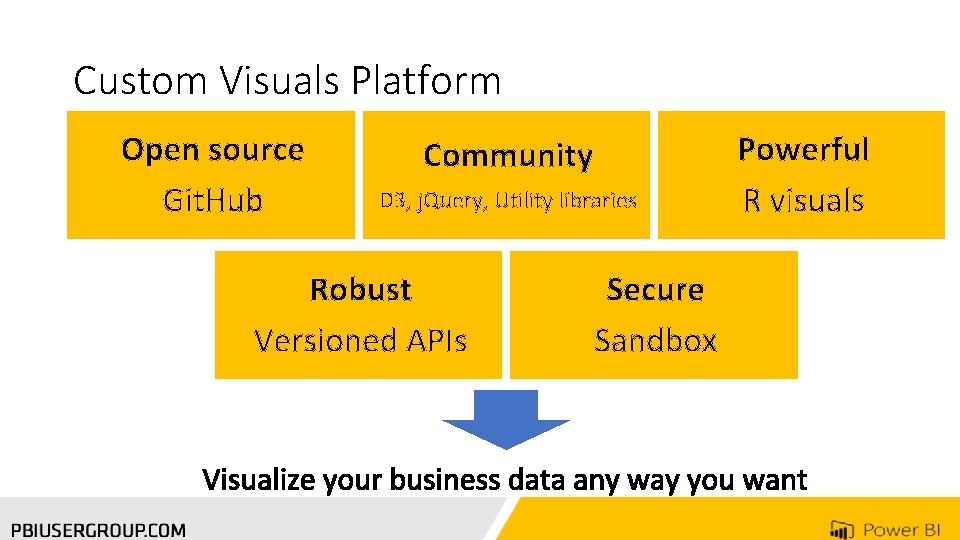
Custom Visuals Platform Open source Git. Hub Community D 3, j. Query, Utility libraries Robust Versioned APIs Secure Sandbox Powerful R visuals
History • Since beginning of the new Power BI (Summer 2015) • Beginning 2016: visuals are running in a ‘sandbox’ environment • August 2016: new Power BI API available, current version: v. 1. 7. 0 • March 2017: Migration to Office Store: Version API required • July 2017: Integration with Office Store and Certified visuals • Next: https: //github. com/Microsoft/Power. BIvisuals/blob/master/Roadmap/README. md

Tools needed • Node. JS 4. 0+ Required (5. 0 recommended) • https: //nodejs. org/ • Power. BI-Visuals-Tools • npm install -g powerbi-visuals-tools • SSL and Debug visual: https: //github. com/Microsoft/Power. BIvisuals/blob/master/tools/README. md • Visual Studio Code • https: //code. visualstudio. com/download • PBIViz CLI addin: https: //marketplace. visualstudio. com/items? item. Name=liprec. vscode-startpbiviz
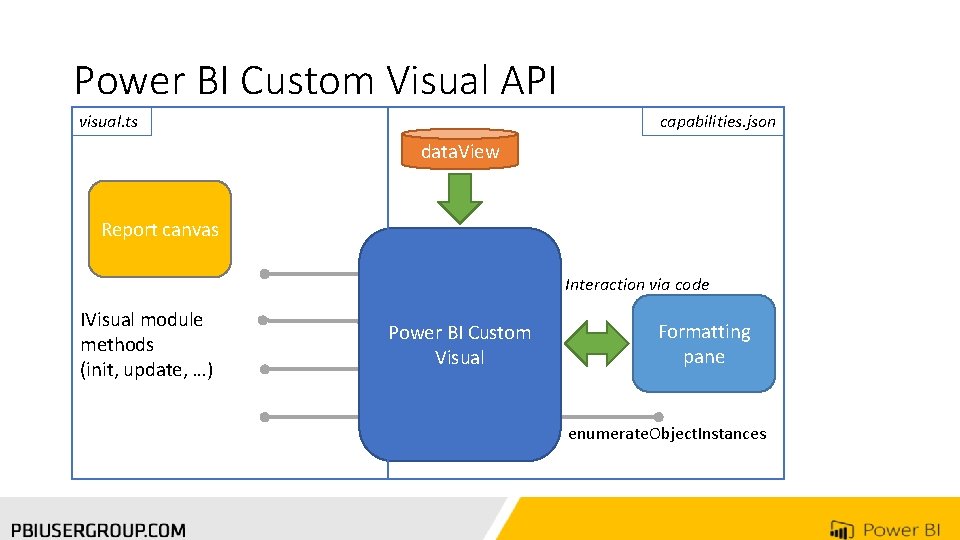
Power BI Custom Visual API visual. ts capabilities. json data. View Report canvas Interaction via code IVisual module methods (init, update, …) Power BI Custom Visual Formatting pane enumerate. Object. Instances
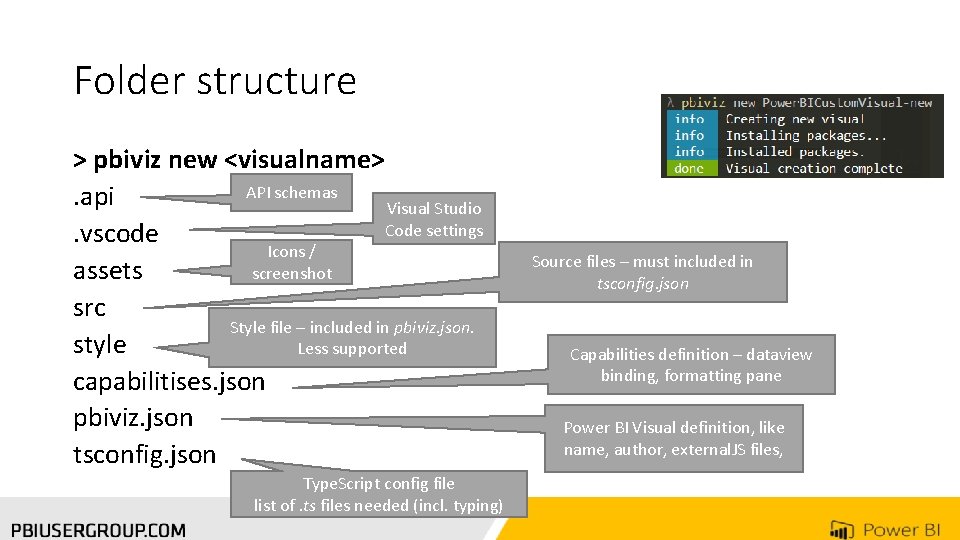
Folder structure > pbiviz new <visualname> API schemas. api Visual Studio Code settings. vscode Icons / screenshot assets src Style file – included in pbiviz. json. style Less supported capabilitises. json pbiviz. json tsconfig. json Type. Script config file list of. ts files needed (incl. typing) Source files – must included in tsconfig. json Capabilities definition – dataview binding, formatting pane Power BI Visual definition, like name, author, external. JS files,


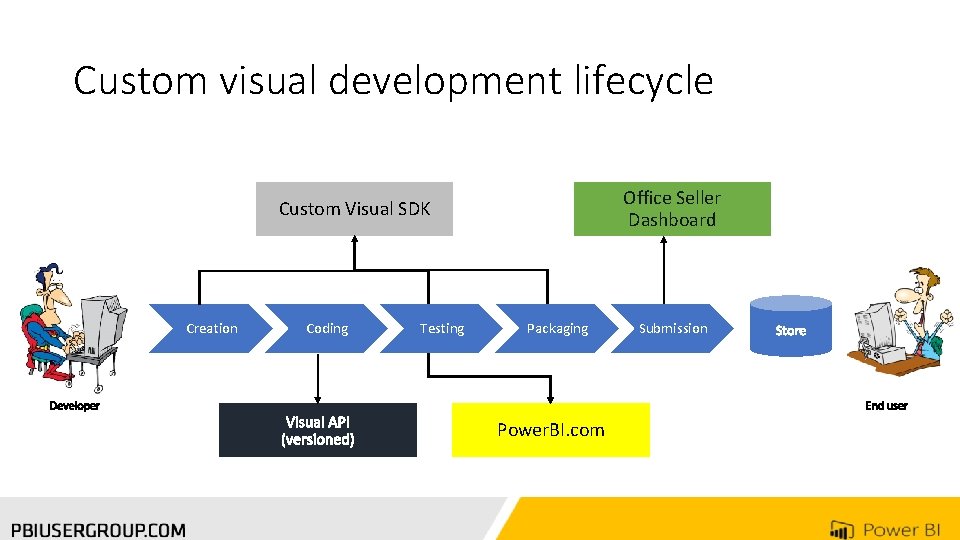
Custom visual development lifecycle Office Seller Dashboard Custom Visual SDK Creation Coding Testing Packaging Power. BI. com Submission
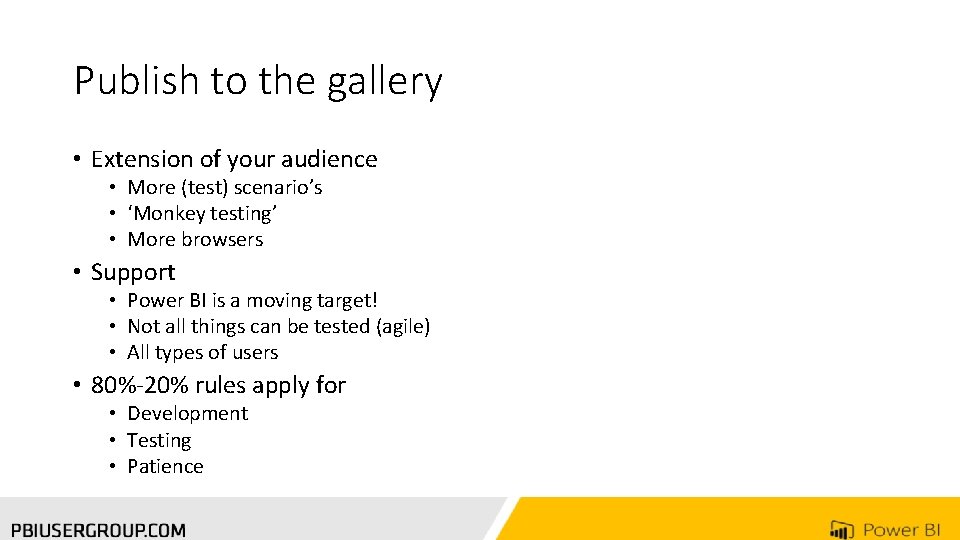
Publish to the gallery • Extension of your audience • More (test) scenario’s • ‘Monkey testing’ • More browsers • Support • Power BI is a moving target! • Not all things can be tested (agile) • All types of users • 80%-20% rules apply for • Development • Testing • Patience
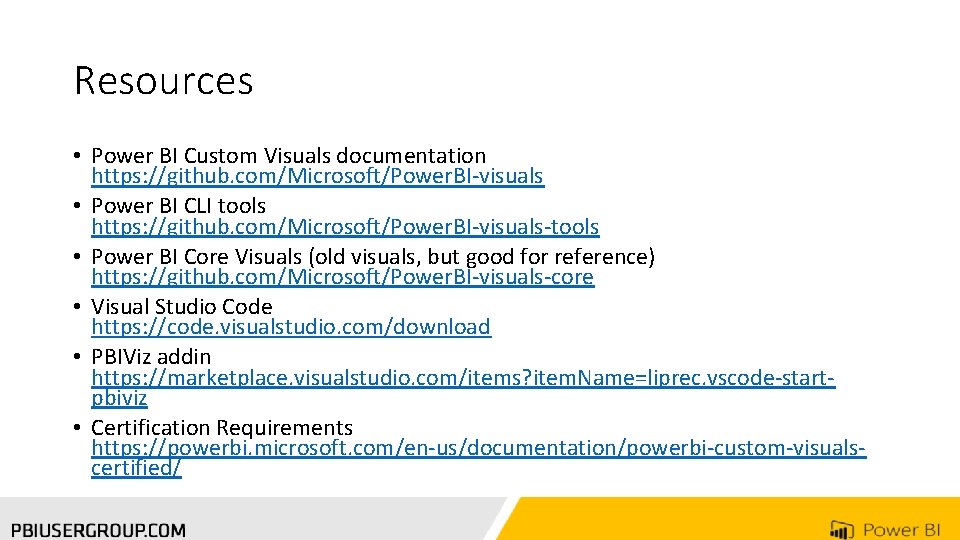
Resources • Power BI Custom Visuals documentation https: //github. com/Microsoft/Power. BI-visuals • Power BI CLI tools https: //github. com/Microsoft/Power. BI-visuals-tools • Power BI Core Visuals (old visuals, but good for reference) https: //github. com/Microsoft/Power. BI-visuals-core • Visual Studio Code https: //code. visualstudio. com/download • PBIViz addin https: //marketplace. visualstudio. com/items? item. Name=liprec. vscode-startpbiviz • Certification Requirements https: //powerbi. microsoft. com/en-us/documentation/powerbi-custom-visualscertified/
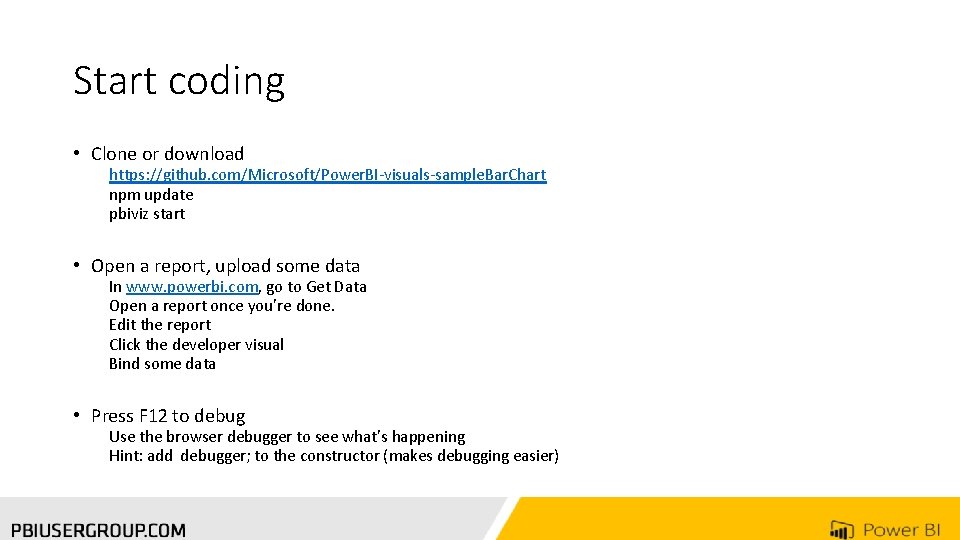
Start coding • Clone or download https: //github. com/Microsoft/Power. BI-visuals-sample. Bar. Chart npm update pbiviz start • Open a report, upload some data In www. powerbi. com, go to Get Data Open a report once you’re done. Edit the report Click the developer visual Bind some data • Press F 12 to debug Use the browser debugger to see what’s happening Hint: add debugger; to the constructor (makes debugging easier)
Thank you for Attending! Don’t forget to join your local PUG to enjoy year-round networking and learning. www. pbiusergroup. com/Toronto
- Slides: 20