
Welcome Power BI User Group PUG New York
Welcome! Power BI User Group (PUG) New York
Defining a security strategy for Power BI Laurent Banon Microsoft Data Analytics Specialist
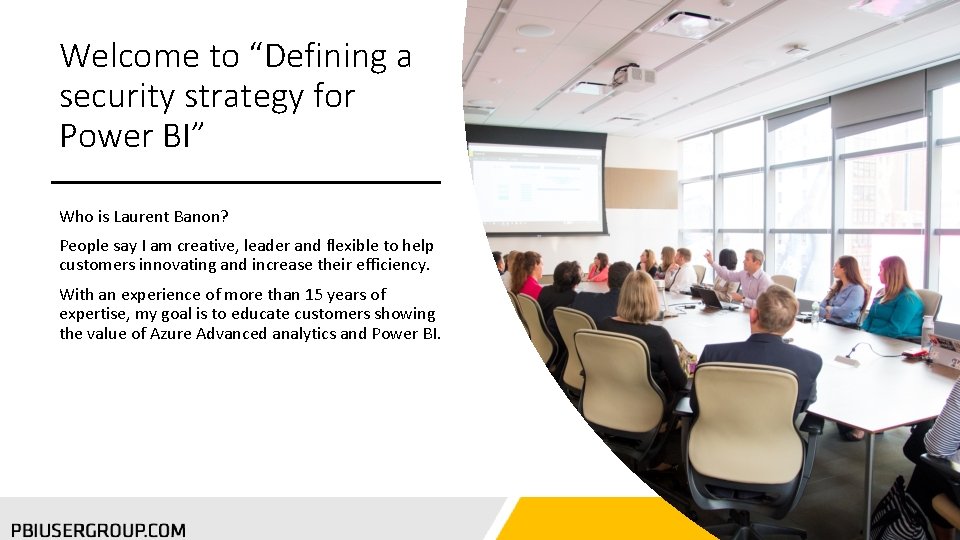
Welcome to “Defining a security strategy for Power BI” Who is Laurent Banon? People say I am creative, leader and flexible to help customers innovating and increase their efficiency. With an experience of more than 15 years of expertise, my goal is to educate customers showing the value of Azure Advanced analytics and Power BI.
Defining a security strategy for Power BI: Session objectives • Power BI is an amazing self service solution that empowers end users. To find insights, you might access sensitive or confidential information. As a mater a fact, reports should have a robust security strategy. • We will see in this session how you can define this strategy.
Session Agenda • Power BI Objects • Managing users identity • Roles inside your organization • The different level of permission
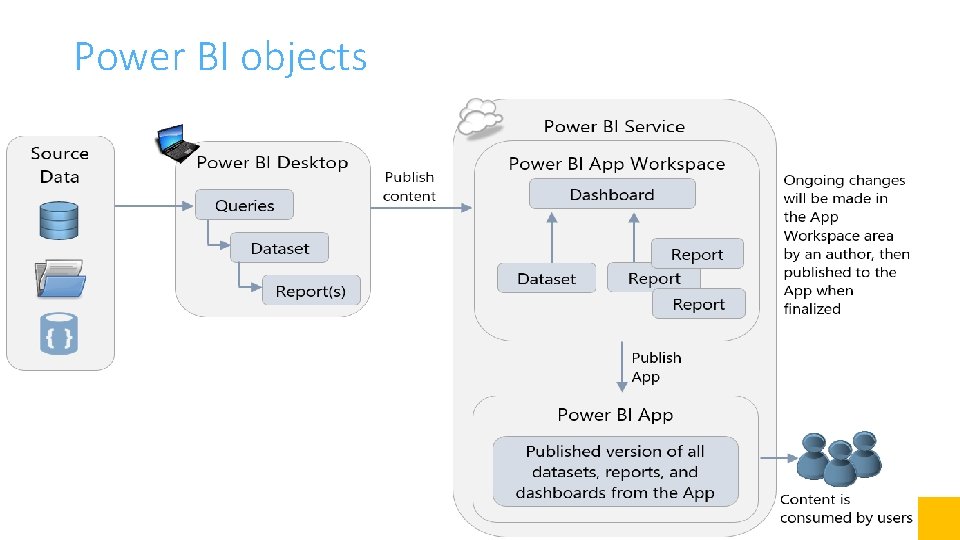
Power BI objects

User Identity • Power BI is part of the larger Microsoft cloud • Built on Azure Active Directory • Already using other Office 365 services? same tenant! • Azure Active Directory (AAD) can be used to secure all of your O 365 resources with a common set of users and groups
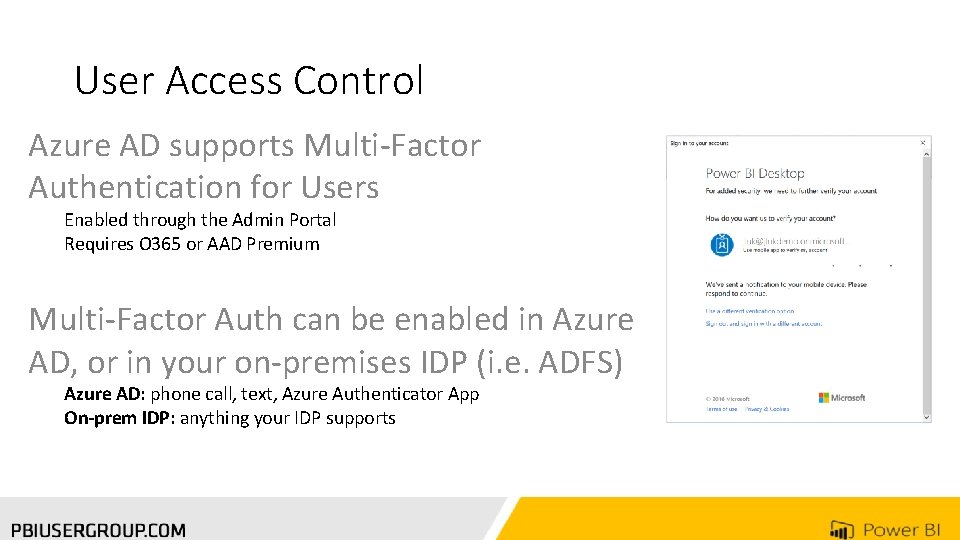
User Access Control Azure AD supports Multi-Factor Authentication for Users Enabled through the Admin Portal Requires O 365 or AAD Premium Multi-Factor Auth can be enabled in Azure AD, or in your on-premises IDP (i. e. ADFS) Azure AD: phone call, text, Azure Authenticator App On-prem IDP: anything your IDP supports

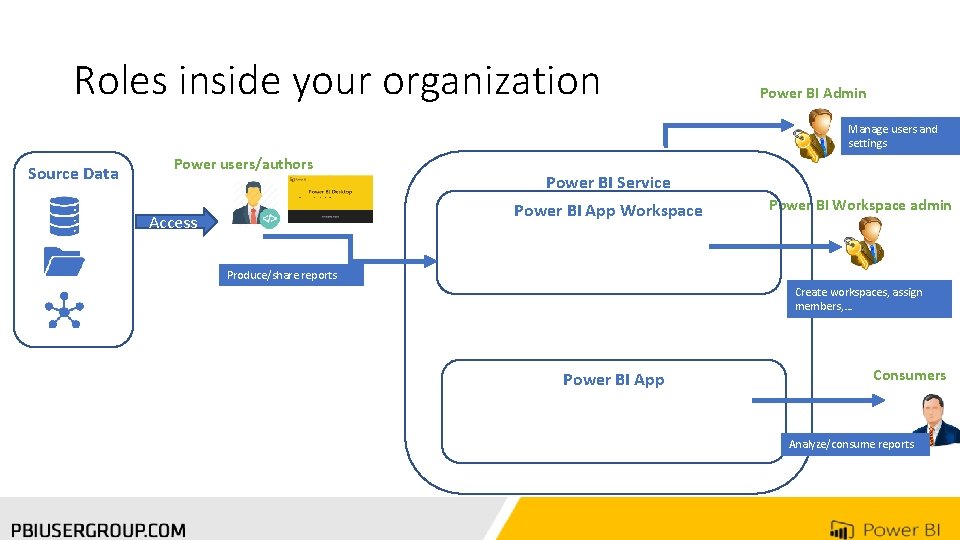
Roles inside your organization Power BI Admin Manage users and settings Source Data Power users/authors Power BI Service Power BI App Workspace Access Power BI Workspace admin Produce/share reports Create workspaces, assign members, … Power BI App Consumers Analyze/consume reports

The different level of permissions • Power BI Service • Manage service setting • Add users • Power BI App Workspaces: • Assign users who will collaborate/create contents • Power BI App • Define group or users who will consume in read-only • Dataset/Data source
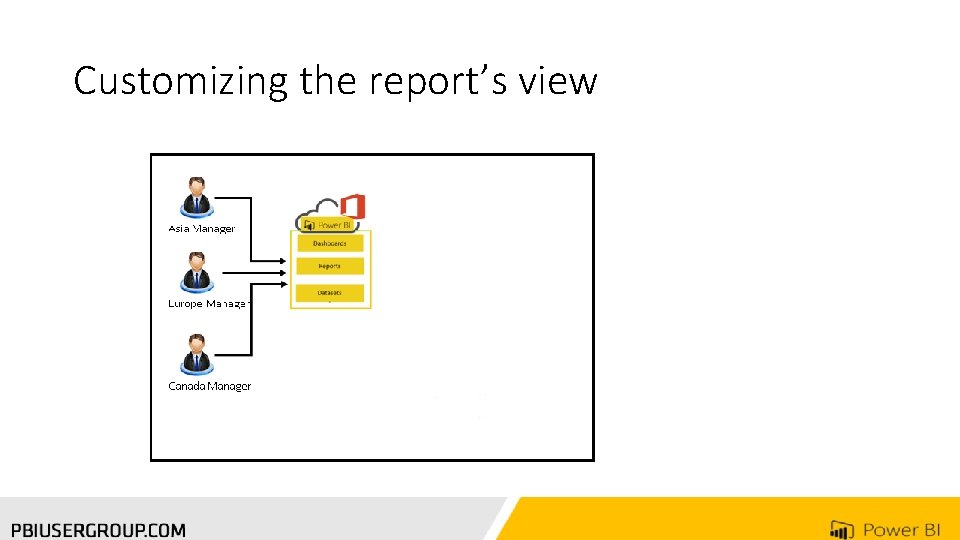
Customizing the report’s view
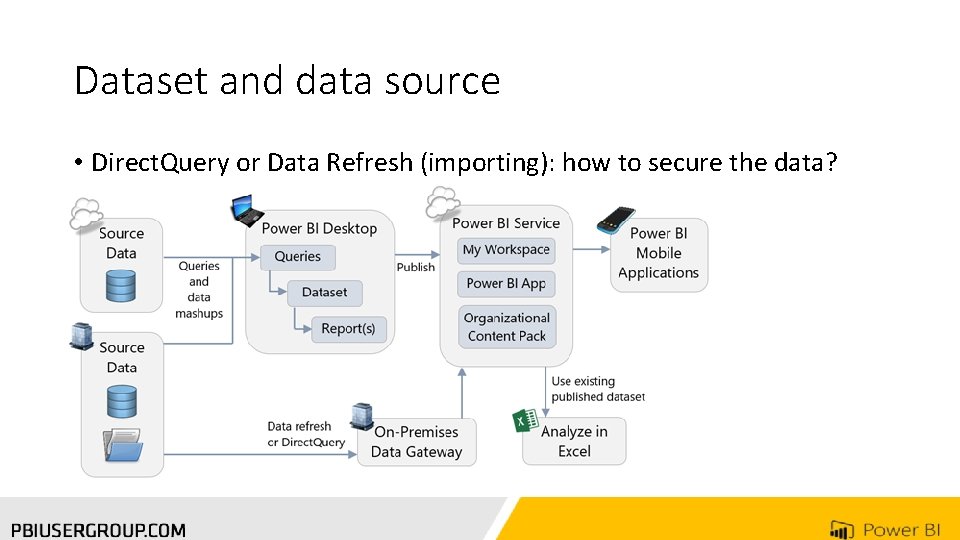
Dataset and data source • Direct. Query or Data Refresh (importing): how to secure the data?
Data Security: User Data Access User data access controls depends on Data Source: Non-RLS enabled sources Row-level security (RLS) enabled sources Non-RLS enabled Data presented is based on the permissions the credentials that were provided to Power BI Service (connection string) RLS-enabled Data presented is based on permissions of the user who is accessing the report/dashboard, etc.
RLS (Row Level Security) enabled sources SQL Analysis Services is an example of a RLS-enabled data source Analysis Services allows data to be secured based on a user’s Role, and also via Row Filters (if configured) Power BI will emit the username that was used to sign into the Service (User. Principal. Name) to Analysis Services as the Effective. User. Name and that is used to calculate RLS
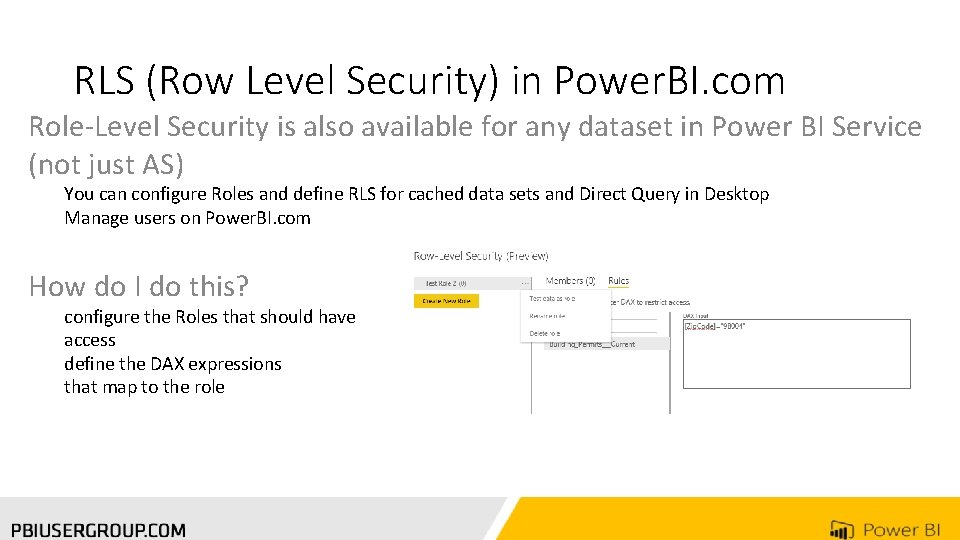
RLS (Row Level Security) in Power. BI. com Role-Level Security is also available for any dataset in Power BI Service (not just AS) You can configure Roles and define RLS for cached data sets and Direct Query in Desktop Manage users on Power. BI. com How do I do this? configure the Roles that should have access define the DAX expressions that map to the role

References • Manage your app workspace in Power BI and Office 365 • Power BI security White paper
Thank you for Attending! Don’t forget to join your local PUG to enjoy year-round networking and learning. www. pbiusergroup. com/NYNJ www. pbiusergroup. com/philly
- Slides: 22