
Welcome Computer 101 Session 2 With Laura Crichton



- Slides: 17
Welcome! Computer 101 Session 2 With Laura Crichton
Laura Crichton Associate of Applied Science Baker College Computer Programming Computer Enthusiast!!
Agenda Buying What Answer a computer are your needs? to last weeks question ‘What do I look for when buying a computer’
Buying a Computer So many options!! Desktop vs Nettop Vs Laptop vs Netbook vs Tablet Each person is going to have their own preferences Maybe even a couple of preference Choose the one that is right for you Few common things all computers share Components CPU RAM (Memory) Storage
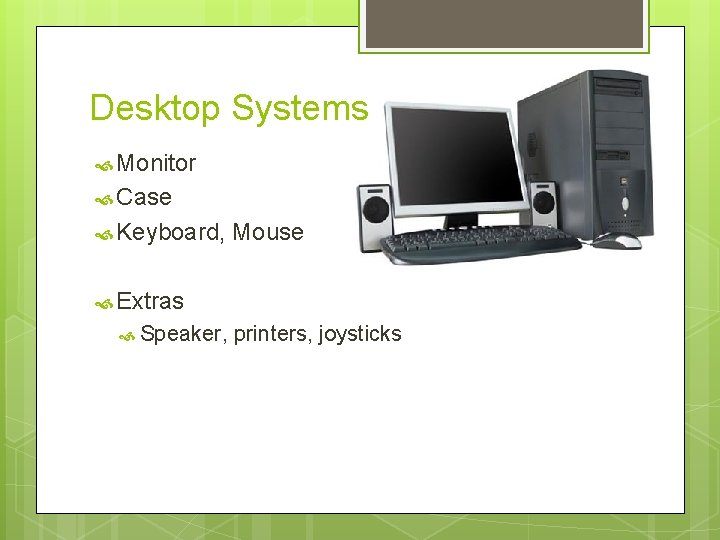
Desktop Systems Monitor Case Keyboard, Mouse Extras Speaker, printers, joysticks
Desktop Considerations Advantages Disadvantages Easily Big upgradable components make it the best investment More USB ports Not very portable Can be noisy Can use a lot of power
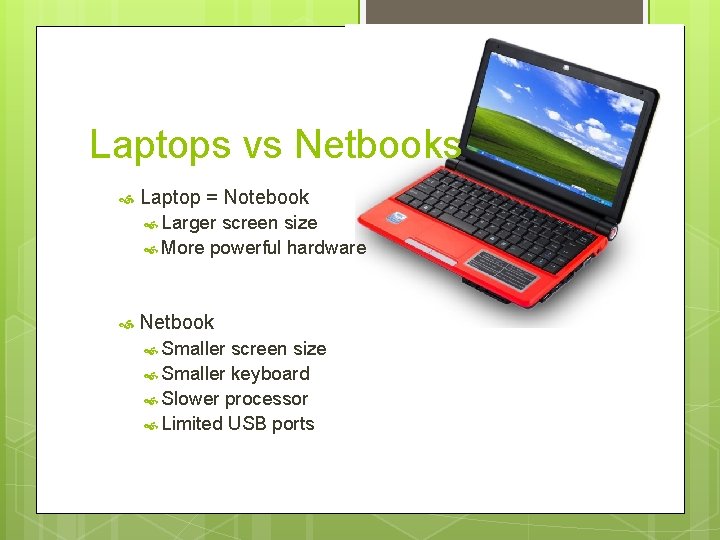
Laptops vs Netbooks Laptop = Notebook Larger screen size More powerful hardware Netbook Smaller screen size Smaller keyboard Slower processor Limited USB ports
Laptop & Netbooks Considerations Advantages Portable for internet access anywhere there is a Wifi Connection Disadvantages Only a few components are upgradable Allow RAM Hard drive Expensive to fix Prone to being dropped Might not have DVD player Might not have a numeric keypad
Nettop = Mini. PC or Micro. PC Advantages Disadvantages Low Limited power consumption Very quiet Price ($200 -400) (not including monitor) Great for email Basic interneting processing power means it won’t do a lot of things at once
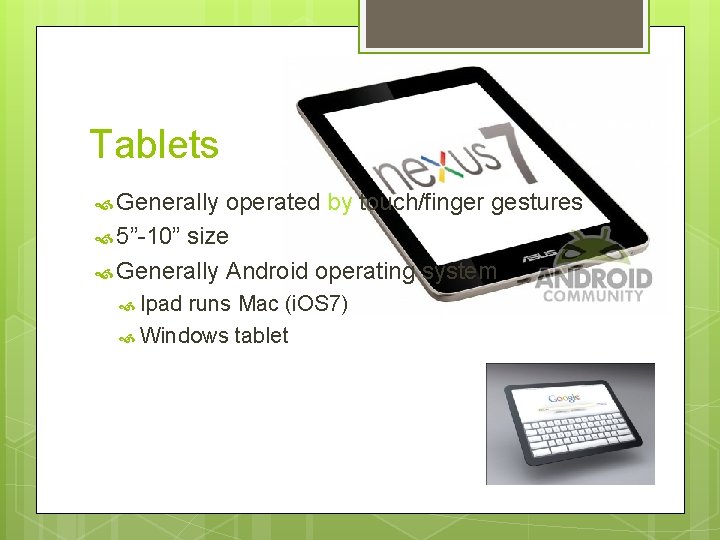
Tablets Generally operated by touch/finger gestures 5”-10” size Generally Android operating system Ipad runs Mac (i. OS 7) Windows tablet
Tablet Considerations Advantages Total portability— under a pound Very small—fit in any bag Loads of free apps Disadvantages Nearly impossible to upgrade hardware = disposable Surface subject to scratches Small amount of storage There a lot of poor quality, cheap tablets out there
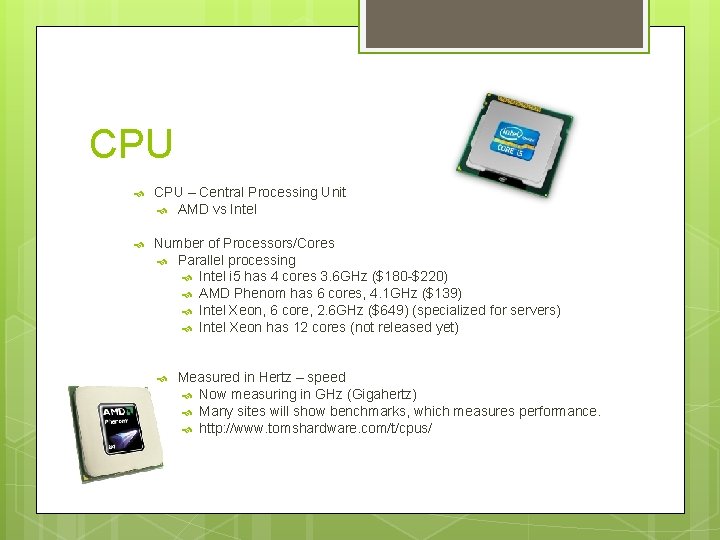
CPU – Central Processing Unit AMD vs Intel Number of Processors/Cores Parallel processing Intel i 5 has 4 cores 3. 6 GHz ($180 -$220) AMD Phenom has 6 cores, 4. 1 GHz ($139) Intel Xeon, 6 core, 2. 6 GHz ($649) (specialized for servers) Intel Xeon has 12 cores (not released yet) Measured in Hertz – speed Now measuring in GHz (Gigahertz) Many sites will show benchmarks, which measures performance. http: //www. tomshardware. com/t/cpus/
RAM – Random Access Memory Largely dictates how fast programs will load & how many programs can be running at the same time before things become very slow. Measured in Gigabytes (GB) - Capacity Also measured in speed (MHz) 2 x 4 GB DDR 3 1600 ($85)
Storage Hard drive Capacity Measured 1 TB in Gigabytes (GB) is ~ 1000 GB 3 TB Western Digital ($135)
Operating System & other Software Windows 7/8/8. 1 Mac Linux (not very likely) No operating system Purchase system separately. Windows 7 is currently $139 -$350 MS Office Full version currently $500
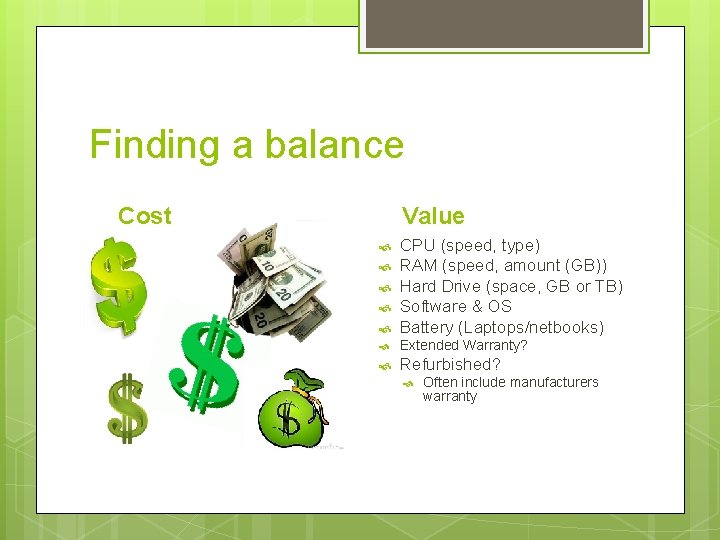
Finding a balance Cost Value CPU (speed, type) RAM (speed, amount (GB)) Hard Drive (space, GB or TB) Software & OS Battery (Laptops/netbooks) Extended Warranty? Refurbished? Often include manufacturers warranty
Before Purchasing Research and read reviews! Research http: //www. tomshardware. com/t/cpus Newegg. com http: //www. newegg. com/All-Desktop-PCs/Sub. Category/ID-10 Tigerdirect. com http: //www. tigerdirect. com/applications/category_tlc. asp? Cat. Id=2627&cm_re=Desktops-_Spot%2001 -_-New%20 Desktops Bestbuy. com