
Welcome 1 Thing Communicate with your students 2
- Slides: 12
Welcome!
1 Thing • Communicate with your students
2 Tools • Release conditions • Intelligent agents
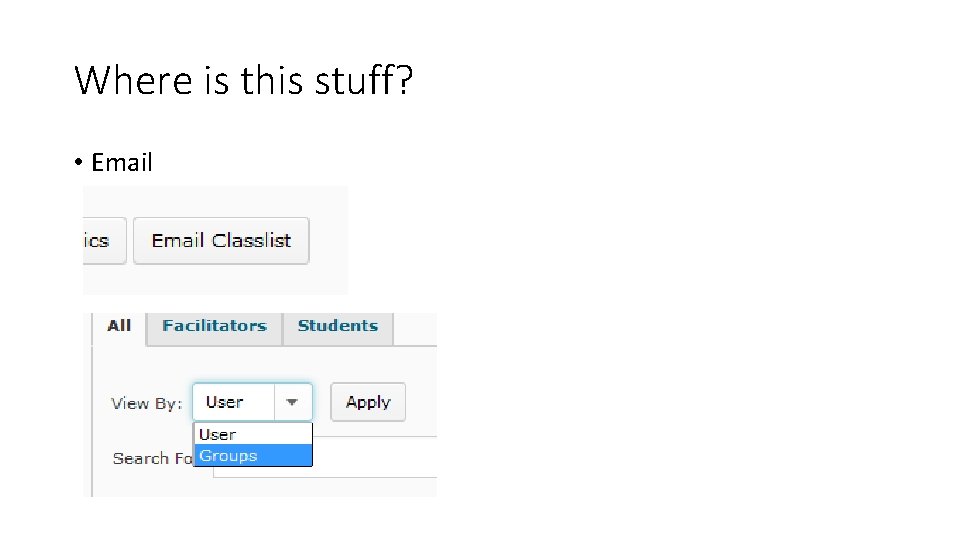
3 ways • Email • Classlist • Entire class • Subset using groups • Intelligent agents • Email to students and/or yourself • Release Conditions • Show or hide just about anything based on action or inaction by the student
Where is this stuff? • Email
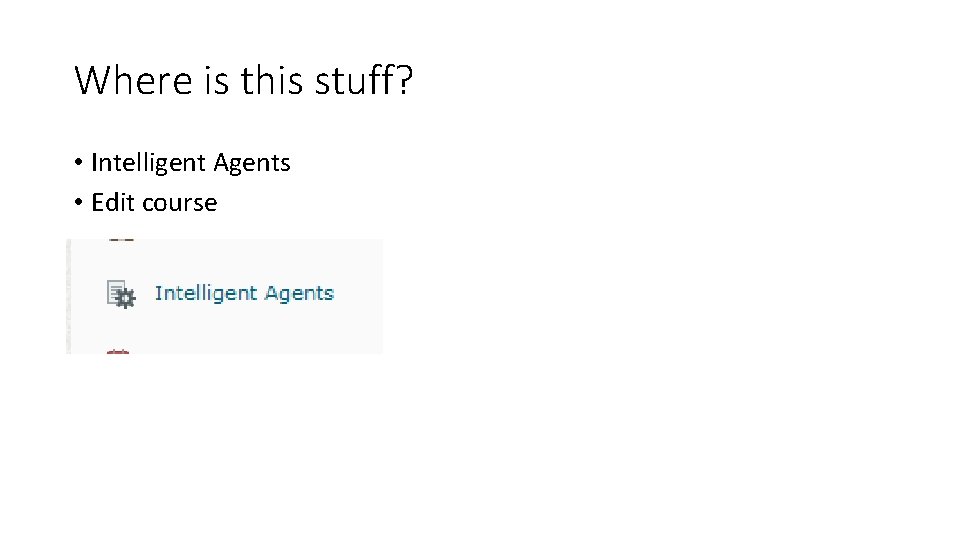
Where is this stuff? • Intelligent Agents • Edit course
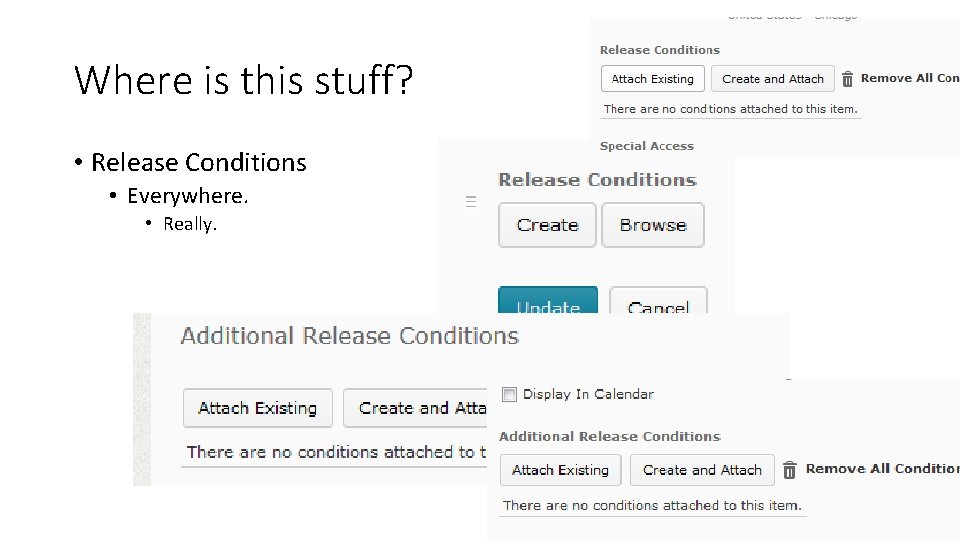
Where is this stuff? • Release Conditions • Everywhere. • Really.
‘Not’ Release Conditions – NEW! • Incomplete Checklist and Checklist item. • Competency not achieved. • Learning Objective not achieved. • Content topic not visited. • Discussion topic no posts authored. • Dropbox no submission. • Quiz no attempt completed. • Survey no attempt complete.
Bonus • SMS/Text messages
Notifications/SMS/Text Messages A text message can be generated by the following actions: • Content - item created or updated. • Dropbox - due date 2 days (48 hrs) away. • Grade item - released or updated. • News – new News item or updated News item • Quiz – end date 2 days (48 hrs) away.
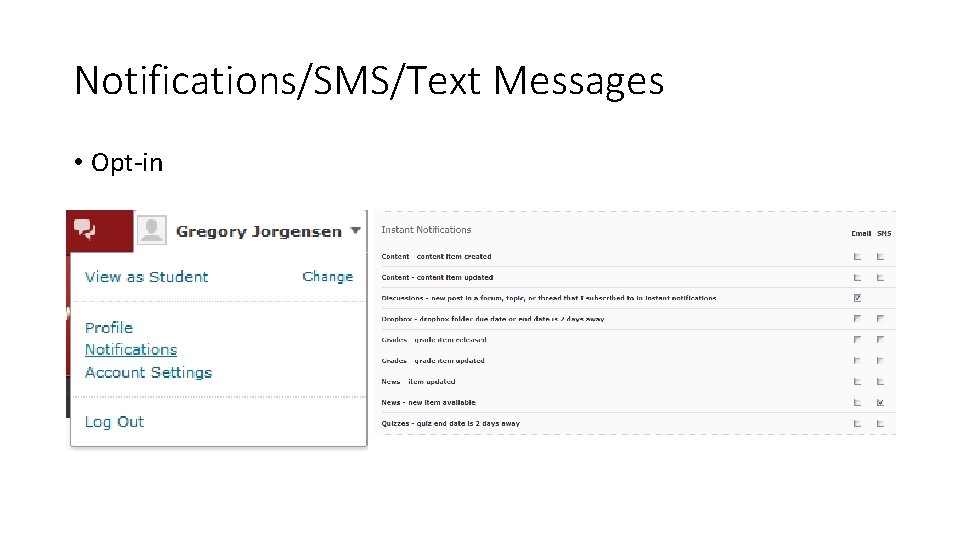
Notifications/SMS/Text Messages • Opt-in
Resources • Academic Technologies Team blog: • http: //blog. stcloudstate. edu/attn/ • 5 ways to use the ‘Not’ release conditions: • http: //www. slideshare. net/D 2 LBarry/five-ways-to-use-the-not-releaseconditions-to-impact-teaching-learning • Intelligent Uses of Intelligent Agents: • https: //community. brightspace. com/tlc/wiki/intelligent_uses_of_intelligent_ agents