
WELCOME 1 Course Outline 1 Computer Network Introduction


- Slides: 33
WELCOME 1
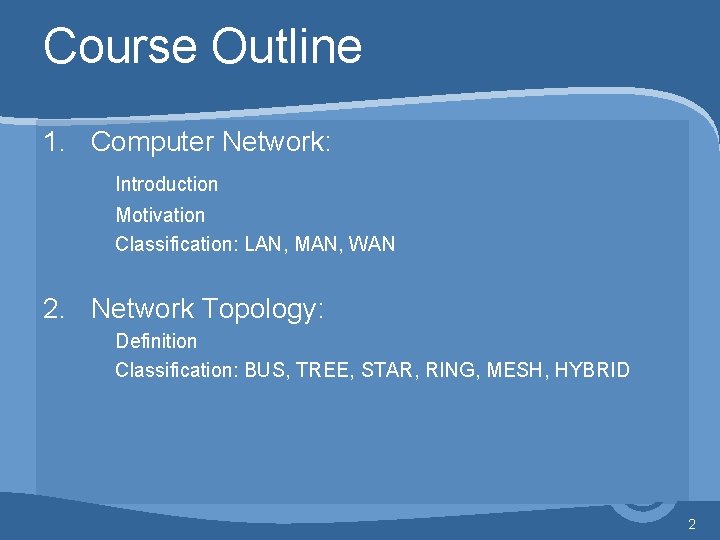
Course Outline 1. Computer Network: Introduction Motivation Classification: LAN, MAN, WAN 2. Network Topology: Definition Classification: BUS, TREE, STAR, RING, MESH, HYBRID 2
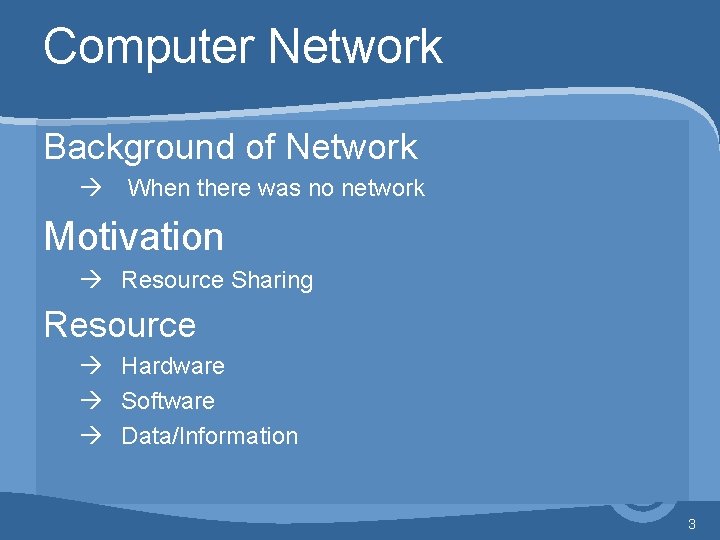
Computer Network Background of Network à When there was no network Motivation à Resource Sharing Resource à Hardware à Software à Data/Information 3
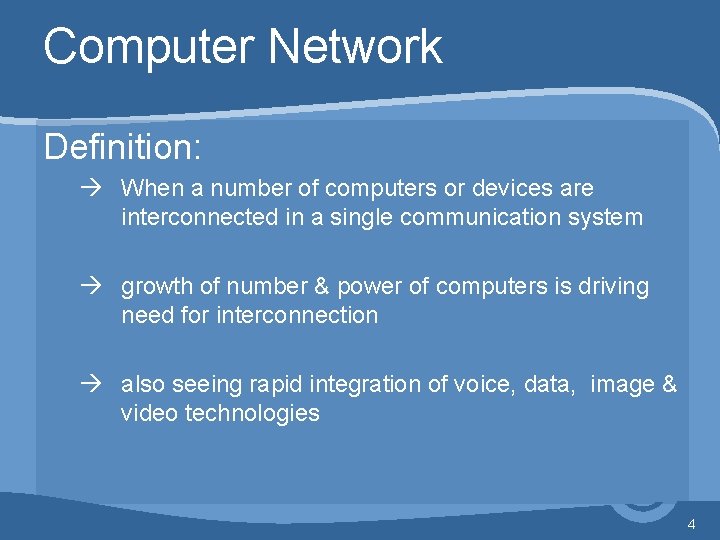
Computer Network Definition: à When a number of computers or devices are interconnected in a single communication system à growth of number & power of computers is driving need for interconnection à also seeing rapid integration of voice, data, image & video technologies 4
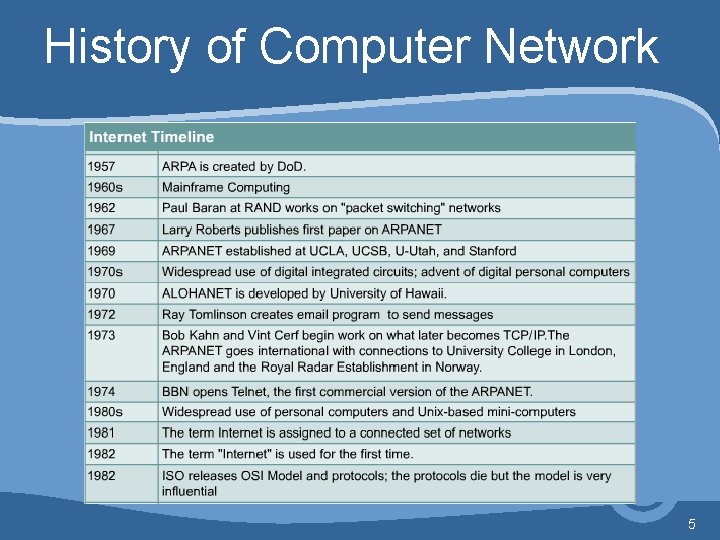
History of Computer Network 5
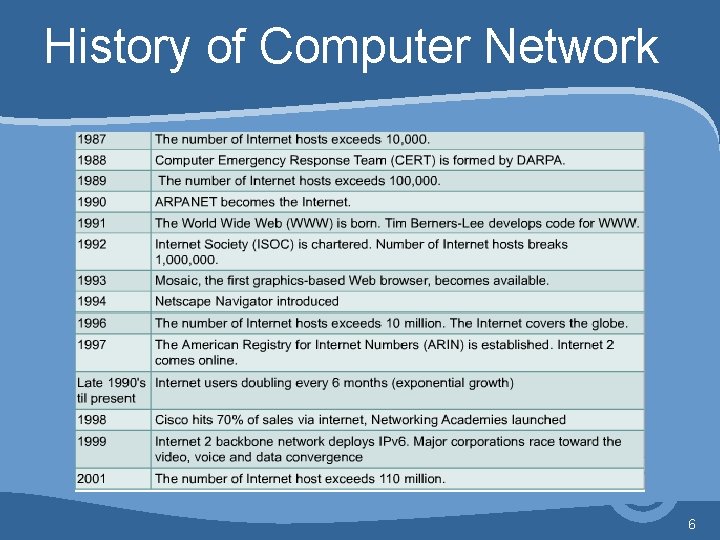
History of Computer Network 6
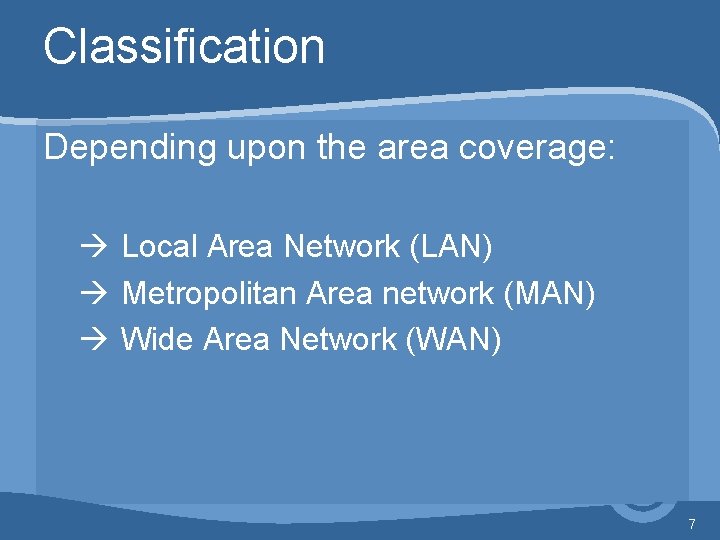
Classification Depending upon the area coverage: à Local Area Network (LAN) à Metropolitan Area network (MAN) à Wide Area Network (WAN) 7
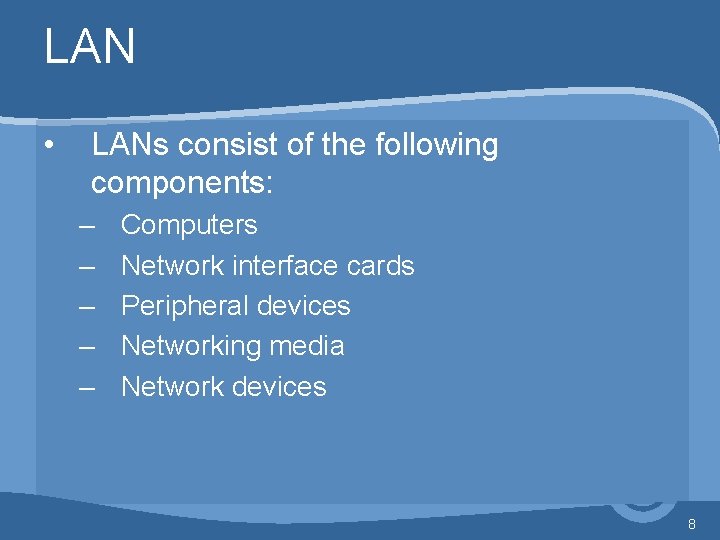
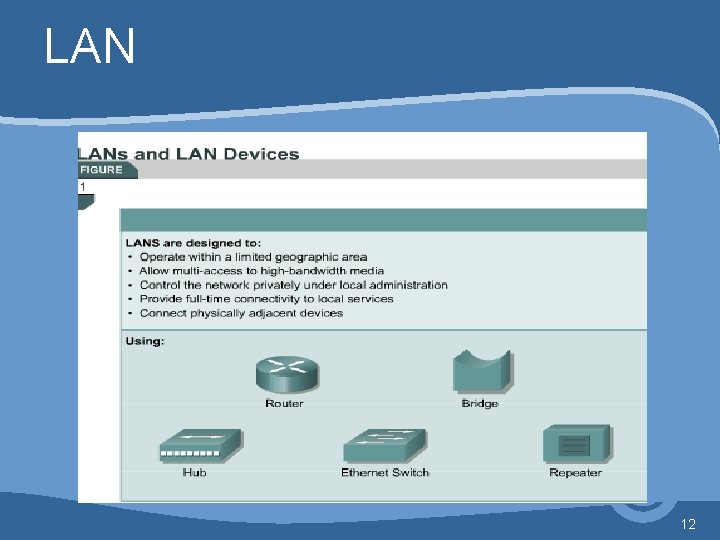
LAN • LANs consist of the following components: – – – Computers Network interface cards Peripheral devices Networking media Network devices 8
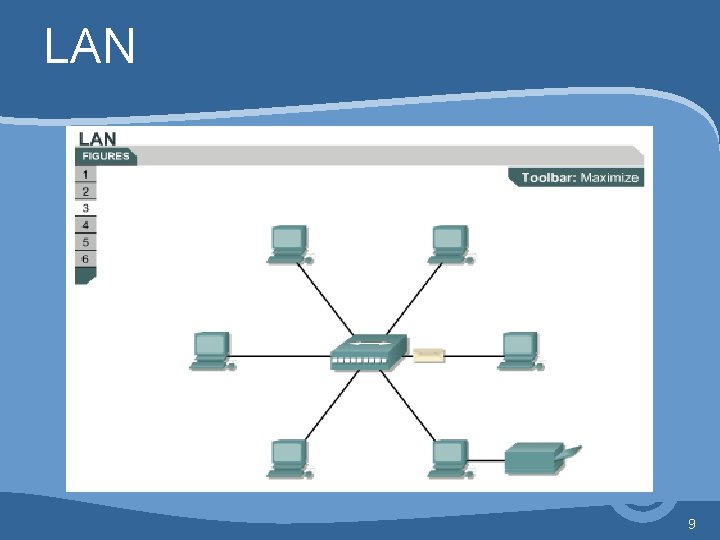
LAN 9
LAN • smaller scope – Building or small campus • • usually owned by same organization as attached devices data rates much higher switched LANs, eg Ethernet wireless LANs 10
LAN • LANs make it possible for businesses that use computer technology to locally share files and printers efficiently, and make internal communications possible. • A good example of this technology is e-mail. • They tie data, local communications, and computing equipment together. 11
LAN 12
LAN • Some common LAN technologies are: – Ethernet – Token Ring – FDDI 13
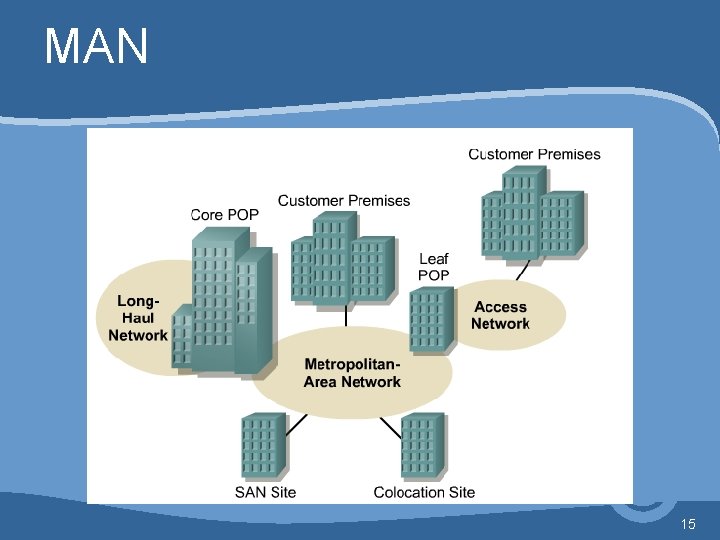
MAN • Metropolitan Area Network • A MAN is a network that spans a metropolitan area such as a city or suburban area. • A MAN usually consists of two or more LANs in a common geographic area. • For example, a bank with multiple branches may utilize a MAN. 14
MAN 15
MAN • • • middle ground between LAN and WAN private or public network high speed large area Typically, a service provider is used to connect two or more LAN sites using private communication lines or optical services. A MAN can also be created using wireless bridge technology by beaming signals across public areas. 16
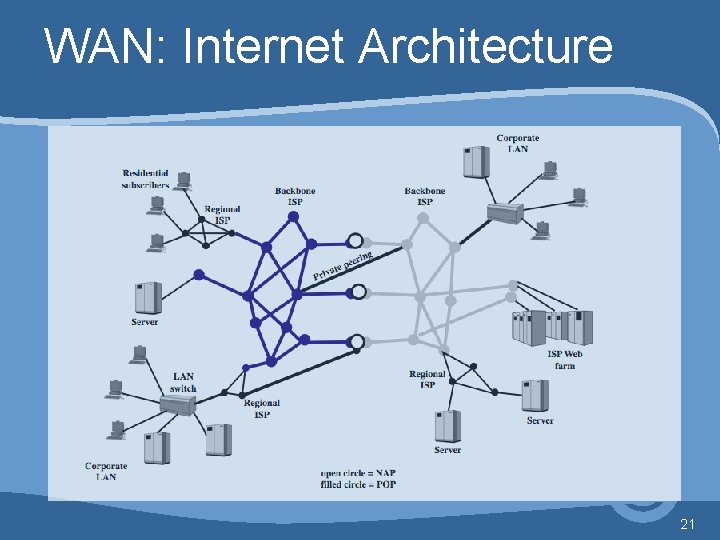
WAN: Internet Architecture 17
WAN • • • span a large geographical area rely in part on common carrier circuits alternative technologies used include: – – circuit switching packet switching frame relay Asynchronous Transfer Mode (ATM) 18
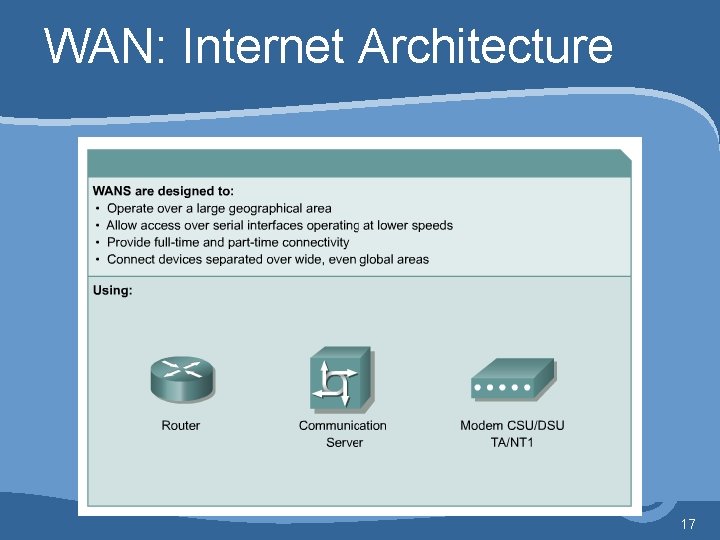
WAN • WANs are designed to do the following: – – Operate over a large geographically separated areas Allow users to have real-time communication capabilities with other users Provide full-time remote resources connected to local services Provide e-mail, World Wide Web, file transfer, and ecommerce services 19
WAN • Some common WAN technologies are: – – – Modems Integrated Services Digital Network (ISDN) Digital Subscriber Line (DSL) Frame Relay US (T) and Europe (E) Carrier Series – T 1, E 1, T 3, E 3 Synchronous Optical Network (SONET) 20
WAN: Internet Architecture 21
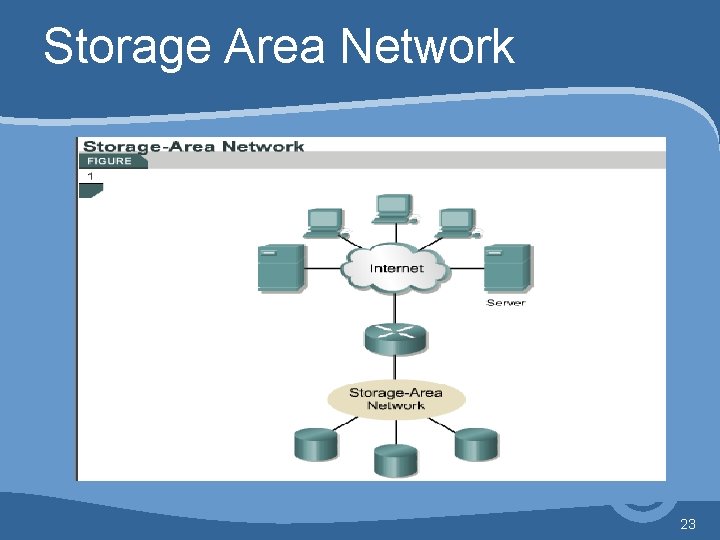
Storage Area Network • A SAN is a dedicated, high-performance network used to move data between servers and storage resources. • Because it is a separate, dedicated network, it avoids any traffic conflict between clients and servers. • SAN technology allows high-speed server-tostorage, storage-to-storage, or server-to-server connectivity. 22
Storage Area Network 23
Storage Area Network • This method uses a separate network infrastructure that relieves any problems associated with existing network connectivity. • SANs offer the following features: – Performance – SANs enable concurrent access of disk or tape arrays by two or more servers at high speeds, providing enhanced system performance. – Availability – SANs have disaster tolerance built in, because data can be mirrored using a SAN up to 10 kilometers (km) or 6. 2 miles away. – Scalability – Like a LAN/WAN, it can use a variety of technologies. This allows easy relocation of backup data, operations, file migration, and data replication between systems. 24
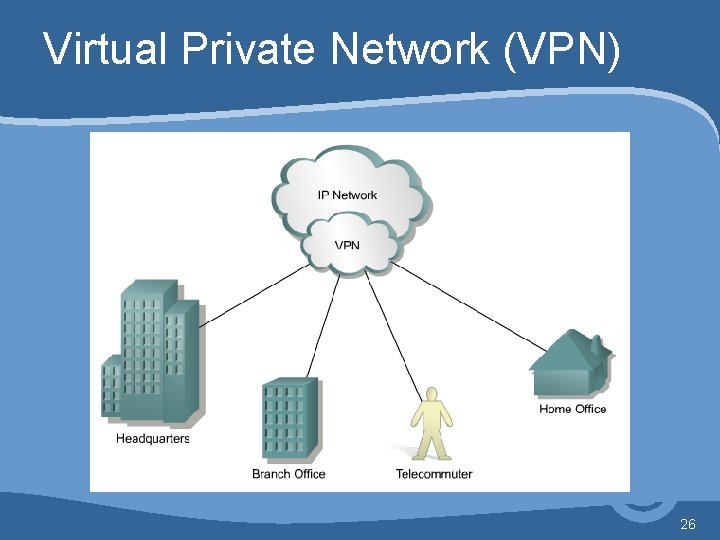
Virtual Private Network (VPN) • A VPN is a private network that is constructed within a public network infrastructure such as the global Internet. • Using VPN, a telecommuter can access the network of the company headquarters through the Internet by building a secure tunnel between the telecommuter’s PC and a VPN router in the headquarters. 25
Virtual Private Network (VPN) 26
Virtual Private Network (VPN) Benefits of VPN: • A VPN is a service that offers secure, reliable connectivity over a shared public network infrastructure such as the Internet. • VPNs maintain the same security and management policies as a private network. • They are the most cost-effective method of establishing a point-to-point connection between remote users and an enterprise customer's network. 27
Intranet • One common configuration of a LAN is an Intranet. • Intranet Web servers differ from public Web servers in that the public must have the proper permissions and passwords to access the Intranet of an organization. • Intranets are designed to permit access by users who have access privileges to the internal LAN of the organization. • Within an Intranet, Web servers are installed in the network. • Browser technology is used as the common front end to access information such as financial data or graphical, text-based data stored on those servers. 28
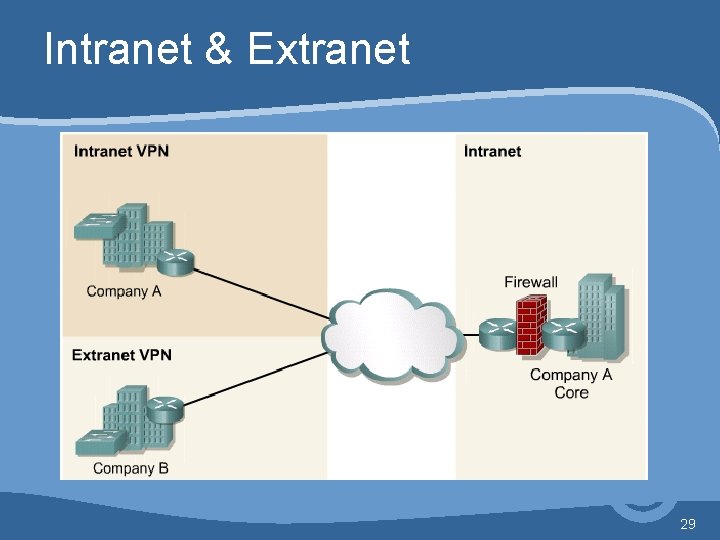
Intranet & Extranet 29
Extranet • Extranets refer to applications and services that are Intranet based, and use extended, secure access to external users or enterprises. • This access is usually accomplished through passwords, user IDs, and other applicationlevel security. • Therefore, an Extranet is the extension of two or more Intranet strategies with a secure interaction between participant enterprises and their respective intranets. 30
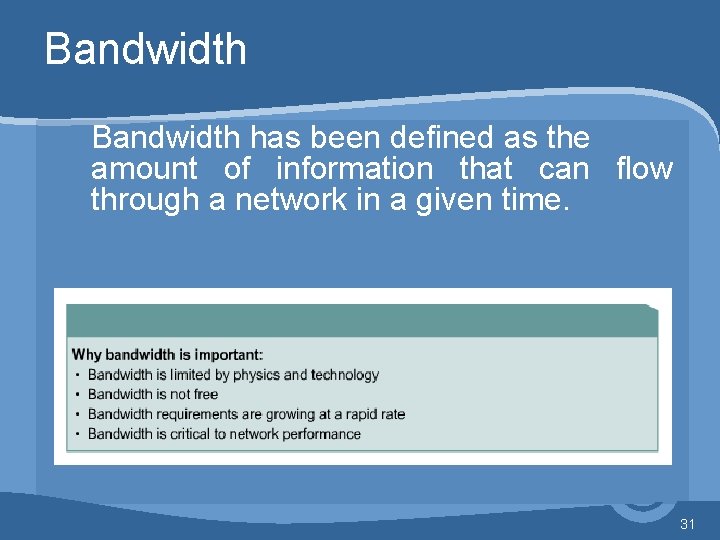
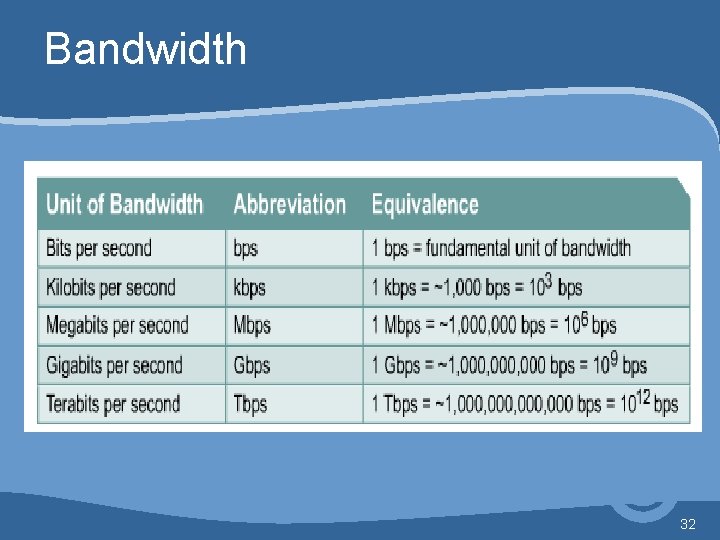
Bandwidth has been defined as the amount of information that can flow through a network in a given time. 31
Bandwidth 32
Question. . . ? ? ? 33