
Week Three CIS 101 A COMPUTER HARDWARE FUNDAMENTALS
- Slides: 24
Week Three CIS 101 A COMPUTER HARDWARE FUNDAMENTALS
LCD Displays Liquid Crystal Displays: Composed of the following: Pixels and subpixels arranged in rows, CCFL or LED Backlight + inverter Twisted Nematic [TN] and In-Plane Switching [IPS] TN: Good for gaming, Fast Refresh Rate, Fast Response Time, Poor Color IPS: Great for graphic art, Great viewing angle, Great Color, mediocre Response Time
Display Characteristics Resolution – Number of total pixels that can be displayed on a screen Aspect Ratio: 4: 3, 16: 9 (WS), 16: 10, 21: 9 (FWS) – How the pixels are arranged Brightness – Strength of LCD monitor’s backlights (measured in nits) Viewing Angle – Angle from center to see optimal picture – TN: 70° | IPS: 178° Response Rate – Amt. of time for all the sub-pixels to change from one state to another Refresh Rate – How many times in a second is the screen redrawn Contrast Ratio – Comparison between the brightest white and darkest black Color Depth – number of unique colors that a display can show at any given time
Projectors Most Projectors are “front view” Started with CRT then transition to LCD: up to 2 k resolution, suffers motion blur, inexpensive and portable Transition to DLP: Digital Light Processing DLP: Custom CPU, color wheel and millions of micro-mirrors control image DLP: Large, expensive, get very hot but offer best picture (4 K resolution) Brightness is measured in Lumens (amt of light from a source at a given angle) Throw: size of the image at a certain distance from the screen Lamps are used as projection image source; why projectors get hot
VR Headsets Immerse the user into a personal projected space that they can move in 360° Composed mostly of OLED panels, the close proximity of the screens to the eyes emulate a large screen Requires a powerful base system to both send the data and monitor the x, y, and z space required for immersion HTC Vive, PSVR, Oculus are examples
Monitor Connections VGA: 15 pins (3 rows of 5 pins), Analog video only, up to 2 k resolution DVI: 24 pins (8 rows of 3 pins), Analog or Digital (-A or –D, or both –I), single or dual cable, video only HDMI: 19 pins trapezoidal connector, Video + Audio, up to 4 K resolution Display. Port: C connector with Bevel, AKA Thunderbolt HDBase. T: HD Video and Audio over CAT 5 a or CAT 6 cable Utilize Adapters to convert from one connection to another
Display Adapters Video card: dedicated task of processing data from the CPU or GPU and sending it to the display 5 Aspects defined for a display adapter: Motherboard slot: PCI, PCIe or Integrated [legacy: AGP]
Graphic Processors & Memory Graphic Processor (GPU): Chip dedicated to handling mathematics and polygons (NVIDIA and AMD are two GPU manufacturers) Video Memory – Dedicated GDDR memory typically comes on video adapter card; Integrated controllers use DDR main memory GDDR 3; runs at faster speeds than DDR 3, different cooling requirements GDDR 5; More than doubles the input/output rate of GDDR 3 GDDR 6; Successor to GDDR 5 High Bandwidth Memory (HBM): competitor to GDDR 5 and 6 memory
Integrated GPU - APU Onboard Video is a term to describe Integrated Video GPU is built into the Northbridge or the CPU itself Lacks performance of dedicated video cards and utilizes Main Memory to handle video Good cost saving measure Accelerated Processing Unit (APU): AMD integrates 2 to 8 CPU cores, a memory controller for DDR 4 support, cache and a GPU for 3 -D graphics
Roles Hosts play In Networks Clients, nodes and hosts are synonymous to a PC and how it is utilized on a network Hosts that provide a service to a user is a “Server” Hosts that used a service provided is a “Client” For a network to function you need 4 things: Host: PC that stores data Transmission Media: Copper wire, Radio waves, Light pulses Network Interface: Network Interface card (NIC); transceiver, transducer, modem Protocols: Rules that govern how data will be sent and received; TCP and UDP
Frames and NICS Data is moved on a network in “frames” NIC will create and process those “frames” Each NIC has a unique identifier called a Media Access Control address or MAC address MAC Address is 48 bits long and in hexadecimal (0 -9, A-F; A=10, B=11…) Each decimal character is composed of 4 binary bits that make up a hexadecimal number The “frame” is composed of the recipient MAC, sender MAC, the Data, and CRC for error checking and correcting
Ethernet Created by a consortium of companies: DEC, Intel, Xerox Established in the 70’s, have been greatly improved by efforts of IEEE Modern Ethernet will have speeds of 10 Base. T, 1000 Base. T, and 10 GBase. T Utilizing a switch: you can create an Ethernet Star Bus network With CAT Level cabling determining speeds: CAT 1 – Telephone CAT 3 – 10 Mbps network CAT 5 – 100 Mbps, 5 e – 1000 Mbps CAT 6 – 10 Gbps (55 m), 6 a – 10 Gbps (100 m) CAT 7 – 10 Gbps (100 m) Shielded
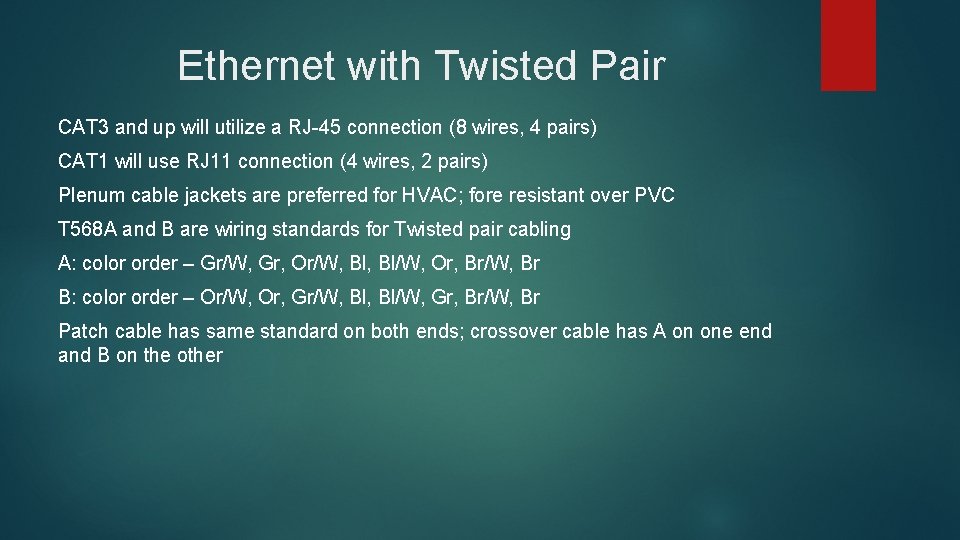
Ethernet with Twisted Pair CAT 3 and up will utilize a RJ-45 connection (8 wires, 4 pairs) CAT 1 will use RJ 11 connection (4 wires, 2 pairs) Plenum cable jackets are preferred for HVAC; fore resistant over PVC T 568 A and B are wiring standards for Twisted pair cabling A: color order – Gr/W, Gr, Or/W, Bl/W, Or, Br/W, Br B: color order – Or/W, Or, Gr/W, Bl/W, Gr, Br/W, Br Patch cable has same standard on both ends; crossover cable has A on one end and B on the other
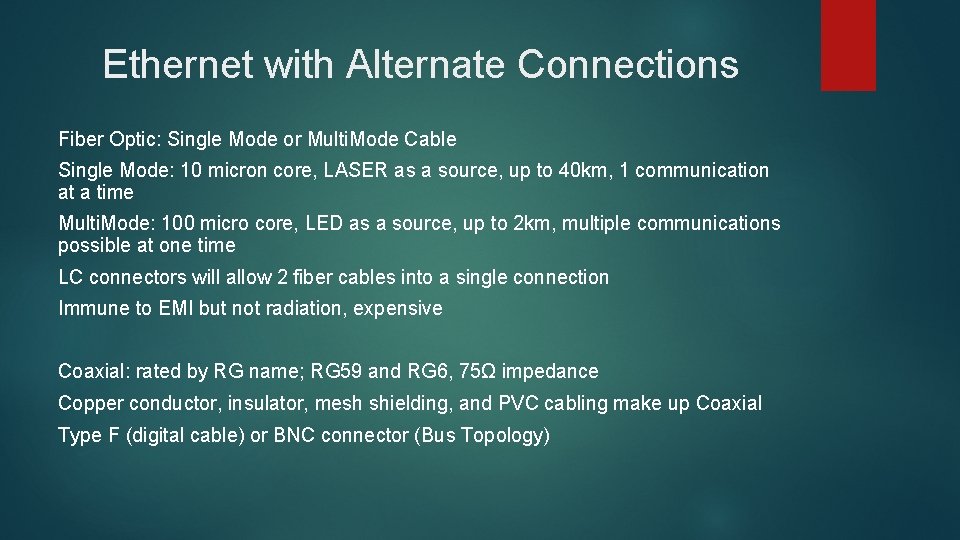
Ethernet with Alternate Connections Fiber Optic: Single Mode or Multi. Mode Cable Single Mode: 10 micron core, LASER as a source, up to 40 km, 1 communication at a time Multi. Mode: 100 micro core, LED as a source, up to 2 km, multiple communications possible at one time LC connectors will allow 2 fiber cables into a single connection Immune to EMI but not radiation, expensive Coaxial: rated by RG name; RG 59 and RG 6, 75Ω impedance Copper conductor, insulator, mesh shielding, and PVC cabling make up Coaxial Type F (digital cable) or BNC connector (Bus Topology)
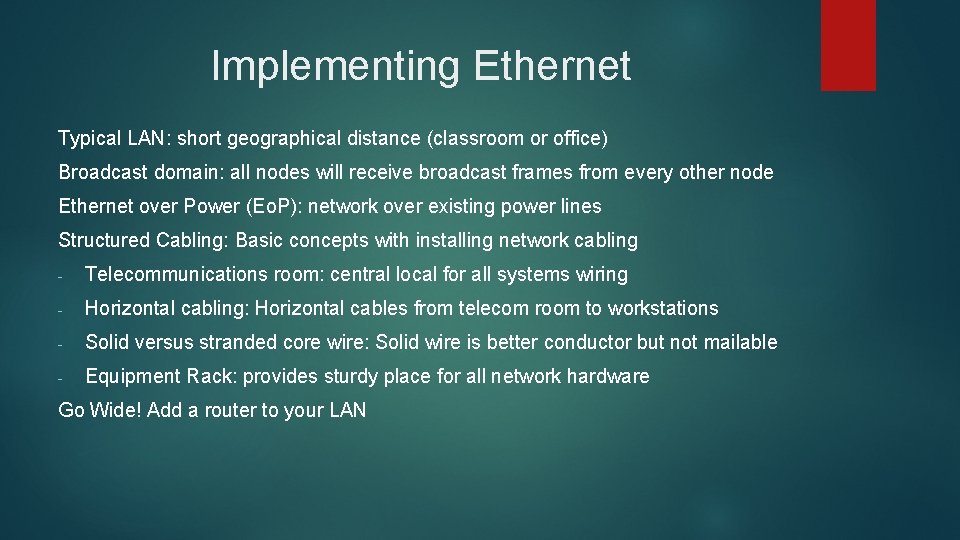
Implementing Ethernet Typical LAN: short geographical distance (classroom or office) Broadcast domain: all nodes will receive broadcast frames from every other node Ethernet over Power (Eo. P): network over existing power lines Structured Cabling: Basic concepts with installing network cabling - Telecommunications room: central local for all systems wiring - Horizontal cabling: Horizontal cables from telecom room to workstations - Solid versus stranded core wire: Solid wire is better conductor but not mailable - Equipment Rack: provides sturdy place for all network hardware Go Wide! Add a router to your LAN
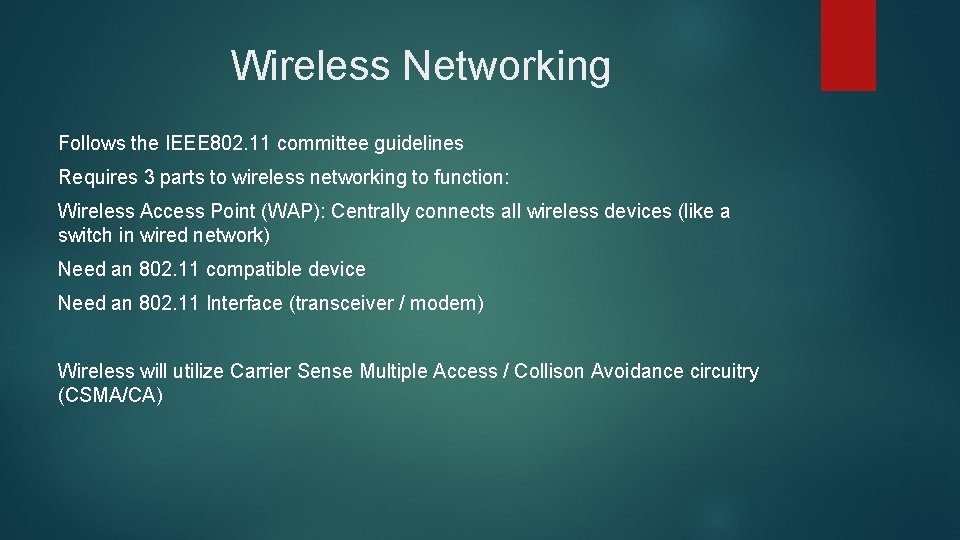
Wireless Networking Follows the IEEE 802. 11 committee guidelines Requires 3 parts to wireless networking to function: Wireless Access Point (WAP): Centrally connects all wireless devices (like a switch in wired network) Need an 802. 11 compatible device Need an 802. 11 Interface (transceiver / modem) Wireless will utilize Carrier Sense Multiple Access / Collison Avoidance circuitry (CSMA/CA)
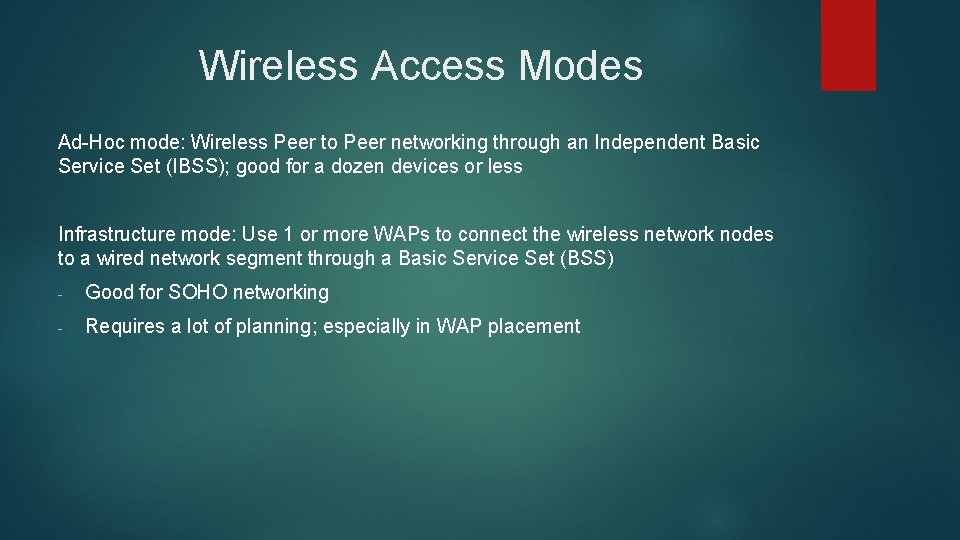
Wireless Access Modes Ad-Hoc mode: Wireless Peer to Peer networking through an Independent Basic Service Set (IBSS); good for a dozen devices or less Infrastructure mode: Use 1 or more WAPs to connect the wireless network nodes to a wired network segment through a Basic Service Set (BSS) - Good for SOHO networking - Requires a lot of planning; especially in WAP placement
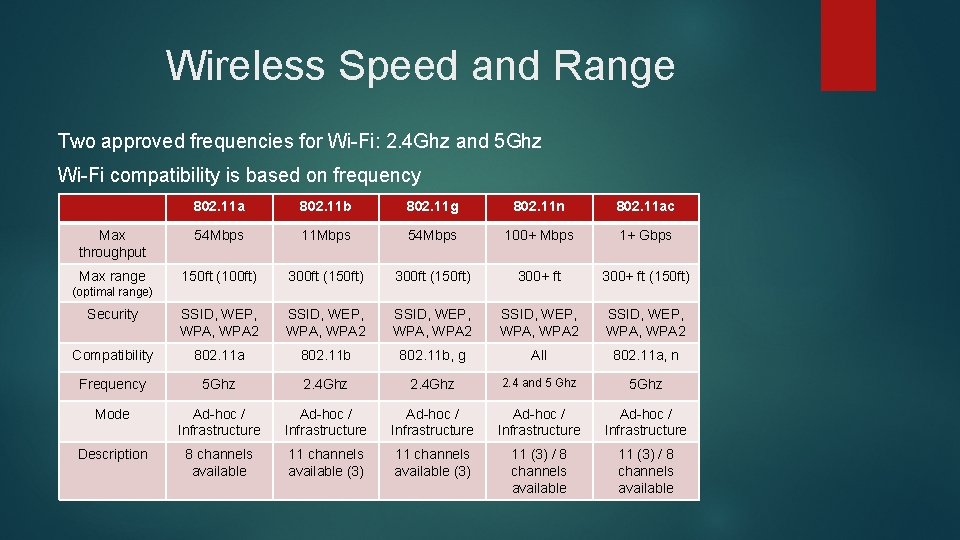
Wireless Speed and Range Two approved frequencies for Wi-Fi: 2. 4 Ghz and 5 Ghz Wi-Fi compatibility is based on frequency 802. 11 a 802. 11 b 802. 11 g 802. 11 n 802. 11 ac Max throughput 54 Mbps 11 Mbps 54 Mbps 100+ Mbps 1+ Gbps Max range 150 ft (100 ft) 300 ft (150 ft) 300+ ft (150 ft) Security SSID, WEP, WPA, WPA 2 SSID, WEP, WPA 2 Compatibility 802. 11 a 802. 11 b, g All 802. 11 a, n Frequency 5 Ghz 2. 4 Ghz 2. 4 and 5 Ghz 5 Ghz Mode Ad-hoc / Infrastructure Ad-hoc / Infrastructure Description 8 channels available 11 channels available (3) 11 (3) / 8 channels available (optimal range)
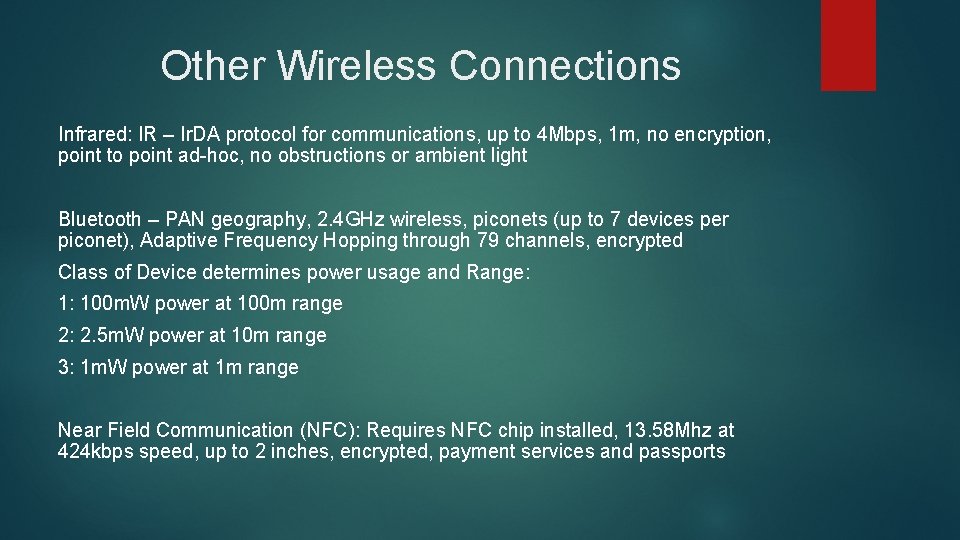
Other Wireless Connections Infrared: IR – Ir. DA protocol for communications, up to 4 Mbps, 1 m, no encryption, point to point ad-hoc, no obstructions or ambient light Bluetooth – PAN geography, 2. 4 GHz wireless, piconets (up to 7 devices per piconet), Adaptive Frequency Hopping through 79 channels, encrypted Class of Device determines power usage and Range: 1: 100 m. W power at 100 m range 2: 2. 5 m. W power at 10 m range 3: 1 m. W power at 1 m range Near Field Communication (NFC): Requires NFC chip installed, 13. 58 Mhz at 424 kbps speed, up to 2 inches, encrypted, payment services and passports
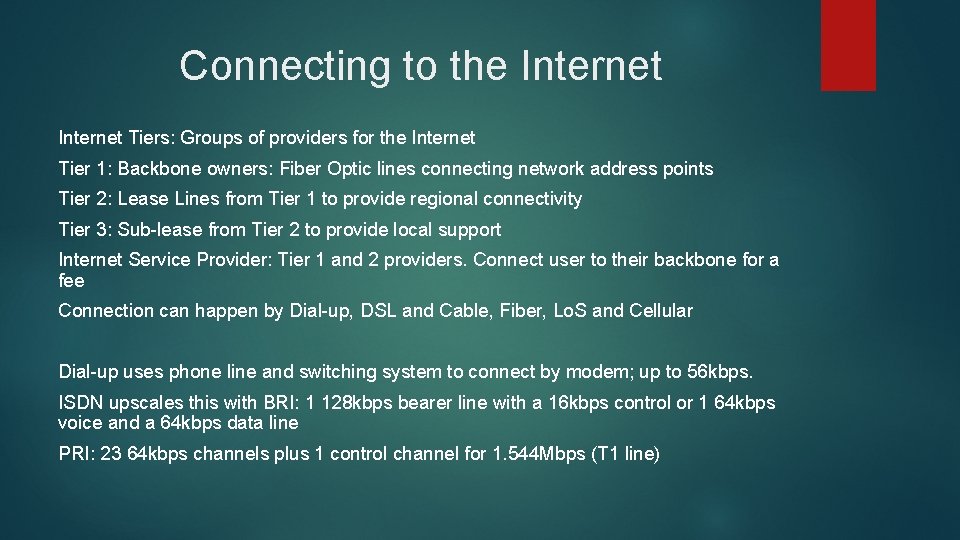
Connecting to the Internet Tiers: Groups of providers for the Internet Tier 1: Backbone owners: Fiber Optic lines connecting network address points Tier 2: Lease Lines from Tier 1 to provide regional connectivity Tier 3: Sub-lease from Tier 2 to provide local support Internet Service Provider: Tier 1 and 2 providers. Connect user to their backbone for a fee Connection can happen by Dial-up, DSL and Cable, Fiber, Lo. S and Cellular Dial-up uses phone line and switching system to connect by modem; up to 56 kbps. ISDN upscales this with BRI: 1 128 kbps bearer line with a 16 kbps control or 1 64 kbps voice and a 64 kbps data line PRI: 23 64 kbps channels plus 1 control channel for 1. 544 Mbps (T 1 line)
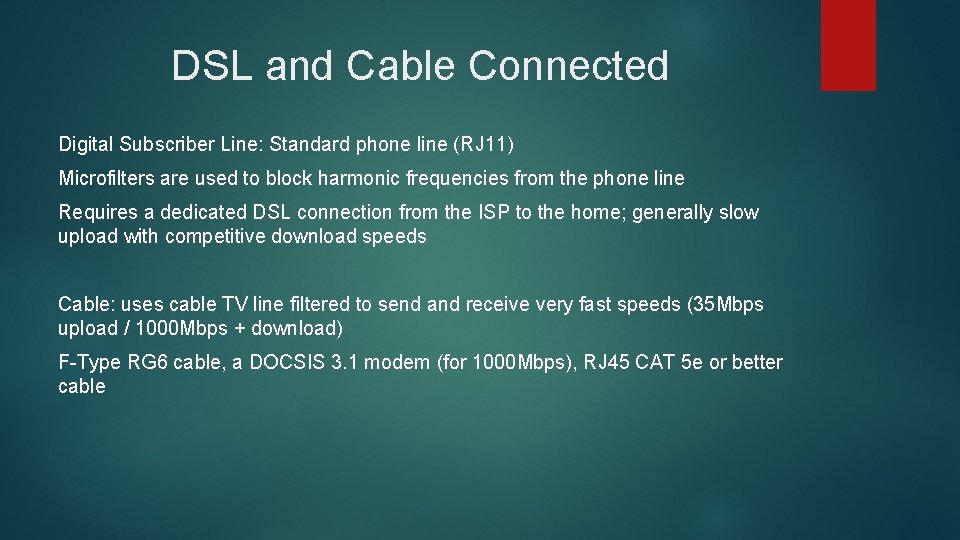
DSL and Cable Connected Digital Subscriber Line: Standard phone line (RJ 11) Microfilters are used to block harmonic frequencies from the phone line Requires a dedicated DSL connection from the ISP to the home; generally slow upload with competitive download speeds Cable: uses cable TV line filtered to send and receive very fast speeds (35 Mbps upload / 1000 Mbps + download) F-Type RG 6 cable, a DOCSIS 3. 1 modem (for 1000 Mbps), RJ 45 CAT 5 e or better cable
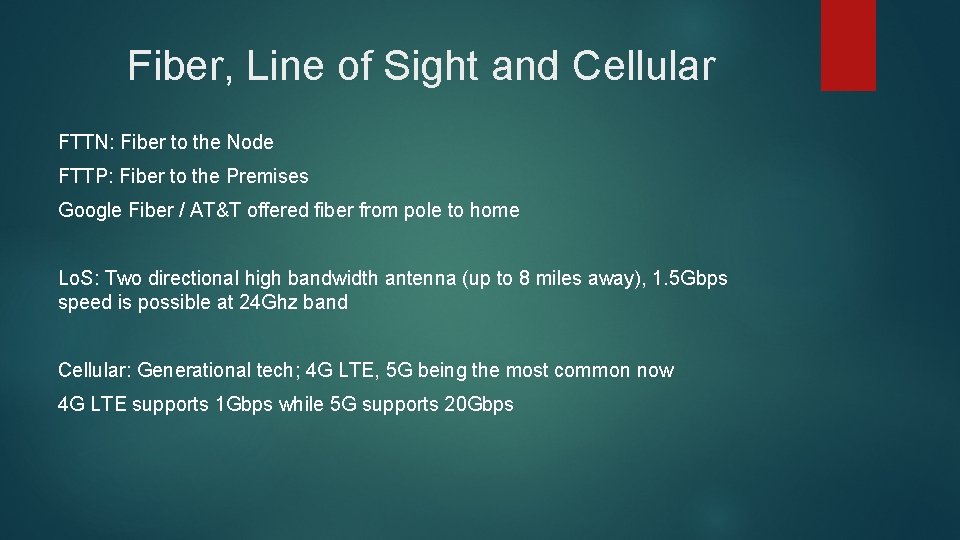
Fiber, Line of Sight and Cellular FTTN: Fiber to the Node FTTP: Fiber to the Premises Google Fiber / AT&T offered fiber from pole to home Lo. S: Two directional high bandwidth antenna (up to 8 miles away), 1. 5 Gbps speed is possible at 24 Ghz band Cellular: Generational tech; 4 G LTE, 5 G being the most common now 4 G LTE supports 1 Gbps while 5 G supports 20 Gbps
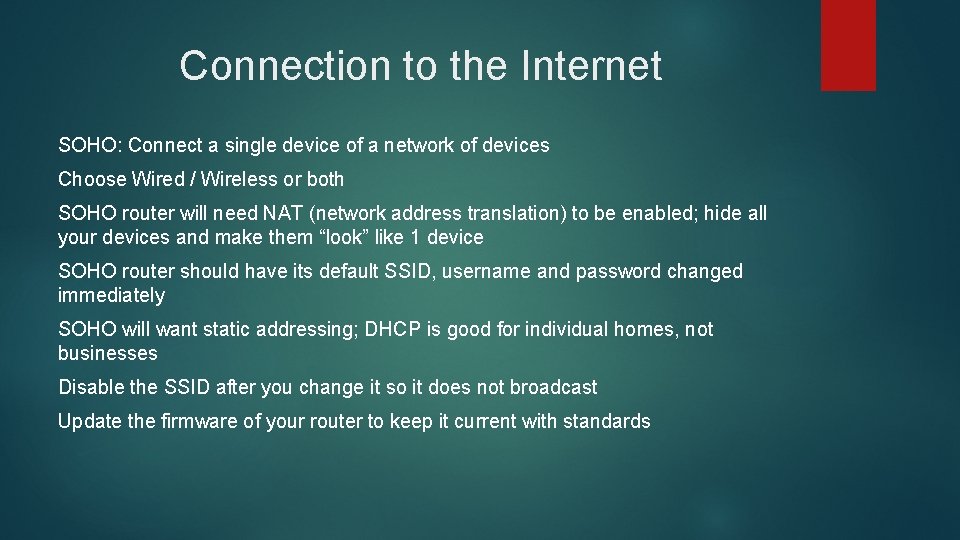
Connection to the Internet SOHO: Connect a single device of a network of devices Choose Wired / Wireless or both SOHO router will need NAT (network address translation) to be enabled; hide all your devices and make them “look” like 1 device SOHO router should have its default SSID, username and password changed immediately SOHO will want static addressing; DHCP is good for individual homes, not businesses Disable the SSID after you change it so it does not broadcast Update the firmware of your router to keep it current with standards
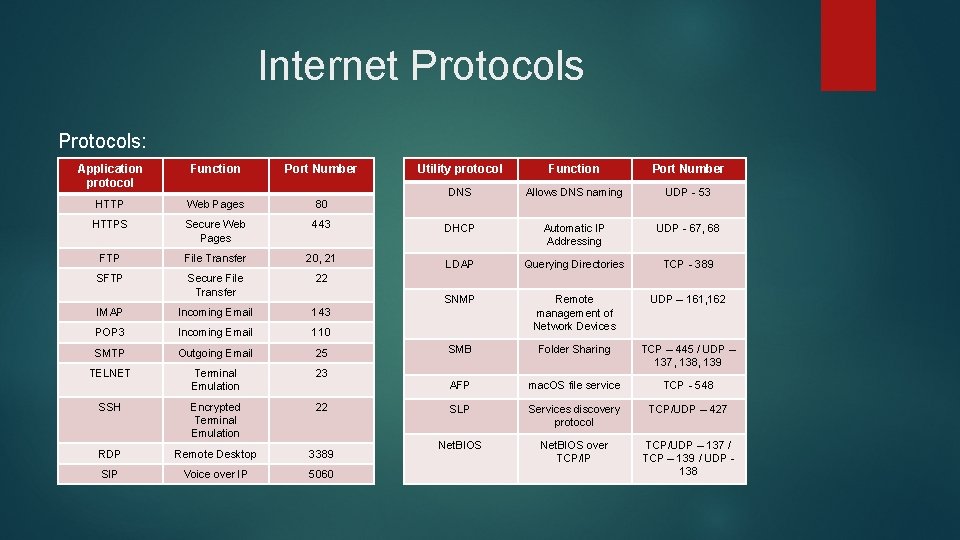
Internet Protocols: Application protocol Function Port Number HTTP Web Pages 80 HTTPS Secure Web Pages 443 FTP File Transfer 20, 21 SFTP Secure File Transfer 22 IMAP Incoming Email 143 POP 3 Incoming Email 110 SMTP Outgoing Email 25 TELNET Terminal Emulation 23 SSH Encrypted Terminal Emulation 22 RDP Remote Desktop 3389 SIP Voice over IP 5060 Utility protocol Function Port Number DNS Allows DNS naming UDP - 53 DHCP Automatic IP Addressing UDP - 67, 68 LDAP Querying Directories TCP - 389 SNMP Remote management of Network Devices UDP – 161, 162 SMB Folder Sharing TCP – 445 / UDP – 137, 138, 139 AFP mac. OS file service TCP - 548 SLP Services discovery protocol TCP/UDP – 427 Net. BIOS over TCP/IP TCP/UDP – 137 / TCP – 139 / UDP 138