
WEEK 5 QUIZZES IMPLEMENTING SPARC AND TRAC ON
- Slides: 7
WEEK 5: QUIZZES IMPLEMENTING SPARC (AND TRAC) ON YOUR CAMPUS WEEK 5: QUIZZES Rebecca Harrington Lead Developer SPARC, TRAC Health Educator SUNY Oneonta
WEEK 5: QUIZZES Goals for this Week 1. Customize Quizzes 2. Customize Quiz Feedback 3. Identify the function and use of slide layers
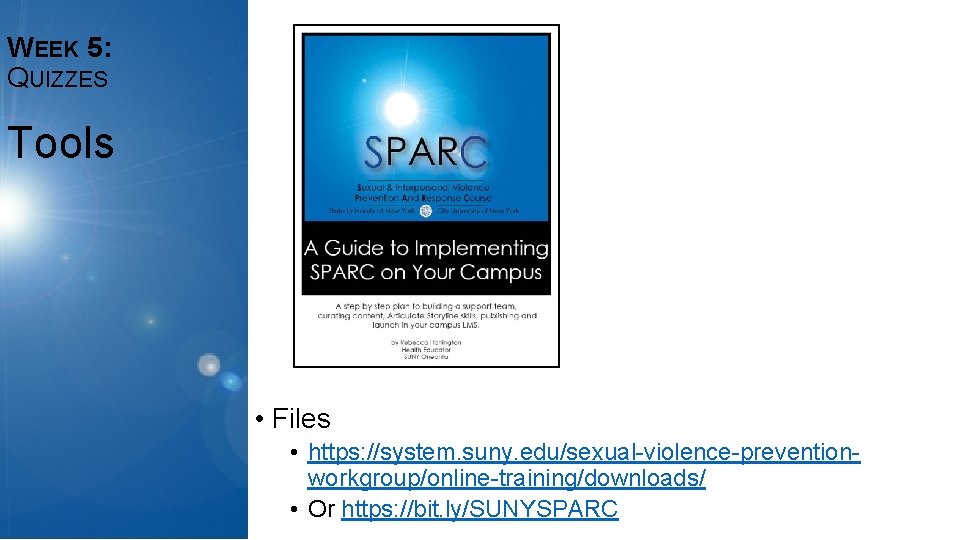
WEEK 5: QUIZZES Tools • Files • https: //system. suny. edu/sexual-violence-preventionworkgroup/online-training/downloads/ • Or https: //bit. ly/SUNYSPARC
WEEK 5: QUIZZES Design Your Quizzes How will your quizzes be used? • Assessing student learning • Provide the student feedback on their own learning • Increase interactivity • Or, as a stop point to ensure a concept is understood to continue through the course. • Serving as navigational tool • Neuroscience of myth/fact messaging; cognitive bias would suggest that allowing a student to continue without identifying the correct answer could be counter productive.
WEEK 5: QUIZZES Creating Quizzes Building quizzes within Articulate, two options: • Utilize a ‘wizard’ • Build it yourself • In both cases you need content: • Question • Answer choices • Feedback messages • Correct • Incorrect/try again • Consider editing the existing quizzes to reflect names, places, offices, language that resonates with your campus.
WEEK 5: QUIZZES Articulate Skills Getting comfortable with the software Navigation Skills: • Feedback slide view Content Editing Skills • Adding a quiz (“graded question”) slide • Form view • Slide view • Adding a quiz result slide • Submit buttons • Slide layers • Using slide layers for quiz results Homework
WEEK 5: QQuestions UIZZES