
Week 2 Primitive Data Types CS 177 1
- Slides: 36
Week 2: Primitive Data Types CS 177 1
What did we talk about last week? �Programming in Java �Everything goes inside a class �The main() method is the starting point for executing instructions �We can use System. out. println() to print information 2
What did we talk about last week? Other Java features: �Sequencing commands �Whitespace insensitivity �Case sensitivity �Comments 3
Data �What if you want to write a Java program that can… Edit music files Play a DVD Organize your photo album �Each of these tasks manipulates a lot of data �MP 3’s, DVD’s, and jpegs are complicated kinds of data �Java must build these kinds of data out of much simpler kinds of data 4
Binary Hardware �You have heard about all the 1’s and 0’s inside a computer �What does that really mean? �Using semiconductor physics, we can make a tiny little piece of a microchip be in one of two states, say, OFF and ON, like a switch �If we say that OFF is 0 and ON is 1, then, by using a lot of these switches, we can represent a lot of 1’s and 0’s 5
Binary Representation �What do we do with those 1’s and 0’s? �To begin with, we represent numbers �How many of you have heard of base 10? �How many of you have heard of base 2? �What’s the definition of a number system with a given base? 6
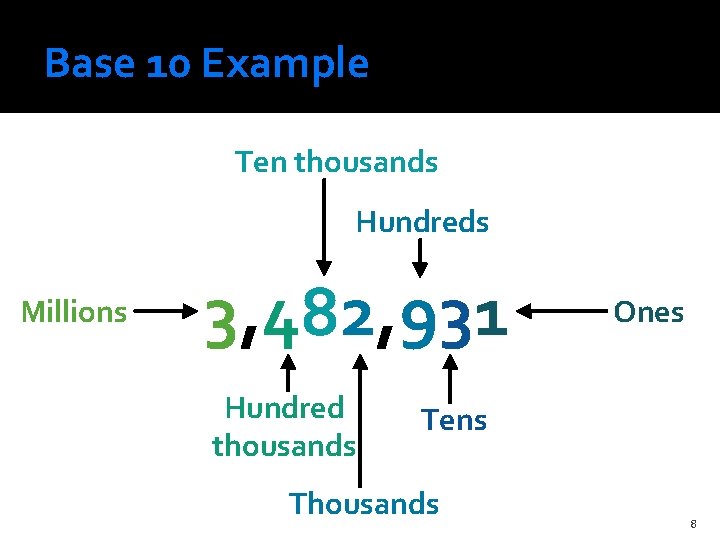
Base 10 (decimal) numbers �Our normal number system is base 10 �This means that our digits are: 0, 1, 2, 3, 4, 5, 6, 7, 8, and 9 �Base 10 means that you need 2 digits to represent ten, namely 1 and 0 �Each place in the number as you move left corresponds to an increase by a factor of 10 7
Base 10 Example Ten thousands Hundreds Millions 3, 482, 931 Hundred thousands Ones Tens Thousands 8
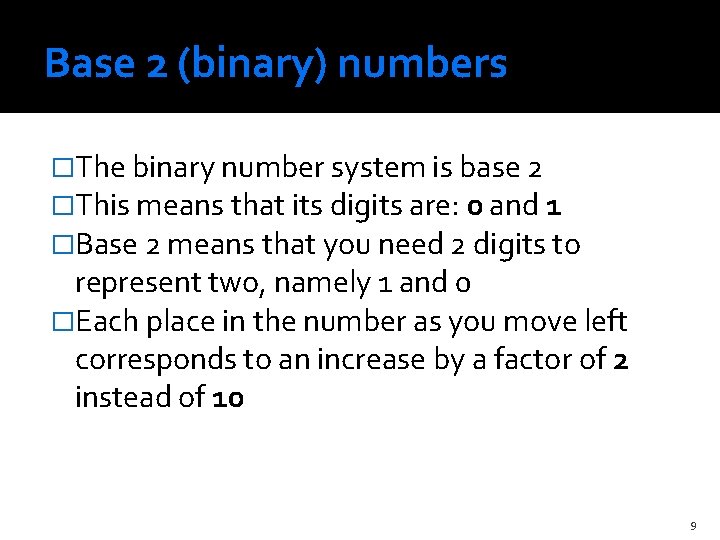
Base 2 (binary) numbers �The binary number system is base 2 �This means that its digits are: 0 and 1 �Base 2 means that you need 2 digits to represent two, namely 1 and 0 �Each place in the number as you move left corresponds to an increase by a factor of 2 instead of 10 9
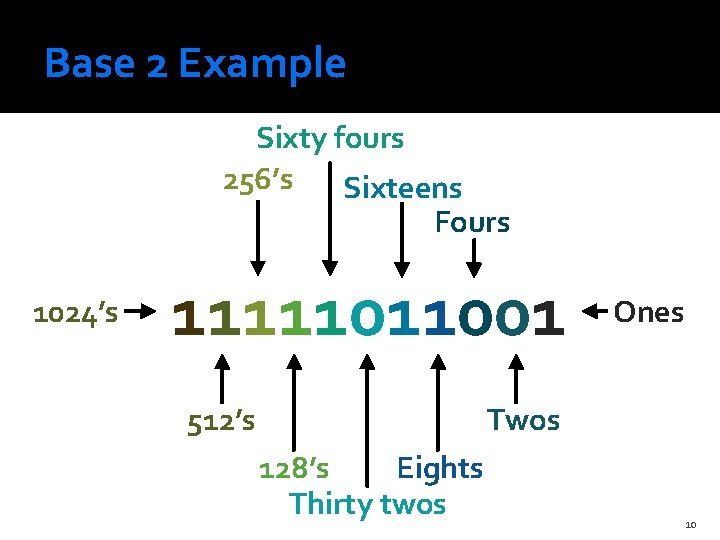
Base 2 Example Sixty fours 256’s Sixteens Fours 1024’s 11111011001 512’s Ones Twos 128’s Eights Thirty twos 10
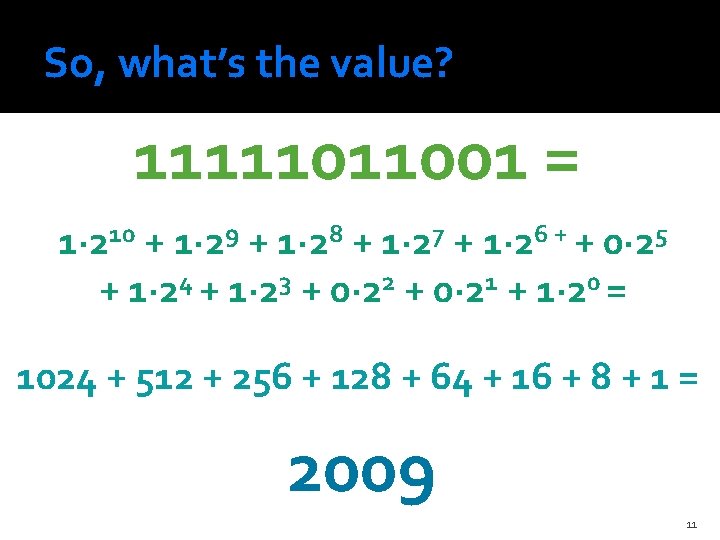
So, what’s the value? 11111011001 = 1∙ 210 + 1∙ 29 + 1∙ 28 + 1∙ 27 + 1∙ 26 + + 0∙ 25 + 1∙ 24 + 1∙ 23 + 0∙ 22 + 0∙ 21 + 1∙ 20 = 1024 + 512 + 256 + 128 + 64 + 16 + 8 + 1 = 2009 11
The good news �You don’t actually have to worry about doing binary conversions when you are coding Java �In math, you can talk about an arbitrarily large number �In Java, each number is stored with a specific number of binary digits �There are limits on how big (or small) a given number can be 12
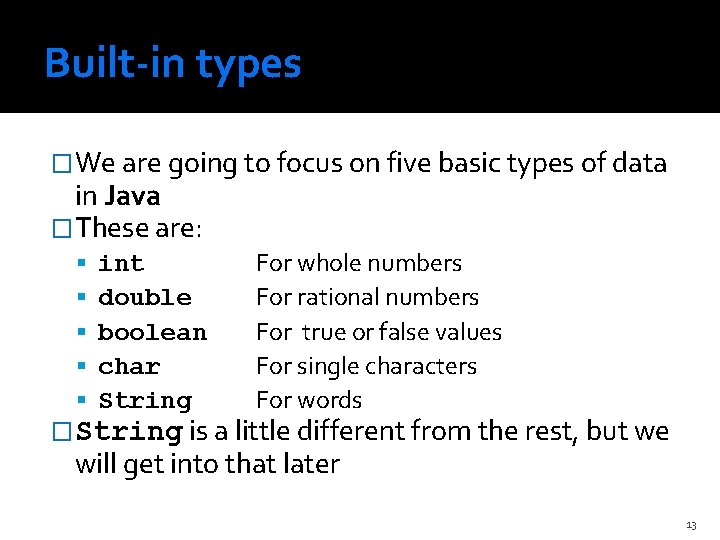
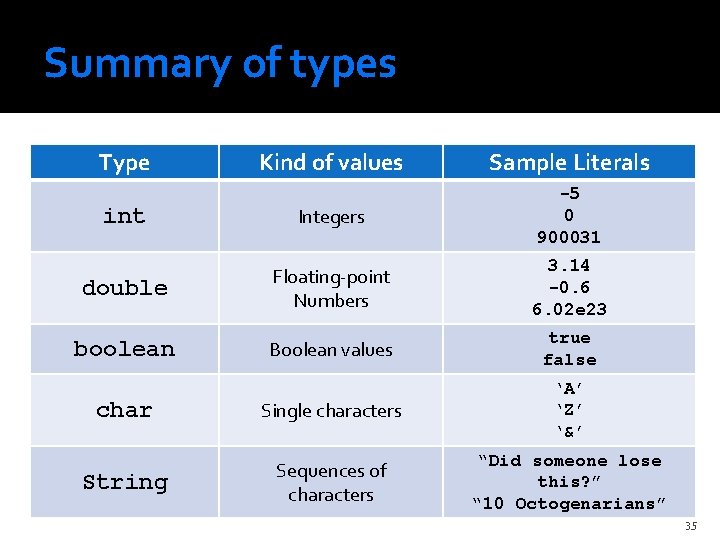
Built-in types �We are going to focus on five basic types of data in Java �These are: int double boolean char String For whole numbers For rational numbers For true or false values For single characters For words �String is a little different from the rest, but we will get into that later 13
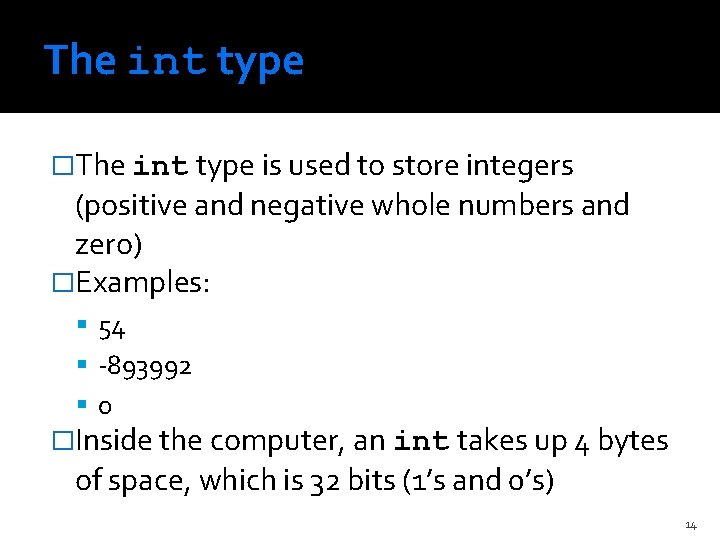
The int type �The int type is used to store integers (positive and negative whole numbers and zero) �Examples: 54 -893992 0 �Inside the computer, an int takes up 4 bytes of space, which is 32 bits (1’s and 0’s) 14
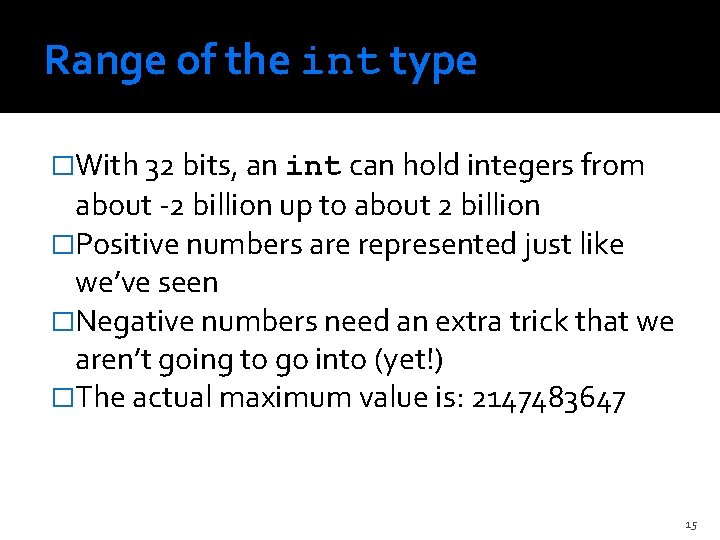
Range of the int type �With 32 bits, an int can hold integers from about -2 billion up to about 2 billion �Positive numbers are represented just like we’ve seen �Negative numbers need an extra trick that we aren’t going to go into (yet!) �The actual maximum value is: 2147483647 15
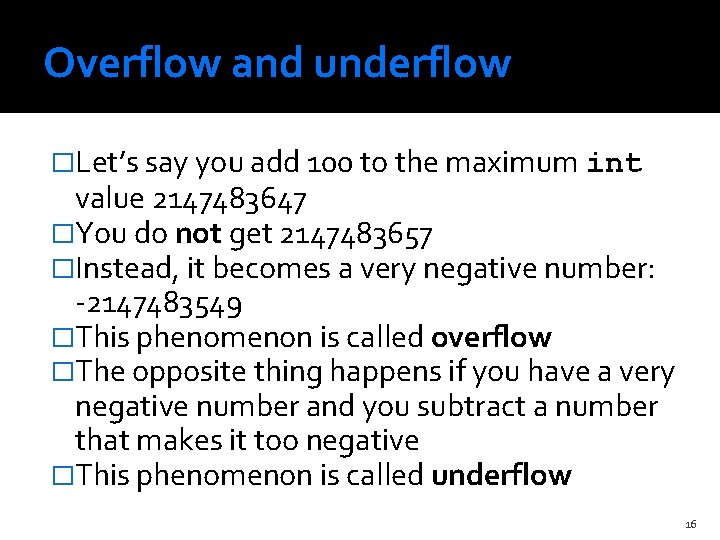
Overflow and underflow �Let’s say you add 100 to the maximum int value 2147483647 �You do not get 2147483657 �Instead, it becomes a very negative number: -2147483549 �This phenomenon is called overflow �The opposite thing happens if you have a very negative number and you subtract a number that makes it too negative �This phenomenon is called underflow 16
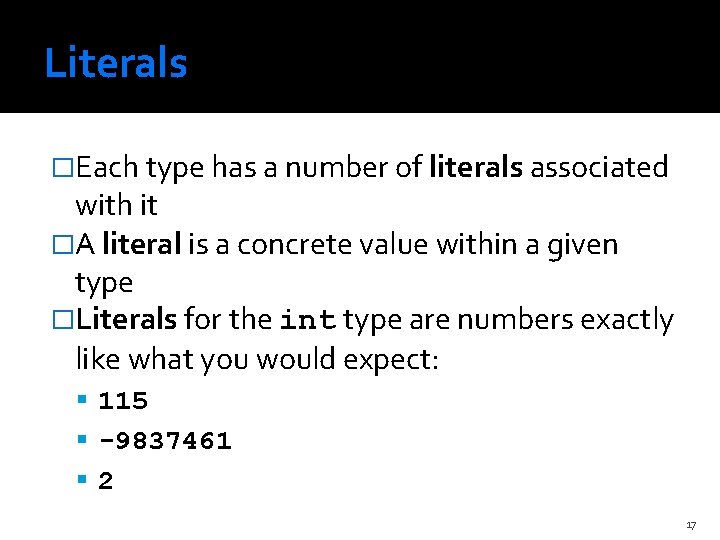
Literals �Each type has a number of literals associated with it �A literal is a concrete value within a given type �Literals for the int type are numbers exactly like what you would expect: 115 -9837461 2 17
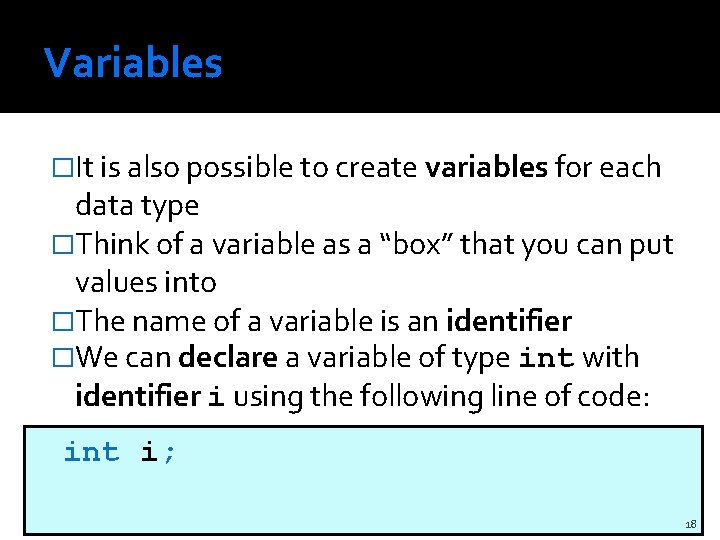
Variables �It is also possible to create variables for each data type �Think of a variable as a “box” that you can put values into �The name of a variable is an identifier �We can declare a variable of type int with identifier i using the following line of code: int i; 18
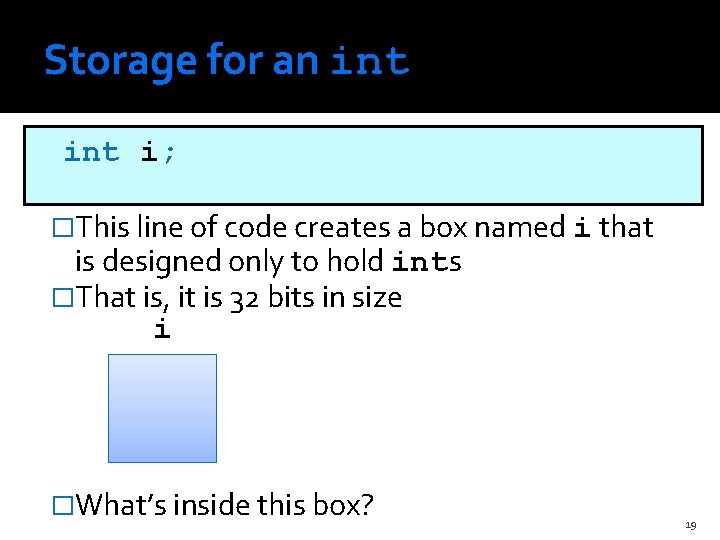
Storage for an int i; �This line of code creates a box named i that is designed only to hold ints �That is, it is 32 bits in size i �What’s inside this box? 19
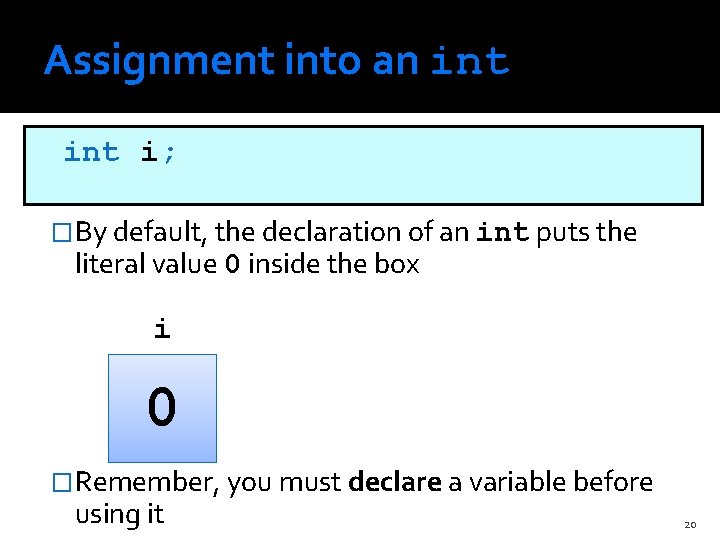
Assignment into an int i; �By default, the declaration of an int puts the literal value 0 inside the box i 0 �Remember, you must declare a variable before using it 20
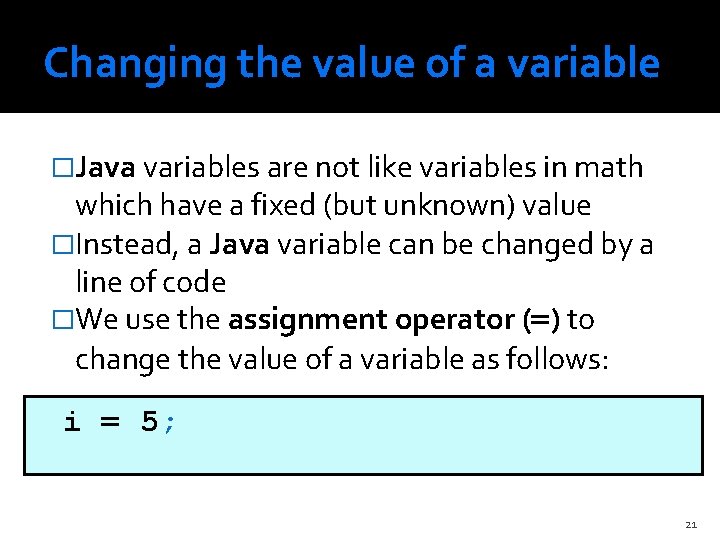
Changing the value of a variable �Java variables are not like variables in math which have a fixed (but unknown) value �Instead, a Java variable can be changed by a line of code �We use the assignment operator (=) to change the value of a variable as follows: i = 5; 21
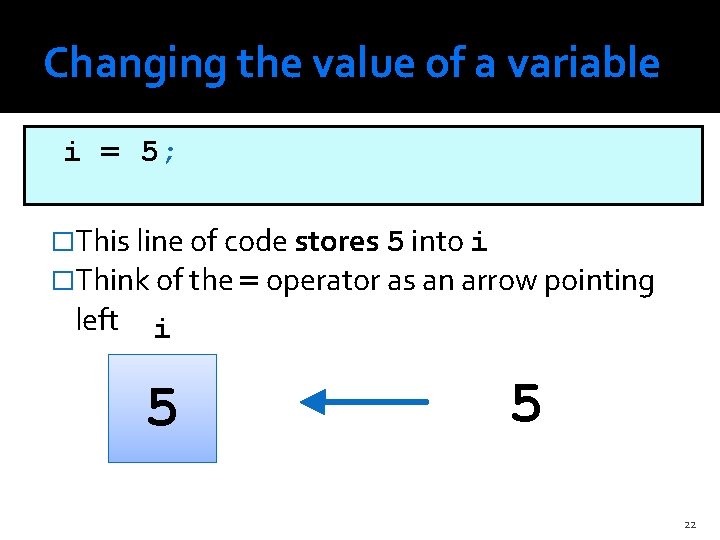
Changing the value of a variable i = 5; �This line of code stores 5 into i �Think of the = operator as an arrow pointing left i 0 5 5 22
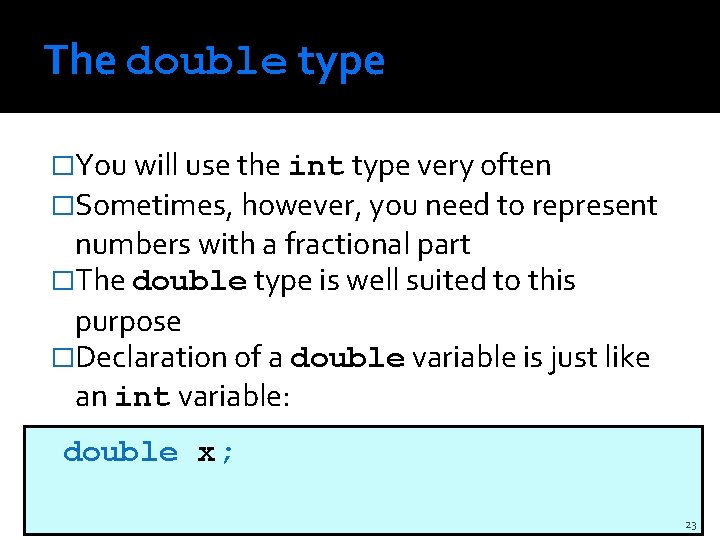
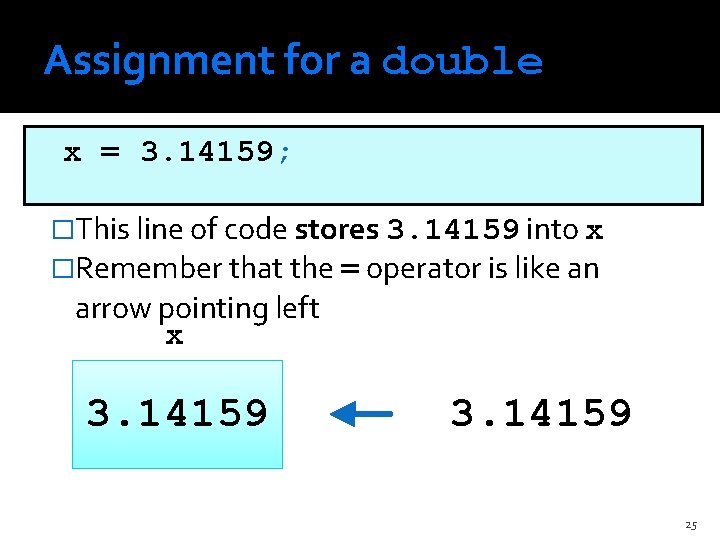
The double type �You will use the int type very often �Sometimes, however, you need to represent numbers with a fractional part �The double type is well suited to this purpose �Declaration of a double variable is just like an int variable: double x; 23
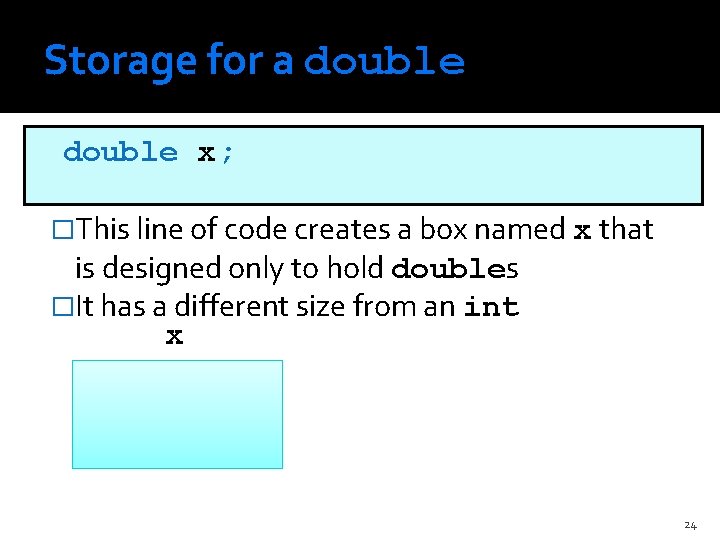
Storage for a double x; �This line of code creates a box named x that is designed only to hold doubles �It has a different size from an int x 24
Assignment for a double x = 3. 14159; �This line of code stores 3. 14159 into x �Remember that the = operator is like an arrow pointing left x 3. 14159 25
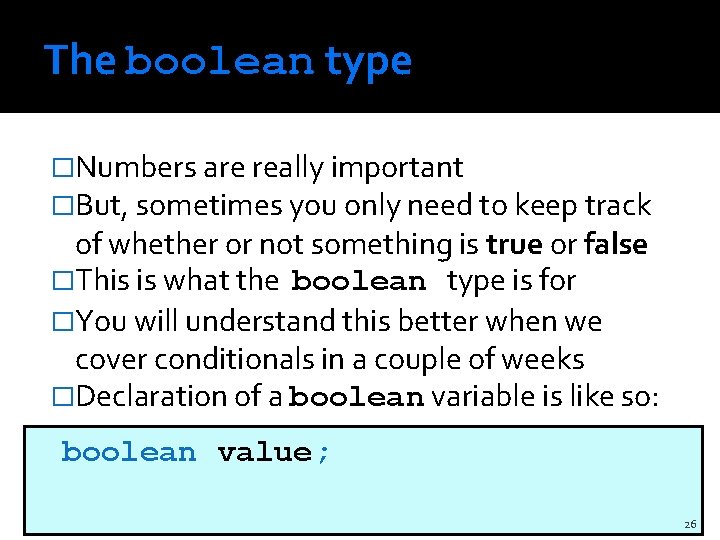
The boolean type �Numbers are really important �But, sometimes you only need to keep track of whether or not something is true or false �This is what the boolean type is for �You will understand this better when we cover conditionals in a couple of weeks �Declaration of a boolean variable is like so: boolean value; 26
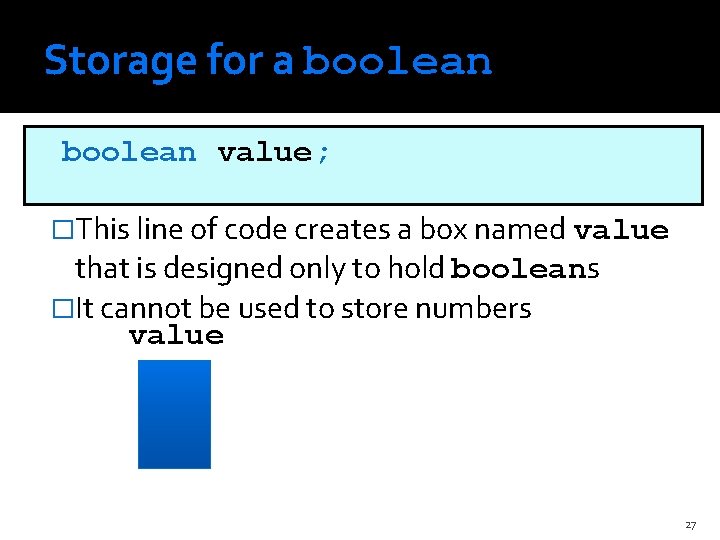
Storage for a boolean value; �This line of code creates a box named value that is designed only to hold booleans �It cannot be used to store numbers value 27
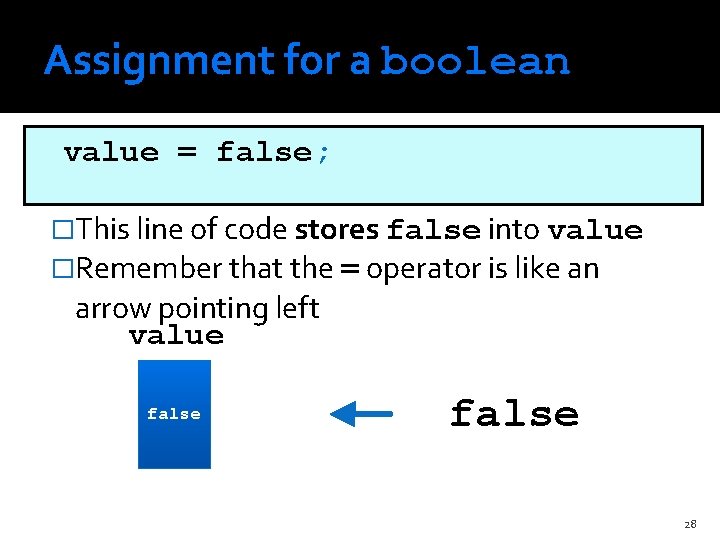
Assignment for a boolean value = false; �This line of code stores false into value �Remember that the = operator is like an arrow pointing left value false 28
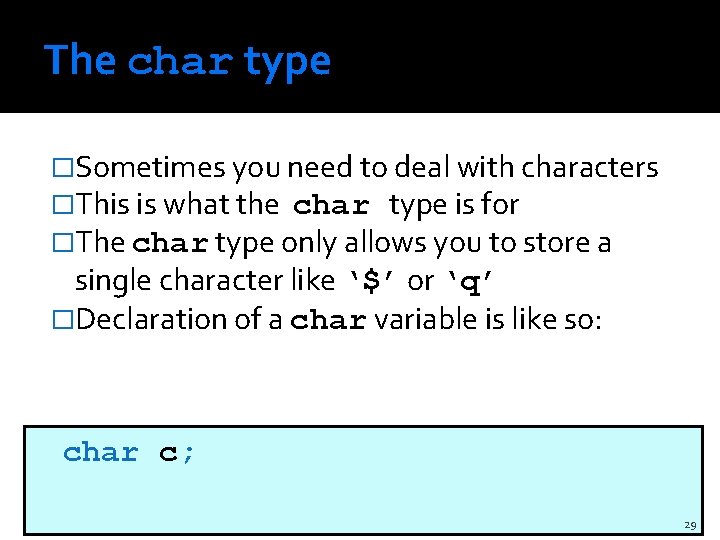
The char type �Sometimes you need to deal with characters �This is what the char type is for �The char type only allows you to store a single character like ‘$’ or ‘q’ �Declaration of a char variable is like so: char c; 29
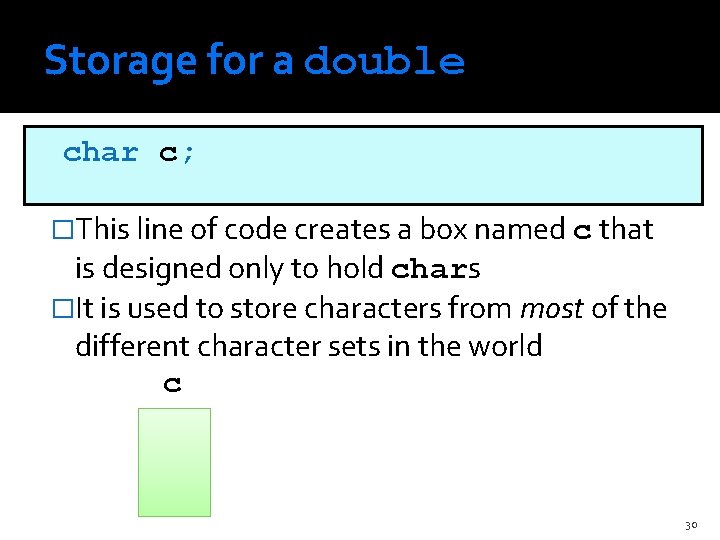
Storage for a double char c; �This line of code creates a box named c that is designed only to hold chars �It is used to store characters from most of the different character sets in the world c 30
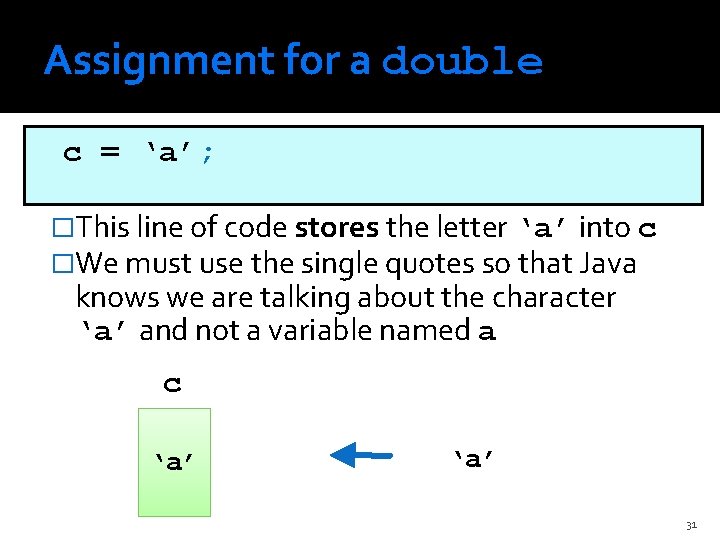
Assignment for a double c = ‘a’; �This line of code stores the letter ‘a’ into c �We must use the single quotes so that Java knows we are talking about the character ‘a’ and not a variable named a c ‘a’ 31
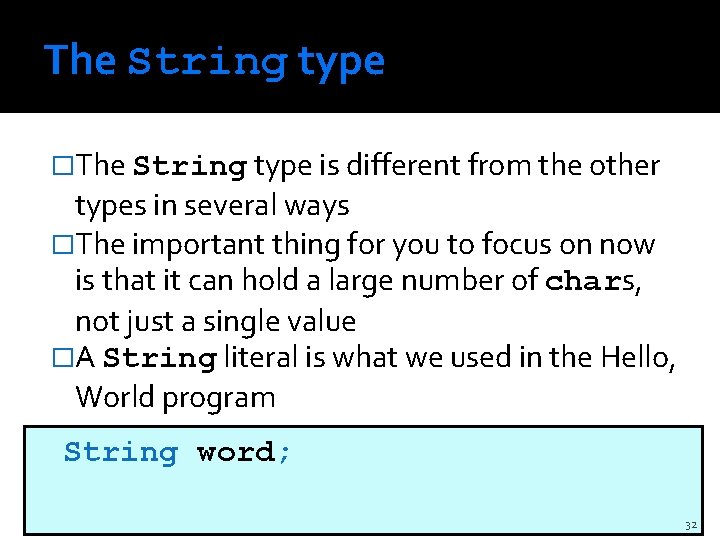
The String type �The String type is different from the other types in several ways �The important thing for you to focus on now is that it can hold a large number of chars, not just a single value �A String literal is what we used in the Hello, World program String word; 32
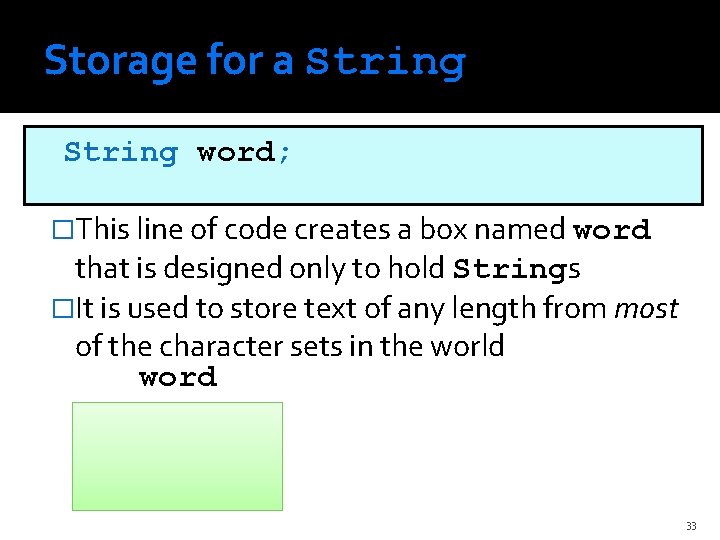
Storage for a String word; �This line of code creates a box named word that is designed only to hold Strings �It is used to store text of any length from most of the character sets in the world word 33
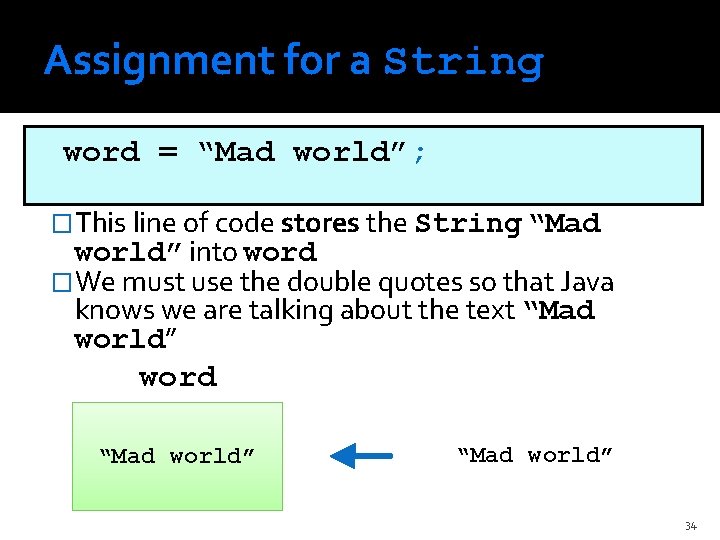
Assignment for a String word = “Mad world”; �This line of code stores the String “Mad world” into word �We must use the double quotes so that Java knows we are talking about the text “Mad world” word “Mad world” 34
Summary of types Type Kind of values Sample Literals int Integers -5 0 900031 double Floating-point Numbers 3. 14 -0. 6 6. 02 e 23 boolean Boolean values true false char Single characters ‘A’ ‘Z’ ‘&’ String Sequences of characters “Did someone lose this? ” “ 10 Octogenarians” 35
Where we are headed �We are going to learn how to make Java do all kinds of operations on our built-in data types �Add, subtract, multiply, and divide for numerical types �Concatenation and manipulation for chars and Strings �With those simple tools, we can make a program that can automatically do calculations for us 36