
Week 1 Welcome Introductions Overview of the learnonline



- Slides: 17
Week 1
§ Welcome, Introductions § Overview of the learnonline site § Course Outline § Assessment Tasks § Learning Tasks § Introductions § What are Digital Literacies? § Your own Digital Literacies § Reading Task § Preparation for next week
§ Navigating the Learnonline site § Course Expectations § Attendance § Class preparation § Course calendar
§ Your task is to make a case for the importance of teachers making use of digital technologies in the classroom and then identify a tool that teachers can use to ‘overcome their struggles’ with making use of digital technologies. § This assignment should be presented in the form of a report with the use of headings and a reference list. § You should structure your report as follows § INTRODUCTION: provide a brief overview about the importance of using digital technologies in a primary classroom. You will need to make use of academic literature to validate your case. (Approximately 300 words) § TEACHING TOOL DESCRIPTION: (Approximately 500 words) § Identify a digital tool (e. g. i. Pad/tablet, interactive whiteboard, smart table, digital camera, laptop/computer, games console, mobile phone, etc), appropriate for use by teachers or students in primary classrooms. Provide a brief description of your tool. § Outline the potential strengths and weaknesses of such a tool in a primary classroom. § You will need to use literature to support this discussion. You should try to include academic references if available, but it is appropriate to also make use of websites such as teacher magazines or blogs. § CLASSROOM USE: Describe one illustration of how teachers could make use of your chosen tool in their classrooms. If you are making use of examples you have found online, ensure that you reference the sources appropriately. (Approximately 200 words) § REFERENCE LIST: ensure that you acknowledge all sources of information using the Uni. SA Harvard system. Your reference list is not included in the word count. You should include a minimum of 5 references.
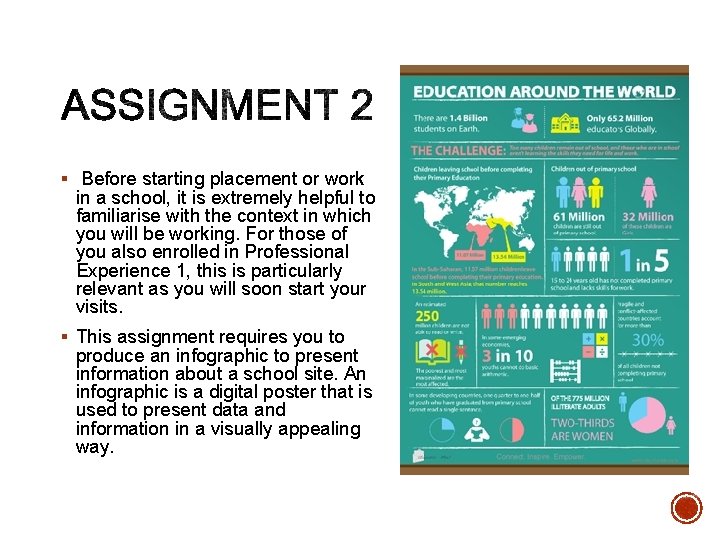
§ Before starting placement or work in a school, it is extremely helpful to familiarise with the context in which you will be working. For those of you also enrolled in Professional Experience 1, this is particularly relevant as you will soon start your visits. § This assignment requires you to produce an infographic to present information about a school site. An infographic is a digital poster that is used to present data and information in a visually appealing way.
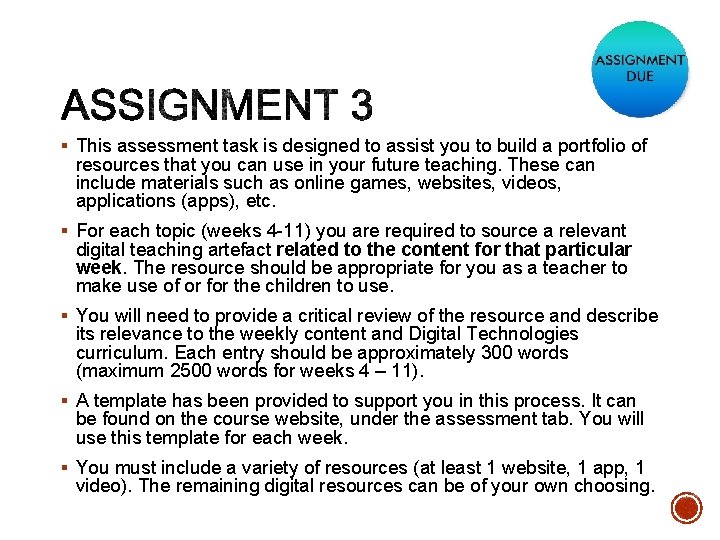
§ This assessment task is designed to assist you to build a portfolio of resources that you can use in your future teaching. These can include materials such as online games, websites, videos, applications (apps), etc. § For each topic (weeks 4 -11) you are required to source a relevant digital teaching artefact related to the content for that particular week. The resource should be appropriate for you as a teacher to make use of or for the children to use. § You will need to provide a critical review of the resource and describe its relevance to the weekly content and Digital Technologies curriculum. Each entry should be approximately 300 words (maximum 2500 words for weeks 4 – 11). § A template has been provided to support you in this process. It can be found on the course website, under the assessment tab. You will use this template for each week. § You must include a variety of resources (at least 1 website, 1 app, 1 video). The remaining digital resources can be of your own choosing.
§ Attendance § Come to class having completed weekly ‘lecture’ materials and reading § Workshop Protocols § Start times § Mobile phones
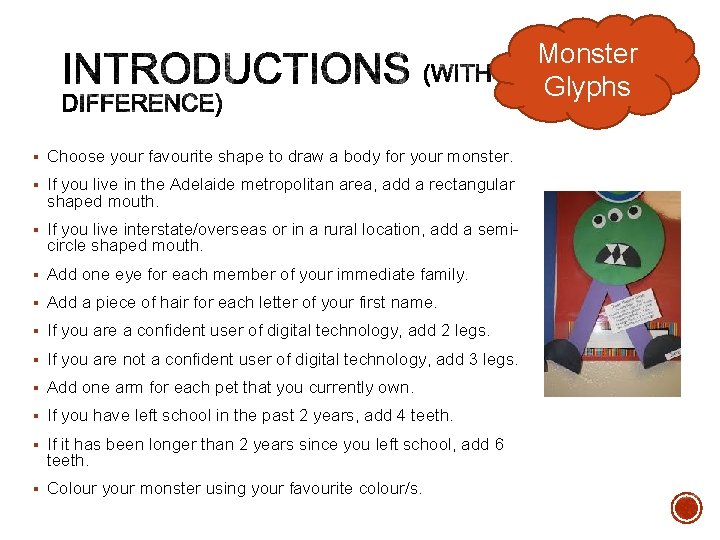
Monster Glyphs § Choose your favourite shape to draw a body for your monster. § If you live in the Adelaide metropolitan area, add a rectangular shaped mouth. § If you live interstate/overseas or in a rural location, add a semi- circle shaped mouth. § Add one eye for each member of your immediate family. § Add a piece of hair for each letter of your first name. § If you are a confident user of digital technology, add 2 legs. § If you are not a confident user of digital technology, add 3 legs. § Add one arm for each pet that you currently own. § If you have left school in the past 2 years, add 4 teeth. § If it has been longer than 2 years since you left school, add 6 teeth. § Colour your monster using your favourite colour/s.
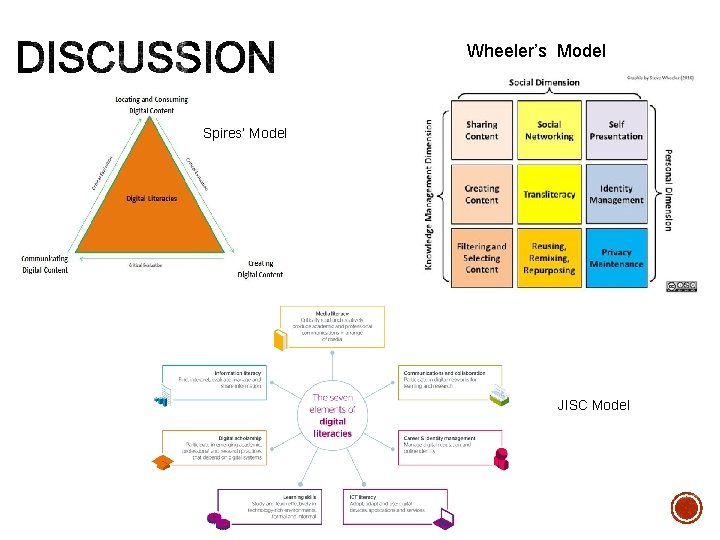
Wheeler’s Model Spires’ Model JISC Model
§ Digital natives vs digital immigrants - Visitors or immigrants § Are you a digital native, immigrant, visitor or resident? § How did you make your decision?
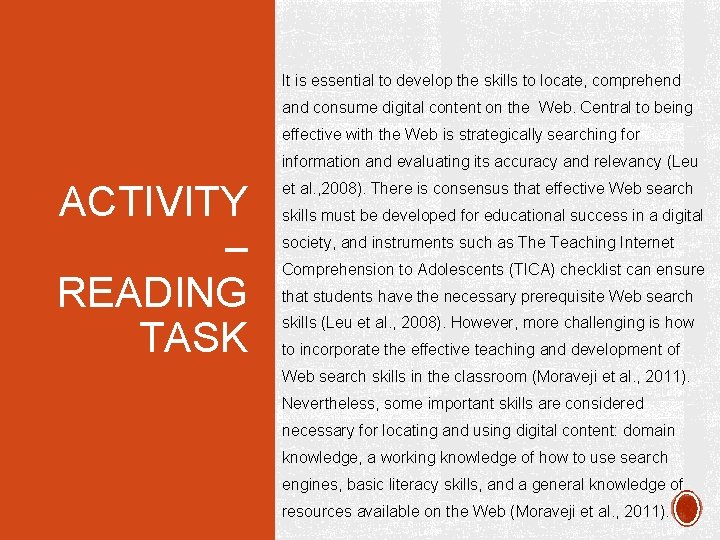
It is essential to develop the skills to locate, comprehend and consume digital content on the Web. Central to being effective with the Web is strategically searching for information and evaluating its accuracy and relevancy (Leu ACTIVITY – READING TASK et al. , 2008). There is consensus that effective Web search skills must be developed for educational success in a digital society, and instruments such as The Teaching Internet Comprehension to Adolescents (TICA) checklist can ensure that students have the necessary prerequisite Web search skills (Leu et al. , 2008). However, more challenging is how to incorporate the effective teaching and development of Web search skills in the classroom (Moraveji et al. , 2011). Nevertheless, some important skills are considered necessary for locating and using digital content: domain knowledge, a working knowledge of how to use search engines, basic literacy skills, and a general knowledge of resources available on the Web (Moraveji et al. , 2011).
ACTIVITY – READING TASK 1. What is the name of the checklist that can determine if the students have the necessary web search skills? 2. What are the skills that are considered necessary for locating and using digital content? 3. Name one of the references cited in the excerpt.
• Take a copy of this week’s reading, together with a highlighter and/or pen/pencil and read through the article ACTIVITY – READING TASK • Underline key ideas – most paragraphs will begin with a topic sentence, which identifies the focus on that paragraph. • Circle any phrases you want to remember. • Place a star next to important ideas • Put a question mark next to anything you do not understand or are unsure of – this could be ideas or words you are unfamiliar with and need to look up. • Use the margins of the article to write any thoughts, ideas or questions you have as you read. • You could use different coloured highlighters to do this.
ACTIVITY – READING TASK 1. What categories do Spires and Bartlett use to divide the processes associated with digital literacy? 2. What did Australia do in 2008 to provide a quality digital education? 3. What does the term ‘deictic’ mean?
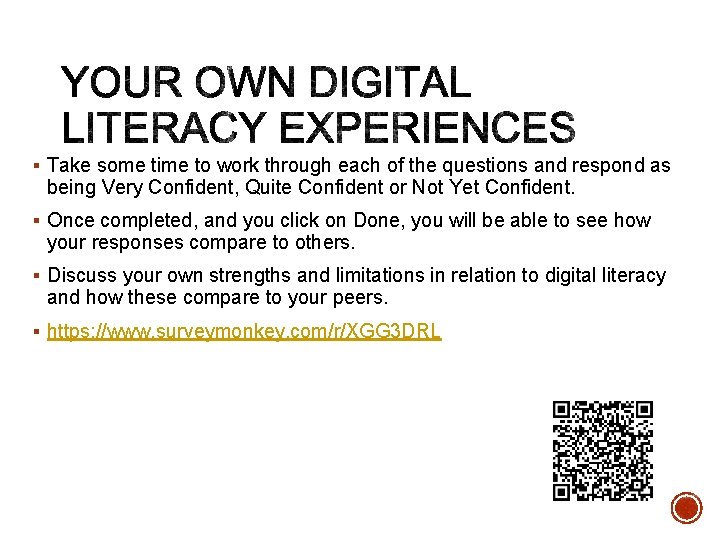
§ Take some time to work through each of the questions and respond as being Very Confident, Quite Confident or Not Yet Confident. § Once completed, and you click on Done, you will be able to see how your responses compare to others. § Discuss your own strengths and limitations in relation to digital literacy and how these compare to your peers. § https: //www. surveymonkey. com/r/XGG 3 DRL
§ Work through Topic 2 § Read and note the lecture materials for Topic 2 § Complete the reading and bring notes with you to class