
Week 1 Class Expectations and Computer Care Class
- Slides: 8
Week 1 Class Expectations and Computer Care
Class Expectations Arrive to class on time, prepared to learn with all materials needed Follow directions Respect yourself, your instructor, and classmates at all times Turn off electronic devices during class
Class Expectations Pay attention, participate, and ask questions Use appropriate language Take responsibility for your actions Maintain personal boundaries and keep hands and feet to yourself Do your best
Computer Care Instructions Clean Computers Just as you wipe down the counters every day, you should wipe down the keyboard and the mouse with the wipes indicated by your instructor. Please DO NOT use these wipes on the front of the monitor – only use a soft cloth to clean the monitors.
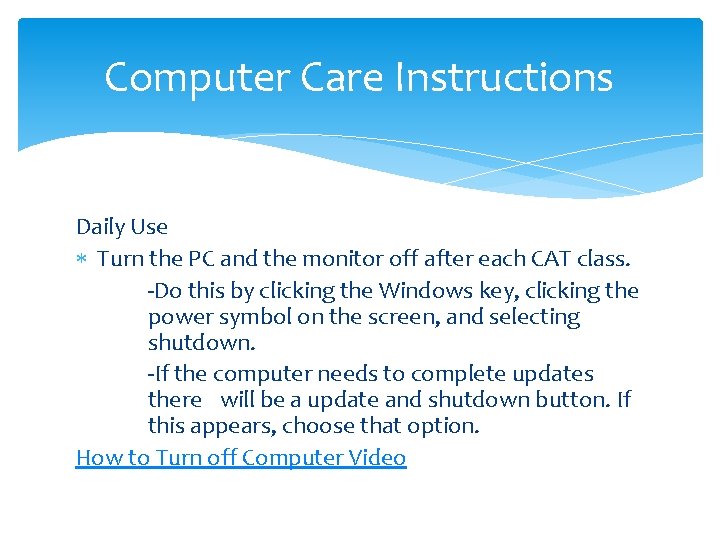
Computer Care Instructions Daily Use Turn the PC and the monitor off after each CAT class. -Do this by clicking the Windows key, clicking the power symbol on the screen, and selecting shutdown. -If the computer needs to complete updates there will be a update and shutdown button. If this appears, choose that option. How to Turn off Computer Video
Pretest This is just a way for me to see where you are with the material we will cover in this course. When you are finished, please bring the test and cover sheet to me.
Independent Work Please answer the following: -What do you expect to learn in this class? -Why are you taking this class? -List any questions you have about this class.
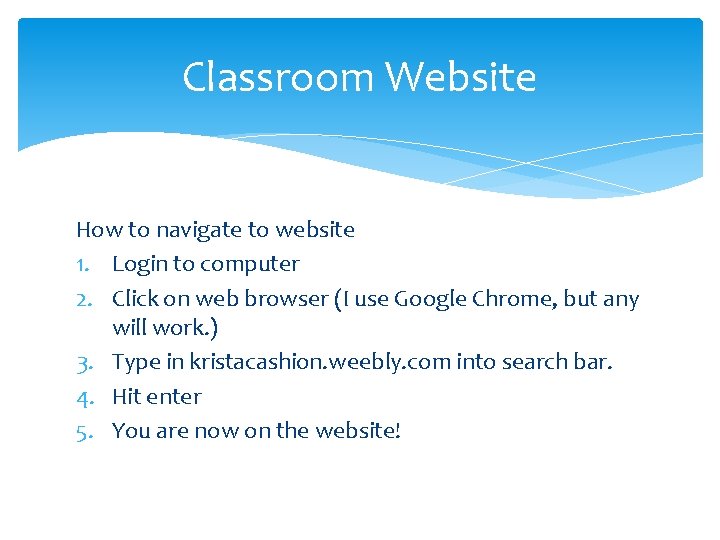
Classroom Website How to navigate to website 1. Login to computer 2. Click on web browser (I use Google Chrome, but any will work. ) 3. Type in kristacashion. weebly. com into search bar. 4. Hit enter 5. You are now on the website!