
Website Security ISYS 512 Authentication Authentication is the
Website Security ISYS 512
Authentication • Authentication is the process that determines the identity of a user.
Forms Authentication • Use username and password to authenticate user. • Once the Forms authentication is enabled, pages cannot be accessed unless the user has the proper authentication. Without authentication, user is redirected to a login page. • If authenticated, an Authentication Ticket is issued in the form of a cookie and user is redirected back to the requested page.
Forms Authentication Ticket • After verifying the submitted credentials, a forms authentication ticket is created for the user. This ticket indicates that the user has been authenticated and includes identifying information, such as the username. The forms authentication ticket is stored as a cookie on the client computer. Therefore, subsequent visits to the website include the forms authentication ticket in the HTTP request, thereby enabling the web application to identify the user once they have logged in.
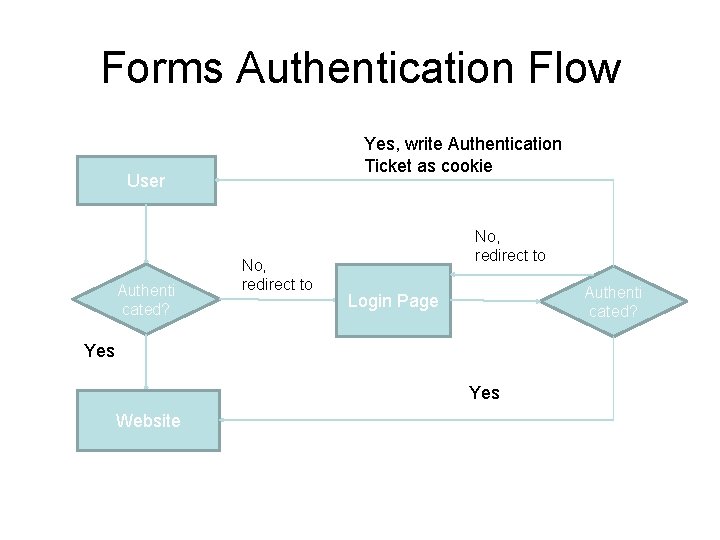
Forms Authentication Flow Yes, write Authentication Ticket as cookie User Authenti cated? No, redirect to Authenti cated? Login Page Yes Website
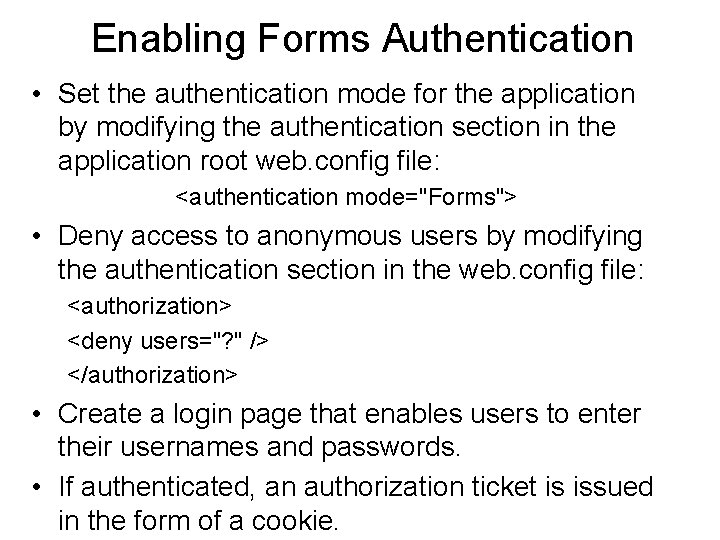
Enabling Forms Authentication • Set the authentication mode for the application by modifying the authentication section in the application root web. config file: <authentication mode="Forms"> • Deny access to anonymous users by modifying the authentication section in the web. config file: <authorization> <deny users="? " /> </authorization> • Create a login page that enables users to enter their usernames and passwords. • If authenticated, an authorization ticket is issued in the form of a cookie.
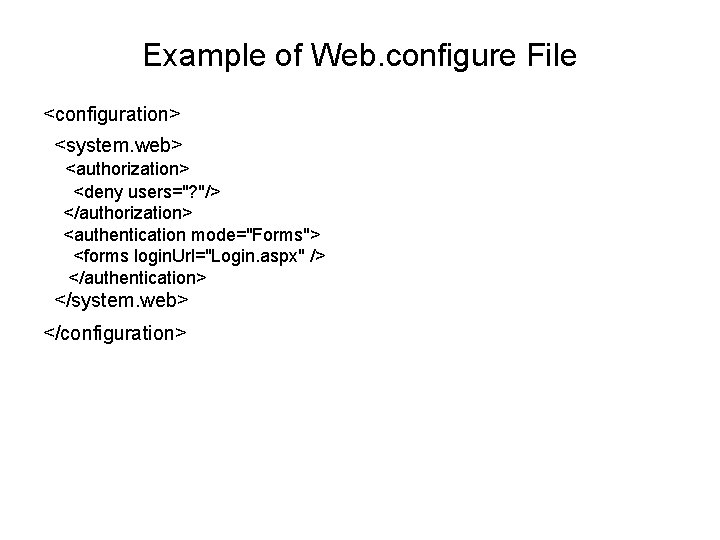
Example of Web. configure File <configuration> <system. web> <authorization> <deny users="? "/> </authorization> <authentication mode="Forms"> <forms login. Url="Login. aspx" /> </authentication> </system. web> </configuration>
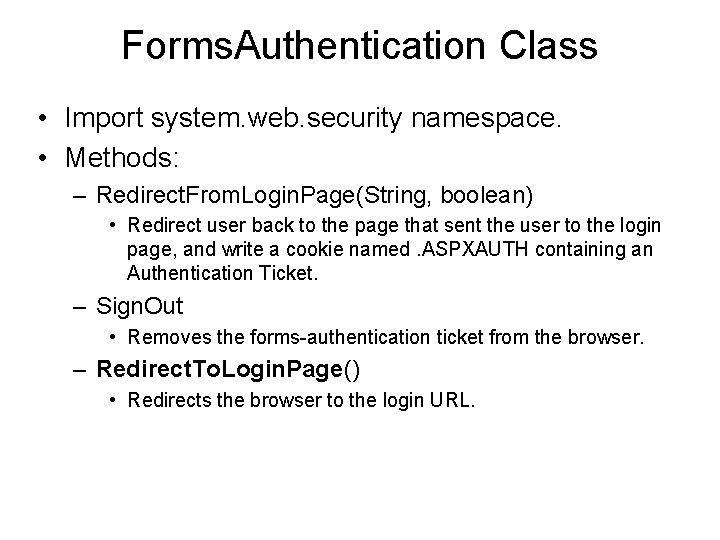
Forms. Authentication Class • Import system. web. security namespace. • Methods: – Redirect. From. Login. Page(String, boolean) • Redirect user back to the page that sent the user to the login page, and write a cookie named. ASPXAUTH containing an Authentication Ticket. – Sign. Out • Removes the forms-authentication ticket from the browser. – Redirect. To. Login. Page() • Redirects the browser to the login URL.
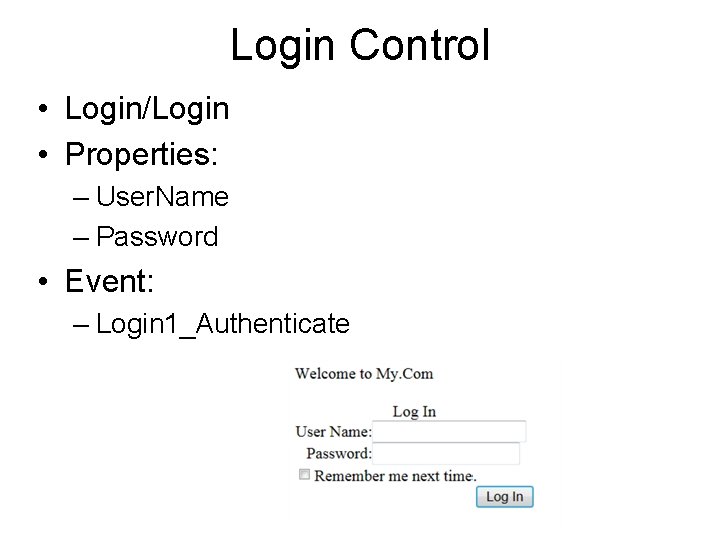
Login Control • Login/Login • Properties: – User. Name – Password • Event: – Login 1_Authenticate
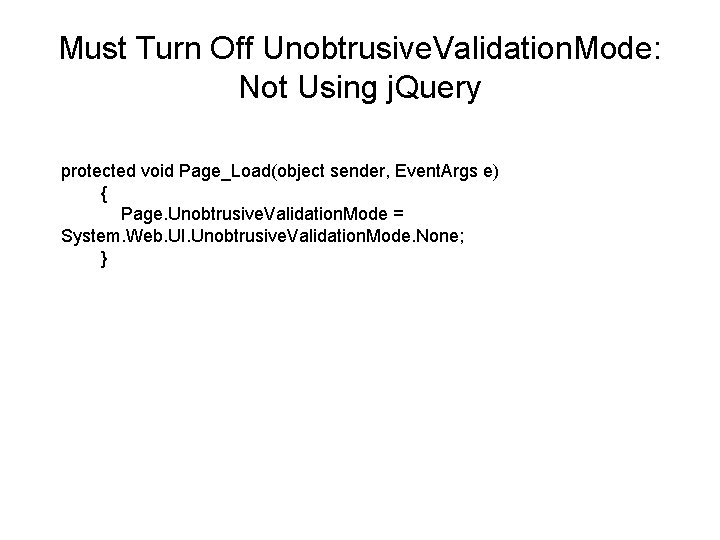
Must Turn Off Unobtrusive. Validation. Mode: Not Using j. Query protected void Page_Load(object sender, Event. Args e) { Page. Unobtrusive. Validation. Mode = System. Web. UI. Unobtrusive. Validation. Mode. None; }
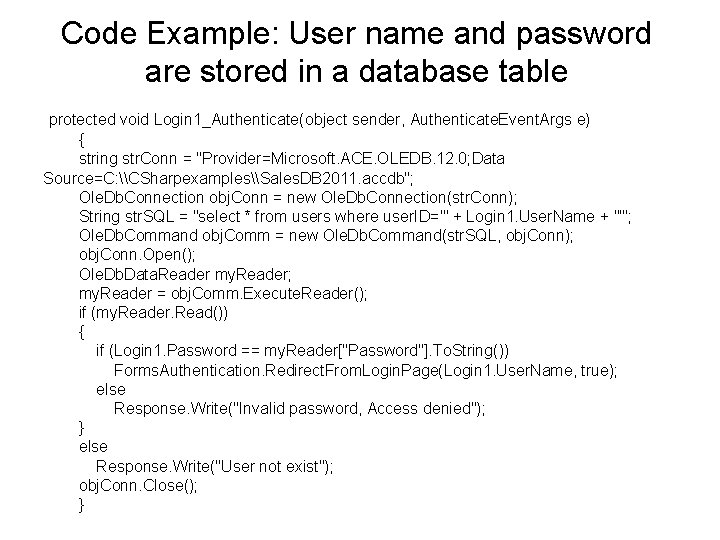
Code Example: User name and password are stored in a database table protected void Login 1_Authenticate(object sender, Authenticate. Event. Args e) { string str. Conn = "Provider=Microsoft. ACE. OLEDB. 12. 0; Data Source=C: \CSharpexamples\Sales. DB 2011. accdb"; Ole. Db. Connection obj. Conn = new Ole. Db. Connection(str. Conn); String str. SQL = "select * from users where user. ID='" + Login 1. User. Name + "'"; Ole. Db. Command obj. Comm = new Ole. Db. Command(str. SQL, obj. Conn); obj. Conn. Open(); Ole. Db. Data. Reader my. Reader; my. Reader = obj. Comm. Execute. Reader(); if (my. Reader. Read()) { if (Login 1. Password == my. Reader["Password"]. To. String()) Forms. Authentication. Redirect. From. Login. Page(Login 1. User. Name, true); else Response. Write("Invalid password, Access denied"); } else Response. Write("User not exist"); obj. Conn. Close(); }
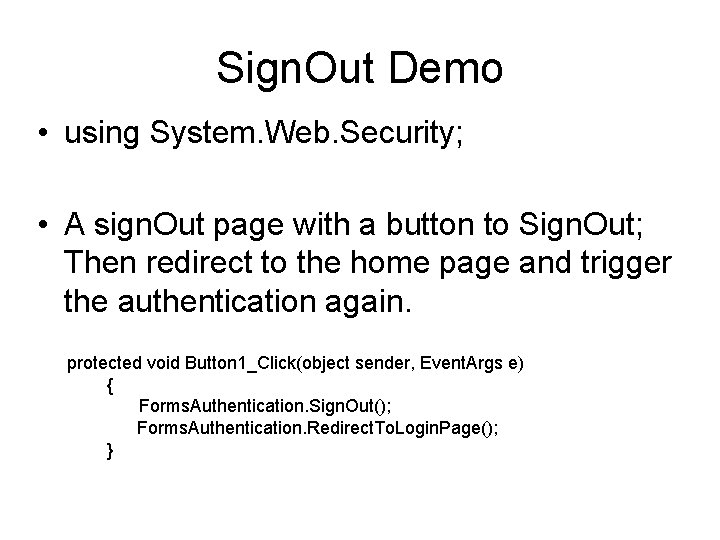
Sign. Out Demo • using System. Web. Security; • A sign. Out page with a button to Sign. Out; Then redirect to the home page and trigger the authentication again. protected void Button 1_Click(object sender, Event. Args e) { Forms. Authentication. Sign. Out(); Forms. Authentication. Redirect. To. Login. Page(); }
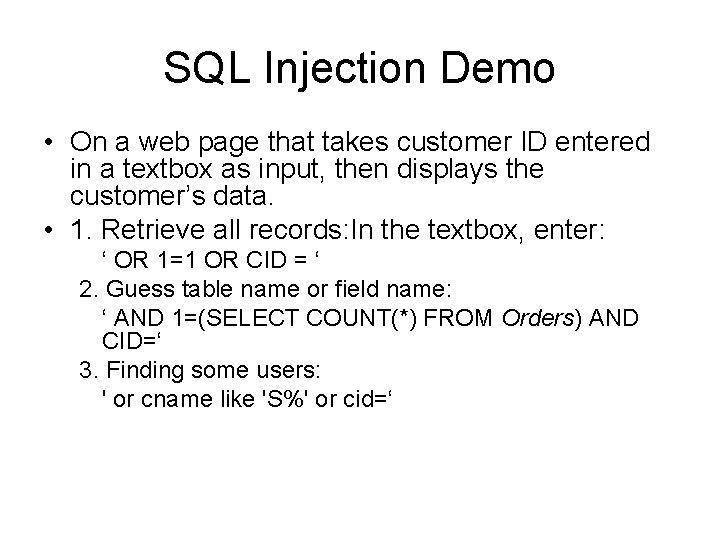
SQL Injection Demo • On a web page that takes customer ID entered in a textbox as input, then displays the customer’s data. • 1. Retrieve all records: In the textbox, enter: ‘ OR 1=1 OR CID = ‘ 2. Guess table name or field name: ‘ AND 1=(SELECT COUNT(*) FROM Orders) AND CID=‘ 3. Finding some users: ' or cname like 'S%' or cid=‘
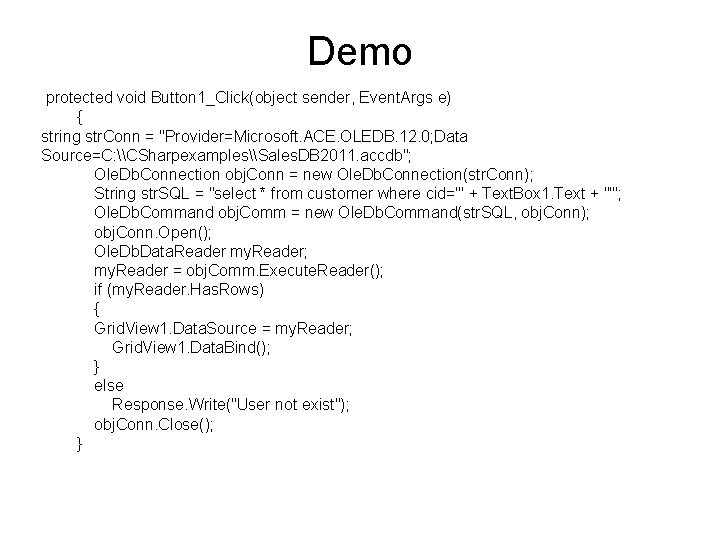
Demo protected void Button 1_Click(object sender, Event. Args e) { string str. Conn = "Provider=Microsoft. ACE. OLEDB. 12. 0; Data Source=C: \CSharpexamples\Sales. DB 2011. accdb"; Ole. Db. Connection obj. Conn = new Ole. Db. Connection(str. Conn); String str. SQL = "select * from customer where cid='" + Text. Box 1. Text + "'"; Ole. Db. Command obj. Comm = new Ole. Db. Command(str. SQL, obj. Conn); obj. Conn. Open(); Ole. Db. Data. Reader my. Reader; my. Reader = obj. Comm. Execute. Reader(); if (my. Reader. Has. Rows) { Grid. View 1. Data. Source = my. Reader; Grid. View 1. Data. Bind(); } else Response. Write("User not exist"); obj. Conn. Close(); }
Validation Controls: May need to turn off JQuery • Required. Field. Validator: – Control to Validate • Range. Validator: – Maximum. Value, Minimum. Value • Compare. Validator: – Control to Validate, Control to compare – Operator such as equal, less than, etc. • Regular. Expression. Validator: – Validation. Expression • Custom. Validator: – Client. Validation. Function;
What is Regular Expression? • Regular expression is a language designed to manipulate text. Users use its extensive patternmatching notations to write regular expressions to: – Search text; – Extract, edit, replace, or delete text substrings; – Validate input data: • values, formats • Examples: – *. doc – Select * From Student Where Sname = ‘C%’;
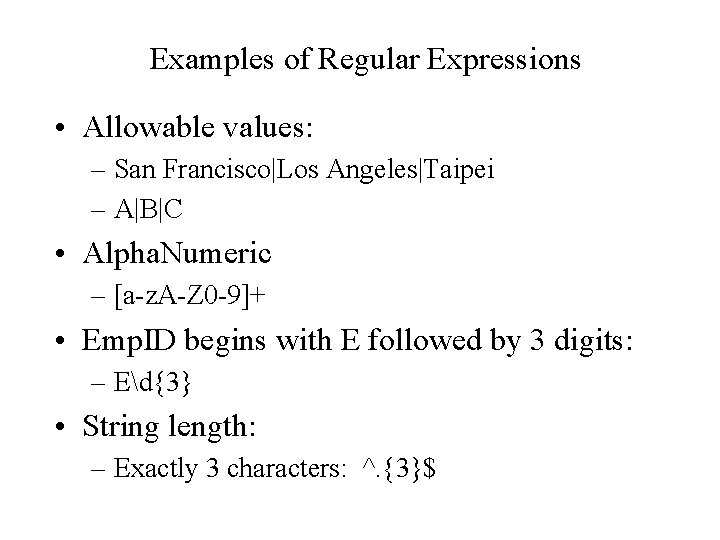
Examples of Regular Expressions • Allowable values: – San Francisco|Los Angeles|Taipei – A|B|C • Alpha. Numeric – [a-z. A-Z 0 -9]+ • Emp. ID begins with E followed by 3 digits: – Ed{3} • String length: – Exactly 3 characters: ^. {3}$
File. Upload Control • Properties: – Posted. File: • This is a System. Web. Http. Posted. File class • File. Name: This name contains the path of the posted file. ’ – Contentlength – Content. Type • Method: – Save. As – this method save the posted file on server.
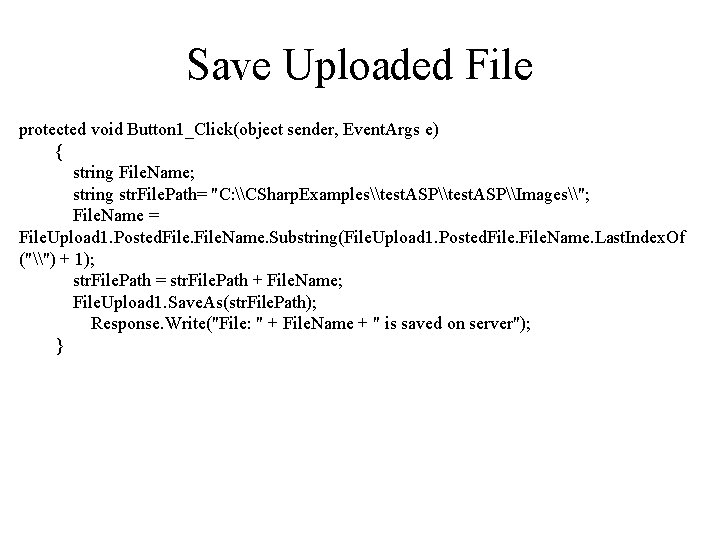
Save Uploaded File protected void Button 1_Click(object sender, Event. Args e) { string File. Name; string str. File. Path= "C: \CSharp. Examples\test. ASP\Images\"; File. Name = File. Upload 1. Posted. File. Name. Substring(File. Upload 1. Posted. File. Name. Last. Index. Of ("\") + 1); str. File. Path = str. File. Path + File. Name; File. Upload 1. Save. As(str. File. Path); Response. Write("File: " + File. Name + " is saved on server"); }
Example of Processing Pictures • Sales. DB database Picture. Tale: – Picture file name: • Relative reference • Absolute reference • Creating links to picture files • Insert pictures in web page – IMG tag example: <img border="0" src="/images/pulpit. jpg" alt="Pulpit rock" width="304" height="228">
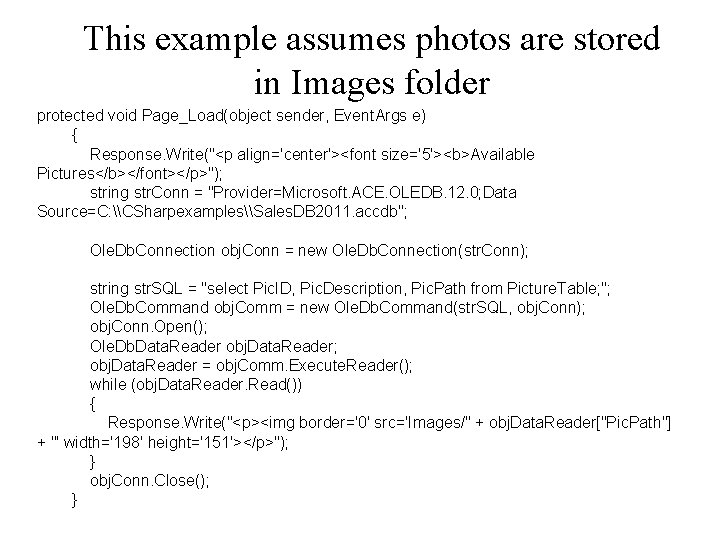
This example assumes photos are stored in Images folder protected void Page_Load(object sender, Event. Args e) { Response. Write("<p align='center'><font size='5'><b>Available Pictures</b></font></p>"); string str. Conn = "Provider=Microsoft. ACE. OLEDB. 12. 0; Data Source=C: \CSharpexamples\Sales. DB 2011. accdb"; Ole. Db. Connection obj. Conn = new Ole. Db. Connection(str. Conn); string str. SQL = "select Pic. ID, Pic. Description, Pic. Path from Picture. Table; "; Ole. Db. Command obj. Comm = new Ole. Db. Command(str. SQL, obj. Conn); obj. Conn. Open(); Ole. Db. Data. Reader obj. Data. Reader; obj. Data. Reader = obj. Comm. Execute. Reader(); while (obj. Data. Reader. Read()) { Response. Write("<p><img border='0' src='Images/" + obj. Data. Reader["Pic. Path"] + "' width='198' height='151'></p>"); } obj. Conn. Close(); }
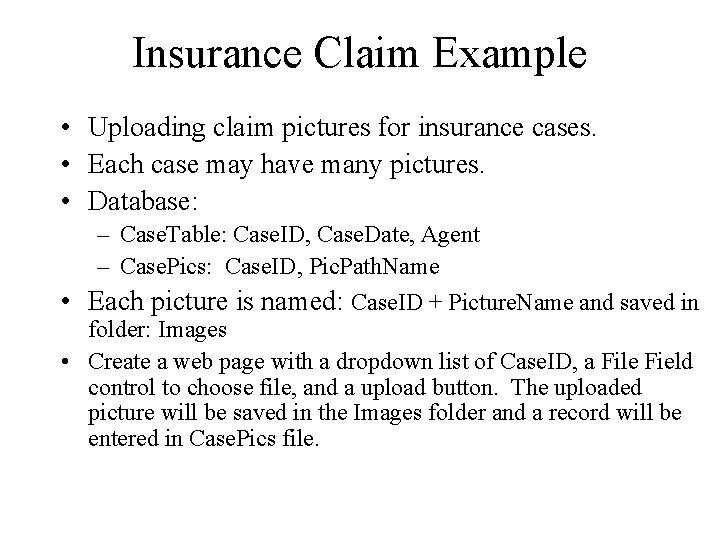
Insurance Claim Example • Uploading claim pictures for insurance cases. • Each case may have many pictures. • Database: – Case. Table: Case. ID, Case. Date, Agent – Case. Pics: Case. ID, Pic. Path. Name • Each picture is named: Case. ID + Picture. Name and saved in folder: Images • Create a web page with a dropdown list of Case. ID, a File Field control to choose file, and a upload button. The uploaded picture will be saved in the Images folder and a record will be entered in Case. Pics file.
- Slides: 22