
Web Workshop CSS Objectives What is CSS Structure
Web Workshop: CSS Objectives: - “What is CSS? ” - Structure of CSS - How to use CSS in your webpage

Whatis is. CSS? (1) CSS stands for “Cascading Style Sheets” Cascading: refers to the procedure that determines which style will apply to a certain section, if you have more than one style rule.
Whatis is. CSS? (2) CSS stands for “Cascading Style Sheets” Style: how you want a certain part of your page to look. You can set things like color, margins, font, etc for things like tables, paragraphs, and headings.

Whatis is. CSS? (3) CSS stands for “Cascading Style Sheets” Sheets: the “sheets” are like templates, or a set of rules, for determining how the webpage will look.

Whatis is. CSS? (4) So, CSS (all together) is a styling language – a set of rules to tell browsers how your webpage should look.
Whatisis“Style”? “Style” is a command that you set to tell the browser how a certain section of your webpage should look. You can use style on many HTML “elements” (like <p> <h 1> <table> etc)
How Howtotowritestylerules(1) Two parts: (1) selector and (2) declaration. Selector: the HTML element you want to add style to. <p> <h 1> <table> etc Declaration: the statement of style for that element. Made up of property and value.
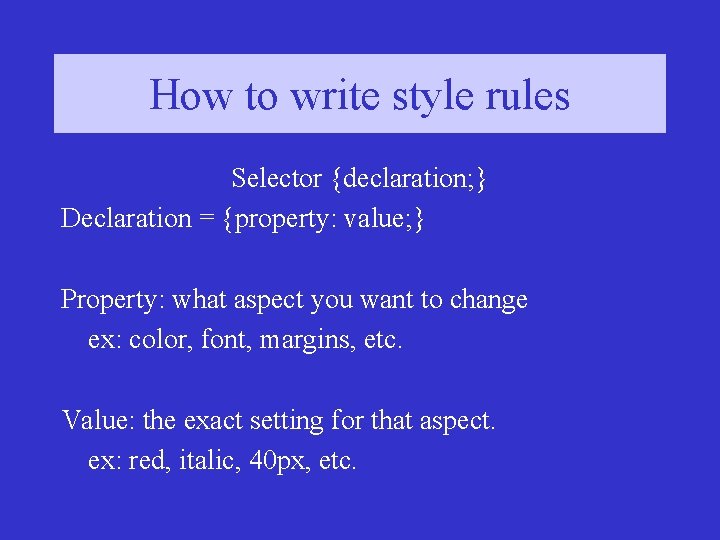
How Howtotowritestylerules(2) Selector {declaration; } Declaration = {property: value; } Property: what aspect you want to change ex: color, font, margins, etc. Value: the exact setting for that aspect. ex: red, italic, 40 px, etc.
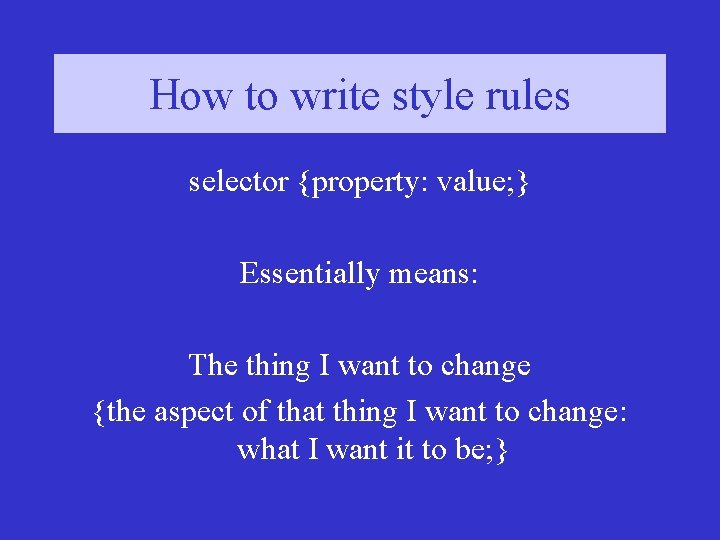
How Howtotowritestylerules(2) selector {property: value; } Essentially means: The thing I want to change {the aspect of that thing I want to change: what I want it to be; }
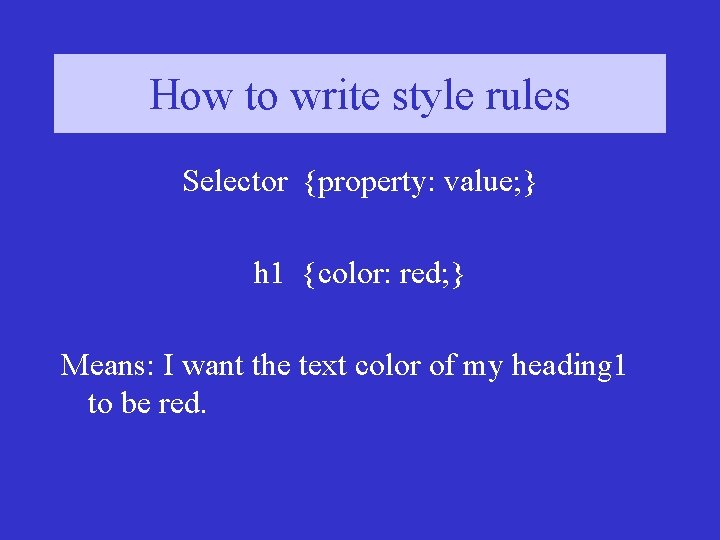
How Howtotowritestylerules(3) Selector {property: value; } h 1 {color: red; } Means: I want the text color of my heading 1 to be red.
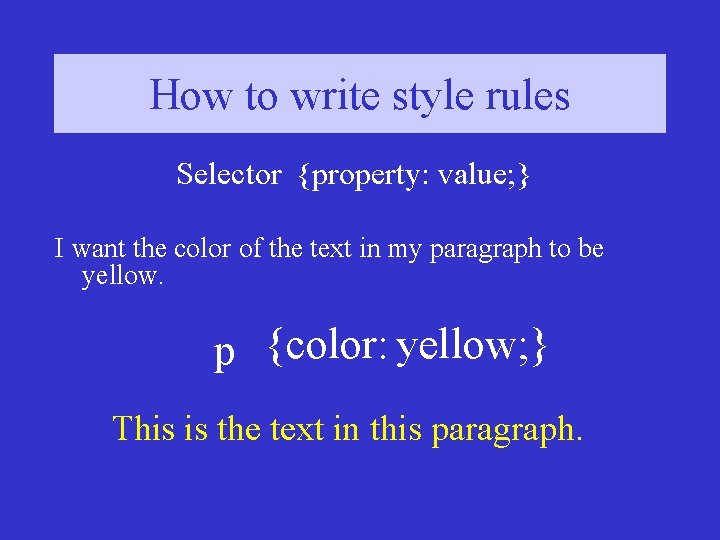
How Howtotowritestylerules(3) Selector {property: value; } I want the color of the text in my paragraph to be yellow. p {color: yellow; } This is the text in this paragraph.
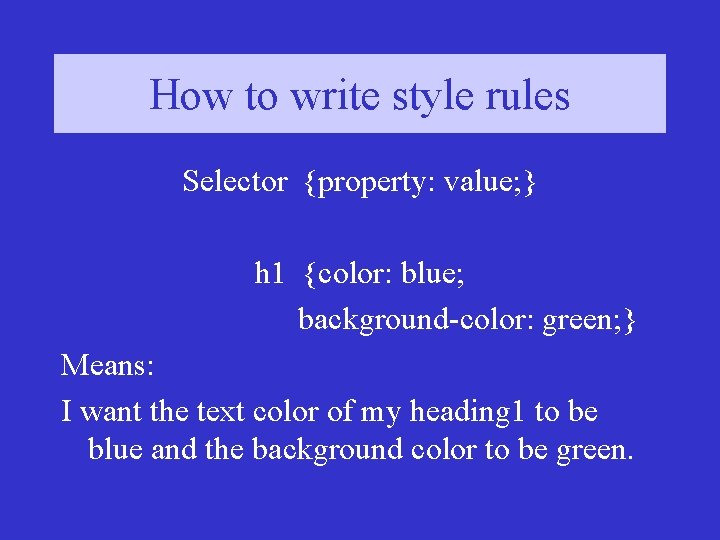
How Howtotowritestylerules(4) Selector {property: value; } h 1 {color: blue; background-color: green; } Means: I want the text color of my heading 1 to be blue and the background color to be green.
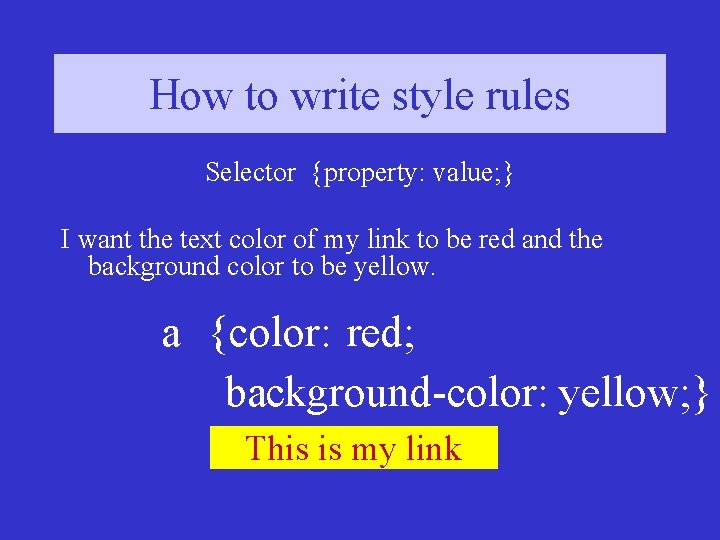
How Howtotowritestylerules(4) Selector {property: value; } I want the text color of my link to be red and the background color to be yellow. a {color: red; background-color: yellow; } This is my link
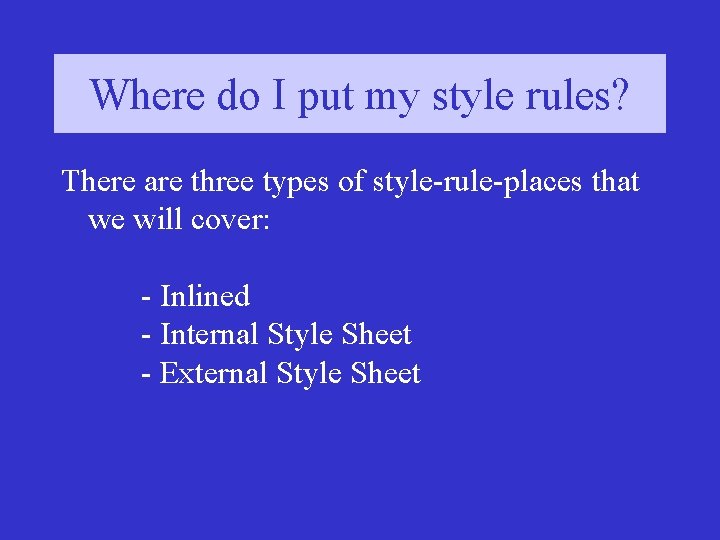
Where. Three do I put types myofstylerules? There are three types of style-rule-places that we will cover: - Inlined - Internal Style Sheet - External Style Sheet
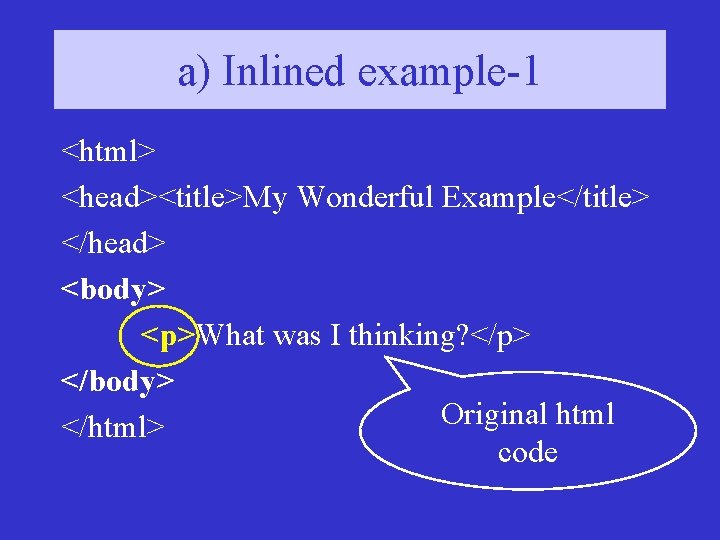
a) Inlined example-1 <html> <head><title>My Wonderful Example</title> </head> <body> <p>What was I thinking? </p> </body> Original html </html> code
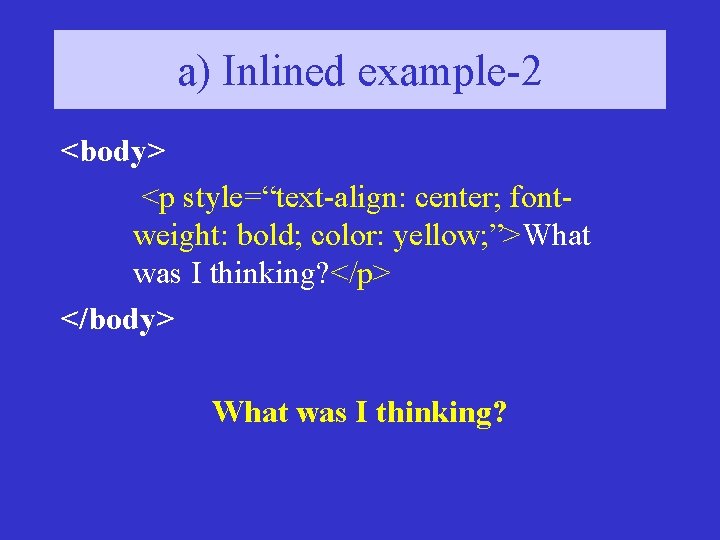
a) Inlined example-2 <body> <p style=“text-align: center; fontweight: bold; color: yellow; ”>What was I thinking? </p> </body> What was I thinking?
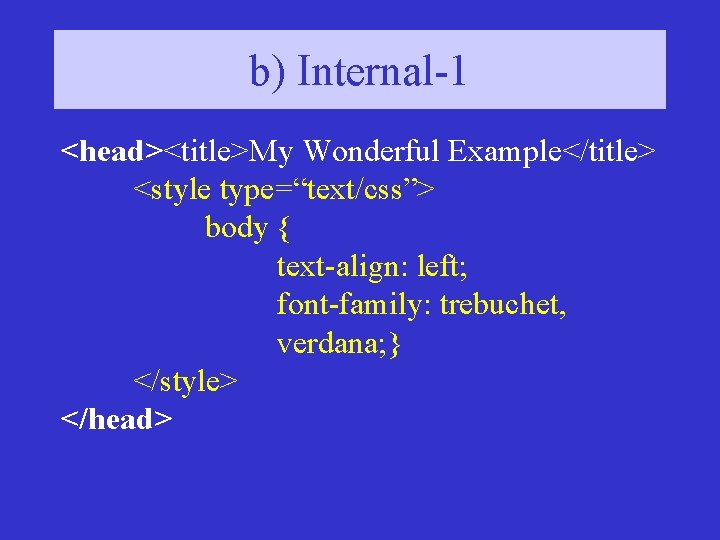
b) Internal-1 <head><title>My Wonderful Example</title> <style type=“text/css”> body { text-align: left; font-family: trebuchet, verdana; } </style> </head>
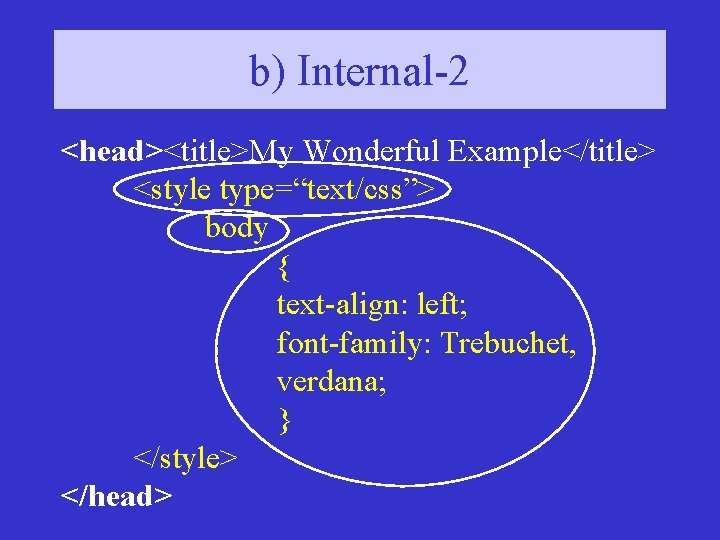
b) Internal-2 <head><title>My Wonderful Example</title> <style type=“text/css”> body { text-align: left; font-family: Trebuchet, verdana; } </style> </head>
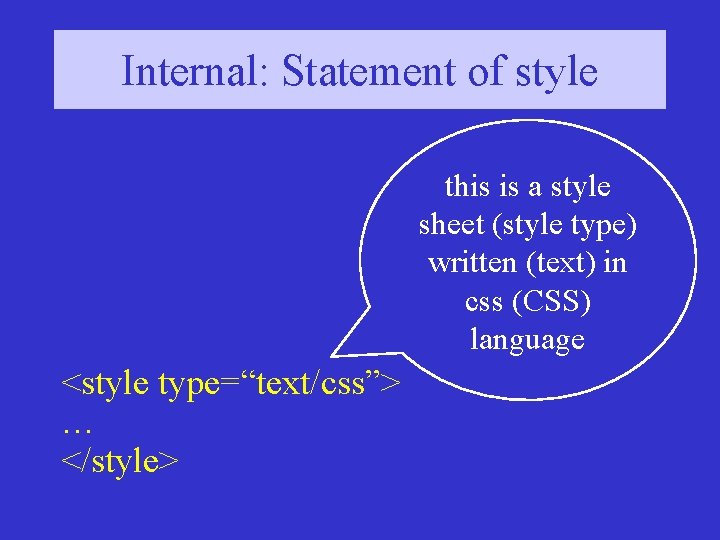
Internal: Statement of style this is a style sheet (style type) written (text) in css (CSS) language <style type=“text/css”> … </style>
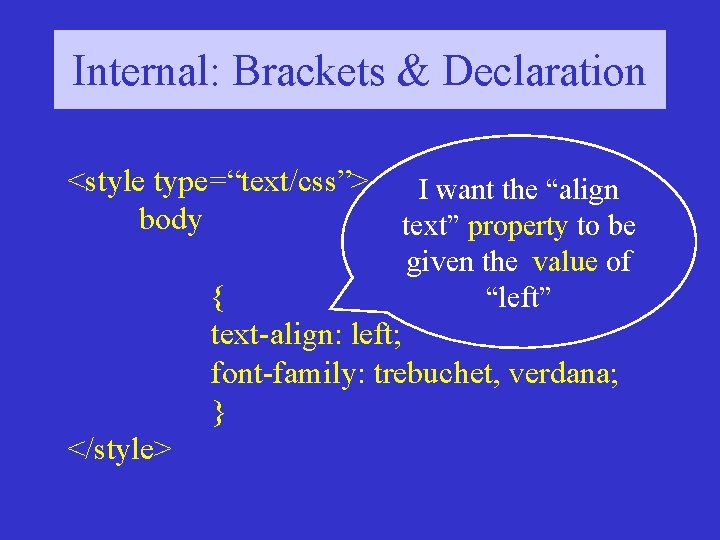
Internal: Brackets & Declaration <style type=“text/css”> body I want the “align text” property to be given the value of “left” { text-align: left; font-family: trebuchet, verdana; } </style>
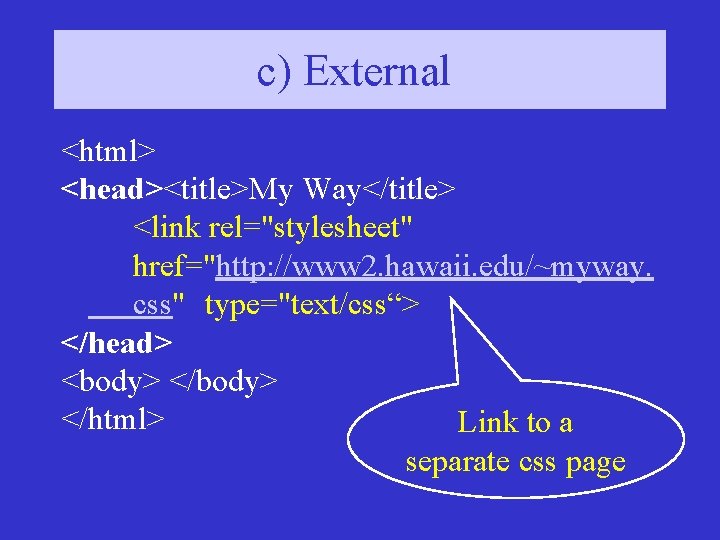
c) External <html> <head><title>My Way</title> <link rel="stylesheet" href="http: //www 2. hawaii. edu/~myway. css" type="text/css“> </head> <body> </html> Link to a separate css page
The end of Basic CSS On to the exercises!
- Slides: 22