
WEB TERMINOLOGY TECHNOLOGIES Internet A collection of computers
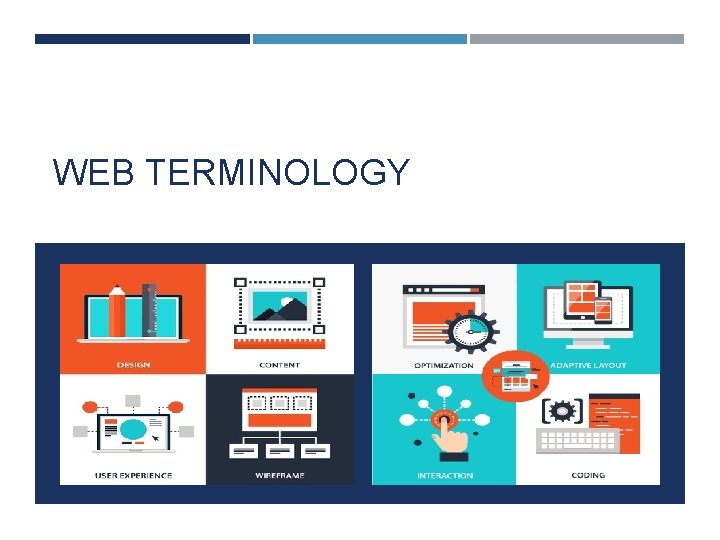
WEB TERMINOLOGY
TECHNOLOGIES Internet: A collection of computers connected to each other through an electronic network. HTML: Hyper. Text Markup Language The basic scripting language all web pages are made of at the most basic level, using tags. Example: anything between these tags means <strong> strong emphasis! </strong> Example to see code: Go to a webpage (e. g. , Apple. com) Chrome: Click browser menu, More Tools > Developer Tools Firefox: Click browser menu, Developer > Page Source Hypertext=linking system CSS: Cascading Style Sheets. A way of formatting web pages for consistent elements from page to page (similar to styles in MS Word but more complex and varied). Browser: A browser translates code into the web page that we see. Browser examples: Chrome, Firefox
W 3 C World Wide Web Consortium (W 3 C) The organization that standardizes technologies for the Web and provides info on those technologies and updates. www. w 3 c. org A great free resource for tutorials, etc. , as well. Examples of members: include Apple, Adobe, Microsoft, etc.
DOMAINS & HOSTING URL: a full web page address (which can be very long), Domain: The core of the address (e. g. , microsoft. com). Domain vs. Hosting Space A domain is just a name (like a home address: Jane. Doe. com). The hosting space is the place your files live (like a house) to be served up to computers on the Web. NOTE: You can buy your domain for about $10 per year at Go. Daddy (or the like) and then forward that domain to any website (e. g. , a free Word. Press site URL).
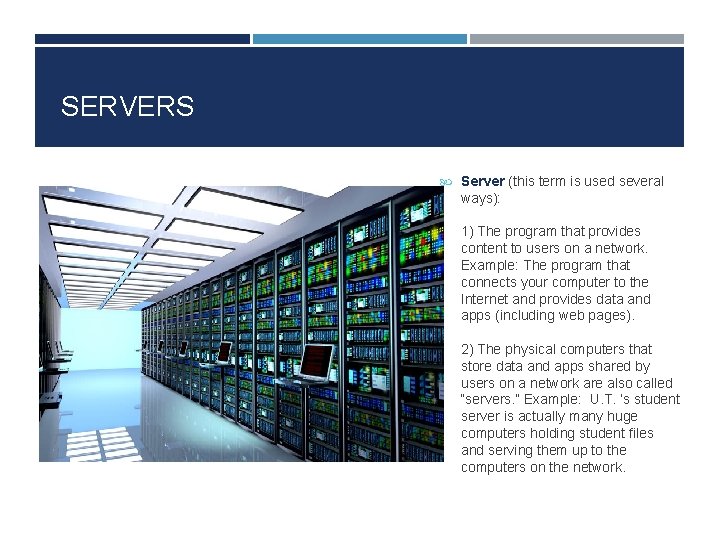
SERVERS Server (this term is used several ways): 1) The program that provides content to users on a network. Example: The program that connects your computer to the Internet and provides data and apps (including web pages). 2) The physical computers that store data and apps shared by users on a network are also called “servers. ” Example: U. T. ‘s student server is actually many huge computers holding student files and serving them up to the computers on the network.
CONTENT MANAGEMENT SYSTEMS (CMS) Examples: Word. Press, Blogger, Wix, Weebly, Squarespace, Jumla, Drupal, Dreamweaver Definition: A software application or set of related programs that are used to create and manage digital content. Many are easy to use for people who don’t know coding and provide templates that are customizable. NOTE: Many CMS’s have hosting space built in, but they charge you for a domain name because they have to go through a registrar. You can buy your domain directly from a registrar like Go. Daddy (which is usually a cheaper route) and have it connected to your CMS or other hosting.

INTERFACE UI: User Interface: The devices that allow users to interact with a computer (e. g. , buttons, menus, screens, keyboard, mouse) GUI = Graphical User Interface Interactive components that are graphical (e. g. , the desktop metaphor with folder icons) UX: User Experience The overall experience of a person using a website or other interactive device— specifically the routes they take to meet the website goal (e. g. , making a purchase) Information Design: How information is presented (text, graphics, links, pages)
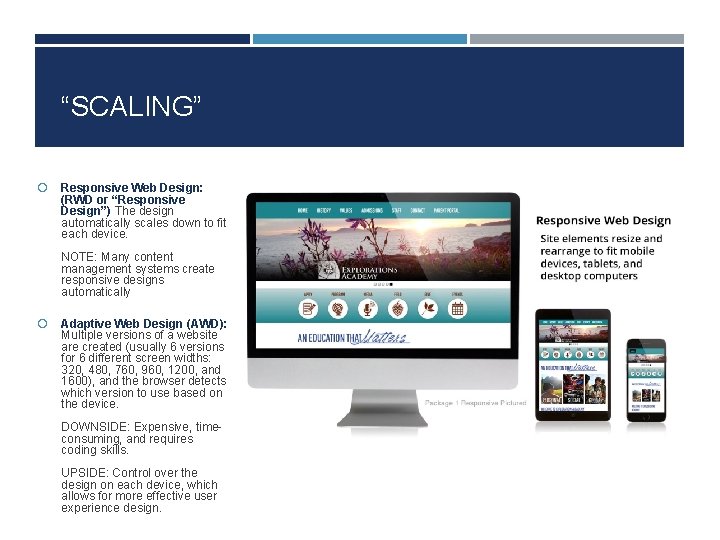
“SCALING” Responsive Web Design: (RWD or “Responsive Design”) The design automatically scales down to fit each device. NOTE: Many content management systems create responsive designs automatically Adaptive Web Design (AWD): Multiple versions of a website are created (usually 6 versions for 6 different screen widths: 320, 480, 760, 960, 1200, and 1600), and the browser detects which version to use based on the device. DOWNSIDE: Expensive, timeconsuming, and requires coding skills. UPSIDE: Control over the design on each device, which allows for more effective user experience design.
“OPTIMIZATION” Image Optimization: Saving images in optimal size, dimensions, and file format for use on the Internet (for quick download). E. g. , . JPG for photos, gradients, and other continuous tones. GIF for images with solid colors (e. g. , cartoons). PNG-24 to preserve transparency. NOTE: . PNG can be used for any kind of image, but it substantially increases the size of the file compared with other formats. Search Engine Optimization (SEO) The process of maximizing the number of visitors to a particular website by ensuring that the site appears high on the list of results returned by a search engine. EXAMPLE: Some basic steps to SEO are titling web pages, using key words and descriptions in code and body text, adding a new website to the Google Index, using headline tags for headlines (e. g. , H 1, H 2, H 3, etc. ).
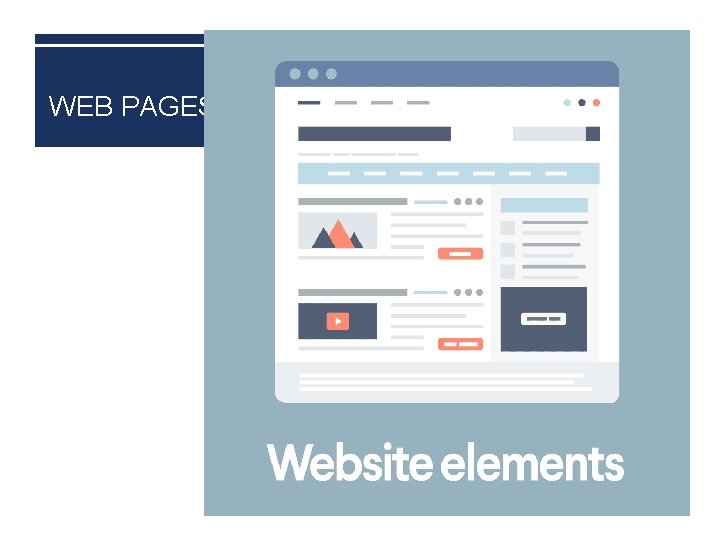
WEB PAGES
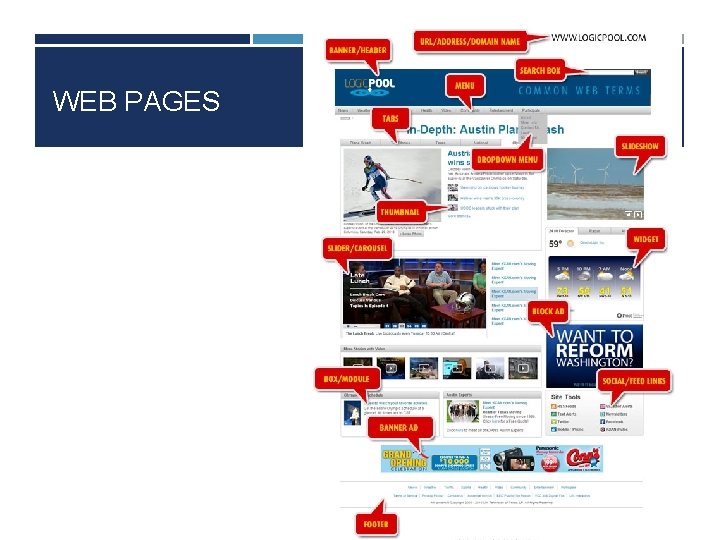
WEB PAGES
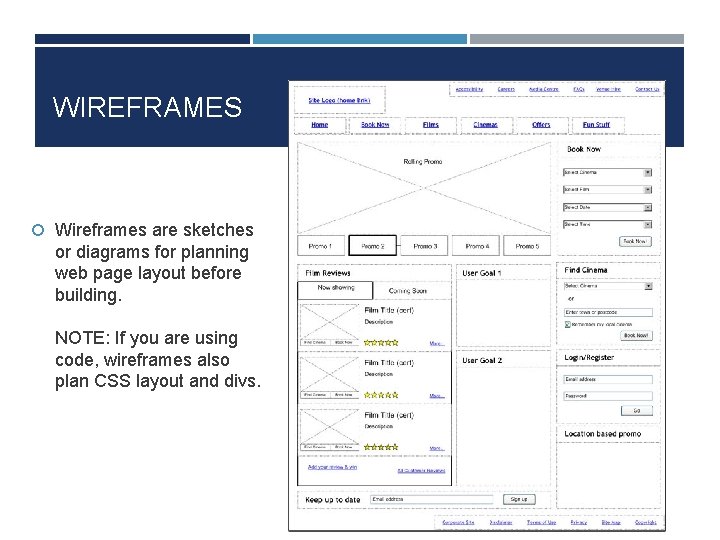
WIREFRAMES Wireframes are sketches or diagrams for planning web page layout before building. NOTE: If you are using code, wireframes also plan CSS layout and divs.

QUESTIONS?
- Slides: 13