
WEB TECHNOLOGIES Ms Rabeea Jaffari JAVASCRIPT Was developed

WEB TECHNOLOGIES Ms. Rabeea Jaffari
JAVASCRIPT • Was developed by Netscape in 1995. • Is a lightweight, case sensitive, client side scripting language that allows interactions with the user and creation of dynamic webpages. • It is an interpreted programming language with object-oriented capabilities. • Complementary to and integrated with Java. • Complementary to and integrated with HTML. • Open and cross-platform
ADVANTAGES • Less server interaction • Immediate feedback to the visitors • Increased interactivity • Richer interfaces
LIMITATIONS • Not a full fledged programming language. • Java. Script doesn't have any multithreading or multiprocessor capabilities. • Client-side Java. Script does not allow the reading or writing of files.
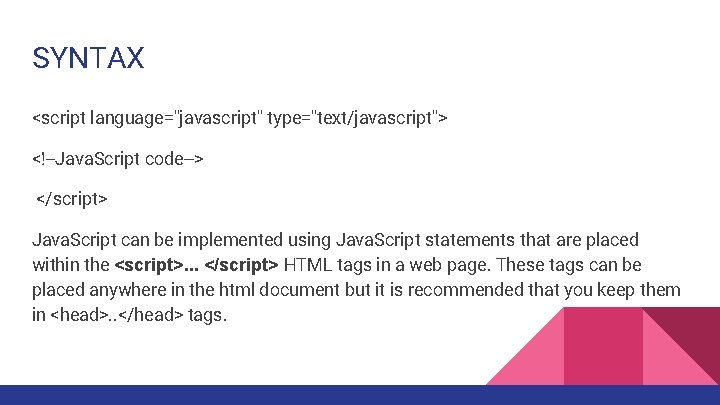
SYNTAX <script language="javascript" type="text/javascript"> <!--Java. Script code--> </script> Java. Script can be implemented using Java. Script statements that are placed within the <script>. . . </script> HTML tags in a web page. These tags can be placed anywhere in the html document but it is recommended that you keep them in <head>. . </head> tags.
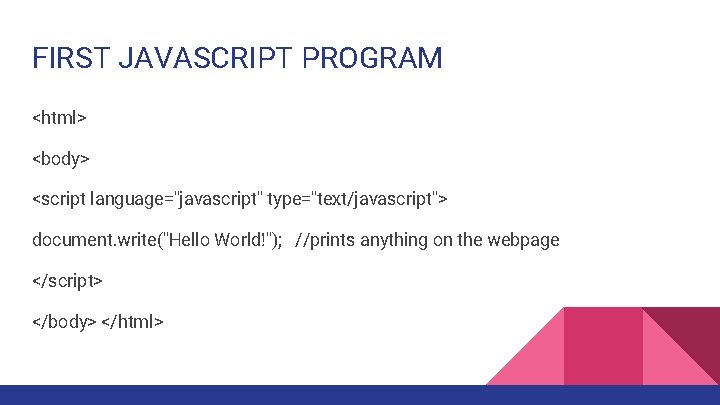
FIRST JAVASCRIPT PROGRAM <html> <body> <script language="javascript" type="text/javascript"> document. write("Hello World!"); //prints anything on the webpage </script> </body> </html>
ADDING JAVASCRIPT TO YOUR WEBSITE Client-side Java. Script should be included in or referenced by an HTML document for the code to be interpreted by the browser. It is used to trap user-initiated events such as button clicks, link navigation etc. There are 3 ways of adding javascript to your website. External javascript: external javascript file with. js extension linked with ‘src’ attribute of <script> tag. Internal javascript: javascript code defined within <script>…</script> tags Inline javascript: javascript code on user interaction events. (e. g. button click etc)
HTML EVENTS An HTML event can be something the browser does, or something a user does. Javascript can be used to provide response when such events occur. Here are some examples of HTML events: • An HTML web page has finished loading • An HTML input field was changed • An HTML button was clicked
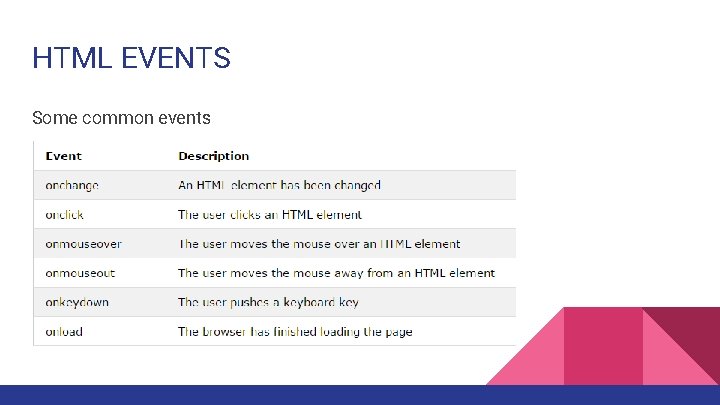
HTML EVENTS Some common events
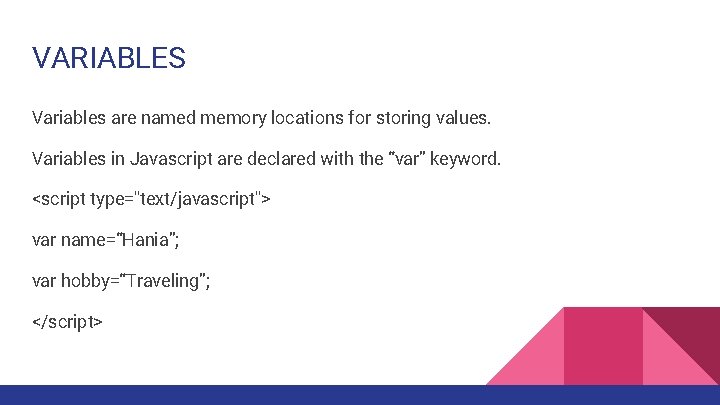
VARIABLES Variables are named memory locations for storing values. Variables in Javascript are declared with the “var” keyword. <script type="text/javascript"> var name=“Hania”; var hobby=“Traveling”; </script>
VARIABLES • Java. Script is untyped language. This means that a Java. Script variable can hold a value of any data type. Unlike many other languages, you don't have to tell Java. Script during variable declaration what type of value the variable will hold. The value type of a variable can change during the execution of a program and Java. Script takes care of it automatically. • Rules for naming variables are same as those in other programming languages.
VARIABLE SCOPE • Java. Script variable can be local or global according to its point of declaration in the javascript program. • The scope of the variable defines its visibility. • Local variables: These variables are declared inside a function and can only be used within that function. Hence, they are destroyed as soon as the function completes. • Global variables: These variables are declared outside any function or anywhere within the program (even inside a function) with the window object. They can be used within the entire javascript program.
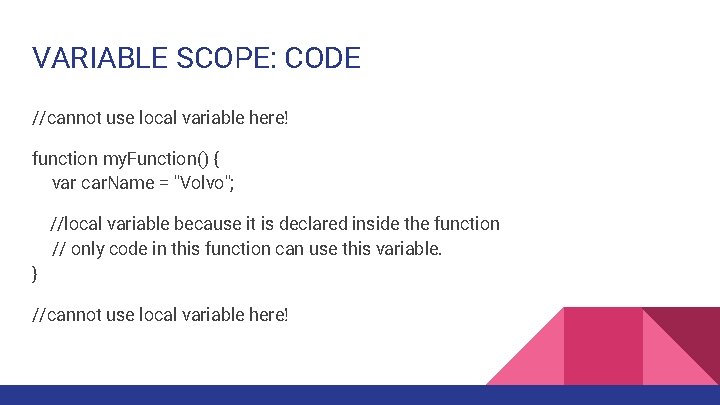
VARIABLE SCOPE: CODE //cannot use local variable here! function my. Function() { var car. Name = "Volvo"; //local variable because it is declared inside the function // only code in this function can use this variable. } //cannot use local variable here!
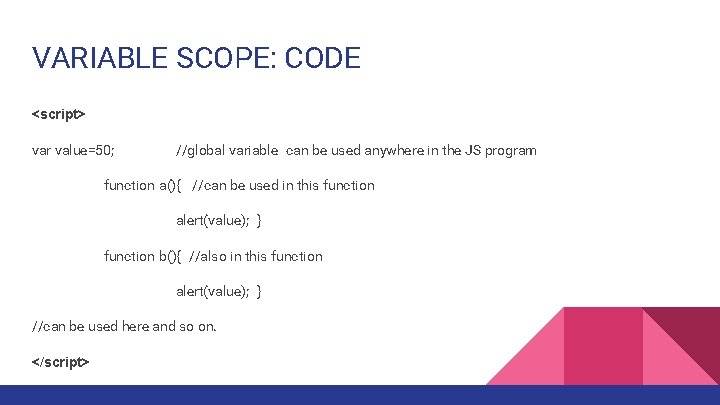
VARIABLE SCOPE: CODE <script> var value=50; //global variable can be used anywhere in the JS program function a(){ //can be used in this function alert(value); } function b(){ //also in this function alert(value); } //can be used here and so on. </script>
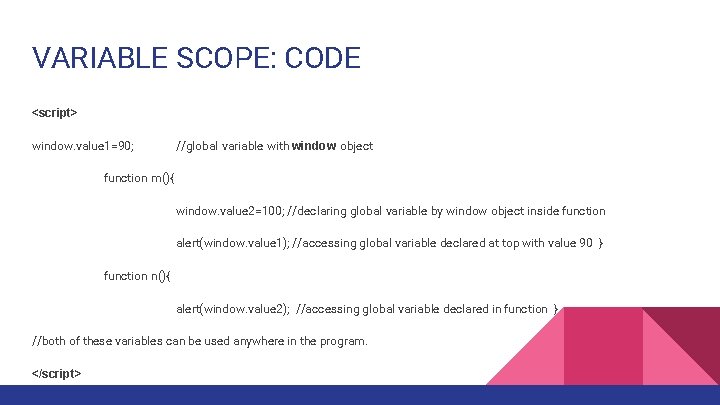
VARIABLE SCOPE: CODE <script> window. value 1=90; //global variable with window object function m(){ window. value 2=100; //declaring global variable by window object inside function alert(window. value 1); //accessing global variable declared at top with value 90 } function n(){ alert(window. value 2); //accessing global variable declared in function } //both of these variables can be used anywhere in the program. </script>
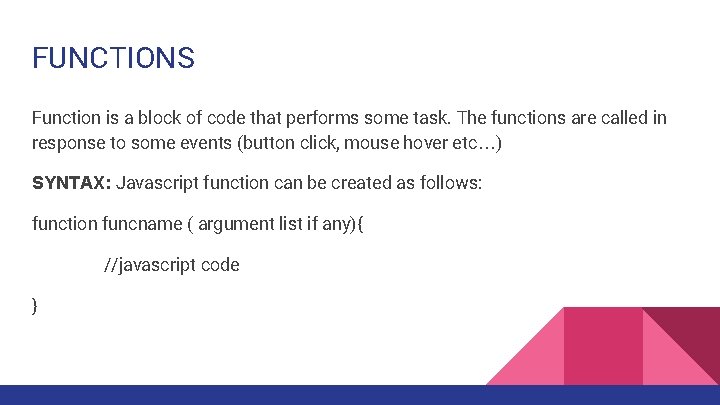
FUNCTIONS Function is a block of code that performs some task. The functions are called in response to some events (button click, mouse hover etc…) SYNTAX: Javascript function can be created as follows: function funcname ( argument list if any){ //javascript code }
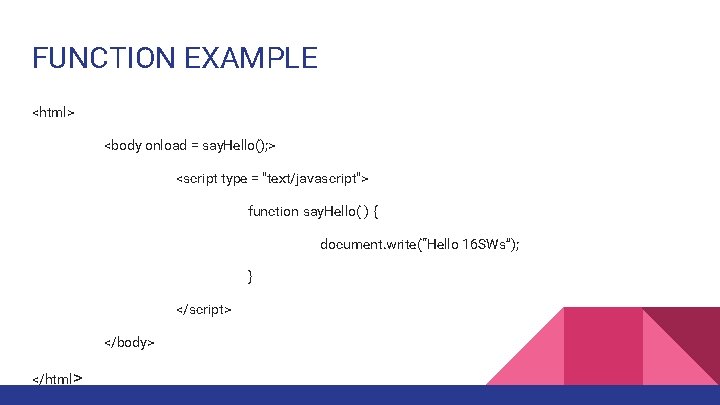
FUNCTION EXAMPLE <html> <body onload = say. Hello(); > <script type = "text/javascript"> function say. Hello( ) { document. write(“Hello 16 SWs”); } </script> </body> </html>
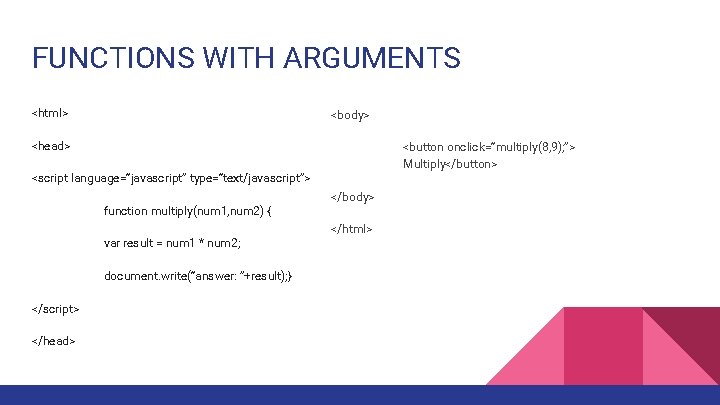
FUNCTIONS WITH ARGUMENTS <html> <body> <head> <button onclick=“multiply(8, 9); ”> Multiply</button> <script language=“javascript” type=“text/javascript”> function multiply(num 1, num 2) { var result = num 1 * num 2; document. write(“answer: ”+result); } </script> </head> </body> </html>
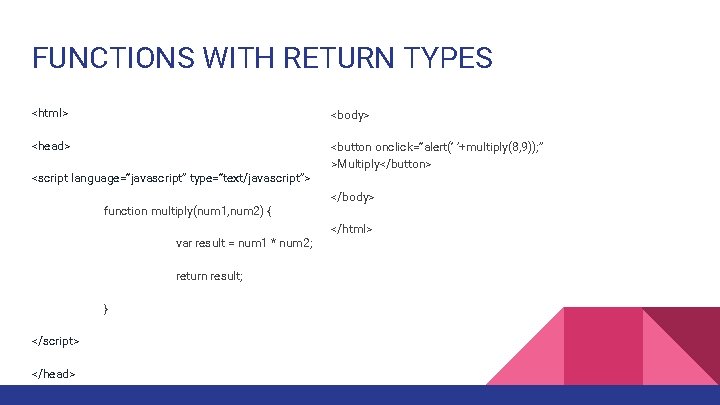
FUNCTIONS WITH RETURN TYPES <html> <body> <head> <button onclick=“alert(‘ ’+multiply(8, 9)); ” >Multiply</button> <script language=“javascript” type=“text/javascript”> function multiply(num 1, num 2) { var result = num 1 * num 2; return result; } </script> </head> </body> </html>
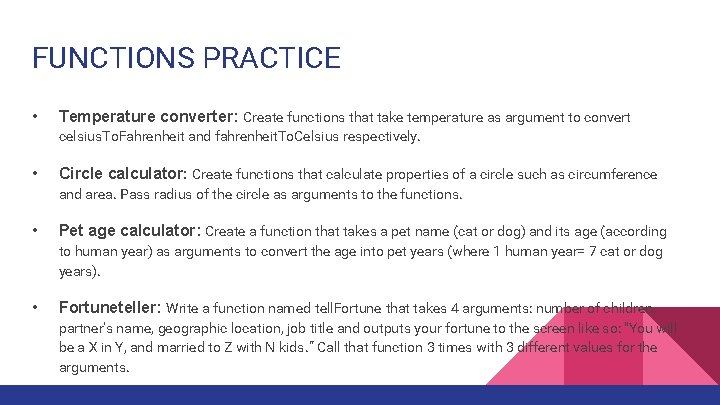
FUNCTIONS PRACTICE • Temperature converter: Create functions that take temperature as argument to convert celsius. To. Fahrenheit and fahrenheit. To. Celsius respectively. • Circle calculator: Create functions that calculate properties of a circle such as circumference and area. Pass radius of the circle as arguments to the functions. • Pet age calculator: Create a function that takes a pet name (cat or dog) and its age (according to human year) as arguments to convert the age into pet years (where 1 human year= 7 cat or dog years). • Fortuneteller: Write a function named tell. Fortune that takes 4 arguments: number of children, partner's name, geographic location, job title and outputs your fortune to the screen like so: "You will be a X in Y, and married to Z with N kids. “ Call that function 3 times with 3 different values for the arguments.
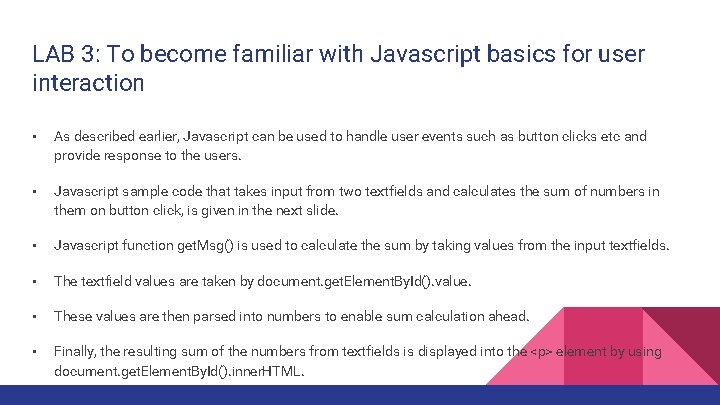
LAB 3: To become familiar with Javascript basics for user interaction • As described earlier, Javascript can be used to handle user events such as button clicks etc and provide response to the users. • Javascript sample code that takes input from two textfields and calculates the sum of numbers in them on button click, is given in the next slide. • Javascript function get. Msg() is used to calculate the sum by taking values from the input textfields. • The textfield values are taken by document. get. Element. By. Id(). value. • These values are then parsed into numbers to enable sum calculation ahead. • Finally, the resulting sum of the numbers from textfields is displayed into the <p> element by using document. get. Element. By. Id(). inner. HTML.
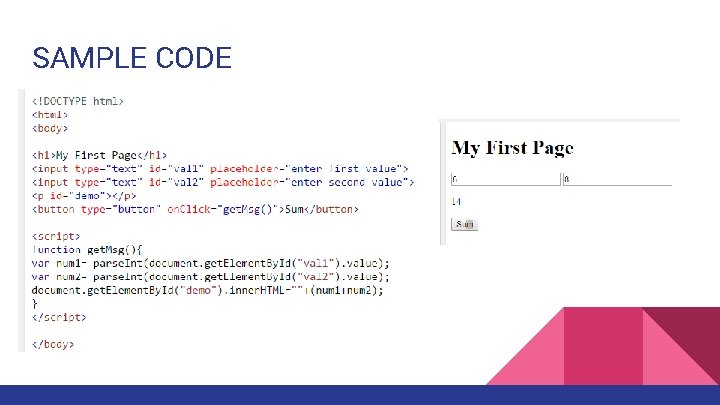
SAMPLE CODE
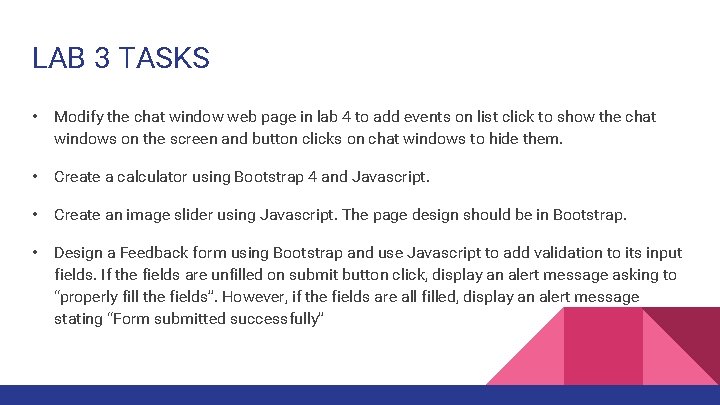
LAB 3 TASKS • Modify the chat window web page in lab 4 to add events on list click to show the chat windows on the screen and button clicks on chat windows to hide them. • Create a calculator using Bootstrap 4 and Javascript. • Create an image slider using Javascript. The page design should be in Bootstrap. • Design a Feedback form using Bootstrap and use Javascript to add validation to its input fields. If the fields are unfilled on submit button click, display an alert message asking to “properly fill the fields”. However, if the fields are all filled, display an alert message stating “Form submitted successfully”
- Slides: 23