
Web Technologies for Business Workshop 7 Introduction to

Web Technologies for Business Workshop #7 Introduction to Web Graphics WTB - Workshop#7 1
Learning Objectives The relationship between pixel, resolution and size of images Different forms of colour Different image formats Image Editors Introduction to “Ulead Photo. Impact” WTB - Workshop#7 2
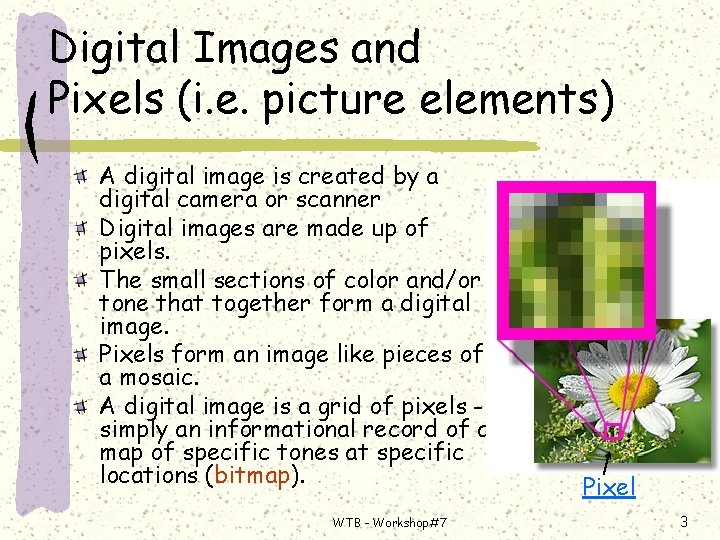
Digital Images and Pixels (i. e. picture elements) A digital image is created by a digital camera or scanner Digital images are made up of pixels. The small sections of color and/or tone that together form a digital image. Pixels form an image like pieces of a mosaic. A digital image is a grid of pixels simply an informational record of a map of specific tones at specific locations (bitmap). WTB - Workshop#7 Pixel 3
Resolution Sharpness and clarity Number of pixel display in a single unit of measurement Higher the Pixel; more sharpness of the images An image has no physical dimensions E. g. A 7. 0 -Megapixel digital camera Image Resolution (best quality) 3072 x 2704 WTB - Workshop#7 4
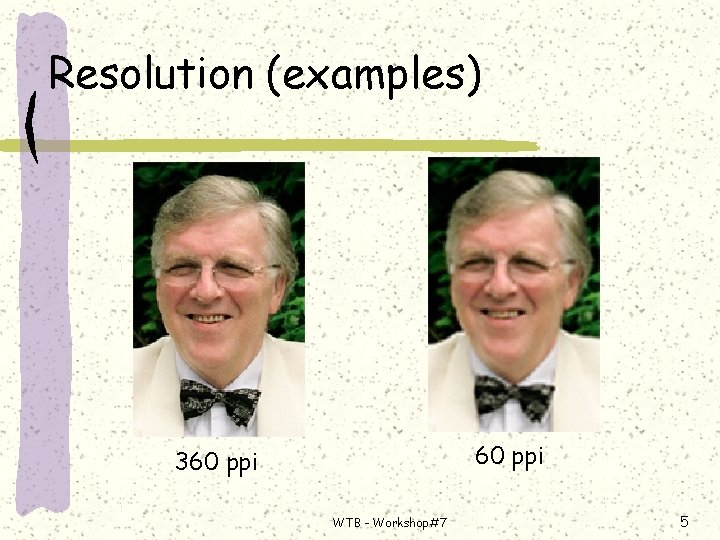
Resolution (examples) 60 ppi 360 ppi WTB - Workshop#7 5
Different kinds of Resolution dpi (dots per inch) Printer resolution 720 dpi: 720 ink dots per inch Independent of and unrelated to image resolution E. g. Use of a 1440 dpi printer to print an image at 300 ppi 1440 ink dots per inch to render 300 pixels per inch WTB - Workshop#7 6
Different kinds of Resolution (cont’d) ppi Monitor/Scanner/Image resolution Monitor resolution : 72 ppi Max. display size 1024 x 768 – What is the size of a monitor? Ø What happen if the screen area is bigger / smaller than the image resolution? Ø Image resolution An image has resolution 300 ppi and 72 ppi, you see no different on the screen. 7 Ø The only different the final print out WTB is - Workshop#7 Ø
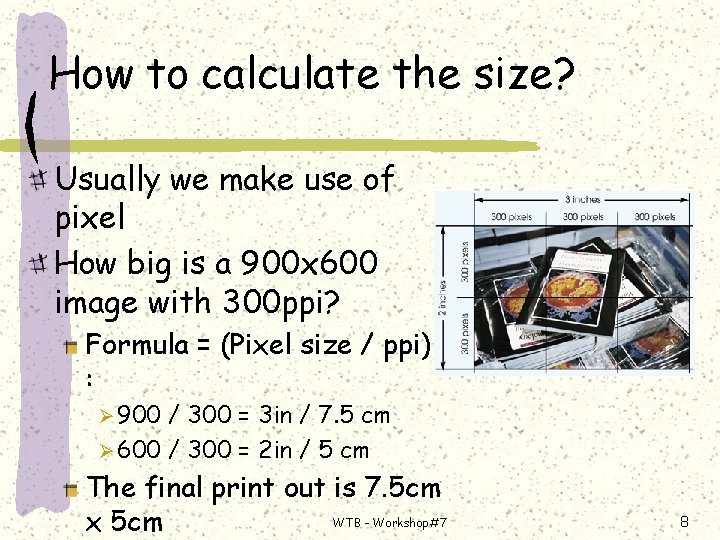
How to calculate the size? Usually we make use of pixel How big is a 900 x 600 image with 300 ppi? Formula = (Pixel size / ppi) : Ø 900 / 300 = 3 in / 7. 5 cm Ø 600 / 300 = 2 in / 5 cm The final print out is 7. 5 cm WTB - Workshop#7 x 5 cm 8
Color (1) RGB: Red, Green, Blue Range from 0 (dim) – 255 (brightest) Why 256 combinations? 1 pixel = 1 bit (BW = 1 bit, Color = 8 bit) 28 = 256 255+255 = what color? 0+0+0 = what color? WTB - Workshop#7 9
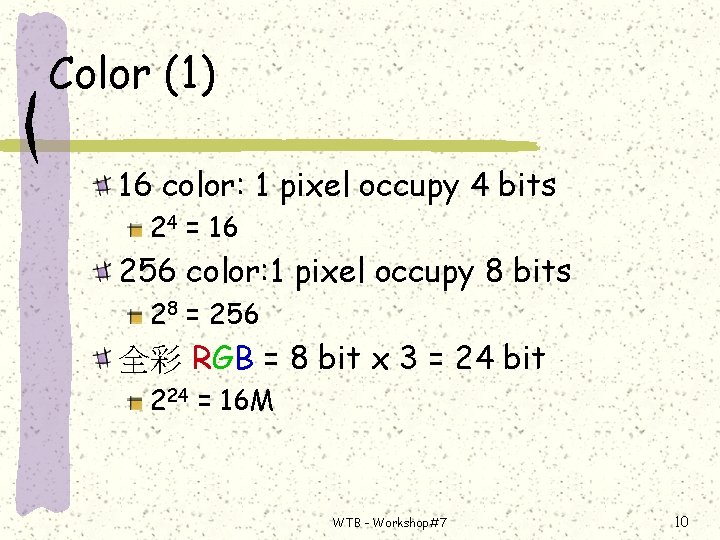
Color (1) 16 color: 1 pixel occupy 4 bits 24 = 16 256 color: 1 pixel occupy 8 bits 28 = 256 全彩 RGB = 8 bit x 3 = 24 bit 224 = 16 M WTB - Workshop#7 10
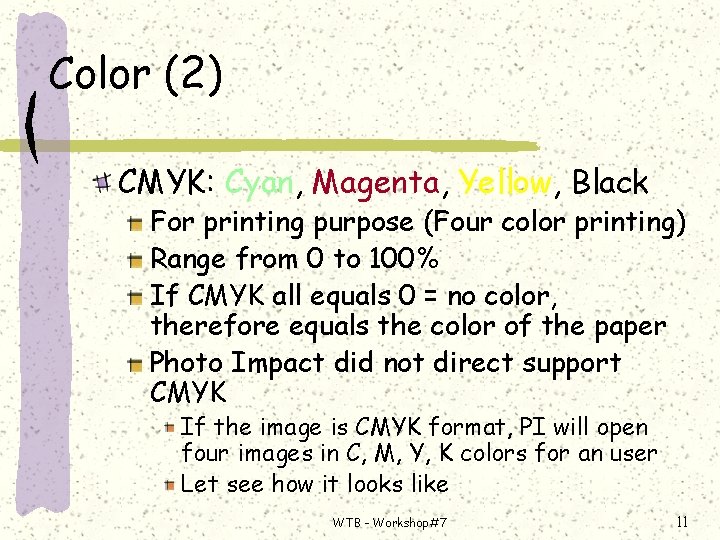
Color (2) CMYK: Cyan, Magenta, Yellow, Black For printing purpose (Four color printing) Range from 0 to 100% If CMYK all equals 0 = no color, therefore equals the color of the paper Photo Impact did not direct support CMYK If the image is CMYK format, PI will open four images in C, M, Y, K colors for an user Let see how it looks like WTB - Workshop#7 11
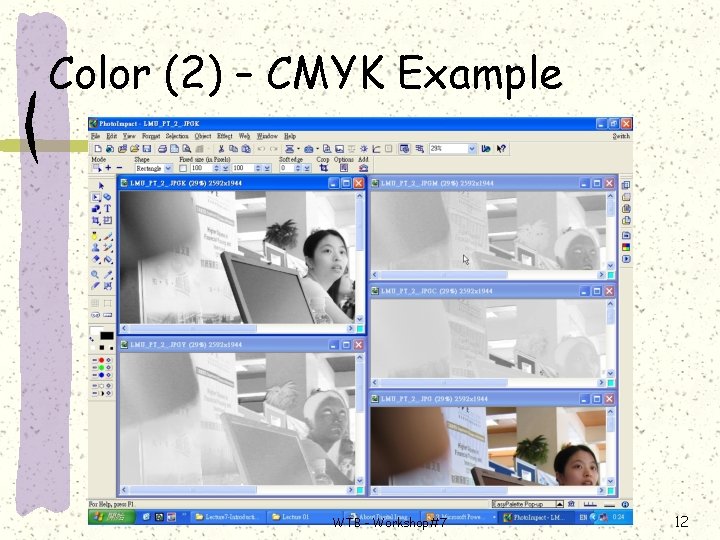
Color (2) – CMYK Example WTB - Workshop#7 12
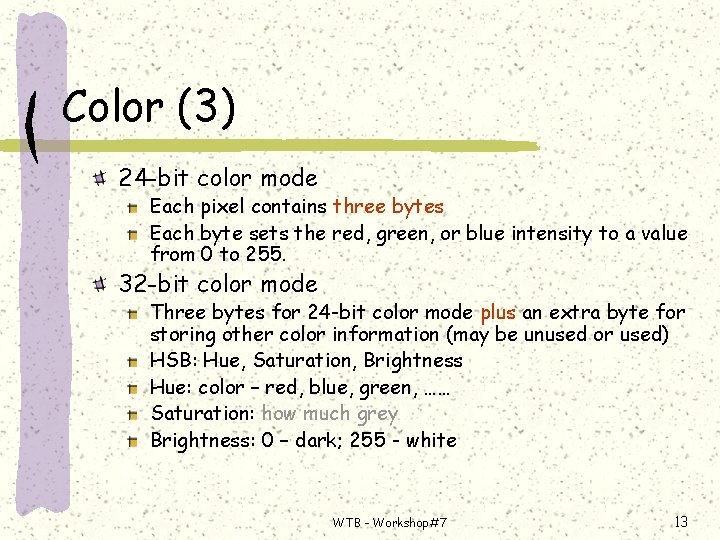
Color (3) 24 -bit color mode Each pixel contains three bytes Each byte sets the red, green, or blue intensity to a value from 0 to 255. 32 -bit color mode Three bytes for 24 -bit color mode plus an extra byte for storing other color information (may be unused or used) HSB: Hue, Saturation, Brightness Hue: color – red, blue, green, …… Saturation: how much grey Brightness: 0 – dark; 255 - white WTB - Workshop#7 13
Computer Graphics Bitmap Images A matrix of pixels or a “grid” of pixels Accurately represent the wide range of colors and shades in complex images Common formats: bmp, jpeg, gif, tif, png, etc. Vector Images Use of coordinates to define a line that has end points Used for lines, boxes, circles, polygons and other graphic shapes that can be expressed in coordinates on a computer screen Require very little information (bits of data) possible smaller file size Shapes can be moved or scaled Common formats: eps, wmf, svg, etc. WTB - Workshop#7 14
BMP Format bitmapped graphics file format used by Window No compress function Why Compress? Do you know how much memory it takes for an 1024 x 768 24 bit image? 1024 x 768 x 3 =2, 359, 296 bytes WTB - Workshop#7 15
JPEG Format Joint Photographic Experts Group An ISO/ITU standard for compressing still images Popular due to its high compression capability JPEG uses the JPEG File Interchange Format, or JFIF. File extensions are. JPG or. JFF. M-JPEG and MPEG are variations of JPEG used for full-motion digital video 16 WTB - Workshop#7
GIF Format Graphics Interchange Format developed by Compu. Serve It supports 8 -bit color (256 colors) and is widely used on the Web, because the files compress well New version of GIF 89 a supports animated GIFs WTB - Workshop#7 17
TIF Format TIF: Tagged Image File Format which does not guarantee compatibility between all programs Support Photo. Impact Able to maintain selection position WTB - Workshop#7 18
PNG Format PNG: Portable Network Graphic Organized by W 3 C Loss less, portable, well-compressed format Patent free technique Unable to support animation WTB - Workshop#7 19
UFO Ulead file for Object Support by PI only Objects remain floating above the background and can be edited and moved individually. For other format: All objects will merge with the base image and cannot be individually edited. WTB - Workshop#7 20
Image Editor Software used to alter graphic by including enhancements such as blended colors, animation and other special effects (Discovering Computers 2001 Concepts for a Connected World) Retouch / adjust photographs Modify and create graphical images WTB - Workshop#7 21
Image Editor Bitmap Image Editor E. g. Microsoft Photo Editor Bitmap/Vector Image Editor E. g. Ulead Photo. Impact (ufo format) E. g. Adobe Photoshop (psd format) WTB - Workshop#7 22
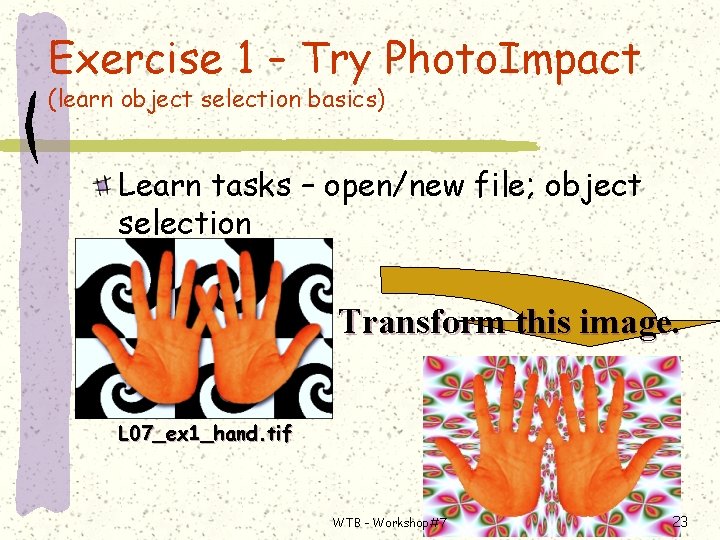
Exercise 1 – Try Photo. Impact (learn object selection basics) Learn tasks – open/new file; object selection Transform this image. L 07_ex 1_hand. tif WTB - Workshop#7 23
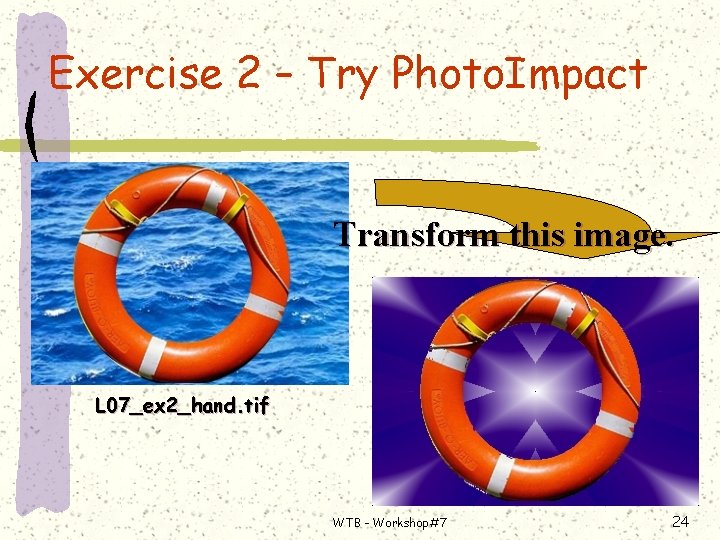
Exercise 2 – Try Photo. Impact Transform this image. L 07_ex 2_hand. tif WTB - Workshop#7 24
- Slides: 24