
WEB SYSTEMS TECHNOLOGIES 3 Java Script Table of
WEB SYSTEMS & TECHNOLOGIES 3. Java. Script
Table of Contents What is DHTML? DHTML Technologies XHTML, CSS, Java. Script, DOM 2

Table of Contents (2) Introduction to Java. Script What is Java. Script Implementing Java. Script into Web pages In <head> part In <body> part In external. js file 3
Table of Contents (3) Java. Script Syntax Java. Script operators Java. Script Data Types Java. Script Pop-up boxes alert, confirm and prompt Conditional and switch statements, loops and functions Document Object Model Debugging in Java. Script 4
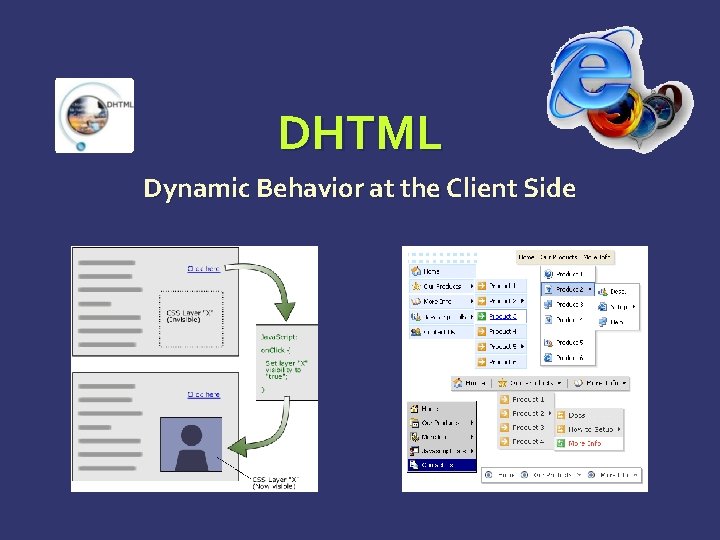
DHTML Dynamic Behavior at the Client Side
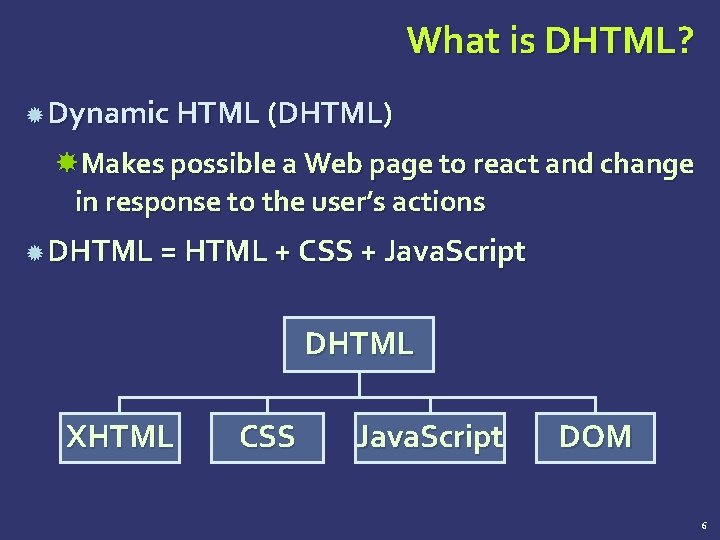
What is DHTML? Dynamic HTML (DHTML) Makes possible a Web page to react and change in response to the user’s actions DHTML = HTML + CSS + Java. Script DHTML XHTML CSS Java. Script DOM 6
DTHML = HTML + CSS + Java. Script HTML defines Web sites content through semantic tags (headings, paragraphs, lists, …) CSS defines 'rules' or 'styles' for presenting every aspect of an HTML document Font (family, size, color, weight, etc. ) Background (color, image, position, repeat) Position and layout (of any object on the page) Java. Script defines dynamic behavior Programming logic for interaction with the user, to handle events, etc. 7
Java. Script Dynamic Behavior in a Web Page
Java. Script is a front-end scripting language developed by Netscape for dynamic content Lightweight, but with limited capabilities Can be used as object-oriented language Client-side technology Embedded in your HTML page Interpreted by the Web browser Simple and flexible Powerful to manipulate the DOM 9
Java. Script Advantages Java. Script allows interactivity such as: Implementing form validation React to user actions, e. g. handle keys Changing an image on moving mouse over it Sections of a page appearing and disappearing Content loading and changing dynamically Performing complex calculations Custom HTML controls, e. g. scrollable table Implementing AJAX functionality 10
What Can Java. Script Do? Can handle events Can read and write HTML elements and modify the DOM tree Can validate form data Can access / modify browser cookies Can detect the user’s browser and OS Can be used as object-oriented language Can handle exceptions Can perform asynchronous server calls (AJAX) 11
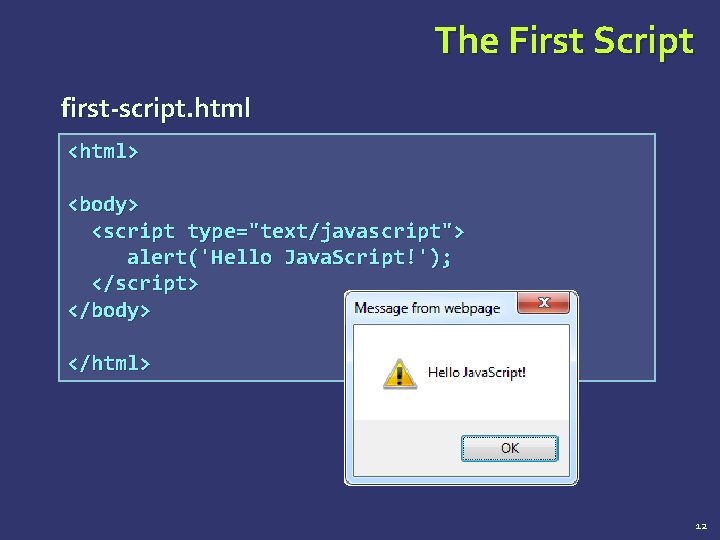
The First Script first-script. html <html> <body> <script type="text/javascript"> alert('Hello Java. Script!'); </script> </body> </html> 12
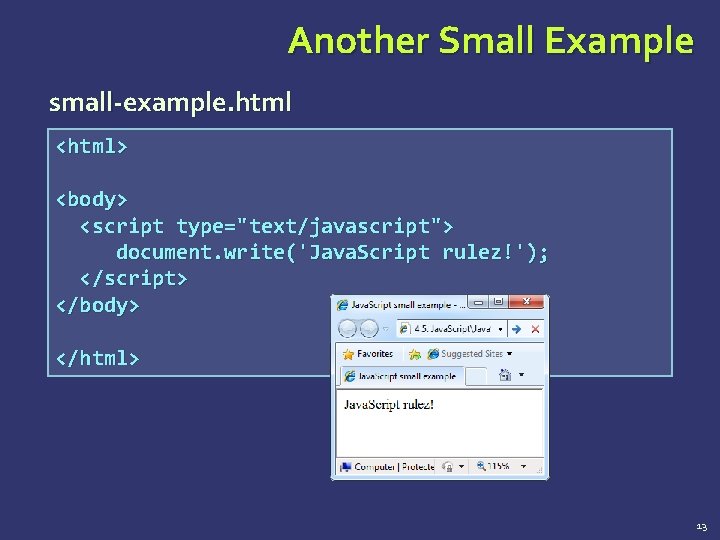
Another Small Example small-example. html <html> <body> <script type="text/javascript"> document. write('Java. Script rulez!'); </script> </body> </html> 13
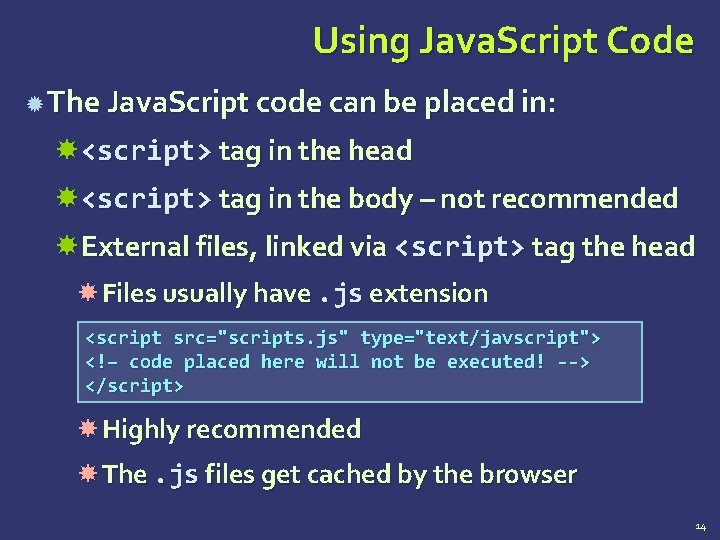
Using Java. Script Code The Java. Script code can be placed in: <script> tag in the head <script> tag in the body – not recommended External files, linked via <script> tag the head Files usually have. js extension <script src="scripts. js" type="text/javscript"> <!– code placed here will not be executed! --> </script> Highly recommended The. js files get cached by the browser 14
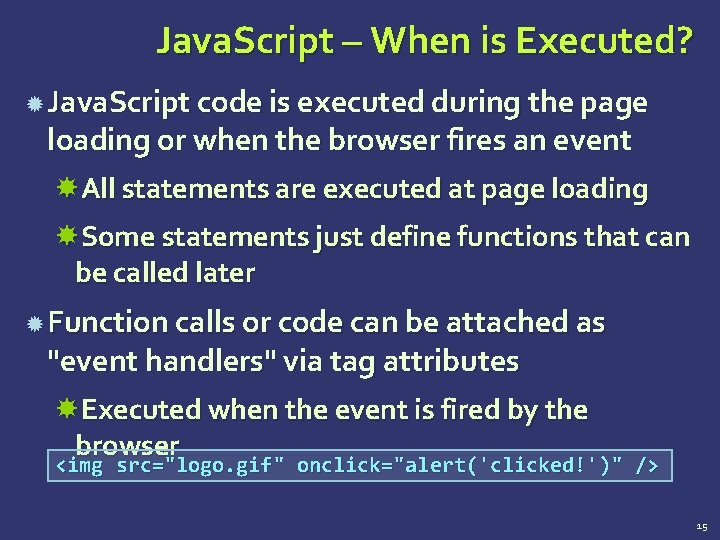
Java. Script – When is Executed? Java. Script code is executed during the page loading or when the browser fires an event All statements are executed at page loading Some statements just define functions that can be called later Function calls or code can be attached as "event handlers" via tag attributes Executed when the event is fired by the browser <img src="logo. gif" onclick="alert('clicked!')" /> 15
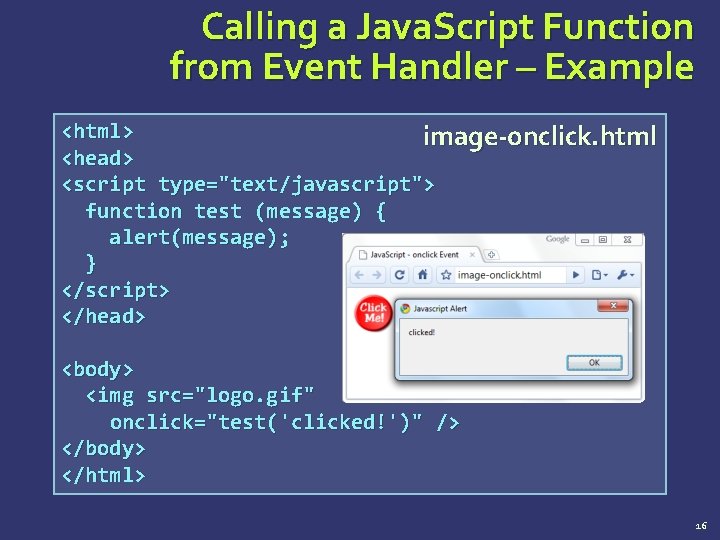
Calling a Java. Script Function from Event Handler – Example <html> image-onclick. html <head> <script type="text/javascript"> function test (message) { alert(message); } </script> </head> <body> <img src="logo. gif" onclick="test('clicked!')" /> </body> </html> 16
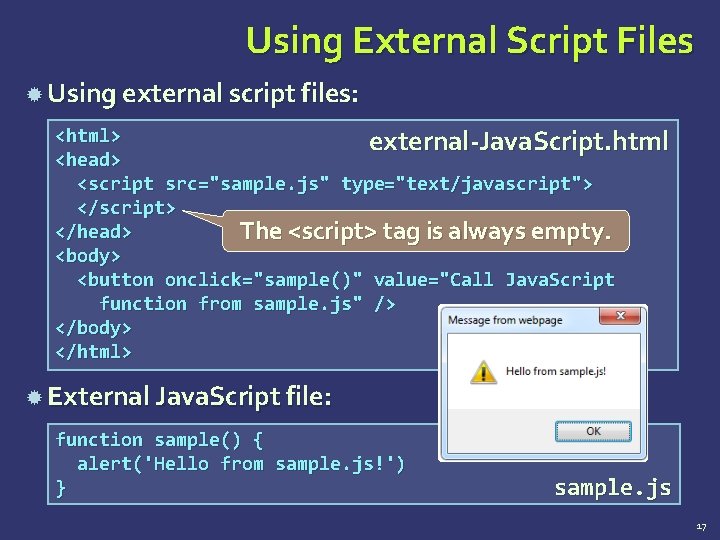
Using External Script Files Using external script files: <html> external-Java. Script. html <head> <script src="sample. js" type="text/javascript"> </script> </head> The <script> tag is always empty. <body> <button onclick="sample()" value="Call Java. Script function from sample. js" /> </body> </html> External Java. Script file: function sample() { alert('Hello from sample. js!') } sample. js 17
The Java. Script Syntax
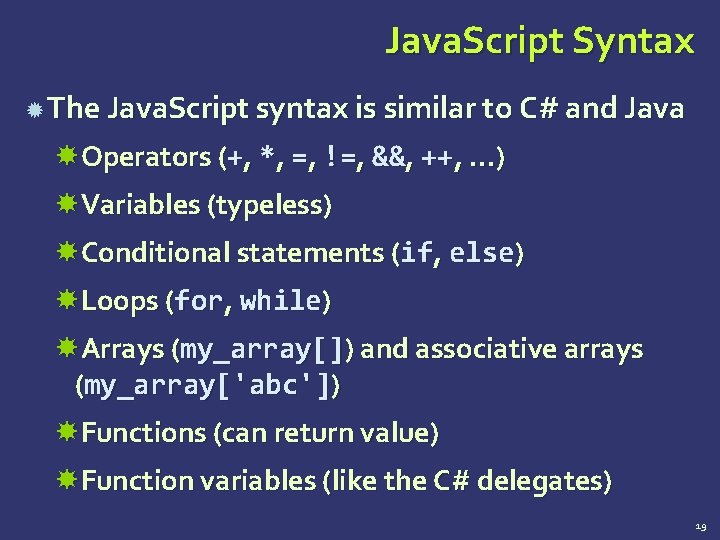
Java. Script Syntax The Java. Script syntax is similar to C# and Java Operators (+, *, =, !=, &&, ++, …) Variables (typeless) Conditional statements (if, else) Loops (for, while) Arrays (my_array[]) and associative arrays (my_array['abc']) Functions (can return value) Function variables (like the C# delegates) 19
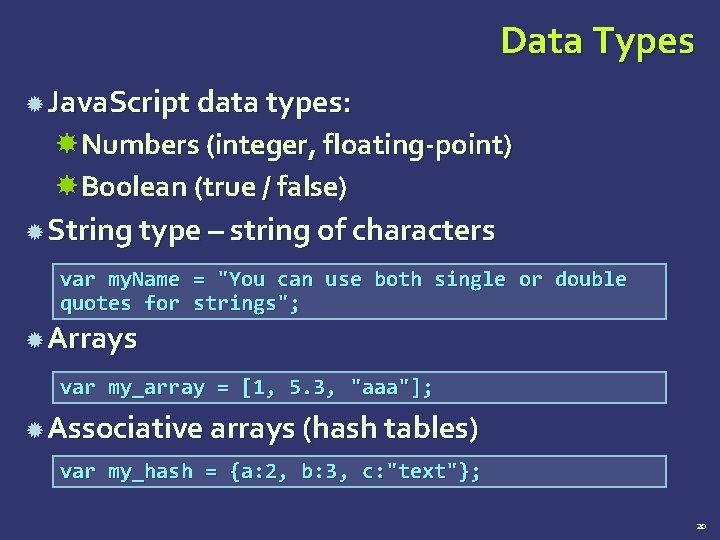
Data Types Java. Script data types: Numbers (integer, floating-point) Boolean (true / false) String type – string of characters var my. Name = "You can use both single or double quotes for strings"; Arrays var my_array = [1, 5. 3, "aaa"]; Associative arrays (hash tables) var my_hash = {a: 2, b: 3, c: "text"}; 20
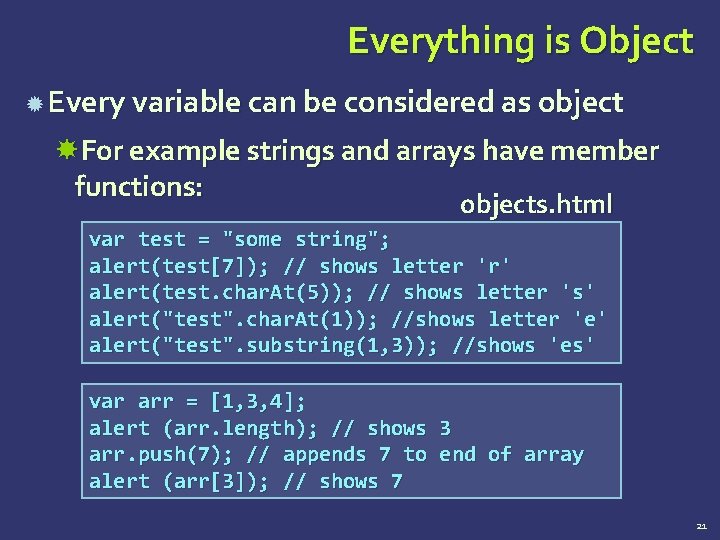
Everything is Object Every variable can be considered as object For example strings and arrays have member functions: objects. html var test = "some string"; alert(test[7]); // shows letter 'r' alert(test. char. At(5)); // shows letter 's' alert("test". char. At(1)); //shows letter 'e' alert("test". substring(1, 3)); //shows 'es' var arr = [1, 3, 4]; alert (arr. length); // shows 3 arr. push(7); // appends 7 to end of array alert (arr[3]); // shows 7 21
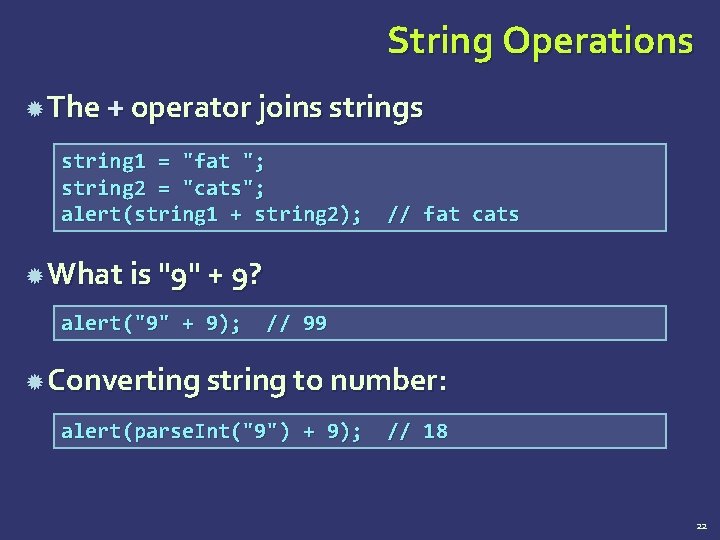
String Operations The + operator joins string 1 = "fat "; string 2 = "cats"; alert(string 1 + string 2); // fat cats What is "9" + 9? alert("9" + 9); // 99 Converting string to number: alert(parse. Int("9") + 9); // 18 22
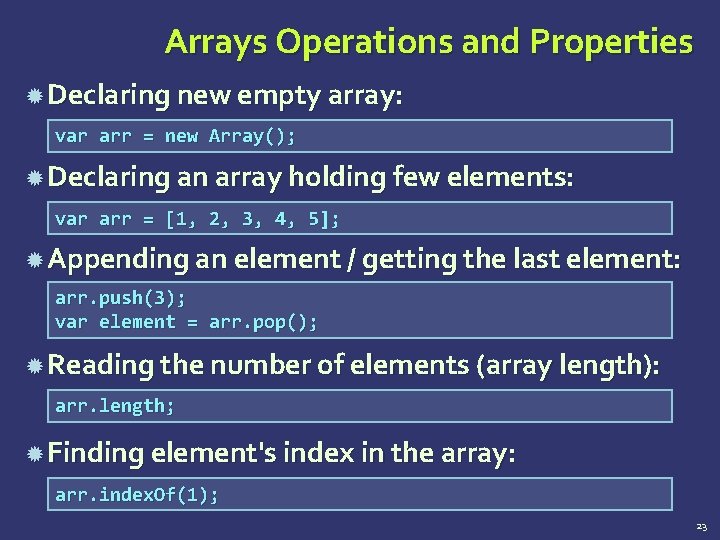
Arrays Operations and Properties Declaring new empty array: var arr = new Array(); Declaring an array holding few elements: var arr = [1, 2, 3, 4, 5]; Appending an element / getting the last element: arr. push(3); var element = arr. pop(); Reading the number of elements (array length): arr. length; Finding element's index in the array: arr. index. Of(1); 23
![Standard Popup Boxes Alert box with text and [OK] button Just a message shown](http://slidetodoc.com/presentation_image_h2/74b74ac91413af5a39c47c3c52992d7e/image-24.jpg "Standard Popup Boxes Alert box with text and [OK] button Just a message shown")
Standard Popup Boxes Alert box with text and [OK] button Just a message shown in a dialog box: alert("Some text here"); Confirmation box Contains text, [OK] button and [Cancel] button: confirm("Are you sure? "); Prompt box Contains text, input field with default value: prompt ("enter amount", 10); 24
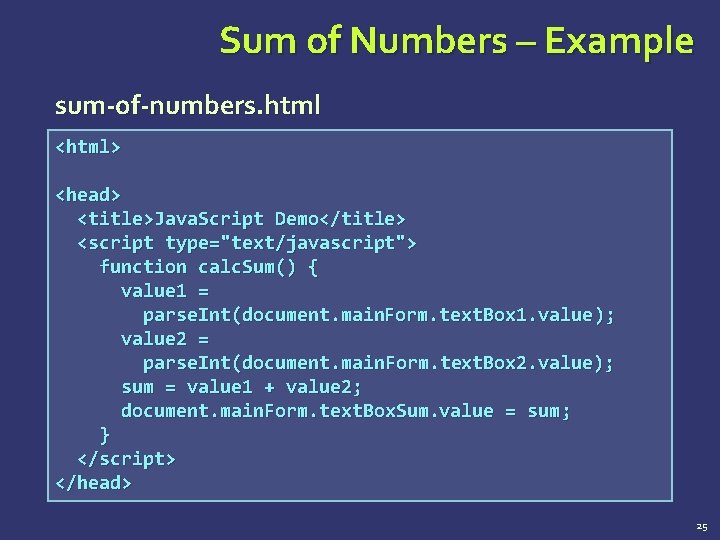
Sum of Numbers – Example sum-of-numbers. html <html> <head> <title>Java. Script Demo</title> <script type="text/javascript"> function calc. Sum() { value 1 = parse. Int(document. main. Form. text. Box 1. value ); value 2 = parse. Int(document. main. Form. text. Box 2. value); sum = value 1 + value 2; document. main. Form. text. Box. Sum. value = sum ; } </script> </head> 25
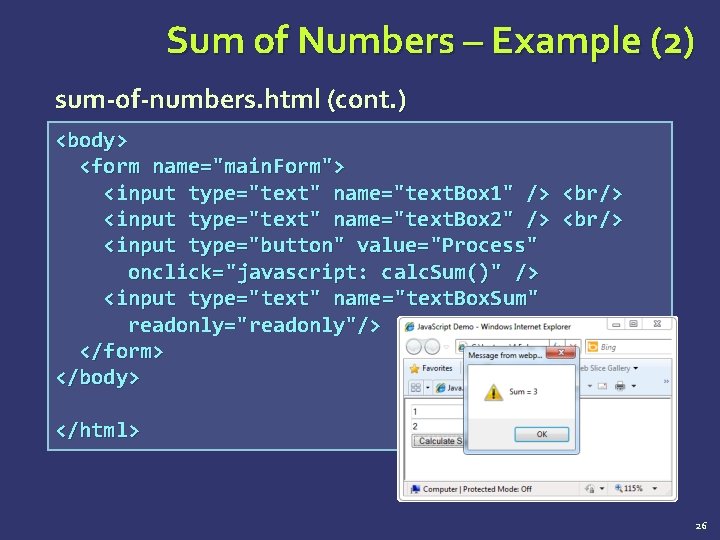
Sum of Numbers – Example (2) sum-of-numbers. html (cont. ) <body> <form name="main. Form"> <input type="text" name="text. Box 1" /> <br/> <input type="text" name="text. Box 2" /> <br/> <input type="button" value="Process" onclick="javascript: calc. Sum()" /> <input type="text" name="text. Box. Sum" readonly="readonly"/> </form> </body> </html> 26
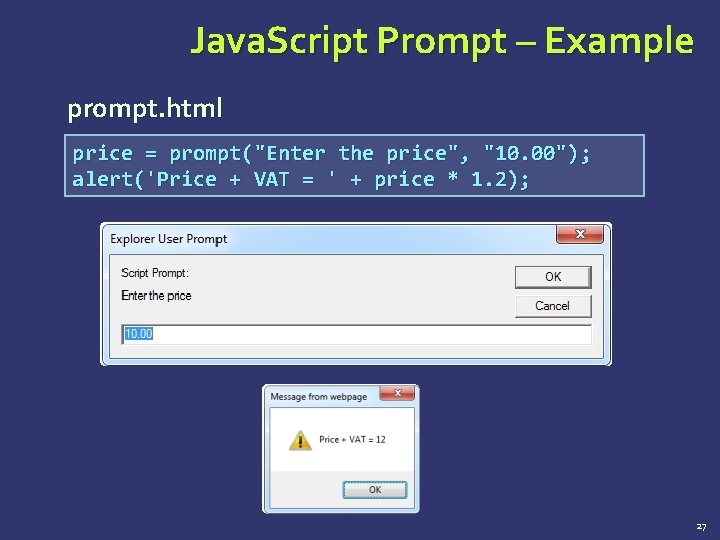
Java. Script Prompt – Example prompt. html price = prompt("Enter the price", "10. 00"); alert('Price + VAT = ' + price * 1. 2); 27
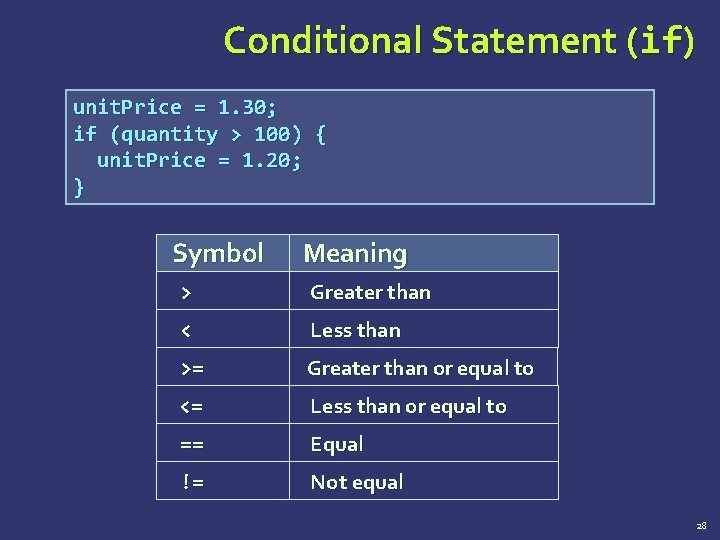
Conditional Statement (if) unit. Price = 1. 30; if (quantity > 100) { unit. Price = 1. 20; } Symbol Meaning > Greater than < Less than >= Greater than or equal to <= Less than or equal to == Equal != Not equal 28
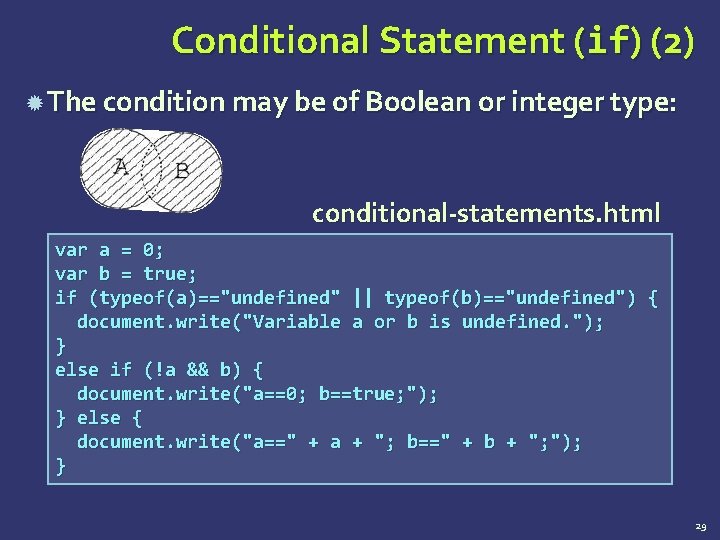
Conditional Statement (if) (2) The condition may be of Boolean or integer type: conditional-statements. html var a = 0; var b = true; if (typeof(a)=="undefined" || typeof(b)=="undefined") { document. write("Variable a or b is undefined. "); } else if (!a && b) { document. write("a==0; b==true; "); } else { document. write("a==" + a + "; b==" + b + "; "); } 29
Switch Statement The switch statement works like in C#: switch (variable) { switch-statements. html case 1: // do something break; case 'a': // do something else break; case 3. 14: // another code break; default: // something completely different } 30
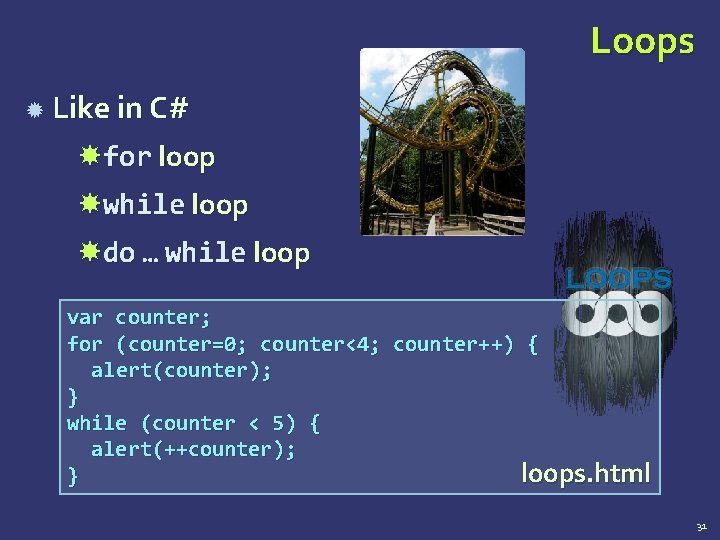
Loops Like in C# for loop while loop do … while loop var counter; for (counter=0; counter<4; counter++) { alert(counter); } while (counter < 5) { alert(++counter); loops. html } 31
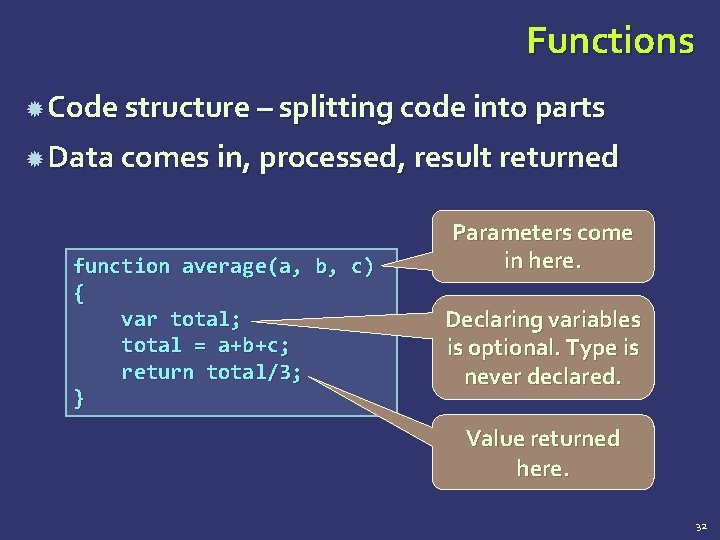
Functions Code structure – splitting code into parts Data comes in, processed, result returned function average(a, b, c) { var total; total = a+b+c; return total/3; } Parameters come in here. Declaring variables is optional. Type is never declared. Value returned here. 32
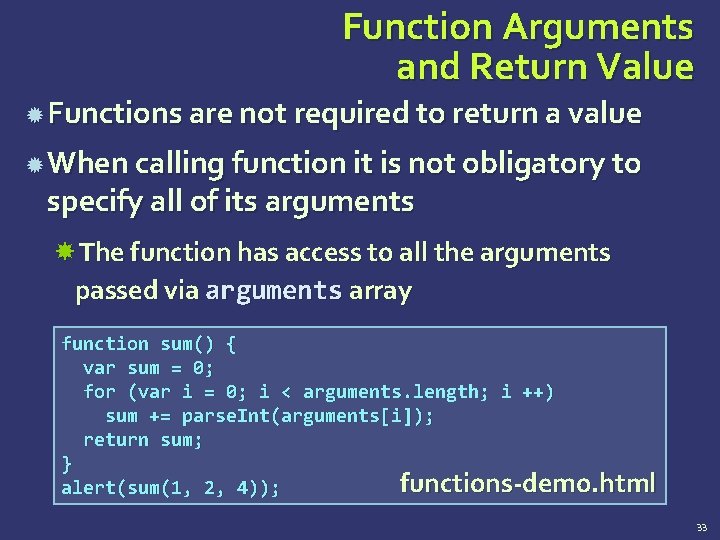
Function Arguments and Return Value Functions are not required to return a value When calling function it is not obligatory to specify all of its arguments The function has access to all the arguments passed via arguments array function sum() { var sum = 0; for (var i = 0; i < arguments. length; i ++) sum += parse. Int(arguments[i]); return sum; } functions-demo. html alert(sum(1, 2, 4)); 33
Document Object Model (DOM)
Document Object Model (DOM) Every HTML element is accessible via the Java. Script DOM API Most DOM objects can be manipulated by the programmer The event model lets a document to react when the user does something on the page Advantages Create interactive pages Updates the objects of a page without reloading it 35
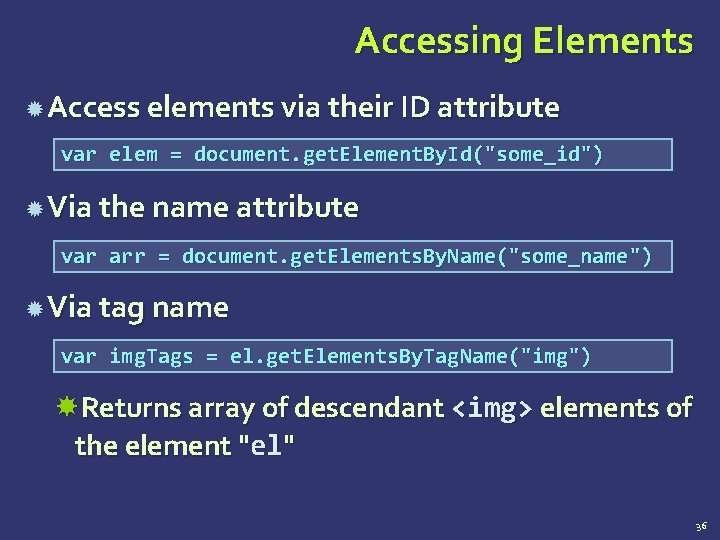
Accessing Elements Access elements via their ID attribute var elem = document. get. Element. By. Id("some_id") Via the name attribute var arr = document. get. Elements. By. Name("some_name") Via tag name var img. Tags = el. get. Elements. By. Tag. Name("img") Returns array of descendant <img> elements of the element "el" 36
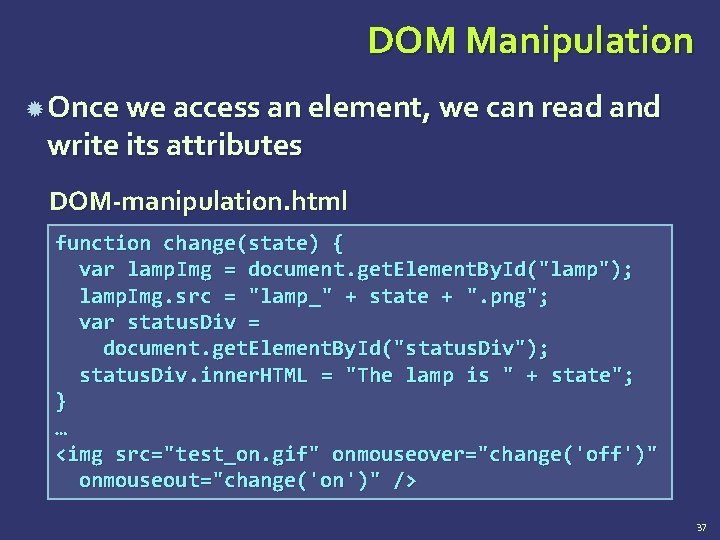
DOM Manipulation Once we access an element, we can read and write its attributes DOM-manipulation. html function change(state) { var lamp. Img = document. get. Element. By. Id("lamp"); lamp. Img. src = "lamp_" + state + ". png"; var status. Div = document. get. Element. By. Id("status. Div"); status. Div. inner. HTML = "The lamp is " + state"; } … <img src="test_on. gif" onmouseover="change('off')" onmouseout="change('on')" /> 37
Common Element Properties Most of the properties are derived from the HTML attributes of the tag E. g. id, name, href, alt, title, src, etc… style property – allows modifying the CSS styles of the element Corresponds to the inline style of the element Not the properties derived from embedded or external CSS rules Example: style. width, style. margin. Top, style. background. Image 38
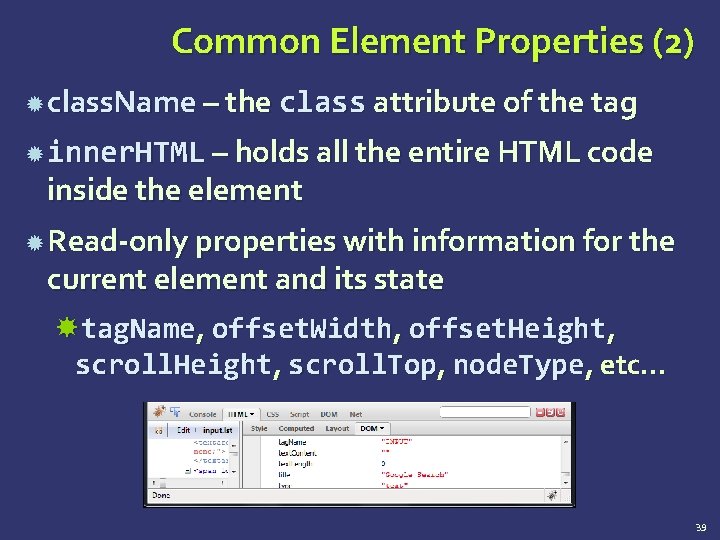
Common Element Properties (2) class. Name – the class attribute of the tag inner. HTML – holds all the entire HTML code inside the element Read-only properties with information for the current element and its state tag. Name, offset. Width, offset. Height, scroll. Height, scroll. Top, node. Type, etc… 39
Accessing Elements through the DOM Tree Structure We can access elements in the DOM through some tree manipulation properties: element. child. Nodes element. parent. Node element. next. Sibling element. previous. Sibling element. first. Child element. last. Child 40
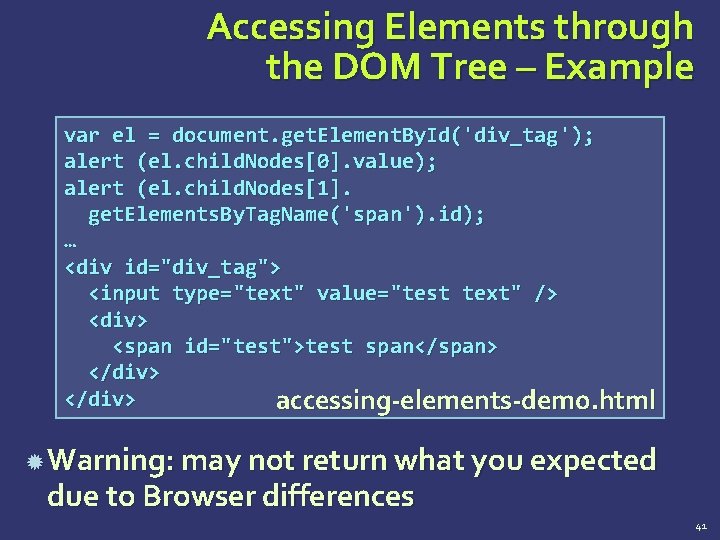
Accessing Elements through the DOM Tree – Example var el = document. get. Element. By. Id('div_tag'); alert (el. child. Nodes[0]. value); alert (el. child. Nodes[1]. get. Elements. By. Tag. Name('span'). id); … <div id="div_tag"> <input type="text" value="test text" /> <div> <span id="test">test span</span> </div> accessing-elements-demo. html Warning: may not return what you expected due to Browser differences 41
The HTML DOM Event Model
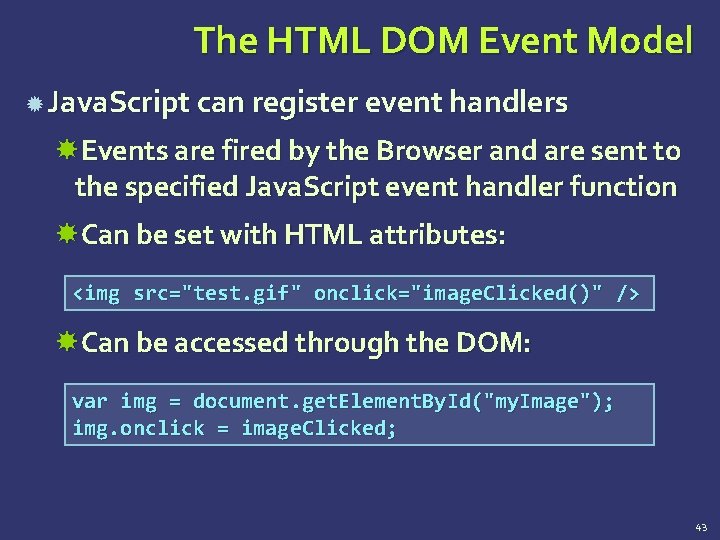
The HTML DOM Event Model Java. Script can register event handlers Events are fired by the Browser and are sent to the specified Java. Script event handler function Can be set with HTML attributes: <img src="test. gif" onclick="image. Clicked()" /> Can be accessed through the DOM: var img = document. get. Element. By. Id("my. Image"); img. onclick = image. Clicked; 43
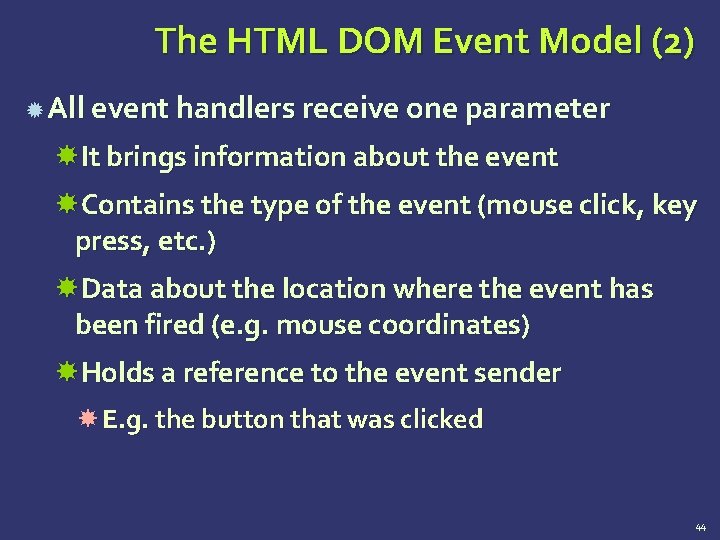
The HTML DOM Event Model (2) All event handlers receive one parameter It brings information about the event Contains the type of the event (mouse click, key press, etc. ) Data about the location where the event has been fired (e. g. mouse coordinates) Holds a reference to the event sender E. g. the button that was clicked 44
![The HTML DOM Event Model (3) Holds information about the state of [Alt], [Ctrl]](http://slidetodoc.com/presentation_image_h2/74b74ac91413af5a39c47c3c52992d7e/image-45.jpg "The HTML DOM Event Model (3) Holds information about the state of [Alt], [Ctrl]")
The HTML DOM Event Model (3) Holds information about the state of [Alt], [Ctrl] and [Shift] keys Some browsers do not send this object, but place it in the document. event Some of the names of the event’s object properties are browser-specific 45
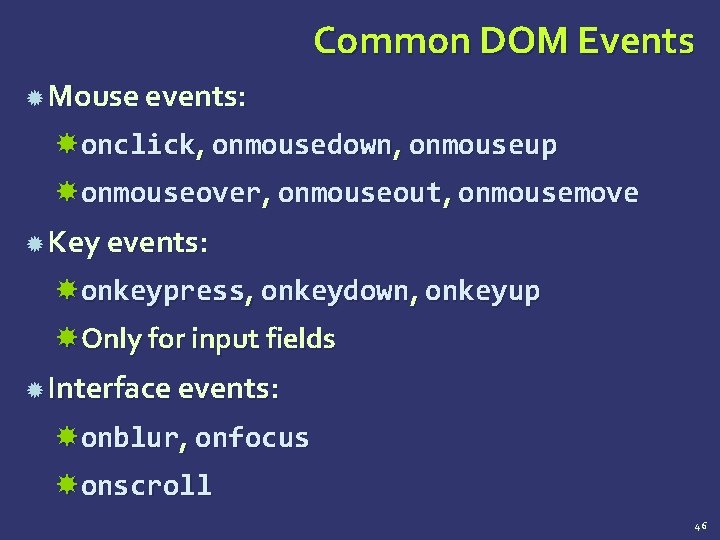
Common DOM Events Mouse events: onclick, onmousedown, onmouseup onmouseover, onmouseout, onmousemove Key events: onkeypress, onkeydown, onkeyup Only for input fields Interface events: onblur, onfocus onscroll 46
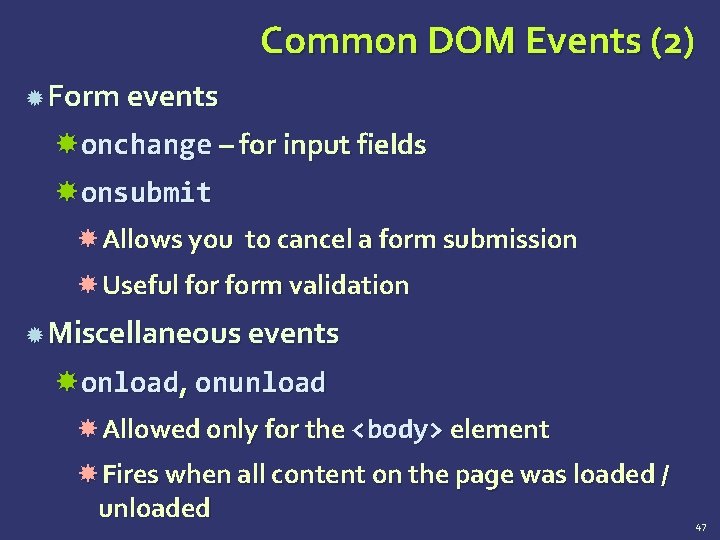
Common DOM Events (2) Form events onchange – for input fields onsubmit Allows you to cancel a form submission Useful form validation Miscellaneous events onload, onunload Allowed only for the <body> element Fires when all content on the page was loaded / unloaded 47
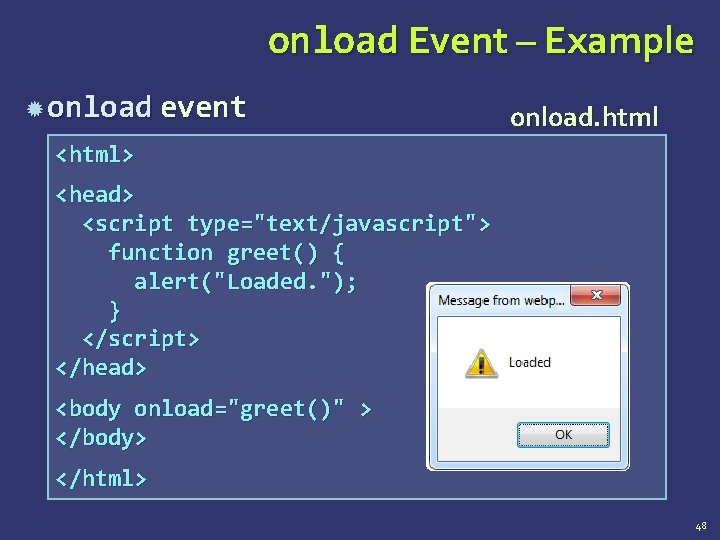
onload Event – Example onload event onload. html <html> <head> <script type="text/javascript"> function greet() { alert("Loaded. "); } </script> </head> <body onload="greet()" > </body> </html> 48
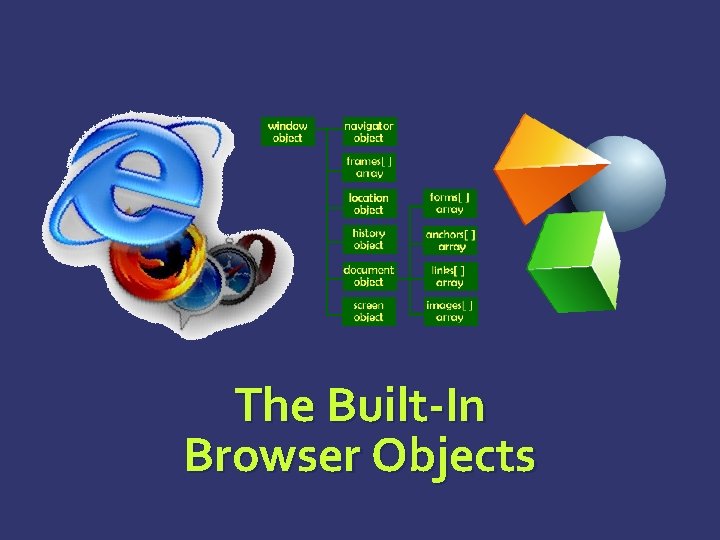
The Built-In Browser Objects
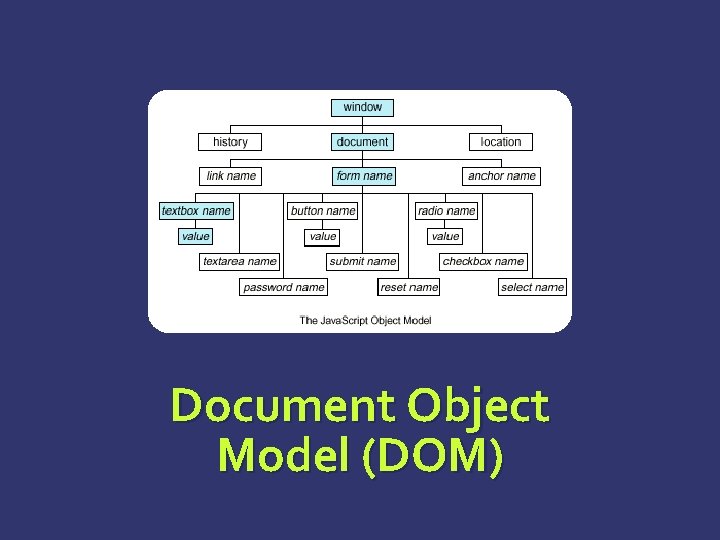
Built-in Browser Objects The browser provides some read-only data via: window The top node of the DOM tree Represents the browser's window document holds information the current loaded document screen Holds the user’s display properties browser Holds information about the browser 50
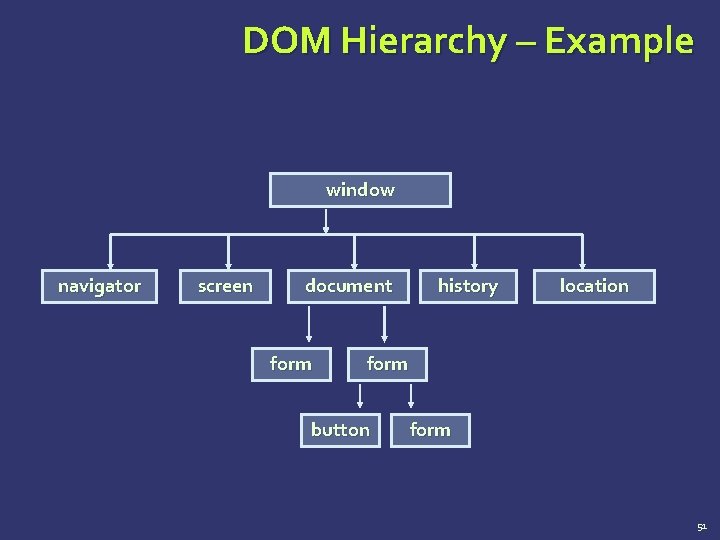
DOM Hierarchy – Example window navigator screen document form history location form button form 51
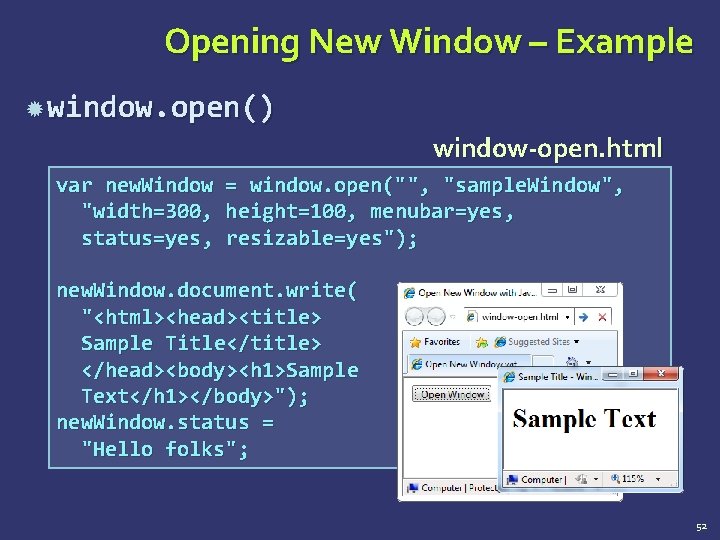
Opening New Window – Example window. open() window-open. html var new. Window "width=300, status=yes, = window. open("", "sample. Window ", height=100, menubar=yes, resizable=yes"); new. Window. document. write( "<html><head><title> Sample Title</title> </head><body><h 1>Sample Text</h 1></body>"); new. Window. status = "Hello folks"; 52
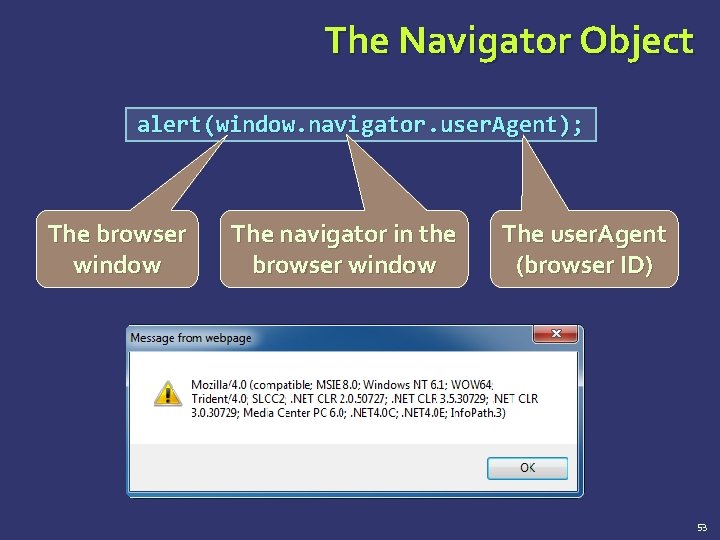
The Navigator Object alert(window. navigator. user. Agent); The browser window The navigator in the browser window The user. Agent (browser ID) 53
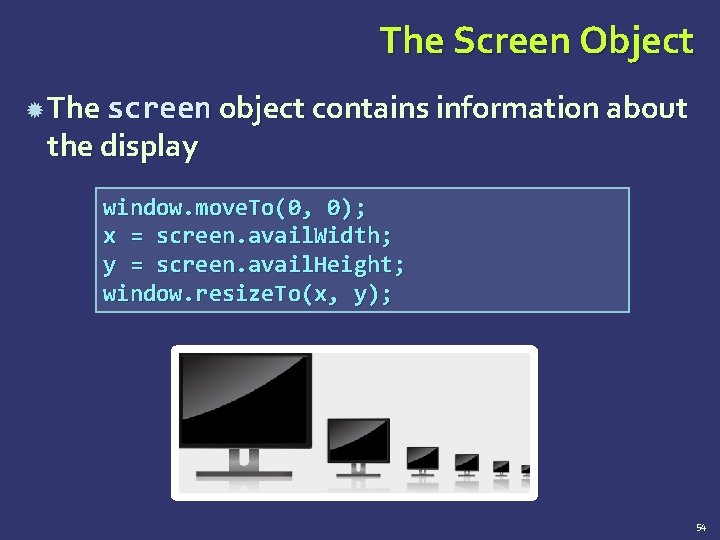
The Screen Object The screen object contains information about the display window. move. To(0, 0); x = screen. avail. Width; y = screen. avail. Height; window. resize. To(x, y); 54
Document and Location document object Provides some built-in arrays of specific objects on the currently loaded Web page document. links[0]. href = "yahoo. com"; document. write( "This is some <b>bold text</b>"); document. location Used to access the currently open URL or redirect the browser document. location = "http: //www. yahoo. com/"; 55
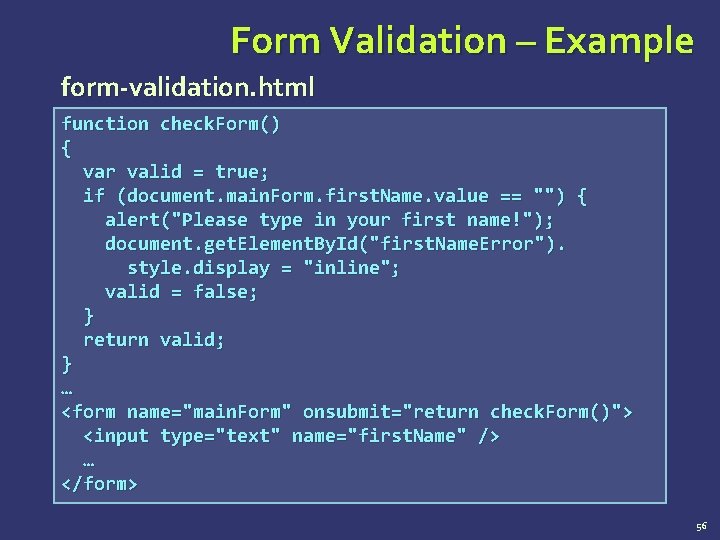
Form Validation – Example form-validation. html function check. Form() { var valid = true; if (document. main. Form. first. Name. value == "") { alert("Please type in your first name!"); document. get. Element. By. Id("first. Name. Error"). style. display = "inline"; valid = false; } return valid; } … <form name="main. Form" onsubmit="return check. Form()"> <input type="text" name="first. Name" /> … </form> 56
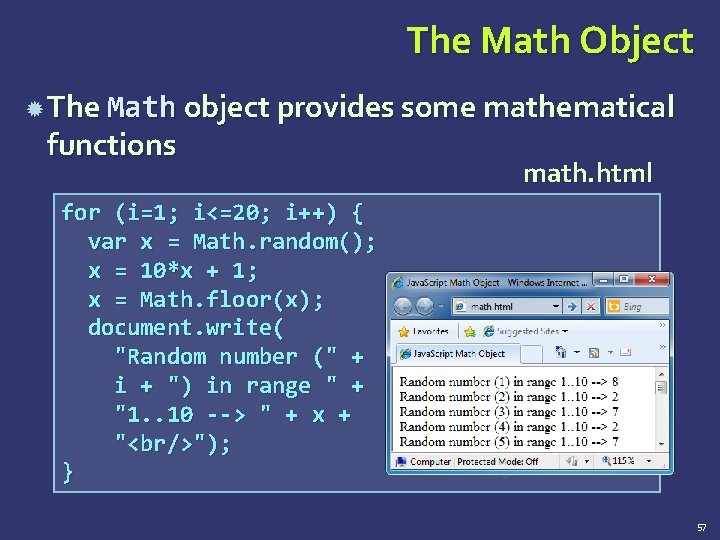
The Math Object The Math object provides some mathematical functions math. html for (i=1; i<=20; i++) { var x = Math. random(); x = 10*x + 1; x = Math. floor(x); document. write( "Random number (" + i + ") in range " + "1. . 10 --> " + x + "<br/>"); } 57
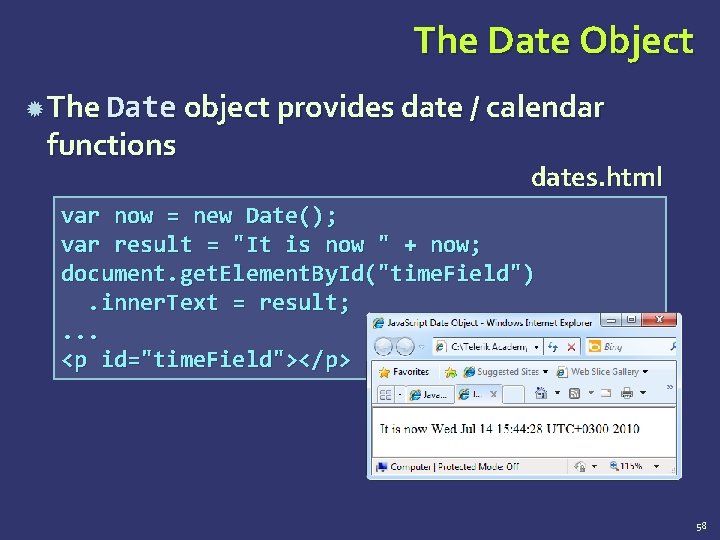
The Date Object The Date object provides date / calendar functions dates. html var now = new Date(); var result = "It is now " + now; document. get. Element. By. Id("time. Field"). inner. Text = result; . . . <p id="time. Field"></p> 58
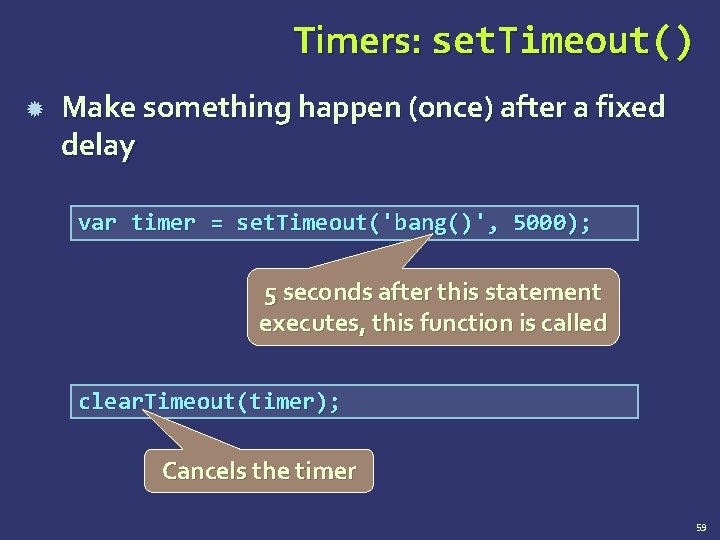
Timers: set. Timeout() Make something happen (once) after a fixed delay var timer = set. Timeout('bang()', 5000); 5 seconds after this statement executes, this function is called clear. Timeout(timer); Cancels the timer 59
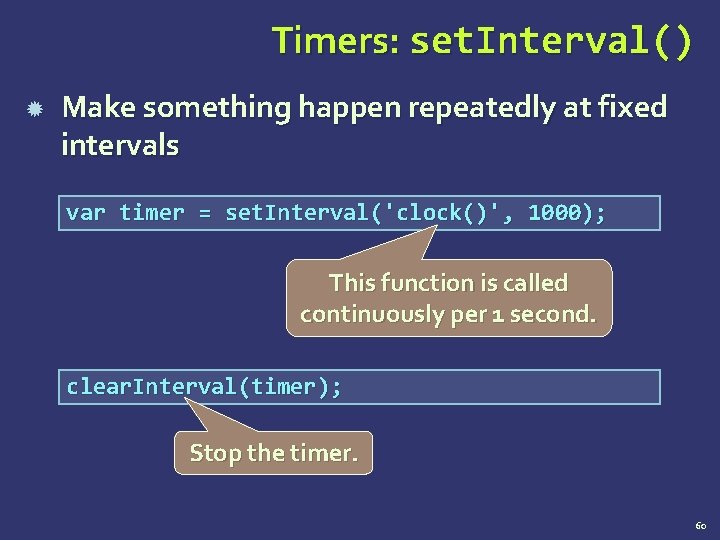
Timers: set. Interval() Make something happen repeatedly at fixed intervals var timer = set. Interval('clock()', 1000); This function is called continuously per 1 second. clear. Interval(timer); Stop the timer. 60
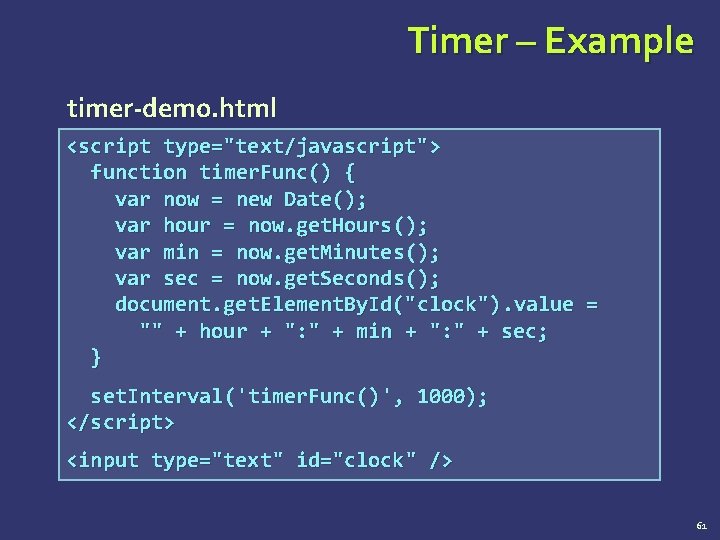
Timer – Example timer-demo. html <script type="text/javascript"> function timer. Func() { var now = new Date(); var hour = now. get. Hours(); var min = now. get. Minutes(); var sec = now. get. Seconds(); document. get. Element. By. Id("clock"). value = "" + hour + ": " + min + ": " + sec; } set. Interval('timer. Func()', 1000); </script> <input type="text" id="clock" /> 61
? ? ? Questions? ? ? HTML, CSS and Java. Script Basics
- Slides: 62