
Web Systems Development CSC215 Lecture 2 Introducing PHP
Web Systems Development (CSC-215) Lecture 2: Introducing PHP Wednesday 31 st January 2018
Setting up your environment • • Server Text editor IDE Remote server
Server • WAMP – Windows, Apache, My. SQL, and PHP • MAMP – Mac, Apache, My. SQL, and PHP • LAMP – Linux, Apache, My. SQL, and PHP
Recommended Server • Wamp. Server – http: //www. wampserver. com/en/
Text Editor • PSPad • Sublime Text • Note. Pad++
IDE • • Aptana Studio PHP Designer Net. Beans …
Remote Server • http: //www. 000 webhost. com/ • http: //www. heliohost. org/home/ • Plus FTP client, e. g. , File. Zilla
Installing WAMP • Download • Run Setup
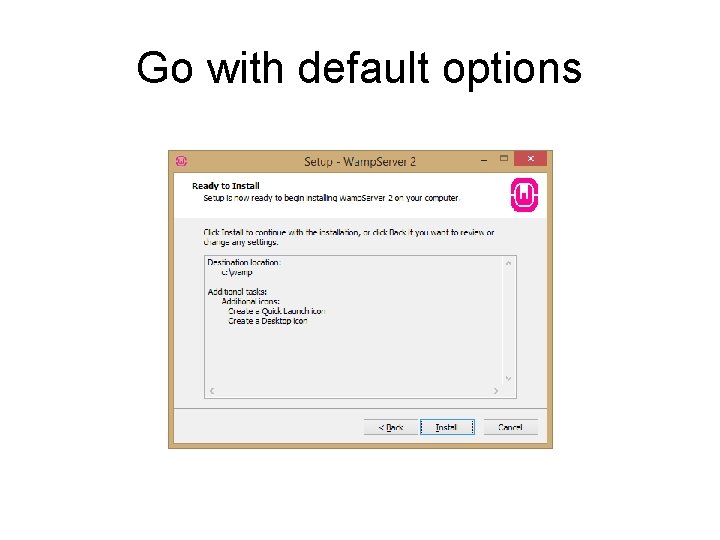
Go with default options
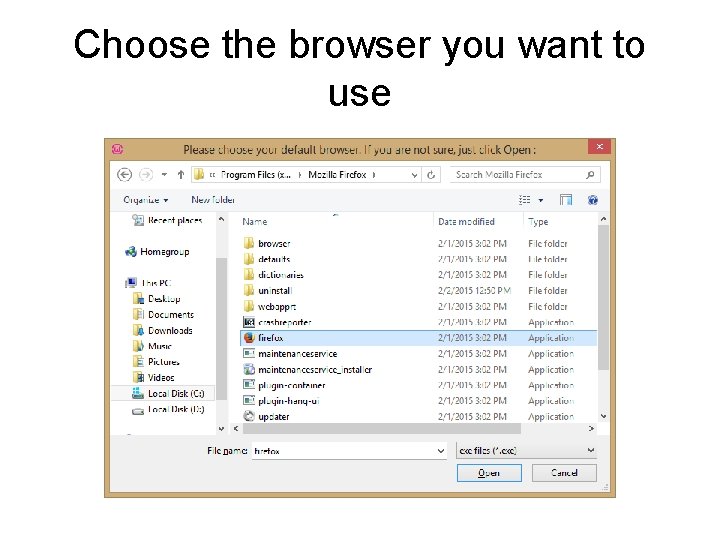
Choose the browser you want to use
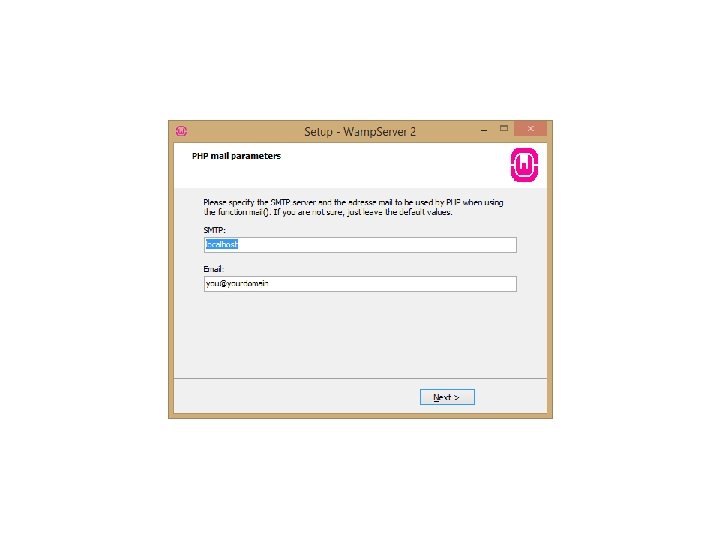
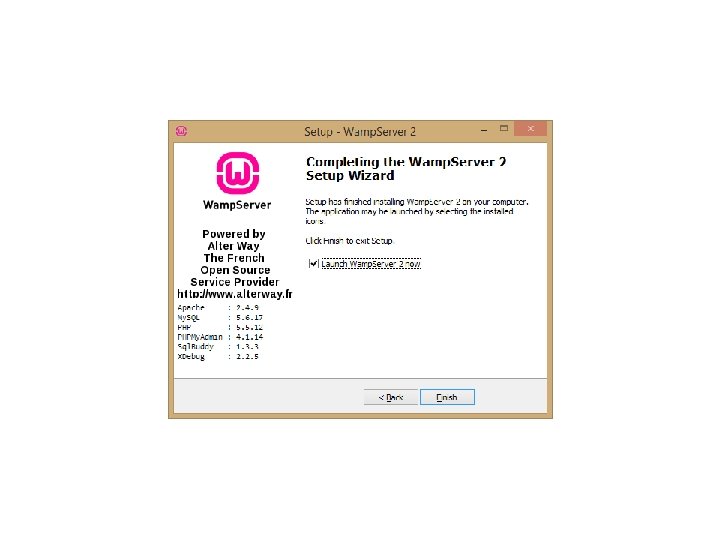
Troubleshooting installation issues • Install the Visual C++ 2012 redistributable before going ahead with the Wamp. Server install – http: //www. microsoft. com/enus/download/details. aspx? id=30679
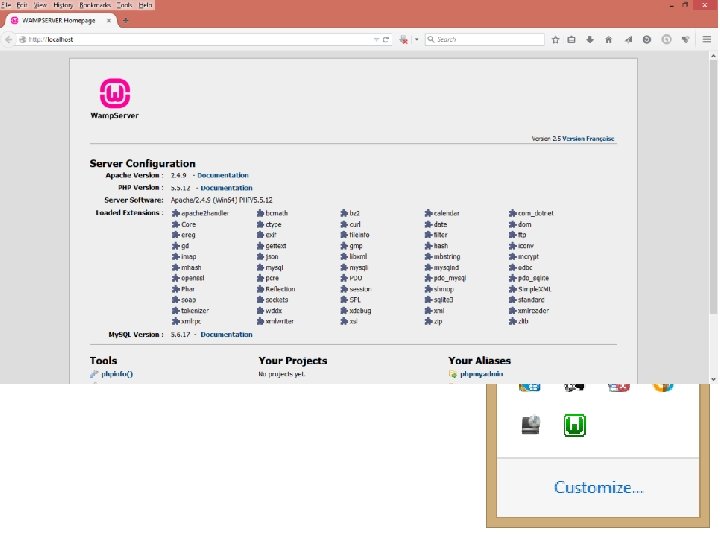
Testing the WAMP Installation • If your WAMP icon does not turn green, try switching Skype off and restarting the server
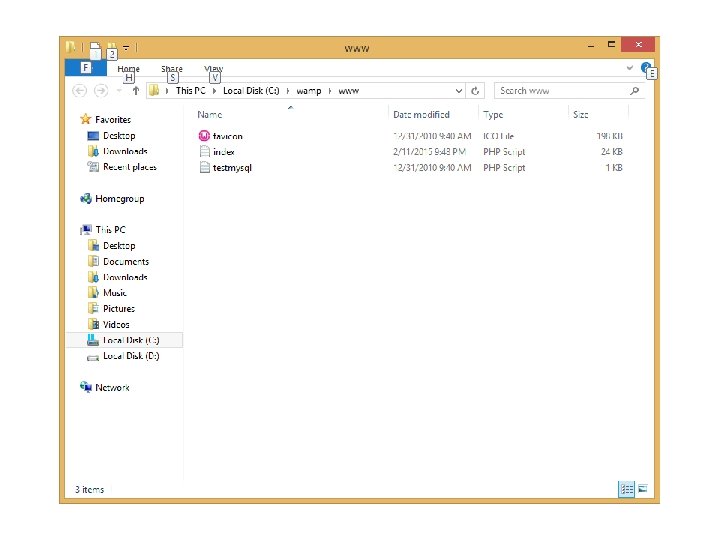
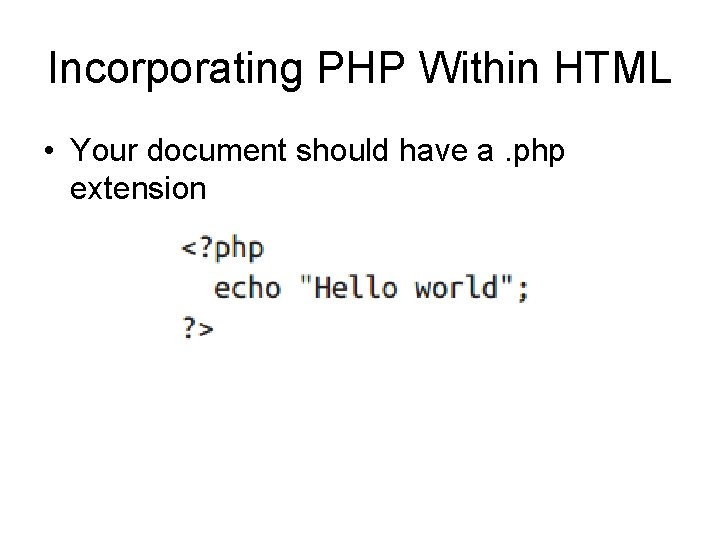
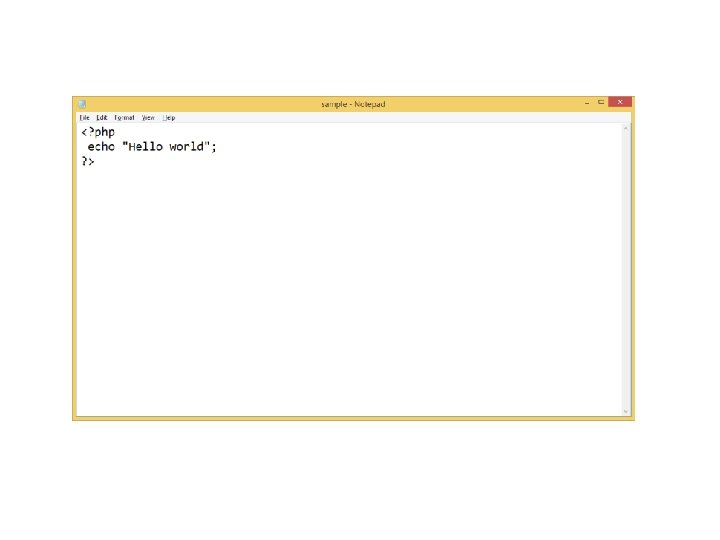
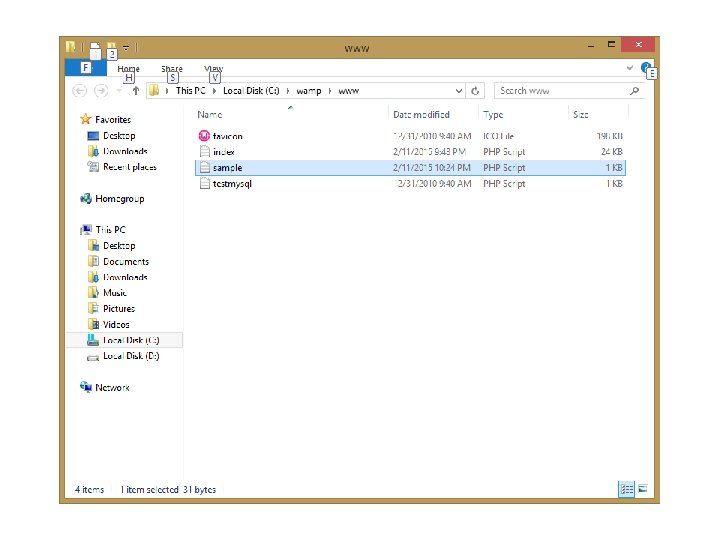
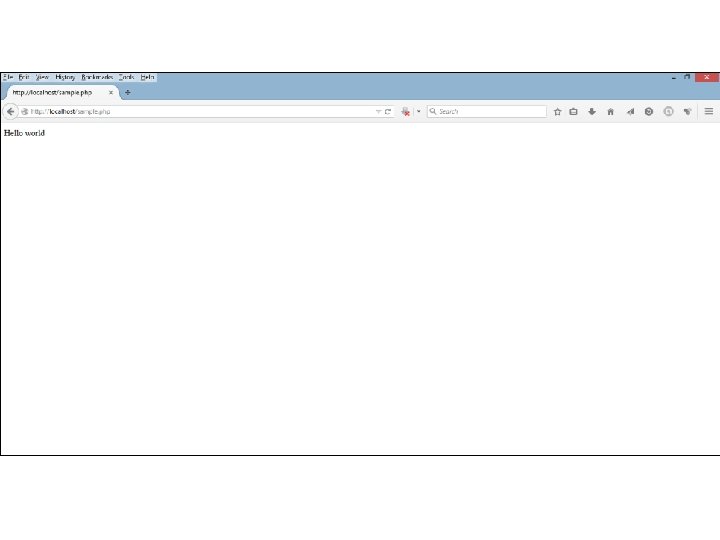
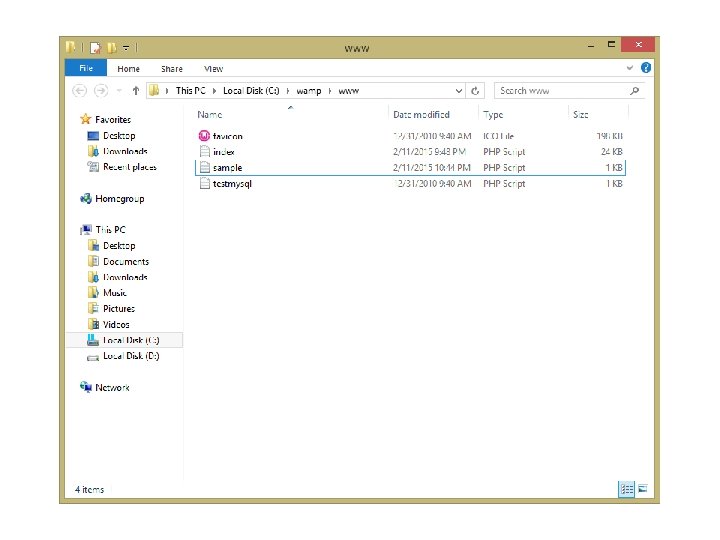
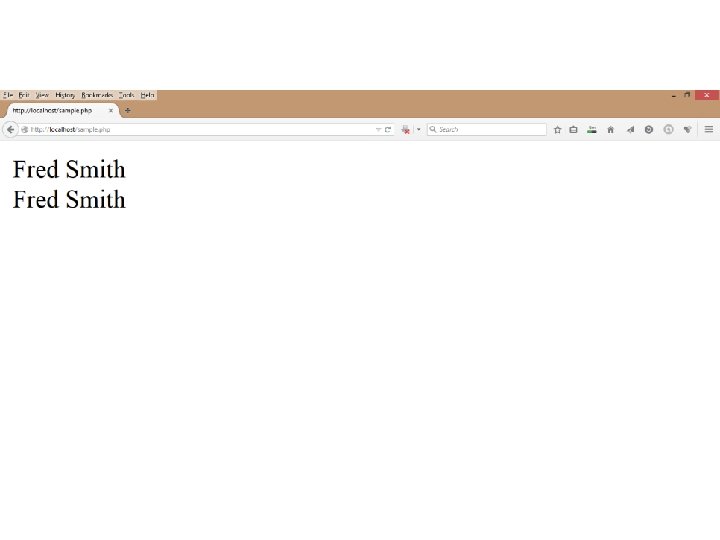
Incorporating PHP Within HTML • Your document should have a. php extension
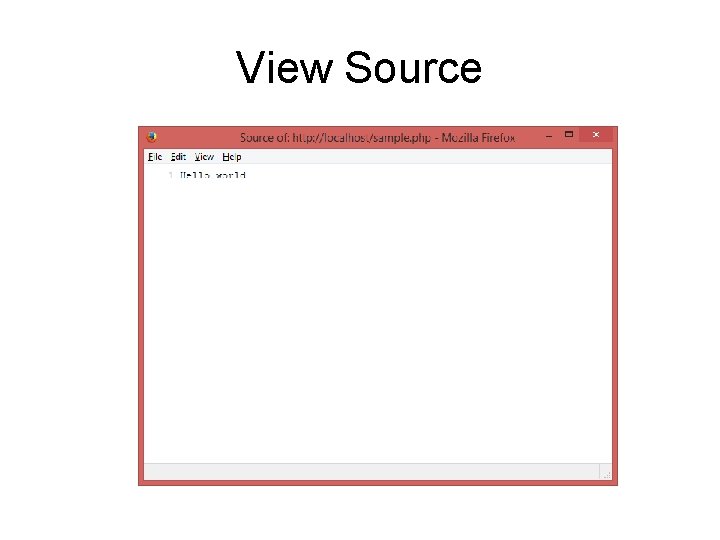
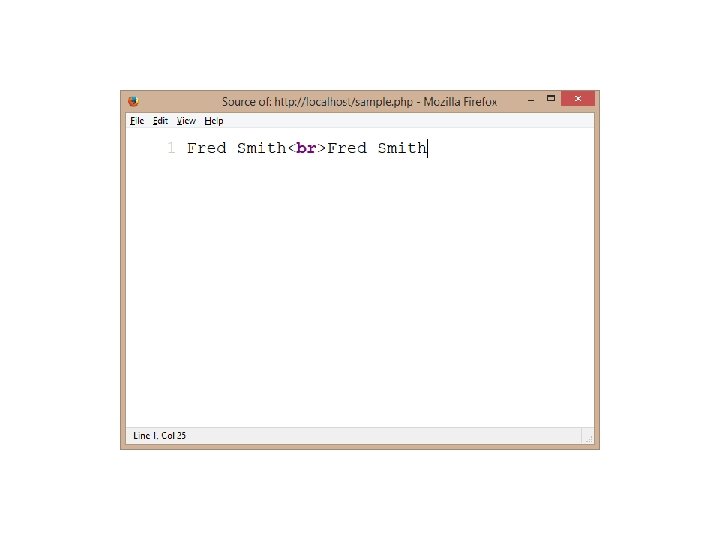
View Source

BASIC SYNTAX OVERVIEW
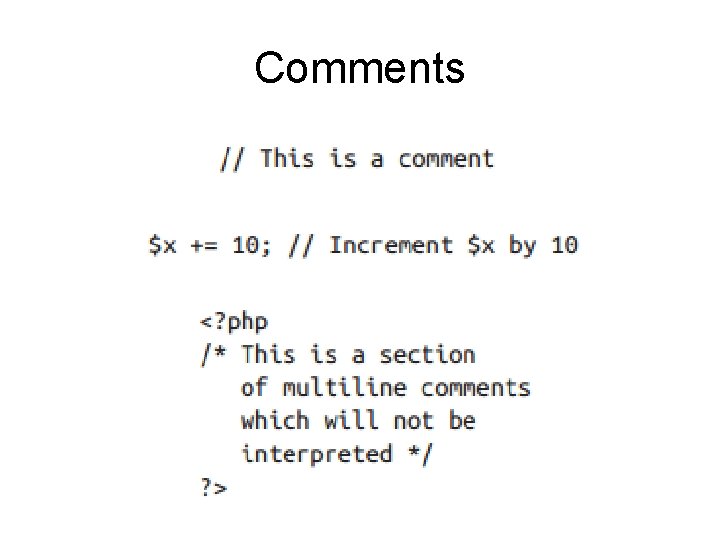
Comments
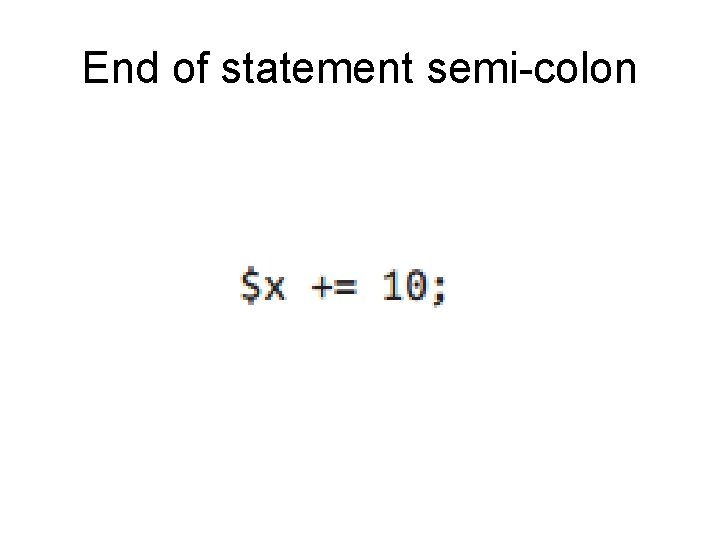
End of statement semi-colon
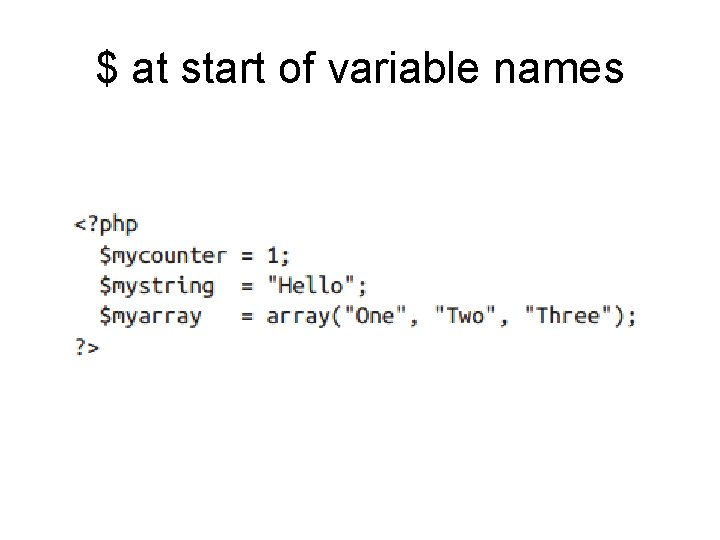
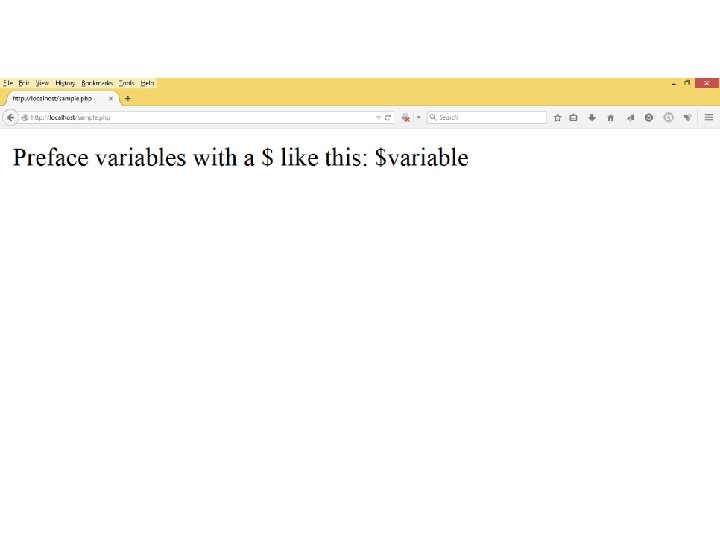
$ at start of variable names
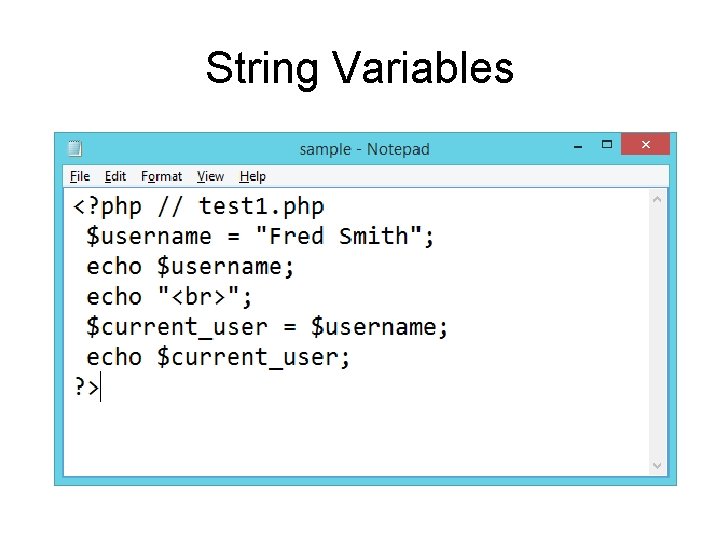
String Variables
Numeric Variables
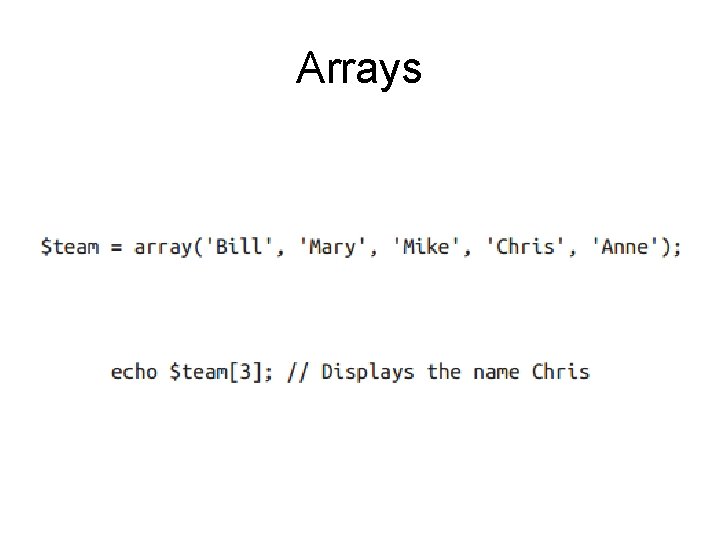
Arrays
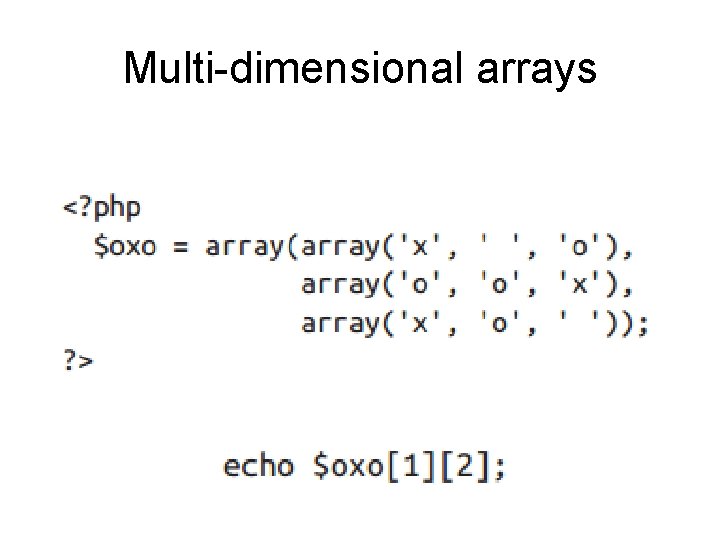
Multi-dimensional arrays

Variable naming rules
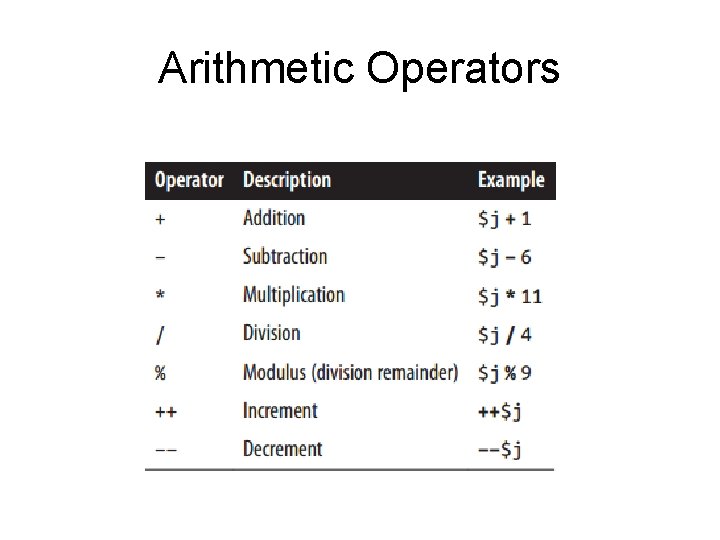
Arithmetic Operators
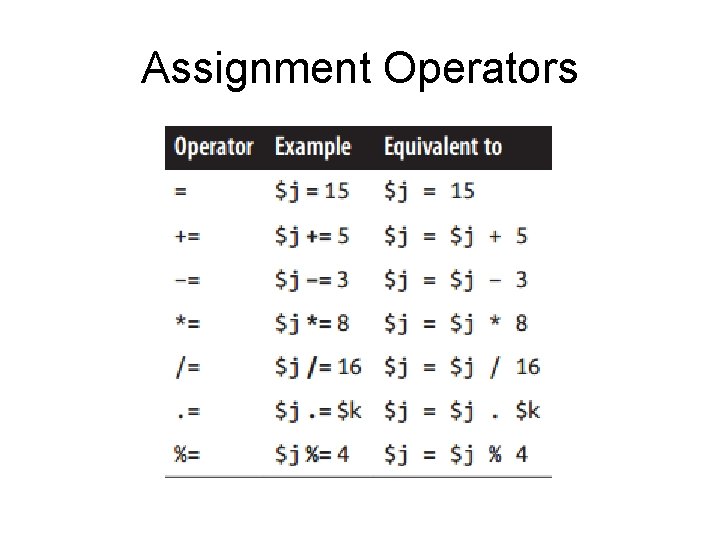
Assignment Operators
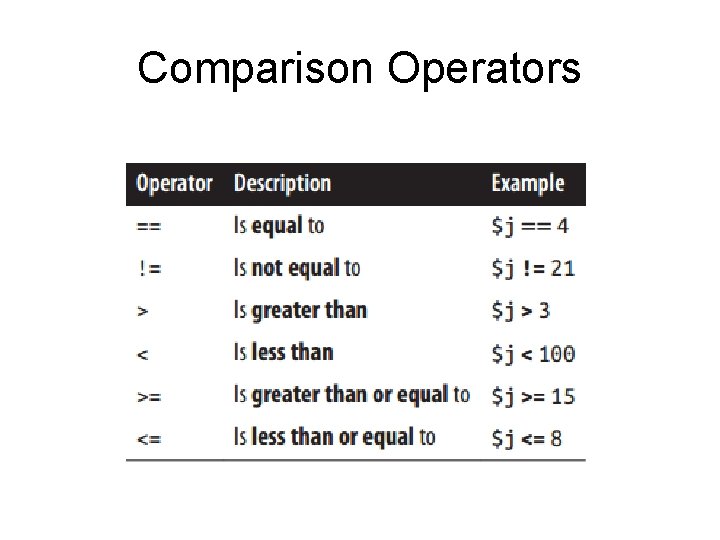
Comparison Operators
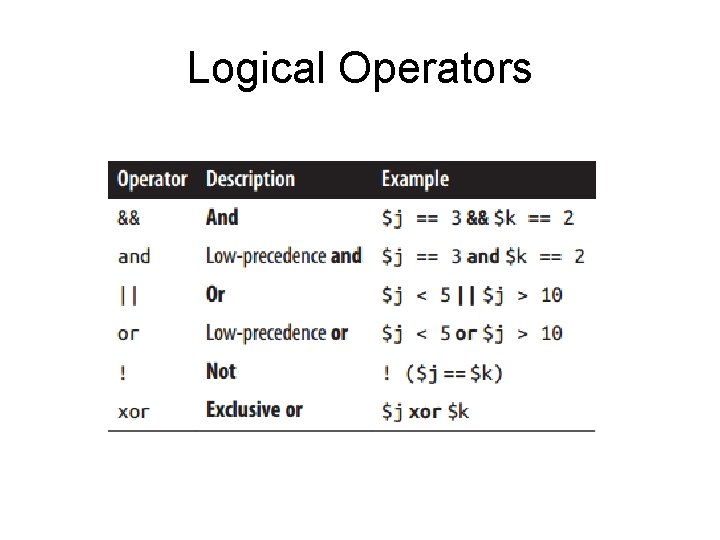
Logical Operators
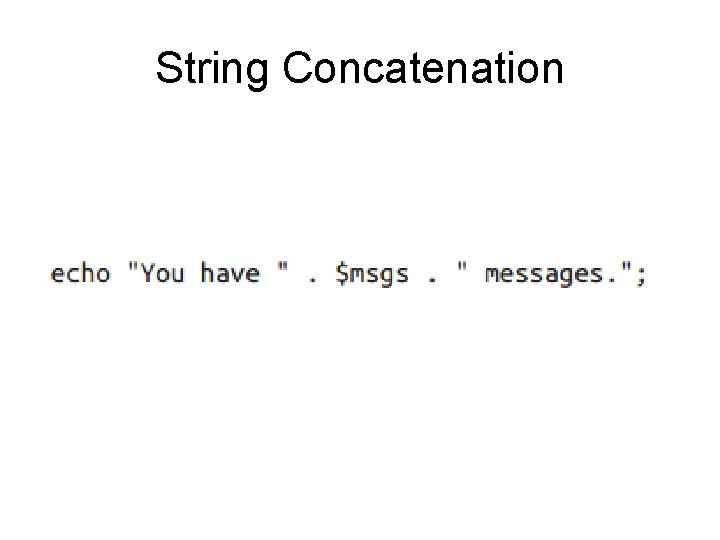
String Concatenation
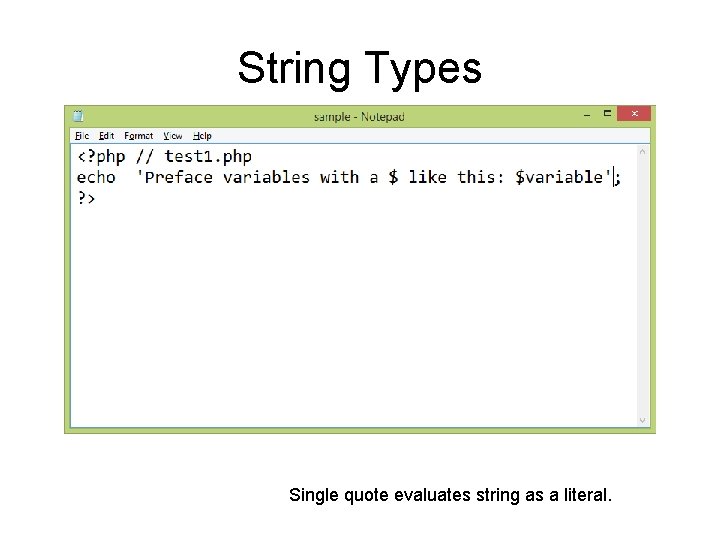
String Types Single quote evaluates string as a literal.
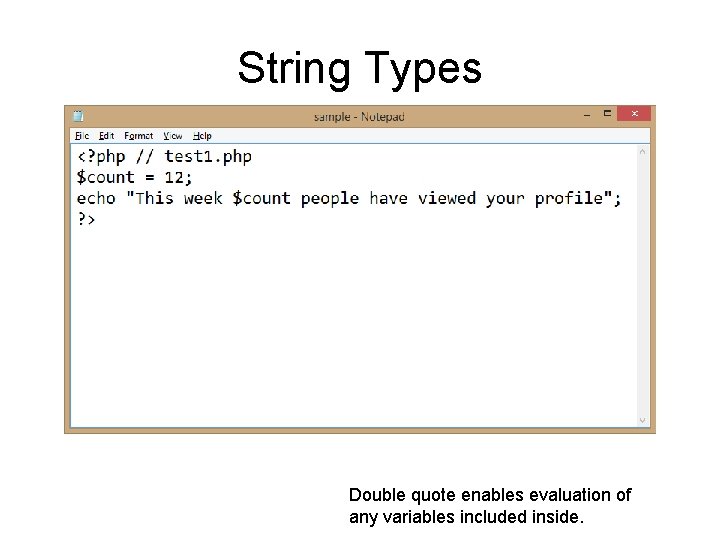
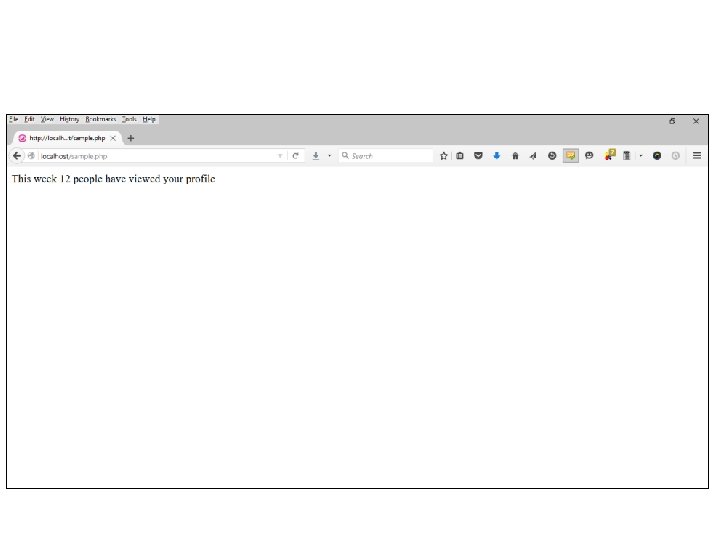
String Types Double quote enables evaluation of any variables included inside.
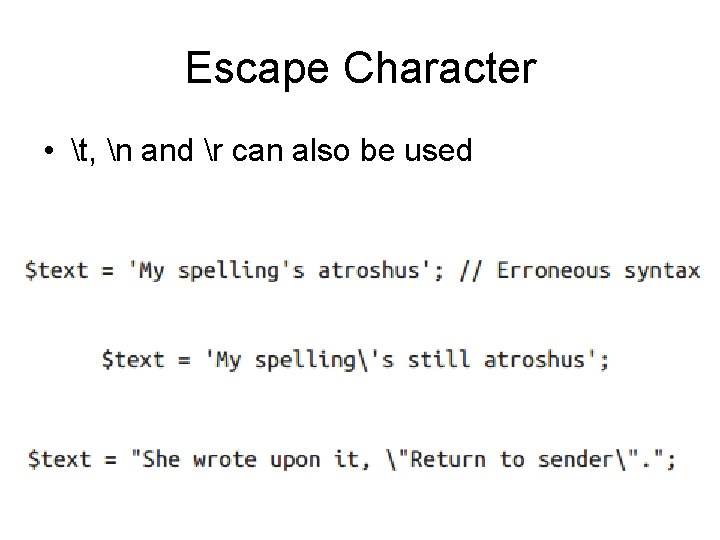
Escape Character • t, n and r can also be used
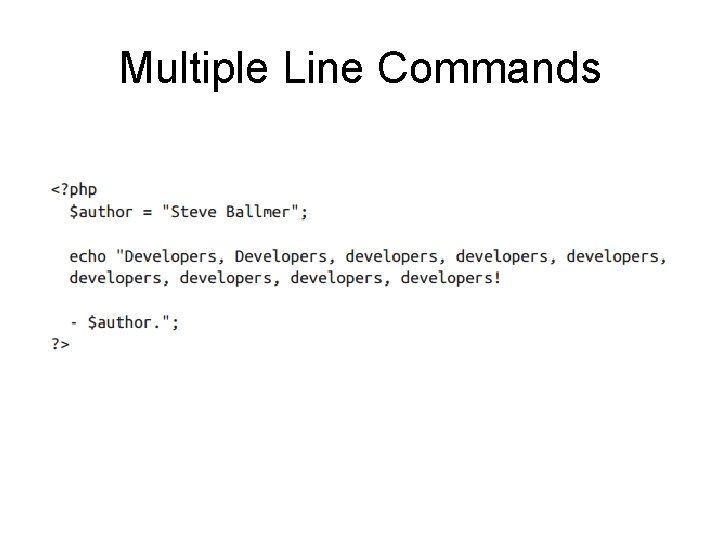
Multiple Line Commands
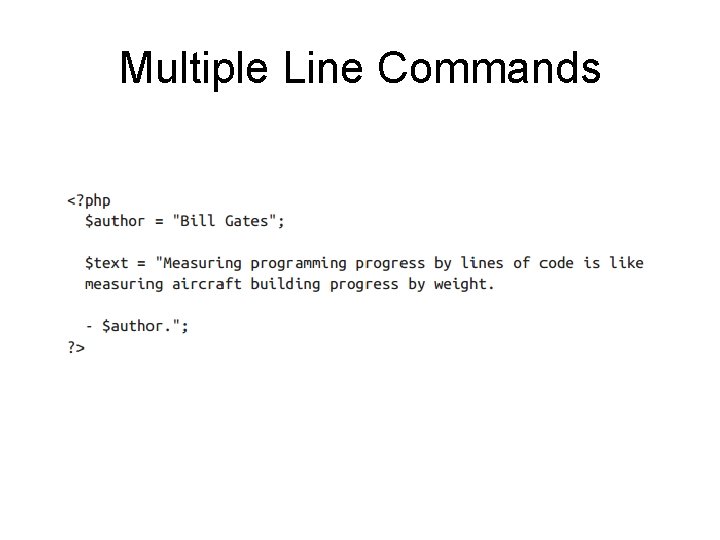
Multiple Line Commands
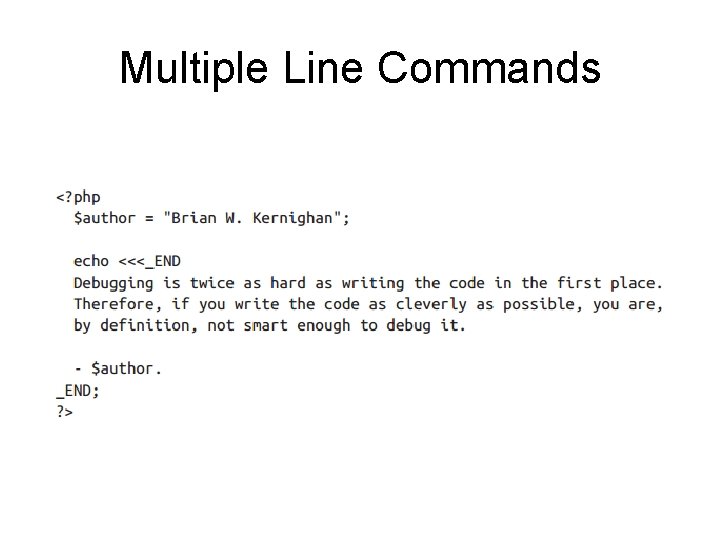
Multiple Line Commands
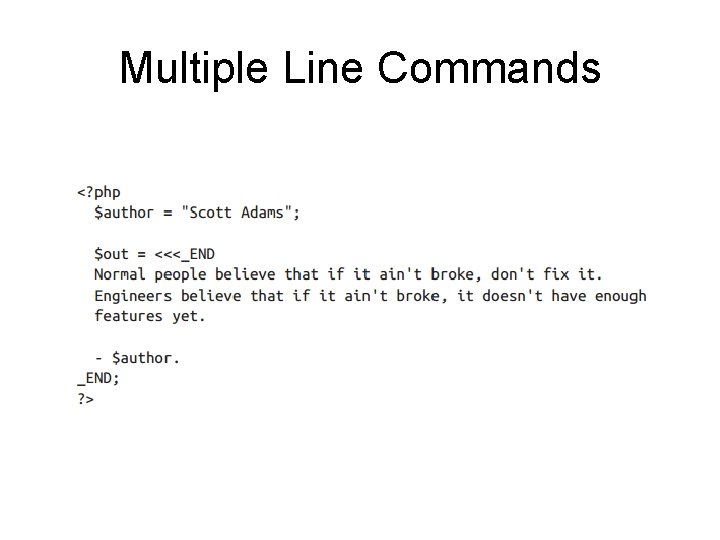
Multiple Line Commands
Variable Typing • Loosely typed • Variables need not be declared before they are used
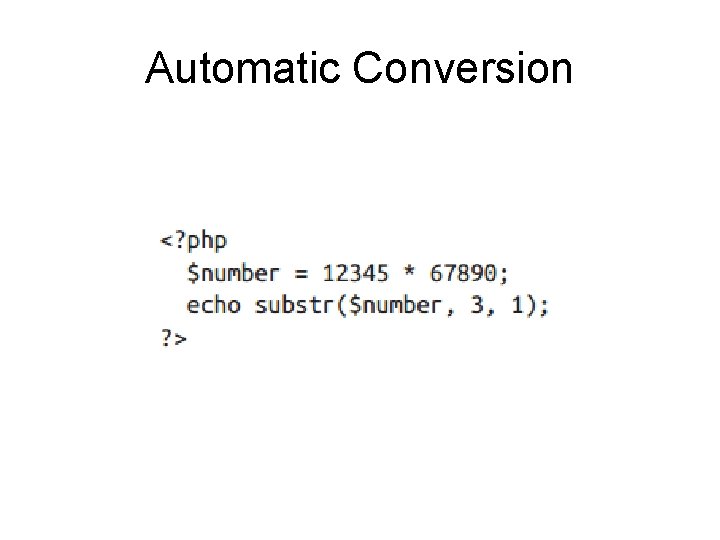
Automatic Conversion
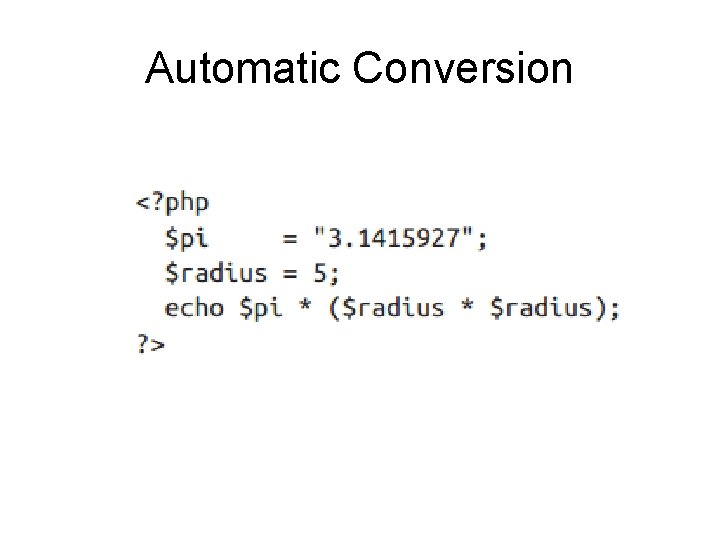
Automatic Conversion
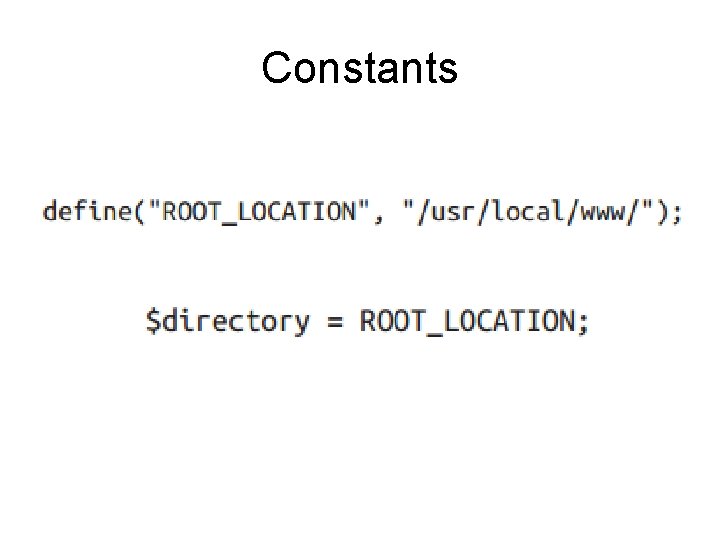
Constants
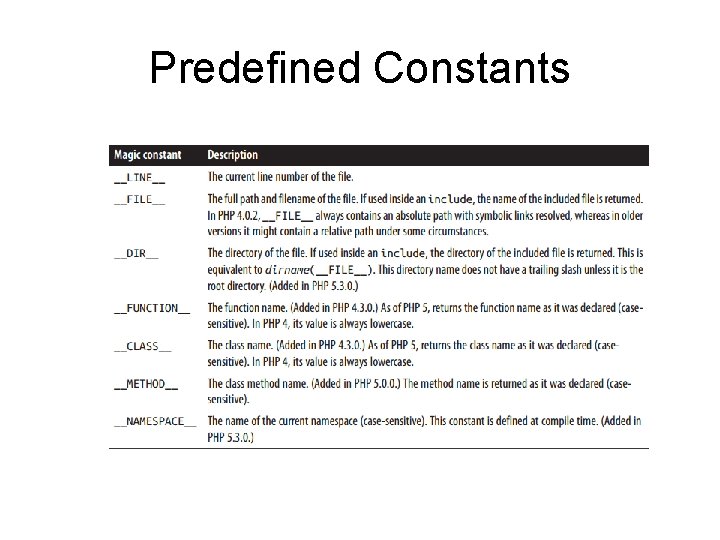
Predefined Constants
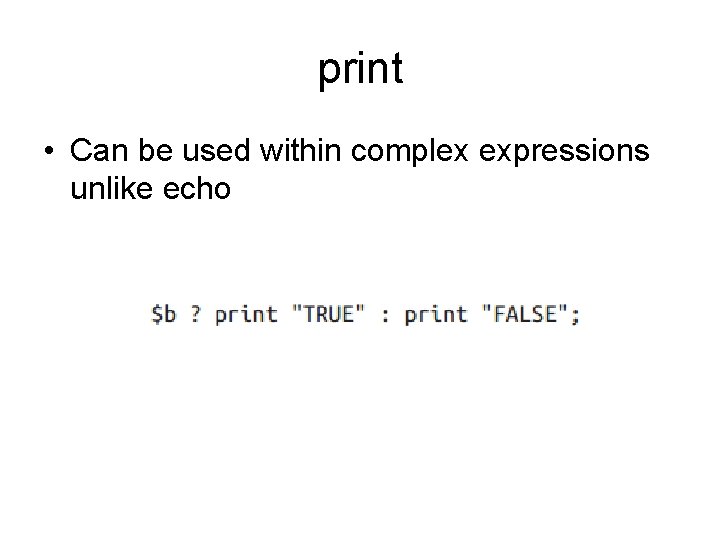
print • Can be used within complex expressions unlike echo
Lecture content adapted from chapters 2 & 3 of Learning PHP, My. SQL, Java. Script, CSS & HTML 5, 3 rd Edition, by Robin Nixon.
- Slides: 53